If you've been selling on eBay for any amount of time, you already know the frustration: buyers scroll past your listings, competitors undercut your prices, and building a recognizable brand feels almost impossible when everything lives inside a marketplace template. A flipbook catalog changes that completely. Instead of sending potential buyers to a scattered list of individual product pages, you give them a polished, magazine-style digital catalog they can browse, share, and actually enjoy. Flipbooks AI makes this possible in minutes, without a design degree or a big budget.
Why eBay Sellers Lose Sales Every Day
eBay is one of the most competitive resale platforms in the world. Millions of sellers are listing the same categories of items, and the buyer's decision often comes down to trust and presentation, not just price.
The Problem with Scattered Product Pages
When a buyer lands on one of your eBay listings, they see your item in isolation. There's no context, no brand story, and no easy way to see everything else you sell. They have to click back, search again, and hope your store page is organized enough to hold their attention. Most of the time, it isn't. According to reseller communities, the average eBay store page visit lasts under 90 seconds before a buyer moves on.
The result? You're leaving repeat buyers on the table. Someone who buys vintage electronics from you might also want the vintage records you listed last week, but they'll never know unless you find a better way to show them.
What Buyers Actually Want
Buyers want an experience. They want to feel like they're browsing a curated shop, not scraping through a database. When you present your inventory in a visual, organized catalog format, you accomplish several things at once:
- You build credibility instantly. A well-designed catalog looks professional.
- You increase basket size by exposing buyers to more of your inventory.
- You reduce price sensitivity because presentation adds perceived value.
- You create shareability, which means buyers can send your catalog to friends.
What a Flipbook Catalog Actually Does
A flipbook catalog is a digital publication that mimics the page-turn experience of a physical magazine or product brochure, but lives entirely online. It's shareable via link, embeddable on any website, and viewable on any device.
From Static Listings to Interactive Pages
When you convert your eBay listings into a flipbook catalog, you're not just making things look prettier. You're creating a separate, branded shopping experience that exists outside of eBay's template constraints. Your catalog can feature:
- Product photography front and center, at full width
- Category sections (Electronics, Clothing, Collectibles, etc.)
- Pricing and condition details in a clean, readable format
- Direct links back to the actual eBay listing to complete the purchase
The catalog doesn't replace your listings. It amplifies them.
The Visual Difference It Makes
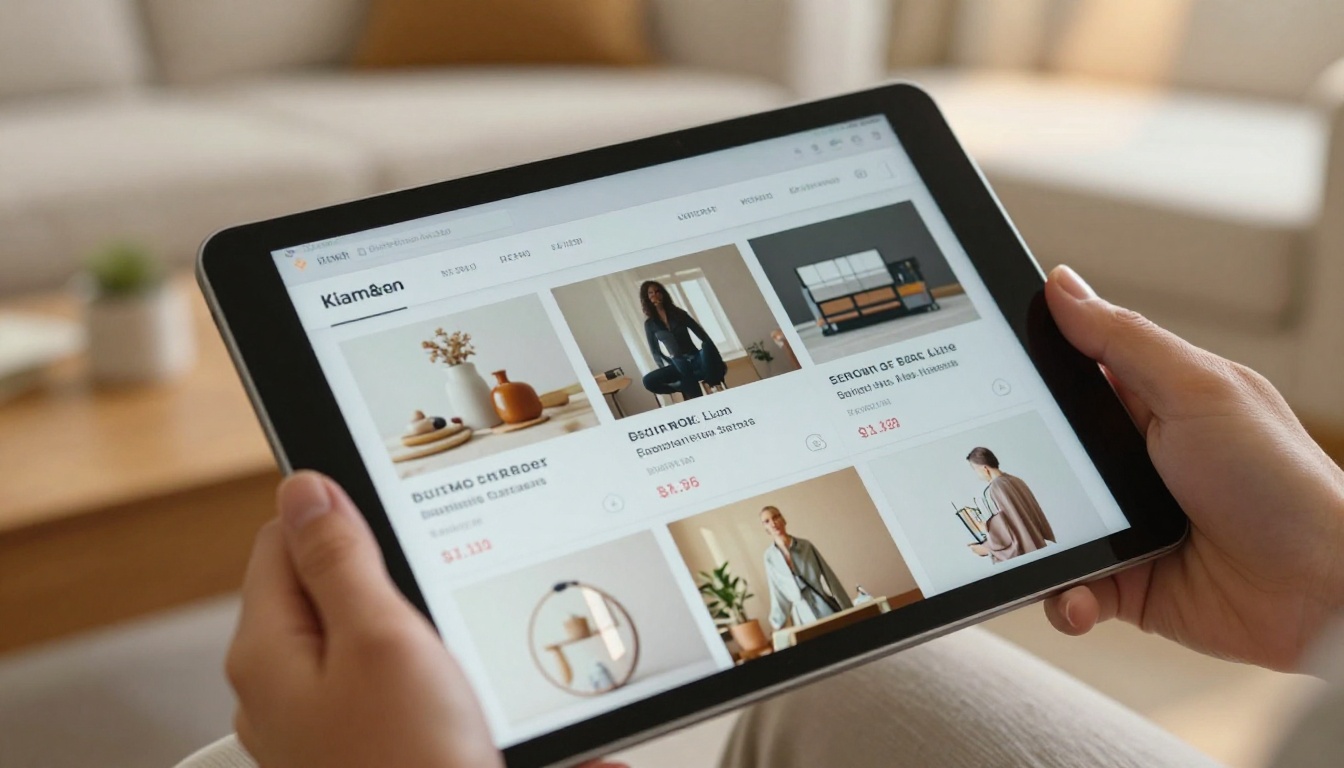
Think about the last time you received a printed catalog in the mail from a retailer. Even if you didn't need anything, you probably flipped through it. That's the power of a catalog format. It invites browsing in a way that a product grid never will. The same psychology applies online.
💡 Pro Tip: Group your best-selling categories on the first two pages of your catalog. Buyers who stick around past the first spread are 3x more likely to click through to a listing.
Who Benefits Most from eBay Flipbook Catalogs
Not every eBay seller has the same needs, but almost all of them can benefit from a catalog approach. Here's how it breaks down by seller type.
Multi-Category Resellers
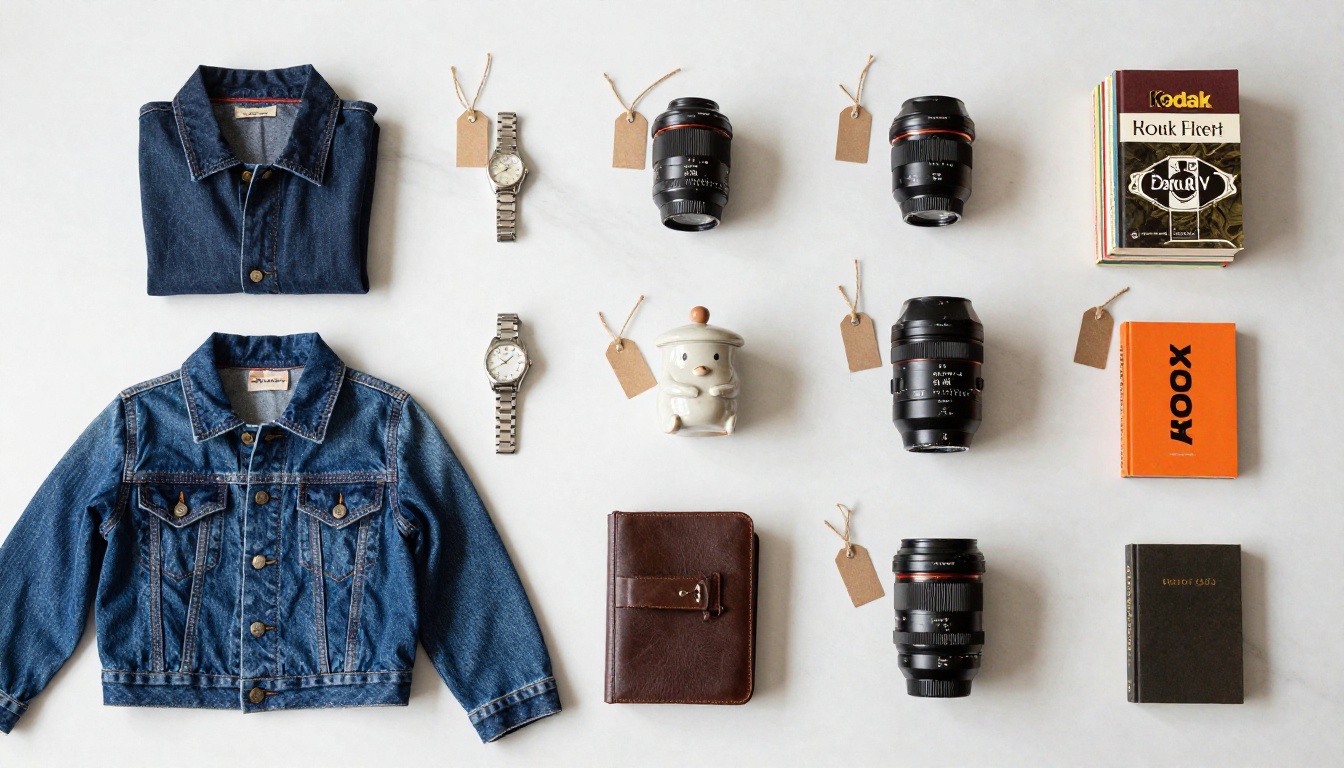
If you sell across multiple categories (electronics, home goods, clothing, and collectibles all in one store), a catalog lets you organize inventory in a way that an eBay store page never will. You can create dedicated sections for each category, making it easy for buyers to find exactly what they want.
Vintage and Collectible Sellers
Collectors are storytellers. They want to know the provenance, the condition, the character of an item. A flipbook catalog gives you the space to tell that story properly. Each page can feature one item with photos from multiple angles, a condition description, and a price, presented in a format that makes the item feel special.
Clothing and Fashion Resellers
Fashion sells with visuals. A reseller moving vintage denim, designer pieces, or thrifted finds benefits enormously from a catalog that displays items like a lookbook rather than a warehouse list. The Interactive Lookbook Designer on Flipbooks AI is built specifically for this use case.

How to Build Your eBay Flipbook Catalog
This is where the rubber meets the road. Here's exactly how to go from scattered eBay listings to a published flipbook catalog using Flipbooks AI.
Step 1: Organize Your Listings into a PDF
Before you can create a flipbook, you need a PDF. There are a few ways to do this:
- Use a design tool like Canva, Adobe Express, or Google Slides to build a simple product catalog layout. Add your product photos, names, conditions, and prices.
- Export from a spreadsheet if you maintain a product inventory sheet. Many sellers use Google Sheets with embedded images that can be exported as PDF.
- Screenshot and compile for smaller catalogs. A simple collection of your best product photos with basic text overlays works perfectly.
The goal is a clean, readable PDF where each page or spread highlights one or more products clearly.
Step 2: Upload to Flipbooks AI
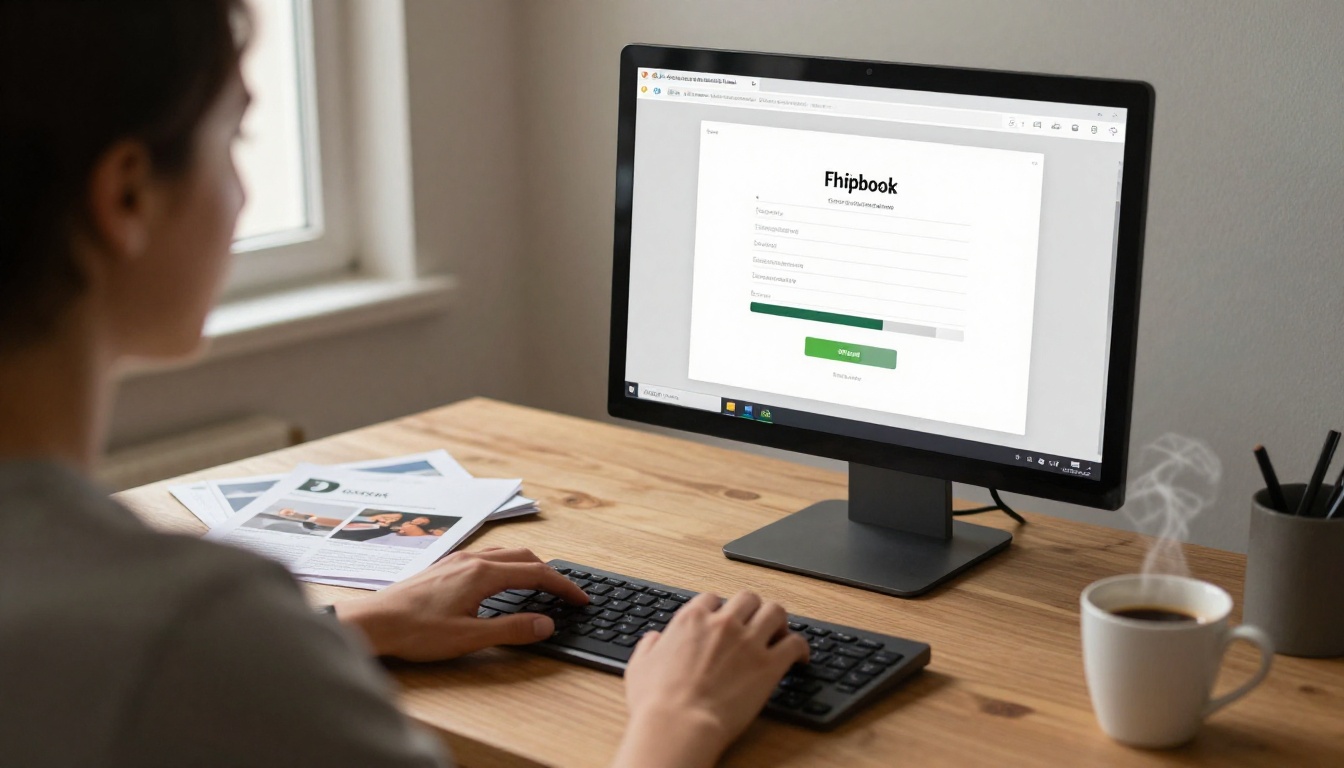
Once your PDF is ready, head to Flipbooks AI and use the PDF to Flipbook Converter. The process is drag-and-drop simple:
- Create a free account at flipbooksai.com/account
- Click "New Flipbook" and upload your PDF
- Wait approximately 30 to 60 seconds for the conversion to complete
- Your flipbook is ready for customization
Step 3: Customize Your Catalog Design
This is where your catalog becomes yours. Flipbooks AI gives you full control over:
- Cover design: Upload a custom cover image or use the auto-generated thumbnail
- Brand colors: Match your catalog to your store's color scheme
- Background: Choose from solid colors, gradients, or custom backgrounds
- Page flip sound: Toggle the satisfying page-turn sound on or off
- Logo placement: Add your store logo to the catalog header
✅ Best Practice: Keep your brand colors consistent with your eBay store header. Buyers who visit your catalog from social media and then land on your eBay store page will recognize the visual connection immediately, which builds trust.
Step 4: Share Your Catalog Everywhere
Once your catalog is published, you get a clean shareable link plus an embed code. Here's where to use it:
- eBay product descriptions: Add a line like "Browse my full catalog here:" with your link
- eBay store About section: Feature the catalog link prominently
- Social media bio (Instagram, Facebook, TikTok): One link that showcases everything you sell
- Email signature: Every email you send becomes a marketing opportunity
- Facebook Marketplace and Craigslist: Include the catalog link in cross-posted listings
The Embed Flipbook on Website tool makes embedding straightforward on any platform that accepts HTML.
Flipbooks AI Features for eBay Sellers
Here's a breakdown of the platform features most relevant to eBay resellers:
| Feature | What It Does | Why It Matters for eBay Sellers |
|---|
| PDF to Flipbook Conversion | Converts any PDF to an interactive flipbook | Turns your product layout into a live catalog instantly |
| Custom Branding | Logo, colors, backgrounds | Creates a consistent brand identity outside eBay's template |
| Shareable Links | Clean URLs for every catalog | Easy to paste into listings, bios, and messages |
| Embed Code | HTML snippet for any website | Adds your catalog to personal sites, Facebook pages |
| Password Protection | Lock catalog with a password | Useful for wholesale buyers or private customer lists |
| Mobile-Responsive Design | Works on all screen sizes | Most buyers browse eBay on mobile, catalog matches |
| Analytics (Professional) | Track views, clicks, and engagement | Know which products buyers look at most |
| Lead Generation (Professional) | Capture buyer emails from within the catalog | Build a list outside of eBay's messaging system |
| Offline Downloads | Let buyers download the catalog as PDF | Buyers can reference your inventory without internet |
| Unlimited Flipbooks | Create as many catalogs as you need | Separate catalogs for different categories or seasons |
💡 Pro Tip: Use the Analytics feature (available on the Professional plan) to see which pages buyers spend the most time on. Products with high view time but low click-through rates often just need a better product description in the listing itself.
Pricing Plans at a Glance
Flipbooks AI offers tiered pricing so you can start free and scale as your catalog strategy grows.
| Plan | Best For | Flipbooks | Key Features |
|---|
| Free | First-time catalog creators | Limited | Basic conversion, shareable link |
| Standard | Active resellers | Unlimited | Custom branding, no watermarks, password protection |
| Professional | High-volume sellers | Unlimited | Analytics, lead generation, offline downloads, priority support |
⚠️ Note: The free plan includes Flipbooks AI watermarks. If you're sharing your catalog publicly to represent your brand, upgrading to Standard removes all watermarks. Check pricing plans to find the right fit.
The Catalog vs. Individual Listings Reality Check
Here's an honest comparison of what a flipbook catalog does versus relying solely on individual eBay listings:
| Factor | eBay Listings Only | Flipbook Catalog |
|---|
| Brand Identity | eBay's template, not yours | Fully custom, your colors and logo |
| Cross-Selling | Buyer must navigate your store separately | All products in one browsable experience |
| Shareability | eBay listing URL (long, clunky) | Clean short link, easy to paste anywhere |
| Buyer Trust | Varies by feedback score | Elevated by professional presentation |
| Off-Platform Marketing | Drives traffic back to eBay search | Drives traffic directly to your listings |
| Repeat Buyer Retention | eBay handles communication | You control the touchpoint |
| Analytics | eBay's built-in data only | Catalog-specific view and click data |
| Cost | Free (eBay fees on sales) | Affordable monthly subscription |
Sellers who share their catalog link inside their eBay listings report higher store visit rates and more items-per-buyer transactions. The numbers favor a diversified approach.
Common Mistakes eBay Sellers Make
A catalog only works if it's done right. Here are the mistakes that hurt catalog effectiveness before a buyer ever clicks through.
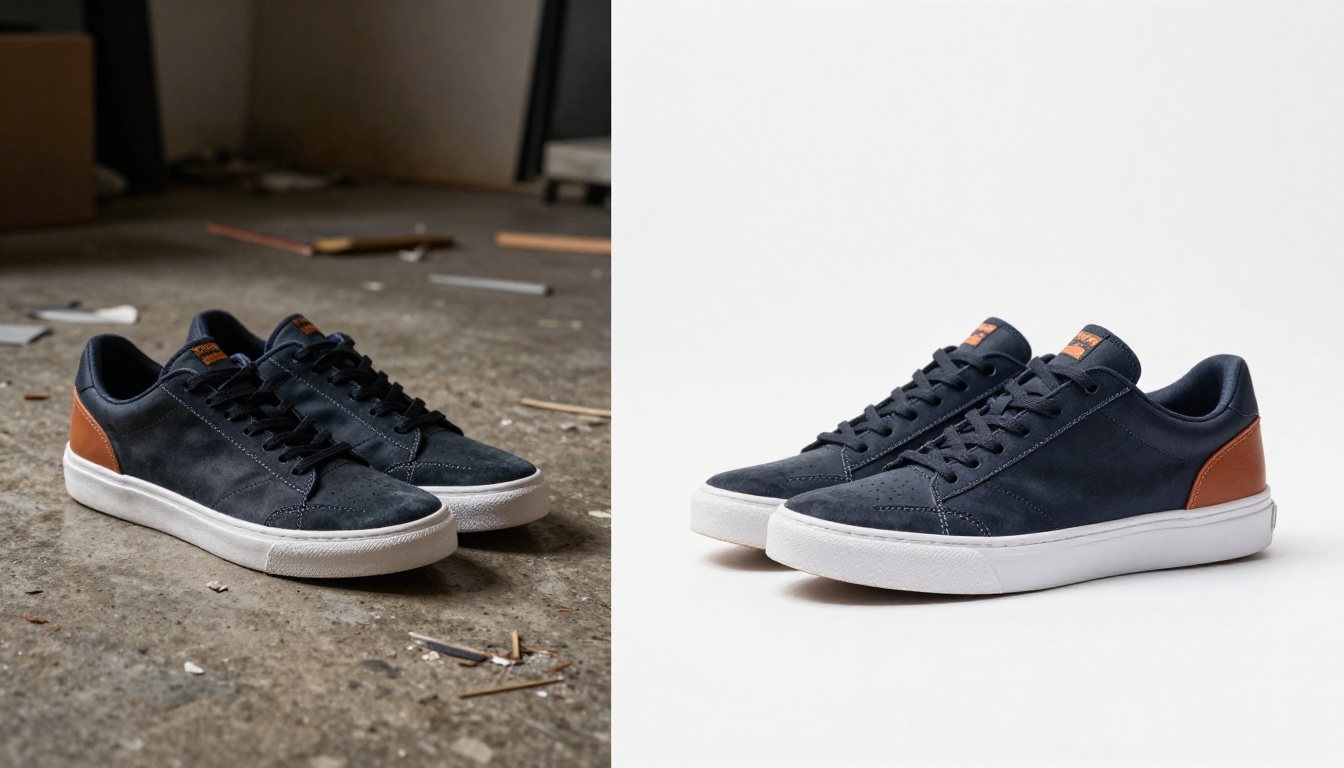
Mistake 1: Using low-quality photos
Your catalog is only as good as your images. A flipbook format actually highlights poor photography more than an individual listing does, because the photos take center stage. Shoot against clean backgrounds with natural light before building your PDF.
Mistake 2: Cramming too many items per page
More is not more in a catalog. Give each product room to breathe. A two-item spread with good photography outperforms a 10-item grid every time. Think magazine, not spreadsheet.
Mistake 3: Skipping the link back to the listing
The catalog is a marketing tool, not the sales channel. Every product in your catalog needs a clear, visible link (shortened if needed) that takes the buyer directly to the eBay listing where they can purchase.
Mistake 4: Never updating the catalog
An outdated catalog with sold-out items damages trust. Set a recurring reminder to update your catalog PDF and re-upload it monthly, or whenever you significantly restock.
Mistake 5: Not promoting the catalog link
Creating the catalog and doing nothing with it is the most common mistake of all. The link needs to be everywhere: eBay descriptions, social media, email, and any other channel where buyers might find you.
How to Share Your Flipbook Catalog
Once your catalog is live on Flipbooks AI, the sharing options are wide open.
Social Media Sharing
- Instagram: Add the catalog link to your bio. Post product photos from the catalog with a caption like "Swipe to my bio for the full catalog."
- Facebook: Share the catalog link directly in buy/sell groups, on your business page, and in Messenger conversations with interested buyers.
- TikTok and YouTube Shorts: Film quick "what's in my eBay store" videos and reference your catalog link in the description.
- Pinterest: Pin product images from your catalog with the catalog link in the pin description.
Direct Links and Embed Codes
The Embed Flipbook on Website tool generates a simple HTML snippet. If you have a personal website, Linktree page, or even a Blogger page that you use for your reselling business, you can embed the full interactive catalog directly there.

Password protection (available on Standard and Professional plans) lets you create exclusive catalogs for your most loyal buyers, wholesale customers, or repeat purchasers. A "VIP Buyer Catalog" with early access to new inventory is a genuinely effective loyalty tactic.
Tracking What Works
The Professional plan includes built-in analytics that show you exactly how buyers interact with your catalog. You can see:
- Total views for the catalog
- Time spent per page, so you know which products get the most attention
- Click-through rates to your eBay listings
- Traffic sources, so you know whether buyers found your catalog via Instagram, a direct link, or an eBay listing
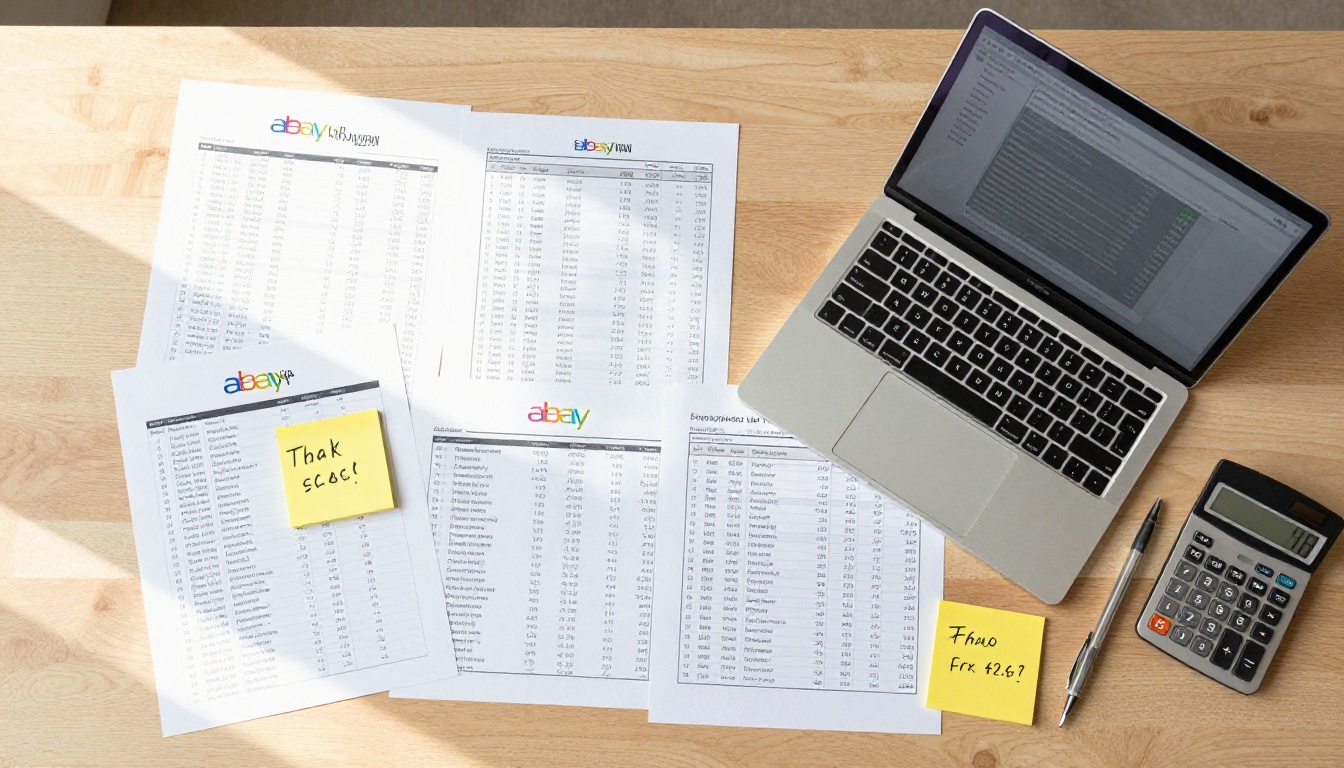
This data is genuinely valuable. Most eBay sellers fly blind when it comes to marketing because eBay's internal analytics are limited to what happens on the platform. A catalog with its own analytics layer gives you visibility that most of your competitors simply don't have.
Building Your Catalog Habit
The sellers who benefit most from flipbook catalogs treat catalog creation as a routine, not a one-time project. Here's a simple system:
- Monthly catalog update: At the end of each month, compile your new listings into your catalog PDF and re-upload.
- Seasonal catalogs: Create separate catalogs for seasonal inventory (summer clothing, holiday gifts, back-to-school electronics) and promote them timed to demand.
- Category-specific catalogs: Heavy-volume sellers benefit from separate catalogs per category. A buyer interested in vintage electronics doesn't need to scroll past your clothing section.
- Wholesale buyer catalogs: If you sell in bulk to other resellers, a dedicated wholesale catalog with quantity pricing is a professional touch that commands higher prices.
The Digital Catalog Maker and Catalog Flipbook Creator tools on Flipbooks AI are built for exactly this kind of structured, recurring catalog workflow.

Start Selling with a Catalog Today
eBay is a crowded marketplace, but most sellers are still playing by 2010 rules: list it, hope for the best, repeat. A flipbook catalog gives you a tool that the vast majority of your competitors aren't using, and it's available right now.
The steps are straightforward: organize your listings into a PDF, upload it to Flipbooks AI, customize your branding, and share the link everywhere buyers might find you. The first catalog takes an afternoon to build. Every one after that takes less time.
Ready to build yours? Create a free account on Flipbooks AI and convert your first catalog today. When you're ready to remove watermarks and access the full feature set, see pricing plans to find the right tier for your selling volume. And if you want to see every tool available for catalog creation, the full tools directory has options for every category of seller.
Your buyers are already browsing catalogs from other sellers. It's time they browsed yours.



