Your wedding day produced hundreds of photos that tell a story no single frame can capture alone. Sharing a Google Drive folder or a zipped file of JPEGs with your family simply does not do those memories justice. A shareable wedding flipbook changes that completely, giving everyone a cinematic, page-turning experience they can open on any device, any time, without downloading anything. Flipbooks AI makes this possible in minutes, without any design experience required.
Why a Digital Flipbook Changes Everything
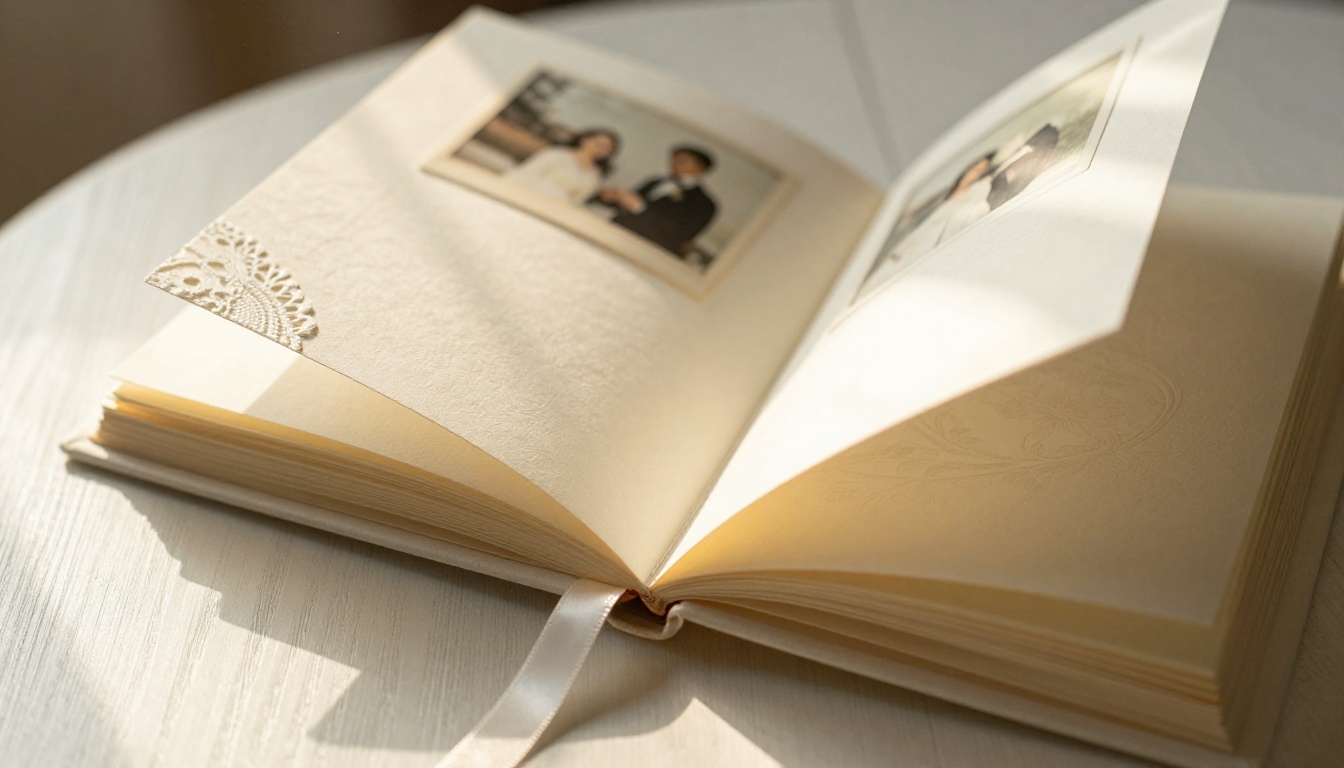
Physical wedding albums are beautiful, but they sit on one shelf, in one home. A digital flipbook lives everywhere at once. Your grandmother in another city can flip through your ceremony photos the same way you would in person, with smooth page-turn animations and the full-resolution detail of a printed album. That is a meaningful difference for anyone who was not in the room.
Static Albums vs. Shareable Flipbooks
| Feature | Physical Album | Digital Flipbook |
|---|
| Shareable with anyone | No | Yes, via link or embed |
| Viewable on mobile | No | Yes |
| Page-turn animation | No | Yes |
| Password protection | No | Yes |
| Multiple copies | Expensive | Unlimited |
| Add videos | No | Yes |
| View tracking | No | Yes (Pro plan) |
| Storage cost | High | None |
Who Actually Wants This?
The answer is: almost everyone connected to your wedding day.
- Parents and grandparents who could not attend or want to relive the day
- Destination wedding guests who were far away and missed specific moments
- Friends who missed the reception but want the full story
- The couple themselves, for anniversaries, social sharing, and sending to vendors
- Vendors like photographers and florists who want to see how everything came together
💡 A flipbook with a simple link is far more likely to get viewed than a shared folder of 400 files. People click links. People rarely open file downloads from relatives.
What Makes a Wedding Flipbook Actually Good

Before you upload anything, curation matters enormously. A 600-photo dump into a flipbook is overwhelming. An 80 to 100 shot selection that moves through the day chronologically is something people will actually finish. The goal is a story, not an archive.
Choosing Your Best Photos
Think in chapters. Your wedding day had a clear narrative arc:
- Getting ready (bride and groom separately)
- First look or pre-ceremony portraits
- Ceremony arrival, vows, and rings
- Signing and procession
- Family and wedding party portraits
- Cocktail hour candids
- Reception entrance, first dance, speeches
- Cake cutting and dancing
- Send-off moments
Aim for 8 to 12 photos per chapter. This gives each moment room to breathe without padding.
The Right Order for Maximum Impact
Chronological order almost always wins for wedding albums. It mirrors the emotional arc of the day. If your photographer gave you both posed and candid options for the same moment, choose the candid for the flipbook. Candid images translate better to digital viewing because they feel alive when you flip between pages.
Adding Captions and Personal Touches
Short captions on specific pages add enormous personal value. Consider adding:
- The exact words of your vow on the ceremony spread
- A funny story behind a candid shot
- The name of the venue or location
- A quote from the ceremony reading
- A heartfelt thank-you note on the final page
You do not need captions on every page. Save them for the moments that need context, and let strong photos speak for themselves everywhere else.
✅ Best practice: Add captions as text overlays in your PDF before uploading. This keeps everything clean and consistent without needing to re-edit inside the flipbook tool after the fact.
How to Create Your Wedding Flipbook on Flipbooks AI
Flipbooks AI has a dedicated Wedding Album Flipbook tool built specifically for this use case. The workflow is fast, and you do not need any design background to produce something beautiful.
Step 1 - Prepare Your Photo PDF
Compile your selected photos into a single PDF. Most photo apps, including Adobe Lightroom, Apple Photos, Canva, and Google Slides, can export a photo collection as a PDF with minimal effort.
Tips for a great source PDF:
- Use 300 DPI images for best print-quality results
- Export at 16:9 ratio if your photos are landscape
- Keep file size under 200MB for faster upload
- Include a blank or branded title page as the first slide
- Name your file clearly before uploading for easy management later
Step 2 - Upload and Convert
- Go to flipbooksai.com and create a free account
- Click New Flipbook from your dashboard
- Select Upload PDF and choose your wedding album PDF
- Wait for the conversion, typically 30 to 90 seconds depending on file size
- Your flipbook preview appears automatically once ready
💡 The conversion engine preserves your original image resolution, so high-quality photos look just as sharp in the flipbook as they do in the source PDF.
Step 3 - Customize Your Look
This is where your wedding flipbook becomes truly personal. Flipbooks AI offers a range of customization options that go far beyond changing a background color:
| Customization Option | What You Can Do |
|---|
| Page flip animation | Smooth, classic, or no animation |
| Background color | Match your wedding color palette |
| Opening page style | Custom thumbnail or auto-generated |
| Personal branding | Add your names and wedding date as a header |
| Music | Embed a background audio track |
| Videos | Add ceremony video clips to specific pages |
| Font and colors | Align with your wedding theme |
| Mobile layout | Auto-responsive on all screen sizes |
⚠️ If you plan to share your flipbook publicly on social media, skip password protection at this step. Reserve it for intimate family versions that contain private or unedited content.
Step 4 - Share with Everyone
Once you are happy with the look, sharing takes seconds:
- Click Share or Publish from the editor toolbar
- Copy the direct link (works on every device, no app needed)
- Optionally, click Embed to get an embed code for your wedding website
- Send the link via WhatsApp, email, Instagram DM, or SMS
Every person who receives the link can open the flipbook instantly in their browser. No account required. No download. No friction at all.
Sharing Options That Actually Work
Not every couple shares their wedding album the same way. Here is a breakdown of the most common approaches and when each one makes sense.
Direct Link Sharing
The simplest option. One URL opens the full flipbook in any browser. Works in every messaging app and email client. This is the right choice for sharing with large groups like coworkers, college friends, or extended family who are scattered across different platforms.
Best for: Broad sharing, social media posts, email newsletters to guests
Embed on Your Wedding Website
If you built a wedding website on The Knot, Zola, Squarespace, or a similar platform, you can embed your flipbook directly using the embed code from Flipbooks AI. Visitors land on your site and the full flipbook loads right there on the page, no extra link click needed.
Best for: Couples with an active wedding website or wedding blog
Password Protection for Privacy
Some moments are private. A wedding album with intimate ceremony details or family-only shots may not belong on a public URL. The password protection feature lets you set a single password that you share only with the people you trust.
💡 You can create two versions: a public flipbook with ceremony and reception highlights for broad sharing, and a private password-protected version with the full unedited collection for immediate family only.
Best for: Intimate family sharing, private moments, full unedited photographer galleries
Flipbooks AI Plan Comparison
Flipbooks AI offers tiered pricing to match different needs. Here is what matters most for a wedding album use case:
| Feature | Free | Standard | Professional |
|---|
| Number of flipbooks | 1 | Unlimited | Unlimited |
| Watermark | Yes | No | No |
| Password protection | No | Yes | Yes |
| Custom branding | No | Yes | Yes |
| Embed on website | Limited | Yes | Yes |
| View analytics | No | No | Yes |
| Lead generation forms | No | No | Yes |
| Offline download | No | No | Yes |
| Video and audio embeds | No | Yes | Yes |
| Mobile responsive | Yes | Yes | Yes |
For a one-time wedding album, the Standard plan gives you everything you need without paying for analytics or lead generation features you will not use. If you plan to create multiple flipbooks, such as a pre-wedding shoot album, honeymoon photos, or anniversary recaps, Standard becomes even more worthwhile.
See all pricing options and find the plan that fits your situation.
Real Couples, Real Use Cases
It helps to see how other couples have actually used digital wedding flipbooks before deciding on your own approach.
The Destination Wedding Couple: Married in Greece, with 80 guests who flew in from five countries. Rather than shipping physical albums internationally, they created one flipbook and shared it in the group WhatsApp chat the week after returning. Every guest had access within seconds.
The Small Ceremony Family: Married with just 12 people present at a courthouse, with a larger celebration planned later. They created a flipbook of the intimate ceremony and shared it with extended family before the party so everyone felt included in the actual moment, not just the celebration.
The DIY Couple: Skipped the professional photographer and relied on a mix of phone photos from friends and family. By curating the best 90 shots and organizing them chronologically into a flipbook, they produced something that feels deliberate and polished rather than scattered.
The Print-and-Share Couple: Already ordered a physical album but wanted something shareable digitally. They used the same photo selection from the print order, exported to PDF, and had a live shareable link within an hour of getting home from the honeymoon.
✅ You do not need to choose between a physical album and a digital flipbook. Many couples do both. The digital version handles all the sharing so the physical one can stay pristine on the shelf.
Common Mistakes to Avoid
Most couples make the same handful of avoidable errors when building their first wedding flipbook.
Too many photos, no story: Uploading every photo from the photographer's gallery results in a flipbook that feels like a raw export, not a curated story. Edit ruthlessly. 80 great photos beat 300 average ones every single time.
Low resolution exports: Exporting your PDF at screen resolution (72 DPI) makes photos look soft and pixelated on retina displays. Always export at 150 DPI minimum, 300 DPI if file size allows.
No title page: The first page is your first impression. A blank white page or a random candid shot as the opening misses the opportunity to set the tone. Design a simple page with your names, date, and location before uploading.
Sharing too late: Wedding photo excitement peaks in the first two weeks. Sharing three months after the wedding gets a fraction of the attention you would have received earlier. Even a partial flipbook shared quickly beats a perfect one shared long after everyone has moved on.
Forgetting mobile viewers: Most people will open your link on a phone. Check the mobile preview in Flipbooks AI before sharing to confirm layouts and image quality look great on small screens.
Ignoring the send-off shots: The final pages of your flipbook should close the story. Send-off photos, the last dance, the getaway car. Ending on those shots gives the flipbook a satisfying narrative arc that leaves viewers with a lasting impression.
Your Wedding Story Deserves to Be Shared
A wedding album sitting on a shelf reaches one household. A flipbook reaches everyone who was part of your day, everyone who wished they could have been there, and anyone you want to share the story with in the years ahead.
The Wedding Album Flipbook tool from Flipbooks AI makes the process fast, the result beautiful, and the sharing completely effortless. Pick your photos, upload a PDF, and have a live shareable link within minutes, no designer required.
Ready to bring your wedding memories to life? Create your flipbook for free and start sharing today. If you want access to custom branding, video embeds, and password protection, check out the pricing plans and choose what works best for you.
Your guests are waiting to relive the day with you.



