Turning a static PDF into an interactive, page-flipping publication used to require expensive desktop software or a developer. In 2026, a dozen browser-based tools do it in seconds, and several of them are genuinely free. The challenge is knowing which ones are worth your time. Some impose watermarks on every page, others cap you at a single flipbook, and a few are so limited that "free" barely means anything. This article cuts through the noise and compares the actual best options available right now, so you can pick the right tool without wasting a day on trials.
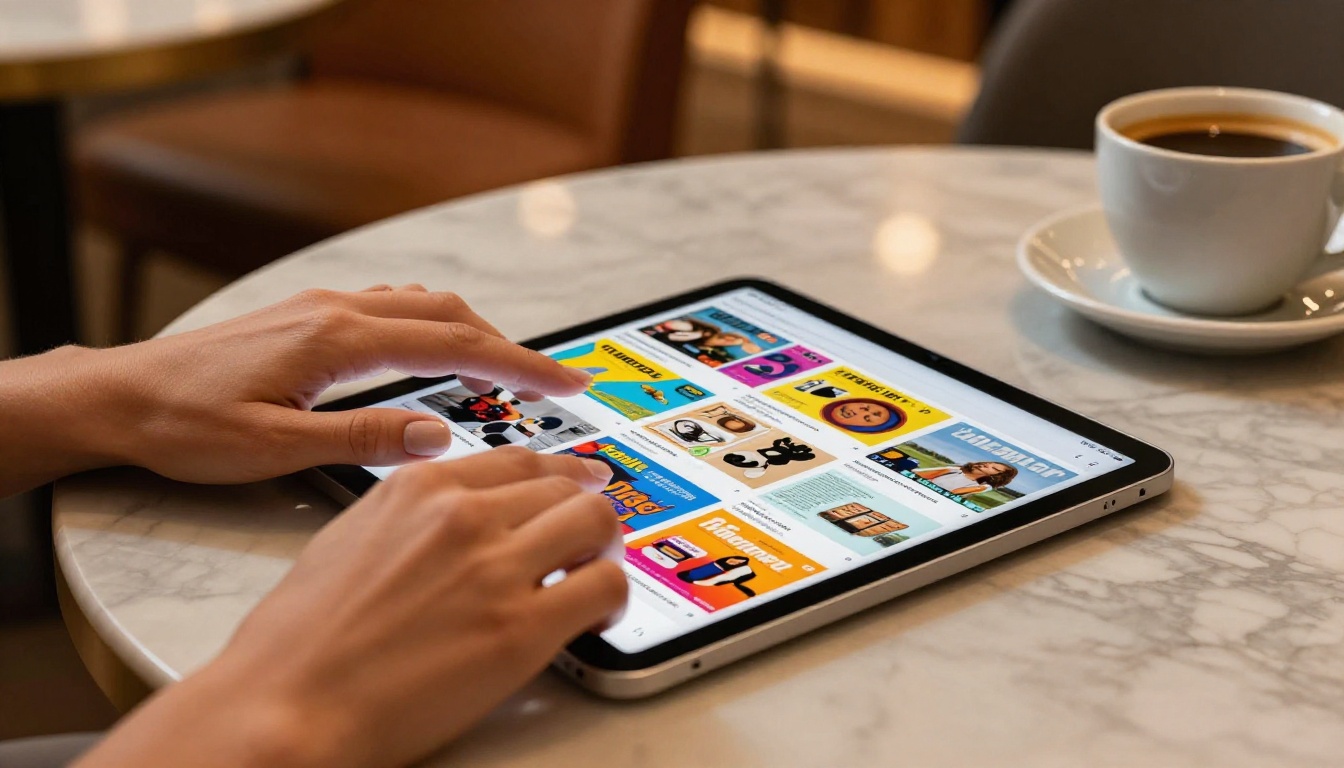
Not every platform with a "free plan" deserves your attention. Before comparing specific tools, it helps to know what separates a genuinely useful free tier from a marketing gimmick.
The Watermark Problem
Watermarks are the most common way free plans are crippled. If a tool stamps its logo on every page of your document, you cannot realistically share that flipbook with clients, students, or customers. It looks unprofessional and signals immediately that you are using a budget tool. Any tool that adds watermarks to free-tier publications should be treated as a paid tool with a trial, not a true free option.
Storage and Publication Limits
Some platforms allow unlimited flipbooks but cap storage at 50MB total. Others allow only 3 publications per account. These limits matter depending on how you plan to use the tool. A freelancer working on a single client project has very different needs from a marketing team publishing weekly catalogs.
Mobile Responsiveness
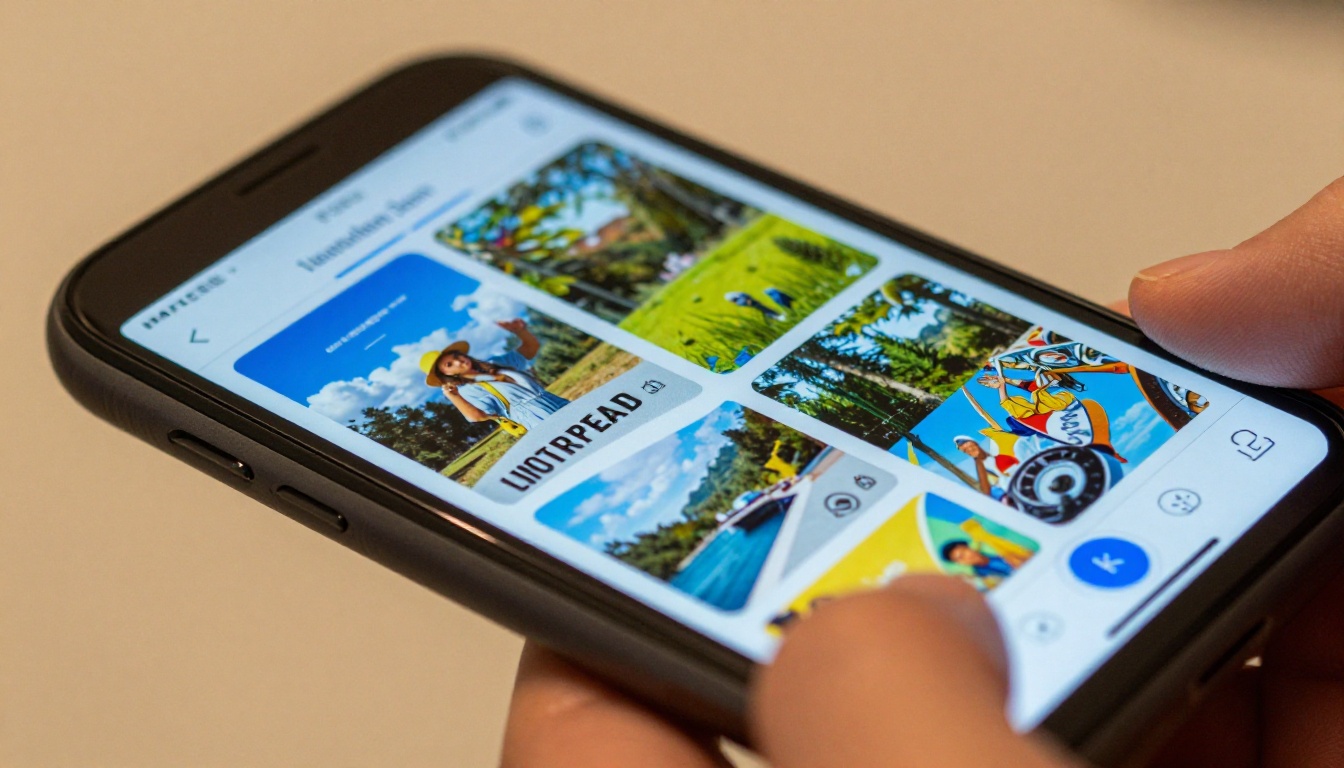
In 2026, over 60% of digital content is consumed on mobile devices. A flipbook that looks broken on a phone is a liability. The best free tools generate HTML5 publications that auto-adapt to any screen size without manual adjustment.
Embedding and Sharing Options
The ability to embed a flipbook on your website, share a direct link, or send a private link with password protection is critical for business use. Free tiers often restrict these capabilities. Knowing exactly what sharing features each tool provides will save you from an unpleasant surprise after publishing.

Here is a direct comparison of the most relevant tools currently available. Each has been evaluated on free-tier limits, watermark policy, mobile support, embedding capabilities, and overall usability.
Flipbooks AI
Flipbooks AI stands out in 2026 because it offers a genuinely usable free entry point without forcing watermarks on published content. The platform converts PDFs to interactive flipbooks with realistic page-turn animations, supports custom branding, and produces mobile-responsive output by default.
For specific use cases, the tools directory includes purpose-built creators for product catalogs, restaurant menus, brochures, e-books, portfolios, and more. This versatility makes it far more useful than a generic PDF converter.
💡 Pro Tip: Use the PDF to Flipbook Converter for quick conversions, or pick a specialized tool for use-case-specific output with better formatting defaults tailored to your document type.
Issuu
Issuu is one of the oldest names in digital publishing. Its free tier allows unlimited publications, but the catch is significant: free accounts include Issuu branding on every flipbook and restrict access to basic embedding. Analytics, offline downloads, and direct file downloads are all locked behind paid tiers. Issuu works for personal portfolios or hobbyist publishing where professional presentation is not critical.
FlipHTML5
FlipHTML5 offers a desktop-based converter alongside its browser tool. The free plan allows up to 3 books, capped at 500 pages each, with 1GB of storage. The platform supports adding audio, video, and hyperlinks to pages, and the output is HTML5 and mobile-responsive. The main limitation is the low publication count on the free tier, making it unsuitable for teams or high-volume workflows.
Yumpu
Yumpu focuses on magazine-style publishing. Free accounts get unlimited uploads with basic page-flip features, but Yumpu ads appear alongside your content. There is no way to remove these ads without upgrading. The platform has solid SEO features (public publications can be indexed by search engines), making it attractive for content marketing, but the ad-supported model is a dealbreaker for branded business use.
Publuu
Publuu's free plan is very limited: 1 flipbook only, with Publuu branding on every page. It does produce clean, sharp output and has a solid mobile experience. For anyone who wants to test the format before committing, it works fine. For actual ongoing use, the limit of a single publication makes it impractical.
Heyzine
Heyzine offers a free tier with up to 3 flipbooks and 100MB storage. The platform supports adding links, audio, and video to pages. Free accounts do not include watermarks, which makes it one of the more honest free tiers in this space. The interface is clean and straightforward, making it a good fit for users who need a simple, no-frills flipbook tool.

Side-by-Side Feature Comparison
| Tool | Free Flipbooks | Watermark | Custom Branding | Embedding | Mobile-Responsive | Storage |
|---|
| Flipbooks AI | Unlimited (Standard+) | No | Yes | Yes | Yes | Cloud |
| Issuu | Unlimited | Yes (branding) | No | Limited | Yes | Cloud |
| FlipHTML5 | Up to 3 | No | Limited | Yes | Yes | 1GB |
| Yumpu | Unlimited | Ads shown | No | Yes | Yes | Cloud |
| Publuu | 1 only | Yes (branding) | No | Yes | Yes | Cloud |
| Heyzine | Up to 3 | No | Limited | Yes | Yes | 100MB |
⚠️ Warning: Tools that show "unlimited" publications on free tiers often compensate by injecting their own branding, ads, or watermarks throughout your content. Always test the output before committing to a workflow.
The right choice depends entirely on what you are trying to do. Here is how to think about it based on your specific use case.
For Business and Client Work
If you are sharing content with clients, customers, or partners, watermarks and third-party ads are not acceptable. You need clean, branded output. Flipbooks AI is the strongest option here, particularly if you need specific tools like the Digital Catalog Maker, Real Estate Brochure Creator, or Sales Presentation Flipbook.
Business scenarios where flipbooks deliver real results:
- Product catalogs shared with retail buyers
- Hotel brochures embedded on booking pages
- Real estate listings with floor plans and property photos
- Press kits distributed to media contacts
- Annual reports published for stakeholders
For Educators
Educators benefit most from tools that are easy to use, mobile-friendly, and allow sharing via direct link. The Course Material Publisher and Training Manual Flipbook on Flipbooks AI are purpose-built for this workflow. Heyzine is a reasonable free alternative for simple use cases, though it lacks specialized formatting tools.
For Freelancers and Creatives
Freelancers creating portfolios, lookbooks, or client presentations need clean output with minimal overhead. The Digital Portfolio Creator, Photography Portfolio Flipbook, and Interactive Lookbook Designer are solid choices. FlipHTML5 is worth testing for one-off projects where the 3-flipbook limit is not a constraint.
For Personal Projects
For personal use (wedding albums, recipe collections, family newsletters), the watermark question matters less. The Wedding Album Flipbook, Recipe Book Flipbook, and School Newsletter Creator on Flipbooks AI give polished results. Issuu and Yumpu are acceptable alternatives for purely personal sharing.
Paid Plan Comparison When You Need More
When free tier limits become a constraint, here is how the main platforms compare on paid plans:
| Tool | Entry Plan Price | Flipbook Limit | Watermark-Free | Analytics | Offline Downloads |
|---|
| Flipbooks AI Standard | Competitive | Unlimited | Yes | No | No |
| Flipbooks AI Professional | Higher tier | Unlimited | Yes | Yes | Yes |
| Issuu Starter | ~$19/mo | Unlimited | Yes | Basic | No |
| FlipHTML5 Basic | ~$14/mo | Unlimited | Yes | No | No |
| Publuu Basic | ~$14/mo | 5 flipbooks | Yes | Basic | No |
| Heyzine Basic | ~$9/mo | 20 flipbooks | Yes | No | No |
✅ Best Practice: If analytics and lead generation matter for your business, Flipbooks AI's Professional plan includes both, removing the need for separate tracking tools. Check the full pricing breakdown before deciding.

Creating Your First Flipbook with Flipbooks AI
Since Flipbooks AI offers the most complete free experience for most use cases, here is a step-by-step process for publishing your first flipbook from start to finish.
Step 1: Create Your Account
Go to flipbooksai.com/account and sign up. The process takes under two minutes, and no credit card is required for the free tier.
Step 2: Pick the Right Tool
Rather than using a generic uploader, choose from the tools directory based on your document type:
Step 3: Upload Your PDF
Upload your PDF file. The platform supports multi-page documents and maintains the original layout, fonts, and images throughout. Conversion typically takes 15 to 60 seconds depending on file size and page count.
Step 4: Customize the Output
After conversion, you can:
- Apply custom branding (logo, colors, background theme)
- Set page transition speed and flip effects
- Embed multimedia elements (video and audio on specific pages)
- Add password protection for private sharing
- Set a custom domain or use the default hosted URL
Step 5: Publish and Share
Once published, you receive:
- A direct shareable link for email or social distribution
- An embed code via the Embed Flipbook on Website tool
- A QR code for print-to-digital campaigns
- Optional password protection for restricted-access publications
💡 Pro Tip: The embed code from Flipbooks AI is responsive by default. No extra CSS or JavaScript required to make it display correctly on mobile devices.

Where Flipbooks Add the Most Value
The difference between a tool that works and one that genuinely fits your workflow often comes down to specific real-world scenarios.
Restaurant owners can use the Restaurant Menu Creator to build a mobile-ready menu that loads instantly on any device. Customers scan a QR code at the table and get a full page-flip menu without downloading an app.
Real estate agents can convert property brochures into interactive publications with embedded video walkthroughs and floor plan pages using the Real Estate Brochure Creator. The result is shareable via a single link in any listing.
Corporate teams preparing annual reports can use the Annual Report Creator to produce stakeholder-ready publications with professional page-flip presentation and optional password protection for confidential financials.
E-commerce brands can turn product PDFs into interactive catalogs with the Catalog Flipbook Creator, letting customers browse pages and click directly through to product pages.
Nonprofits benefit from the Non-Profit Annual Report tool for donor communications that are far more effective than plain PDF attachments.

When someone searches for free online flipbook tools, they typically want one of three things: a one-time quick conversion, an ongoing publishing workflow, or a professional-grade tool at no cost. The format itself, a realistic page-turn animation on a browser-based publication, changes how readers interact with content.
Static PDFs feel like forms. Flipbooks feel like publications. That perception shift matters when you are trying to communicate value, sell a product, or present work professionally. Terms like digital publication tool, interactive flipbook, HTML5 page flip, online brochure maker, and PDF to flipbook converter all point to the same underlying demand: a presentation format that signals care and professionalism without requiring a print run.
The tools in this comparison all address that demand. The difference is in how much they ask you to compromise: watermarks, ad injections, publication limits, or feature restrictions. Knowing which compromises you can accept and which ones are dealbreakers is the practical filter that makes the choice straightforward.
Quick reference for common document types and the best-fit tool on Flipbooks AI:

Try It Before Committing
If you have not created a flipbook before, the fastest way to evaluate any tool is to run your own document through it. Take a PDF you already have, upload it to two or three platforms from this list, and compare the results side by side.
Flipbooks AI gives you the cleanest starting point, with no watermarks on free output and a set of specialized tools that match most common document types. If the free tier meets your needs, you are all set. If you need analytics, lead generation forms, or offline downloads, compare the pricing plans to see exactly what each tier adds.
The format has matured. The tools are genuinely good. There is no reason to keep sharing static PDFs for content that would work better as an interactive publication.
Create your first flipbook for free and have something live before the end of today.



