Picture the first hour of your conference. Doors open, 400 people walk in, and half of them are staring at their phones, trying to find the room for the 10:00 session. Some are stuck on an app store page. Others forgot their login. A few are flipping through a printed booklet that was already out of date when it left the printer. If that scene sounds familiar, you don't need a bigger app budget. You need a simpler format. A PDF flipbook gives attendees a searchable, swipeable, always current program that opens from a single link, with no download and no account. In this article you'll get a free template, a sample two-day schedule, and a step-by-step build using Flipbooks AI.
Why Attendees Skip Conference Apps
Conference apps promise a lot: personal agendas, push alerts, networking feeds. The reality on the ground is different. Organizers pay for a license, spend weeks loading sessions, and then watch adoption stall at a fraction of registrants.
The Download Wall
Every extra step costs you attendees. An app needs a store visit, a download over weak venue Wi-Fi, a sign-up, and often a permission prompt or two. A flipbook link needs one tap. That difference decides whether someone reads your program at 8:45 AM or ignores it completely.
- No install: the program opens in any mobile browser.
- No login: nobody resets a password in the lobby.
- No storage space: older phones handle it fine.
- No version mismatch: everyone sees the same pages.
What Organizers Actually Need
Strip away the feature lists and most events need five things: a clear schedule, speaker details, a venue map, sponsor visibility, and a way to push last minute changes. A flipbook handles all five. You update the source PDF, re-upload, and the same link shows the new version.
💡 Pro tip: Put the link on your registration confirmation email, your badge, and a printed QR sign at the entrance. Three touchpoints beat one.
Apps vs. Flipbooks vs. Print
Here is how the three options compare for a typical 300 to 800 person event.
| Factor | Dedicated event app | Printed booklet | PDF flipbook |
|---|
| Setup time | Weeks | Days plus print turnaround | Hours |
| Attendee friction | Download and login | None, but heavy to carry | One tap or QR scan |
| Last minute edits | Possible, needs admin access | Impossible after print | Re-upload, same link |
| Cost pattern | Per event or per attendee license | Per copy | Flat plan, unlimited flipbooks on Standard and above |
| Works offline | Usually partly | Yes | Yes, with offline download |
| Sponsor links | Banner slots | Static ads | Clickable pages |
| Usage data | Built in | None | Analytics on Professional |
What a Flipbook Program Includes
A good program feels like a magazine and works like a website. The page flip effect gives it a familiar, tactile rhythm, while links, video and audio make it more useful than paper.

The Online Schedule Layout
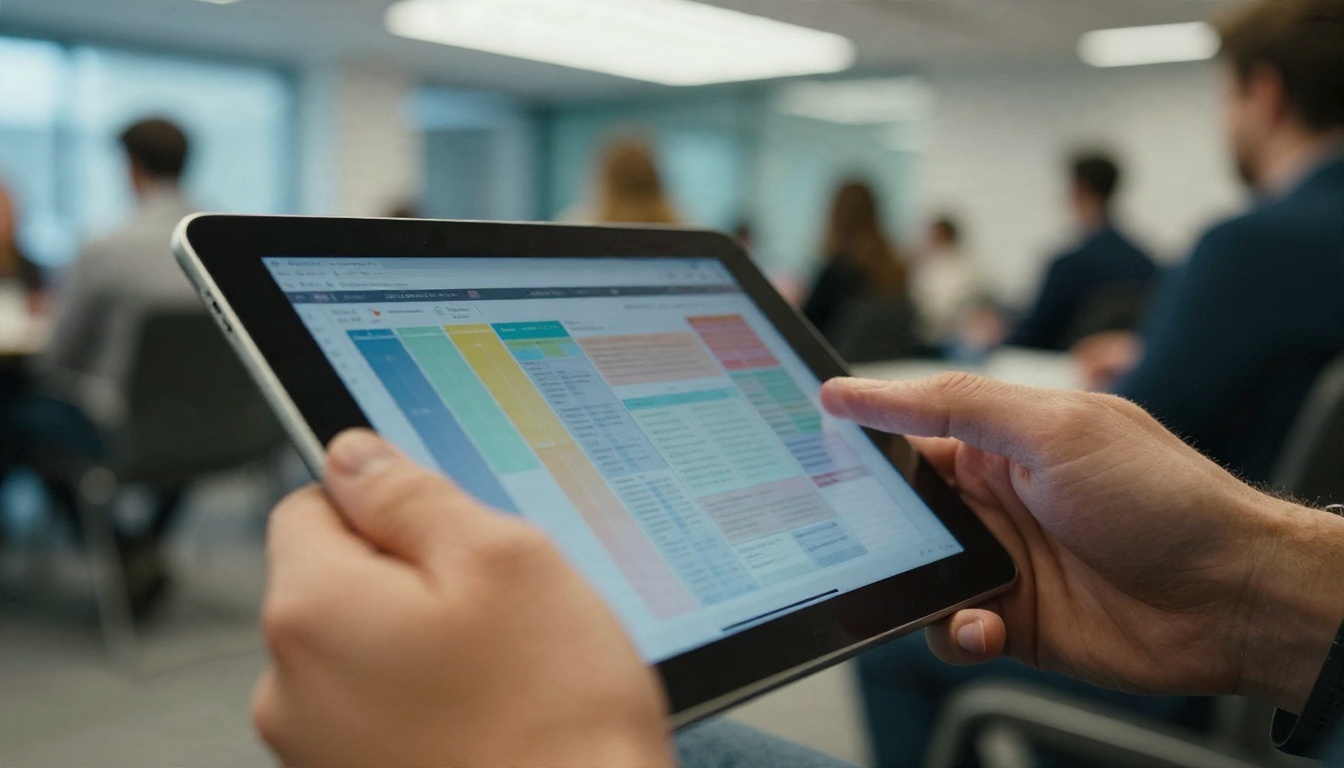
Keep the agenda grid readable on a phone. Give each day its own spread, with time on the left and room names across the top. Color-code tracks so people can scan quickly. If you run five or more parallel sessions, split them across two pages instead of cramming a tiny table into one.
Speaker Pages and Maps
Give each speaker a half page: photo, two-line bio, session title, room. Add a clickable link to their website or social profile. Place a floor plan right after the schedule, because the second question after "what's on?" is always "where is it?"
Sponsor Pages That Earn Their Spot
Sponsors want visibility, and a flipbook delivers something print can't: clickable placements. A full page ad can link to a landing page, play a 30 second clip, or open a booking form for a demo. Share the click numbers afterward and renewals get much easier.
Free Template You Can Copy
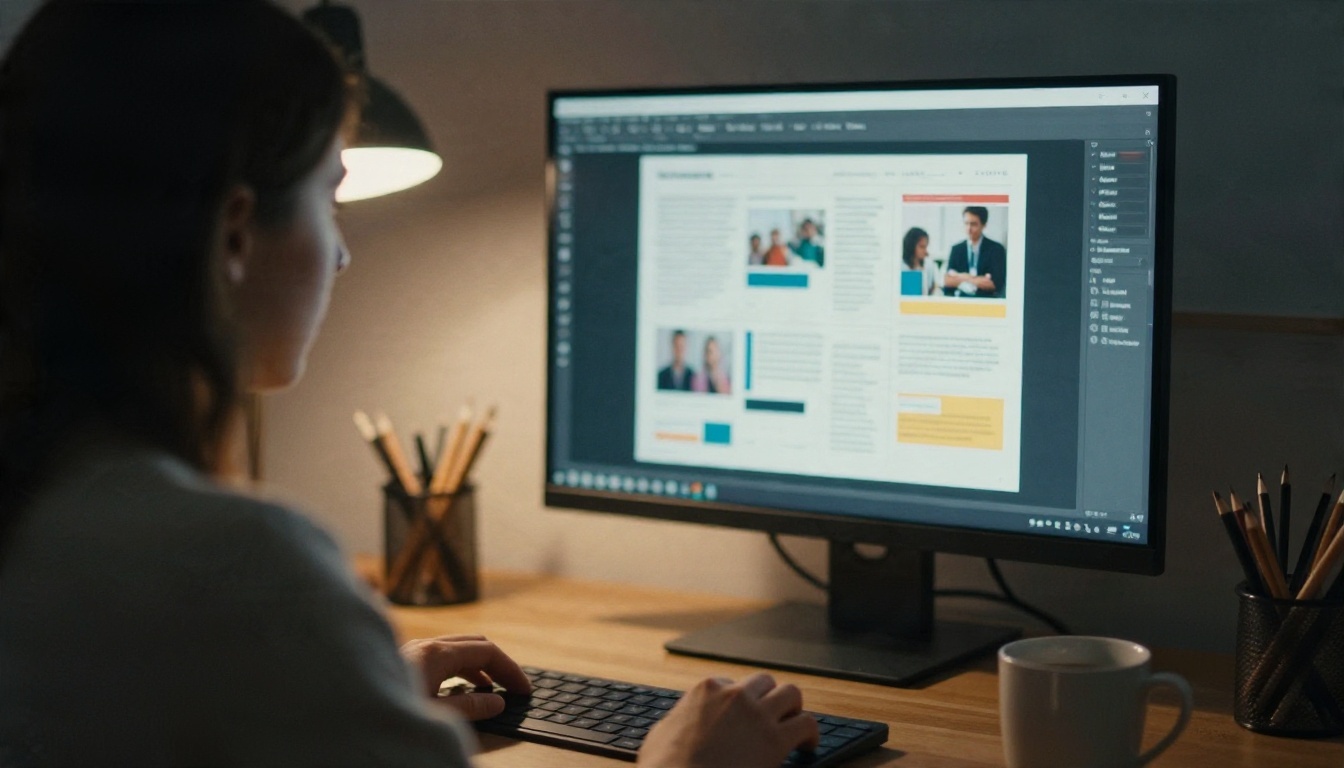
You don't need a design agency. Build the source file in any tool you already use, whether that's Canva, Google Docs, Word, InDesign or Affinity. Then export a PDF and convert it. The page plan below works for most one to three day conferences.
The Page-by-Page Template
| Page | Content | Tip |
|---|
| 1 | Cover with event name, dates, city | One strong photo, short text |
| 2 | Welcome note from the chair | Keep it under 120 words |
| 3 | Venue map and floor plan | Mark Wi-Fi, restrooms, quiet room |
| 4 to 5 | Day 1 schedule grid | Color-code tracks |
| 6 to 7 | Day 2 schedule grid | Repeat the same layout |
| 8 to 10 | Speaker profiles | Two or three per page |
| 11 | Workshops and sign-up info | Link to registration |
| 12 to 13 | Sponsors and exhibitors | Clickable logos |
| 14 | Practical info | Transport, food, accessibility |
| 15 | Feedback and next event | QR code to survey |
Prefer a ready-made starting point? The Event Program Maker is built for exactly this job, and you can browse more layouts in the tools directory.
A Sample Two-Day Schedule
Use this as the content for pages 4 to 7. Swap in your own sessions.
| Time | Day 1: Main Hall | Day 1: Room B |
|---|
| 08:30 | Registration and coffee | Registration and coffee |
| 09:30 | Opening talk | Workshop: Data basics |
| 11:00 | Panel: Industry outlook | Workshop: Data basics (cont.) |
| 12:30 | Lunch and sponsor tables | Lunch and sponsor tables |
| 14:00 | Case study sessions | Roundtable: Hiring |
| 16:00 | Lightning talks | Lightning talks |
| 18:00 | Networking reception | Networking reception |
✅ Best practice: Always show the end time of each session, not only the start. People plan their walk between rooms around it.
How to Create a Conference Flipbook with Flipbooks AI
Once your PDF is ready, the build takes minutes. Here is the full workflow, from file to shareable link. If you don't have an account yet, create one here.
Step 1: Upload Your PDF
- Sign in at Flipbooks AI.
- Click the upload button on your dashboard and pick your exported program PDF.
- Wait a few seconds while the PDF to Flipbook Converter turns each page into a flippable spread.
- Preview the result on desktop and on your own phone.
⚠️ Warning: Export your PDF at a reasonable size, ideally under 20 MB. Huge image files slow loading on weak venue networks.
Step 2: Brand and Customize
Open the customization panel and match the flipbook to your event identity.
- Custom branding: add your logo and event colors.
- Page effects: choose the page turn style and speed.
- Background: pick a solid color or an image that fits your venue.
- Multimedia: attach videos, audio clips or links to speaker photos and sponsor logos.
- No watermarks, ever: your program looks like yours, not ours.
If your event is mostly slides and talks, the Presentation Flipbook Designer is a handy companion for sharing decks after the event.
Step 3: Share and Protect
Choose how people will reach the program:
- Direct link: paste it in emails, chat groups and social posts.
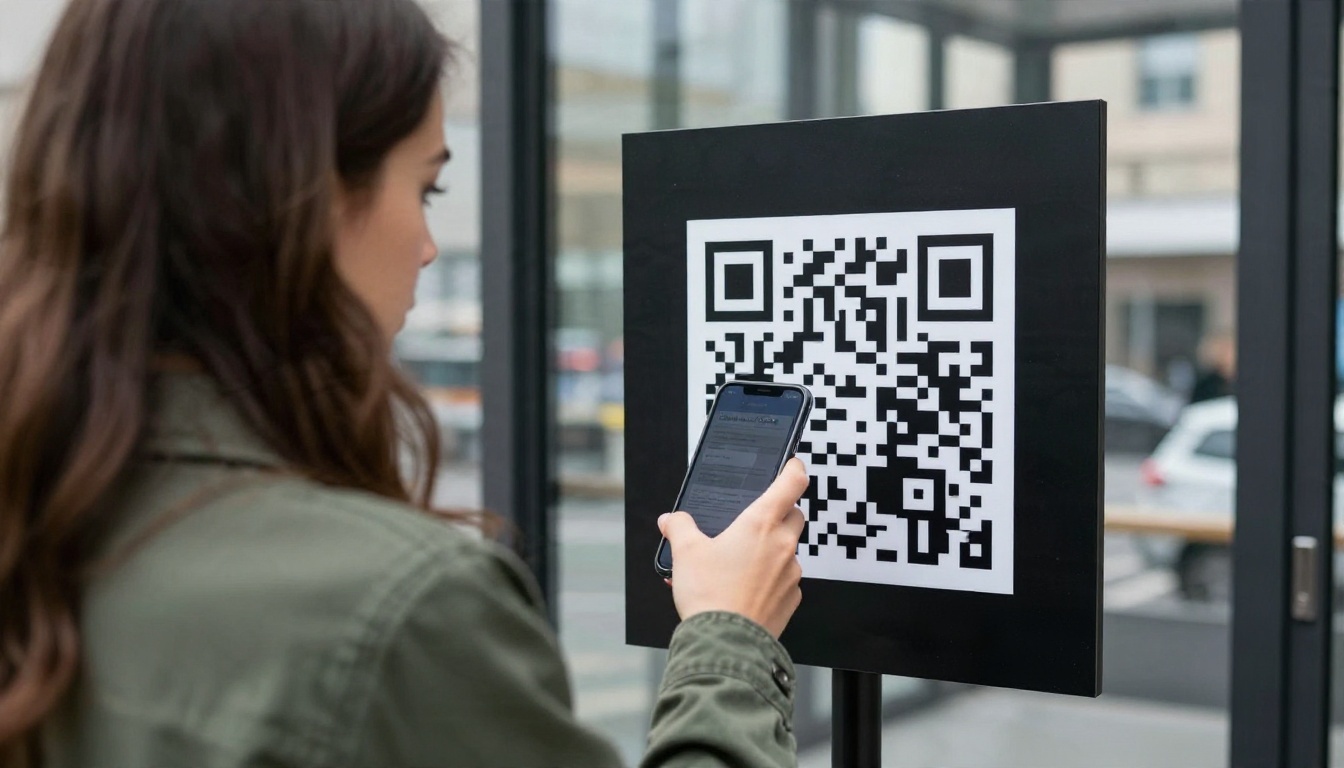
- QR code: print it on badges, posters and table tents.
- Embed code: place the flipbook on your event page using the Embed Flipbook on Website tool.
- Password protection: limit access to registered attendees or speakers, which suits internal or paid events.
Step 4: Analytics and Lead Capture
On the Professional plan you can track which pages get opened, how long readers stay, and which links get clicked. Lead generation forms let sponsors collect contact details straight from their pages. Check the pricing plans to see what each tier includes. You can also enable offline downloads, so attendees keep the program when the venue Wi-Fi drops.
Real World Uses
Different events lean on different parts of the program. Here are three scenarios.
Academic Symposium
A university department runs a two day symposium with 60 paper presentations. The schedule is dense, with six parallel tracks. They publish the flipbook with a password for registered participants, add abstract links on each session line, and update room changes overnight. Attendees search for author names with the built-in search instead of paging through a printed book.
Trade Show
A trade show organizer gives each exhibitor a full page. Exhibitors link to demo booking forms and product videos. After the show, the organizer sends each sponsor a short report with page views and link clicks. That report becomes the pitch for next year's contract.
Corporate Offsite
An HR team plans a one day offsite for 150 employees. They need agenda, group assignments and a dinner menu. A single flipbook holds it all, shared in the company chat the night before. Because the program is a link, a late speaker swap takes five minutes. For the dinner page, the Restaurant Menu Creator can produce a matching menu flipbook.
Getting People to Open It
A great program only works if people find it. Think about the whole attendee journey, from the confirmation email to the closing session.
Before the Event
Send the link a week ahead, then again the day before. Add a short line telling people what's inside: "Schedule, maps and speaker bios, no app needed." Pin it in your event group chat.
At the Venue
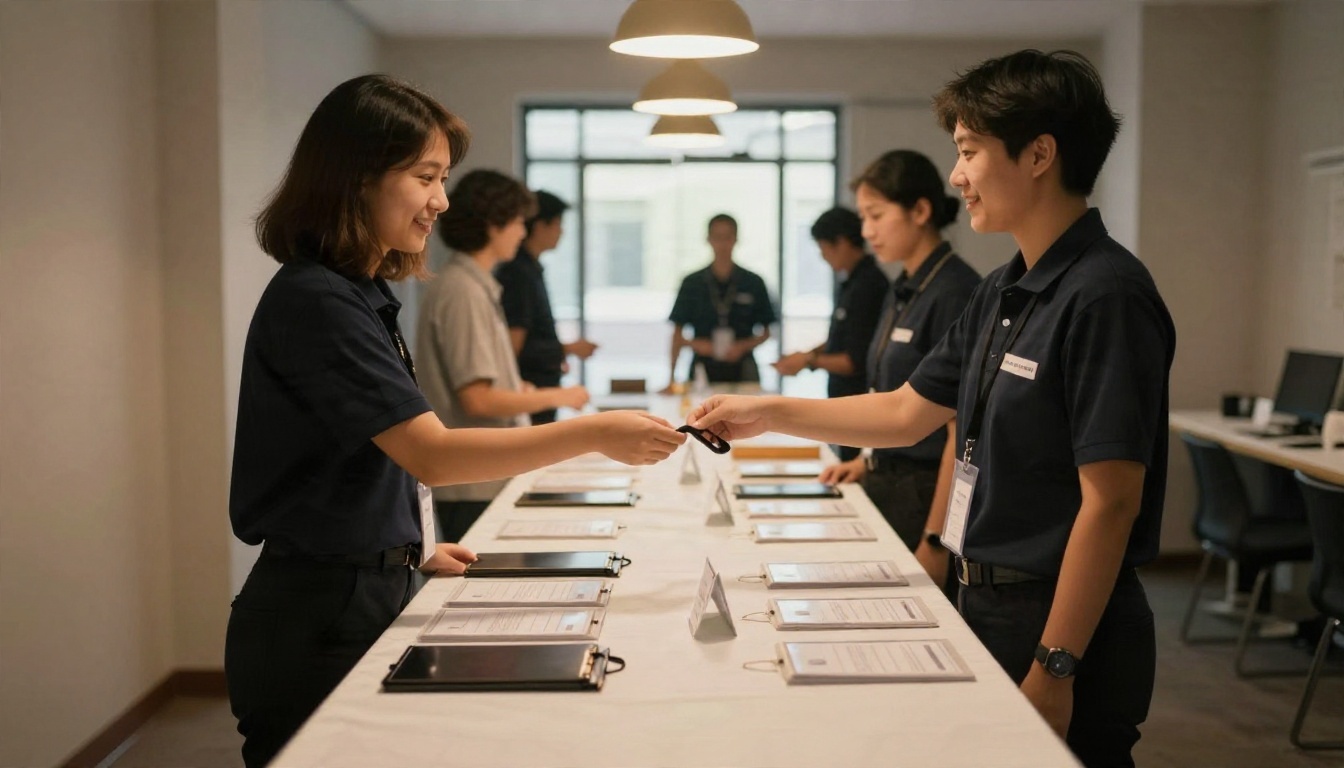
Print QR signs at the entrance, the registration desk, each room door and the coffee station. Add the short link to the back of every badge. Staff at registration should have one sentence ready: "Scan this and you've got the whole program."
During Sessions
Have the host mention the link at the start of each block. When a speaker changes, announce it from the stage and point people to the updated flipbook. Because the link stays the same, nobody needs to refresh an app or reinstall anything.
Mistakes That Hurt Your Program
Most flipbook programs fail for the same handful of reasons. Avoid these and you're ahead of most events.
Cramming Too Much Text
Phone screens are small. If your schedule grid uses 8 pt type, people will pinch and zoom all day. Aim for at least 10 pt in the PDF, and use short session titles.
Forgetting Version Control
Name your source file with a date and keep one master. When a change comes in, edit the master, export, and replace the flipbook. Two people editing separate copies is how a wrong room number reaches 500 people.
Skipping the Phone Test
Open the program on an iPhone and an Android before you announce it. Check that links work, images load, and text is readable without zooming. Ask a colleague who has never seen it to find "the 2 PM workshop in Room B" and time how long it takes.
Ignoring Accessibility
Use high contrast colors, readable fonts and alt text in your source file where possible. Include an accessibility page listing step-free entrances, quiet rooms and captioned sessions.
💡 Quick checklist: schedule readable on a phone, map included, sponsor links tested, QR code scanned from three feet away, password set if needed, and a backup PDF ready for download.
Ready to Publish Your Program?
You've got the template, the sample schedule and the build steps. The only thing left is your content. Here's what to do next:
- Draft your schedule using the page-by-page template above.
- Export it as a PDF from your favorite design tool.
- Create your account on Flipbooks AI and upload the file.
- Customize colors, add sponsor links, then share the link and QR code.
Want analytics, lead capture and unlimited flipbooks for a full event season? Compare pricing plans and pick the tier that fits. For other formats such as workshop handouts or attendee packs, browse all flipbook tools and templates. Your attendees already carry the only device they need. Give them a link that works.


