Every fashion brand hits the same wall sooner or later: the photos are shot, the collection is ready, and the last decision is where the lookbook should live. A PDF attached to an email looks flat, an Instagram post disappears within a day, and a custom web page can cost more than the samples did. The best platform for creating digital lookbooks turns your images into a page-turning experience that loads on any phone, stays on brand and tells you who actually looked at it. Below you will find a straight comparison of free options, real pricing ranges and working examples, plus a walkthrough of how Flipbooks AI handles the job.
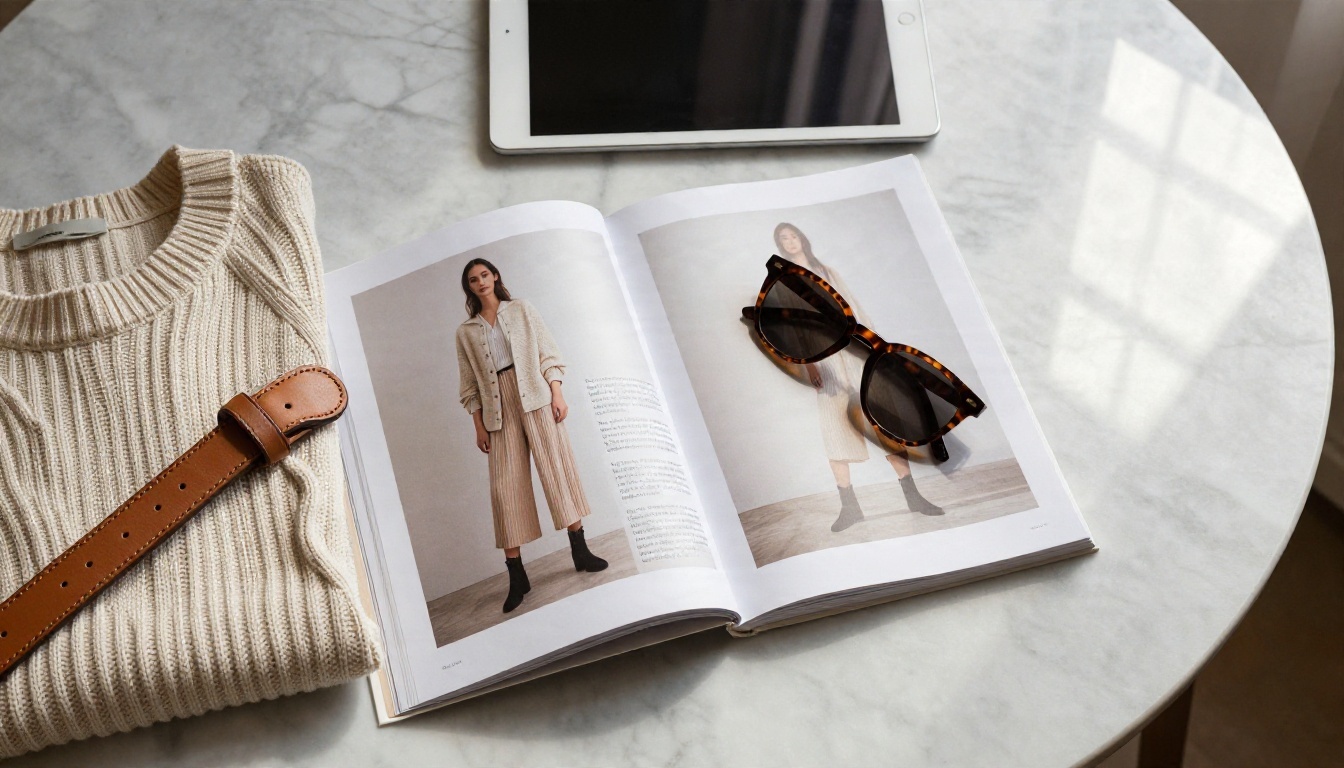
💡 Short answer: if you want a polished, page-turning lookbook with no watermark, password protection and buyer analytics, a dedicated flipbook platform beats a design app or a website builder. If you only need a quick draft, a free design tool is enough.
What a Digital Lookbook Actually Is
A digital lookbook is a curated sequence of images that presents a collection as a story: styled outfits, campaign locations, mood, and a few product details. Unlike a spreadsheet of SKUs, it sells a feeling first and a garment second.
Lookbook vs Catalog
People mix the two up, and the difference changes which tool you need.
| Feature | Lookbook | Product Catalog |
|---|
| Main goal | Inspire and set a mood | Inform and enable ordering |
| Content | Styled photos, short captions | Prices, sizes, SKUs, specs |
| Page count | 8 to 30 pages | 20 to 200+ pages |
| Audience | Customers, press, stylists | Wholesale buyers, retailers |
| Best format | Flipbook with large images | Searchable flipbook or PDF |
Many brands publish both. If you need the ordering side too, the Fashion Catalog Creator sits next to the lookbook tools and uses the same upload flow.
Why Brands Moved Online
Printing 300 glossy lookbooks is expensive, slow, and out of date the moment a colorway changes. A digital version fixes that:
- Instant updates: swap a page without reprinting anything.
- One link everywhere: newsletter, DM, QR code on a hangtag, press email.
- Measurable: you can see which pages hold attention.
- Mobile first: most shoppers will open it on a phone, so it must be responsive.
- Lower cost per viewer: after the photoshoot, distribution is almost free.
There is no single winner for every brand, but there is a clear winner for each need. This table sums up the main contenders. Vendors change plans often, so treat the trade-offs as typical rather than fixed and check current terms before paying.
| Platform | Best for | Free option | Main trade-off |
|---|
| Flipbooks AI | Branded page-turn lookbooks and catalogs | Start free | Needs a finished PDF or images first |
| Canva | Designing the pages themselves | Yes | Sharing and tracking stay basic |
| Issuu | Public, magazine-style publishing | Limited | Built around public discovery, less private control |
| Flipsnack | Teams with heavy template needs | Limited | Costs add up with more users |
| Heyzine | Quick PDF conversions | Yes | Free output usually carries branding |
| Website builder | Full control over design | Rarely | Slow build, higher cost, maintenance |
The pattern is simple. Design tools are great for making pages, flipbook platforms are great for publishing them, and website builders are great when you want everything custom and have the budget. Many smart brands combine a design tool with a flipbook publisher.
Free Options Worth Trying
Free is a legitimate starting point, especially for a first collection or a side project. Just know exactly what you are trading.
Design Tools With Sharing
Design apps let you lay out pages with templates, then share a link or export a PDF. They are excellent for drafting. The weak spot is the reading experience: you rarely get a realistic page-turn, a password, or reliable view data. Use them to build the layout, then publish elsewhere.

Free Flipbook Converters
Free flipbook tools take a PDF and give you a shareable page-turner. They are fast, and for a quick look at how your pages flow they are perfectly fine. The catch is usually a watermark, a page cap, or a logo over your work, and that is a problem when the whole point is looking premium. You can try the PDF to Flipbook Converter to see how a clean conversion should feel.
Where Free Plans Fall Short
Before you commit a launch to a free plan, check this list:
- Watermarks or platform logos on every page
- Page or file size limits that force you to cut looks
- No password protection for private wholesale previews
- No analytics, so you cannot tell what buyers opened
- No custom branding on the viewer or the share link
- Public listing of work you meant to keep private
⚠️ A watermark on a lookbook sent to a department store buyer can look like a missing budget. For press and wholesale, pay for the clean version.
Sticker prices are only part of the story. Here are rough monthly ranges so you can plan, though every vendor adjusts these over time.
| Tier | Typical monthly cost | What you usually get | Fits |
|---|
| Free | $0 | Basic publishing, limits, branding | First drafts, tests |
| Entry | About $10 to $25 | More publications, fewer limits | Solo designers |
| Professional | About $25 to $60 | Analytics, lead capture, custom branding | Growing brands |
| Team or business | $60 and up | Multiple seats, permissions, support | Agencies, retailers |
| Custom website | $1,000+ upfront | Total design control | Established labels |
For current Flipbooks AI plans, including which tiers unlock unlimited flipbooks and which add analytics, see the pricing page. Standard plans and above include unlimited flipbooks, and the Professional plan adds analytics and lead generation.

Hidden Costs Nobody Mentions
- Per-seat fees when your stylist, photographer and sales rep all need access
- Fees to remove branding, sold as an add-on
- Overage charges when a lookbook gets popular
- Reformatting time, which is the most expensive item of all if a tool demands special file sizes
- Migration pain if you build in a proprietary editor and later want to leave
Budget by Brand Stage
| Brand stage | Suggested setup | Why it works |
|---|
| Pre-launch | Free design tool plus a free flipbook test | Low risk while you refine the look |
| First collection | Design tool plus a paid flipbook plan | Clean, watermark-free link for press |
| Growing wholesale | Professional plan with analytics | See which buyers open which looks |
| Established label | Flipbook platform plus branded website | Lookbook feeds the main store |
Lookbook Examples That Work
Seeing real formats makes the choice easier. These three patterns show up again and again.
Streetwear Drop
Streetwear lives on attitude. A tight lookbook of 12 to 16 pages with full-bleed location shots, a short caption per look and a single link to the drop page does the job. Page-turn sound and a fast load matter, because the audience is on mobile and impatient.

Resort Capsule
Resort and swimwear collections depend on location and light. Open with one wide establishing shot, follow with detail pages on fabric and fit, and close with a styling page that pairs each piece with accessories. Large images carry this format, so choose a platform that never compresses your photos into mush.

Wholesale Line Sheet
Buyers want speed and detail. Put a look on the left page, its key fabrics and minimums on the right, and protect the whole thing with a password. Add contact details on the last page so interested buyers can act right away.
| Use case | Ideal page count | Must-have features |
|---|
| Streetwear drop | 12 to 16 | Fast mobile load, sound, shareable link |
| Resort capsule | 16 to 24 | High-resolution images, video clips |
| Wholesale line sheet | 20 to 40 | Password, downloads, analytics |
| Press lookbook | 8 to 12 | No watermark, easy embed |
| Bridal or occasion wear | 20 to 30 | Smooth page effects, appointment link |
How to Create a Lookbook with Flipbooks AI
If you want to see the dedicated approach in action, the Interactive Lookbook Designer and the Lookbook Flipbook Builder are built for exactly this. Here is the full flow, from file to share link.
Step 1: Upload Your PDF
- Design your pages in the tool you already like, using a landscape or square format with large photos.
- Export a high-quality PDF.
- Open Flipbooks AI and create an account.
- Click to create a new flipbook and drop in the PDF.
- Wait a few seconds while each page converts into a flippable spread.
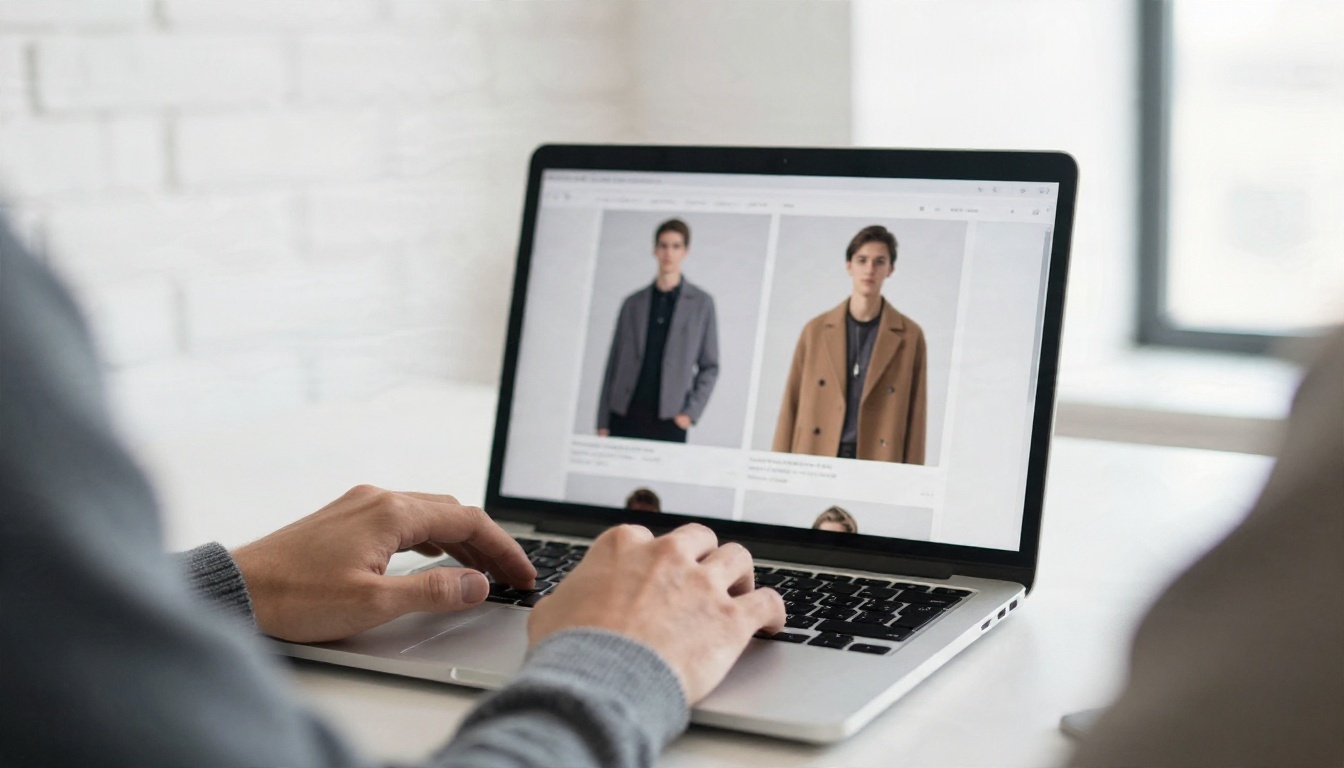
What you will see: a preview window with your pages laid out as a book, thumbnails along the bottom and a settings panel on the side.
Step 2: Customize the Look
- Add your logo and pick a background color that complements the collection.
- Choose a page effect such as a soft curl or a quick slide.
- Add video or audio to a page, such as a 10 second runway clip or a sound bed.
- Place links on products so a tap leads straight to the shop.
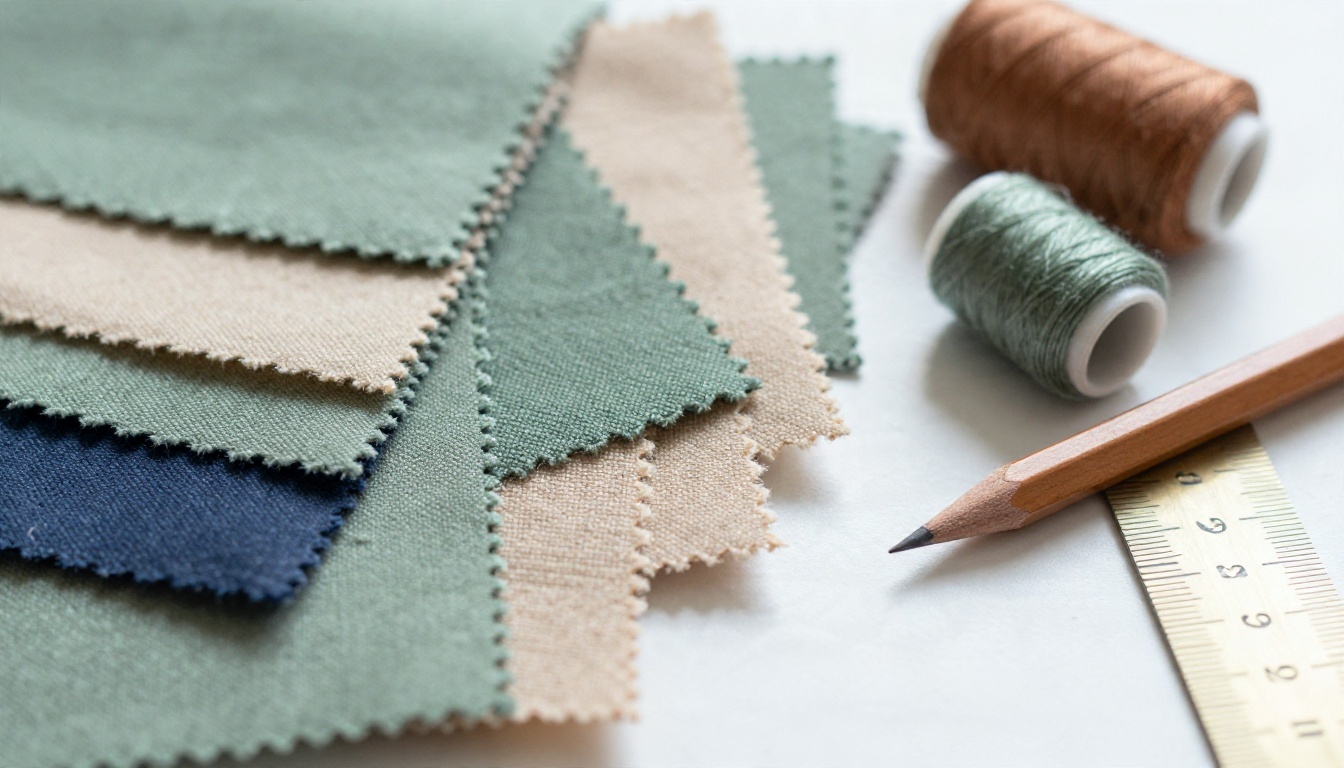
💡 Pull your background color from a single garment in the collection. It makes the viewer feel like part of the campaign rather than a generic reader.
Step 3: Share and Protect
Once the design feels right, pick how people will reach it:
- Direct link: perfect for DMs, email and QR codes
- Embed code: place the lookbook on your site with the Embed Flipbook on Website tool
- Password protection: keep a wholesale preview private
- Mobile view: the flipbook adapts automatically to phones and tablets

Step 4: Pro Features for Buyers
The Professional plan is where the lookbook starts working as a sales tool:
- Analytics show which pages get attention and for how long
- Lead generation asks for an email before opening, so you capture contacts
- Offline downloads let a buyer keep the lookbook for a meeting with poor signal
- No watermarks, ever, on any plan
Picture a small label sending a protected link to ten boutique buyers. Within a week the analytics show that most readers spent the longest on the outerwear pages. The designer leads the follow-up call with that capsule and books two orders.

Mistakes That Hurt Lookbooks
Even the best platform cannot rescue a weak file. Watch for these five:
- Tiny text on busy photos. If a caption needs squinting, cut it.
- Too many pages. A lookbook is an edit, not an archive. Aim for the strongest 12 to 24 pages.
- Low-resolution exports. Zoomed on a retina screen, soft images look cheap.
- No clear next step. End every lookbook with a link, a shop button or a contact page.
- Skipping a mobile check. Open the final link on your own phone before sending it to anyone.
A last quick checklist for choosing a platform:
| Question | Why it matters |
|---|
| Does it remove watermarks on paid plans? | Protects your brand image |
| Can I password protect a link? | Needed for wholesale previews |
| Is there view data? | Tells you who to follow up with |
| Does it work well on mobile? | Most views happen on phones |
| Can I embed it on my site? | Keeps traffic on your store |
The best platform for creating digital lookbooks is the one that matches your stage. Use a free design tool to draft, and publish with a flipbook platform once you need a clean, branded and trackable link. Ready to build yours? Create your account on Flipbooks AI and upload your first PDF in minutes.
When you are ready to go further, start free and upgrade when your lookbook needs analytics.


