Sending a mood board is one of those deceptively simple tasks that can quietly determine whether a project succeeds or falls apart. You spend hours curating the perfect visual direction, agonizing over every image and color, and then you attach it to an email. The client opens a flat JPEG, scrolls through it on their phone, and replies with "looks good I guess." That approval isn't enthusiasm. That's confusion dressed up as compliance.
The best way to send a mood board to clients isn't just about the file format. It's about the experience of receiving it, and that changes everything about how clients respond. Flipbooks AI gives creative professionals a way to turn static mood boards into interactive, page-turning presentations that feel intentional and polished, not just "here's a PDF."
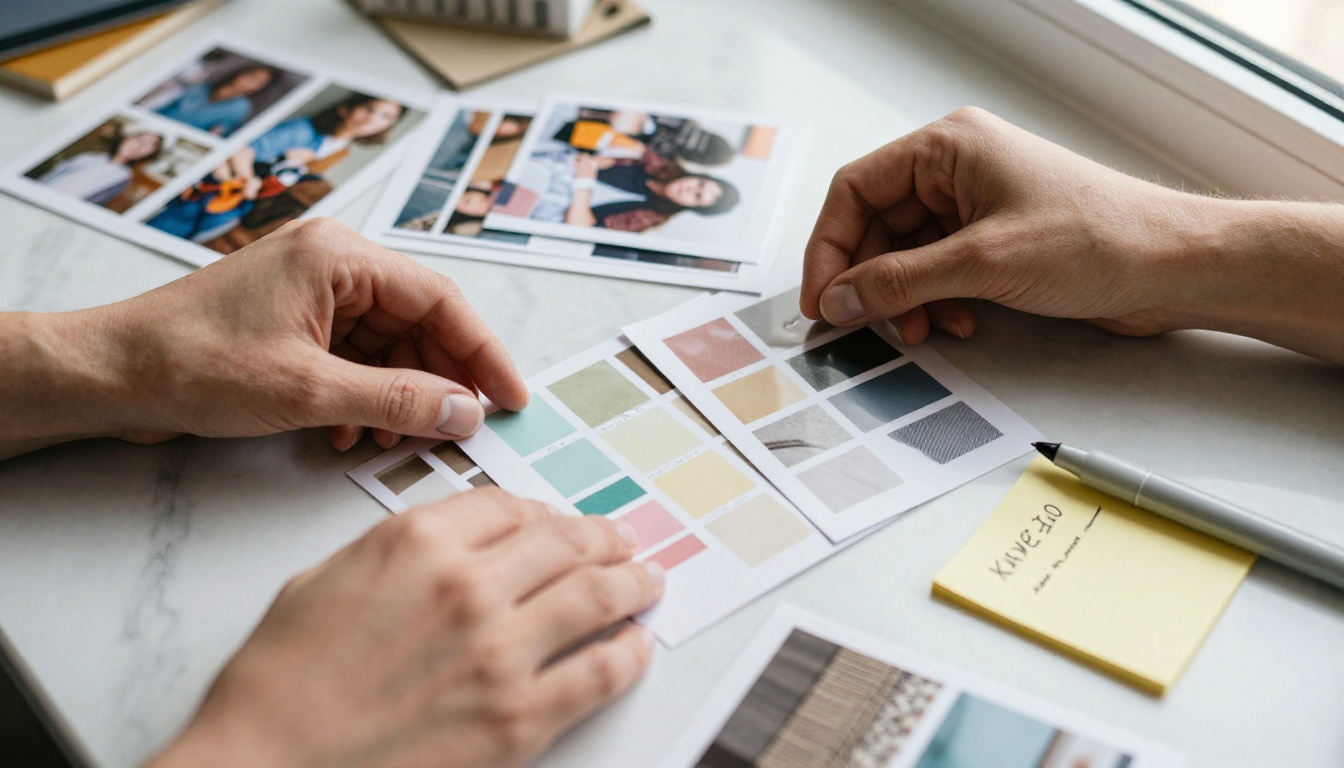
Why Your Delivery Method Kills Good Ideas
Most creatives obsess over the content of their mood board and completely ignore the container. But the container is what determines first impressions, and first impressions determine whether the client reads it carefully or skims past it.
Think about it from the client's perspective. They receive dozens of emails a day. When your mood board arrives as a 12MB JPEG attachment or a Google Drive link that requires permissions, it's already competing against everything else in their inbox. If it doesn't load cleanly or look polished on the first click, your carefully curated visual story is dead before it starts.
The format you choose sends a signal before the client sees a single image:
- A plain image file says: this is a draft, not a finished presentation
- A Google Drive link says: this is internal, not ready for clients
- A locked PDF with no context says: here's the thing, figure it out yourself
- A password-protected interactive flipbook with clear sections says: I'm a professional who respects your time and cares about presentation
Your creative direction is only as strong as the format carrying it. A jaw-dropping mood board buried inside a disorganized email chain loses to a clean, one-click flipbook every single time.
💡 The delivery method is part of the creative brief. Clients form opinions about your work before they read a single word.
What Clients Actually Need From a Mood Board
Before choosing how to send it, understand what clients are actually trying to do when they look at a mood board. Their needs are often different from what you assume.
They're checking if you "get" them
A mood board isn't just visual inspiration. It's a test. The client is asking: does this person understand what I'm trying to say without me having to explain it in spreadsheet terms? If the board resonates emotionally, the client feels understood. That feeling is worth more than any detailed project timeline.
They're looking for reasons to say yes
Most clients want to approve things. They don't enjoy revision loops. A well-structured mood board with clear labels, organized sections, and a narrative arc gives them permission to say yes confidently. Make it easy to approve.
They need to share it with someone else
Interior designers, brand strategists, wedding planners: their contact often isn't the final decision-maker. The business partner, the spouse, or the committee chair will see it secondhand. An easily shareable, mobile-friendly format that looks polished on any screen is not optional. It's essential. If your mood board can't be forwarded with one tap, you're already losing approvals you should be winning.
They want to feel the quality of the project they're investing in
A premium client paying for premium work expects premium presentation. The way you send a mood board tells them exactly how you'll treat every other deliverable.
✅ Always design your mood board as if the person approving it has never heard of you or your work.

Not every format performs equally when real clients actually receive it. Here's how the most common mood board delivery methods stack up in real-world situations.
| Format | Mobile-Friendly | Shareable | Looks Professional | Interactive |
|---|
| JPEG or PNG attachment | Partial | No | No | No |
| Google Slides link | Yes | Partial | Partial | Partial |
| PDF via email attachment | Partial | No | Partial | No |
| Canva share link | Yes | Yes | Yes | Partial |
| Interactive flipbook | Yes | Yes | Yes | Yes |
| Figma presentation | Partial | Partial | Yes | Partial |
The pattern is consistent: static formats fail on shareability and mobile experience. Interactive formats win across every dimension.
A PDF sent as an email attachment is the most common and the most forgettable format. Clients have to download it, open it in a PDF reader, scroll through it linearly, and then figure out how to forward it to their manager or partner. Every extra step is friction that dilutes the emotional impact of your carefully built visual direction.
Google Slides or Canva are more accessible, but they still feel like work-in-progress tools rather than polished client deliverables. Clients may see edit history, collaborative user icons, or leftover template elements that break the illusion of a finished presentation.
An interactive flipbook is currently the strongest format for client-facing mood board delivery. It opens in any browser with no downloads required, turns pages like a magazine, works beautifully on mobile and desktop, and feels like a finished product from a professional creative firm.
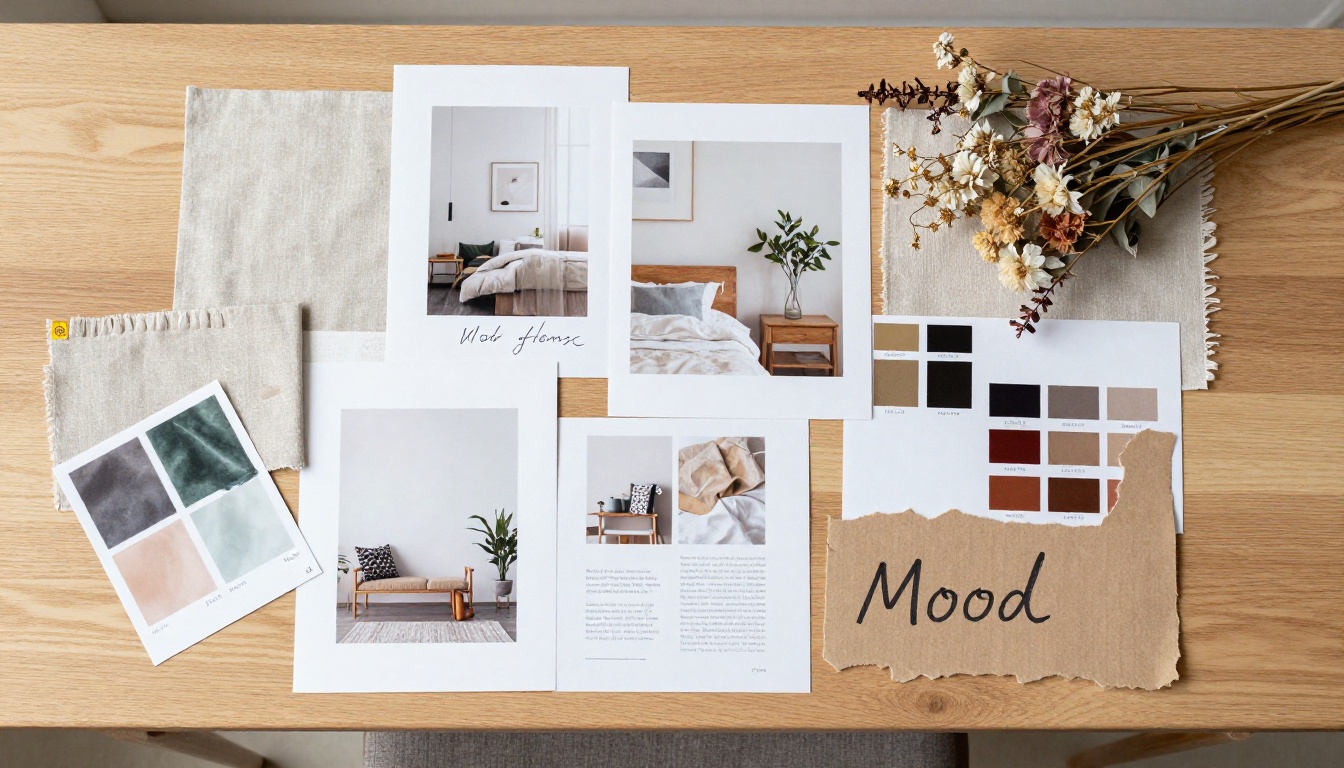
Here's a side-by-side comparison of the most popular tools designers use today for sharing mood boards with clients.
| Platform | Free Tier | Password Protection | View Analytics | Custom Branding | Page-Turn Effect |
|---|
| Flipbooks AI | Yes | Yes | Yes (Pro) | Yes | Yes |
| Canva | Yes | No | No | Partial | No |
| Issuu | Yes (limited) | No | Yes (Pro) | Partial | Yes |
| Adobe Acrobat Share | No | Yes | No | No | No |
| Milanote | Yes | No | No | No | No |
| Behance | Yes | No | Partial | No | No |
Flipbooks AI stands out because it combines the interactive page-turn presentation with practical client management features: password protection per flipbook, real-time view tracking, and custom branding throughout. You can lock a mood board presentation for a specific client, track the exact moment they opened it, and follow up at precisely the right time.
The Interactive Lookbook Designer and Digital Portfolio Creator are particularly strong for fashion, interior design, and brand identity projects where visual storytelling across multiple pages is central to the pitch.
⚠️ Avoid platforms that add their own watermarks or branding to shared content. It undercuts your professionalism and dilutes the impact of your presentation before the client reads a single word.
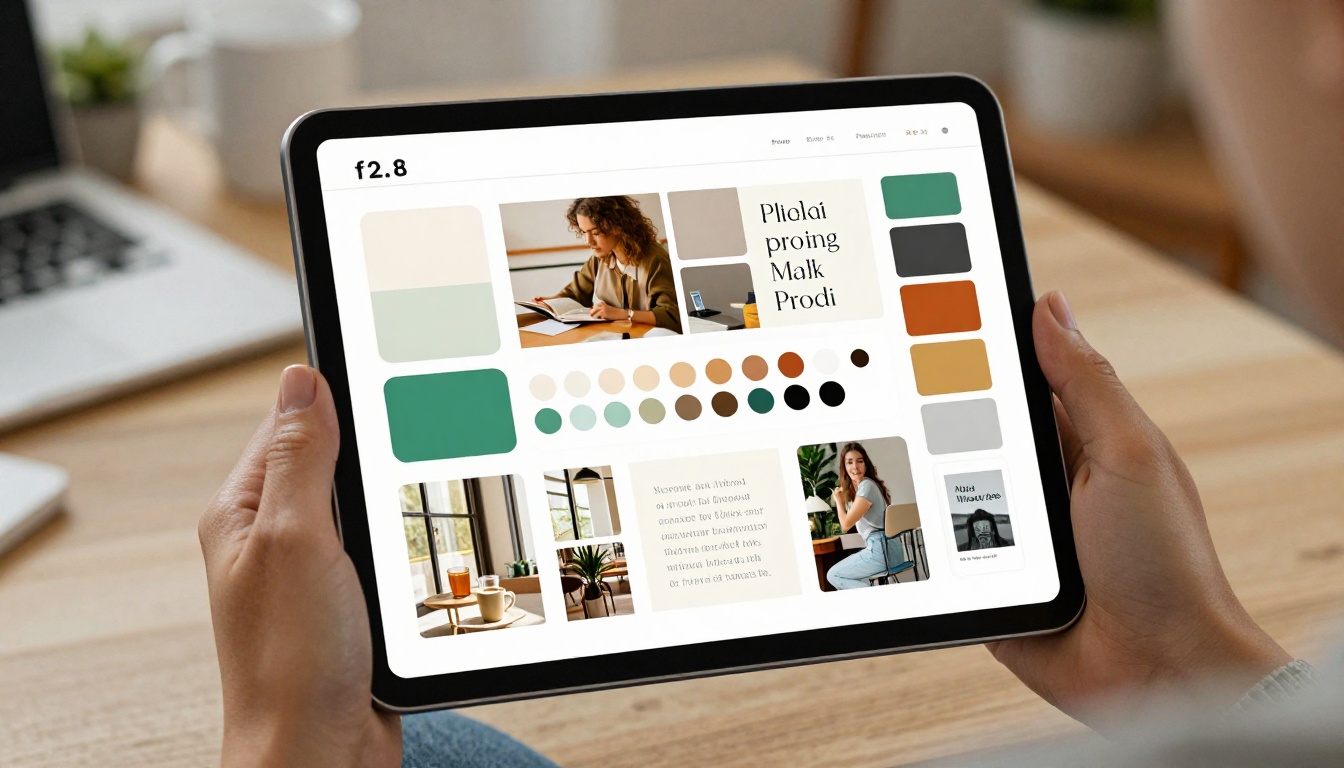
How to Share a Mood Board With Flipbooks AI
Flipbooks AI turns any PDF mood board into an interactive, shareable flipbook that clients can open on any device with a single click. Here's exactly how to do it.
Step 1: Build your mood board as a PDF
Use Canva, Adobe InDesign, or any design tool you already work in. Structure the PDF with clear sections: color palette, typography samples, imagery direction, material or texture references, and overall mood tone. Export at high resolution, at least 300 DPI for print-quality sharpness on retina screens.
Step 2: Create your account
Go to flipbooksai.com/account and sign up. The process takes under two minutes and no credit card is required to start.
Step 3: Upload your PDF
From your dashboard, click "New Flipbook" and upload your mood board PDF. Flipbooks AI converts it automatically, preserving your layout and full image quality. The page-turn animation is applied instantly without any manual setup.
Step 4: Customize the presentation
Add your branding: your studio logo, custom accent colors, and a personalized cover image. Rename the flipbook with the client's project name so it looks completely bespoke when they open it.
- Set a custom URL slug (e.g.,
flipbooksai.com/f/smith-brand-direction)
- Enable password protection for confidential client content
- Upload a custom thumbnail for the link preview image that appears in email and messages
Step 5: Share the link
Copy the direct link and paste it into your client email or proposal. No attachments. No downloads. One click and they're flipping through your creative direction on any device, at any time.
💡 For Professional plan users, enable analytics to see exactly when your client opened the flipbook, how many times, and which pages they spent the most time on. Time your follow-up message perfectly.
Step 6: Track and follow up
On the Professional plan, you get real-time view tracking. You'll know when the client opened the flipbook, how many unique sessions they had, and how long they spent on each page. That data replaces the awkward "did you get a chance to look at it?" email with a confident, well-timed follow-up.
What you get with Flipbooks AI:
- No watermarks, ever
- Unlimited flipbooks on Standard plan and above
- Password protection for private client presentations
- View analytics and lead capture tools on Professional plan
- Offline downloads for clients who need them
- Mobile-responsive design across all devices
- Custom branding throughout every page

What to Put in Your Mood Board
A mood board is only as strong as its structure. Here's what belongs in every client-facing mood board, regardless of industry or project type.
The core elements
- Color palette: 4-6 colors with hex codes and descriptive names ("Warm Sand #D4B896", "Deep Slate #3A4A5C")
- Typography samples: Show at least 2 typefaces in full context, not just the font name in isolation
- Imagery direction: 6-12 curated photos that represent the visual tone you're going after
- Material or texture references: Particularly important for interiors, fashion, packaging, and product design
- Mood words: 5-8 short phrases that define the emotional feeling ("quiet luxury", "grounded energy", "effortless warmth")
What separates good mood boards from great ones
- Narrative flow: Each page or section should build on the last, telling a cohesive visual story from beginning to end
- Generous negative space: Don't fill every pixel. White space communicates confidence and intentionality
- Brief annotations: One or two lines per section explaining why specific images or colors were selected
- One decisive direction: Great mood boards make a clear statement. They don't present three conflicting aesthetics and ask the client to pick their favorite.
⚠️ Never send a mood board that presents multiple conflicting directions and asks the client to "choose one." That's not presenting your vision. That's outsourcing the creative decision to someone who hired you specifically so they wouldn't have to make it.
4 Mistakes That Lose Client Trust
These are the most common ways mood board presentations collapse, even when the underlying creative work is genuinely strong.
1. Sending it cold with no framing
A mood board without context is just images. Write 2-3 sentences before the link: what the board represents, what creative decisions it will inform, and what you're asking the client to do next.
Example framing:
"Here's the visual direction for your brand refresh. This board represents the 'quiet warmth' aesthetic we discussed in the kickoff call, anchored around warm neutrals and lifestyle photography. I'm looking for your honest gut reaction before we move into design development."
That framing takes 30 seconds to write and doubles the quality of the feedback you receive.
2. Using low-resolution or watermarked images
Pixelated photos or Getty watermarks in a mood board signal one thing: you didn't care enough to source properly. Every image should be crisp, high-resolution, and color-accurate. If you're screenshotting from Instagram or Pinterest without sourcing originals, the quality of your presentation suffers immediately.
3. No clear next step
End every mood board presentation with a specific, time-bounded ask. "Let me know your thoughts" is not a next step. "Reply with a thumbs up or written reaction by Thursday so we can lock the direction before kickoff" is a next step.
4. Not following up within 48 hours
If you sent the mood board and heard nothing in two business days, follow up. Not with "just checking in" but with something concrete: "Happy to walk you through this on a quick call if it helps. Seeing your reaction in real time makes the direction-setting phase much faster for both of us."
Pairing Mood Boards With Other Client Deliverables
The most effective creative workflows treat the mood board as one layer in a larger presentation sequence, not a standalone document.
| Deliverable | When to Send | Best Format |
|---|
| Creative brief summary | Before mood board | PDF or Google Doc |
| Mood board | After kickoff alignment call | Interactive flipbook |
| Concept presentation | After mood board approval | Flipbook or slides |
| Design proposals | After concept sign-off | PDF or flipbook |
| Final deliverables | After full client approval | Native files with PDF receipt |
This sequencing matters. The mood board should never be the first thing a client sees. It should feel like a logical, earned next step after they've articulated their goals in writing and you've confirmed you understood them correctly.
For brand identity, fashion, or interior design projects, the Interactive Lookbook Designer works perfectly as the concept presentation that follows the mood board, keeping the visual consistency and professional format consistent across every client touchpoint.
Real-world scenarios
Interior designer, residential project: An interior designer working on a high-end home renovation uploads a 10-page PDF mood board to Flipbooks AI, password-protects it, and sends a link with a custom cover thumbnail showing the living room color palette. The client opens it on their iPad, flips through the pages like a magazine, and shares the link with their spouse. Both approve within the hour.
Brand strategist, startup rebrand: A brand consultant shares a mood board flipbook link with a SaaS founding team before their weekly all-hands. The link is forwarded internally. Analytics show 7 unique sessions with an average view time of over 4 minutes per session. The consultant calls with confidence, knowing the board landed, before anyone on the client side calls first.
Wedding planner, venue presentation: A planner uses the Wedding Album Flipbook tool on Flipbooks AI to present the ceremony aesthetic. The page-turn effect mimics the feeling of flipping through a luxury magazine. The couple calls 20 minutes after receiving the link to confirm the direction.
When to Send It (Timing Matters More Than You Think)
Even the best mood board lands differently depending on when it arrives. Timing your delivery is one of the most overlooked parts of the client presentation process.
Avoid Mondays before noon. Clients are catching up on the week and unlikely to give your board the attention it deserves. They'll open it, skim it, and move on.
Tuesday through Thursday, mid-morning is consistently the best window. Clients are focused, inbox volume is manageable, and they have time to sit with the board before their afternoon fills up.
Always send before the call, not during it. Sharing a screen in a video meeting while a client sees the mood board for the first time removes their ability to form their own first impression. Send it 24-48 hours before any presentation call so the emotional response happens before the discussion.
Follow up on the same day as your call reminder. If you're presenting the mood board on Thursday, send the link Tuesday and a brief reminder Wednesday with: "Looking forward to talking through your thoughts tomorrow."
💡 The ideal mood board delivery window is Tuesday or Wednesday morning, 48 hours before any scheduled discussion call.

Send It Right, Get Approved Faster
The best way to send a mood board to clients is simple: make it impossible to misread, easy to share, and satisfying to experience. Every friction point between your creative vision and the client's approval is a risk you don't need to take.
Interactive flipbooks solve the delivery problem. Clear structure solves the comprehension problem. A specific call to action solves the non-response problem. Timing solves the "they didn't really look at it" problem.
If you're still sending mood boards as email attachments or plain PDF links, that changes now. Create your first flipbook on Flipbooks AI, upload your next mood board PDF, and see how differently clients respond when the delivery matches the quality of the work inside it.
Browse all available tools and templates to find the right format for every project type, from brand identity and interiors to fashion and event planning. Compare pricing plans to choose the features that match your workflow. For creative professionals who present work to clients regularly, the upgrade pays for itself the first time a client approves a mood board without asking for a single revision.
Get started on Flipbooks AI and make your next mood board the one clients actually remember.



