Sending a press kit in 2027 is not the same as it was five years ago. Journalists are overwhelmed, inboxes are flooded, and a clunky PDF attached to a generic cold email gets deleted before it is even opened. If you want your brand to get covered, you need to rethink how you package, deliver, and follow up on your media materials. Flipbooks AI exists precisely for this moment, giving brands the tools to send interactive, professional press kits that actually get read.
What Goes Into a Press Kit
Before you worry about how to send it, get the contents right. A weak press kit with a slick delivery method is still a weak press kit.
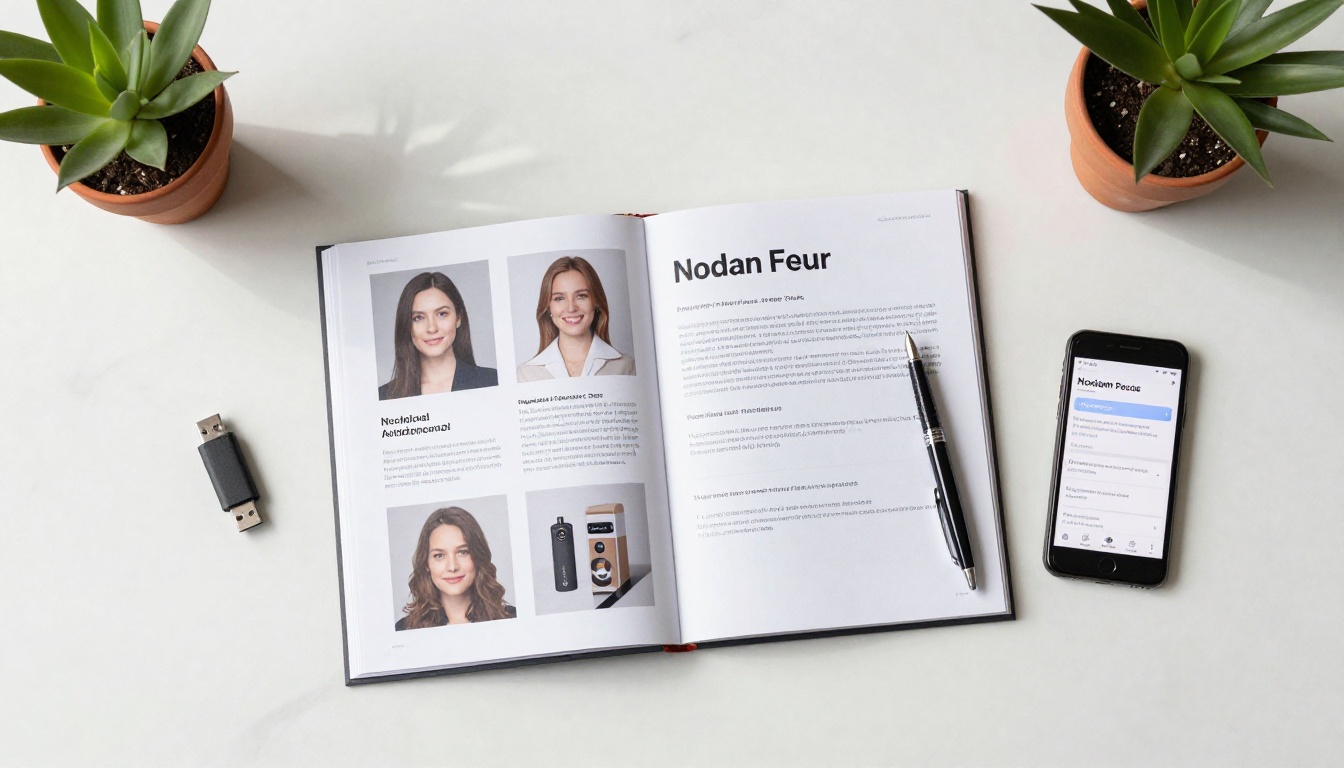
The Non-Negotiables
Every press kit in 2027 needs these elements without exception:
- Company overview: Two to three paragraphs. Who you are, what you do, and why it matters right now.
- Founder or spokesperson bio: Written in third person. Include a professional headshot (minimum 300 DPI, JPEG or PNG).
- Brand logos: Multiple formats (SVG, PNG, transparent background). Light and dark versions.
- High-resolution product or brand photography: Minimum 5 images, print-ready.
- Key statistics or traction data: Revenue milestones, user counts, press mentions, awards.
- Recent press release: The most current news hook. Why should media care right now?
- Contact information: A specific person, not a generic inbox. Phone number, direct email.
Optional but High-Impact
These elements separate a basic media kit from one that earns coverage:
- Video reel or sizzle clip (30 to 90 seconds, hosted externally)
- Social proof section: Testimonials, influencer partnerships, notable clients
- FAQ for journalists: Anticipate the five most common questions about your brand
- Editorial calendar notes: Upcoming product launches or campaigns a journalist could tie coverage to
- Boilerplate: A single standardized paragraph approved for reuse at the bottom of all press materials
💡 Keep your press kit under 20MB if you send it as a file. Better yet, host it online and share a link.
Why PDF Attachments Are Dead
Let's be direct: sending a press kit as a PDF email attachment in 2027 signals that you are behind. It is not about aesthetics. It is about how journalists actually work.
What Journalists Actually Hate
A media professional at a major publication can receive 200 or more pitches in a single day. Here is what they consistently report kills a pitch immediately:
- Heavy attachments that slow down their inbox
- Files that don't open on mobile
- Non-searchable PDFs, especially scanned documents
- Broken image links inside PDFs
- No way to share or forward assets easily to an editor or photo desk
- Generic, untailored pitches with the same attachment everyone else sent
The Inbox Problem
Email clients like Gmail automatically deprioritize messages with large attachments from unknown senders. Your 8MB PDF may be triggering spam filters before the journalist even sees your subject line. A lightweight email with a clean hosted link performs significantly better for deliverability and engagement.

⚠️ Never send press kit assets as ZIP files. Most corporate email servers block them outright and many journalists report them to IT as suspicious.
Not all delivery formats are equal. Here is how the main options compare for modern media outreach.
| Format | Mobile-Friendly | Trackable | Easy to Share | Professional Look | Hosting Required |
|---|
| PDF Attachment | Partial | No | Difficult | Basic | No |
| Google Drive Folder | Yes | Partial | Yes | Moderate | No |
| Digital Flipbook | Yes | Yes | Yes | Excellent | Yes (included) |
| Press Kit Website | Yes | Yes | Yes | Excellent | Yes (custom setup) |
| USB Drive or Physical | No | No | No | High (events only) | No |
Digital Flipbook (Best Option)
A digital flipbook press kit is the current standard for brands that take media relations seriously. It presents your materials as an interactive, page-turning document that looks stunning on any device. It loads instantly as a link, and journalists can scroll, zoom, share, and bookmark it without downloading a single file.
The Press Kit Designer on Flipbooks AI makes this process fast. You upload your PDF press kit and within minutes it transforms into a polished, branded interactive experience. No code required. No design degree needed.
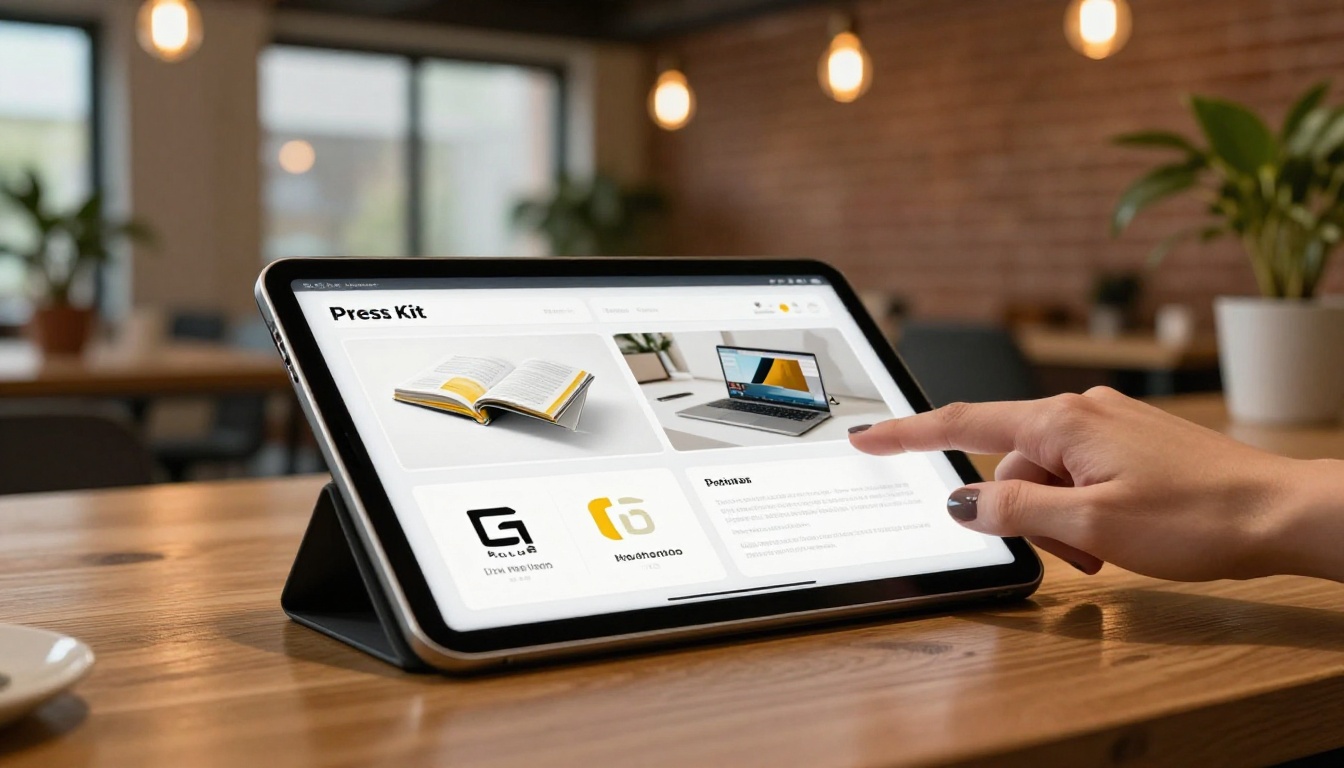
✅ Flipbook press kits load in under 3 seconds. PDF email attachments can take 30 or more seconds to download on a mobile connection.
Hosted Link or Cloud Folder
For brands not ready to build a full flipbook experience, a well-organized Google Drive or Dropbox folder with clear naming conventions is a significant improvement over attachments. The key is structure: one folder per media tier (broadcast, print, digital, podcast), with clearly labeled subfolders for logos, photography, bios, and press releases.
This approach is free but has real limitations. You cannot track who opened what, cannot password-protect individual assets, and the visual presentation is purely functional rather than impressive.
Physical Press Kits (Events Only)
Physical press kits still have a narrow but legitimate use case: in-person press conferences, trade shows, and product launch events. A well-printed folder with embossed branding, a USB drive, and professionally printed materials creates a tactile impression that a digital file cannot replicate in a room. For day-to-day outreach, the economics simply do not work. Printing, assembly, and shipping cost between $15 and $60 per kit, with no ability to track opens or update content after distribution.
How to Build a Digital Press Kit with Flipbooks AI
Flipbooks AI is the fastest way to turn your static press materials into a professional interactive press kit. Here is exactly how to do it.
Step 1: Create your account
Go to flipbooksai.com/account and sign up. The Standard plan includes unlimited flipbooks with no watermarks, which is exactly what you need for press kit distribution.
Step 2: Prepare your PDF
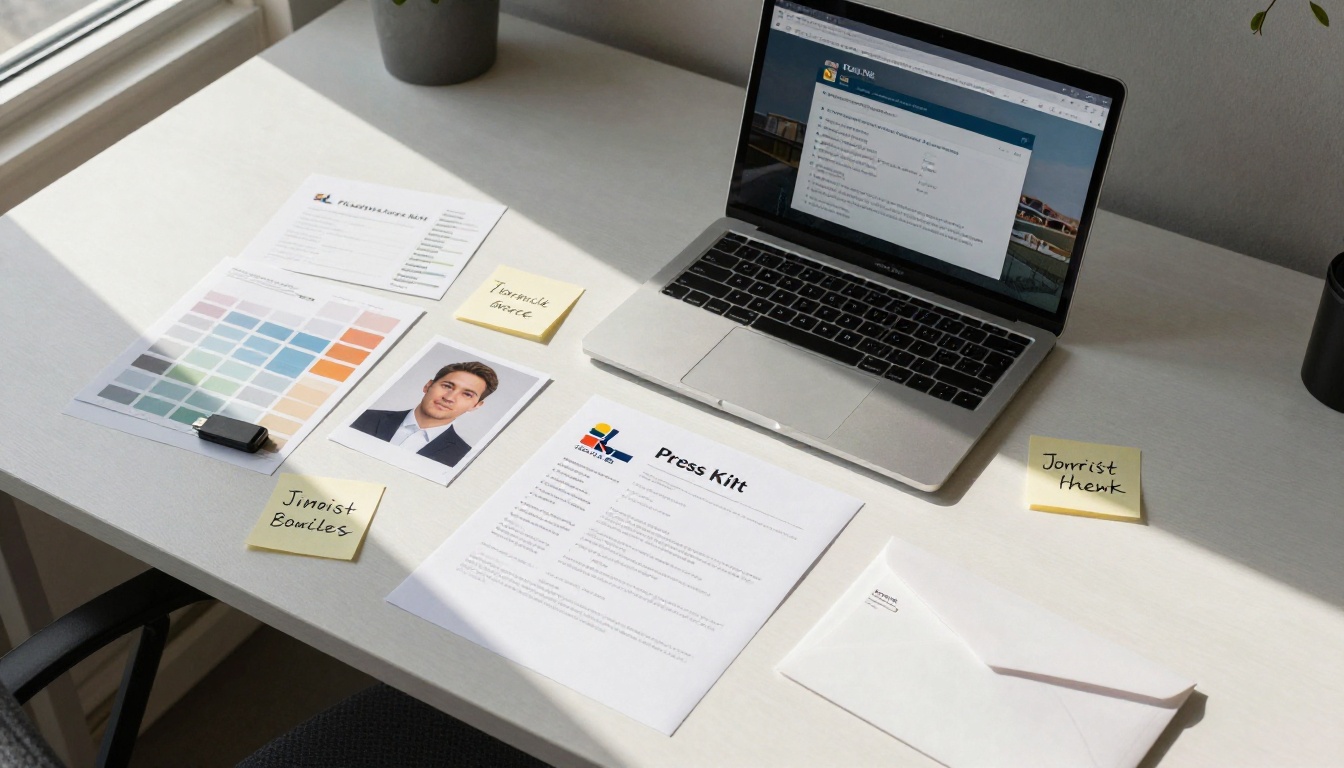
Before uploading, structure your PDF press kit correctly. First page should be your cover. Include a table of contents on page two. Organize sections clearly: About, Team, Press Release, Assets, Contact.
Step 3: Upload and convert
Use the PDF to Flipbook Converter to upload your file. The platform processes it automatically and generates your flipbook in minutes.
Step 4: Add custom branding
In the editor, add your brand colors, logo, and custom domain. This is critical for press kits. When a journalist opens a link and sees a generic platform, it undermines the impression your brand makes. With Flipbooks AI, your press kit domain can look like press.yourbrand.com.
Step 5: Configure sharing settings
Decide whether your press kit is public or protected. For embargoed launches or private brand information, enable password protection. For general media outreach, keep it public and copy your shareable link.
Step 6: Embed or share the link
Share the direct URL in your pitch email, embed the flipbook on your press page using the Embed Flipbook on Website tool, or use both. Including an embed on a dedicated press page signals professionalism to journalists who research your brand before responding to a pitch.
Step 7: Track engagement (Professional plan)
With the Professional plan, you get analytics on who opened your press kit, how many pages they viewed, and how long they spent on each section. This data transforms your media outreach from guessing into a precise operation.
💡 Journalists who spend more than 45 seconds on your press kit are warm leads. Follow up with them within 24 hours of that activity.
How to Send Your Press Kit Step by Step
Having a great press kit is only half the work. The delivery strategy determines whether it gets read.
Build Your Media Contact List First
This is where most brands go wrong. They spend weeks on the press kit and five minutes on the list. Your media contact list should be:
- Tiered: Tier 1 (national publications, major outlets), Tier 2 (industry trade publications), Tier 3 (blogs, podcasts, newsletters)
- Specific: Journalist names, not generic tips@ or editor@ addresses
- Current: Journalists move outlets constantly. Verify each contact within the past 90 days
- Relevant: A food journalist does not cover fintech. Hyper-targeted lists outperform large generic lists every time
Tools like Muck Rack, Cision, and LinkedIn are effective for building verified journalist contact lists in 2027.

Write the Pitch Email
The email is the door. The press kit is the room. If the door does not open, the room does not matter.
A high-performing pitch email in 2027 follows this structure:
Subject line formula: [Specific Hook]: [Brand] + [Why Now]
Examples:
New study: 73% of consumers prefer interactive media kits (press assets inside)Series A announcement: [Brand] raises $4M to reinvent XExclusive: [Brand] launches first AI-powered Y in North America
Email body structure:
- Opening sentence: The news hook. One sentence. No warm-up.
- Context paragraph: Who you are, why this matters to their readers, and why now.
- The link: "Full press kit available here: [link]". Keep it visible, not buried.
- The ask: Be specific. "Would you be interested in a 15-minute interview with our founder?" or "Would this fit your upcoming coverage of X?"
- Signature: Name, title, direct phone, company URL.
Keep the entire email under 200 words. Journalists do not read long pitches.
Timing Your Send
| Day | Open Rate | Best For |
|---|
| Tuesday | Highest | Major announcements, product launches |
| Wednesday | High | Feature pitches, profile pieces |
| Thursday | Above average | Follow-ups, trend stories |
| Monday | Average | Avoid major news pitches |
| Friday | Low | Never for first contact |
| Weekend | Very Low | Never |
Send between 7:00 AM and 9:00 AM in the journalist's time zone. This puts you at the top of their inbox when they start their day, before the flood of afternoon pitches arrives.
When to Follow Up
One follow-up is acceptable. Two is pushing it. Three or more crosses into harassment territory.
Wait 3 to 5 business days after your initial send before following up. Keep the follow-up to two sentences:
"Hi [Name], circling back on my note from [date] regarding [topic]. Happy to answer questions or provide additional materials. Full press kit: [link]."
If there is no response after two attempts, move on. A non-response is an answer.
Press Kit Distribution Channels Compared
Beyond direct email, there are multiple channels for distributing a press kit in 2026.
| Channel | Cost | Reach | Control | Tracking | Speed |
|---|
| Direct email (personalized) | Free | Targeted | Full | With analytics | Same day |
| Press release wire (PR Newswire) | $300 to $800 | Broad | Partial | Partial | Same day |
| Dedicated press page (website) | Hosting cost | Organic | Full | Via analytics | Always on |
| Digital Flipbook link | Platform cost | Targeted | Full | Full (Pro plan) | Same day |
| Social media (LinkedIn) | Free | Network | Partial | Platform analytics | Real-time |
| PR agency outreach | $2,000+ per month | Very broad | Outsourced | Outsourced | Ongoing |
💡 The highest-ROI combination: a personalized email pitch with a Flipbooks AI press kit link, plus a permanent press page embed on your website.
Common Mistakes That Kill Coverage
Even a perfect press kit fails when these errors creep in.
Sending too early or too late: Major publications work on 4 to 6 week editorial lead times for print. Digital outlets can often cover news within 24 to 48 hours. Know which you are pitching and time your outreach accordingly.
No exclusivity offer: Offering a Tier 1 outlet a 48-hour exclusive on a story dramatically increases pickup rates. "I'm offering [Publication] an exclusive on this story until [date]" signals respect for their readers and their competitive position.
Ignoring mobile formatting: More than 60% of journalists read pitches on their phones. Test your press kit link on mobile before sending. A flipbook from Flipbooks AI is mobile-responsive by default. A static PDF is not.
Using a generic subject line: "Press Kit from [Brand]" is a guaranteed delete. Your subject line must contain a concrete news hook.
Sending to the wrong beat: Technology journalists do not cover restaurants. Lifestyle editors do not cover B2B software. Match your pitch to the journalist's actual beat, or your credibility takes a hit.
Letting press kit content go stale: Old statistics, outdated headshots, and press releases from two years ago signal to a journalist that your brand is no longer active. Update your press kit every quarter at minimum.
Different outlets have different expectations. Here is what each tier typically wants.
| Media Tier | Preferred Format | Response Time | Key Expectation |
|---|
| National TV or Radio | Digital link, PDF on request | 48 to 72 hours | Interview-ready spokesperson |
| Major print publications | Digital flipbook or press page | 4 to 6 weeks lead | Exclusive angle, solid data |
| Industry trade media | PDF or flipbook | 1 to 2 weeks | Technical depth, case studies |
| Digital news outlets | Digital link only | 24 to 48 hours | Fast facts, visual assets ready |
| Podcasts | One-page PDF or Google Doc | 1 to 2 weeks | Bio, talking points, headshot |
| Influencers or Creators | Digital flipbook or social-ready assets | 3 to 7 days | Visual quality, brand story |
Your Press Kit Is a Living Asset
The brands that consistently earn media coverage in 2027 are the ones that treat their press kit as a living document, not a one-time project. They update it when numbers change, add new headshots when the team grows, swap in fresh press releases with every campaign, and track engagement data to refine their outreach strategy over time.
A digital flipbook makes all of this operationally easy. When you update the source PDF and re-upload to Flipbooks AI, your shareable link stays the same. Every journalist who has bookmarked it automatically sees the latest version. No need to re-send, no stale links, no confusion.
If you want to take your media relations seriously in 2027, start with the right tool. Use the Press Kit Designer to build your first interactive press kit today. Create your account in minutes and have a shareable, trackable, professionally branded press kit ready to send before your next pitch goes out.
Not sure which plan fits your needs? Compare pricing plans to find the right tier for your outreach volume and feature requirements.
The journalists are out there. The coverage is available. What you send them, and how you send it, is what makes the difference.



