Sharing a family tree used to mean mailing photocopies and hoping they arrived. Today, the options are almost overwhelming, and that's exactly the problem. Between genealogy platforms, shared drives, PDF exports, and social groups, most people spend more time choosing a method than actually sharing their history. This article cuts through that noise and gives you a clear picture of what actually works, what your relatives will actually open, and how tools like Flipbooks AI make the whole process surprisingly painless.

Why Sharing Feels Harder Than It Should
You've spent months piecing together your family history. You have names, dates, stories, and photographs. Now you want to share it, and suddenly you're facing a wall of decisions: Which platform? What format? Who gets access? How do you make it look good?
The Format Problem
Most genealogy software exports data in GEDCOM format, a file type that means absolutely nothing to the cousin who opens it on their phone. Even PDF family trees can run to dozens of pages, making them impractical to scroll through on a mobile screen. The format you choose isn't just a technical detail. It directly determines how many relatives actually engage with what you've built.
The Privacy Problem
Family trees contain sensitive information: living relatives' full names, birth dates, locations. Posting everything publicly on a genealogy website creates real privacy risks. But locking everything down behind complex permissions means the people you most want to reach never see it. Finding the right balance is one of the most underestimated challenges in genealogy sharing.
What Most Families Try First
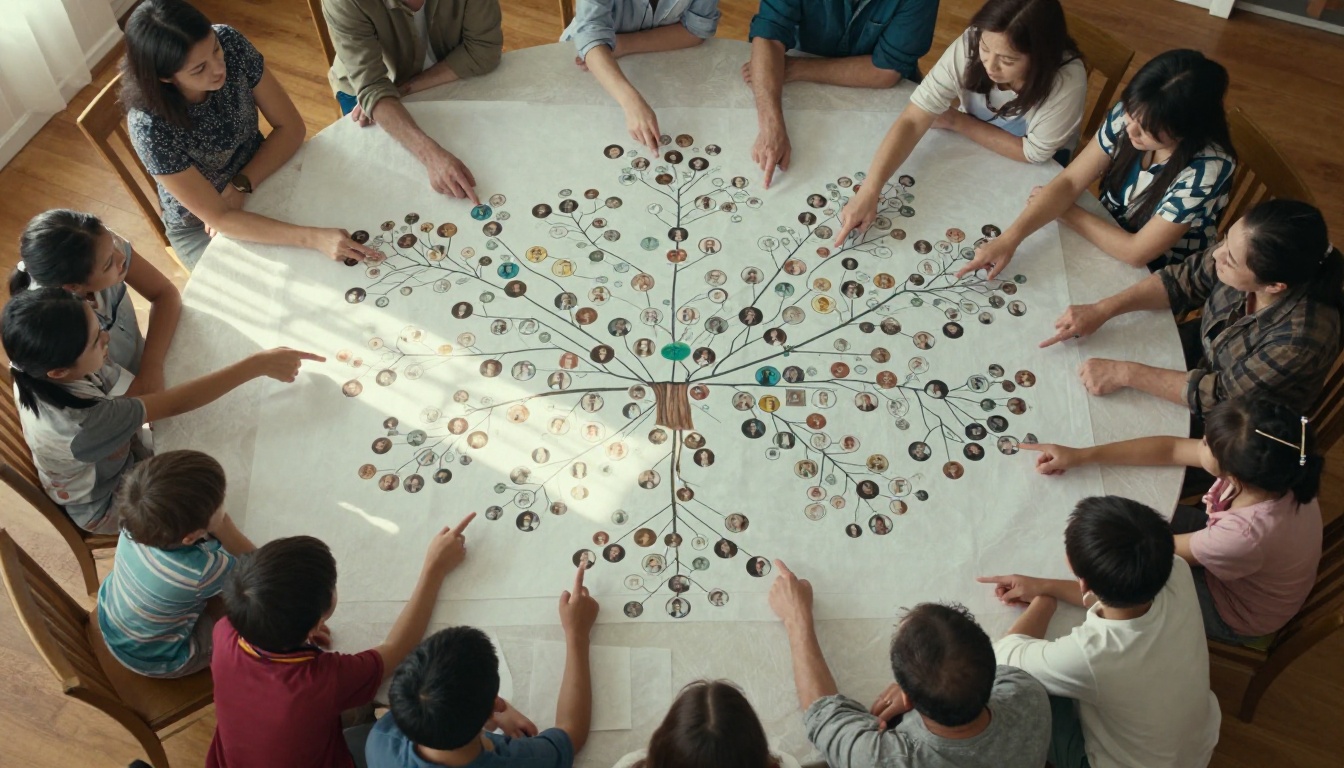
The first instinct for most people is to print the tree and hand it out at a family reunion, or to email a PDF attachment. These work for a single moment in time, but they create a maintenance headache. Every time you add a new branch or correct a date, you're starting the distribution process over from scratch.
Here's a quick look at how common methods compare before we get into what actually works best:
| Method | Ease of Sharing | Mobile-Friendly | Privacy Control | Stays Updated |
|---|
| Email PDF attachment | Easy | Poor | High | No (manual) |
| Genealogy website | Moderate | Good | Moderate | Yes |
| Printed booklet | Very easy | N/A | High | No |
| Shared cloud folder | Easy | Moderate | High | Manual |
| Digital flipbook | Easy | Excellent | High | Yes |
| Private Facebook group | Easy | Excellent | Moderate | Yes |
The table tells a clear story. Digital flipbooks hit every column without compromise, and that's why they've become the format of choice for families who want something that looks professional and works on any device.
The 5 Best Ways to Share a Family Tree Online
1. Dedicated Genealogy Websites
Platforms like Ancestry, MyHeritage, and FamilySearch are purpose-built for this work. They store your data, show visual tree views, and let you invite family members to collaborate. The downsides are real though: most require accounts, the interfaces feel clinical rather than warm, and the monthly fees for full features add up fast.
💡 Use genealogy platforms as your research and storage hub, then export your work to a more readable format for sharing with family members who won't create an account.
2. Interactive Digital Flipbooks
This is where the gap between "technically shared" and "actually read" closes dramatically. A digital flipbook turns your family history into a page-turning experience that looks like a real book on any screen. You can include photographs, charts, captions, and even embedded audio or video. Relatives open it the way they'd open a magazine, swiping through pages instead of scrolling an endless document.
Flipbooks AI is the tool that makes this possible without design skills or technical knowledge. You upload a PDF, the platform converts it instantly, and you get a shareable link that works on phones, tablets, and desktop computers. No app download required on the reader's end.

3. Private Shared Drives and Cloud Folders
Google Drive, Dropbox, and iCloud folders work well for families who are comfortable with file management. You create a folder, drop in your exports, PDFs, scanned photographs, and documents, then share a link. Access control is granular, and updates happen in real time.
The limitation here is presentation. A folder of files feels like a filing cabinet, not a family heirloom. There's no narrative, no warmth, and no reason for anyone to come back and browse.
4. Family-Specific Social Groups
Private Facebook groups or WhatsApp communities let you post updates, share photographs, and spark conversations in a format your relatives already use daily. The engagement tends to be high because the platform is familiar. The problem is that posts get buried quickly, there's no structured archive, and you have very little control over the final presentation.
⚠️ Social media groups are not reliable long-term archives. Platforms change their privacy policies, accounts get suspended, and groups can disappear without warning. Never use a social group as your only copy.
5. Email Newsletters and PDF Exports
For families with older relatives who are less comfortable with apps and platforms, a well-designed email newsletter or an attractive PDF remains one of the most reliable sharing methods. Tools that convert your genealogy documents into clean PDFs, which you can then convert to flipbooks, hit an ideal middle ground: the distribution is email, but the reading experience is rich and visual.
How to Turn Your Family Tree Into a Flipbook
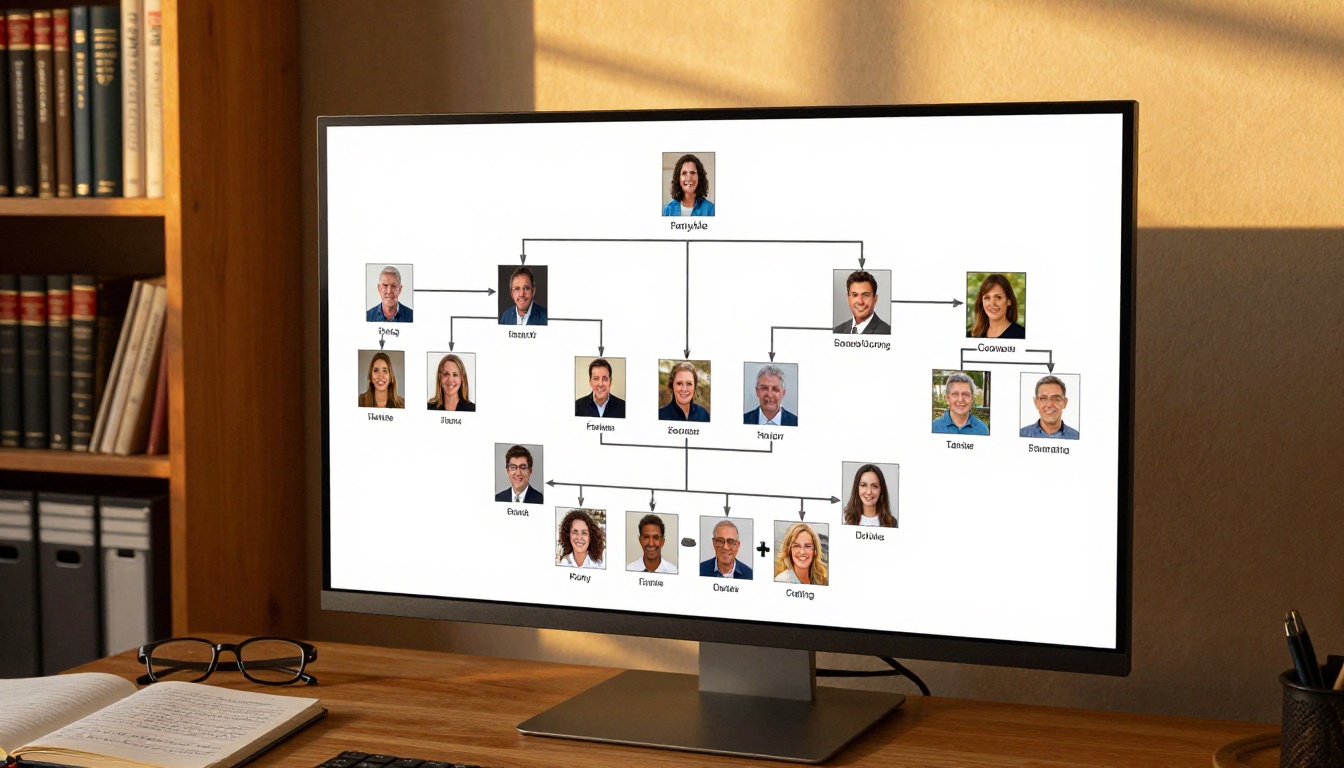
This is where Flipbooks AI makes a genuine difference. Here's exactly how to take your family tree from a static document to a shareable, interactive experience:
Step 1: Prepare your PDF
Export your family tree and any accompanying photographs, stories, or documents as a single PDF. Most genealogy software has a PDF export option. If you're working from multiple files, use a free PDF merger to combine them into one document before uploading.
Step 2: Create your account
Head to Flipbooks AI and sign up. The Standard plan gives you unlimited flipbooks with no watermarks, which is exactly what you want when sharing something as personal as a family history.
Step 3: Upload your PDF
Click "Create New Flipbook" and upload your PDF. The platform processes the file and generates a page-turning flipbook automatically. Large PDFs with many photographs typically process within a minute.
Step 4: Customize the presentation
This is where your family history goes from "document" to "keepsake." You can:
- Add your family surname as the flipbook title
- Set custom branding colors to match your family's aesthetic
- Enable the page-flip animation for that authentic book feel
- Add a custom thumbnail that appears when you share the link
- Embed family videos directly into relevant pages
Step 5: Set privacy and sharing options
For family trees, you'll almost certainly want a private link rather than a public one. Flipbooks AI lets you add password protection so only family members with the password can view the content. This solves the privacy problem without sacrificing the experience.
Step 6: Share the link
Copy the shareable link and send it via email, family group chat, or wherever your family communicates. Everyone who opens it gets the same beautiful page-turning experience, on any device, with no account required on their end.
✅ Send the link alongside a short personal note explaining what's inside. "I just finished putting together our family history going back to 1847, here's the link" gets opened. A bare link does not.

Privacy Settings That Actually Matter
Who Sees What
The key distinction in online family tree sharing is the difference between living people and historical records. Most privacy best practices follow this logic:
- Historical records (people born before 1930, deceased relatives): generally safe to share more openly
- Living relatives: full names, birth dates, and locations should always be behind a private link or password
- Photographs of minors: always restrict to family-only access
Password Protection and Private Links
Flipbooks AI includes password protection on Standard plans and above. This single feature solves most family privacy concerns. You set one password, share it with family members via a separate channel, a text message or a phone call, and your family tree stays completely private to outsiders while remaining accessible to the people who matter.
| Privacy Level | Best For | Tools That Help |
|---|
| Public link | Historical-only trees, no living data | Any platform |
| Password-protected link | Mixed historical and living data | Flipbooks AI, Ancestry |
| Invitation-only access | Sensitive or recent family data | MyHeritage, Ancestry |
| Offline or printed only | Maximum privacy | PDF export, print |
Getting Relatives to Actually Engage
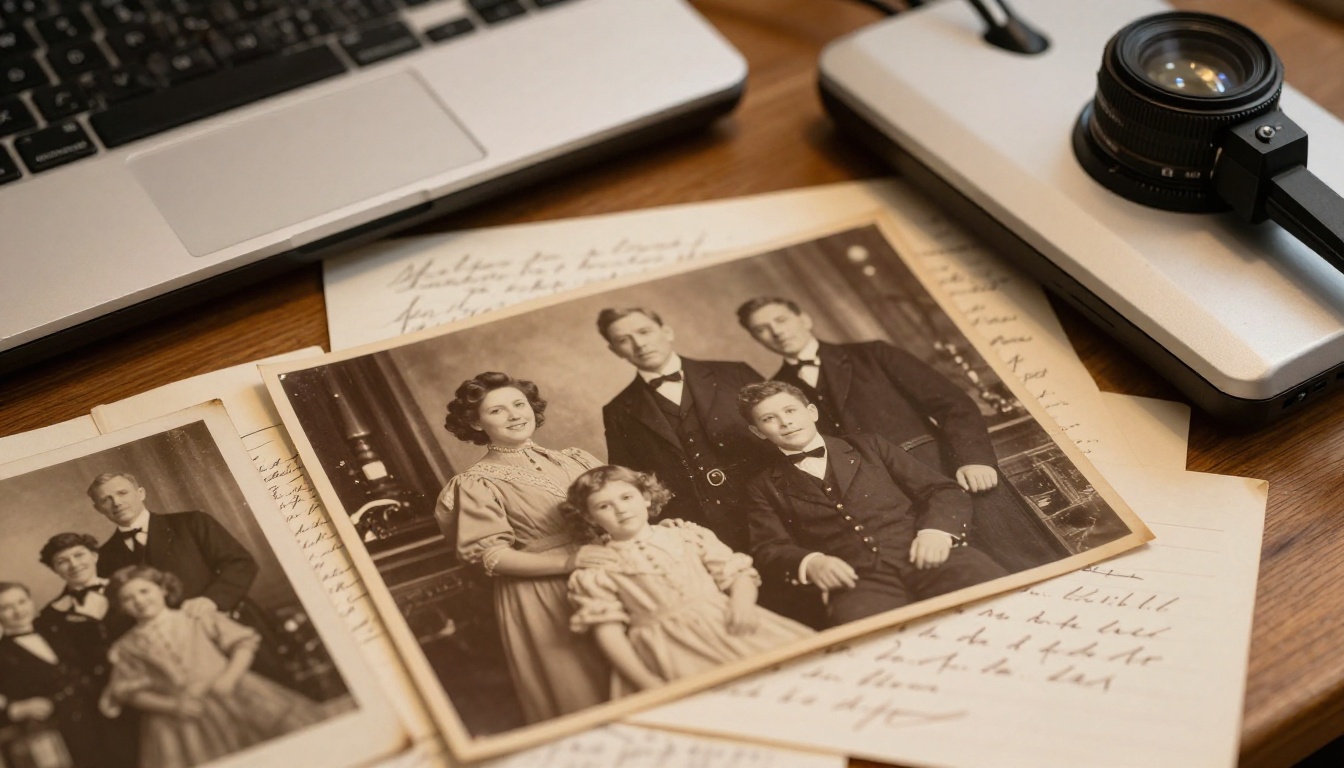
Here's the truth most genealogy articles skip: the best-shared family tree is the one relatives actually open and spend time with. Sharing is only half the challenge.
The Reunion Presentation Trick
If your family has regular gatherings, the single most effective thing you can do is present your flipbook on a large screen at the event. Open it on a laptop connected to a TV, turn the pages, and narrate the stories yourself. People who would never click a link on their own will sit transfixed watching family history come to life. After the event, send the link as a follow-up. Open rates skyrocket because the context is already there.
Sending Updates That Get Opened
Genealogy research never truly ends. New records surface, relatives contribute photographs and stories, and family trees grow. The families that maintain genuine interest over time are the ones that share updates regularly, not just a single massive dump.
A short monthly or quarterly email, written conversationally, announcing "I found a photograph of great-grandmother Eliza from 1912" with a link to the updated flipbook is far more effective than a massive once-a-year distribution. Keep updates small, personal, and frequent.
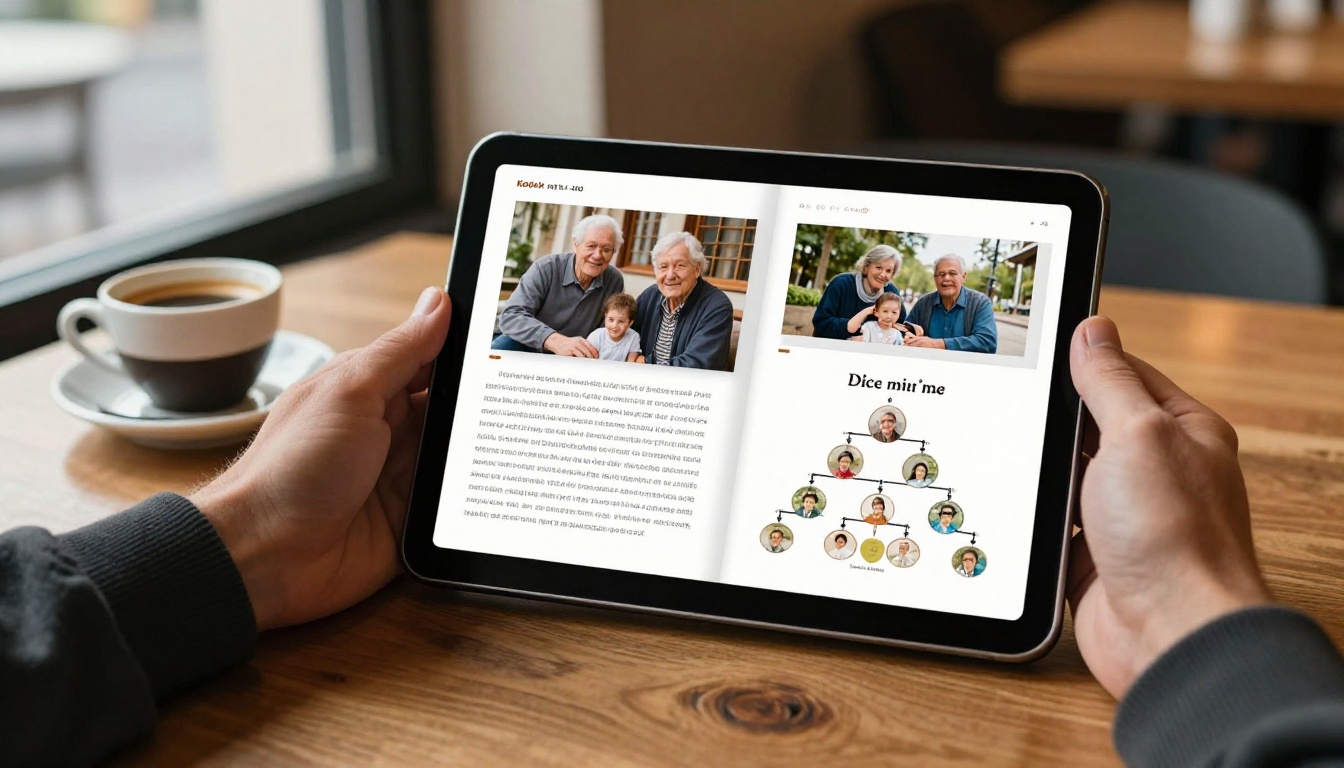
Different families have different needs, and no single format works for everyone. This table matches family situations to the format that fits best:
| Family Situation | Best Format | Why |
|---|
| Large, scattered family | Password-protected flipbook link | Works on any device, no accounts needed |
| Tech-savvy relatives who want to collaborate | Genealogy website (Ancestry, FamilySearch) | Built-in collaboration tools |
| Older relatives with limited tech comfort | Email with PDF or flipbook link | Familiar channel, no new apps |
| Annual family reunion | Flipbook presented on screen | High-impact, memorable moment |
| Family with privacy concerns | Password-protected flipbook | Access control without complexity |
| Want a physical keepsake too | PDF flipbook (printable version) | Print on demand, digital available |
💡 You don't have to pick just one. Use a genealogy platform as your research backbone, and use a digital flipbook for the warm, shareable version you send to relatives who just want to read the story.
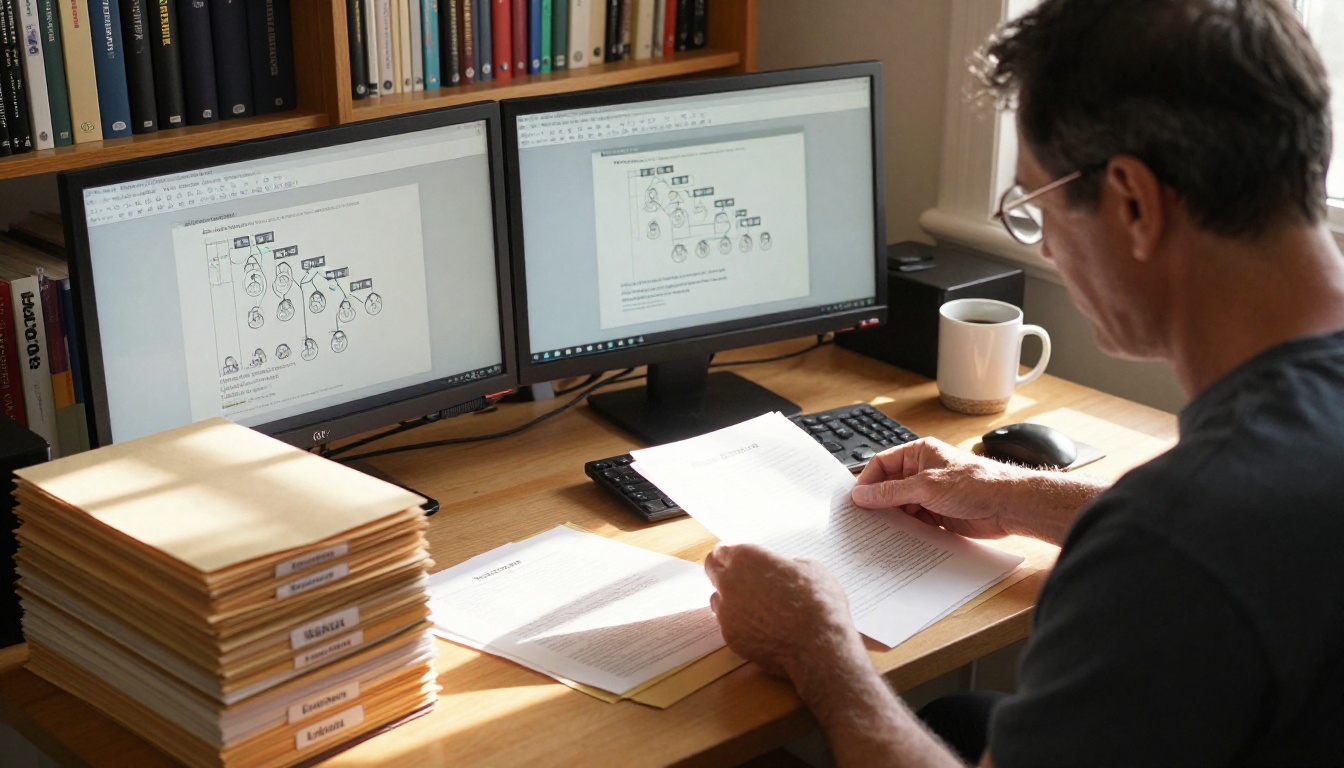
One thing that trips up a lot of family historians is choosing a sharing method that works for 50 records but breaks down at 500. As your research grows, you want a format that scales without requiring you to rebuild from scratch.
Digital flipbooks scale elegantly because you're simply updating and re-uploading your source PDF. The link stays the same, so anyone who bookmarked it automatically gets access to the new version. The PDF to Flipbook Converter at Flipbooks AI handles documents of any size, from a simple two-generation chart to a multi-decade research project spanning hundreds of pages.
For families who've been building their history over many years, the Digital Portfolio Creator tool offers a structured way to present multiple chapters of family history in a single, browsable format. And if your family history includes a wedding album or milestone celebration, the Wedding Album Flipbook tool makes those moments just as beautiful as the genealogy itself.
✅ Keep your master genealogy file in dedicated software. Export a "sharing version" to PDF regularly, stripping out living relatives' sensitive data, and update your flipbook from that export. This way your research never gets tangled up with your publishing workflow.
What Relatives Actually Say
The feedback families consistently report after switching to digital flipbooks tells the same story. Relatives who never engaged with spreadsheets or genealogy platform links start sending replies within minutes of receiving a flipbook link. The page-turning format removes the friction. It feels like something worth reading rather than a document to file away.

The most engaged family members are often the oldest ones, the grandparents and great-aunts who spent decades thinking no one cared about these stories. When they see a beautifully formatted flipbook with photographs and names they recognize, the response is almost always the same: "I didn't know anyone was keeping track of all this."
That reaction is exactly what makes the effort worthwhile.
Start Sharing Your Family History Today
You've done the research. The names, the dates, the photographs, the stories: they exist because someone cared enough to find them. The last step is putting them in a format that honors that work and actually reaches the people it's meant for.
Create your account on Flipbooks AI and turn your family history into something your relatives will actually read, save, and share with their own children. The Standard plan includes unlimited flipbooks, no watermarks, and password protection, everything you need to share your family tree privately and beautifully.
Not sure which plan fits your needs? Compare pricing options to find the right fit. Or browse the full range of flipbook tools to see how the same platform serves everything from family histories to wedding albums to yearbooks.
Your family's story deserves to be read, not filed away.



