Your architecture portfolio is the single most powerful sales tool you have, and most architects are presenting it wrong. Whether you're a recent graduate competing for your first role or a seasoned professional pitching a luxury residential client, the format and presentation of your portfolio can matter as much as the work inside it. Flipbooks AI is one of the tools changing how architects share their work online, and in this article, we break down exactly how to do it right, from the format you choose to the order of your projects and the platform you use to deliver it.

Static PDFs Are Killing Your First Impression
A 40MB PDF attachment sent via email is not a portfolio strategy, it's a friction generator. Hiring managers and potential clients open dozens of these files a week. They load slowly, require a dedicated viewer, don't track whether anyone opened them, and look identical in format to every other applicant's submission.
The reality is straightforward: most architecture portfolios get less than 90 seconds of attention on first review. Your format either earns more time or it doesn't. The file type you choose is a signal before anyone reads a single word.
⚠️ A portfolio that requires downloading, unzipping, or waiting to load will lose most viewers before the first page ever appears.
Think about what happens when a hiring director has 60 applications to review on a Tuesday afternoon. The person who sent a clean link that opens instantly in a browser already has an advantage over every person who sent a file attachment. That advantage compounds once the content is actually good.
What Clients Actually Look At
Research on how hiring managers and clients review creative portfolios consistently shows the same pattern:
- Opening spread: This is your hook. If it doesn't immediately communicate quality and intent, the rest rarely gets reviewed.
- Project photography: High-quality images of built work carry enormous weight. Clients buy results, not process.
- Scale and variety: Reviewers want to see you can operate across different project types and scales without losing design quality.
- Process pages: Clients hiring for design work want to see how you think, not just what you built. Sketches, diagrams, and models signal a thinking designer.
- About page: A short, clear bio with your specialization and experience level helps reviewers place you.
The best architecture portfolios make all of this immediately visible, navigable, and shareable without any friction.
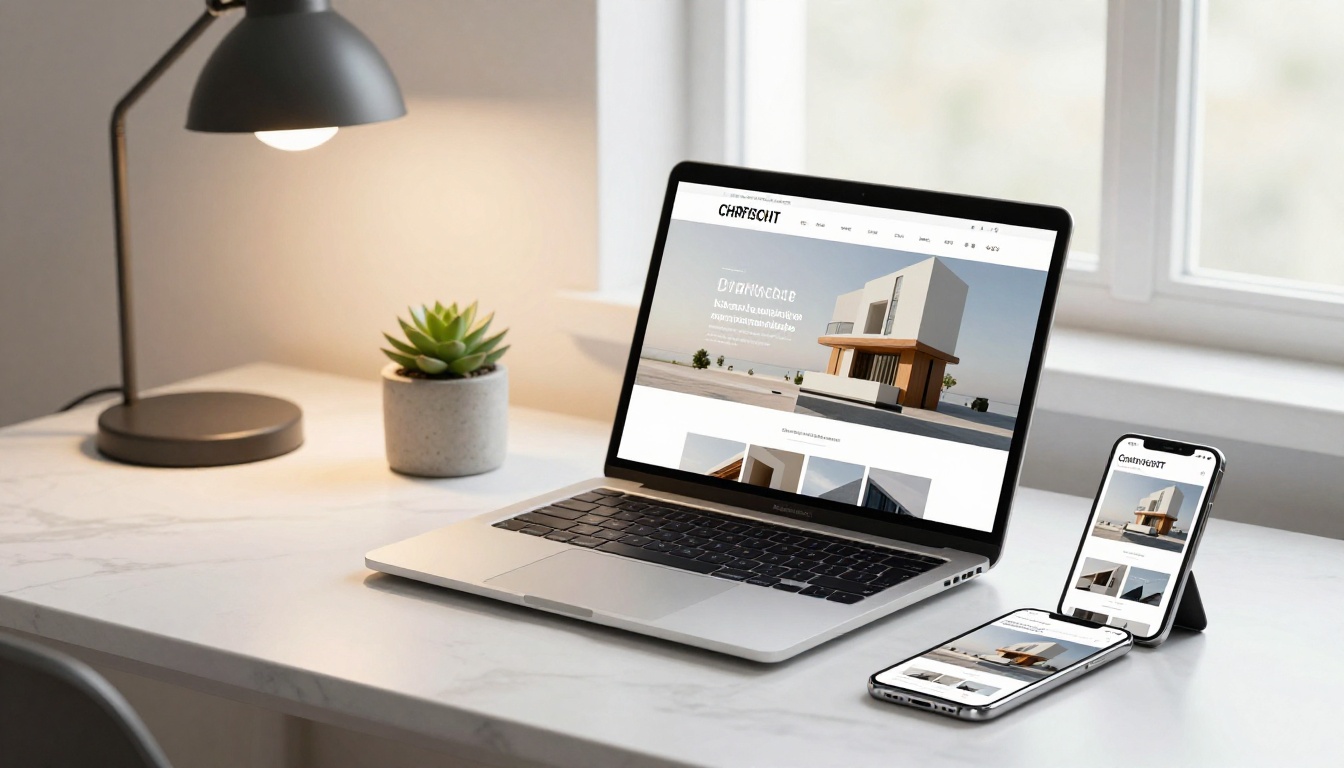
Digital vs. Print in 2027
Print portfolios still have their place, specifically for in-person interviews and final-round client presentations where a physical object adds to the experience. But for everything else, digital wins on every dimension: cost, shareability, accessibility, and analytics.
| Format | Best For | Downsides |
|---|
| Printed Bound Portfolio | In-person interviews, luxury client pitches | Expensive, not updatable, impossible to share remotely |
| Static PDF | Quick sharing, archiving | No analytics, large file size, no interactivity, generic feel |
| Portfolio Website | Personal brand, search visibility | Requires ongoing maintenance, technical knowledge, and cost |
| Interactive Digital Flipbook | Online sharing, client presentations, job applications, email campaigns | Requires internet access to view |
The interactive flipbook format has become particularly popular among architects because it preserves the page-by-page reading experience of a physical portfolio while adding shareability, real-time analytics, and full accessibility across all devices including mobile.
Interactive Flipbooks vs. PDFs
If you've ever sent a portfolio PDF and wondered whether it was even opened, that's a gap the interactive flipbook solves. With a platform like Flipbooks AI, your portfolio becomes a shareable link that works on any device, tracks viewer engagement page by page, and looks as polished as a professionally printed book.
💡 Interactive flipbooks convert better than static PDFs because they lower friction at every step. A link that opens instantly in a browser beats a download every time, especially on mobile.
The page-turn animation changes the psychology of how viewers engage with your work. It creates the experience of sitting across from someone and flipping through a beautifully produced book, without the print cost, the weight, or the constraints of a physical object. Pages have dimension. The experience is tactile, even on a screen.
Why architects are switching from PDFs:
- Links load faster than file downloads
- No version confusion: update the flipbook and the link always shows the latest
- Viewer analytics show engagement per page
- Works on every device without requiring Adobe Reader or similar software
- Easily shareable on LinkedIn, via email, or embedded into websites
How to Organize Your Architecture Portfolio
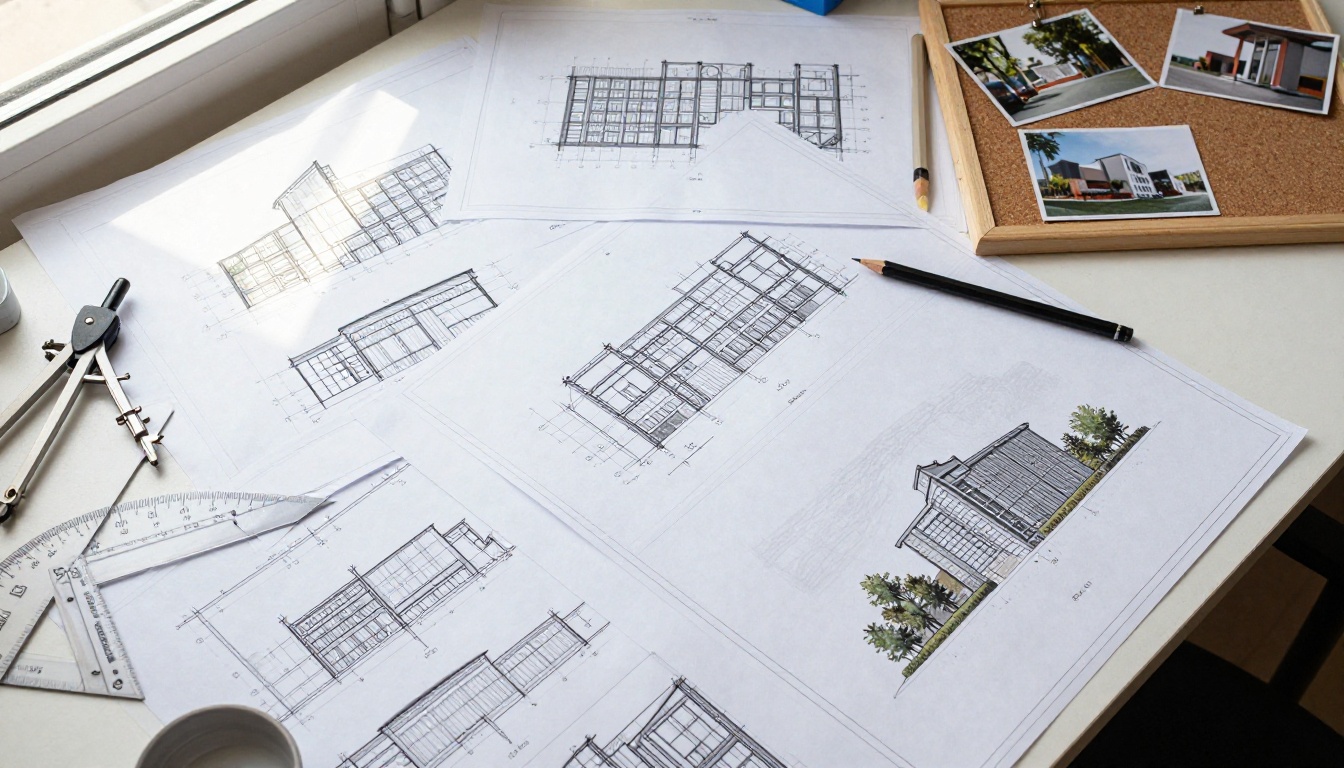
Project Selection and Order
This is where most architects make their biggest mistake. More projects does not mean a stronger portfolio. Eight strong, well-documented projects beat twenty average ones every time. Ruthless curation is itself a demonstration of design judgment.
Follow this order structure:
- Opening project: Your absolute best work. The project you're most proud of. This sets expectations for everything that follows and determines whether the reviewer continues.
- Variety projects: Show range. If you have residential, commercial, and cultural work, include one of each to demonstrate breadth.
- Process-heavy project: One project with detailed drawings, sketches, models, and development images to show your design thinking over time.
- Scale project: A project that shows you can handle complexity, whether that's a large program, a difficult site, a constrained budget, or an ambitious brief.
- Closing project: End strong. A project with great photography, a compelling client story, or an unusual typology that sticks in memory.
✅ Aim for 6-10 projects maximum. Each project should tell a clear story: problem, approach, resolution. If a project doesn't have all three, it doesn't belong.
Case Study Format That Works
For each project in your portfolio, follow this structure consistently. Consistency across projects creates a professional, considered feel that signals organizational maturity.
- Project title and type (residential, commercial, cultural, educational)
- One-line concept statement: The design idea in plain language, not jargon
- Featured visuals: Exterior photography, interior photography, or your best rendering, presented large
- Process evidence: Sketches, models, diagrams, and site analysis showing the design development
- Technical drawings: At least one floor plan and one section, clearly labeled and scaled
- Brief project description: 50-100 words maximum. Tight copy reads as confident. Long copy reads as insecure.
Visual Presentation Tips from Top Architects
Photography and Rendering Quality
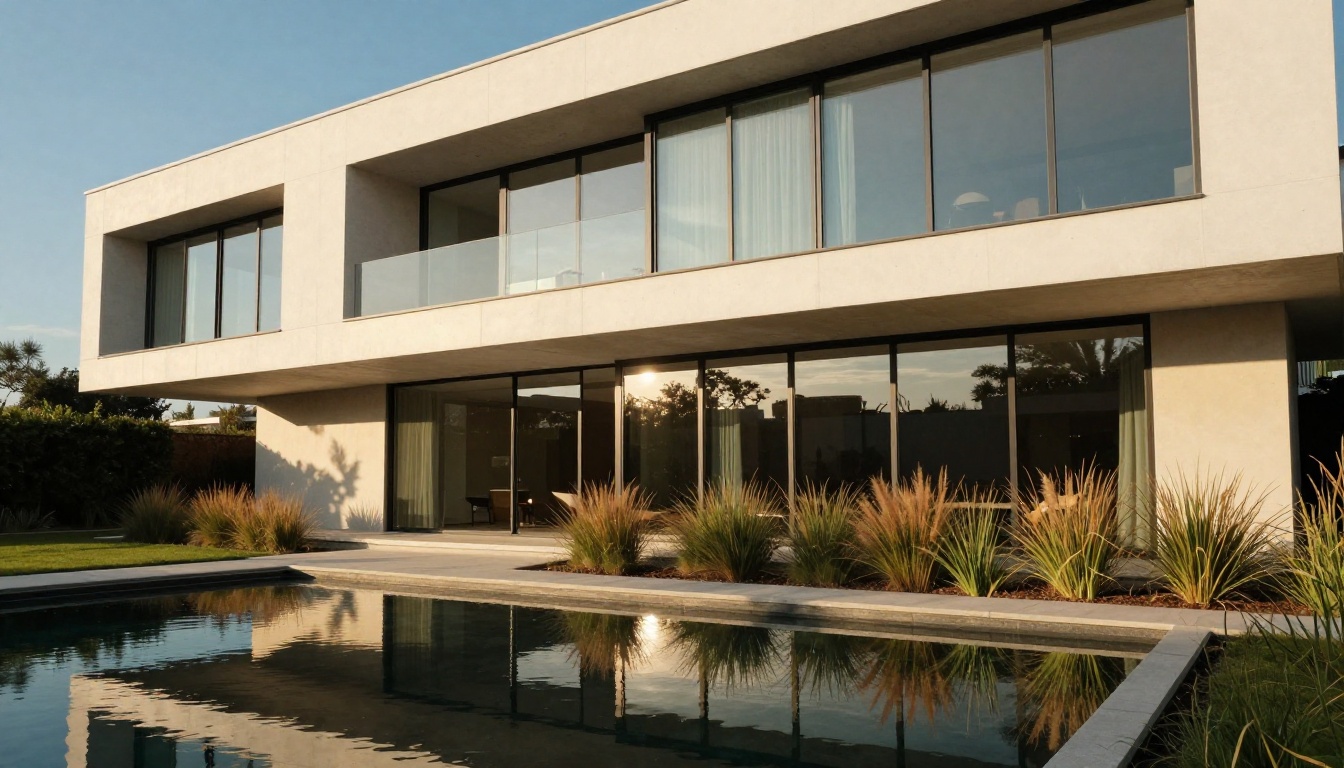
Nothing undermines a strong portfolio faster than poor photography. Even brilliant architectural work looks mediocre through a phone camera with no consideration for lighting or composition.
If you're presenting built work, invest in a professional architectural photographer. The cost of a day's shoot, typically $800 to $2,500 depending on location and photographer, will be recouped in a single job or commission. For unbuilt work, the quality of your renderings carries the same weight.
💡 If budget is tight, borrow a mirrorless camera and shoot at golden hour. Natural light at dawn and dusk flatters almost every building and eliminates the need for complex lighting equipment.
Rendering quality checklist:
- Realistic lighting with shadows and ambient occlusion
- Human scale figures in context to establish scale
- Contextual environment including neighboring buildings and landscape
- Material accuracy: concrete should look like concrete, wood like wood
- Interior renderings with furniture and accessories at realistic scale
- Avoid oversaturated color or excessive post-processing that makes renders look artificial
Layout and White Space
An architect should know better than most that white space is not wasted space. Crowding your portfolio pages with images and text signals poor composition judgment. The same spatial thinking that makes a building feel generous applies directly to a page spread.
| Layout Mistake | What It Signals | Better Approach |
|---|
| Too many images per spread | Inability to edit | 1-2 hero images per spread, supporting images smaller |
| Text blocks placed over images | Poor graphic hierarchy | Keep text in clean margins away from images |
| Inconsistent margins across pages | Rushed production | Use a consistent grid system throughout the document |
| Mixed image sizes with no visual logic | No hierarchy established | Size images by importance, not by available space |
| Every page looks completely different | No visual identity | Establish 2-3 page templates and stick to them |
Use a consistent grid. Pick two or three fonts maximum and stick to them. Let your images breathe. The way you design your portfolio is the first demonstration of your design thinking.
How to Build Your Architecture Portfolio Flipbook with Flipbooks AI

Flipbooks AI has specific tools built for this exact use case: the Digital Portfolio Creator and Portfolio Flipbook Builder. These tools convert your existing PDF portfolio into a shareable, interactive flipbook in minutes, with no design or coding skills required.
Step 1: Prepare Your PDF
Before uploading, get your portfolio PDF ready for conversion:
- Export at 150-300 DPI (enough for screen quality without inflating the file size)
- Use landscape orientation: 16:9 or A4 landscape work well for screen viewing
- Embed all fonts before exporting to prevent substitution
- Keep the file under 100MB for fast initial loading
✅ Adobe InDesign, Canva, and Figma all export clean, font-embedded PDFs suitable for flipbook conversion. Avoid printing to PDF from Word or Google Docs for important portfolios.
Step 2: Upload and Convert
Head to Flipbooks AI and create your account. The upload process is genuinely simple:
- Click "Create New Flipbook" from your dashboard
- Drag and drop your PDF file or browse to select it
- Wait for the automatic page-by-page conversion (typically 1 to 3 minutes for a standard portfolio)
- Preview every page of the flipbook before publishing to confirm layout accuracy
The conversion preserves your layout exactly as designed, including bleeds, custom typography, image quality, and color profiles.
Step 3: Customize and Brand
This is where your portfolio goes from a converted PDF to a polished professional presentation:
- Thumbnail image: Upload a high-quality image cropped to your portfolio's most arresting visual for the shareable preview
- Brand colors: Match the flipbook interface and background to your personal brand palette
- Page effects: Enable the realistic page-turn animation for that physical book feel and viewer engagement
- Background: Choose a clean neutral background, deep charcoal or soft white, that doesn't compete with your spreads
Step 4: Share and Embed
Once published, Flipbooks AI gives you several powerful sharing options:
- Direct link: Copy and paste into emails, LinkedIn messages, job applications, or social profiles
- Embed code: Add your portfolio directly to your personal website with a single code snippet
- Password protection: Restrict access for sensitive client work or limited-distribution submissions
- QR code: Print on business cards, leave-behind materials, or exhibition labels
💡 The Embed Flipbook on Website tool makes embedding effortless. Paste the generated code into any website builder, from Squarespace to Webflow to plain HTML.
What Flipbooks AI includes:
- ✅ No watermarks, ever
- ✅ Unlimited flipbooks (Standard plan and above)
- ✅ Password protection for private content
- ✅ Analytics and lead generation (Professional plan)
- ✅ Offline downloads for client review
- ✅ Mobile-responsive design on all devices
- ✅ Custom branding and color controls
With the Professional plan (see pricing details), you also unlock analytics that show exactly how many people opened your portfolio, which pages they spent the most time on, and where they stopped. That data is directly actionable for both improving your portfolio and timing your client follow-ups.

Sharing Your Portfolio Online
Where to Post Your Architecture Portfolio
Getting your portfolio in front of the right people requires putting it in the right places. A great portfolio that no one sees is still a missed opportunity.
| Platform | Audience | Best Format |
|---|
| LinkedIn | Recruiters, potential employers, collaborators | Flipbook link in the Featured section |
| Behance | Architecture community, design directors | Project-by-project uploads with flipbook link |
| Archinect | Architecture-specific hiring managers | PDF or flipbook link in profile |
| Personal website | Clients, general discovery, SEO | Embedded flipbook on portfolio page |
| Instagram | Broad design audience, younger clients | Cropped stills from portfolio spreads |
| Email applications | Direct to recipients | Flipbook link only, never a PDF attachment |
| Architectural competitions | Jury panels | Flipbook link or PDF depending on submission rules |
The flipbook link works across all of these. One URL, shared everywhere, that opens instantly on any device without friction.
Embedding on Your Website
If you have a personal website or portfolio site, embedding your flipbook is the highest-impact move you can make. Rather than linking out to a separate page, the flipbook lives directly within your site, keeping visitors engaged in your content.
The result is an immersive, full-screen experience where visitors scroll through your work without ever leaving your domain. It also keeps your website content-rich, which helps with search engine visibility over time.
Use the Portfolio Flipbook Builder to generate the embed code in one click. Paste it into any website builder, refresh the page, and your portfolio is live.
Architecture Portfolio for Different Goals

Job Applications vs. Client Pitches
Your portfolio is not one document, it's at least two. The portfolio you submit for a job application and the portfolio you show a residential client have different audiences, different goals, and should be curated differently each time.
For job applications:
- Emphasize process, drawings, and technical skill to show you can produce and document
- Include student work if relevant and genuinely strong
- Show a range of project types and scales to demonstrate versatility
- Keep it to 10-15 spreads and structure it so a reviewer can scan in 90 seconds
For client pitches:
- Lead with completed, built projects with strong professional photography
- Focus heavily on project types similar to the client's brief, not your full range
- Minimize technical drawings, maximize photography, renderings, and outcome storytelling
- Include brief testimonials or project outcomes where you have permission
⚠️ Never send the same uncustomized portfolio to a residential developer and a public sector employer. The curation signals whether you understand your audience before they've even spoken to you.
Student Portfolios vs. Professional Portfolios
Architecture students often have the opposite problem from seasoned professionals. Fewer built projects, but more process documentation. Here's how to handle each situation with confidence.
Student portfolio priorities:
- Lead with your strongest academic project, regardless of scale or typology
- Show full design process for at least two projects: sketches, models, precedent analysis, development, final outcome
- Include any competition entries, even unplaced ones, they show initiative
- Add any built or small-scale construction experience, furniture design, installations, or site interventions
Professional portfolio priorities:
- Built work takes clear priority over unbuilt proposals or competition entries
- Include team role context for each project: "Lead designer on a 12-person team for a $40M cultural center" reads very differently from a project title alone
- Remove student work once you have four or more professional projects to fill the space
- Update your portfolio at least once per year, even if only to reorder projects or refresh photography
The Final Presentation Layer
You can have the right projects, in the right order, with beautiful photography and clean layout, and still lose opportunities because of how you actually deliver your portfolio. The final layer is presentation mechanics, and this is where many technically strong architects fall short.
Sending your portfolio via email: Never attach a PDF file. Send a flipbook link and write a short, direct message that references a specific project from your portfolio relevant to the opportunity. Two or three sentences showing you've done your homework on the firm or client will outperform a generic cover letter every time.
In-person presentations: Bring a printed copy as backup for situations where internet access fails, but open your flipbook on a tablet or laptop first. The page-turn effect on a screen is a better conversation starter than flipping printed pages. It signals that you keep your presentation tools current.
Following up strategically: With analytics from the Professional plan on Flipbooks AI, you can see if your portfolio was opened after you sent it, which pages the reviewer spent time on, and when they stopped. That's direct intelligence for timing your follow-up call at exactly the right moment.
Keeping it current: Set a recurring reminder to review and update your portfolio every six months. Swap in new projects, retire weaker ones, and refresh project photography when you have the opportunity. An architecture portfolio is a living document, not a one-time production.
The difference between architects who get consistent work and those who struggle is rarely the quality of the projects. It's the quality of the presentation, the ease of access, and the professionalism of the delivery. A well-organized, visually coherent, digitally accessible portfolio tells clients and employers one clear thing: this person is organized, intentional, and worth their time.
Ready to build yours? Create your architecture portfolio flipbook on Flipbooks AI and start sharing work that gets noticed. Browse all available tools and templates to find the right fit for your practice, or compare pricing plans to choose what works for where you are right now.



