Photography is one of the most competitive creative fields online, and your images are only as powerful as the platform you choose to display them on. Whether you shoot portraits, landscapes, weddings, or street photography, the way you present your work online can make or break a client relationship before you ever exchange a single word. The best way to showcase your photography online is not just about uploading images to a gallery. It is about creating an experience that tells your story, builds trust, and converts viewers into paying clients or fans.
Why Your Online Photography Portfolio Matters More Than Your Camera
Most photographers obsess over gear. They upgrade lenses, buy the latest body, and chase higher megapixels. But clients and viewers often cannot tell the difference between a shot taken on a mid-range mirrorless and a $10,000 medium format system. What they can tell is whether your portfolio looks professional, loads fast, and feels like it was built by someone who takes their craft seriously.
First Impressions Happen in 3 Seconds
Studies on web behavior consistently show that visitors form an opinion about a website within the first three seconds. For photographers, this means your hero image, your layout, and your navigation all need to work together instantly. A slow-loading gallery with poor organization will lose a potential client before they have even seen your best work.
The Difference Between Sharing and Showcasing
There is a real difference between sharing photos (throwing them on Instagram or a Facebook album) and truly showcasing your photography. Showcasing means curating your best work, organizing it by theme or project, writing context that frames the images, and presenting it all in a format that elevates the photos themselves. Sharing is passive. Showcasing is intentional.
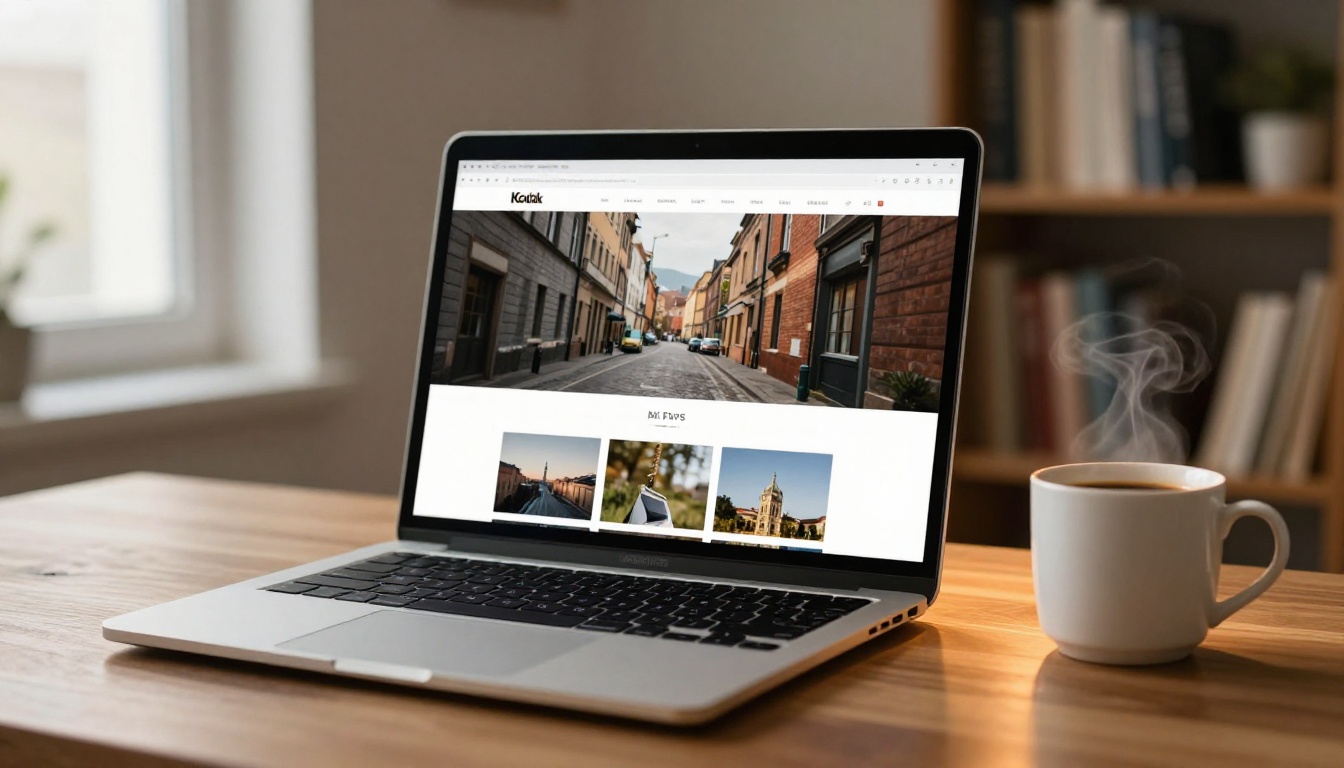
The Main Platforms for Showing Photography Online
Not every platform is built the same. Some are better for discovery, some for professionalism, and some for deep client interaction. Here is a breakdown of the major options every photographer should know.
Dedicated Photography Portfolio Websites
A personal website remains the gold standard. Platforms like Squarespace, Format, and Pixieset let you build a polished site with your own domain name, custom branding, and client galleries. These feel the most professional and give you full control over the experience.
Pros: Full branding control, client proofing, direct contact forms, strong SEO benefits
Cons: Monthly subscription cost, requires setup time and ongoing maintenance
Social Media Platforms
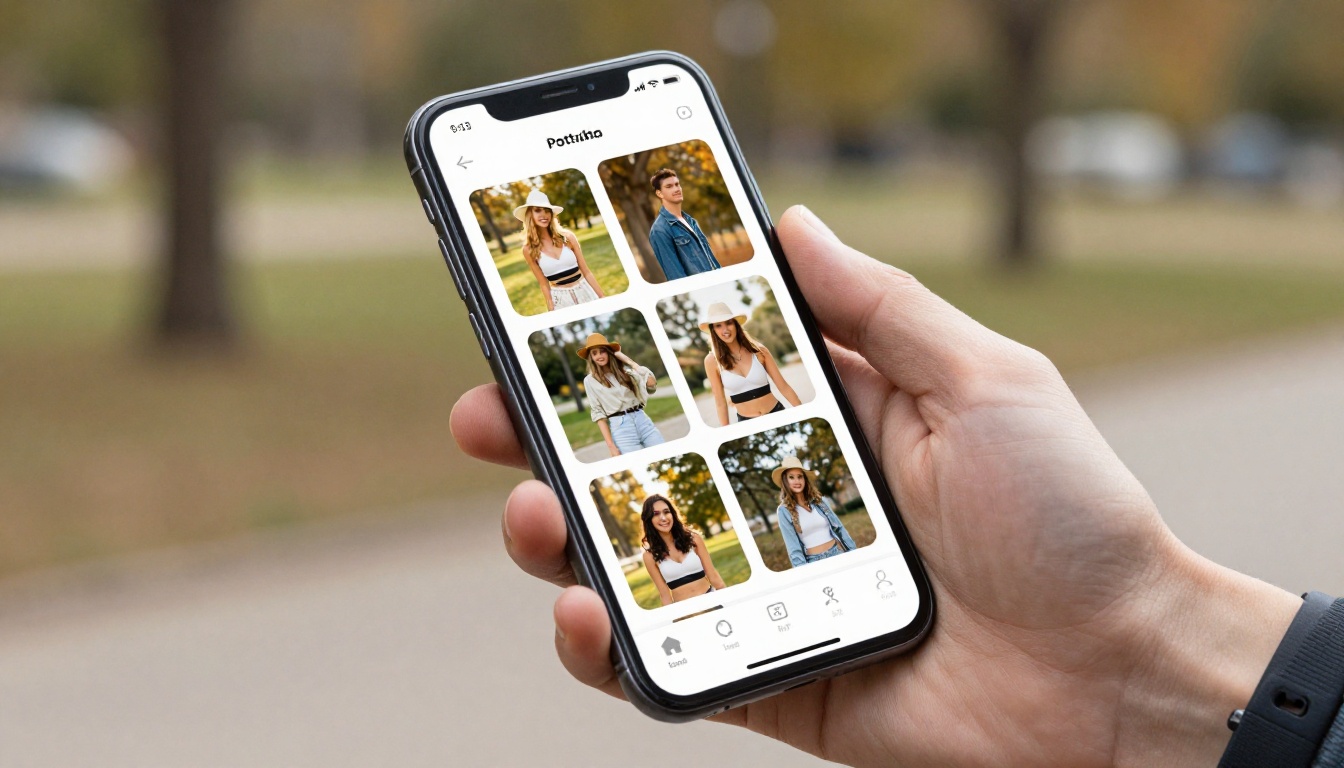
Instagram, Pinterest, and even TikTok have become genuine discovery engines for photographers. Instagram's visual-first feed makes it a natural home for photo sharing, and its algorithm can push exceptional work to entirely new audiences organically.
Pros: Built-in audience, easy sharing, high discoverability
Cons: Low image quality due to compression, algorithm dependency, no ownership of followers
Stock and Licensing Platforms
For photographers who want to monetize their work passively, sites like 500px, Shutterstock, and Adobe Stock allow you to upload images and earn royalties. These platforms also give you credibility through the size of their audiences.
Pros: Passive income potential, large viewer base
Cons: High competition, low per-image earnings, no direct client relationship
Interactive Flipbook Portfolios
This is where things get genuinely interesting. Flipbooks AI lets you convert your photography portfolio PDF into a stunning interactive flipbook that clients can flip through like a real magazine. Instead of a static grid, they experience your work as a curated story. You can embed it anywhere, share it as a direct link, and protect it with a password for private client access.
💡 The Photography Portfolio Flipbook tool from Flipbooks AI is purpose-built for photographers who want to stand out with an interactive, page-turning presentation.
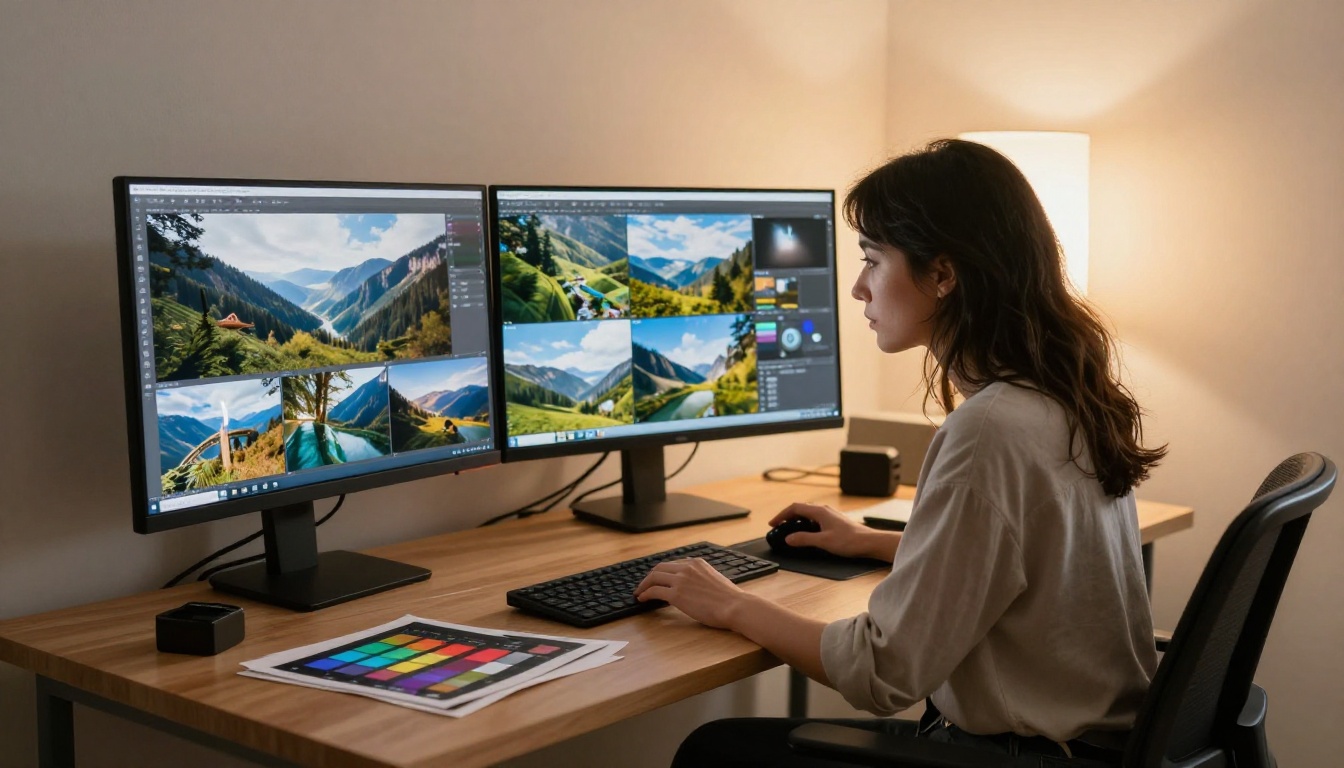
| Platform | Best For | Cost | Client-Facing | SEO Benefit |
|---|
| Personal Website | Professional clients | $10-30/mo | Yes | High |
| Instagram | Discovery and branding | Free | Partial | Low |
| 500px / Stock Sites | Licensing and exposure | Free-$10/mo | No | Medium |
| Flipbooks AI | Interactive presentations | Affordable | Yes | Medium |
| Behance / Dribbble | Creative community | Free | Partial | Medium |
✅ For photographers targeting high-value clients, combine a personal website with an interactive flipbook portfolio for the strongest results.
How to Build a Photography Portfolio That Actually Works
A great portfolio is not just a dump of your best images. It is a carefully constructed argument for why someone should hire you or follow your work. Here is how to approach it with intention.
Choose Your Niche and Stick to It
Generic portfolios fail. If you show portraits, weddings, food photography, and wildlife all in the same gallery, you look like someone who has not found their direction. Clients hiring a wedding photographer want to see a portfolio full of weddings. Choose the type of work you want more of and build your portfolio around that.
Edit Ruthlessly: 20 Strong Over 100 Average
A portfolio of 20 exceptional images is infinitely stronger than 100 mixed-quality shots. Every image in your portfolio should make a viewer feel something or demonstrate a specific skill. If you are hesitating about whether to include something, it does not belong there.
Write Context That Adds Depth
Images are more powerful when paired with context. A simple caption like "Coastal lifestyle session, Malibu, California, shot in natural afternoon light" tells a viewer something real about your process and the work. It also helps with SEO when your portfolio lives on a searchable platform.
Organize by Series or Project
Rather than showing images chronologically or randomly, group them into series. A "Golden Hour Portraits" series, an "Urban Architecture" collection, or a "Destination Weddings" gallery all tell a cleaner story than a mixed feed. Clients can quickly identify whether your style matches what they need.
3 Common Portfolio Mistakes Photographers Make
Most photographers sabotage their own work before anyone even sees it. Here are the three mistakes that consistently hold people back.
1. Using a Social Media Grid as Your Portfolio
Instagram was not designed to be a professional portfolio. The image compression is destructive, you do not control the layout, and every viewer is one swipe away from your competitors' ads. Treat Instagram as a marketing channel that drives people to your real portfolio, not as the portfolio itself.
2. No Clear Call to Action
Your portfolio should tell the visitor what to do next. A contact button, a booking link, a "View Pricing" page, these all give someone a clear path forward. Without them, even an impressed viewer will simply close the tab and move on.
3. Not Optimizing for Mobile
Over 60% of web traffic comes from mobile devices. If your photography portfolio looks broken on a phone, you are losing more than half of your potential audience. Test every page on multiple screen sizes before considering it complete.

How to Create a Photography Flipbook Portfolio with Flipbooks AI
Photography and interactive flipbooks are a natural combination. A flipbook lets you present your work as a curated story rather than a static grid, and it gives clients something genuinely memorable to experience and share. Here is how to do it with Flipbooks AI.
Step 1: Create Your Account
Head to flipbooksai.com/account and sign up for free. No credit card required to get started on your first flipbook.
Step 2: Prepare Your Photography PDF
Before uploading, design your portfolio layout in Canva, Adobe InDesign, or any tool that exports PDF. Arrange your images thoughtfully with consistent margins, consider adding brief project descriptions between sections, and make sure your images are exported at print quality (300 DPI recommended for best results).
Step 3: Upload and Convert
Click "Create New Flipbook", upload your PDF, and let Flipbooks AI handle the conversion. Within seconds you will have an interactive page-turning portfolio that works beautifully on desktop, tablet, and mobile. No coding, no plugins, no technical setup required.
Step 4: Customize Your Branding
Apply your brand colors, add your logo to the viewer interface, choose a background style, and set the flipbook title. These details matter to clients who equate attention to detail in presentation with attention to detail in photography.
Step 5: Set Sharing Options
- Direct link: Share via email, social media, or messaging apps instantly
- Embed code: Paste into your website or blog with one snippet of code using the Embed Flipbook on Website tool
- Password protection: Lock your flipbook for private client-only access, available on all paid plans
Step 6: Track Performance with Analytics
With the Professional plan, you get full analytics on who viewed your flipbook, how long they spent on each page, and lead generation forms to capture potential client information directly from the flipbook itself.
💡 The Digital Portfolio Creator and Portfolio Flipbook Builder tools offer specialized templates specifically for creative professionals.
Flipbooks AI Plan Comparison for Photographers
| Feature | Free | Standard | Professional |
|---|
| Flipbooks | Limited | Unlimited | Unlimited |
| Watermark | Yes | No | No |
| Custom Branding | No | Yes | Yes |
| Password Protection | No | Yes | Yes |
| Analytics | No | No | Yes |
| Lead Generation | No | No | Yes |
| Offline Download | No | Yes | Yes |
| Embed on Website | Yes | Yes | Yes |
⚠️ The Free plan adds a watermark to all flipbooks. For professional client presentations, upgrade to Standard or Professional to remove it completely.
SEO for Photographers: Getting Found Online
Building a beautiful portfolio is only half the battle. If nobody can find it through search, you are relying entirely on word-of-mouth and social media algorithms. Here is how to make your photography portfolio visible in search results.
Use Location-Based Keywords
If you are a portrait photographer in Austin, Texas, your portfolio should include phrases like "Austin portrait photographer", "portrait photography Austin", and "natural light headshots Austin" throughout your page titles, image alt text, and written descriptions. Local SEO is often less competitive and more directly tied to actual bookings.
Alt Text on Every Image
Every photograph on your portfolio should have a descriptive alt text. This tells search engines what the image contains (since they cannot see images), and it makes your portfolio accessible to visually impaired visitors using screen readers.
Write About Your Work
A blog or project notes section on your portfolio site gives you natural opportunities to rank for long-tail search terms. A post about a specific shoot location, a behind-the-scenes breakdown, or a client story will attract photography enthusiasts and potential clients searching for location-specific inspiration.

Different situations call for different formats. A client who found you on Instagram needs a different experience than a corporate art director evaluating your work for a campaign.
| Situation | Best Format | Why |
|---|
| Social media discovery | Instagram grid | Native to the platform, quick preview |
| Direct client proposal | Flipbook portfolio | Professional, interactive, memorable |
| Website homepage | Full-screen gallery | Immersive, high-impact first impression |
| Email pitch | PDF with flipbook link | Lightweight to send, rich to experience |
| Print fair or events | Printed lookbook | Tangible, no screen dependency |
| Licensing inquiry | Stock platform | Built-in licensing infrastructure |

Curating for Specific Client Types
The most effective photography portfolios are not one-size-fits-all. Tailoring your presentation to specific client types dramatically increases conversion rates.
For Wedding Clients
Wedding clients want emotional connection. They need to see real moments, real reactions, and evidence that you can capture the chaos of a wedding day with consistency. Lead with your most cinematic full-day story, not just your best individual frames.
For Commercial Clients
Commercial clients (brands, advertising agencies, editorial publications) want technical precision and versatility. They need to see that you can execute a brief, work with art directors, and deliver images that serve a purpose beyond aesthetics.
For Fine Art Collectors
Fine art buyers are purchasing a piece of your perspective. Your portfolio should have a cohesive visual voice, a consistent aesthetic philosophy, and ideally some context about your process and inspiration behind each body of work.
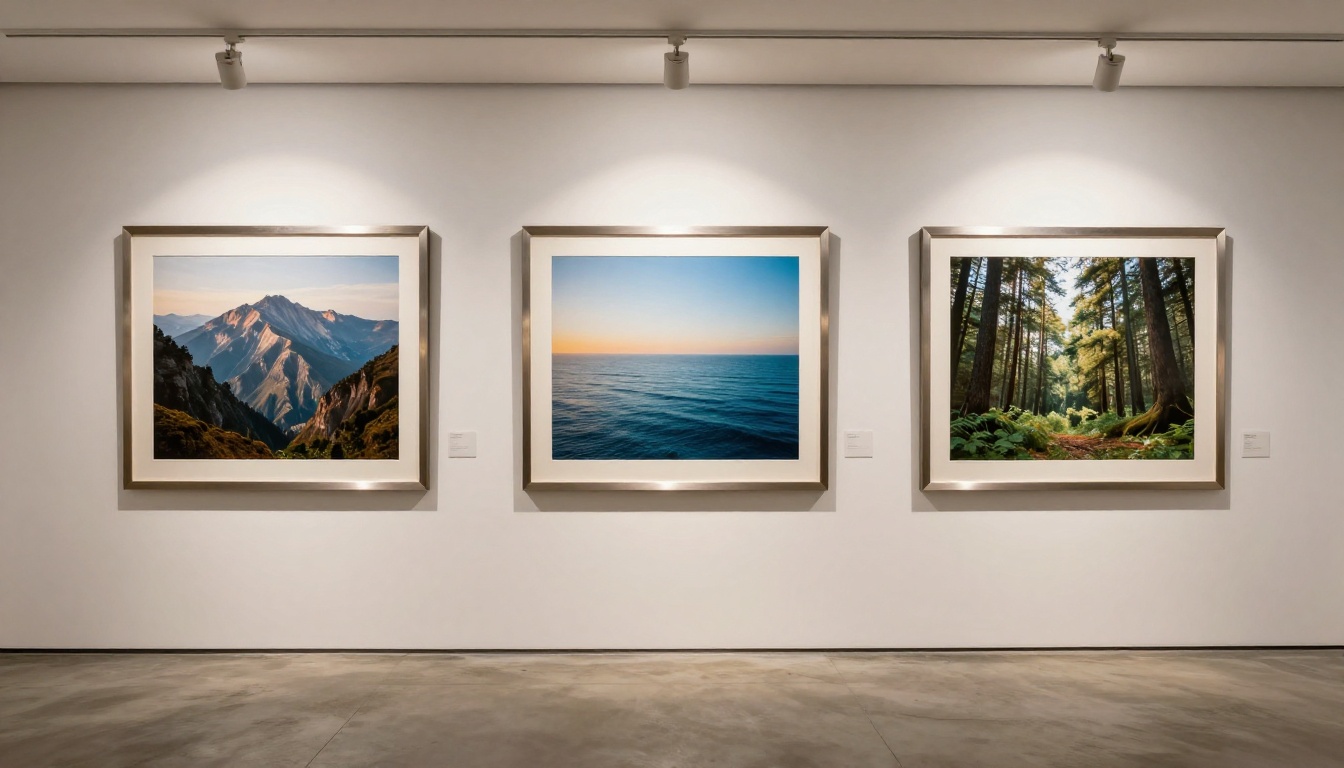
The best photographers treat their online presence like a brand, not just a collection of accounts. Consistency across platforms builds recognition and trust with potential clients.
Your Visual Identity
Pick two or three colors that define your brand. Use a consistent font in all your written materials. Apply the same editing style across your portfolio so that every image feels like it belongs to the same world. This visual coherence is what makes people recognize your work even before they see your name attached to it.
Cross-Linking Everything
Your Instagram bio should link to your portfolio website. Your portfolio website should link to your flipbook. Your email signature should include your portfolio link. Every touchpoint should connect to every other, creating a web that captures potential clients wherever they first encounter your work.
Update Regularly
A portfolio that has not been refreshed in 18 months signals to visitors that you may not be actively working. Even small updates, replacing one older image with a stronger newer one, adding a recent project, refreshing your bio, all signal that you are active and current.
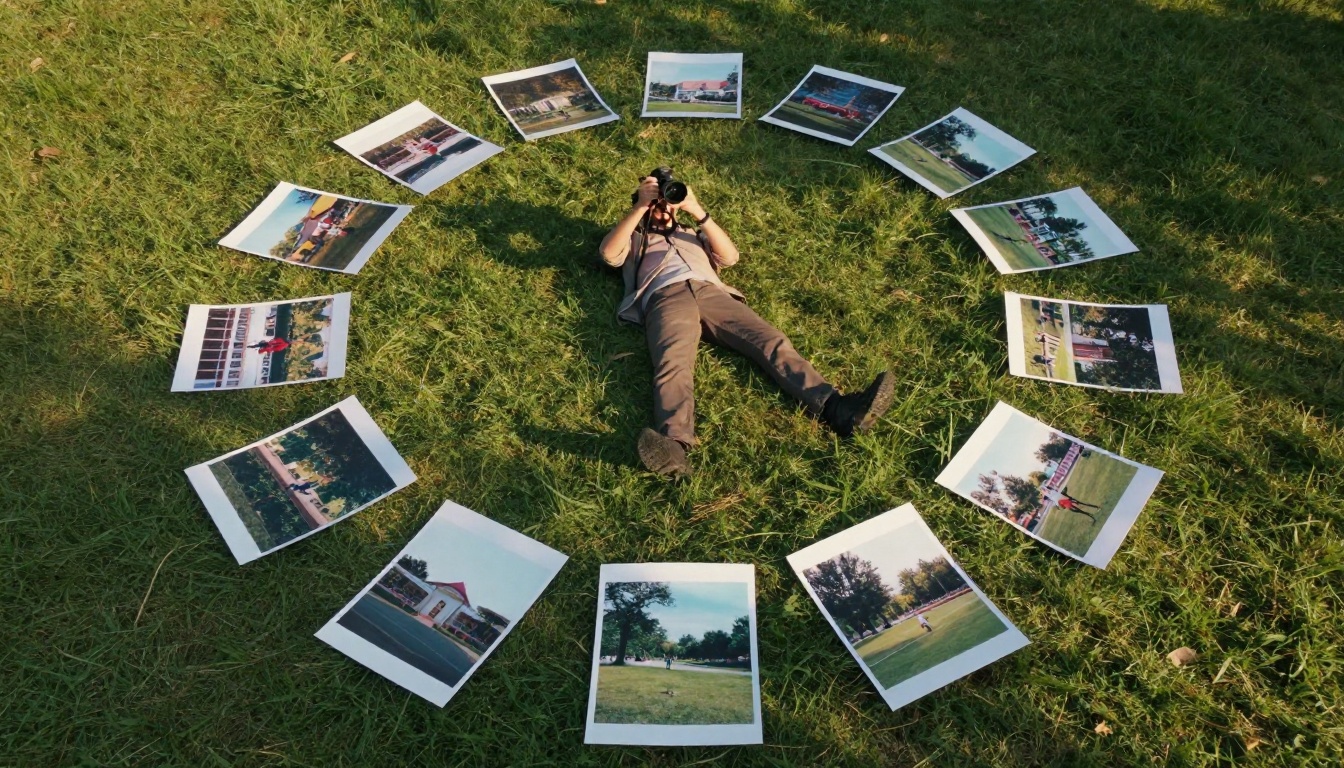
What Separates Good Portfolios From Great Ones
After looking at hundreds of photography portfolios, the ones that consistently stand out share a few traits that go beyond technical quality.
They tell a story. Not just "here are my best images" but a cohesive narrative about a vision, a style, a philosophy. Viewers should walk away feeling like they know who you are as a photographer.
They are fast. Page load time is a portfolio killer. Compress your images properly (WebP format is excellent for web), use lazy loading, and choose a hosting platform that delivers content quickly across all devices and connection speeds.
They are personal. An "About" page that reads like a corporate bio is forgettable. Share something real about why you photograph, what excites you about the work, what your process actually feels like. Clients hire people, not cameras.
They make it easy to hire you. A contact form prominently placed, pricing page accessible, and a clear description of what you offer. Remove every possible friction point between "I love this work" and "let me reach out right now."
✅ Pair your personal website with an interactive Photography Portfolio Flipbook to give clients a presentation they can flip through and share with decision-makers on their team.
Take Your Photography Portfolio to the Next Level
Your work deserves a platform that matches its quality. Whether you are just starting out or have been shooting professionally for years, the difference between a forgettable online presence and one that consistently wins clients comes down to intentional presentation.
Start by choosing the right combination of platforms for your goals. Build a personal website for SEO and professional credibility. Use Instagram for discovery and community. And for those high-stakes client presentations, create an interactive flipbook with Flipbooks AI that turns your photography into an experience worth sharing and revisiting.
Browse all the tools and templates available on Flipbooks AI to find the right format for your specific photography niche. Compare pricing plans to pick the option that fits where you are in your career. The best time to invest in how you present your work was yesterday. The second best time is right now.



