You need a booklet by Friday. Maybe it's a product handout, a menu, a course workbook or a property brochure, and you do not want to pay a designer or fight with a desktop publishing suite. A good booklet maker app solves that in an afternoon, and the options now range from free browser editors to AI builders to platforms like Flipbooks AI that turn a simple PDF into a page-turning digital booklet. This article compares all three paths so you can pick one without wasting a weekend.
What a Booklet Maker App Does

A booklet maker takes loose content (text, photos, logos, tables) and arranges it into a multi-page document with a consistent layout. The good ones handle page order, margins, bleed and exports so you do not have to think about them.
Most tools in this space fall into three groups:
- Template editors where you drag text and images into ready-made layouts.
- AI builders where you describe the booklet and a draft appears.
- Flipbook platforms that convert a finished PDF into an interactive, shareable reader.
Print Booklets vs Digital Booklets
A print booklet is limited by paper size, page count (always a multiple of four for saddle stitching) and your printing budget. A digital booklet has none of those limits. You can add links, audio, video and a forms page, and you can update the file after sending it out.
💡 Pro tip: Design once and publish twice. Export a print-ready PDF for the physical run, then turn that same PDF into a digital booklet for email, social media and your website.
Who Actually Uses Them
The audience is wider than most people expect:
- Small businesses publishing price lists, menus and service brochures
- Teachers and trainers building course workbooks
- Agents sharing property brochures with buyers
- Event organizers distributing programs and schedules
- Nonprofits sending out annual reports and donor updates
Free Online Booklet Makers

Free browser tools are the obvious starting point. You open a tab, pick a template, drop in your text and export. For a one-off project with modest standards, that can be enough.
What Free Plans Really Include
Free tiers usually give you a limited template library, basic fonts, a handful of stock images and a PDF export. That covers a simple three-fold handout or a short event program.
Where Free Tools Fall Short
The catches show up late, usually right when you hit export:
- Watermarks stamped on every page
- Low-resolution exports that look soft when printed
- Page limits that force you to cut content
- No interactivity, so links, audio and video are not supported
- No sharing controls, meaning no password or tracking
⚠️ Warning: Always run a test export before investing hours in a design. Discovering a watermark at the final step is one of the most common complaints about free booklet tools.
Free vs Paid vs AI at a Glance
| Feature | Free online editor | AI booklet builder | Flipbook platform |
|---|
| Setup time | 30 to 90 minutes | 5 to 20 minutes | 2 to 5 minutes (from a PDF) |
| Watermark | Often yes | Sometimes | None on Flipbooks AI |
| Page turn effect | No | Rarely | Yes |
| Embedded video and audio | No | Limited | Yes |
| Password protection | No | Rare | Yes |
| Analytics | No | No | Yes (Professional plan) |
| Best for | One-off print jobs | Fast first drafts | Sharing and tracking |
AI Options for Digital Booklets
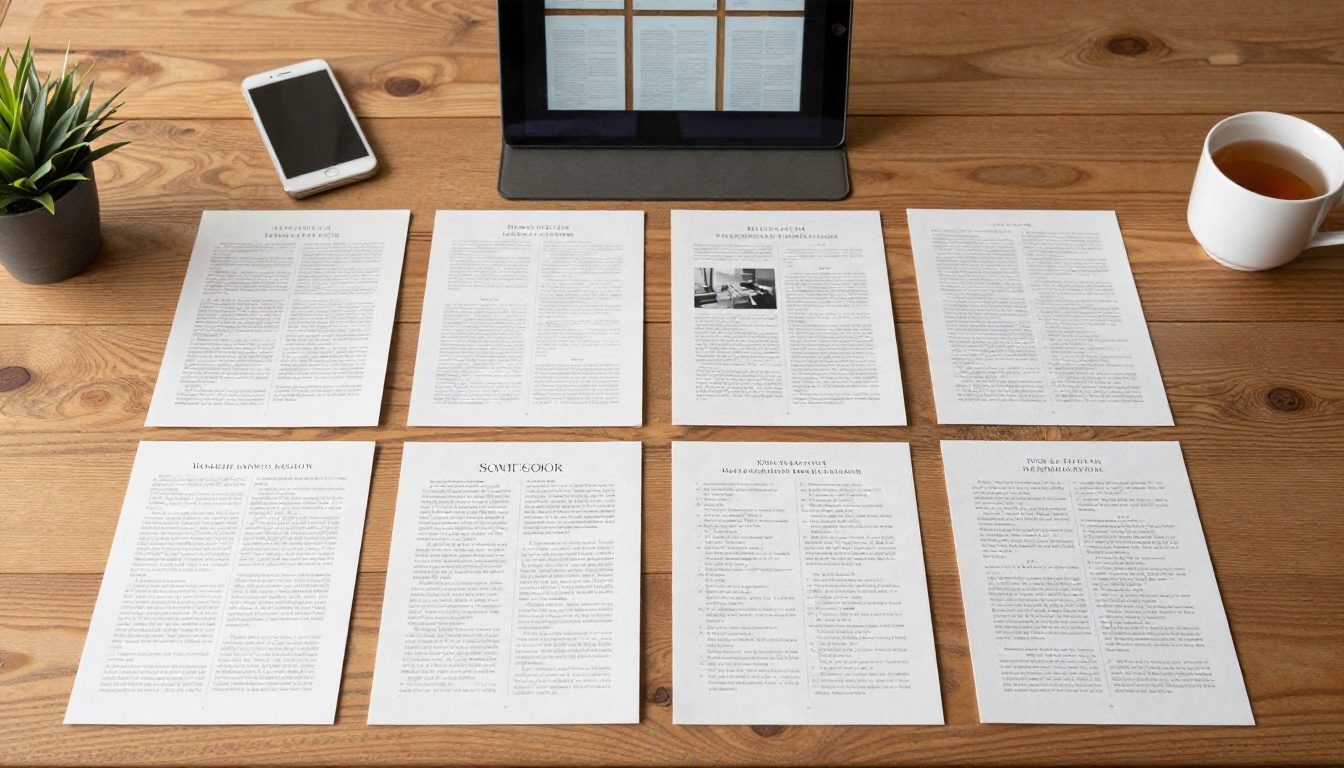
AI changed the first hour of booklet design. Instead of staring at a blank page, you write a short brief such as "eight page onboarding booklet for new hires at a dental clinic" and get an outline, draft copy and a suggested layout in under a minute.
What AI Handles Well
- Outlines and structure: page-by-page breakdowns that match your topic
- Draft copy: headings, intro paragraphs and short descriptions you can edit
- Image suggestions: matching photo or illustration ideas for each page
- Layout matching: picking a template that suits the tone (formal, playful, minimal)
- Resizing: adapting one design to A4, A5, letter and square formats
What Still Needs You
AI drafts tend to sound generic. They also invent details, so every price, date, address and claim has to be checked by a person. Brand colors and photography usually need manual attention too.
✅ Best practice: Use AI for the skeleton and speed, then rewrite the opening paragraph and every number yourself. Readers can tell when a booklet was never read by a human.
AI Plus Flipbook: The Practical Combo
The workflow that works well for many teams is simple. Draft with AI, polish in any editor, export a PDF, then publish it as a flipbook. That last step is where most free and AI tools stop, and it is where a PDF to Flipbook Converter earns its place.
How to Make a Booklet with Flipbooks AI
If your booklet already exists as a PDF (from Canva, Word, InDesign, Google Docs or an AI tool), you can turn it into an interactive digital booklet in minutes. Here is the full process.
Step 1: Create Your Account
Head to Flipbooks AI and create an account. You will land in a dashboard that lists your flipbooks and shows a prominent upload button. If you want to compare plan limits first, the pricing page lays them out.
Step 2: Upload and Convert Your PDF
- Click the upload button in the dashboard.
- Drag your PDF into the window or pick it from your computer.
- Wait a few seconds while the file is converted into a page-turning flipbook.
- Check the preview. Pages should appear in order, with text sharp and images intact.
💡 Pro tip: Export your PDF at 150 DPI or higher for screens. That keeps small text readable on phones without making the file huge.
Step 3: Customize the Look
Next, make the booklet feel like your brand:
- Branding: add your logo and choose a background that matches your palette
- Colors: set the reader's toolbar and background tones
- Page effects: adjust the page-turn animation and sound
- Multimedia: embed video, audio and clickable links on any page
- Mobile layout: preview how the booklet behaves on a phone, since the reader is mobile-responsive
Step 4: Choose How to Share It
You have several options, and you can use all of them:
- Direct link for email, WhatsApp and social posts
- Embed code to place the booklet on your site, which the Embed Flipbook on Website tool explains in detail
- Password protection for private material such as internal training or client proposals
- Offline download so readers can keep a copy without a connection
Step 5: Track Results and Capture Leads
On the Professional plan, the analytics dashboard shows how many people opened your booklet, which pages held their attention and where they stopped reading. You can also add a lead generation form so readers leave an email address before accessing the content.
Plan Features Worth Comparing
| Capability | Entry plans | Standard plan | Professional plan |
|---|
| No watermark | ✅ | ✅ | ✅ |
| Unlimited flipbooks | Limited | ✅ | ✅ |
| Password protection | ✅ | ✅ | ✅ |
| Embedded video and audio | ✅ | ✅ | ✅ |
| Custom branding | Basic | ✅ | ✅ |
| Analytics | No | No | ✅ |
| Lead generation | No | No | ✅ |
Check the current pricing before you decide, since plan details can change.
Real-World Booklet Examples

Theory is fine, but seeing how real people use booklets makes the choice easier.
A Cafe Menu That Updates Itself
A cafe owner designs a six-page menu in a free editor and exports it as a PDF. Instead of reprinting every time the seasonal drinks change, she uploads the PDF as a flipbook and prints a small QR code for each table. When prices change, she swaps the file and the same link shows the new version. The Restaurant Menu Creator is built for exactly this scenario.
A Property Brochure for Buyers

Real estate agents benefit from a booklet that opens instantly on a phone, includes floor plans and a video walkthrough, and can be sent before a viewing. With analytics, the agent can see which buyers read the pricing page and follow up first. The Real Estate Brochure Creator handles this format well.
A Course Workbook for Students

A teacher builds a 20-page workbook with exercises and reading lists. Printing 30 copies every term is expensive and wasteful, so she publishes a digital booklet and protects it with a password given only to enrolled students. The Course Material Publisher fits this workflow.
Use Cases Compared

There is no single winner. The right choice depends on what happens after the booklet is finished.
Ask These Four Questions
- Will it be printed, shared online, or both? Print only jobs can live in a free editor. Anything shared online benefits from a flipbook reader.
- Do you need to update it later? If yes, a link-based digital booklet saves reprints.
- Does the content need to stay private? Password protection matters for proposals, internal manuals and paid material.
- Do you need to know who reads it? Analytics and lead capture require a platform, not just an editor.
Three Common Mistakes
- Choosing by template count. Hundreds of templates mean little if the export has a watermark.
- Skipping the mobile check. Most readers will open your booklet on a phone, so small text and wide tables become a problem.
- Forgetting the page count rule. For print, saddle-stitched booklets need page counts divisible by four. Digital booklets have no such limit.
When Print Still Wins
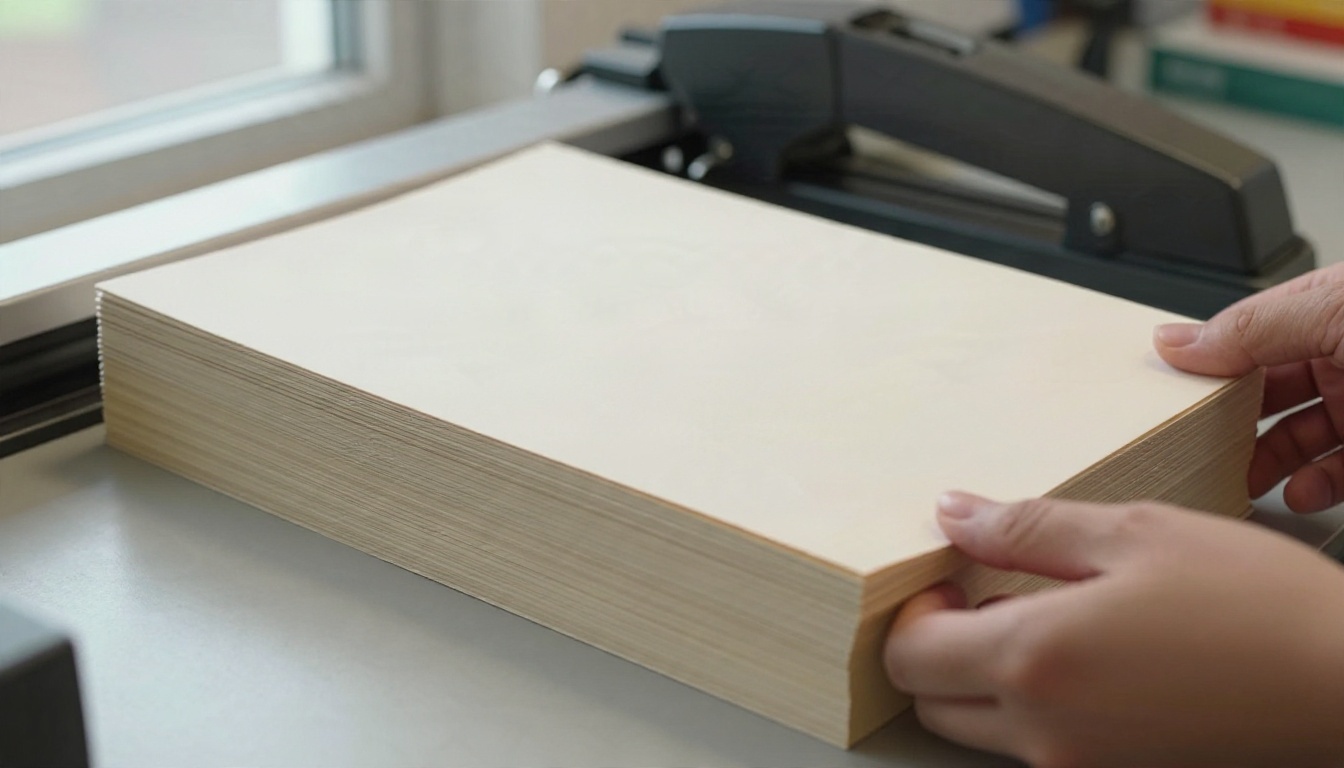
Digital is not always the answer. Trade shows, hotel rooms, waiting areas and handwritten notes all favor paper. A good habit is to print a short run for physical moments and share the digital version everywhere else. Both come from the same PDF, so the extra effort is small.
✅ Best practice: Put a QR code on the printed booklet that links to the digital version. Readers who want the latest edition, videos or a download get there in one scan.
Start Your Booklet Today
The fastest route is also the simplest: write your content (with AI help if you like), export a PDF, and publish it as a digital booklet. You get a polished, shareable result without a design degree or a printing budget.
Ready to try it? Get started for free on Flipbooks AI and upload your first PDF. Browse all flipbook tools to find a template that matches your project, or compare pricing plans when you need analytics, lead generation and unlimited flipbooks. If you already know you want the Professional features, go straight to your account and pricing.



