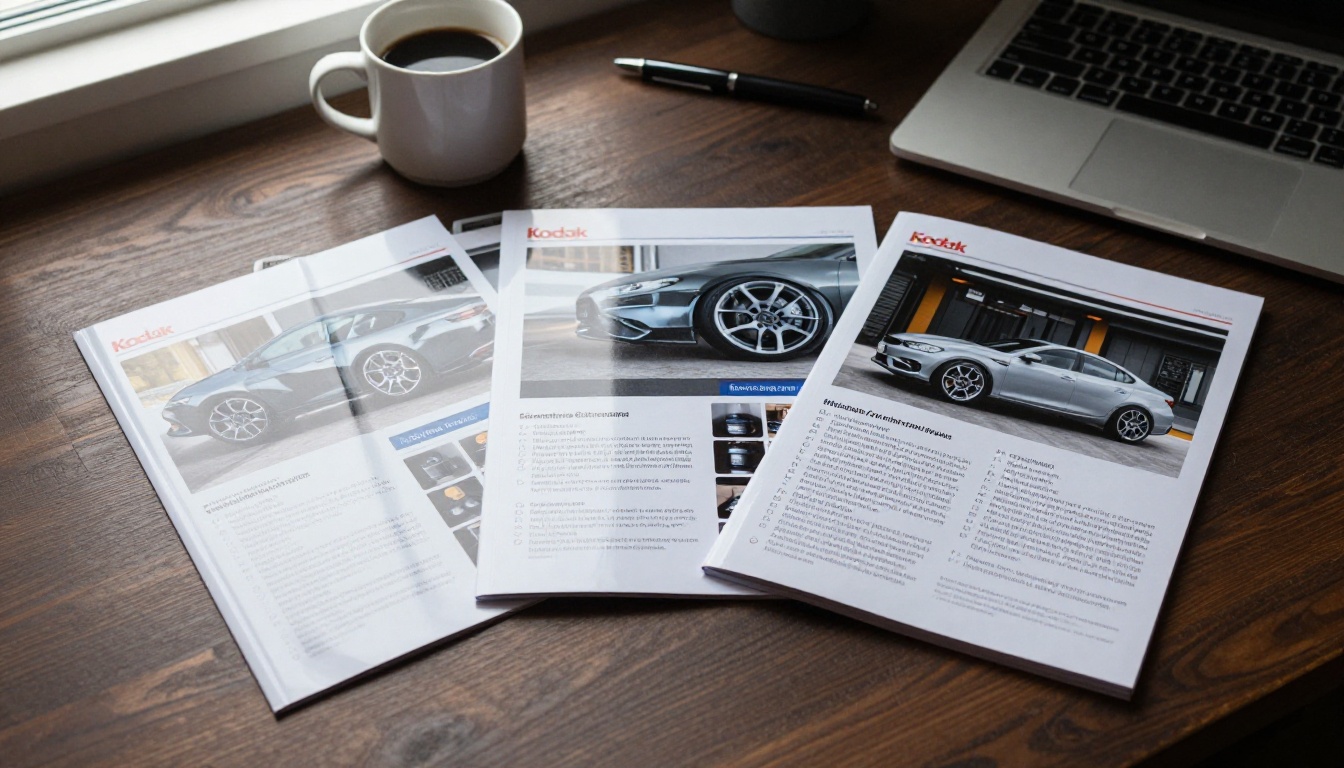
A customer who spends 400 dollars on a ceramic coating wants proof before they hand over their keys. A sharp car detailing brochure PDF gives them that proof: your packages, your prices, your best before-and-after shots, all in one file they can read on the couch and forward to a partner. This article walks through the templates that work, the design choices that make a brochure look premium, and price list examples you can adapt today. At the end, you will also see how to publish the PDF as a page-turning flipbook with Flipbooks AI, so it opens instantly on any phone.
Why Detailers Still Need a Brochure
Social media shows your work. A brochure explains your process, your standards and your pricing in an order you control. Instagram scrolls past; a PDF stays in the inbox, in the text thread and in the glovebox.
What Customers Actually Look For
Most people shopping for detailing are nervous about two things: paying too much and damaging their paint. A good brochure answers both before they ask.
- Clear packages with a visible price or starting price
- Time estimates so they know how long the car stays with you
- Proof of quality: photos, reviews, certifications, product brands
- Easy booking: a phone number, a QR code or a link on every page
- Warranty details for coatings and paint protection
💡 Pro tip: If a customer has to message you to find out the price of a basic wash, you have lost half of them. Show at least a starting price.
PDF, Print or Flipbook?
You do not have to pick one. Most detailers end up using all three, each for a different moment.
| Format | Best For | Strength | Weakness |
|---|
| Printed tri-fold | Counter, car shows, dealership drop-offs | Tangible, quick to hand over | Costs money per run, prices go stale |
| Plain PDF | Email quotes, text replies | Easy to attach | Heavy files, awkward on phones |
| Flipbook from PDF | Website, social bio, QR codes | Fast loading, page-turn feel, trackable | Needs a short setup |
A flipbook is simply your PDF turned into an interactive, mobile-friendly reader. You keep the design you already made and gain a link, an embed code and optional analytics.
What Goes Inside the Brochure
Think of the brochure as a short sales conversation. Each page has one job.
The Front Page That Earns the Next Click
Your first page needs a hero photo, your business name, a one-line promise and a location. Something like "Showroom finish, mobile or in-shop" works better than a paragraph of history. Use one strong image of a car with a deep, clean reflection. Skip clip art and stock icons.
Service Pages That Sell Outcomes
Describe results, not chemicals. "Removes swirl marks you see in sunlight" beats "Two-stage machine polish with a finishing pad." Use a short list under each service:
- What is done (three to five bullets)
- How long it takes
- How long the result lasts
- Starting price
Proof and Trust Pages
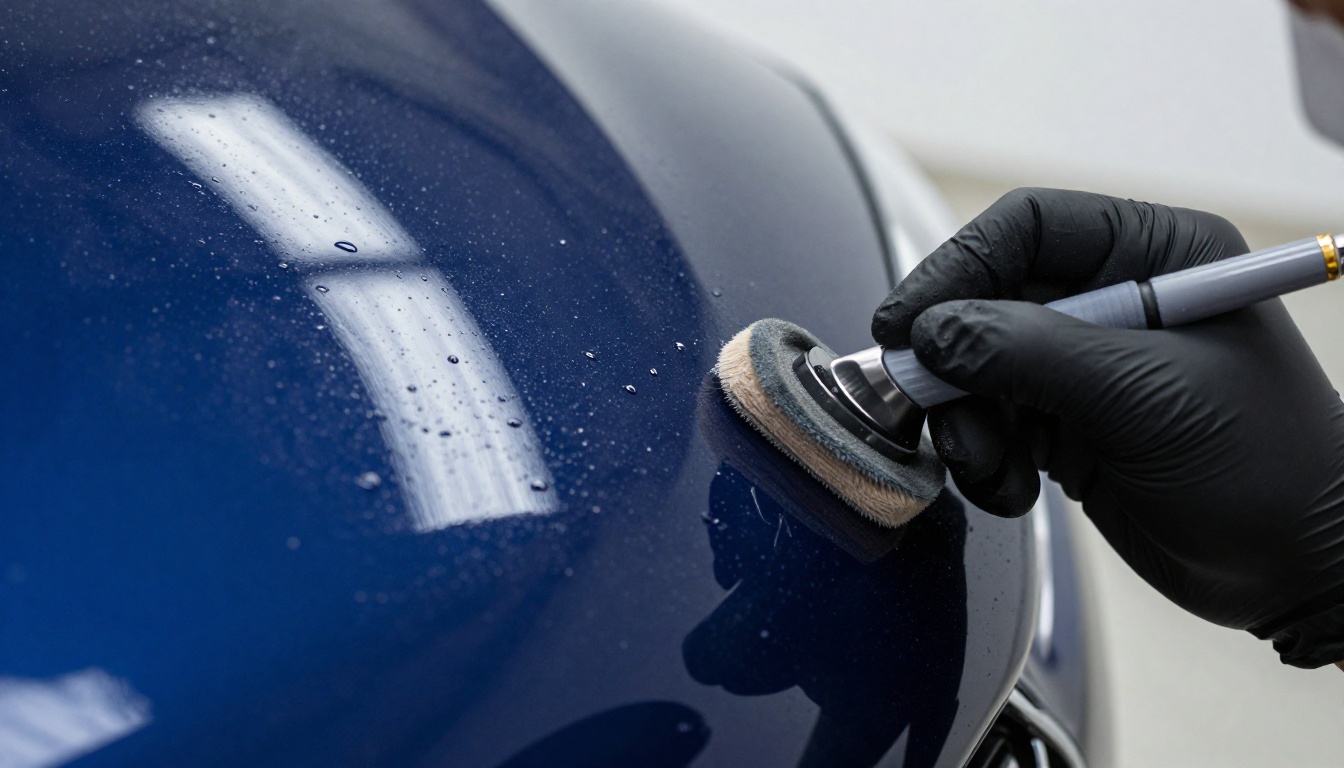
One full page of before-and-after photos does more than three paragraphs of copy. Add two or three short customer quotes with first names and car models, such as "Daniel, black SUV". If you hold insurance, a coating installer certification or a product brand partnership, show those logos in a small row near the booking details.
✅ Best practice: Photograph every job from the same three angles (front quarter, side profile, close-up of the paint). A consistent set makes your brochure look like a portfolio, not a collage.
Template Layouts That Work
You do not need a designer to start. You need a layout that matches how many services you sell. These three formats cover most detailing businesses.
One-Page Price Sheet
Ideal for mobile detailers who sell three or four packages. A single A4 or Letter page with a hero photo at the top, three package columns in the middle and a booking strip at the bottom. It is quick to update and perfect for text replies.
Tri-Fold Brochure
Six panels give you a natural story: front panel, three inside panels for services, a back panel with proof, and a contact panel. Many detailers use the tri-fold for the shop counter and then export the same file to PDF.
Eight to Twelve Page Booklet
Best for shops that offer ceramic coatings, paint protection film, window tint and fleet work. Each service gets its own spread. This format suits dealership partnerships and premium clients who want detail before committing.
| Template | Pages or Panels | Best For | Typical Price Range Shown |
|---|
| One-page price sheet | 1 | Mobile detailers | 3 to 4 packages |
| Tri-fold | 6 panels | Walk-in shops | 4 to 6 packages plus add-ons |
| 8 page booklet | 8 | Coating specialists | Packages, add-ons, plans |
| 12 page booklet | 12 | Full-service studios | Everything, including fleet rates |
Price List Examples You Can Copy
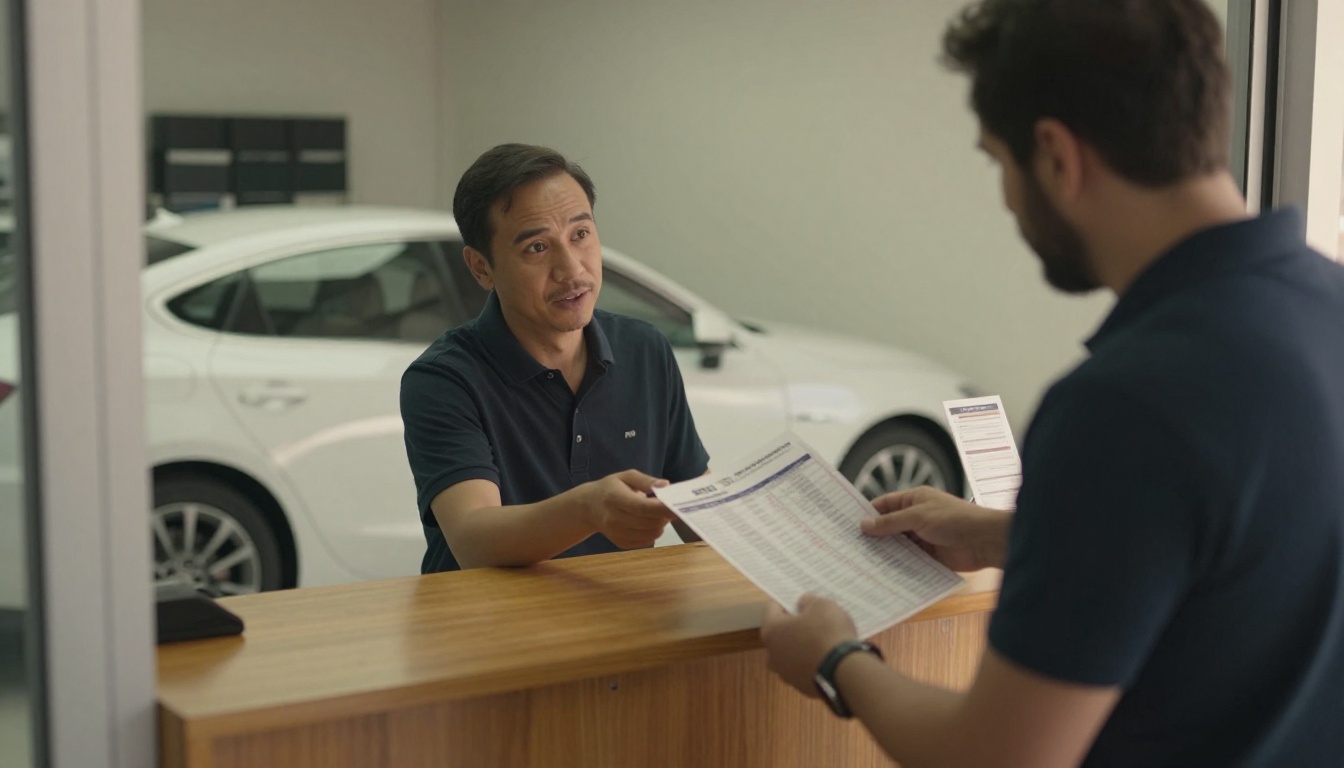
The numbers below are sample ranges for illustration. Your market, labor cost and product choices will move them up or down. What matters is the structure.
Package Pricing by Vehicle Size
Charge by size category rather than by car model. Customers find their category quickly, and you avoid awkward conversations about oversized trucks.
| Package | Sedan / Coupe | SUV / Crossover | Truck / Large SUV |
|---|
| Express exterior wash and wax | $60 | $75 | $90 |
| Interior deep clean | $120 | $150 | $180 |
| Full interior and exterior | $210 | $260 | $310 |
| One-step paint polish | $260 | $320 | $390 |
| Paint correction (two-stage) | $520 | $640 | $780 |
| 2-year ceramic coating | $750 | $900 | $1,100 |
| 5-year ceramic coating | $1,300 | $1,550 | $1,850 |
⚠️ Warning: Label "starting at" prices honestly. Heavily soiled cars, pet hair and swirled paint need extra time. State this in one line at the bottom of the page.
Add-Ons That Raise the Ticket
Add-ons are where small businesses make their margin. Present them as a simple list with prices on the same page as your packages.
- Engine bay cleaning: $50
- Headlight restoration: $80
- Pet hair removal: $40 to $90
- Leather conditioning: $45
- Odor treatment (ozone): $65
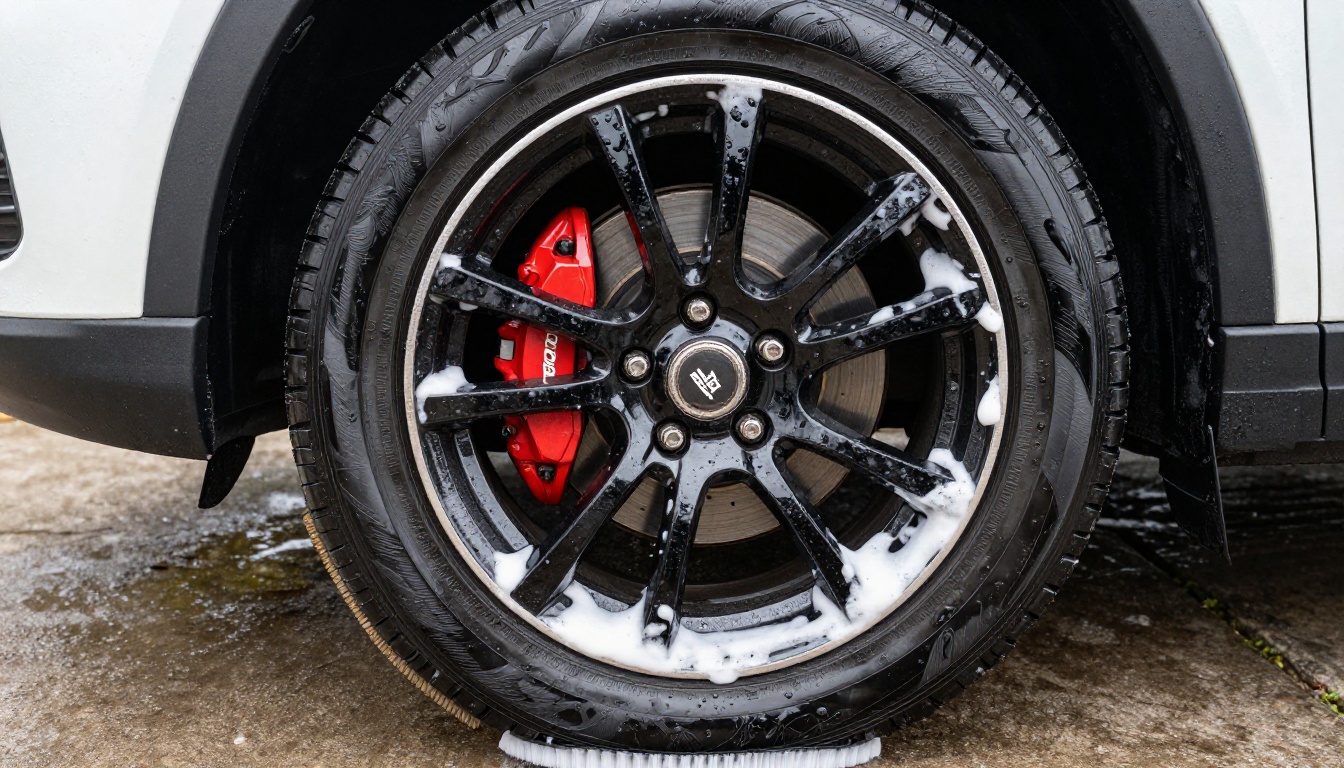
- Wheel ceramic coating: $150
Maintenance Plans That Bring Cars Back
Repeat business keeps a detailing shop alive. A plan listed on the last page of your brochure makes the ongoing relationship look normal:
- Monthly maintenance wash: $55 to $75 per visit with a coating owner discount
- Quarterly interior refresh: $110
- Annual coating inspection: free for clients, with a $40 top-up service
If you want to keep these prices up to date without redesigning, the Digital Price List Generator is designed for exactly this kind of list.
Design Ideas That Sell
Detailing is a visual business. Your brochure should look like the result you promise: clean, glossy and precise.
Photography First
Use natural light photography whenever possible. Shoot cars outdoors in open shade or in a bright bay with large windows. Avoid heavy filters because customers will compare your photos with the car in person. A few shots to plan:
- A wide shot of a finished car with reflections visible
- A macro of water beading on coated paint
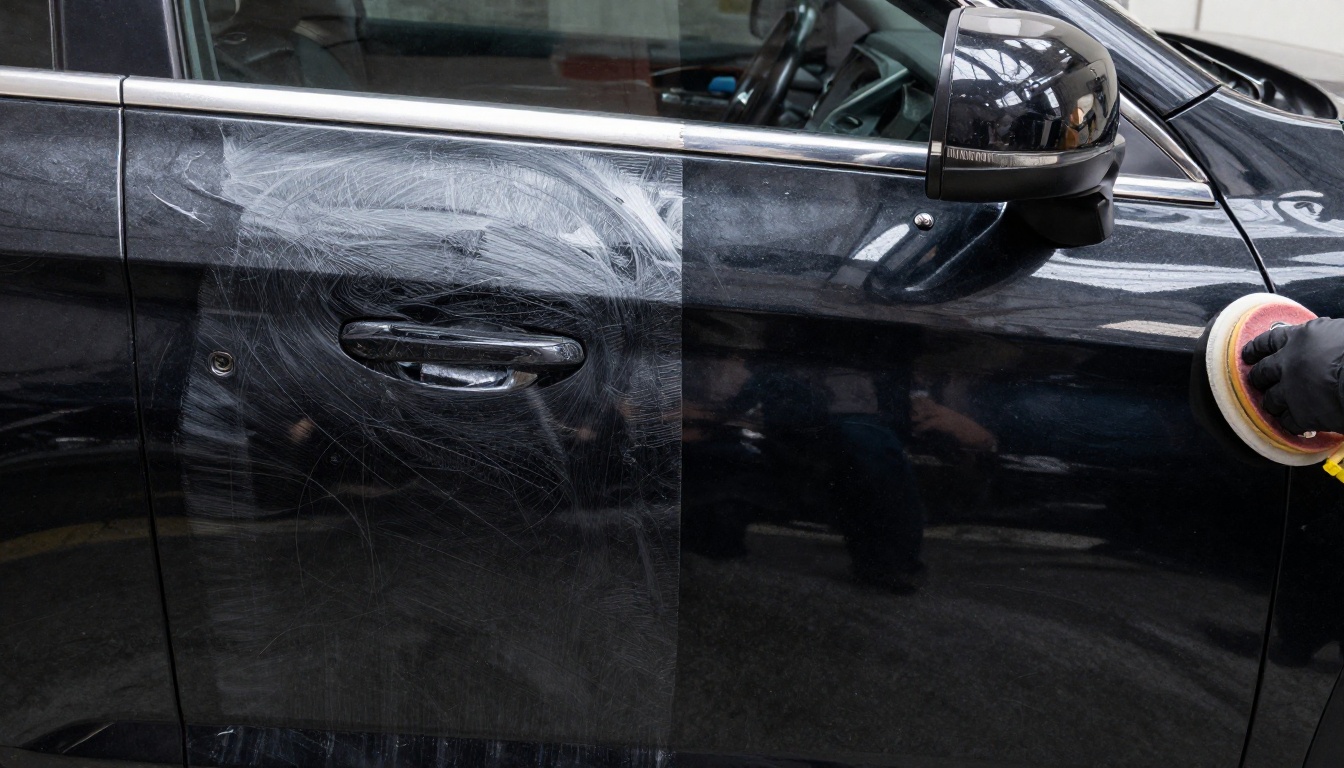
- A split frame showing a polished half and an untouched half
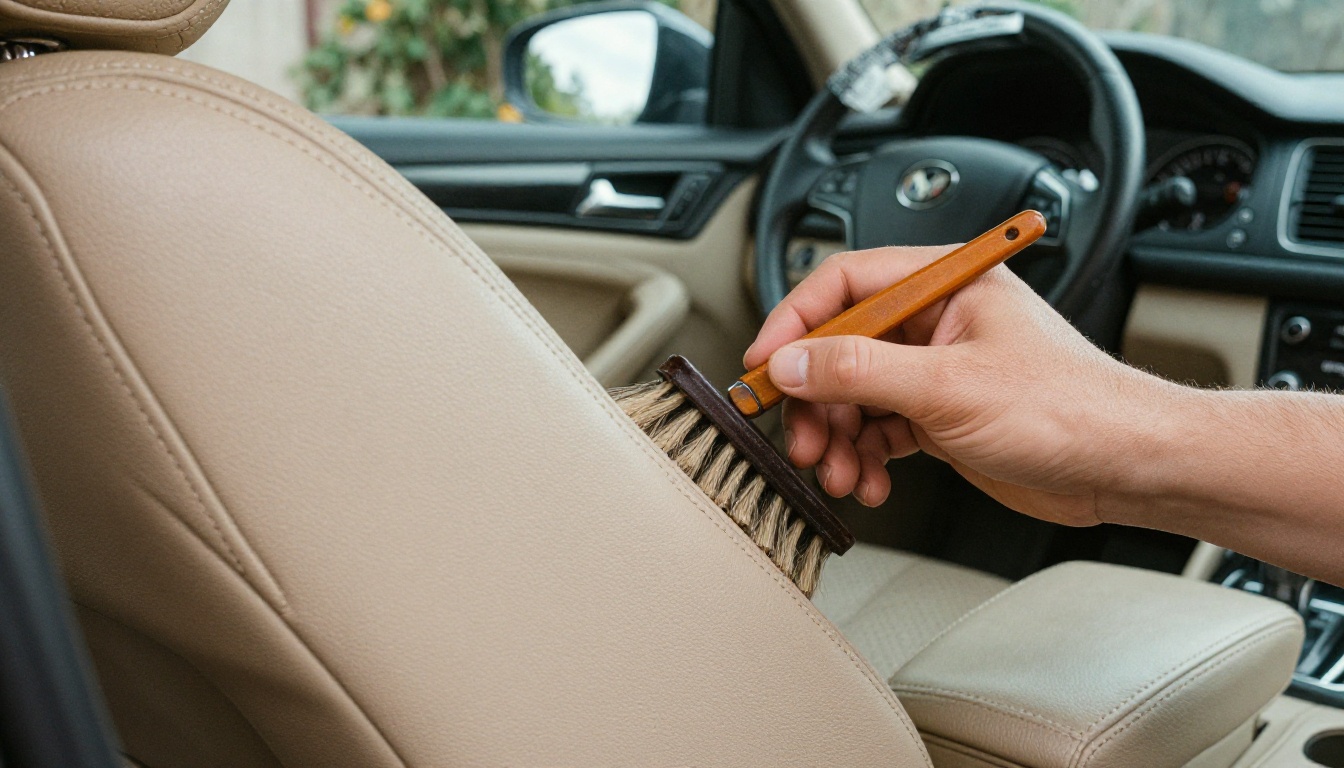
- An interior shot with clean leather and stitching
Color and Type Choices
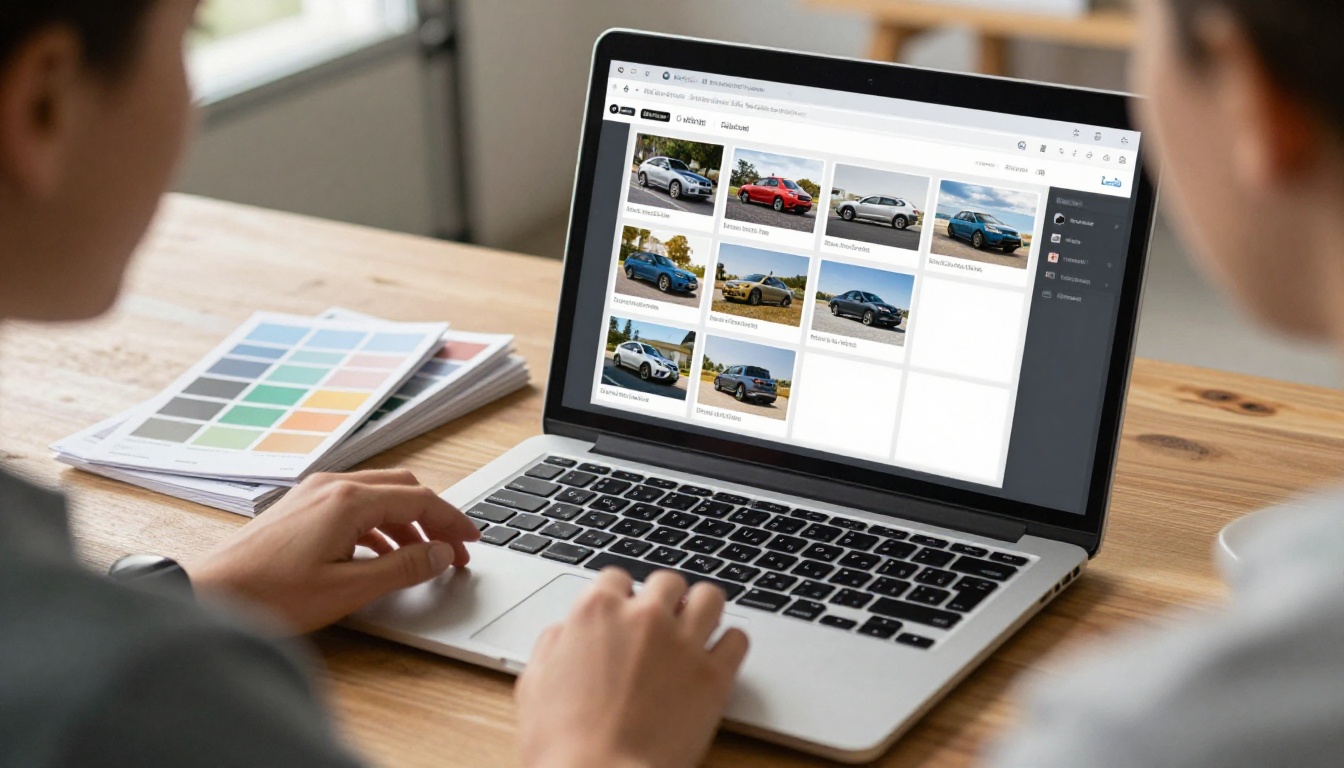
Detailing brands look best with a restrained palette: charcoal, white, and one accent color pulled from your logo. Reds and golds signal performance; blues and teals signal cleanliness. Pick one sans-serif font for body copy and one bolder face for headings. Keep body text at 10 to 11 points in print and large enough to read on a phone screen once it becomes a flipbook.
Copy That Sounds Like You
Write the way you speak to customers at the counter. Short sentences. Specific claims. If you use a particular product, name it. If a coating has a warranty, say how long and what it requires.
💡 Pro tip: Add a "Not sure which package?" box with a three-question mini quiz: How old is the car? Is it garaged? Do you want protection or only a clean-up? Point each answer to a package.
How to Create It with Flipbooks AI
Once your PDF is ready, turning it into a flipbook takes a few minutes. The platform has a dedicated Automotive Brochure generator and a Brochure Flipbook Maker that suit this workflow.
Step-by-Step Setup
- Create your account. Go to Flipbooks AI and create an account. You can start free.
- Upload your PDF. Drag the file into the PDF to Flipbook Converter. Each page becomes a flipbook page, with text and image quality preserved.
- Customize the look. Add your logo, set brand colors, choose a background and pick a page-turn effect. You can also add clickable buttons to the booking page and embed a short video of a coating process or an audio note.
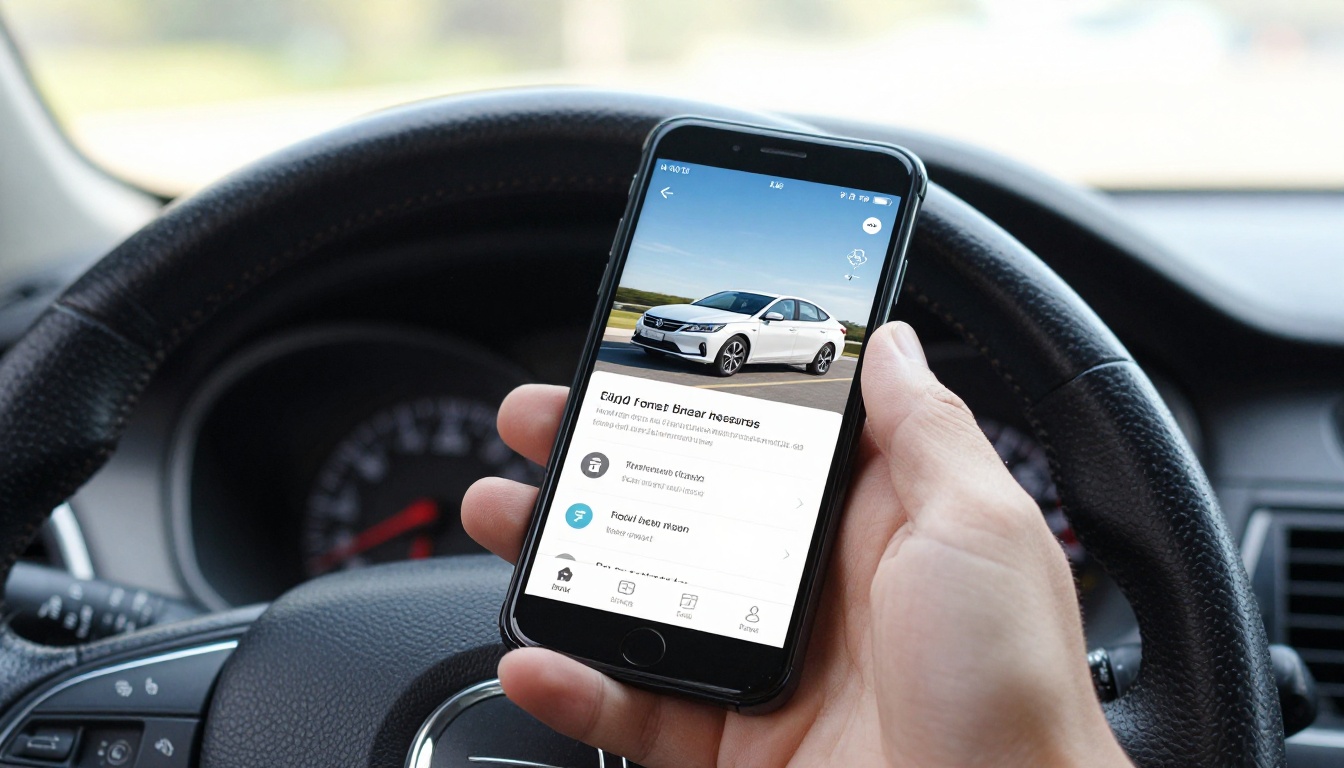
- Preview on mobile. The reader is responsive, so check that the price table is legible on a phone.
- Share it. Copy the direct link for texts, use the embed code for your website, or print the link as a QR code for your counter and business cards.
- Protect private versions. If you have a fleet pricing booklet for dealers, use password protection so only invited clients can open it.
Pro Features Worth Using
On the Professional plan you can use analytics to see which pages get read, offline downloads for customers who want the PDF, and lead generation forms inside the flipbook. If you notice most readers stop on the ceramic coating page, that tells you where to improve the copy. Compare plans on the pricing page.
| Feature | Why a Detailer Cares |
|---|
| No watermarks | Your brochure looks like your brand only |
| Unlimited flipbooks (Standard and above) | Separate versions for retail, fleet and seasonal offers |
| Password protection | Private rates for dealerships and fleet managers |
| Analytics and lead generation (Professional) | See page views and capture quote requests |
| Offline downloads | Customers keep a copy for later |
| Embedded video and audio | Show a coating demo inside the pages |
| Mobile-responsive design | Reads well on every phone |
| Custom branding | Logo, colors and domain match your shop |
Mistakes to Avoid
Most weak brochures fail for the same few reasons. Here is a short checklist to run before you publish.
- Too many packages. Six to eight choices make people freeze. Offer three core packages and a short add-on list.
- No prices. Vague pricing pushes customers to the shop down the road.
- Tiny type. If you cannot read it on your phone at arm's length, neither can your customer.
- Stale information. Old prices damage trust. Use a flipbook link so every update reaches everyone at once.
- No call to action. Every page should show a phone number, a QR code or a booking link.
- Dark, grainy photos. Reshoot rather than fixing it with filters.
⚠️ Warning: Do not promise a "lifetime" result unless your coating warranty says so in writing. State the conditions plainly.
Real-World Examples
A mobile detailer with a van and three packages might use a one-page price sheet, a QR code on the van door and a flipbook link in Instagram bio. Customers book from the link in under a minute.
A coating specialist with a studio might build an eight-page booklet that includes a process timeline, a warranty page and a maintenance plan. They send the flipbook link after every quote, then check analytics to see if the customer opened the warranty page.
A dealership partner program might use a password-protected fleet brochure with volume rates for prep-before-delivery work, an approach that keeps wholesale prices away from retail customers.
For more ideas on layouts across industries, browse the full set of flipbook tools.
Ready to Send Your Brochure?
You already have the hard part: the skill, the photos and the pricing. Put them in a clear layout, pick one of the templates above and fill in your own numbers. Then publish it so customers can open it with one tap.



