Clients decide whether your salon feels fair, modern, and worth the money in about ten seconds, and most of that decision happens while they read your price list. A messy sheet with crossed-out numbers makes people nervous. A clean one makes them relax, book, and tip better. This article gives you a free salon price list template you can copy today, three realistic hair salon price list examples, a method for setting your numbers, and a simple way to publish everything as a digital page with Flipbooks AI.
Every price in this article is an illustration. Swap in your own rates, your local market, and your own cost of doing business.
What a Good Salon Price List Includes
A price list is not a receipt. It is a short sales page that sits on your counter, your website, and your clients' phones. The best ones answer three questions before anyone asks: What do you offer? What will it cost me? What happens next?
The Four Parts Every Menu Needs
Almost every strong hair salon price list is built from the same four blocks:
- Service groups: cuts, color, treatments, styling, extensions, and special occasions.
- Clear starting prices: use "from" or a range when length, density, or stylist level changes the final number.
- Short descriptions: one line that tells the client what is included, such as "shampoo, cut, and blow dry."
- Booking and policy notes: deposit rules, cancellation windows, and how to reach you.
💡 Pro tip: Keep descriptions under twelve words. Clients skim. If a line needs a paragraph, it belongs on your website, not on the menu.
Pricing Formats Compared
Not every salon needs the same layout. The right format depends on how many services you sell and how much they vary.
| Format | Best For | Strength | Weakness |
|---|
| Flat price list | Barbershops, quick-service salons | Fast to read, no surprises | Poor fit for color work |
| Starting-from list | Cut and color salons | Honest about variation | Clients may expect the lowest number |
| Tiered by stylist level | Salons with juniors and seniors | Fills every chair | Needs a clear explanation of levels |
| Package menu | Bridal, events, spa days | Raises the average ticket | Takes longer to design |
| Hourly or time-based | Complex color, extensions | Fair for long services | Harder for new clients to estimate |
Free Salon Price List Template You Can Copy
Here is a plain-text template you can paste into any document, design tool, or spreadsheet. Replace the bracketed values and delete anything you do not offer.
Copy-Ready Text Layout
[SALON NAME] Service Menu
Cuts and Styling
- Women's cut and blow dry: from $[ ]
- Men's cut: from $[ ]
- Kids' cut (under 12): from $[ ]
- Blow dry and style: from $[ ]
- Updo or event styling: from $[ ]
Color Services
- Root touch-up: from $[ ]
- All-over color: from $[ ]
- Partial highlights: from $[ ]
- Full highlights or balayage: from $[ ]
- Gloss or toner: from $[ ]
Treatments
- Deep conditioning: from $[ ]
- Keratin smoothing: from $[ ]
- Scalp treatment: from $[ ]
Add-Ons
- Extra length or thickness: $[ ] to $[ ]
- Bond repair booster: $[ ]
- Wash and dry only: $[ ]
Good to Know
Design Choices That Help
You do not need a graphic designer, but a few decisions make the list feel expensive in the best way:
- Use two fonts at most. One for headings, one for prices.
- Align prices to the right edge. Eyes scan columns faster than sentences.
- Leave white space. A crowded sheet looks cheap, even when the prices are high.
- Pick a calm palette. Cream, sage, charcoal, or soft blush all photograph well and print cleanly.
- Print on thick, matte paper for the counter, and keep a PDF for digital use.
Hair Salon Price List Examples
The same template looks very different depending on the business. These three examples show how to adapt the structure. Numbers are sample values only.
Neighborhood Cut and Color Salon
A salon with four stylists and a regular local crowd benefits from a starting-from format with stylist tiers.
| Service | Junior Stylist | Senior Stylist | Salon Director |
|---|
| Women's cut and blow dry | from $55 | from $75 | from $95 |
| Men's cut | from $35 | from $48 | from $60 |
| Root touch-up | from $70 | from $90 | from $110 |
| Partial highlights | from $110 | from $145 | from $180 |
| Balayage | from $190 | from $240 | from $300 |
The tier columns let clients choose their own budget, which means fewer awkward conversations at the chair.
Barbershop Style Menu
Barbershops win with speed and simplicity. A flat list of six to eight lines is enough:
- Classic cut: $32
- Skin fade: $38
- Cut and beard trim: $52
- Beard shape-up: $22
- Hot towel shave: $35
- Kids' cut: $24
- Senior cut: $26
Notice that every line stands alone. No "from," no ranges, no footnotes. That is the point.
Premium Color Studio
A color-focused studio sells expertise and time. It works best with a consultation-first menu and hourly add-ons.
- Color consultation: $40, credited toward your service
- Full balayage: from $260, includes toner and blow dry
- Corrective color: priced by the hour after consultation
- Bond repair booster: $30
- Gloss and finish: $65
✅ Best practice: For complex color, say "priced after consultation" instead of guessing. Clients trust a salon that refuses to quote blind.
How to Set Your Prices

Copying a competitor's menu is tempting, and it is also how many salons end up busy and broke. Start with your own numbers.
Work Out Your Hourly Cost
Add up everything it takes to keep a chair running for a month:
- Chair rent or a share of the lease
- Utilities, insurance, and software
- Product and color costs
- Your own target wage
- Taxes and a small profit margin
Divide the total by the number of billable hours you realistically fill, not the hours you are open. Most stylists bill between 60 and 75 percent of their working time.
| Cost Item | Monthly Amount (Example) |
|---|
| Chair rent | $900 |
| Product and color | $450 |
| Insurance, software, supplies | $250 |
| Target wage | $3,600 |
| Taxes and profit buffer | $800 |
| Total | $6,000 |
If you can bill 100 hours a month, your minimum is $60 per hour before you decide anything else. A 90-minute balayage must therefore start at $90 plus the color product cost.
Handle Length and Add-On Fees
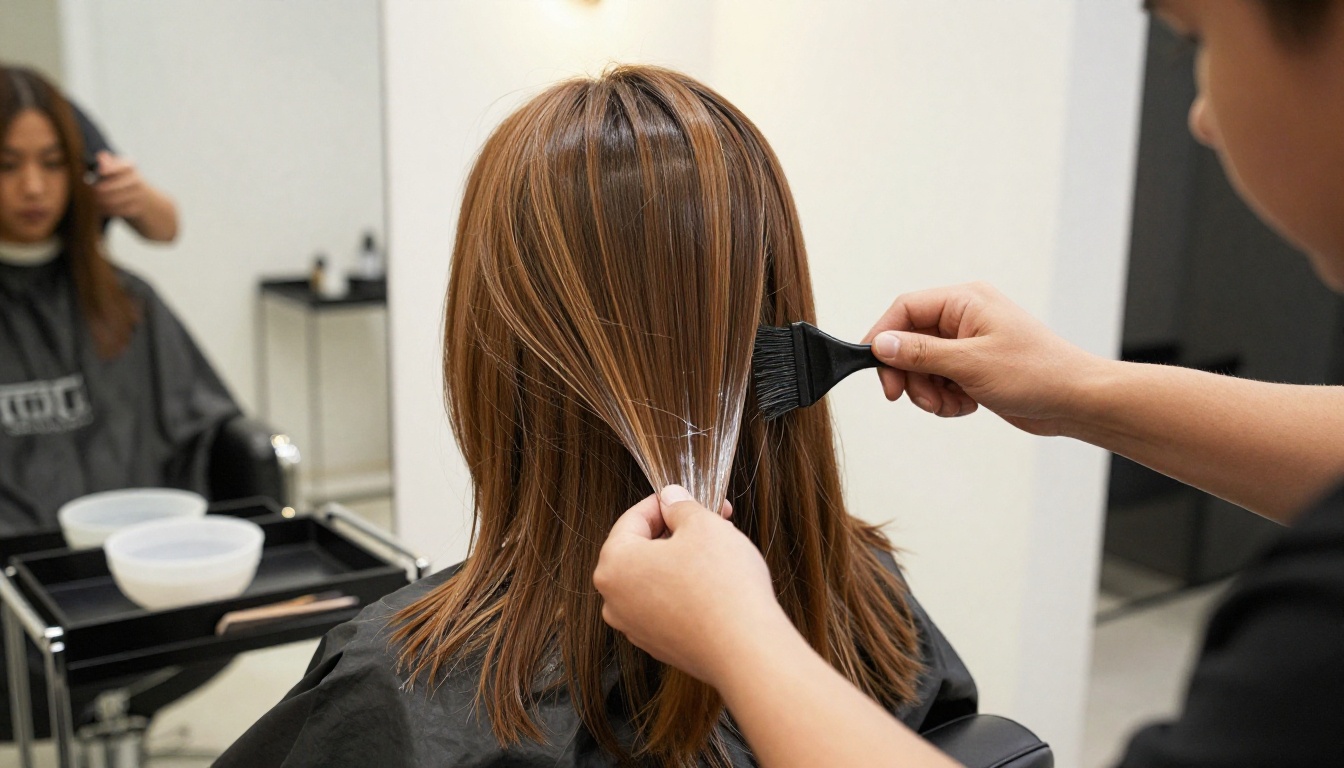
Hair length and density change both time and product. Rather than fighting each client at the chair, publish simple rules:
- Long hair surcharge: hair past the shoulder blades adds $[ ] to color services.
- Thick hair surcharge: extra product and time, charged by the half hour.
- Add-on pricing: gloss, bond repair, and scalp massages as clearly listed extras.
⚠️ Warning: Hidden fees are the fastest way to lose a first-time client. If it can change the price, print it on the menu.
How to Create a Digital Price List with Flipbooks AI
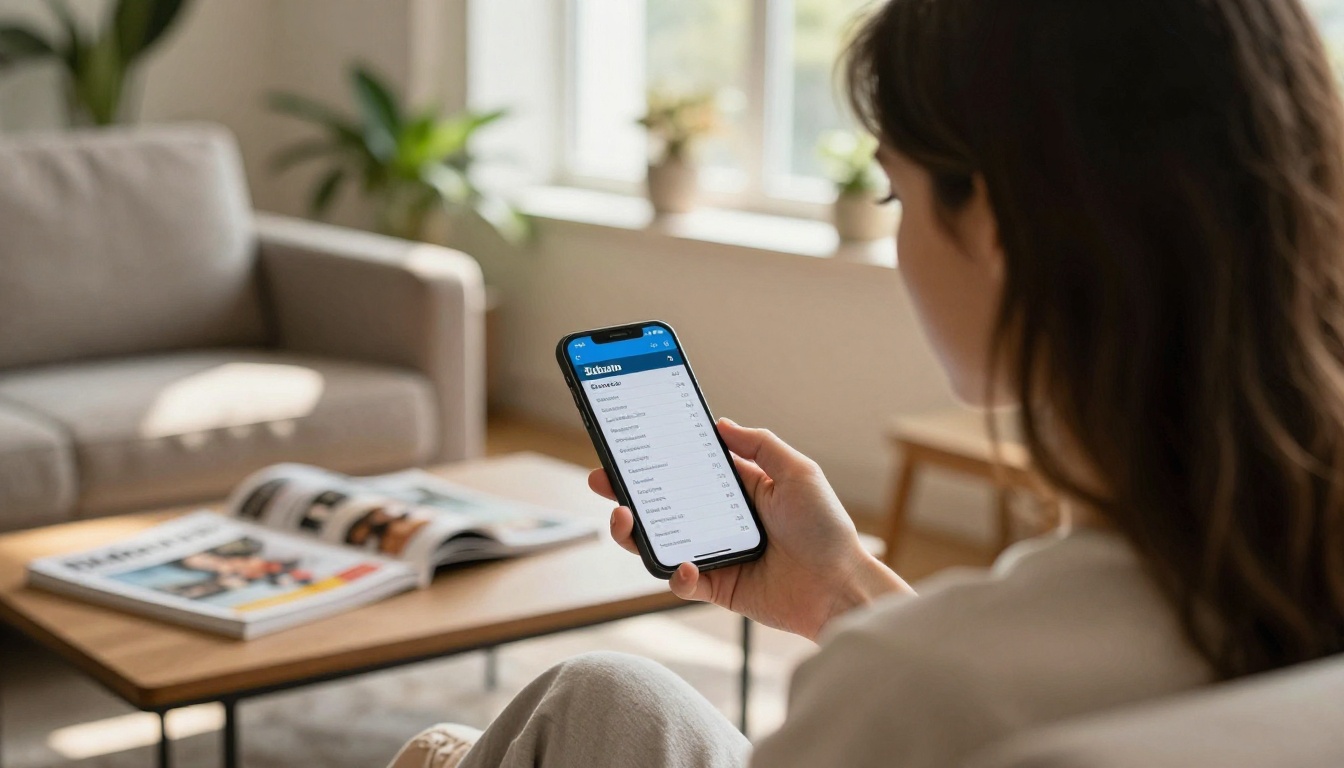
A paper menu is useful, but a digital one is easier to update, share, and track. With Flipbooks AI, you can turn a PDF price list into a page-turning flipbook that opens on any phone. If you want a head start, the Digital Price List Generator is built for exactly this kind of menu, and the Spa & Wellness Menu Creator fits salons that also sell facials, massages, or nail services.
Upload and Convert
- Finish your price list in any tool you like and export it as a PDF.
- Create a free account on Flipbooks AI and choose to add a new flipbook.
- Upload the PDF. The platform converts each page into a smooth, flippable layout in moments. The PDF to Flipbook Converter handles the heavy lifting.
- Preview it on desktop and mobile. The design is mobile-responsive, so prices stay readable on small screens.
Brand It
Open the customization panel and match the flipbook to your salon:
- Upload your logo and set your brand colors.
- Choose a page-turn effect and a background that suits your interior.
- Add a short intro video or ambient audio if you want a warmer first impression.
- Everything stays clean: no watermarks, ever.
Share and Embed
You have several ways to put the menu in front of clients:
| Sharing Option | Where to Use It | Why It Works |
|---|
| Direct link | Instagram bio, text messages, email signature | One tap and the menu is open |
| Embed code | Your salon website | Follows the instructions in Embed Flipbook on Website |
| QR code | Mirror stickers, window, counter card | Clients scan while waiting |
| Password protection | Stylist-only rates, wholesale or bridal packages | Keeps private pricing private |
| Offline download | Clients who want a copy | Works without a signal |
Track Views and Capture Leads
On the Professional plan you get analytics and lead generation. You can see how many people opened your menu, which pages held their attention, and collect an email address before showing a bridal package. Compare options on the pricing page. The Standard plan and above also allow unlimited flipbooks, so you can publish a main menu, a seasonal promo, and a bridal brochure side by side.
💡 Pro tip: When you raise prices, update the PDF and re-upload. The same link and QR code keep working, so you never have to reprint window stickers.
Where to Put Your Price List

A price list only works when people see it at the right moment. Here are the best placements and what each one does for you:
- Reception counter: a printed copy in a clear stand, always the current version.
- Booking page: the digital link right above your calendar, so no one books blind.
- Instagram and Google profile: a link in the bio and a post of your top services.
- Waiting area: a QR code on a small frame so clients can browse the menu while their color processes.
- Checkout: a short card with your rebooking offer and your loyalty program.
If you run several locations, consider building one flipbook per branch. A catalog flipbook layout also works well when you sell retail products next to services.
Common Mistakes to Avoid
Even a well-designed menu can fail. Watch for these four problems:
- Outdated prices. A sheet with handwritten corrections signals chaos. Update the master file and reprint.
- Too many services. If your menu has 60 lines, nobody reads it. Group, trim, and move rare services to a "by request" section.
- No mention of consultations. New clients are afraid of surprises. A line that says "free consultation" removes that fear.
- Unclear policies. Late fees and deposits are fine when they are visible. They feel unfair only when they appear after the appointment.
⚠️ Watch out: Never promise exact prices for corrective color or major length changes. Use "from" or "priced after consultation" to protect both sides.
Ready to Publish Your Price List?
You now have a free template, three working examples, a pricing formula, and a way to turn it all into a mobile-friendly menu. The next step is small: open your document, paste the template, fill in your real numbers, and export the PDF.
- Create your free account on Flipbooks AI and upload your first price list.
- Browse all flipbook tools to find the layout that fits your salon, spa, or barbershop.
- Compare pricing plans when you are ready for analytics, lead capture, and unlimited flipbooks.
A clear price list will not cut hair for you, but it will fill your chairs with clients who already know what to expect and feel good about paying it.



