A new patient picks up your brochure in the waiting room, flips it open, and decides in about ten seconds whether your clinic feels trustworthy. That is the whole game. A chiropractic brochure PDF gives you a clean, shareable version of that first impression, and when you turn it into a digital flipbook with Flipbooks AI, it works on phones, in emails, on your website and at the front desk through a simple QR code.
This article walks through real brochure examples, the pages every clinic needs, copy and compliance basics, and a hands-on tutorial for publishing your own digital version. If you already have a PDF sitting in a folder, you are closer than you think.
Why Clinics Still Need Brochures
Chiropractic is a trust business. People are about to let a stranger touch their spine, so they look for proof that you are careful, clear and local. A brochure answers the questions patients hesitate to ask out loud: What happens at the first visit? How long does it take? What will it cost?
What Patients Actually Read
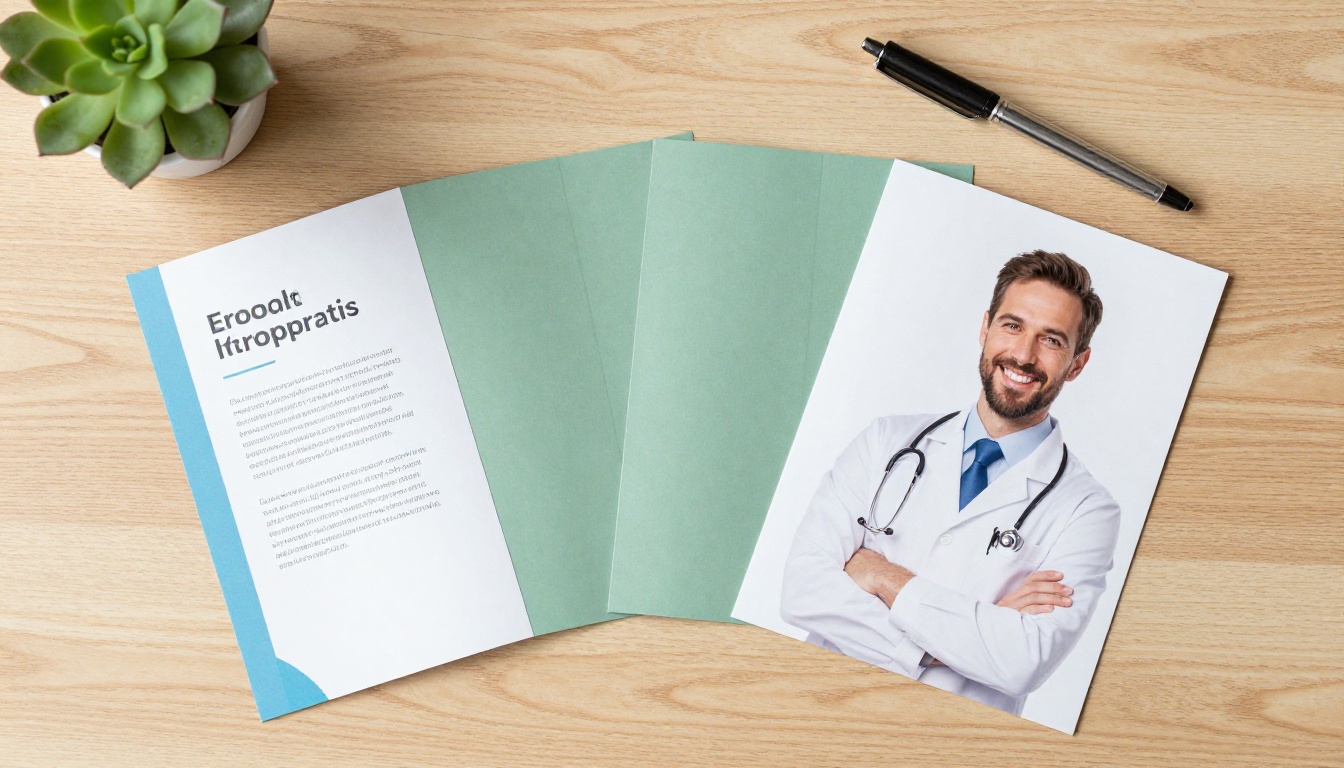
Most people skim. They look at the photo of the practitioner, the headings, the list of services and the contact details. Long paragraphs get skipped. That means your brochure should lean on short blocks, clear headings and honest photography instead of stock images of smiling skeletons.
What patients tend to look for first:
- A friendly, real photo of the chiropractor or team
- A plain-language list of conditions and services you see
- Opening hours, address and a booking link
- Insurance and payment information
- A short explanation of the first appointment
PDF, Print or Flipbook?
You do not have to pick only one. The strongest clinics use a printed piece for the waiting room and a digital flipbook for everything else. Here is how the three formats compare.
| Format | Best For | Strength | Weak Spot |
|---|
| Printed brochure | Waiting room, local events | Tangible, easy to hand over | Costs money to reprint, goes out of date |
| Plain PDF | Email attachments | Simple to create | Awkward on phones, no tracking |
| Digital flipbook | Website, social, QR codes | Page-turn feel, mobile friendly, trackable | Needs a quick setup |
💡 Pro tip: Keep the PDF as your master file. Print from it, and convert the same file to a flipbook. One design, three uses.
Chiropractic Brochure Examples That Work
Instead of staring at a blank page, start from a proven structure. The four examples below cover most clinic types, from a general family practice to a sports-focused office.
The New Patient Welcome Brochure
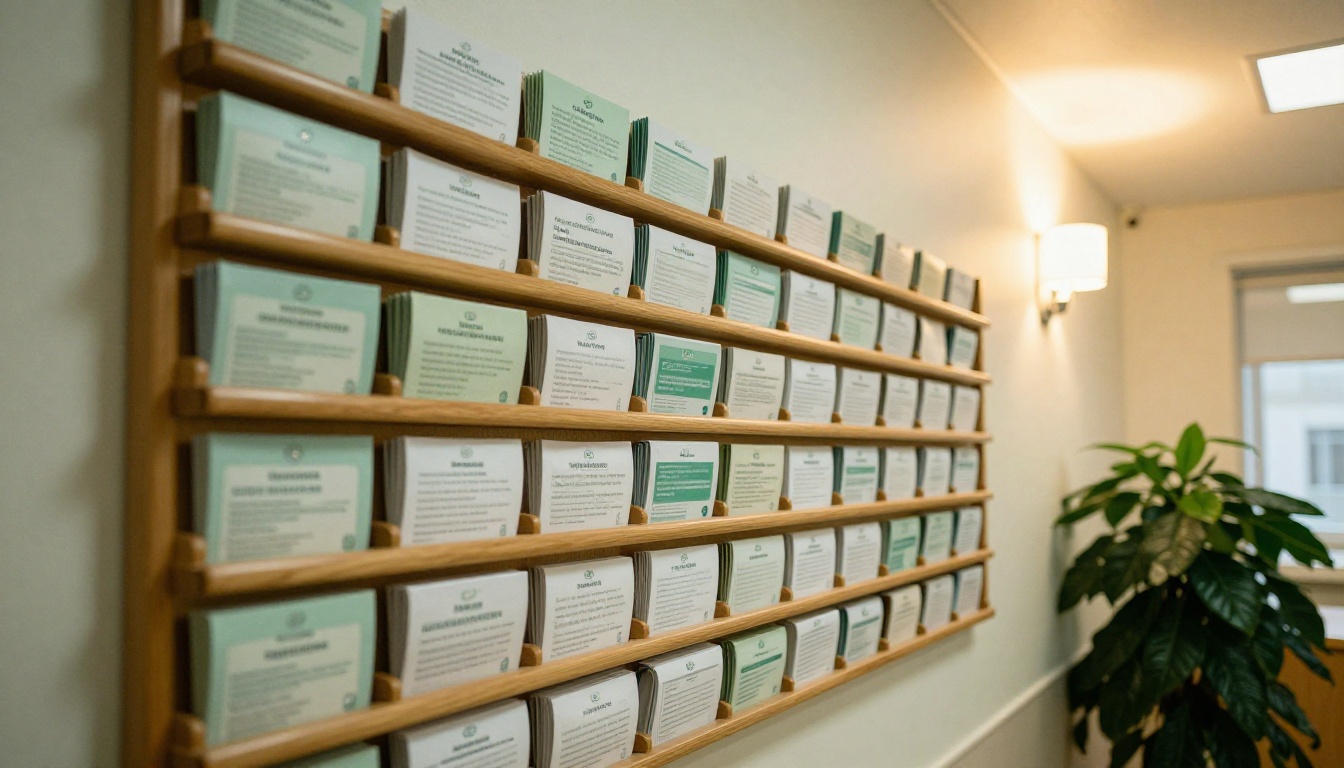
This is the workhorse. It answers one question: what should I expect? A tri-fold layout is the classic choice.
- Front panel: clinic name, practitioner photo, one short line about who you help
- Inside left: what happens at the first visit, step by step
- Inside center: services offered, written in everyday words
- Inside right: meet the team, with short bios
- Back panel: address, map, hours, phone and a QR code to book
A family clinic can use this brochure to calm nerves. Telling people that the first visit includes a conversation, an exam and a plan, before any adjustment, removes a lot of fear.
The Service Menu Brochure
Some clinics offer a wider range: spinal adjustments, massage, rehab exercise, posture screening and wellness plans. A service menu brochure lists each offering with a one-sentence description and the typical session length. Think of it like a restaurant menu for your practice. If that idea appeals, the Spa & Wellness Menu tool follows a similar structure and is easy to adapt.
The Wellness Plan Brochure
Clinics with ongoing care programs often need a separate piece that explains visit schedules, what each stage involves and how pricing works. Use a simple timeline graphic: Assessment, Active Care, Maintenance. Keep the tone informative, not pushy.
The Sports and Injury Brochure
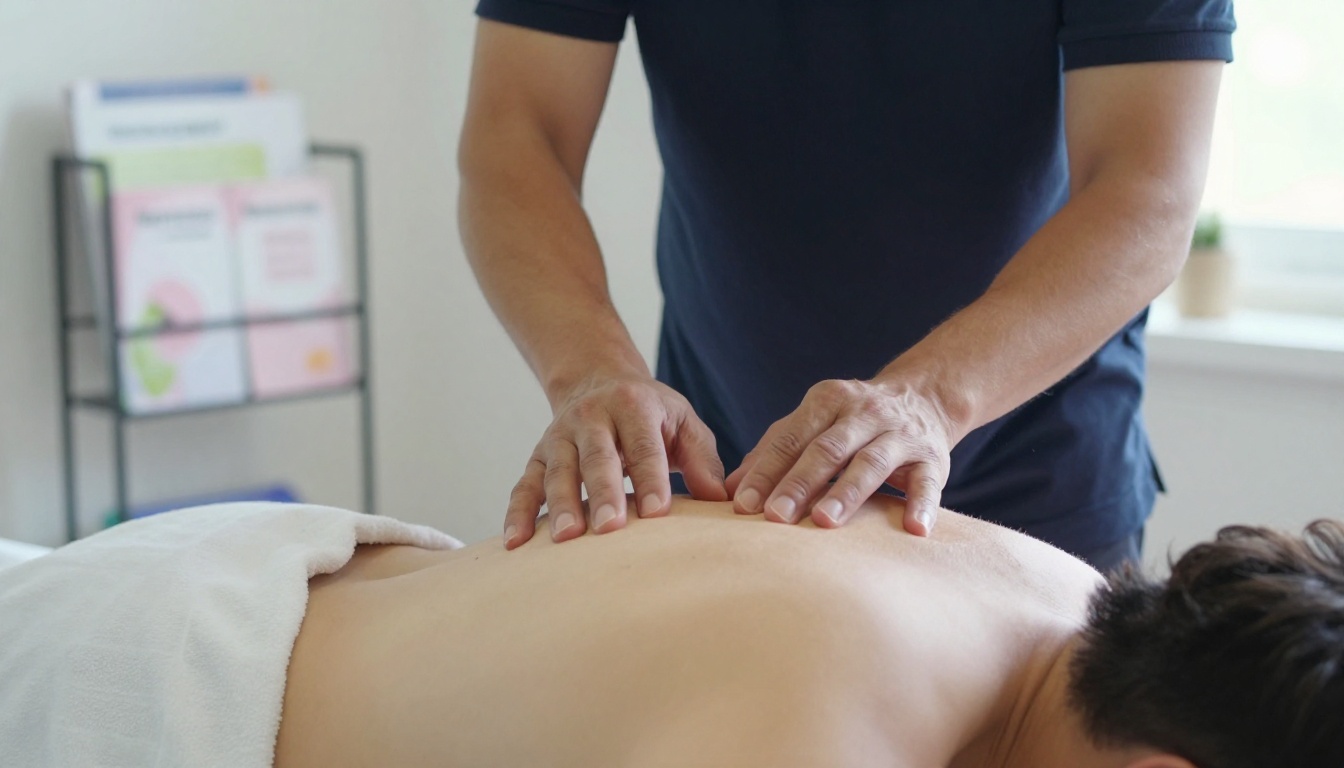
A clinic near a gym, a running club or a school team can build a niche brochure with athlete photos, common strain topics and a note on how you coordinate with trainers. Use photography that shows movement, not just a patient lying on a table.
Here is a side-by-side view of the four examples so you can choose where to start.
| Brochure Type | Audience | Ideal Length | Main Goal | Suggested Call to Action |
|---|
| New Patient Welcome | First-time visitors | 6 panels (tri-fold) | Reduce anxiety, drive bookings | Scan to book |
| Service Menu | Existing and new patients | 4 to 8 pages | Explain offerings | Ask about add-ons |
| Wellness Plan | Returning patients | 4 pages | Explain care schedule | Schedule next visit |
| Sports and Injury | Athletes, coaches | 4 to 6 pages | Build a niche reputation | Book a screening |
What to Put on Every Page
Whatever style you pick, the content blocks stay similar. Treat the layout as a checklist.
The Front Panel
You have one image and one sentence. Use a real photo of your practitioner, your clinic logo, and a short promise such as "Friendly spine and posture care for the whole family." Avoid exaggerated claims. Warm and specific beats loud.
The Inside Spread
This is where the information lives. Use a three-part rhythm: a short heading, two or three lines of text, and a small photo or icon. Include:
- A first-visit walkthrough with three or four steps
- Services in plain words, like "back and neck discomfort" rather than clinical jargon
- Team bios with a photo, credentials and one personal detail (a hobby or a hometown)
- Testimonials, used only if you have written permission and your local rules allow them

The Back Panel
Every brochure needs a final action. Put your phone number, address, opening hours, booking link and a QR code. Add social handles only if you update them often.
✅ Best practice: Use one primary call to action per brochure. "Book your first visit" is clearer than five competing options.
Copy and Compliance Basics
Healthcare marketing has rules, and they vary by country, state and professional body. Your brochure should be helpful without overpromising.
Words and Claims to Watch
Avoid promising outcomes. Phrases like "cures," "guaranteed relief" or "fixes your pain for good" can create regulatory trouble and damage trust. Prefer softer, accurate language.
| Risky Phrase | Safer Alternative |
|---|
| "We cure back pain" | "We help people manage back and neck discomfort" |
| "Guaranteed results" | "Care plans tailored to your goals" |
| "Best chiropractor in town" | "Serving the local community since 2012" |
| "No more medication" | "Talk with us about how chiropractic care fits your health plan" |
⚠️ Warning: Always check your local licensing board's advertising rules before printing or publishing. Rules on testimonials, before-and-after claims and price discounts differ widely.
Photos and Patient Privacy
Never publish a patient photo without signed consent. Use staff photos, licensed images, or custom photography of your own space. Real photos of your waiting room and treatment rooms build more trust than anonymous stock pictures.
Build a Chiropractic Flipbook Step by Step
Once your PDF is ready, turning it into a digital brochure takes minutes. With Flipbooks AI, the page-turning viewer keeps the feel of a printed piece while working on any screen. For more brochure-specific options, browse the Brochure Flipbook Maker and the Online Brochure Designer.

Step 1: Create Your Account
Head to Flipbooks AI and create an account. You can try the platform first and move to a paid plan later by comparing pricing.
Step 2: Upload and Convert Your PDF
- Open your dashboard and choose the upload option.
- Select your brochure PDF. Export it at a sensible size, since high resolution images keep text sharp without making the file heavy.
- Wait a few seconds. The PDF to Flipbook Converter turns each page into a flippable spread.
💡 Screenshot note: You will see a preview of your brochure with a page strip along the bottom, similar to a photo album. Click any thumbnail to jump to that page.
Step 3: Customize the Look
- Branding: Add your logo, and set the background to match your clinic colors. Soft greens, blues and warm neutrals suit wellness brands.
- Page effects: Adjust the page-turn animation and sound to taste.
- Multimedia: Embed a short welcome video from the chiropractor, or an audio clip explaining the first visit. Videos help nervous patients put a face to the name.
- Mobile view: Check that text is readable on a phone. The design is mobile-responsive by default.
Step 4: Protect and Share
Choose how people reach your brochure:
- Direct link for emails and text messages
- Embed code for your website, using the Embed Flipbook on Website tool
- Password protection for private material, such as an internal staff handbook or a care plan for a specific patient group
- Offline download so patients can save the brochure on their device
Step 5: Pro Features Worth Using
On the Professional plan you can add analytics to see how many people open the brochure and which pages they view, and lead generation forms to collect names and emails before a reader goes further. Check the pricing plans to see which tier fits.
| Feature | Basic Use | Professional Plan |
|---|
| No watermarks | ✅ | ✅ |
| Unlimited flipbooks | Standard and above | ✅ |
| Password protection | ✅ | ✅ |
| Video and audio embeds | ✅ | ✅ |
| Custom branding | ✅ | ✅ |
| Analytics | No | ✅ |
| Lead generation forms | No | ✅ |
Share It Where Patients Look
A brochure is only useful when people see it. Spread the digital version across every touchpoint.

QR Codes at the Front Desk
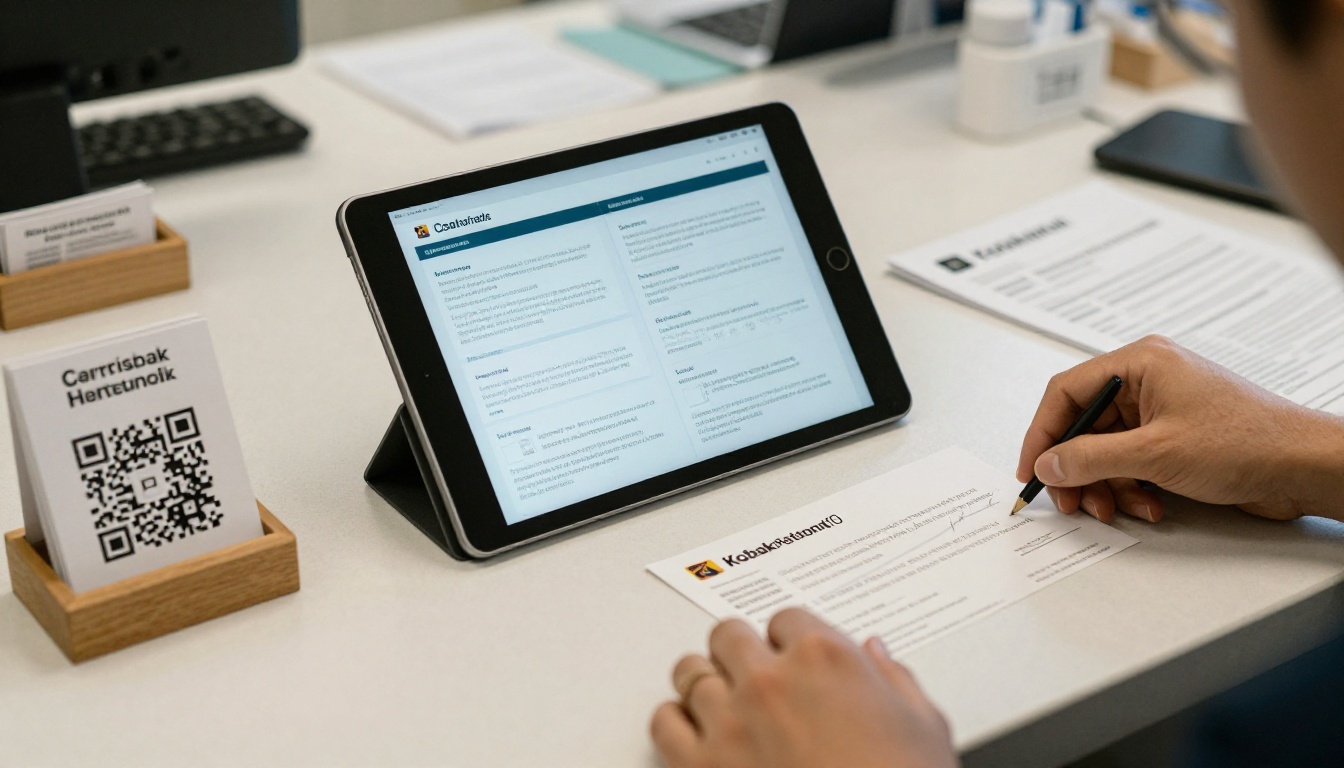
Print a small QR code card and place it in a holder at reception, in treatment rooms and on your appointment cards. A patient scans it, reads on their phone, and shows it to a partner or parent before they commit to a visit.
Website, Email and Social Media
- Website: Embed the flipbook on a "New Patients" page so visitors can read without downloading a file.
- Email: Include the direct link in your confirmation message after someone books online.
- Social media: Post a link in your profile and share individual pages, like the first-visit walkthrough, as story highlights.
- Google Business Profile: Add the link in the booking or website field.
Mobile First Reading
Most people open links on their phone, often while standing in a parking lot or sitting on a couch. A flipbook adapts to the screen, which a traditional PDF often fails to do.
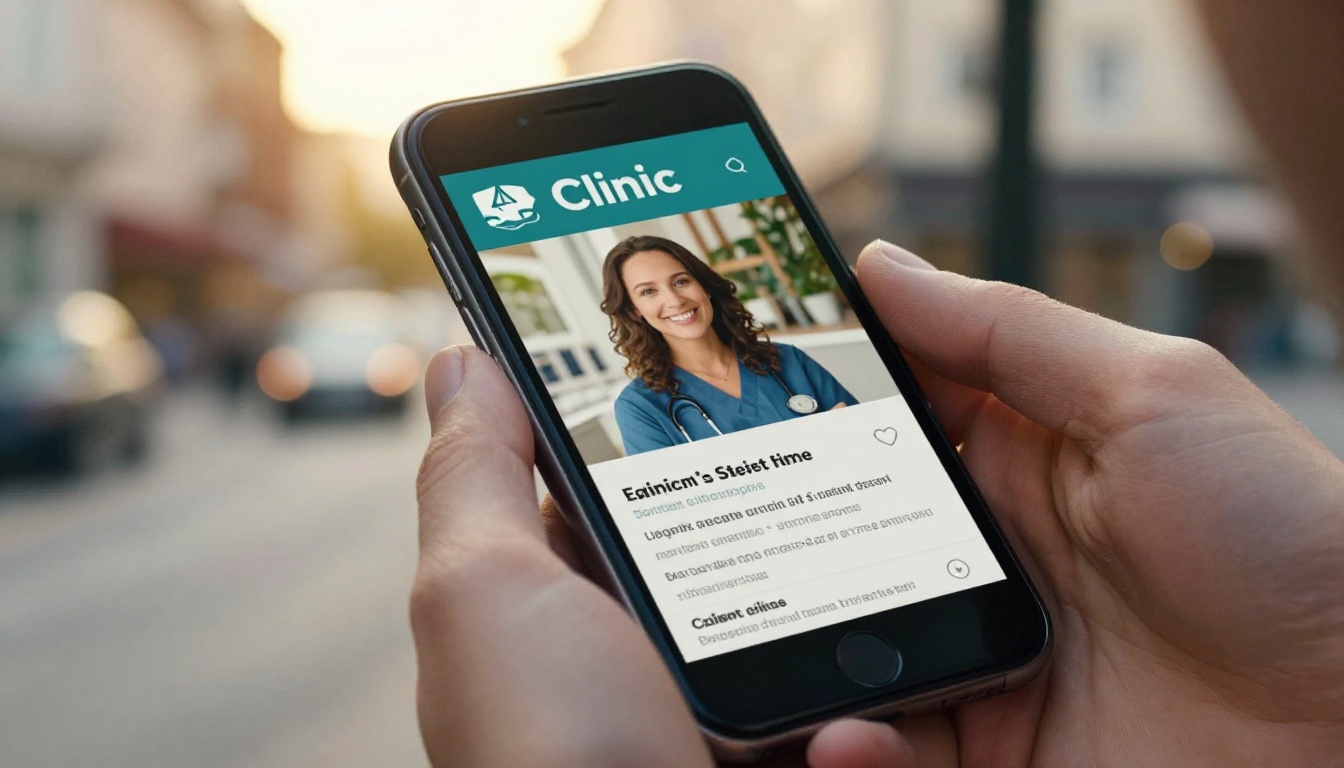
Here is how the main sharing methods stack up.
| Method | Setup Time | Best Use | Trackable With Analytics |
|---|
| Direct link | Seconds | Emails, texts, DMs | ✅ |
| QR code | Minutes | Front desk, flyers, cards | ✅ |
| Website embed | Minutes | New patient page | ✅ |
| Email attachment (PDF) | Seconds | Formal documents | ❌ |
Real-World Scenarios
Seeing the brochure in action helps you decide what to build first.
A family clinic uploads a six-panel welcome brochure, adds a 40-second video from the chiropractor, and puts the QR code on the appointment reminder card. New patients arrive already knowing who they will meet.
A sports-focused office creates a short flipbook for local running clubs and shares the link in a group chat. The coach forwards it to the team, and the clinic sees through analytics which pages get the most views.
A multi-practitioner wellness center builds a service menu with massage, adjustments and rehab sessions, then uses password protection for an internal pricing sheet that only staff can open. For a related layout, look at the Digital Price List Generator.

Common Mistakes to Avoid
Even well-designed brochures fall flat for predictable reasons. Check your draft against this list.
- Too much text. If a panel looks like a textbook page, cut it in half.
- No clear next step. A brochure without a booking link is a business card with extra steps.
- Outdated information. Wrong hours or a former team member's photo erodes trust fast. Digital flipbooks make updates easier than reprinting.
- Tiny fonts. Aim for body text that is comfortable to read on a small phone screen.
- Stock photos only. Patients can spot generic images. Use real photos of your team and space.
- Skipping a proofread. Have two people read it aloud before you publish.
💡 Quick audit: Hand your brochure to a friend for ten seconds. Then ask what the clinic does and how to book. If they cannot answer, simplify.
Ready to Publish Your Clinic Brochure?
You already have the hardest part: knowing your patients and your services. A clear structure, honest copy and a digital flipbook can do the rest.
Print a few copies for the waiting room, share the link everywhere else, and let your brochure work for the clinic around the clock.



