A guest decides whether to book your hotel long before they speak to anyone on your team. Usually it happens in about thirty seconds, while they flip through a brochure or swipe through a PDF on their phone. This post walks through real hotel brochure examples, the layouts behind them, design ideas worth copying, and how to publish your own as an interactive flipbook with Flipbooks AI, so it opens instantly on any device and never ends up buried in an email attachment folder.
What Makes a Hotel Brochure Work
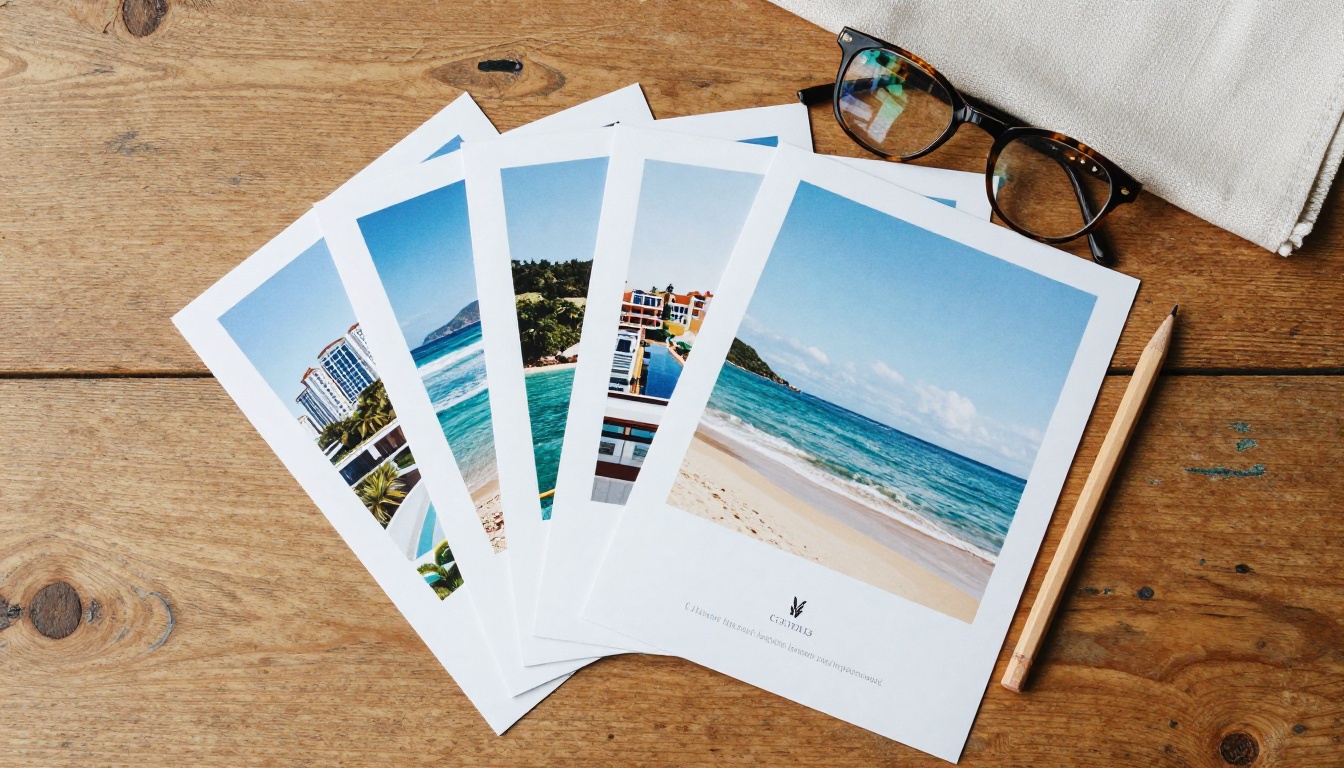
A good brochure sells a feeling first and a room second. People rarely book a bed. They book the morning coffee on a terrace, the quiet pool, the walk to dinner. Your brochure has one job: make that picture vivid enough that the reader wants to step into it.
Start With the Guest, Not the Hotel
Weak brochures open with "Founded in 1987, our family-owned property offers..." Strong ones open with the guest's best day. Compare these two opening lines:
- Weak: "Welcome to the Harbor Hotel, a 120-room property in the city center."
- Strong: "Wake up to boats rocking under your window, then walk five minutes to the best breakfast in town."
The second line is specific, sensory and written about the reader. Use that rule on every panel.
The Five Panels Every Brochure Needs
Whether your brochure is a single sheet or a twenty-page booklet, these five blocks do the heavy lifting:
- Hero image and promise: one photograph and one sentence that set the tone.
- Rooms and suites: two or three room types with honest sizes, beds and views.
- Dining and amenities: pool, spa, restaurant, gym, kids' club, whichever matter most to your market.
- Location and things to do: a small map and a short list of walkable highlights.
- Booking details: direct phone, web address, QR code and a reason to book direct.
💡 Pro tip: Print the five panels on separate sticky notes before you design anything. If you cannot fill every note in one sentence, your message is not ready for layout yet.
Hotel Brochure Examples by Property Type
The same layout does not work for a ski lodge and a business tower. Here are patterns that show up again and again in brochures that perform well.
Boutique Hotel Brochures
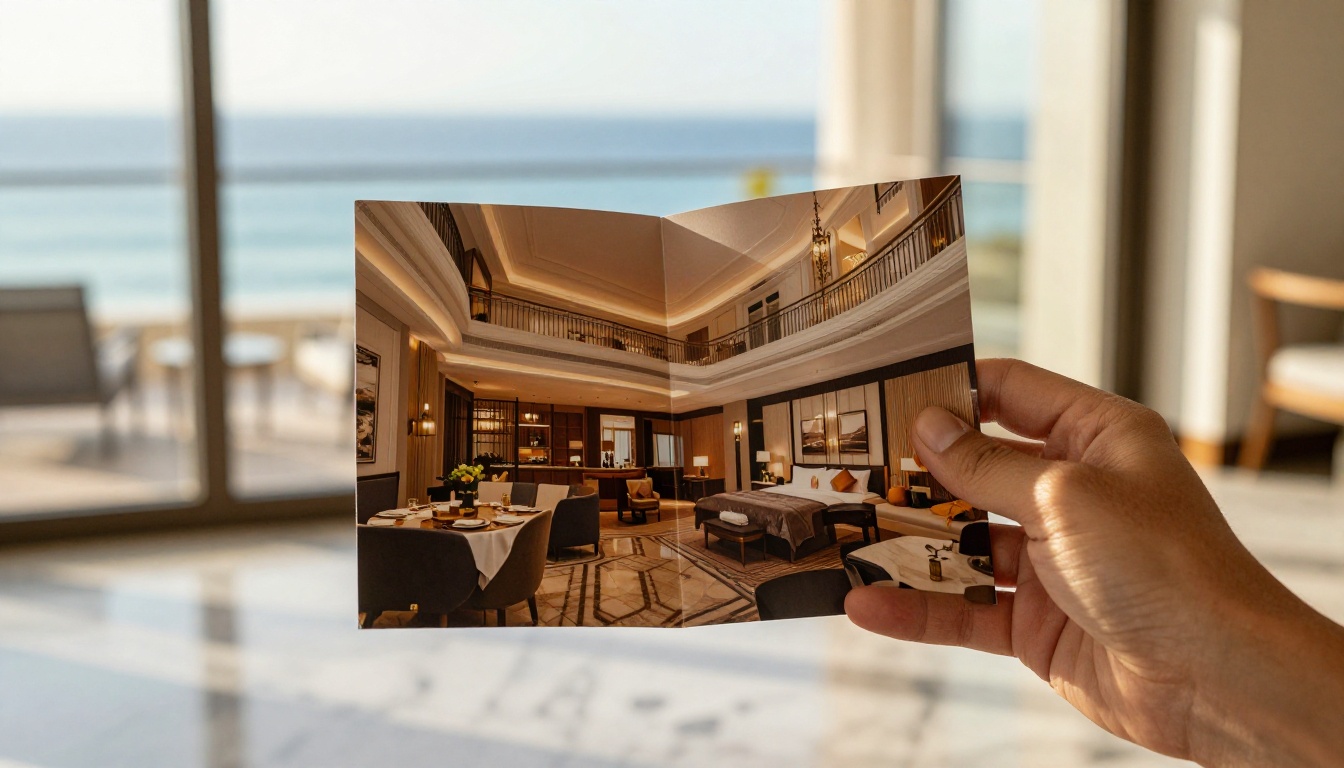
Boutique properties win on personality. The best examples use a small format (A5 or square), thick uncoated paper and very few words per page. Think one large photograph, a short paragraph about the building's history, and a handwritten-style signature from the owner. White space is a feature here, not a waste.
Resort Brochures
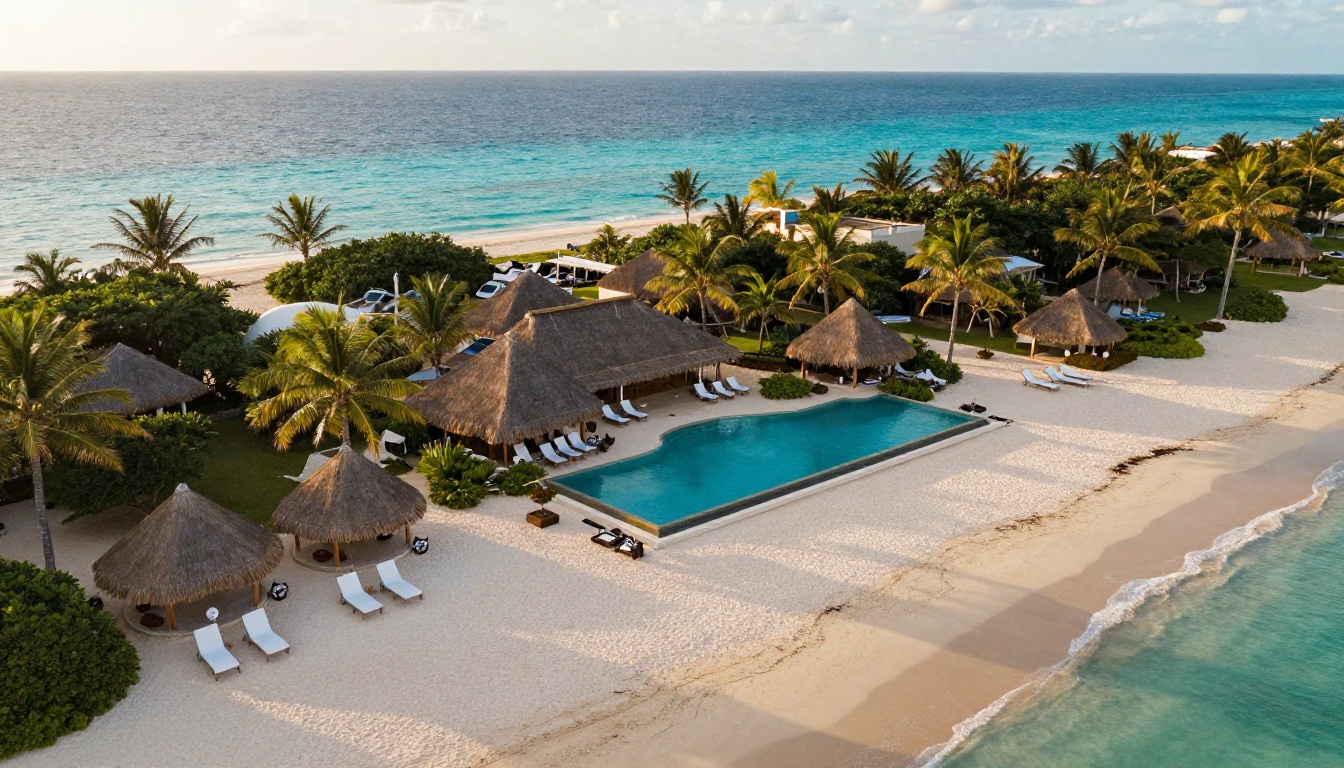
Resorts sell scale and variety, so the brochure acts like a menu of experiences. Strong examples open with an aerial photograph of the grounds, then split the content into stay, play and dine sections with a clear icon system. A site map spread near the middle helps guests picture how far everything sits from their room.
City and Business Hotel Brochures
Travelers in a city hotel care about speed and convenience. Effective brochures lead with transit times, meeting room capacities, Wi-Fi speeds and breakfast hours. Photography leans cleaner and more architectural, and the layout uses a strict grid so a busy reader can scan it in under a minute.
Inns, B&Bs and Small Lodges
Small properties can lean into warmth. Examples that work well show real hosts, real breakfast tables and seasonal photos. A simple trifold with a local walking route on the back panel often outperforms a glossy booklet, because it feels like a recommendation from a friend.
Quick Comparison of Property Brochure Styles
| Property type | Best format | Photo style | Tone | Standout section |
|---|
| Boutique hotel | Square or A5 booklet | Moody, natural light | Intimate, story-led | Owner's note |
| Resort | 12 to 24 page booklet | Aerial and lifestyle | Energetic, varied | Site map |
| City / business | Bifold or trifold | Clean, architectural | Direct, efficient | Meeting rooms |
| Inn / B&B | Trifold | Warm, candid | Friendly, local | Walking route |
| Spa retreat | Slim booklet | Soft, close-up textures | Calm, sensory | Treatment menu |
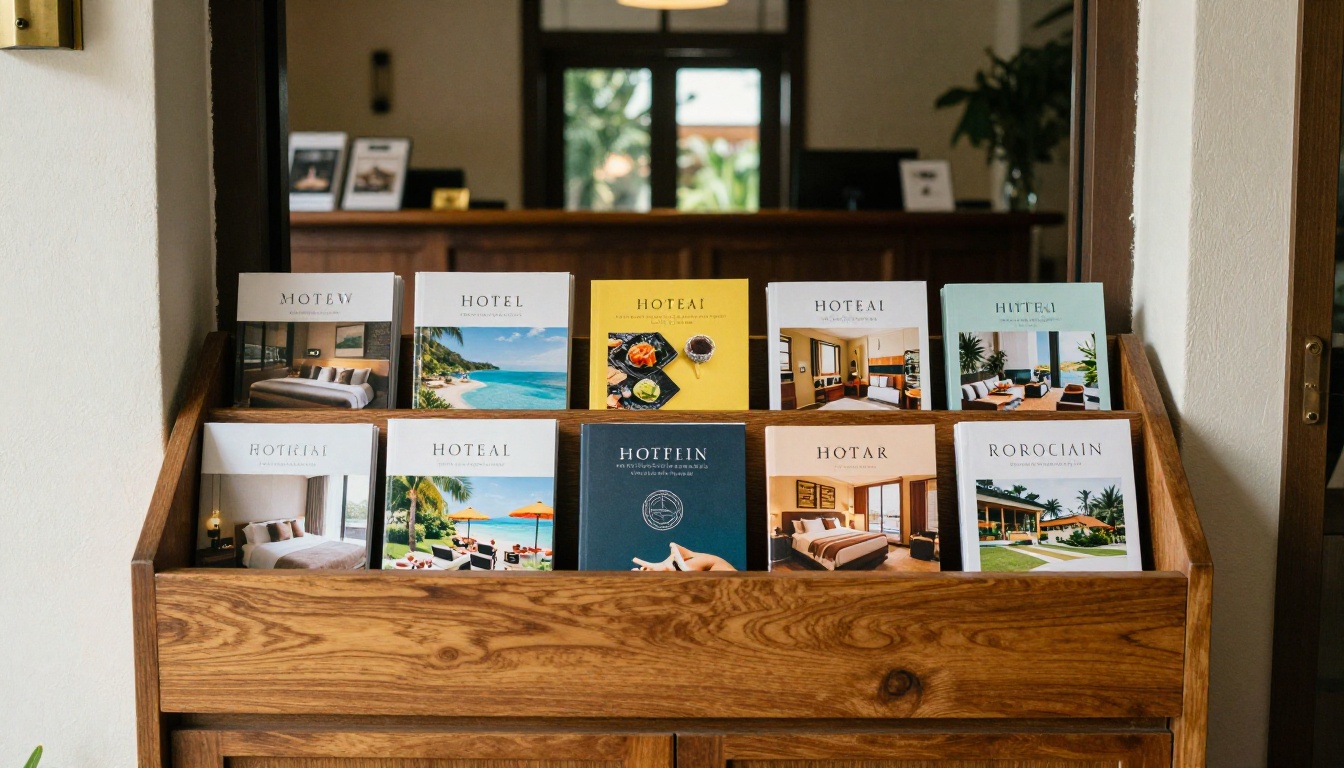
Before you pick colors, pick a format. The format decides how many ideas you can fit and how the brochure feels in the hand.
Bifold Templates
A bifold has four panels and suits properties with one clear story. The front panel carries a hero photo, the inside spread shows rooms and amenities, and the back holds contact details and a QR code. It is cheap to print, easy to slide into a rack and simple to design.
Trifold Templates
The trifold is the classic hotel format. It gives you six panels, a built-in reveal as the reader opens the flap, and enough space for rooms, dining, location and a booking panel. The golden rule is to keep the inside flap short, since it is the first thing a reader sees after opening.
Multi-Page Booklet Templates
Booklets work for resorts, wedding venues and luxury properties with many experiences to show. Plan for a multiple of four pages, and give every spread a single purpose. Booklets also convert beautifully into flipbooks, because the page-turn feels natural.
Format Comparison Table
| Format | Panels / pages | Print cost | Best for | Digital flipbook fit |
|---|
| Bifold | 4 panels | Low | Simple single-story properties | Good |
| Trifold | 6 panels | Low to medium | Most hotels and inns | Very good |
| Booklet (8 to 24 pp.) | 8 to 24 pages | Medium to high | Resorts, venues, luxury stays | Excellent |
| Single sheet flyer | 2 sides | Very low | Promotions and packages | Fair |
Design Ideas You Can Borrow
You do not need a huge budget to make a brochure look expensive. You need restraint, consistent choices and a few smart habits.
Let Photography Lead
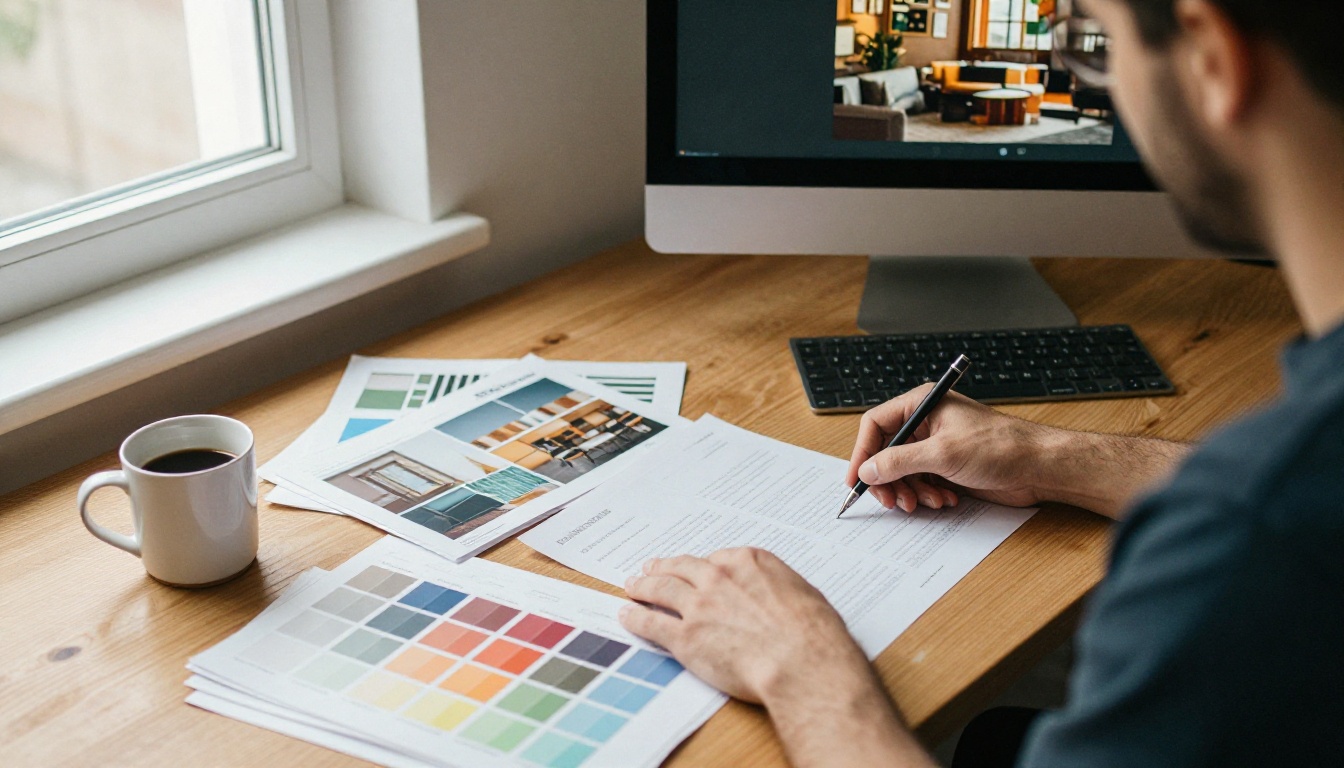
Photography is roughly eighty percent of a hotel brochure's impact. Hire a professional for the hero image, the best room and the signature amenity. Shoot in soft natural light, keep rooms tidy but lived-in, and avoid wide-angle distortion that makes a small room look like a ballroom. Guests notice, and the mismatch costs you reviews.
Pick a Tight Color and Type System
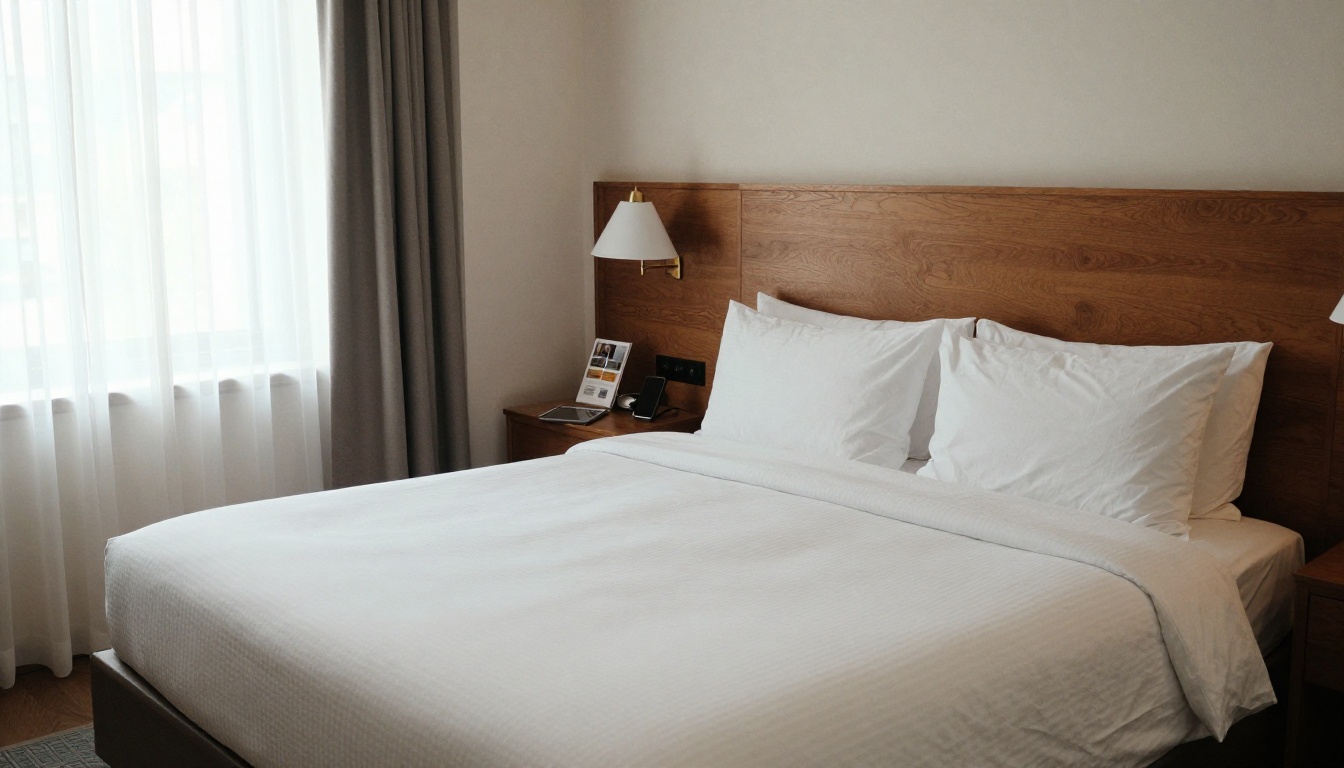
Choose two main colors and one accent, pulled from your building or your logo. Pair one serif font for headlines with one clean sans-serif for body text. That is all. Many of the most elegant hotel brochures use only a muted navy, a warm neutral and a touch of gold.
| Mood | Color palette | Font pairing | Works well for |
|---|
| Coastal calm | Sea blue, sand, white | Serif headline, light sans | Beach hotels |
| Urban modern | Charcoal, white, copper | Bold sans, mono details | City hotels |
| Heritage charm | Forest green, cream, brass | Classic serif, serif body | Inns and manor houses |
| Spa serenity | Sage, stone, soft white | Thin serif, airy sans | Wellness retreats |
Write Copy That Books Rooms
Short beats long. Use one sentence to paint the scene, one to state the benefit and one to prompt action. Replace vague adjectives like "luxurious" with proof: "400-thread-count linens," "a rain shower big enough for two," "breakfast served until noon."
✅ Best practice: End every spread with a small, specific call to action, such as "Book direct for free late checkout" or "Scan to see tonight's rates."
PDF Samples and Digital Brochures
Most hotels now send a PDF brochure to inquiries, wedding planners and travel agents. It is convenient, but a plain PDF has real weaknesses.
Why Plain PDFs Fall Short
- Large files bounce in email or get stripped by spam filters.
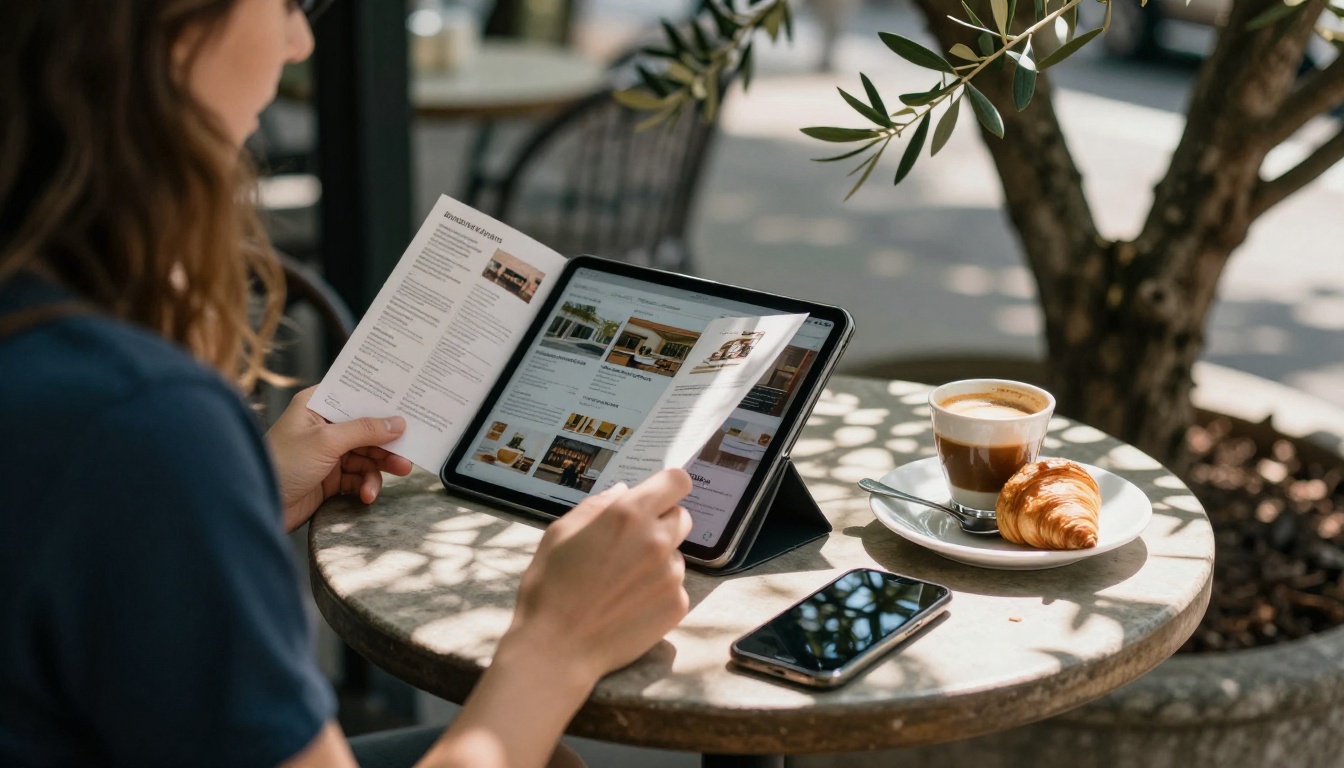
- Pinching and zooming on a phone makes tiny text unreadable.
- Links are easy to miss, and you cannot see whether anyone opened the file.
- Updating rates means resending a new file to everyone.
What Good PDF Samples Include
A strong hotel PDF is usually under 10 MB, uses a landscape format that suits screens, and puts a clickable "Check availability" button on the first and last pages. It also uses real text rather than flattened images, so search and accessibility tools can read it.
Print vs. PDF vs. Flipbook
| Feature | Printed brochure | Plain PDF | Flipbook |
|---|
| Page-turn feel | Yes | No | Yes |
| Works on phones | No | Poor | Excellent |
| Clickable booking links | No | Basic | Yes |
| Embedded video and audio | No | No | Yes |
| Track opens and clicks | No | Limited | Yes (Professional plan) |
| Update after sending | Reprint | Resend | Instant |
| Cost per recipient | High | Low | Very low |
A flipbook keeps the printed feel that guests love and adds everything a PDF cannot do. If you already have a PDF, the PDF to Flipbook Converter turns it into a page-turning experience in minutes.
Create a Hotel Brochure with Flipbooks AI
If you want to publish your own brochure, the Hotel Brochure Designer is built for this exact job. You can also start from the more general Online Brochure Designer. Here is the full process.
Step-by-Step Instructions
- Create your account. Head to Flipbooks AI and sign up. You can try the platform before choosing a plan.
- Upload your PDF. Drag your brochure PDF into the uploader. The platform converts every page into a flip-ready spread. Expect a short wait for large files with many photographs.
- Customize the look. Add your logo, pick background colors that match your palette, choose a page-turn effect and set the sound on or off. No watermarks are added, ever.
- Add multimedia. Place a video tour of your best suite over the room page, drop an audio clip of waves on the beach page, and add clickable buttons that open your booking engine.
- Share it. Copy a direct link for email and social posts, or use the embed code to place the brochure on your site. The Embed Flipbook on Website tool shows you how.
- Protect private versions. Use password protection for corporate rate sheets or wedding packages you only send to certain clients.
- Turn on pro features. On the Professional plan, you can see analytics on which pages get read, capture leads with a form before the brochure opens, and allow offline downloads for travel agents. See the pricing plans for details.

Real-World Use Cases
- A boutique hotel sends one trackable link to every wedding planner in the region and sees which ones reach the pricing page.
- A resort embeds its seasonal brochure on the homepage and swaps in a new PDF each quarter without touching the website code.
- A city hotel adds a password to its corporate rate brochure and shares it only with approved travel managers.
- A spa hotel pairs the main brochure with a Spa and Wellness Menu so treatments sit one tap away.
💡 Pro tip: Build separate flipbooks for different audiences, such as leisure guests, weddings and corporate. Each one can reuse the same photos but lead with a different promise.
Matching the Tool to the Task
Printing Tips Before You Send Files
Even if you publish digitally, many hotels still keep a stack at the front desk. A few choices make print and screen versions work together.
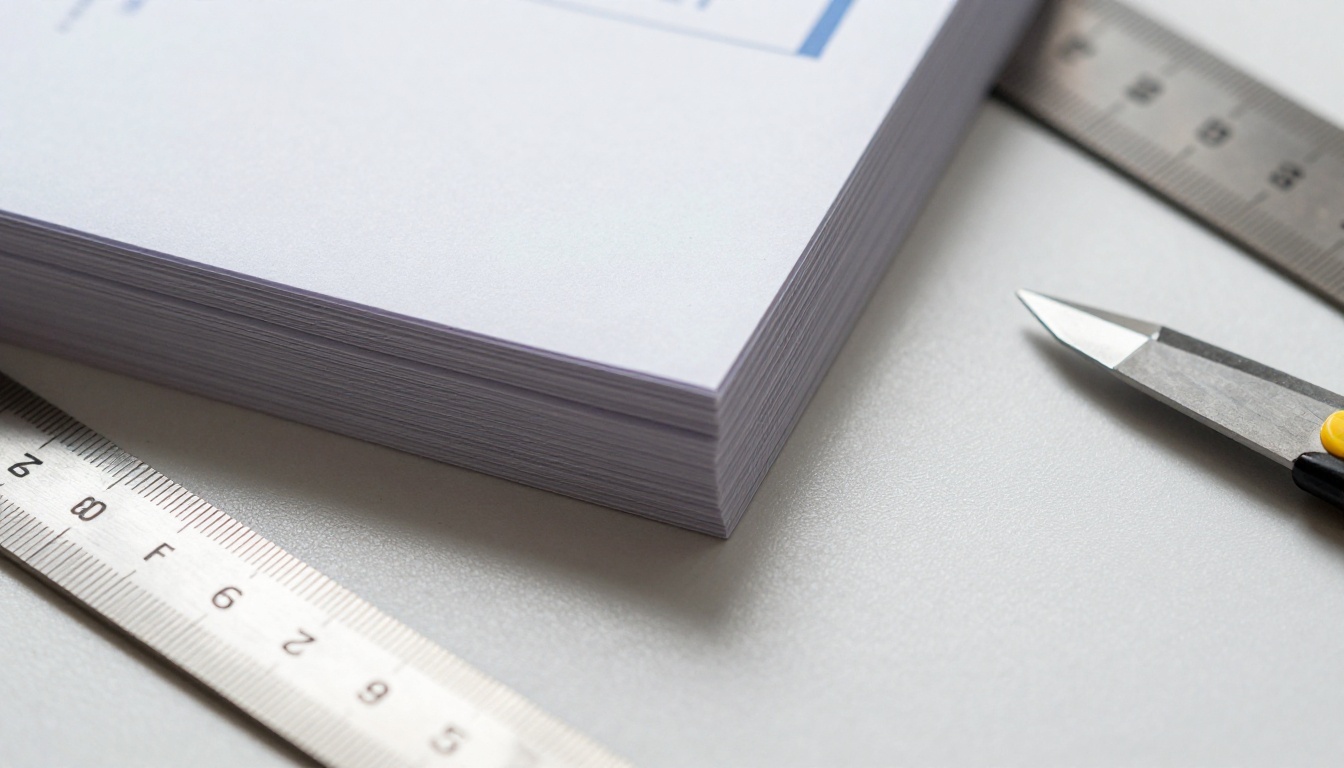
- Use 300 DPI images and add 3 mm of bleed on every edge.
- Choose uncoated or soft-touch stock for boutique feel, and gloss only for photo-heavy resort pieces.
- Keep body text at 9 pt or larger, and test print one copy before ordering a thousand.
- Add a QR code that points to your flipbook, so the printed version leads straight to the live, updatable one.
Common Mistakes to Avoid
Even polished brochures trip over the same few problems.
Too Many Words, Too Few Photos
If a panel reads like a legal document, nobody reads it. Cut every paragraph to three lines and let the images do the work.
Stock Photos That Do Not Match Reality
Guests compare the brochure to the room they walk into. A generic beach photo that is nothing like your actual shoreline damages trust fast. Use real images of your property whenever you can.
No Clear Next Step
A beautiful brochure that never says how to book is a missed sale. Put your direct booking link, phone number and a QR code on the last page, and repeat it in the middle.
Forgetting Mobile Readers
Most brochures are now opened on a phone first. Test every page on a small screen, and check that buttons are big enough to tap with a thumb.
⚠️ Warning: Do not publish rates in a PDF that will circulate for months. Prices get outdated and the old file lives forever in inboxes. A flipbook link lets you swap the content and keep the same address.
Ready to Publish Your Brochure?
You now have the examples, formats, color ideas and publishing steps to build a hotel brochure that actually fills rooms. The next move is simple: pick a format, gather your best photographs and write one sentence per panel.
Your next guest is already searching. Give them a brochure worth opening.



