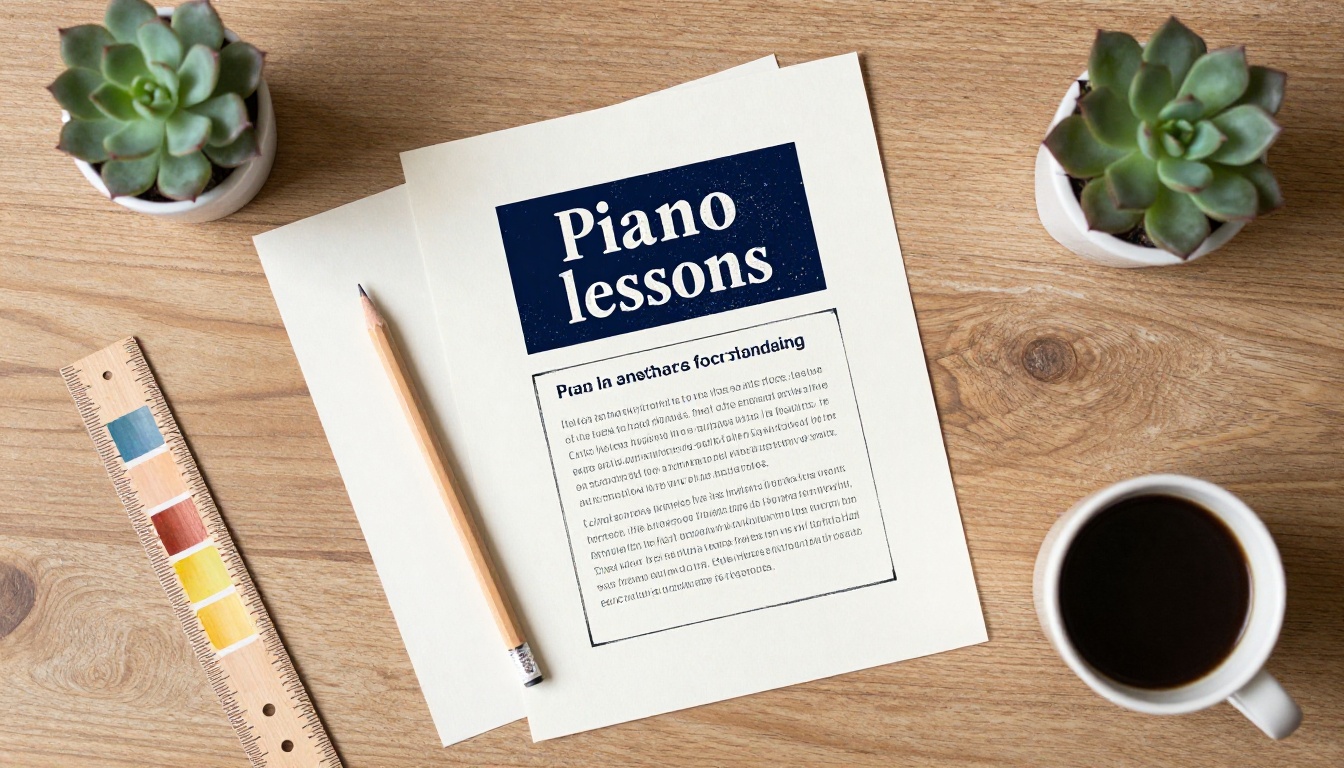
A parent standing in a school hallway gives your flyer about ten seconds. If the offer is clear, the photo feels warm, and the phone number is easy to spot, that single sheet can fill an empty Tuesday slot for a whole year. This article gives you a free piano lessons flyer template you can rebuild in any editor, plus a set of piano studio brochure ideas for when one page is not enough. We will also show how to turn your finished brochure into a page-turning online version with Flipbooks AI, so prospective students can read it on a phone before they ever call you.
💡 Quick answer: Use a flyer for first contact (one offer, one photo, one action) and a brochure for the follow-up (teaching style, pricing, schedule, recital dates).
Why Studio Flyers Still Work
Most piano teachers are one-person businesses. You have no marketing department, and word of mouth only goes so far. A printed flyer works because it sits in places where parents already pay attention: the school office, the music shop, the community center, the pediatric waiting room.
Who Is Actually Reading It
Think about the real reader. It is rarely the child. It is a parent, grandparent, or an adult who always wanted to play and never started. Each group worries about something different.
- Parents of young children: Is the teacher patient? Is it safe? What does it cost per month?
- Parents of teenagers: Will lessons fit around sports and homework? Is there exam preparation?
- Adult beginners: Will I feel silly? Can I start at forty-five?
- Returning players: Do you teach jazz, pop, or classical repertoire?
Your flyer should answer one of these worries in the headline and hint at the others below it.
Flyer, Brochure, or Flipbook
You do not have to choose only one format. Each has a different job.
| Format | Best Job | Typical Length | Cost to Produce | Where It Lives |
|---|
| Single flyer | First contact, quick offer | 1 page | Very low | Walls, doors, school boards |
| Tri-fold brochure | Full studio story and pricing | 6 panels | Low to medium | Handed out, left on counters |
| Digital flipbook | Same brochure, shareable by link | 2 to 8 pages | Free to low | Email, social media, your website |
The smartest studios use all three: the flyer gets attention, the brochure builds trust, and the flipbook makes sharing effortless.
The Free Piano Lessons Flyer Template
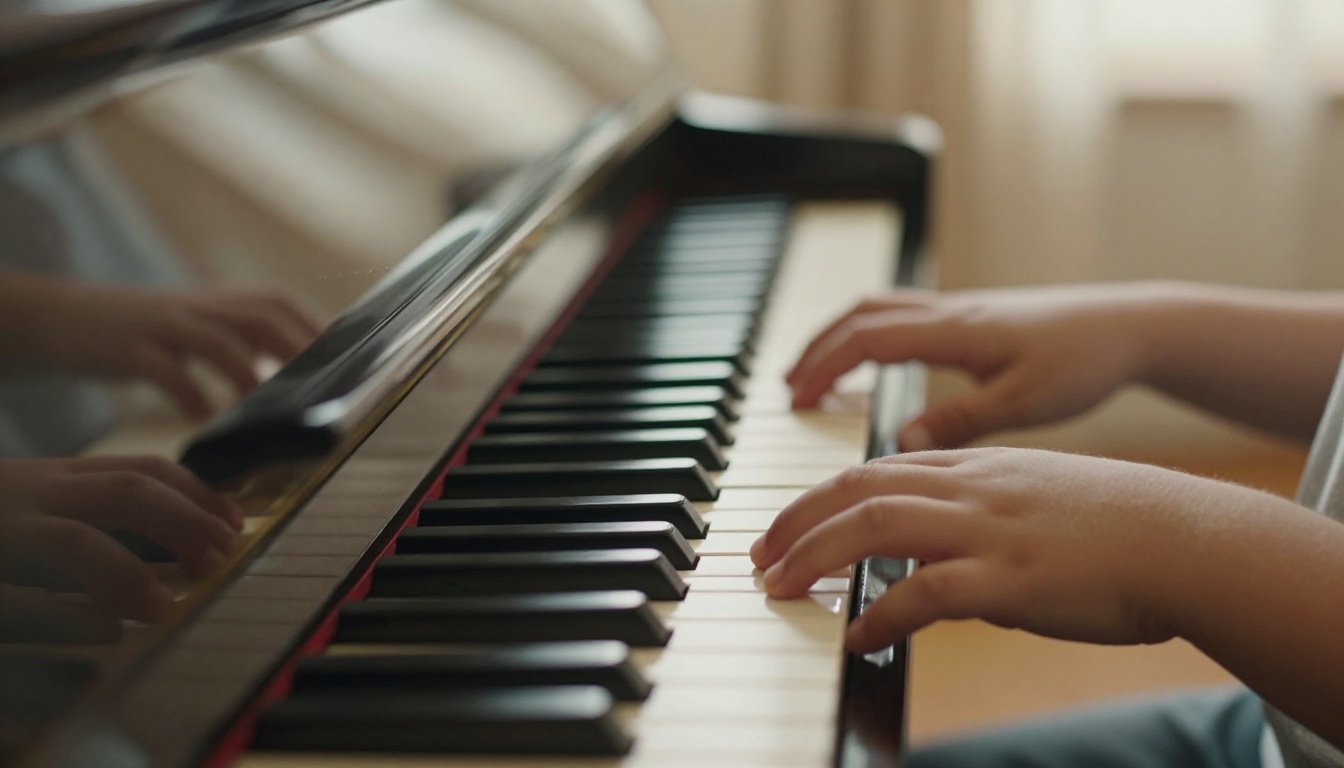
You do not need a paid design subscription. Any free editor, or even a word processor, can reproduce the layout below. Set the page to A5 or US Letter in portrait orientation, leave generous margins, and build the page from top to bottom in these blocks.
The Layout, Block by Block
| Block | What Goes Here | Ideal Size | Tip |
|---|
| 1. Headline | One benefit, under 8 words | Top 15% of page | Largest type on the page |
| 2. Hero photo | Hands on the instrument | Middle 35% | Close-up beats a posed portrait |
| 3. Offer line | First lesson free or half price | Below photo | Add a deadline |
| 4. Three bullets | Ages, styles, location | Middle lower | Short, no full sentences |
| 5. Teacher line | Name, years of experience, one credential | Small band | Builds trust fast |
| 6. Contact strip | Phone, email, QR code | Bottom 15% | High contrast, large text |
⚠️ Do not stack more than two typefaces on one flyer. Pick one friendly headline font and one clean body font.
Copy and Paste Wording
Here is a ready-made text set you can adapt. Replace the brackets with your own details.
Headline: Piano Lessons Your Child Will Look Forward To
Offer line: First lesson free for new students until [date].
Bullets:
- Ages 5 to adult, beginner to intermediate
- Classical, pop, and film music
- Small studio in [neighborhood], 10 minutes from [landmark]
Teacher line: [Name], 12 years teaching, trained at [school].
Contact strip: Call or text [number]. Scan to see the studio brochure.
Notice the last line. A QR code to your digital brochure turns a one-page flyer into a doorway. We will build that destination in a later section.
Color and Font Choices
Piano studios usually land in one of three moods. Choose one and stay consistent across the flyer, brochure, and website.
| Mood | Palette | Font Pairing | Best For |
|---|
| Classic and warm | Cream, navy, gold | Serif headline, sans body | Classical and exam focus |
| Playful | Sunny yellow, teal, white | Rounded sans headline | Young beginners |
| Modern and calm | Soft gray, black, one accent color | Clean sans throughout | Adults and pop players |
Piano Studio Brochure Ideas That Build Trust
A flyer gets a call. A brochure gets a signed registration form. When a parent says "send me some information," this is the document they receive, so it deserves real thought.
A Tri-Fold Layout That Works
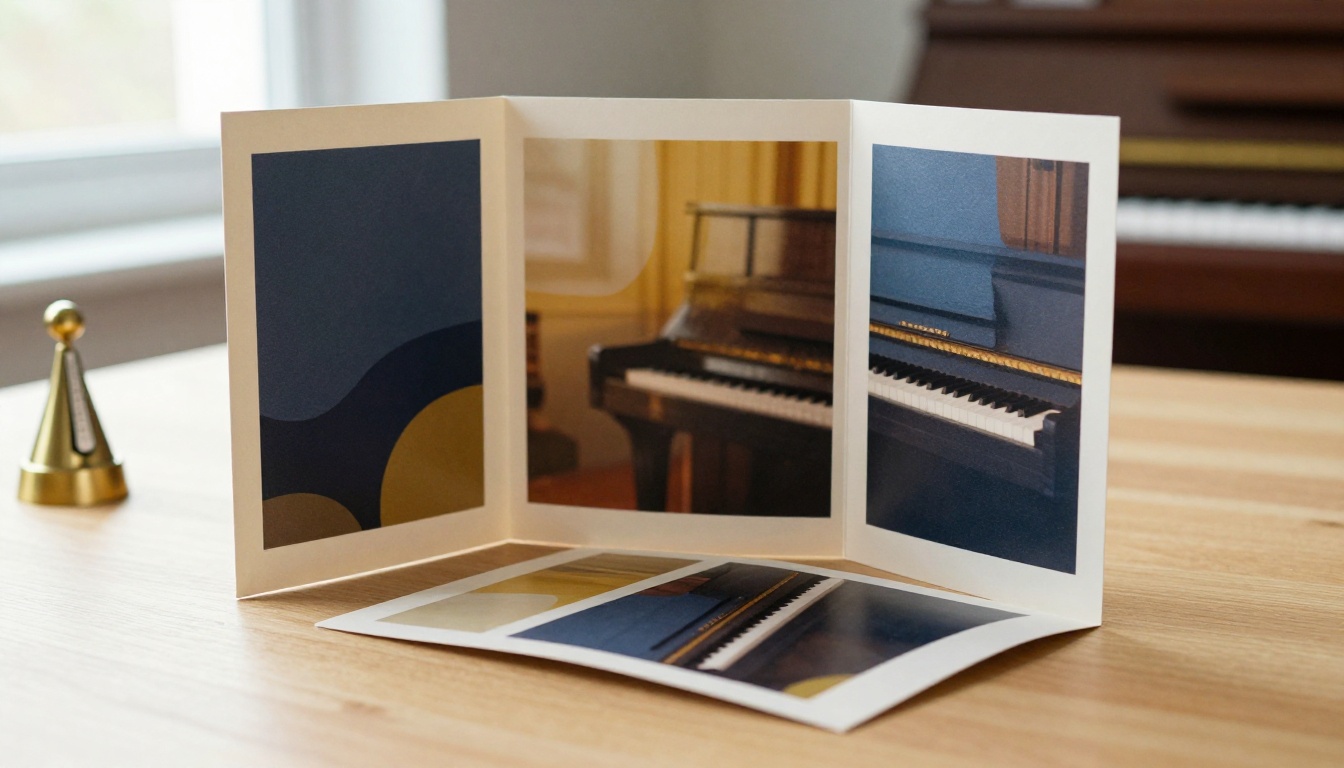
A standard tri-fold has six panels: a front, a back, three inside panels, and one flap that shows first when opened. Here is a panel plan that reads naturally.
| Panel | Content | Purpose |
|---|
| Front | Studio name, one photo, one promise | Make them open it |
| Inner flap | Short teacher story | Create a human connection |
| Inside left | What a lesson looks like | Reduce uncertainty |
| Inside center | Programs and ages | Help them self-select |
| Inside right | Pricing and schedule | Remove the biggest question |
| Back | Contact, map, QR code, social links | Make the next step easy |
Photos Parents Trust
Stock photos of smiling strangers feel hollow. Parents want to see the real room, the real instrument, and ideally the real teacher in action. A few shots are enough:
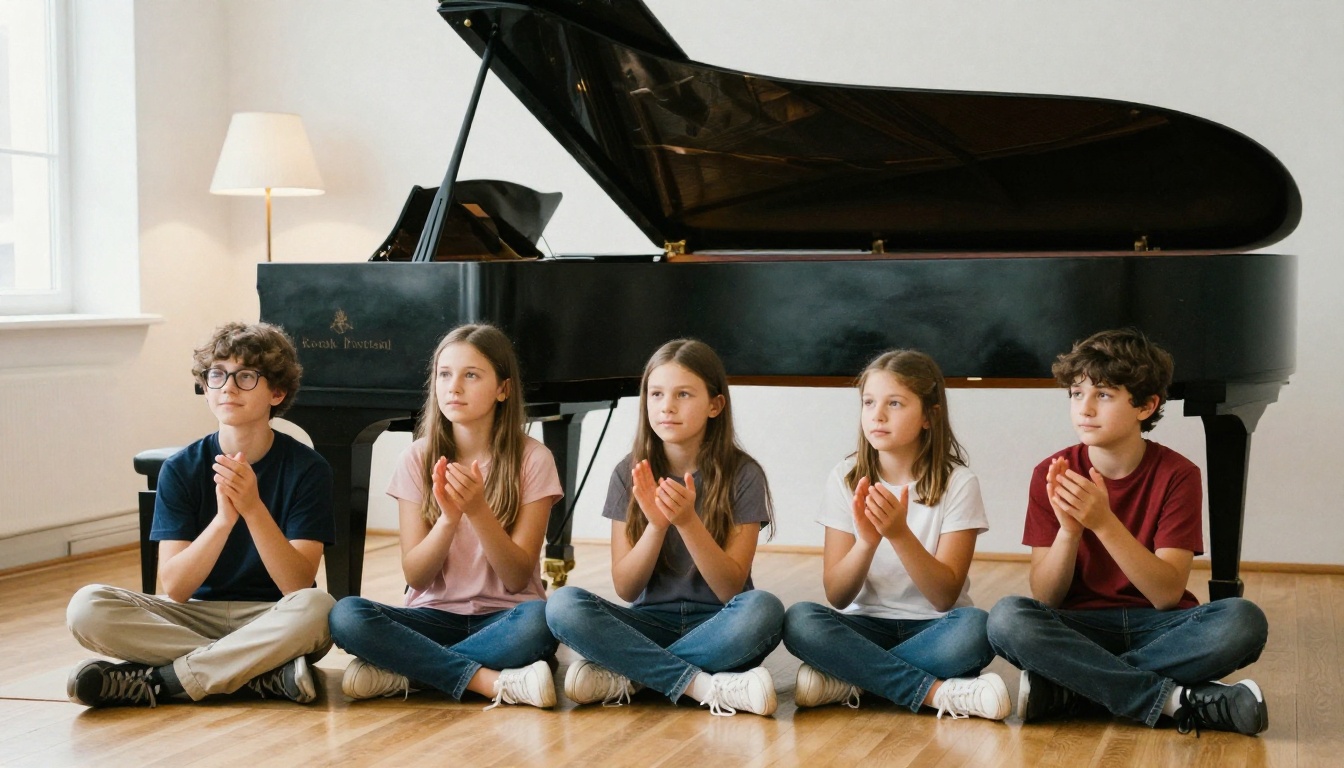
- A wide shot of the studio with natural light.
- A close-up of hands on the instrument.
- The teacher sitting beside a student, both looking at the music.
- A recital moment (always get written permission from parents first).
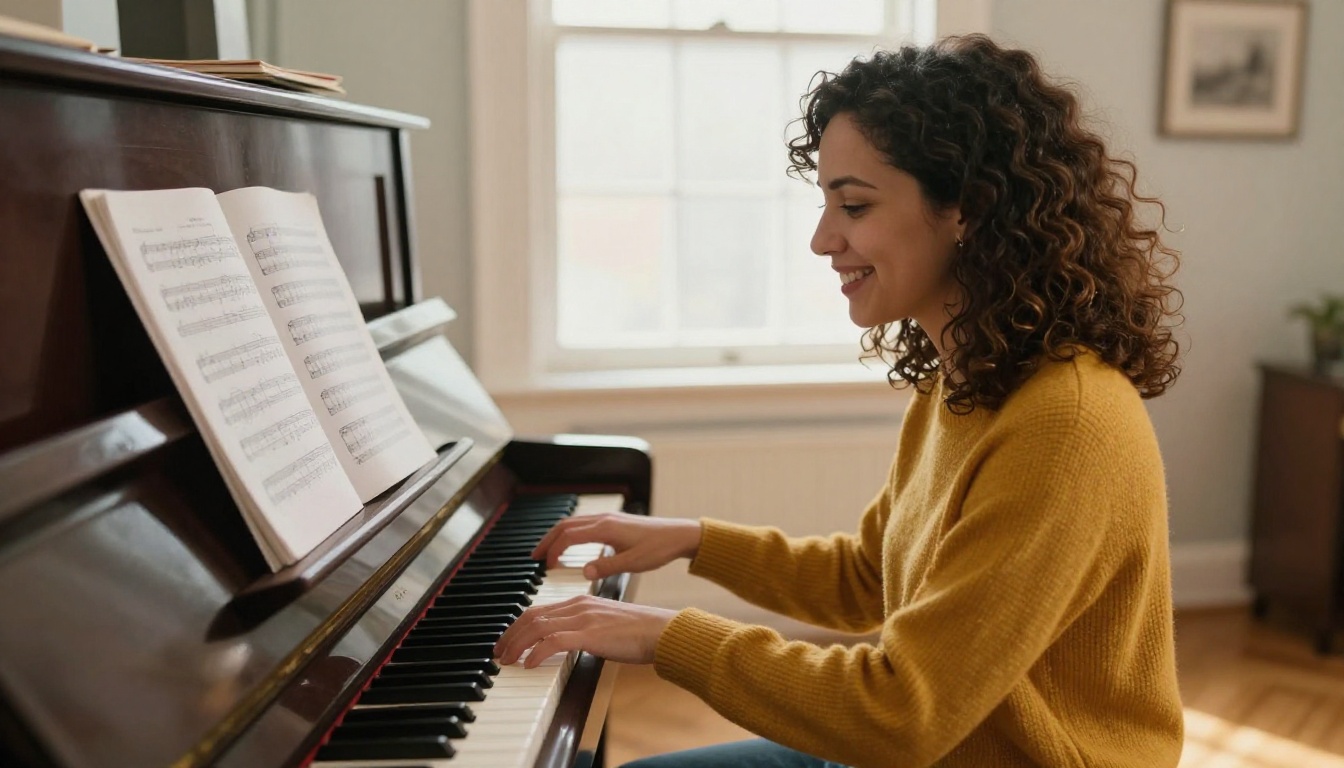
✅ Best practice: Show the teacher looking at the student, not at the camera. It signals attention and patience, which is exactly what parents are buying.
Pricing Panel Ideas
Hiding prices makes people nervous. Showing them with confidence filters in the right families. A simple table inside your brochure does the job.
| Lesson Length | Weekly (Monthly Rate) | Best For |
|---|
| 30 minutes | Lowest monthly rate | Ages 5 to 9, new beginners |
| 45 minutes | Mid rate | Ages 10 to 14, growing repertoire |
| 60 minutes | Highest rate | Teens, adults, exam candidates |
Add two lines under the table: your cancellation policy and your trial lesson offer. Clear rules at the start prevent awkward conversations later.
Recital and Policy Page
Parents love knowing there is a goal. List two recital dates a year, explain how music books are purchased, and state whether you provide practice charts. This short section often decides between you and the teacher down the street.
How to Create a Piano Studio Brochure with Flipbooks AI
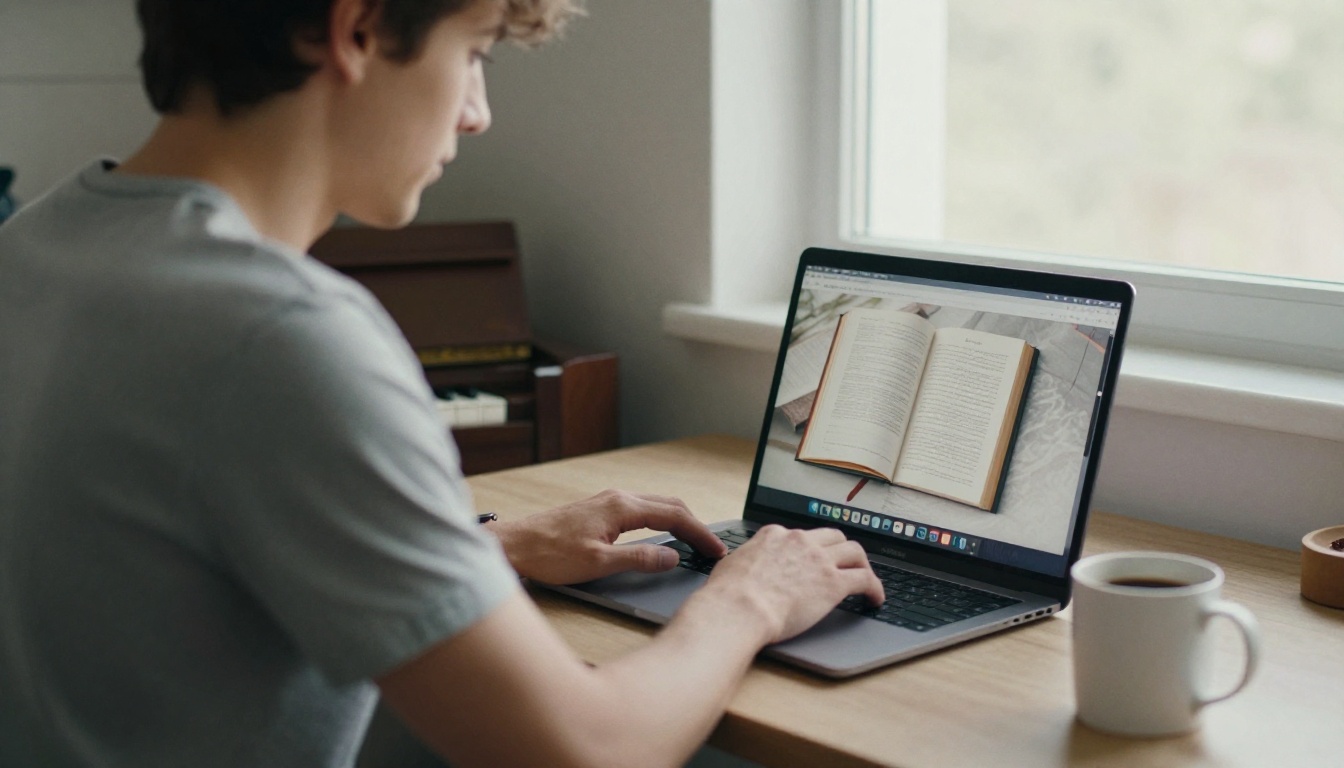
Printing is useful, but a brochure that only exists on paper cannot be forwarded to a grandparent in another city. Turning your PDF into a digital flipbook solves that. The Brochure Flipbook Maker and the Online Brochure Designer on Flipbooks AI are built for exactly this job.
Step by Step Setup
- Create your account. Head to Flipbooks AI and sign up. It takes about a minute.
- Export your brochure as a PDF. Use any free editor. Export at standard print quality, one page per panel or spread.
- Upload the PDF. Drag the file into the PDF to Flipbook Converter. Conversion takes seconds, and you get a page-turning version that works on phones, tablets, and desktops.
- Customize the look. Add your studio logo, match your brand colors, and choose a page-turn effect. Keep it subtle so the focus stays on your content.
- Add media. Embed a short audio clip of a student recital piece, or a video welcome from you. Parents often decide after hearing a real performance.
- Set sharing options. Copy the direct link, or use the Embed Flipbook on Website tool to place it on your studio page.
- Generate your QR code. Add it to your flyer so a scan opens the flipbook straight away.
💡 Pro tip: If you keep a parent handbook with policies and practice tips, publish it with the Course Material Publisher and use password protection so only enrolled families can open it.
Privacy, Downloads, and Tracking
Several features are especially handy for a small studio:
- No watermarks, so your brochure looks like yours.
- Password protection for enrolled-family handbooks and recital photos.
- Offline downloads for parents with weak signal at the studio.
- Mobile-responsive design, because most parents will read on a phone.
- Analytics and lead generation on the Professional plan, so you can see how many people opened your brochure and capture contact details. See the pricing plans for details.
| Need | Feature | Plan Level |
|---|
| Publish one brochure | Standard flipbook, no watermark | Entry plans |
| Several flipbooks (brochure, handbook, price list) | Unlimited flipbooks | Standard and above |
| See who read your brochure | Analytics | Professional |
| Collect parent emails | Lead generation form | Professional |
If you also want a separate rate sheet, the Digital Price List Generator keeps tuition updates simple: change it once, and every shared link shows the new version.
Where to Put Your Flyers
Great design is wasted in the wrong place. Match the location to the audience.
Offline Spots That Convert
| Location | Audience | Format | Tip |
|---|
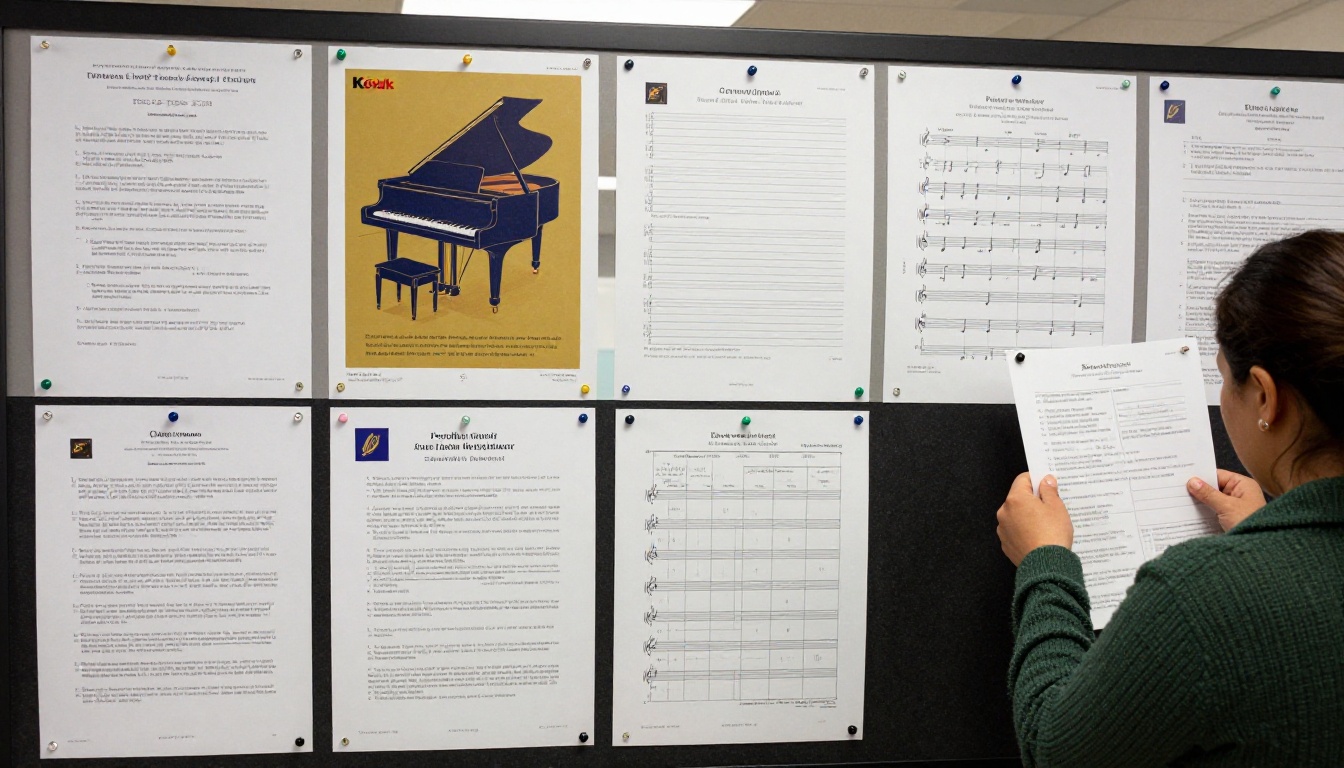
| Elementary school board | Parents of young children | Flyer | Ask the office for permission first |
| Music shop counter | Instrument buyers | Brochure | Offer a referral thank-you |
| Community center | Families and adults | Flyer plus brochure | Rotate stock monthly |
| Pediatric or dental waiting room | Parents with time to read | Brochure | Use a clean holder |
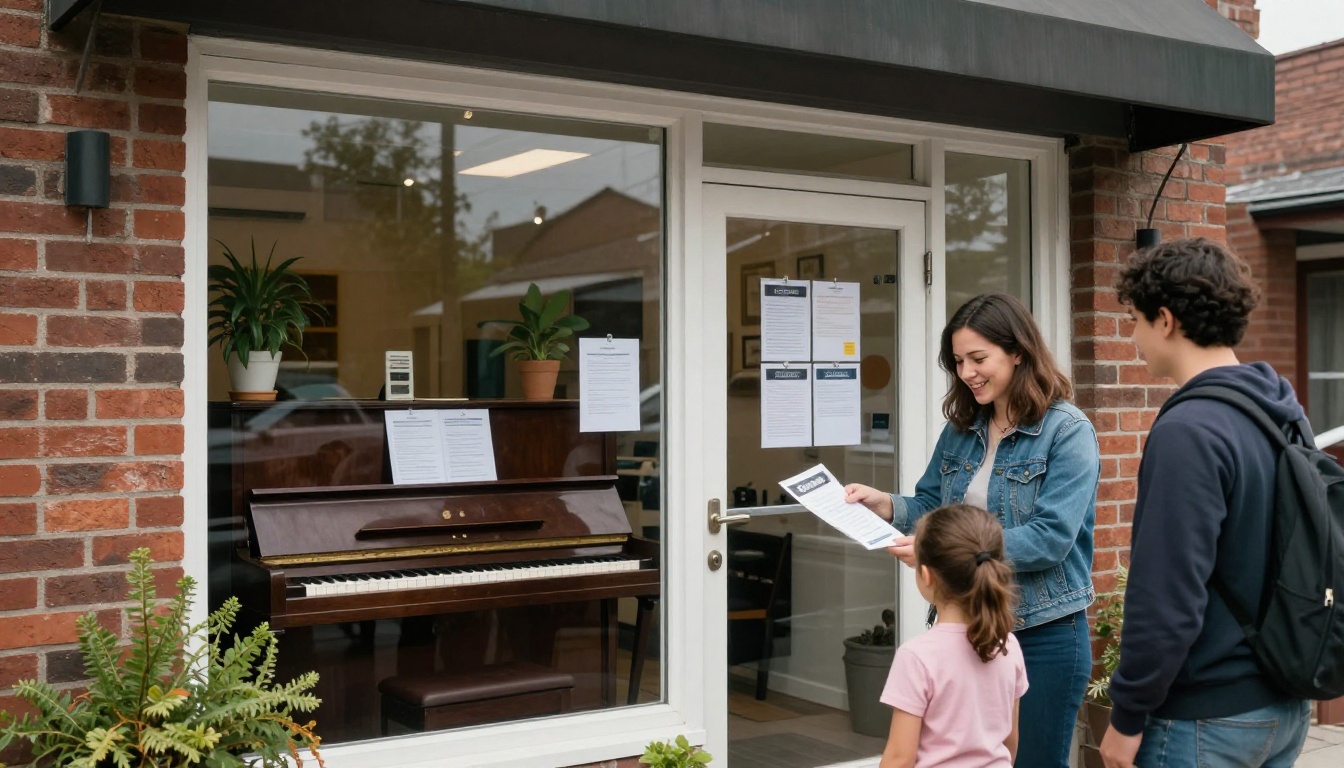
| Your own front door | Neighbors | Flyer holder | Keep it stocked |
Online Spots That Convert
- Neighborhood groups and parent forums: Share your flipbook link with a short, friendly note.
- Your Google Business profile: Add the digital brochure link in the description.
- Email signatures: Include a "See the studio brochure" link.
- Social media: Post one page at a time as a carousel, then link to the full flipbook.
Three Studio Examples
Real-world scenarios help you picture what works.
The after-school studio. A teacher in a suburban area sets up a flyer with the headline "Piano Lessons After School, Five Minutes From Campus." She pins it at two schools and puts a QR code to the flipbook at the bottom. The brochure answers pickup logistics and snack policy, which turns out to be what parents ask about most.
The adult beginner studio. A teacher aiming at adults uses a modern gray palette, a headline like "Start Piano at Any Age," and an evening schedule. His brochure includes a short audio clip of a student who started at fifty. Sharing the link on a local hobby group brings in three inquiries in the first week.
The exam preparation studio. A classical teacher builds a six-panel brochure with a repertoire timeline, grade levels, and exam dates. She password protects a parent handbook that holds practice schedules, then keeps the public brochure open for new families.
Mistakes That Cost You Students
Most weak flyers fail for the same handful of reasons.
- Too many words. If a parent cannot scan it in ten seconds, it goes in the bin.
- No clear offer. "Piano lessons available" is not a reason to call. "First lesson free until June 30" is.
- Tiny contact details. Make the phone number the second largest text element after the headline.
- Stock photos only. Real studio photos feel trustworthy.
- A dead QR code. Test it on two different phones before printing 200 copies.
- Outdated prices. A digital brochure fixes this, because edits show up instantly.
⚠️ Before sharing recital photos or student names, get written permission from parents. This protects families and your reputation.
A Quick Pre-Print Checklist
- Headline under 8 words
- One photo, high resolution
- One offer with a date
- Phone number readable from arm's length
- QR code tested
- Spelling checked by a second person
Ready to Fill Your Studio?
You now have a flyer layout, a wording template, a six-panel brochure plan, and a clear way to publish it all online. Start small: build the flyer this week, post it in three places, and see which one brings the first call.
When you are ready to share a polished brochure that parents can open from any phone, create your free account on Flipbooks AI and upload your PDF in minutes. Browse all flipbook tools to find a layout that suits your studio, and compare the pricing plans when you want analytics and lead capture. If you are set on a paid tier, you can also sign in and go straight to pricing.
Your next student is probably walking past a bulletin board right now. Give them something worth picking up.



