December bookings do not wait for a perfect design. If you run a restaurant, a pop-up or a family dinner, you need a Christmas menu that looks good, prints cleanly and can be changed when the supplier cancels the goose. The good news is that a Christmas menu template free of charge is easy to find. The harder part is picking the format that matches how you actually serve guests. This article compares Word, Canva, printable PDF and online options side by side, and shows how to turn any of them into a shareable page with Flipbooks AI.
Every format solves a different problem. Word is the one everybody already has. Canva gives you a designer's eye without hiring one. A printable PDF is the safest route to paper. An online menu is the only one you can fix at 4 p.m. on Christmas Eve without reprinting a single page.
The Quick Comparison
| Format | Cost | Skill needed | Best for | Weak spot |
|---|
| Word template | Free with most office suites | Low | Simple set menus, home dinners | Layouts shift between computers |
| Canva template | Free tier available | Low to medium | Stylish menus, social posts | Some elements need a paid plan |
| Printable PDF | Free | None | Fast printing, fixed menus | Edits mean starting over |
| Online flipbook | Free to try, paid plans for more | Low | Restaurants, events, QR codes | Needs a link or QR to reach guests |
Match the Format to the Table
Ask three questions before you download anything:
- Will the menu change? Prices, allergens and sold-out dishes change often. Paper does not.
- Who is reading it? Guests at a table, or people browsing on their phones before booking?
- How many covers per night? A 12-seat supper club can hand-write names. A 120-seat dining room needs consistency.
💡 Pro tip: Most busy venues end up using two formats: a printed card on the table and an online version behind a QR code. Build the layout once, export it twice.
Word Templates: Fast and Familiar
A Word template is the lowest-friction option. You open it, type over the placeholder text, and print. No account, no upload, no learning curve. For a one-night family dinner or a small staff party, that speed is hard to beat.
Set Up the Page Properly
Before you type a single dish, fix the structure:
- Page size: A5 or DL (a third of an A4 sheet) feels like a real menu. Full letter or A4 feels like a form.
- Margins: Keep at least 15 mm on every side so a home printer does not clip the border.
- Columns: One centered column is the most elegant. Two columns work for long drinks lists.
- Styles: Define a heading style for courses and a body style for dishes. Changing one setting then updates the whole menu.
Choose Fonts That Survive Printing
Fancy script fonts look great on screen and fall apart on cheap paper. Use a script only for the title, and pair it with a clean serif for dish names.
| Menu element | Safe font style | Size range |
|---|
| Menu title | Script or display serif | 28 to 40 pt |
| Course headings | Small caps serif | 14 to 16 pt |
| Dish names | Regular serif | 11 to 12 pt |
| Descriptions | Italic serif or light sans | 9 to 10 pt |
| Allergen notes | Plain sans | 8 to 9 pt |
⚠️ Warning: If you send a Word file to a print shop, fonts can be swapped when they open it on a machine that lacks them. Export to PDF first and embed the fonts.
Canva Templates for Polished Layouts
Canva is where most people land when they want something that looks designed. Its library has plenty of holiday menu layouts with borders, botanical sprigs and gold accents, and a good number of them are available on the free tier. You drag, drop and replace text. That is the whole job.
Customize a Free Template in 10 Minutes
- Search for Christmas menu and filter for free templates.
- Pick a layout with plenty of white space. Dense designs break the moment your dish names are longer than the sample ones.
- Replace the colors with your venue's palette. Deep green, cranberry and warm gold are classics, but your brand color usually looks better than a default red.
- Swap in your own dish names and prices.
- Check every page at 100 percent zoom for orphaned words and uneven spacing.
- Download as PDF Print for paper, or as a standard PDF for online use.
Watch the Free Versus Paid Catch
Some templates include elements marked with a crown icon, which means a paid feature. If you export a design that uses one, you may get a watermark or be asked to upgrade. Scan the design before you spend an hour on it.
| Question | What to check |
|---|
| Are all fonts free? | Click each text box and look for paid markers |
| Are all graphics free? | Look for crown icons on illustrations and photos |
| Can I resize for A5? | Resizing is often a paid action, so start with the right size |
| Can I share a view link? | Possible, but the layout is not a flipping menu |
💡 Pro tip: Start from a template that already matches the size you want to print. Resizing later is where free users usually hit the paywall.
A printable PDF is the simplest thing to hand to a print shop or feed through your own printer. It locks the layout, so what you see is what comes out. That reliability is why many restaurants keep a "master PDF" of every seasonal menu.
Paper, Size and Bleed
Paper changes everything. The same file feels cheap on thin office paper and expensive on a heavier cream stock.
- Weight: Choose 160 to 250 gsm for table cards. Anything lighter curls under candlelight.
- Finish: Matte or uncoated paper hides fingerprints and gravy splashes better than gloss.
- Bleed: If your design has a colored border that touches the edge, add 3 mm of bleed so a print shop can trim without white slivers.
- Resolution: Export at 300 dpi. Anything lower gets soft on the page.
Print at Home or at a Shop
| Option | Cost per menu | Quality | Turnaround | Choose it when |
|---|
| Home inkjet | Low for under 20 copies | Good on heavy matte paper | Minutes | Small dinners, test runs |
| Office laser | Low to medium | Sharp text, flat color | Minutes | Text-heavy set menus |
| Local print shop | Medium | Excellent | 1 to 3 days | Restaurants, 50+ copies |
| Online printer | Medium | Excellent, many stocks | 3 to 7 days | Foil, linen or special finishes |
✅ Best practice: Print one proof, hold it at arm's length in the dining room's actual lighting, and read it aloud. Typos show up fast when you speak them.
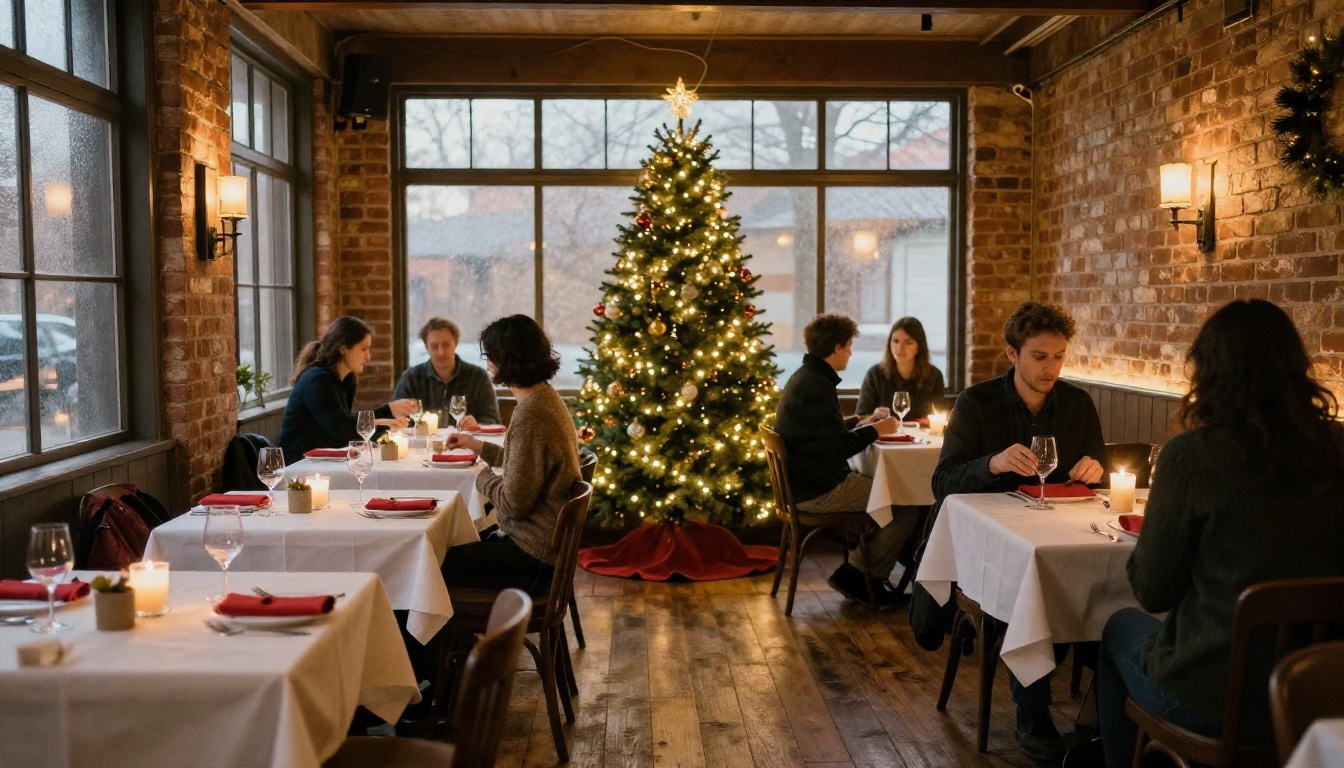
Paper has a limit: once printed, it is fixed. An online menu removes that limit. Guests scan a QR code on the table, the menu opens on their phone, and you can edit the source file and republish without touching a printer. It is also what people find when they search for your restaurant's Christmas offer in November.
The easiest way to do this is to take the Word, Canva or PDF file you already made and convert it into a page-turning flipbook. Your layout stays exactly as designed, and it reads like a real menu instead of a scrolling wall of text. The PDF to Flipbook Converter handles the conversion, and the Restaurant Menu Creator is built for exactly this kind of venue menu.
How to Create a Christmas Menu Flipbook
Here is the full workflow, from file to QR code:
- Export your menu as a PDF. From Word, use Save As PDF. From Canva, use Download and choose PDF Standard.
- Open Flipbooks AI. Go to flipbooksai.com and create an account if you do not have one.
- Upload the PDF. Drag the file into the uploader. Each page becomes a flipbook page within moments.
- Customize the look. Add your logo, set a background color that matches your dining room, and choose the page-turn effect. Use the Menu Flipbook Designer for menu-specific layouts.
- Add extras. Embed a short video of the chef plating the signature dish, or add soft background audio.
- Publish and share. Copy the direct link, print it as a QR code, or embed the menu on your website.
💡 Pro tip: Put the QR code on a small tent card, not on the menu itself. Guests who prefer paper still get paper, and guests who want the live version still get that.
Share It Everywhere Guests Look
Once the flipbook is live, you have several ways to send people to it:
- Direct link for Instagram bios, Google Business profiles and email newsletters.
- QR code for table cards, windows and printed flyers.
- Embed code to place the menu on a booking page. The Embed Flipbook on Website tool explains the steps.
- Password protection for private events, such as a staff party or a corporate dinner with a set menu only invitees should see.
Track What Guests Actually Open
On the Professional plan, analytics show how many people viewed the menu and which pages they spent time on. If nobody reaches the drinks page, move it forward. You can also collect leads, which is handy when a visitor wants to book a table for 12. Compare the pricing plans to see what each tier includes, and note that flipbooks carry no watermarks and work on mobile screens by default.
| Feature | Why it matters for a Christmas menu |
|---|
| No watermarks | Your menu looks like yours, not a trial page |
| Mobile responsive | Most guests will open it on a phone |
| Password protection | Keeps private party menus private |
| Offline download | Guests can save the menu before they arrive |
| Embedded video and audio | Show the dish, add festive atmosphere |
| Custom branding | Logo, colors and links stay on brand |
| Analytics (Professional) | See which pages get read |
A template gives you the container. You still have to fill it. Whether you use Word, Canva or a flipbook, the content rules are the same: short, scannable and honest.
A Sample Three-Course Layout
Use this structure as a starting point and swap in your own dishes:
| Course | Example dish | Menu wording tip |
|---|
| Starter | Roasted parsnip and apple soup | Name the key ingredient and one texture |
| Starter (alt) | Smoked salmon, dill and rye | Keep the description under 12 words |
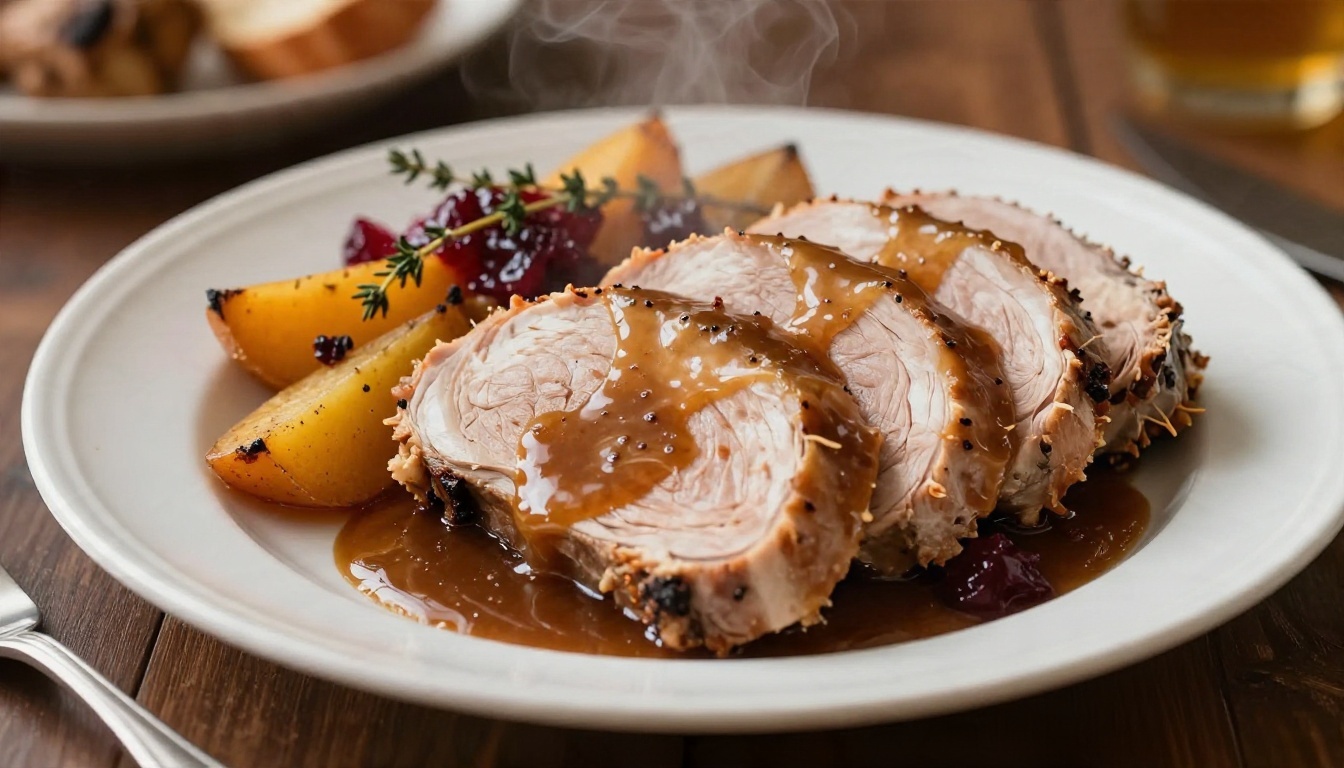
| Main | Roast goose, spiced red cabbage, duck fat potatoes | Lead with the protein |
| Main (veg) | Chestnut and mushroom wellington | Give vegetarian dishes equal billing |
| Dessert | Christmas pudding with brandy butter | Mention the sauce, guests love it |
| Dessert (alt) | Clementine and dark chocolate tart | Add a light option |
| To finish | Mince pie and spiced coffee | A small extra feels generous |
Wording That Sells the Dish
Good menu copy is specific. "Slow-roasted goose with orange glaze" beats "Delicious festive main." A few habits help:
- Use sensory words: crisp, glossy, smoked, spiced.
- Mention origin only when it is true and interesting.
- Skip superlatives like "the best" or "amazing." Guests ignore them.
- Put price after the description, without currency symbols if you want a calmer look.
- Mark allergens and dietary tags with small consistent symbols (V, VG, GF) and a legend at the bottom.
⚠️ Warning: Allergen information is a legal matter in many places. Do not rely on a decorative template to carry it. Confirm requirements with your local food authority and have staff ready to answer questions.
Real Examples by Venue Type
- A neighborhood bistro prints 40 table cards on cream stock and publishes a flipbook for bookings. When the fish delivery fails, they edit the PDF and republish the link.
- A hotel restaurant makes a Christmas Day set menu with a password so only booked guests can view the wine pairings. The Hotel Brochure Designer works well for the surrounding package.
- A caterer sends a flipbook link to corporate clients instead of a PDF attachment, and sees which pages the client opened.
- A family host prints a Word menu for fun, then shares a flipbook with relatives who are traveling and want to see what is cooking. A Recipe Book Flipbook can hold the recipes afterwards.
Mistakes That Cost You Tables
Most Christmas menu problems come from rushing. These are the ones that show up again and again.
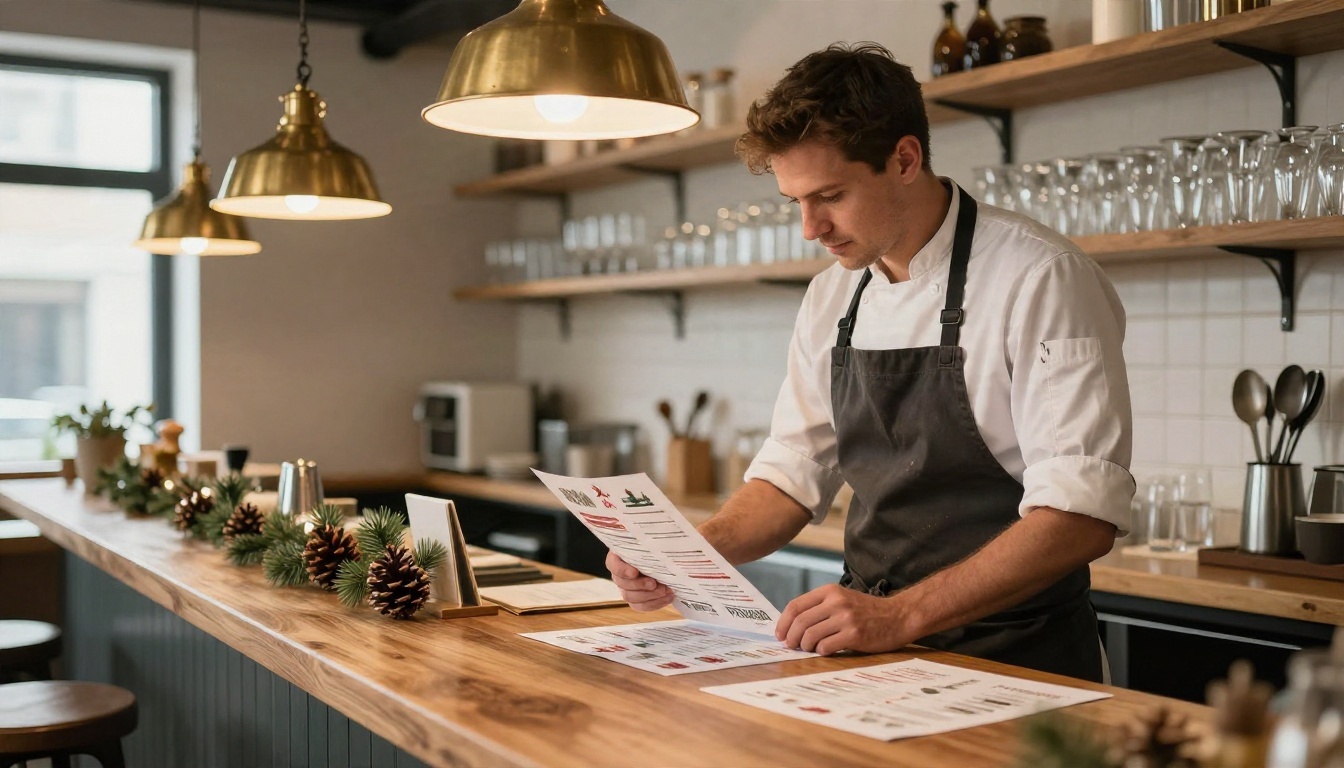
- Too many dishes. A festive menu with 14 mains slows the kitchen and confuses guests. Six to eight items per course is plenty, and a set menu is better still.
- Tiny type. Candlelit rooms are dim. If your descriptions are under 9 pt, your older guests are guessing.
- No date or price conditions. State the dates, the deposit policy and what the price includes (a glass of fizz, a cracker, coffee).
- Skipping a proofread. Read the final PDF out loud and ask a second person to check the prices.
- Forgetting the update plan. Decide who edits the menu, where the source file lives and how the QR code stays the same.
- Using a template with locked fonts you cannot print. Test one proof before you run 100 copies.
| Mistake | Quick fix |
|---|
| Cluttered layout | Cut one dish per course and add white space |
| Wrong prices | One owner signs off the final PDF |
| Dead QR code | Use a flipbook link you can republish under the same address |
| Colors look dull in print | Print a proof, adjust, then run the batch |
| Menu only on paper | Add an online version for bookings and social posts |
Add a Dessert and Drinks Page
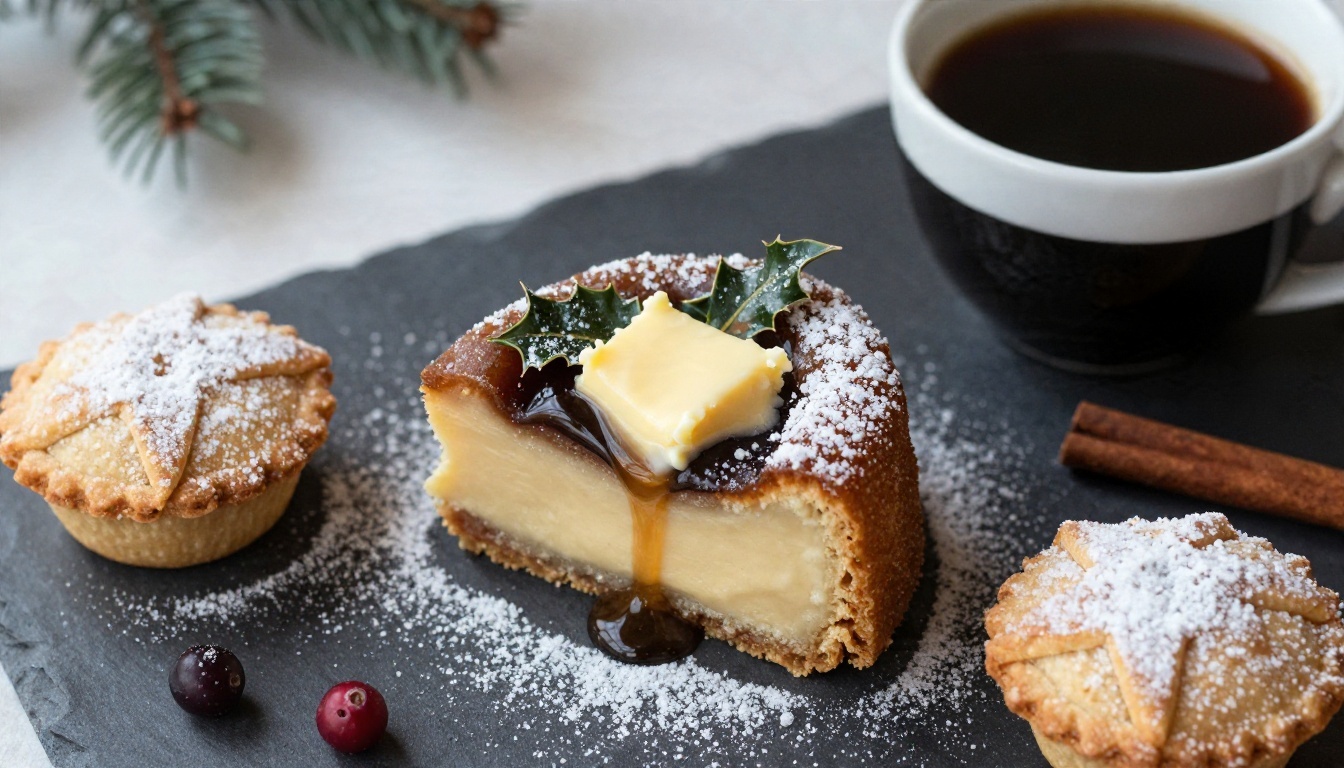
Dessert and drinks pages are where Christmas menus earn extra margin. Give them their own page, add a photo if the format allows it, and use a flipbook's page turn to create a little moment of anticipation. Guests who see a spiced coffee and a mince pie at the end of the menu tend to order both.
For a longer drinks list, a separate page for cocktails, mulled wine and non-alcoholic options keeps the main menu clean. The Digital Price List Generator is useful when your drinks prices change often. If you are also selling tickets to a Christmas Eve event, the Event Program Maker can bundle the schedule with the menu.
Ready to Publish Yours
Pick the route that fits your week. If you need paper tonight, grab a Word template or a printable PDF and be done in an hour. If you want a more polished look, customize a free Canva layout and export it. And if you want a menu that guests can open from a QR code, that you can edit without reprinting, and that you can lock behind a password for private events, convert your file into a flipbook.
Here is a simple plan for this week:
- Choose Word, Canva or PDF and finalize your dishes today.
- Print one proof and fix every typo.
- Get started for free on Flipbooks AI and upload the PDF.
- Add your branding and publish the link.
- Print the QR code on a tent card and place it on every table.
Browse all flipbook tools to find a template that matches your venue, or compare pricing plans to choose the one that fits how many menus you plan to run this season. When you are ready to publish, create your account and pick a plan and have your Christmas menu live before the first booking arrives.



