It is Friday afternoon, the printer is jammed, and someone is copying last week's service times into a new document for the fortieth time this year. If that sounds familiar, you are not alone. Most congregations still build the Sunday bulletin from scratch every single week. Church bulletin automation fixes that by separating what never changes from what does, then publishing the result as a clean online bulletin that members can open on any phone. With a tool like Flipbooks AI, the weekly job shrinks from hours of retyping to a short update, a PDF export, and one shared link.
This article lays out a practical workflow, a comparison of print and online formats, a step-by-step tutorial, and a few real scenarios from small and large congregations.
The Sunday Retyping Trap
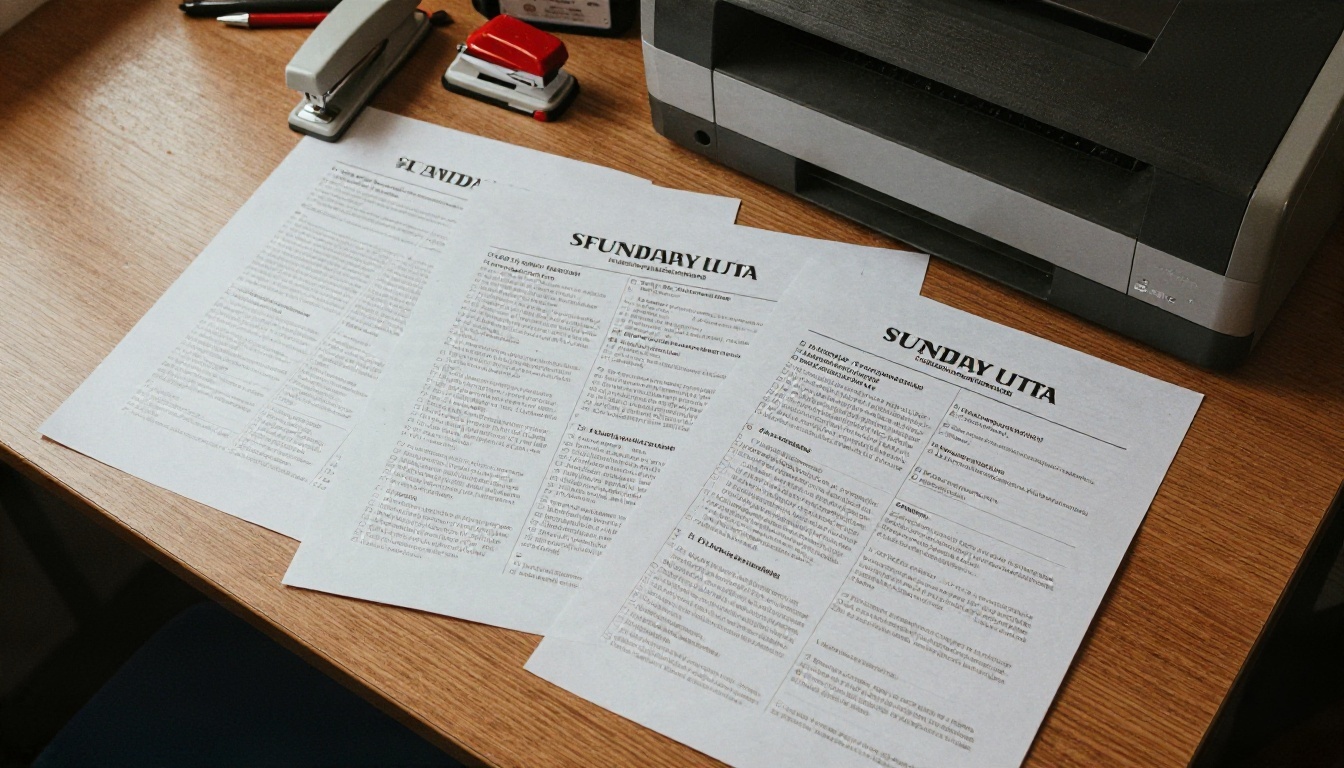
Bulletins feel like a small task until you add up the minutes. Collecting announcements, formatting columns, fixing a stray font, printing, folding, and stapling all happen under a Sunday deadline. The worst part is that roughly 80 percent of the content repeats: service times, address, nursery information, giving details, staff contacts, and the welcome message.
Where the Hours Disappear
Here is a typical week for a church administrator who builds the bulletin by hand:
| Task | Time per week | Repeats weekly? |
|---|
| Retyping service times and contacts | 20 minutes | Yes |
| Chasing leaders for announcements | 45 minutes | Partly |
| Reformatting layout after edits | 30 minutes | Yes |
| Printing, folding, stapling | 40 minutes | Yes |
| Answering "where is the link?" messages | 15 minutes | Yes |
| Total | about 2.5 hours | |
Over a year, that is more than 120 hours. For a part-time staff member or a volunteer, that is a lot of generosity spent on copy and paste.
Why Printed Bulletins Fall Short
Paper has charm, and plenty of members will always want it. But a printed sheet has real limits:
- It goes stale the moment an event changes on Tuesday.
- Visitors cannot tap a sign-up link or a map.
- Homebound members and those traveling never see it.
- Printing costs add up, especially with color.
- Nobody knows whether it was actually read.

💡 Pro tip: Keep a short list of everything you retyped last month. Anything that appears three weeks in a row belongs in a fixed template block, not in your weekly to-do list.
What Bulletin Automation Really Means
Automation here does not mean robots writing your announcements. It means building the bulletin so the repeated parts are written once and the changing parts are the only thing you touch.
One Source, Many Outputs
A well-set-up bulletin has a single master file. From that one file you can produce:
- A print-ready PDF for the lobby and for members who prefer paper.
- An online flipbook with page-turning, zoom, and clickable links.
- A short link and QR code that never changes from week to week.
- An email-friendly version pointing to the same link.
The trick is the stable link. When the web address stays the same and the content behind it updates, printed signs, website buttons, and text message shortcuts all keep working without edits.
Print Versus Online Bulletin
| Feature | Paper only | Static PDF attachment | Online flipbook |
|---|
| Works on phones | No | Awkward, requires download | Yes, mobile-responsive |
| Clickable links and maps | No | Sometimes | Yes |
| Updated after publishing | No | No, new file each time | Yes |
| Audio or video sermon clip | No | No | Yes |
| Reader statistics | No | No | Yes (Professional plan) |
| Printing cost | High | Medium | Optional |
| Reaches homebound members | No | Partly | Yes |
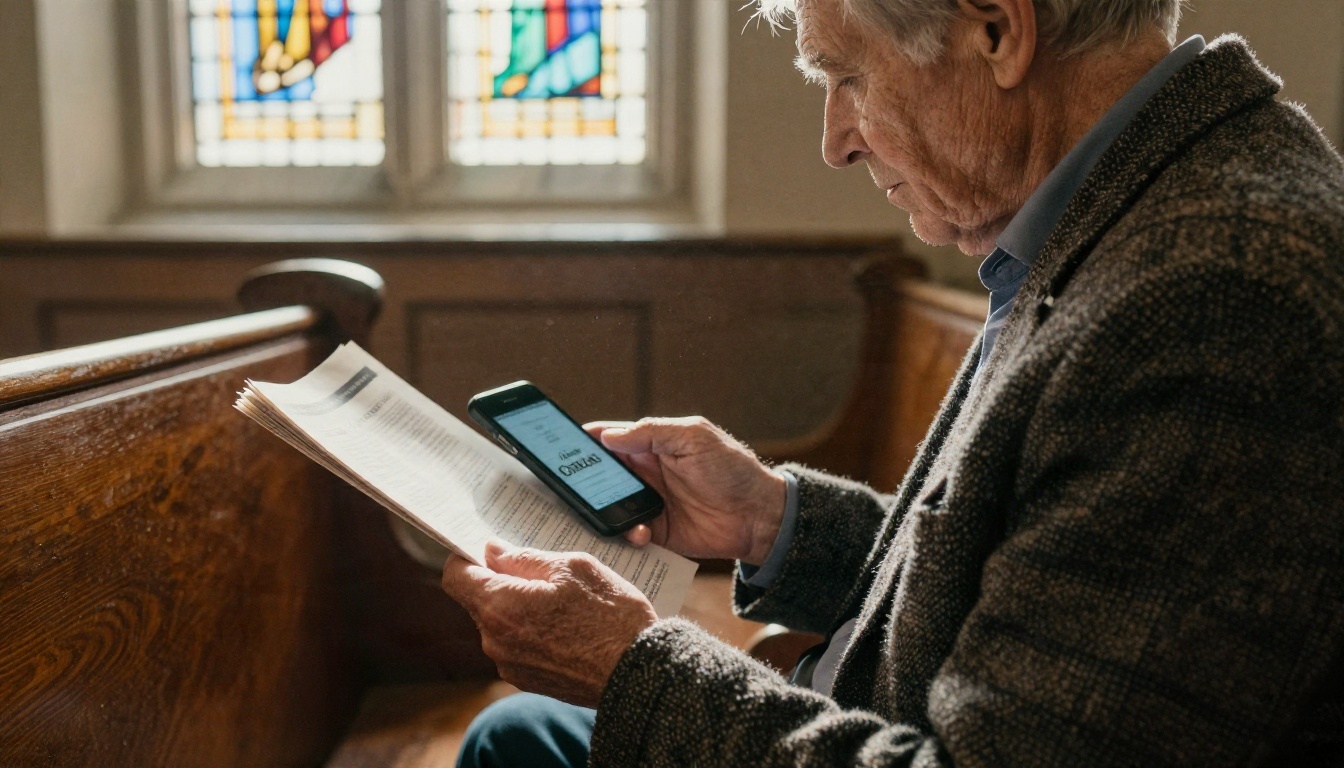
An online flipbook does not replace paper. It simply gives every member a version that is always current, easy to read, and easy to share.
A Weekly Workflow That Works
Good automation is mostly a calendar habit. The software handles layout and delivery; your team handles a predictable rhythm.
Build a Reusable Template
Open your word processor or design tool and create a master bulletin with locked sections:
- Cover page: church name, photo of the building, theme of the week.
- Order of service: with placeholders for hymn numbers and readings.
- Fixed block: service times, address, nursery, giving, contact details.
- Rotating blocks: announcements, prayer requests, birthdays, upcoming events.
- Back page: weekly calendar and ministry contacts.
Save it as a template file named something obvious like "Bulletin MASTER". Each week you duplicate it, change the date, and edit only the rotating blocks.
Collect Announcements by Wednesday
Retyping often happens because content arrives late and in ten different formats. Set one rule: announcements are due Wednesday at noon through a single shared form or email address. A short form with fields for title, date, time, location, and a two-sentence description saves hours of back and forth.
✅ Best practice: Limit each announcement to 40 words and a single call to action. Short items get read, and they fit the template without reformatting.
Export, Upload, Publish
On Thursday or Friday, review the draft, export to PDF, and upload it. Because the link stays the same, you simply replace the previous week's file or create the new issue and update your shortcut. The whole publishing step takes about five minutes once the habit sets in.
| Day | Task | Who | Time |
|---|
| Monday | Duplicate template, set the date | Administrator | 5 min |
| Wednesday noon | Announcements due | Ministry leaders | n/a |
| Thursday | Paste text, check readings, proofread | Administrator and pastor | 20 min |
| Friday | Export PDF, publish online bulletin | Administrator | 5 min |
| Saturday | Send reminder text or email with link | Communications volunteer | 5 min |
How to Create a Church Bulletin with Flipbooks AI
If your bulletin already exists as a PDF, you are most of the way there. Here is how to turn it into an online bulletin with Flipbooks AI.
Upload and Convert Your PDF
- Go to Flipbooks AI and create an account.
- Choose the PDF to Flipbook Converter or the Newsletter Flipbook Publisher, which suits a weekly bulletin well.
- Drag your exported PDF into the upload area. The conversion usually finishes in under a minute.
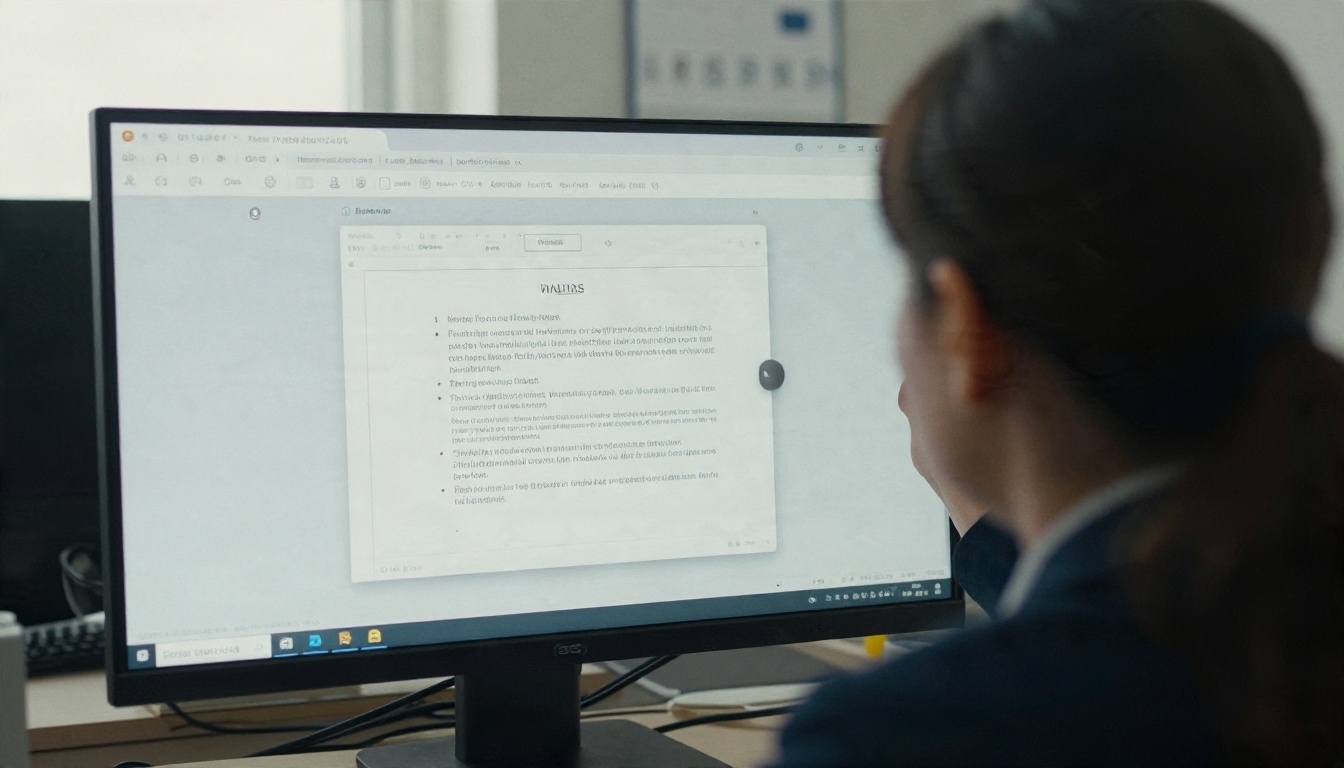
- Preview the result. Pages turn with a realistic effect, and text stays sharp on both phones and desktops.
💡 Screenshot description: The editor shows your bulletin on the left as a two-page spread and a settings panel on the right with tabs for appearance, sharing, and media.
Brand It and Add Media
Customization is where the bulletin starts to look like your church rather than a generic file:
- Custom branding: add your logo and choose colors that match your sign and website.
- Page effects: pick the page-turn style and background that feel calm and readable.
- Embedded video and audio: drop in the sermon preview, a choir recording, or a short welcome from the pastor.
- Clickable links: connect event sign-ups, volunteer forms, and online giving to the exact words in your PDF.
Because there are no watermarks, the bulletin looks like a polished part of your own ministry, not an advertisement for a software company.
Share, Protect, and Track
Now the publishing options, which are the heart of weekly automation:
- Direct link: copy the short URL and paste it into your website, newsletter, and group chats.
- Embed code: place the bulletin on a page of your site using the Embed Flipbook on Website option, so visitors read it without leaving.
- Password protection: useful for pastoral care lists, member directories, or council meeting notes you do not want public.
- Offline downloads: let members save a copy for places with poor reception.
- Analytics and lead generation: on the Professional plan, see how many people opened the bulletin and capture visitor details through a simple form. Check the pricing plans to see which tier fits your congregation.
Unlimited flipbooks are included from the Standard plan upward, which matters if you want an archive of every week's issue.
Getting the Link to Every Member
An online bulletin only helps if people can find it in two taps. Build a few predictable doors.
QR Codes in the Lobby
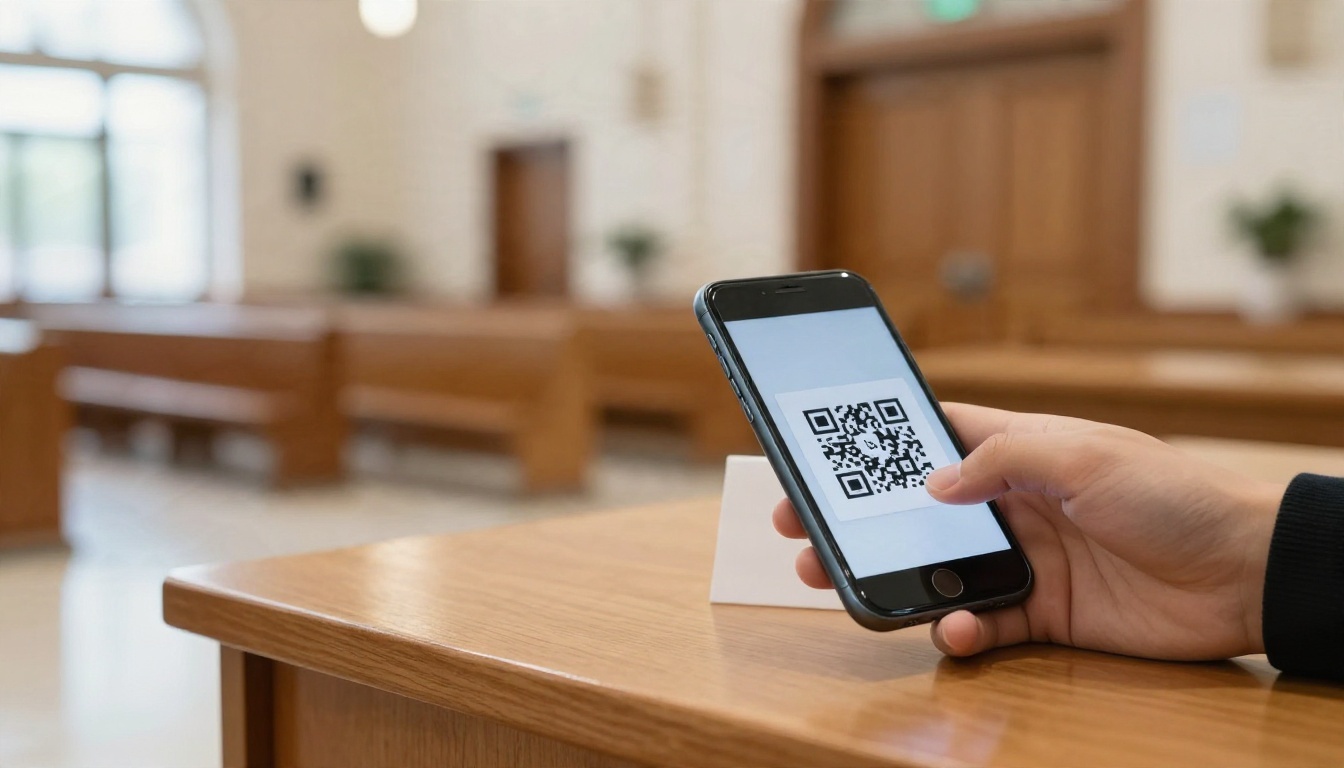
Print a QR code once and place it on the welcome table, on pew cards, on the back of the printed bulletin, and on the projector slides before the service. Since the link is stable, you never reprint the code. A visitor who scans it on a Sunday morning sees the current bulletin immediately.
Email, Text, and Website Embed
| Channel | Best for | Effort per week |
|---|
| QR code in lobby | Visitors and first-timers | None after setup |
| Website embed | Search visitors and new families | None after setup |
| Email with link | Regular members | 2 minutes |
| Text message reminder | Younger members, volunteers | 2 minutes |
| Social media post | Wider community | 5 minutes |
| Printed copies | Members who prefer paper | Optional |
⚠️ Warning: Do not change the link every week. A new address each Sunday defeats the purpose of automation and sends people hunting through old messages.

Real Examples From Real Congregations
Small Rural Church
A congregation of about 70 people relies on one volunteer secretary. Before automation, she spent most of Friday on the bulletin. Now she keeps a template with the fixed sections, types only the hymn numbers and four announcements, exports the PDF, and updates the flipbook. She adds a short audio greeting from the pastor each week. Time spent dropped from about three hours to twenty minutes. The homebound members receive the link by text message and listen along from home.

Multi-Campus Congregation
A church with three campuses used to produce three separate bulletins. They now run one master template with a shared front page and a campus-specific back page. Each campus coordinator submits their own announcements by Wednesday, and one editor assembles three PDFs. Each campus has its own flipbook link and QR code. Analytics show which campus bulletin gets read most, and which announcements get clicked.
The same approach works for related materials. A church can build a seasonal event program for Christmas or Easter, or publish a yearly non-profit annual report for donors using the same workflow.
| Scenario | Template setup | Weekly editing | Distribution |
|---|
| Small rural church | One master file | 20 minutes | Link by text, QR in lobby |
| Multi-campus church | Shared front, custom back | 45 minutes total | One link per campus |
| Church with a large print crowd | Print-ready and online | 30 minutes | Paper plus QR code |
| Church with private pastoral section | Separate protected issue | 10 minutes extra | Password-protected link |
Measuring What Works
Once the bulletin is online, you can stop guessing. With the Professional plan, check these numbers monthly:
- Opens per week: is the audience growing or shrinking?
- Time of day opened: if most readers open it Saturday night, send your reminder Saturday afternoon.
- Most visited pages: move your most important announcement to where people actually read.
- Device type: if phones dominate, keep fonts large and avoid tiny tables.

💡 Pro tip: Put a single "Next Step" box on the first page, such as a small group sign-up or a volunteer need. Track whether clicks on it rise after you move it up.
Common Mistakes to Avoid
- Making the template too busy. Crowded pages look tidy on a printer and unreadable on a phone. Use generous spacing and short paragraphs.
- Skipping the proofread. Automation speeds up the work, but a wrong service time spreads faster too. Have a second person check the fixed block monthly.
- Forgetting accessibility. Use large, high-contrast text and add descriptive wording around images so screen reader users are not left out.
- Dropping paper entirely. Offer printed copies for those who want them. The online version is an addition, not a punishment.
- Relying on one person. Write down the weekly steps in a one-page checklist so a backup volunteer can step in during vacations.
- Sharing private data publicly. Keep prayer lists with personal health details and directories behind a password.
✅ Best practice: Review your template every quarter. Remove sections nobody reads and add one that members request.
Ready to Stop Retyping?
You do not need a new software suite or a bigger budget. You need a template, a deadline, and a link that stays the same. Start with one issue this Sunday and refine from there.
Your congregation will notice the difference on Sunday, and you will notice it on Friday afternoon.



