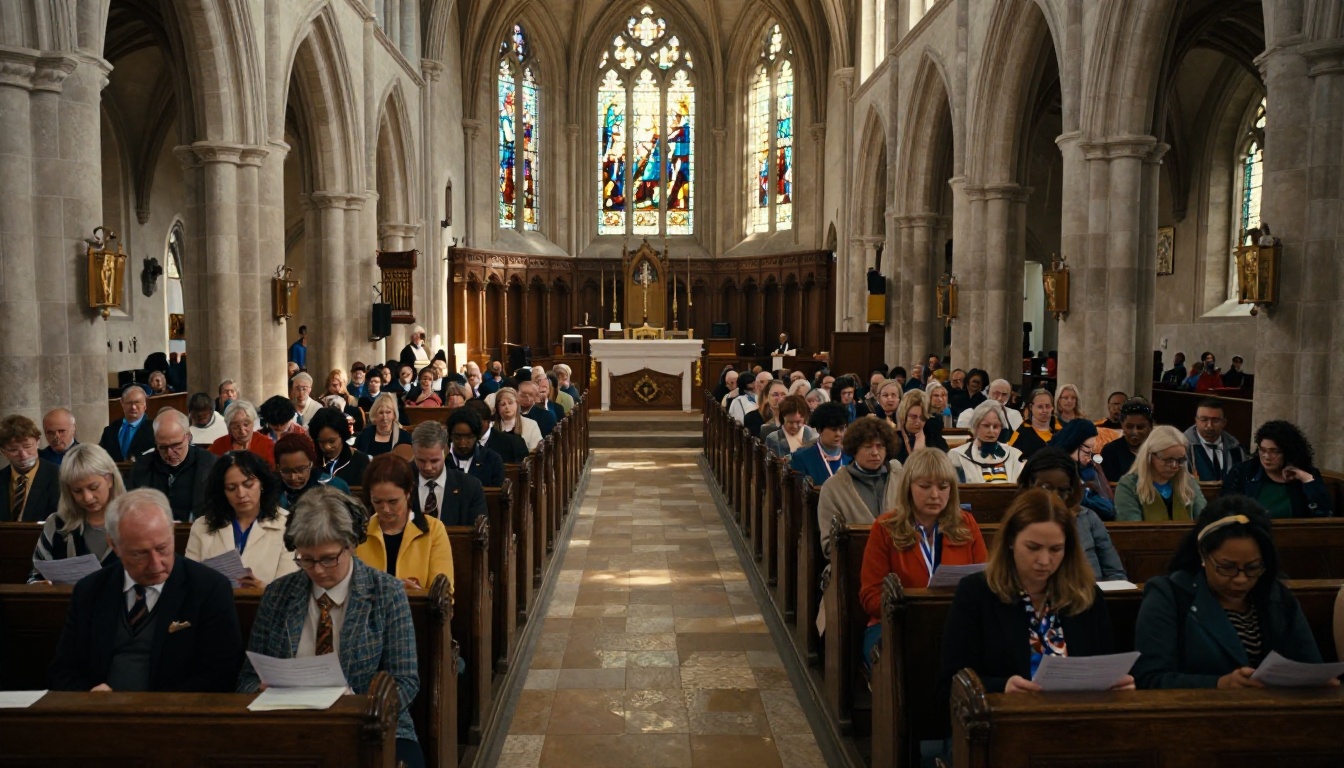
Every Sunday, someone in your church office runs to the printer, loads paper, waits, then stands at the door handing out bulletins that most people leave on the pew. That cycle costs real money: paper, toner, staff time, and the environmental toll of hundreds of discarded sheets every week. Converting your church bulletin as an interactive flipbook for free eliminates those costs immediately and puts your weekly program directly in the hands of every congregation member, whether they attended in person or tuned in from home. Flipbooks AI turns any existing bulletin PDF into a page-flipping digital experience in minutes, with no design skills required.
Why Printed Bulletins Fall Short
The Real Cost of Weekly Printing
It adds up faster than most church administrators realize. A single Sunday bulletin might only cost a few cents per sheet, but multiply that across 200 congregation members, 52 Sundays a year, and the occasional mid-week special service, and a small church easily spends $600 to $1,200 annually on bulletin printing alone. Larger congregations can easily spend several times that amount.
Beyond the dollar figure, there is the time cost: designing the layout, proofreading, printing, collating, and distributing. That is easily two to four hours per week that your volunteers or administrative staff spend on logistics rather than ministry work. Over a full year, that adds up to more than 100 staff hours dedicated solely to producing a document most people glance at once and set aside.
| Printing Cost Factor | Typical Annual Impact |
|---|
| Paper (200 bulletins/week) | $120 to $240 |
| Toner and ink cartridges | $180 to $360 |
| Staff or volunteer time (2 hrs/week) | 104 hours per year |
| Reprints for last-minute errors | $50 to $150 |
| Envelope and mailing costs | $100 to $300 |
| Total Estimated Annual Cost | $450 to $1,050+ |
Low Reach, High Waste
A printed bulletin only reaches people who walk through the door at exactly the right moment. Members who are traveling, recovering from illness, or watching a livestream from out of state never see the weekly announcements. Visitors who attend once and forget to grab a copy on their way out have no way to look up service times, upcoming events, or giving opportunities later.
Digital communication consistently drives higher week-to-week church participation. When your bulletin lives online as an interactive flipbook, it works around the clock, can be forwarded by any member to anyone in their network, and stays discoverable via your church website long after the service concludes. A member in a retirement facility who cannot travel to Sunday services still receives the full bulletin experience on their tablet.
What Makes a Flipbook Different
More Than a Static PDF
A PDF attached to an email is functional. A PDF hosted on your website is marginally better. But an interactive flipbook is a completely different experience. It opens with realistic page-turning animations, adapts to any screen from desktop monitors to small smartphones, and can embed videos, audio files, and active hyperlinks directly within the pages.
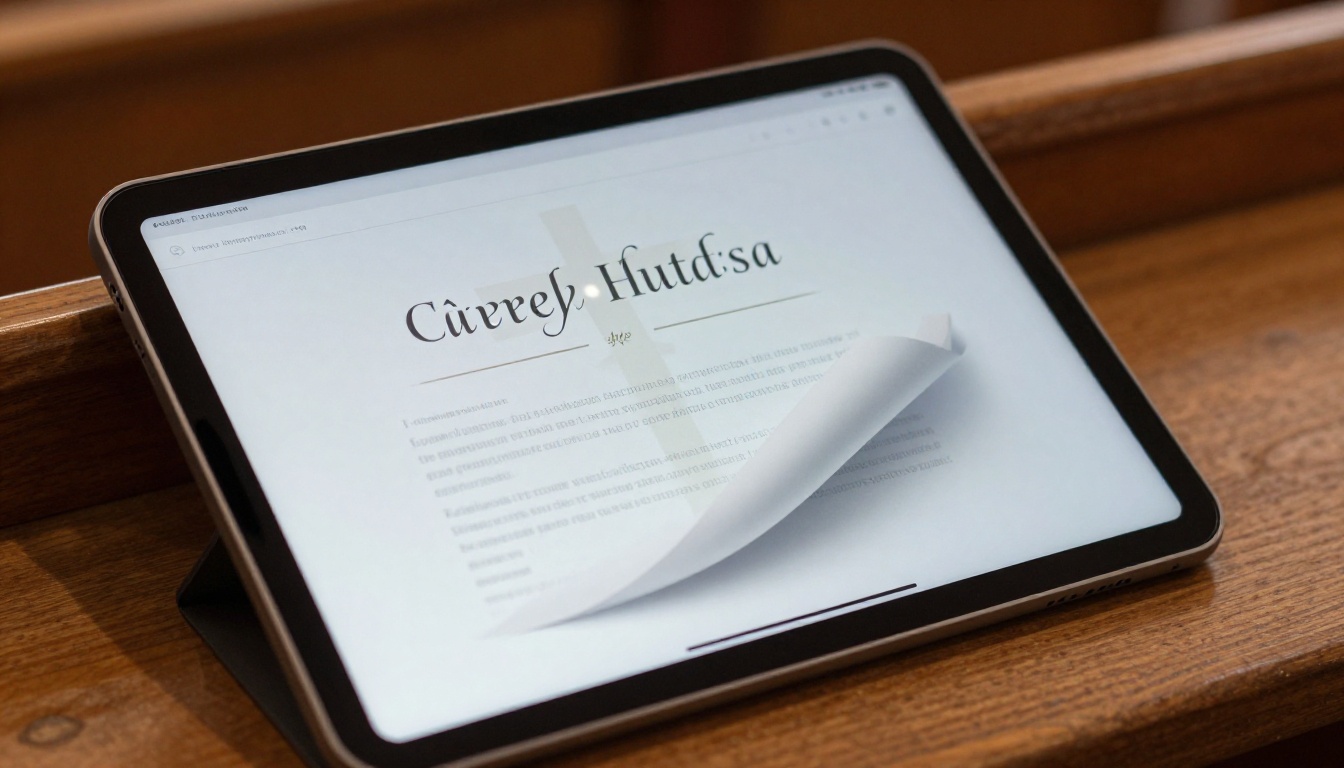
For a church bulletin, that means real, practical capabilities:
- Hyperlinked sermon series pages that take readers directly to a recorded message or podcast episode
- Embedded YouTube or Vimeo videos of last week's worship set, placed directly in the music section of the bulletin
- Clickable donation links within the giving announcements section, opening directly to your online giving page
- Event registration URLs on the upcoming programs page so members can sign up for small group studies or volunteer events with a single tap
- Contact hyperlinks so members can email a ministry leader directly from the bulletin itself
💡 Members who receive a flipbook link are significantly more likely to read through it completely compared to those who receive a flat PDF attachment. The visual page-flip experience creates familiarity with the format of a magazine or printed book, which feels more natural and engaging on screen.
How Churches Are Using Them
Congregations of all sizes have moved their weekly bulletins, monthly newsletters, annual reports, and event programs to flipbook format. A small rural congregation of 80 members uses a digital flipbook bulletin to keep snowbird members connected while they winter in Florida. A large urban congregation of 2,500 uses flipbook bulletins to reduce over $3,000 in annual printing and distribution costs while reaching three times as many people. The format works at any scale.
Small churches benefit from the zero printing infrastructure requirement. Large churches benefit from the zero per-unit cost regardless of how many people receive it. Mid-sized congregations benefit from both.
How to Create Your Church Bulletin Flipbook
The complete process on Flipbooks AI takes under five minutes for a standard weekly bulletin PDF. No design software, no technical skills, and no paid subscription are required to start.
Step 1 - Prepare Your Bulletin PDF
Begin with whatever you already use. Most churches produce a bulletin in Microsoft Word, Google Docs, Canva, or Adobe InDesign, and all of these export cleanly to PDF format. Before uploading:
- Export as PDF using the built-in export or print-to-PDF option
- Use a standard page size such as Letter (8.5 x 11) or A4
- Ensure fonts are embedded within the PDF export settings
- Confirm that any hyperlinks in the document are active before exporting
- If your bulletin is two-sided or multi-page, export everything as a single PDF rather than separate files
⚠️ Very large PDF files (over 50MB) may slow upload times. Compress images inside your document before exporting. A standard 4-page church bulletin with photos should be well under 10MB when properly optimized.

Step 2 - Upload to Flipbooks AI
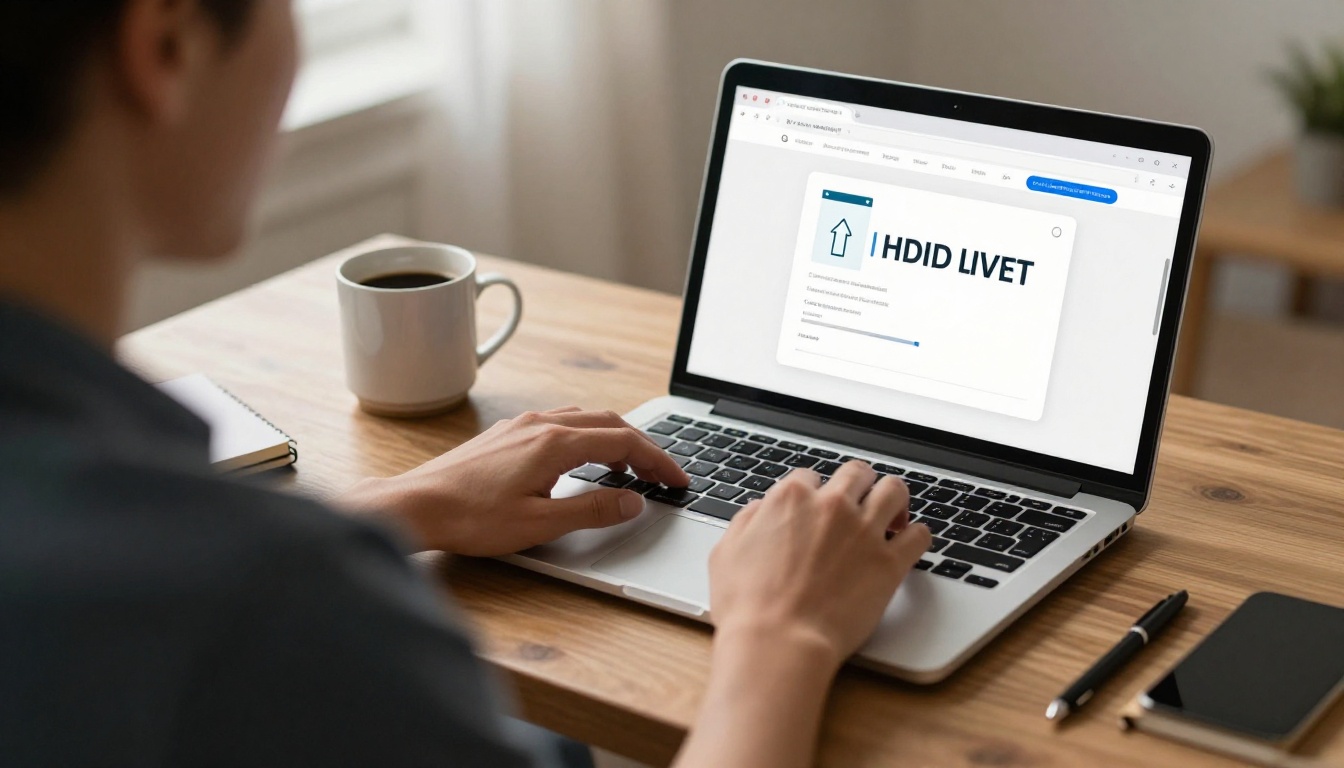
- Visit Flipbooks AI and create your free account
- From your dashboard, select "Create New Flipbook"
- Choose "Upload PDF" and locate your bulletin file
- The platform converts it automatically, building the interactive page-flip layout within seconds
- Preview the result to confirm all pages rendered correctly and all text is sharp
The PDF to Flipbook Converter handles multi-page documents seamlessly. Whether your bulletin is 2 pages or 12, the conversion is instant and requires no manual page setup.
Step 3 - Customize and Brand
Once uploaded, several customization options are available within the free plan:
- Custom background colors to match your church's visual identity
- Logo upload so your church name or crest appears in the viewer header
- Page transition style including realistic flip, smooth slide, or simple fade
- Table of contents for longer bulletins with multiple named sections
- Thumbnail navigation panel so members can jump directly to the announcements or prayer request sections without flipping through every page
✅ Use your church's primary brand color for the flipbook background and viewer bar. This creates visual consistency between your existing printed materials and the digital version, helping members recognize your communications immediately regardless of channel.
Step 4 - Share with Your Congregation
After customization, publishing and sharing happen instantly:
- Direct link: Copy the flipbook URL into your Sunday email, church app notification, or weekly text message blast
- QR code: Download the auto-generated QR code and print it on any remaining physical inserts, pew cards, or lobby signage
- Embed code: Place the flipbook player directly on your church website using the provided iframe snippet
- Social media share: Post the link to your church Facebook group, pin it to your Instagram bio, or broadcast it through your WhatsApp or GroupMe church group
Free vs. Paid Plans at a Glance
What the Free Plan Gives You
The free tier on Flipbooks AI gives small congregations everything needed to replace their printed bulletin immediately:
| Feature | Free Plan | Standard Plan | Professional Plan |
|---|
| Flipbooks created | Limited | Unlimited | Unlimited |
| Watermarks | None, ever | None, ever | None, ever |
| Custom branding | Basic | Full | Full |
| Password protection | No | Yes | Yes |
| Analytics dashboard | No | Basic | Advanced |
| Lead generation forms | No | No | Yes |
| Offline downloads | No | No | Yes |
| Embed on website | Yes | Yes | Yes |
| Mobile responsive | Yes | Yes | Yes |
| Video and audio embed | No | Yes | Yes |
| Custom domain | No | No | Yes |
💡 Most small and medium-sized congregations operate comfortably on the Standard plan. The free plan is the ideal entry point for testing the workflow before committing to a weekly digital bulletin process.
When to Move Up
Moving to a paid plan makes sense when your congregation's needs grow beyond basic sharing:
- Password protection becomes valuable when bulletins contain private pastoral correspondence, internal financial data, or confidential prayer requests
- Analytics let you see how many members actually open and read the digital bulletin each week, which sections draw the most attention, and which devices they use
- Video embedding allows you to place sermon clips or worship song recordings directly inside the bulletin pages rather than simply linking out to an external platform
- Lead generation forms are powerful for capturing contact details from first-time visitors who scan your lobby QR code or click a link shared by a church member
Compare all options at Flipbooks AI pricing and start with the free plan today.
Sharing Your Digital Bulletin
Embed on Your Church Website
Embedding directly on your website is one of the most powerful distribution methods available. Instead of hosting a PDF download link, your website visitors see the full interactive flipbook player rendered inline on your "Weekly Bulletin" page. The visitor never leaves your site, and the experience works on every browser and device without any plugins.
To embed your bulletin using the Embed Flipbook on Website tool:
- Open your published flipbook in the Flipbooks AI dashboard
- Click "Share and Embed" from the toolbar
- Copy the generated iframe code snippet
- Paste it into your church website's HTML editor, WordPress block, Squarespace section, or Wix HTML widget
The flipbook player is fully responsive, scaling perfectly from a 4K desktop monitor down to a 5-inch smartphone screen with no configuration required.
Email, Social Media, and WhatsApp
For congregations where email remains the primary communication channel, the flipbook link drops neatly into any email newsletter or announcement. Unlike a PDF attachment, which can trigger spam filters, require a file download, and fail to open properly on some mobile devices, a flipbook link opens instantly in any browser with a single tap.
Distribution best practices for a weekly digital bulletin:
- Send the flipbook link Saturday evening so members have time to review the order of service and announcements before Sunday morning
- Include a QR code image directly in the email body for members who prefer to scan rather than tap a hyperlink
- Pin the current week's bulletin to the top of your church Facebook group each Saturday
- Share the link in your WhatsApp broadcast group or church texting platform as a weekly Saturday reminder
- Add the QR code to your Sunday morning welcome slides so latecomers can catch up on their phones during opening announcements

Comparing Distribution Methods
| Method | Audience Reach | Cost | Engagement | Shareable |
|---|
| Printed bulletin | In-person only | $$$ | Low | No |
| PDF email attachment | Email list only | Free | Medium | Partial |
| PDF hosted on website | Website visitors | Free | Low | No |
| Interactive flipbook link | Unlimited | Free | High | Yes |
| Embedded flipbook on website | Website visitors | Free | Very High | Yes |
| QR code linked flipbook | Anyone with a phone | Near zero | High | Yes |
The interactive flipbook link consistently outperforms every static document format on reach, engagement, and shareability. A printed bulletin dies the moment service ends. A digital flipbook keeps working all week.
Other Church Documents Worth Digitizing
Your weekly bulletin is the obvious starting point, but it is rarely the only document your church produces that benefits from the flipbook format.
Event Programs and Special Services
Holiday programs, confirmation ceremonies, baptism services, and community outreach events all generate printed programs that most attendees discard immediately after the service. Digitizing them:
- Preserves them permanently as an accessible archive of church history
- Allows late arrivals to catch up on their phones without disturbing the service
- Makes post-event sharing easy on social media, extending the reach of your ministry moments
The Event Program Maker handles specialized single-event formats with layouts built for liturgical programs, ceremony orders, and holiday services.
Monthly Newsletters and Annual Reports
Most congregations produce monthly newsletters with pastoral letters, ministry updates, committee reports, and community news. These are typically 8 to 20 pages long, expensive to print, and even more expensive to mail. The flipbook format makes them dramatically cheaper to distribute while significantly improving the reading experience.
For year-end reporting, the Non-Profit Annual Report tool provides templates built specifically for faith-based and non-profit organizations, covering financial summaries, ministry impact narratives, and photo galleries in a polished professional format.
The School Newsletter Creator works equally well for church school programs, children's ministry updates, and youth group communications distributed to parents throughout the year.
Make the Switch This Sunday
The transition from printed to digital bulletin is not just a cost-cutting measure. It is a meaningful shift in how your church communicates with its community. A printed bulletin is passive and disposable. An interactive flipbook is active, shareable, and searchable. Members who missed a Sunday can review exactly what was announced. Visitors can scan a QR code in your parking lot and read the full service program before they even reach the front door.
Churches that have made this shift report three consistent results: lower operational costs, broader member reach including remote and homebound members, and higher actual engagement with weekly announcements and upcoming events.
The barrier to entry is near zero. The free plan on Flipbooks AI makes it possible to publish your first digital bulletin today without any budget approval, no special software, and no design background required.
Your first digital bulletin can be live in under ten minutes. Create your free account on Flipbooks AI, upload this Sunday's PDF, and share the link with your congregation before the weekend. Browse all available tools and templates to find formats for every type of church communication, from event programs to annual reports. When you are ready for advanced features, compare pricing plans and choose what fits your ministry's needs and budget.



