You finished the PDF, the deadline is close, and someone on the team says, "Just put it on AnyFlip." Fair enough. A page-turning flipbook looks far better than a plain download link, and it takes minutes. But before you upload anything, it pays to check what the free route really gives you, where it stops, and which other tools can do the same job without the strings attached. This article compares the free online options, lays out the limits people hit most often, and shows how a platform like Flipbooks AI fits in when you want a clean result with no watermark.
What Converting PDF to AnyFlip Means
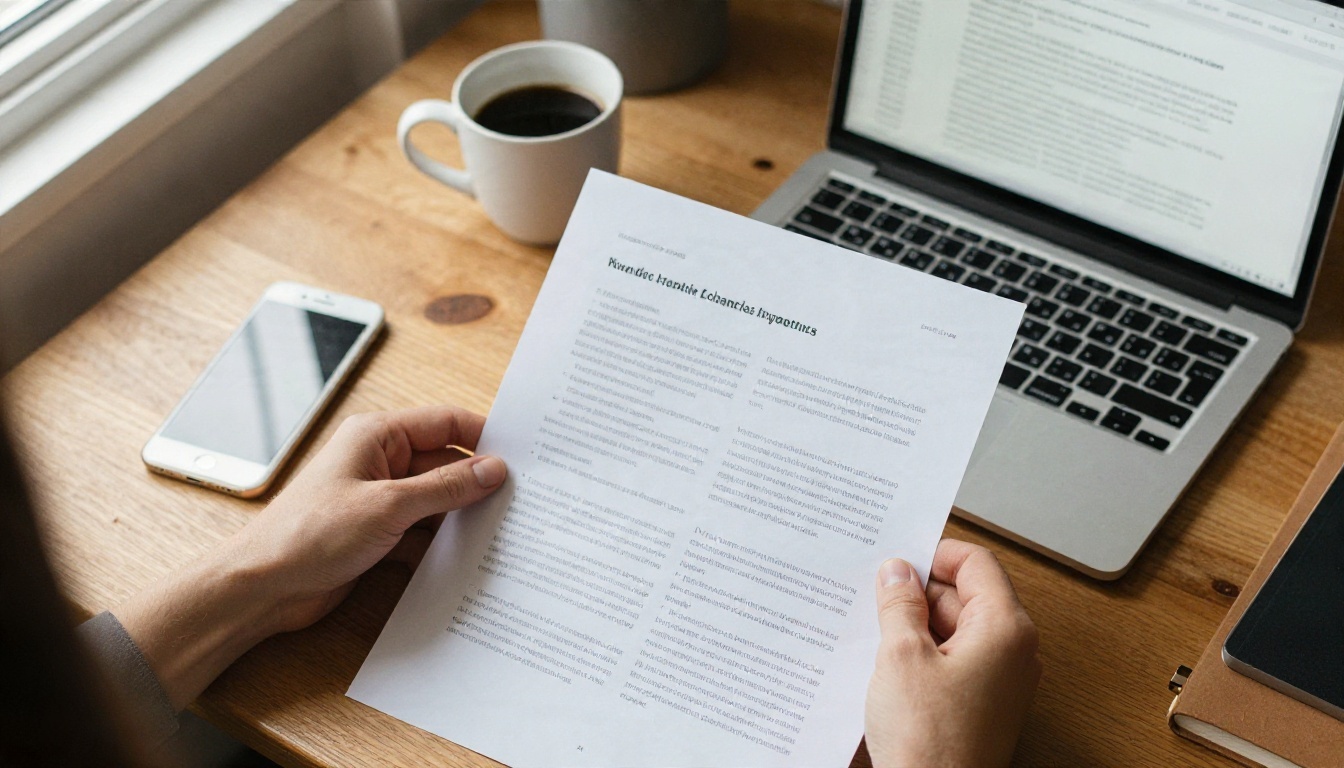
When people search for "convert PDF to AnyFlip," they rarely want a new file format. They want a hosted, page-turning version of their PDF that opens in a browser, works on a phone, and can be shared with a link or embedded on a website. AnyFlip is one of the best known platforms for this, and the search tells us the reader has already decided on the result. What they have not settled is the route.
How the AnyFlip Workflow Runs
The general flow is the same on most flipbook platforms:
- Create an account on the platform.
- Upload your PDF.
- Wait while the pages are processed into images and a flip animation.
- Adjust the look: background, toolbar, logo, sound.
- Publish and copy the link or the embed code.
The flipbook then lives on the platform's servers. That detail matters later, because hosting decides who controls your content, how it is branded, and what happens if you stop paying.
Who Searches for This
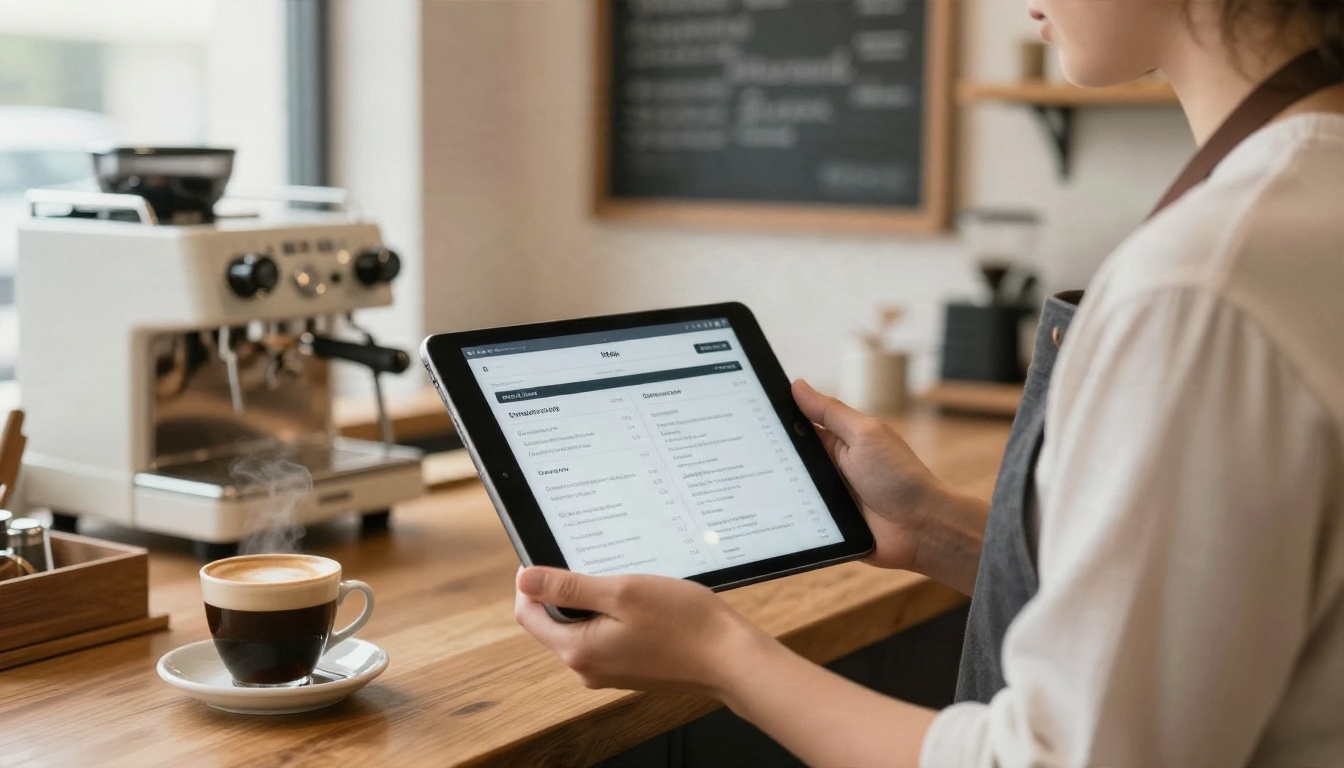
The intent splits into a few groups. Marketers want a catalog that feels like a real brochure. Teachers want a reader-friendly handout. Restaurant owners want a menu that opens fast on a phone. Freelancers want a portfolio that looks more polished than an attachment. All of them are asking the same practical question: can I do this for free, and what will it cost me later?
💡 Pro tip: Write down your three must-haves before comparing tools. Typical picks are "no watermark," "embed on my site," and "password protection." Those three alone cut most shortlists in half.
Free Online Options Compared
A free tier is a trial with a friendly face. It is useful, but it is built to show you what the paid plan removes. Here is a general view of how free offers behave across the market. Always confirm the exact numbers on each vendor's own pricing page, because plans and limits change often.

Free Tiers at a Glance
| Option type | What free usually includes | Typical catch | Best for |
|---|
| AnyFlip free account | Upload a PDF, get a hosted flipbook link | Platform branding and capped features | Quick personal tests |
| Lightweight online converters | Drag and drop, instant link | Watermark, short link lifespan, few settings | One-off previews |
| Publishing networks | Public reading page for your document | Your file sits in a public library | Magazines seeking readers |
| Business flipbook platforms | Trial period with the full editor | Trial ends, then a paid plan is needed | Teams comparing features |
| Flipbooks AI | PDF to flipbook with a clean reader | Higher tiers add unlimited flipbooks and analytics | Branded, watermark free output |
What "Free" Usually Means
Free almost never means unlimited. In practice it tends to mean one or more of these:
- A visible brand on the reader or the share page.
- A cap on the number of flipbooks, pages, or file size.
- Fewer settings, such as no custom domain or no password.
- A time limit before the flipbook is archived or removed.
None of this makes free tiers bad. For a school project or a quick internal review, they are perfectly fine. The trouble starts when a free flipbook is sent to a client under your company name, with someone else's logo beside it.
The Limits You Will Hit
Most frustration with free flipbook converters comes from the same handful of walls. Knowing them in advance saves you a rebuild later.
Branding and Watermarks
A watermark or platform logo is the most visible limit. If the flipbook goes to customers, investors, or students, an unrelated brand on the page looks like a shortcut. Some tools allow removal only on paid plans. Others never remove it fully.
Page and File Caps
Large PDFs expose limits fast. A 12-page brochure converts without trouble. A 200-page annual report, packed with photos, might exceed a free cap on pages or megabytes. When that happens, you are asked to upgrade or to split the file, and splitting a report into three flipbooks is a poor reader experience.
Privacy and Ownership
Free flipbooks are often public by default. That is fine for a menu. It is not fine for a price list meant for one distributor or an internal training manual. Check whether the platform offers password protection on the plan you are testing, and whether you can delete the file permanently.
| Limit | How it shows up | What to do about it |
|---|
| Watermark or logo | Third-party brand on the reader | Choose a tool that offers a watermark free plan |
| Page cap | Upload refused or truncated | Compress images or split the PDF logically |
| File size cap | Upload fails at a certain size | Optimize images before export |
| Public visibility | Anyone with the link can read | Use password protection |
| Expiring links | Flipbook disappears after a period | Download an offline copy and keep the PDF |
| No embed | Only a platform URL is available | Pick a plan that includes embed codes |
⚠️ Warning: Never upload a confidential PDF to a free tier until you have confirmed its privacy settings. A hidden link is not the same as a protected link.
Alternatives Worth Testing
If the free AnyFlip route does not fit, you are not short of choices. The useful way to compare them is by the problem each one solves best, not by a feature checklist.
Flipbooks AI
Flipbooks AI turns a PDF into a responsive, page-turning flipbook with no watermarks, ever. The Standard plan and above allow unlimited flipbooks. You also get password protection for private content, embedded video and audio, custom branding, offline downloads, and, on the Professional plan, analytics and lead generation. You can compare the tiers on the pricing page.
Other Platforms in Brief
The wider market has several established names. Each leans in a different direction:
| Platform | Where it shines | Watch out for |
|---|
| Issuu | Public reading audience for magazines | Content is often public, branding on free use |
| FlippingBook | Business sales and marketing documents | Mostly paid, trial based |
| Heyzine | Fast, simple conversion | Free output may carry a watermark |
| Publuu | Lightweight embeds | Free limits on pages and features |
| Flipsnack | Built in design editor | Free access is restricted, upgrades for export |
| Flipbooks AI | Clean output, no watermark, strong sharing options | Analytics and lead capture sit on Professional |
✅ Best practice: Upload the same test PDF to two or three platforms. Compare load speed on your phone, text sharpness when zoomed, and how the embed looks inside your site. Ten minutes of testing beats an hour of reading reviews.
How to Convert Your PDF with Flipbooks AI
If you decide to go with a watermark free route, the process is short. Here is the full flow, from account to published link.

Upload and Convert
- Go to Flipbooks AI and create an account.
- Open the PDF to Flipbook Converter.
- Drag your PDF into the upload area, or pick it from your computer.
- Wait a short moment while each page is processed into a flipbook spread.
- Preview the result. Flip through every page and check that text and images stay sharp.
💡 Pro tip: Export your PDF at the final page size, with images at around 150 to 200 DPI. That keeps the flipbook crisp without a heavy file.
Brand and Customize
Next, make the flipbook look like yours:
- Add your logo and pick brand colors for the reader background and toolbar.
- Choose page effects, such as flip speed and shadow depth.
- Embed video and audio on pages where a short clip explains more than a paragraph.
- Check the mobile layout, since most readers will open it on a phone.
Share and Track
When you are happy with the preview, choose how to deliver it:
- Direct link for email and messaging apps.
- Embed code to place the flipbook on your site. The Embed Flipbook on Website tool shows how.
- Password protection for price lists, internal documents, and client proposals.
- Offline download for readers with poor connections or events without Wi-Fi.
- Analytics and lead generation on the Professional plan, which show who opened the document and let you capture contact details before reading.
Ready to try it with your own file? Start for free and have a flipbook live before your coffee cools.
Real-World Use Cases
The right tool often depends on the document. A few common scenarios show how the choice plays out.

Catalogs and Menus
A boutique with a seasonal lookbook needs the page flip to feel like a printed catalog, and it needs the brand to stay intact. A Digital Catalog Maker approach keeps the layout while adding links to product pages. A cafe benefits from the same logic: the Restaurant Menu Creator lets guests open the menu from a table QR code and see changes the moment you update the PDF.
Brochures and Reports
Real estate agents often send a property brochure by email as a heavy attachment. A flipbook loads in the browser and reads well on a phone. See the Real Estate Brochure tool for that format. Companies with long documents can use the Annual Report Creator, where file size caps matter most.
Education and Portfolios
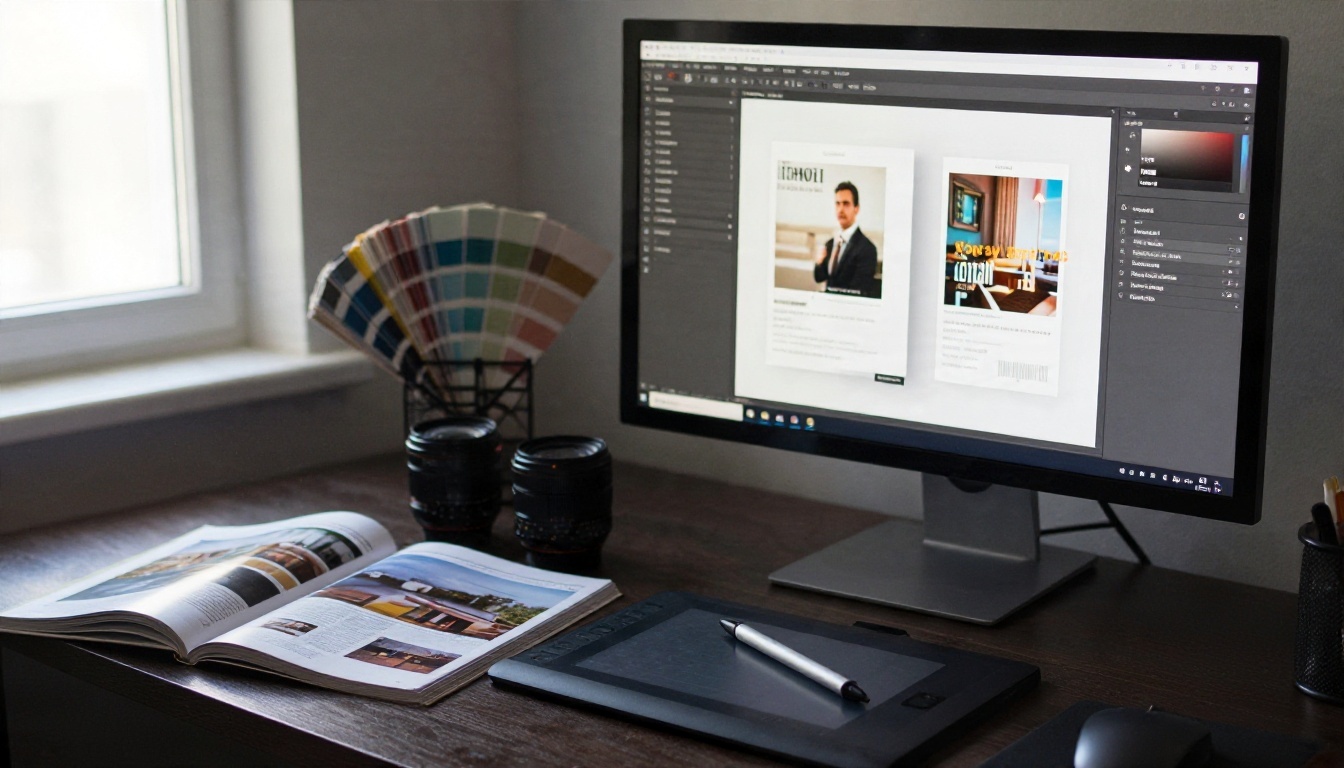
Teachers share course packs, and students read them on tablets. A student at a library table with a tablet and a stack of printed books is a good picture of why mobile-responsive matters. Creators have a similar need: a photographer sharing a portfolio with a client wants speed and polish, which the Digital Portfolio Creator is built to provide.

Now for the decision itself. Free is a great place to start, but it should not be the only criterion.
A Quick Decision Checklist
Run through these questions in order:
- Will anyone outside my team see it? If yes, rule out tools that force a third-party watermark.
- Is the PDF long or image heavy? If yes, check page and file caps first.
- Is the content private? If yes, require password protection.
- Will I publish more than a few flipbooks? If yes, look for an unlimited plan.
- Do I need to know who reads it? If yes, you need analytics and lead capture.
Common Mistakes to Avoid
- Testing with a tiny file. A two-page sample hides every page cap and size problem.
- Ignoring the mobile view. Over half of readers may open the link on a phone.
- Skipping the privacy check. Public by default is a common setting.
- Forgetting the exit plan. Keep your source PDF and, where possible, an offline copy.

⚠️ Warning: Pricing and free limits on any platform can change without notice. Treat every number you read online, including in this article, as a prompt to check the vendor's current plan page.
Ready to Publish Your PDF?
Converting a PDF to an AnyFlip style flipbook is easy. Choosing a route that still works for you a year from now takes a little more thought. If a free tier meets a short, low risk need, use it and move on. If you want a clean reader, your own branding, and sharing controls, give the alternative a fair test.
Pick one PDF, run it through two platforms today, and let the results decide.



