The week before your art gallery show opens is chaos. You're coordinating with framers, chasing down the catering order, and somehow also supposed to have promotional materials ready for collectors and press contacts who want to preview the work. A printed catalog takes weeks and costs money you'd rather spend on the show itself. A PDF attachment gets lost in inboxes. What actually works is a digital flipbook: a beautifully presented, interactive version of your exhibition catalog that collectors can browse on any device, share with a single link, and flip through like a real publication. Flipbooks AI is built precisely for this kind of professional digital presentation.
Why Your Show Deserves More Than a PDF
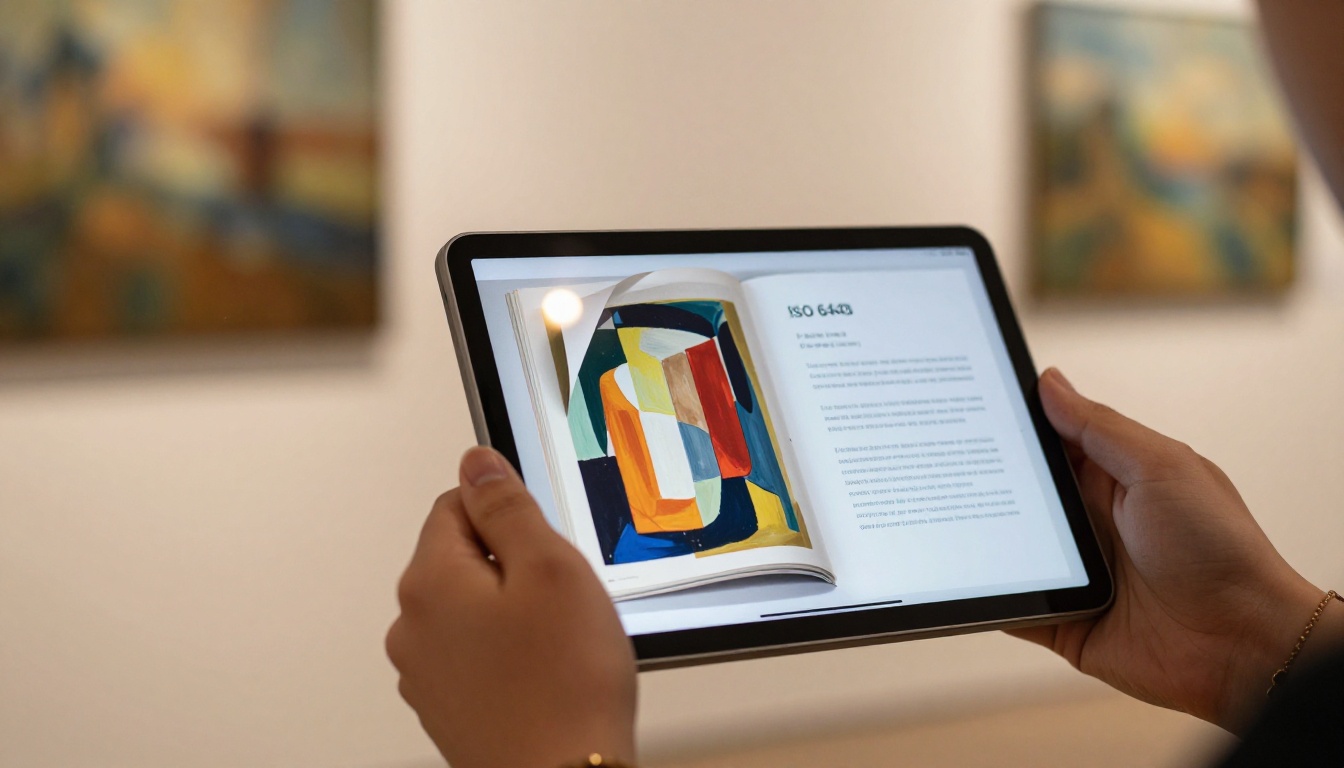
Sending a flat PDF to a serious collector or press contact signals that you treat your exhibition materials as an afterthought. A gallery flipbook changes that impression immediately. The page-turn effect, the clean typography, the ability to embed videos of works in progress or an artist interview: these details tell people that this show is worth attending.
The numbers tell the story:
- Digital catalogs have 3x higher open rates than PDF email attachments
- Interactive content is shared 2x more often across social platforms
- Mobile-friendly exhibition materials reach audiences that printed catalogs never could
Art shows live and die by word-of-mouth. When someone receives a gorgeous digital catalog they can swipe through on their phone during their commute, they're far more likely to forward it to a friend.
💡 A flipbook is not a replacement for your printed catalog. It's the version that works before, during, and long after the show closes.
What Collectors Actually Want
Serious buyers do their research before opening night. They want to see the work, read the artist statement, check dimensions and materials, and understand pricing before they walk through the door. A digital exhibition catalog gives them everything in one place.
What your gallery flipbook should contain:
- High-resolution artwork images with dimensions and medium clearly labeled
- Artist biography (one concise page, not five)
- Artist statement specific to this body of work
- Pricing list (or a note on request-only pricing)
- Exhibition essay from the curator or a guest writer
- Opening event details: date, time, address, RSVP link
- Contact information for purchase inquiries
The Printed Catalog Problem
Printed catalogs are a beautiful tradition, but they carry serious limitations. They cost hundreds or thousands of dollars for even a small run, they become outdated the moment a work sells, and they're limited to the people physically present at your opening. A digital flipbook solves every one of those problems.
| Format | Cost | Updateable | Reach | Analytics |
|---|
| Printed catalog | High ($500-$3,000+) | No | Local only | None |
| PDF email | Low | Yes | Email list | Basic |
| Digital flipbook | Low | Yes | Global | Detailed |
| Social posts | Low | N/A | Variable | Platform-limited |
Planning Your Gallery Flipbook Content
Before you open any software, spend 30 minutes mapping out what your flipbook needs to contain. This is the step most artists skip, and it's why their exhibition materials feel scattered.
Structure That Works
Think of your gallery flipbook like a magazine issue dedicated entirely to your show. It has a cover, an editorial section, a main feature (the artwork), and back matter.
A solid structure looks like this:
- Cover spread - Title of exhibition, your name, gallery name, dates
- Welcome message - From the gallery director or curator (2-3 paragraphs)
- Artist biography - One page, photo of you in the studio
- Artist statement - Specific to this body of work, 300-500 words
- Exhibition essay - Optional but powerful for serious collectors
- The works - Each artwork gets its own spread: image, title, year, medium, dimensions, price (or "inquire")
- Installation views - Photos of the actual hung show if available before printing
- Opening event page - Date, time, location, how to RSVP
- Gallery contact page - For purchase inquiries
Artwork Photography That Works Digitally
The quality of your artwork photography determines everything. For a digital flipbook, you need images that look good on screens ranging from a 6-inch phone to a 27-inch monitor.
⚠️ Never photograph your work with a phone camera under ceiling lights. Invest in professional artwork photography, or use a mirrorless camera with proper diffused lighting. Color accuracy matters especially for paintings.
Technical requirements for flipbook images:
- Minimum 2,000px on the longest side
- sRGB color profile (not Adobe RGB)
- JPEG at 85-90% quality
- No watermarks on works sent to collectors for private preview

Build Your Gallery Flipbook with Flipbooks AI
Flipbooks AI makes this process genuinely straightforward. You don't need design software experience, and you don't need a developer. Here's exactly how to do it.
Step 1: Build Your PDF First
Your flipbook starts as a PDF. The cleanest approach is to use Canva, Adobe InDesign, or even Google Slides (exported as PDF) to lay out your pages. Aim for a 16:9 landscape format: it reads better on screens than portrait A4.
Design tips:
- Use a consistent font family throughout (two fonts maximum)
- Keep margins generous: digital readers have less patience with dense layouts
- Each artwork spread should have one dominant image and supporting text in a sidebar or footer
- Use your gallery's colors for headings and accents to reinforce branding
Step 2: Create Your Account
Head to Flipbooks AI and create your account. The process takes under two minutes. You'll have access to the dashboard immediately, where the Digital Portfolio Creator and Portfolio Flipbook Builder tools are particularly useful for artist-specific presentations.
Step 3: Upload and Convert
Click "Create New Flipbook" and upload your PDF using the PDF to Flipbook Converter. The platform processes your file and creates the page-turn interactive version automatically. For a 20-page exhibition catalog, this typically takes under 60 seconds.
✅ Flipbooks AI applies no watermarks to your published flipbook, ever. Your exhibition materials look completely professional from day one.
Step 4: Customize the Branding
Once your flipbook is converted, spend time on the customization settings. This is where your gallery's identity comes through:
- Background color: Match your gallery's brand palette, or use deep charcoal for an upscale feel
- Logo placement: Upload your gallery logo to appear in the viewer header
- Page navigation style: Choose between thumbnails, page numbers, or both
- Opening animation: The page-turn effect can be set to manual (reader-controlled) or automatic
For an art gallery show, a dark or neutral background with manual page navigation is ideal. Let collectors browse at their own pace.
Step 5: Set Privacy and Sharing
This is where the platform gives you real flexibility. Your options:
- Public link: Anyone with the URL can view (ideal for press and social sharing)
- Password protected: For private previews with VIP collectors before the opening
- Embedded: Place the flipbook directly on your gallery website using the Embed Flipbook on Website tool
💡 Send VIP collectors a password-protected preview link 10 days before opening night. It creates exclusivity and often generates pre-show sales.
Step 6: Enable Analytics
On the Professional plan, you get detailed analytics: how many people viewed your flipbook, which pages they spent time on, and where readers drop off. For a multi-show artist, this data is invaluable. You'll see which artworks generate the most interest before a show even opens.
Plan comparison for gallery shows:
| Feature | Standard | Professional |
|---|
| Unlimited flipbooks | ✅ | ✅ |
| Custom branding | ✅ | ✅ |
| Password protection | ✅ | ✅ |
| Embed on website | ✅ | ✅ |
| Analytics dashboard | ❌ | ✅ |
| Lead generation forms | ❌ | ✅ |
| Offline downloads | ❌ | ✅ |
| Custom domain | ❌ | ✅ |
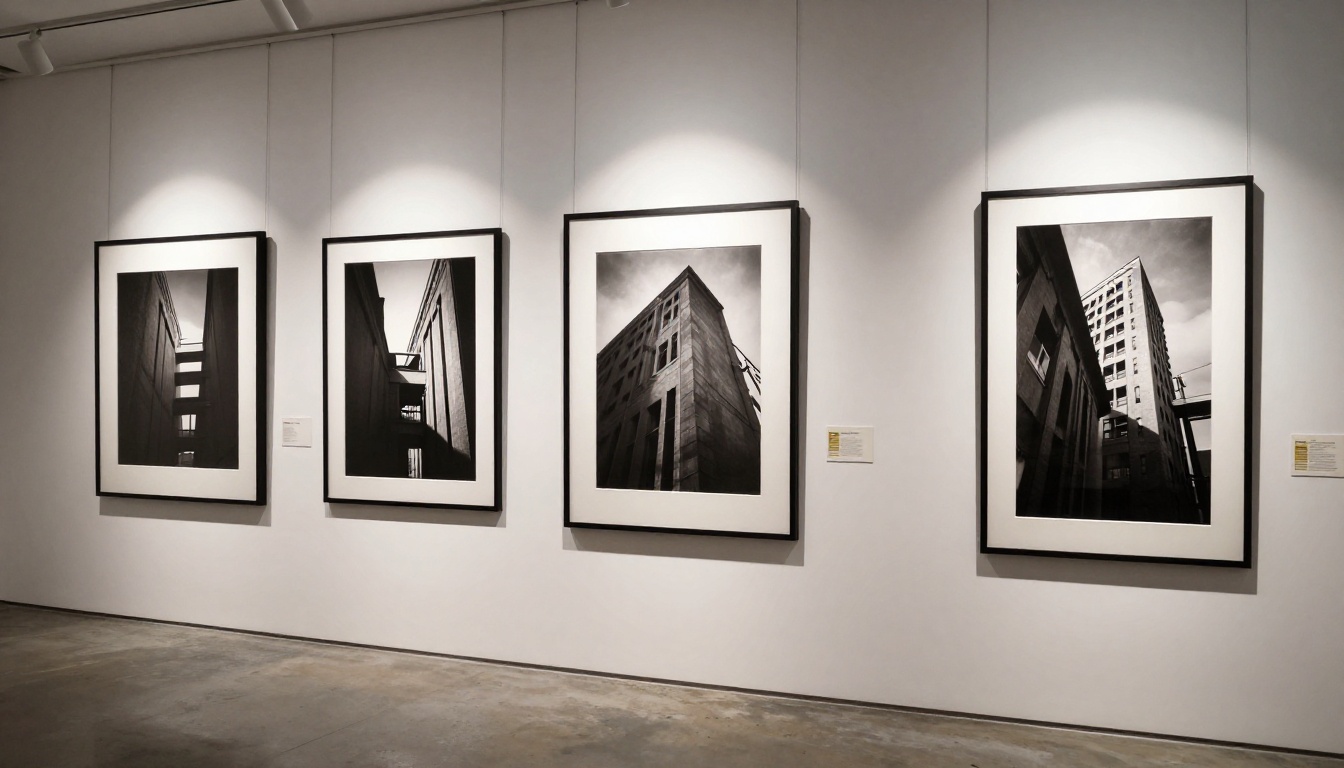
Sharing Before, During, and After
Creating the flipbook is only half the work. A distribution strategy makes the difference between a catalog that reaches 50 people and one that reaches 5,000.
Before the Show
Start sharing your flipbook at least two weeks before opening night. This is your digital press outreach moment.
Pre-show sharing checklist:
- Send to your email list with a direct link (no PDF attachment)
- Share on Instagram Stories with a link in bio
- Send to press contacts at local arts publications with a personal note
- Add the flipbook link to your gallery's email signature
- Pin it to the top of your Facebook and Instagram profiles
- Share in artist communities and collector forums you're part of
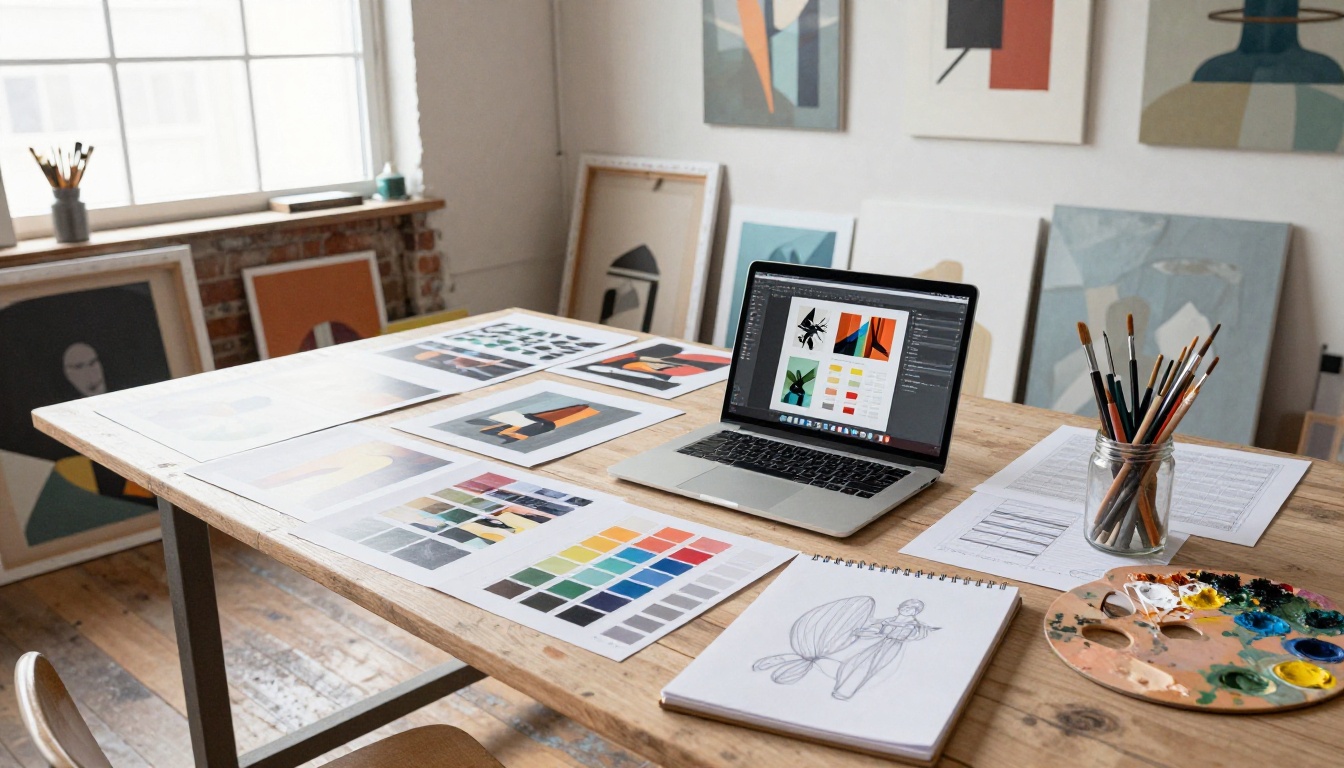
During the Event
Print a simple card with a QR code that links directly to your flipbook. Place these at the entrance, near the guest book, and beside your business card display. Guests who missed the pre-opening preview can browse the full catalog on their phone while standing in front of the actual works.
✅ A QR code card is cheaper to print than any catalog, and it sends people to an always-updated, always-available resource.
After the Opening
Don't let the flipbook go dark after opening night. Your exhibition catalog becomes a permanent archive of the show.
Post-show uses:
- Add it to your artist portfolio website as exhibition documentation
- Send a follow-up link to everyone who attended (collect emails at the door)
- Use it as a portfolio piece when approaching new galleries
- Reference specific pages when corresponding with interested collectors
- Archive it as a record of prices and works for insurance purposes
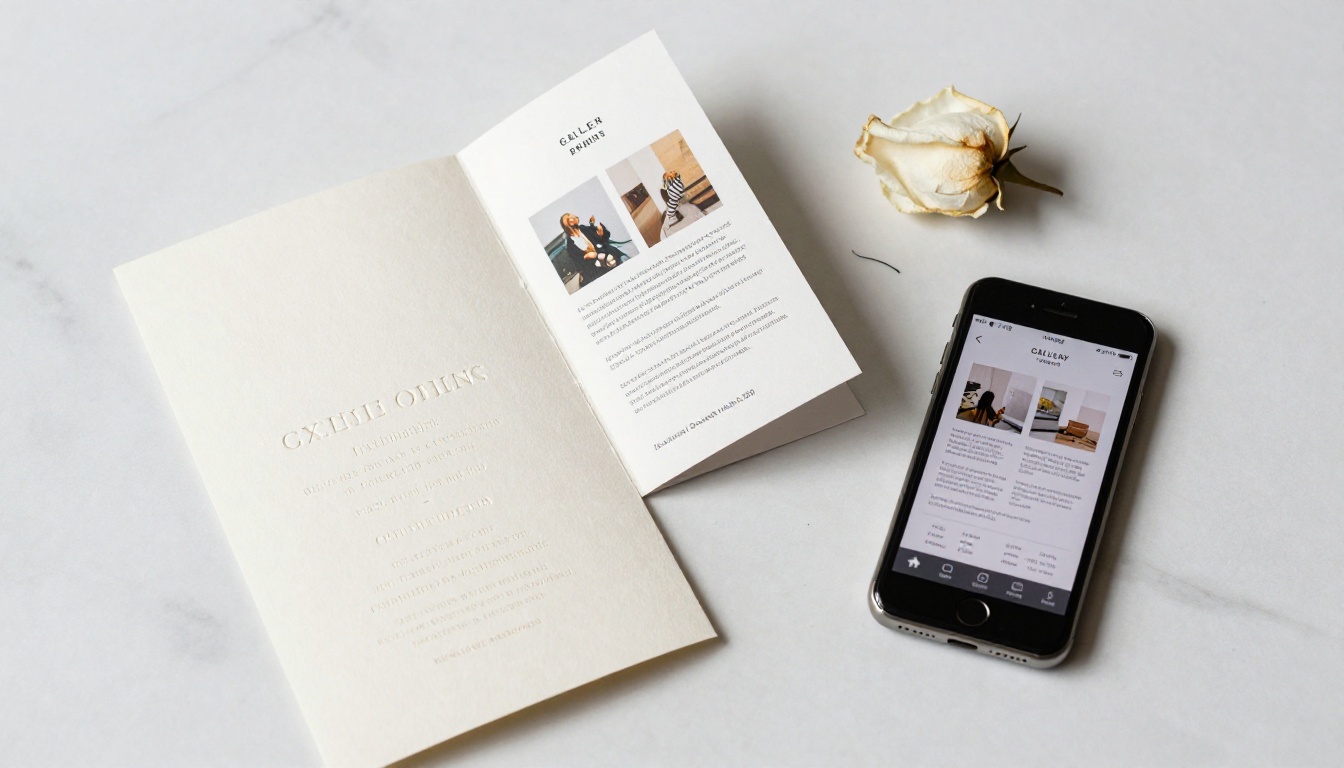
Not every show has the same needs. Here's how to match your flipbook approach to your specific situation:
| Show Type | Recommended Tool | Content Focus |
|---|
| Solo exhibition | Portfolio Flipbook Builder | Artist statement, complete works |
| Group show | Event Program Maker | All artists, curator essay |
| Art fair booth | Digital Portfolio Creator | Best works, pricing, contact |
| Pop-up gallery | Event Program Maker | Venue, date, highlights |
| Photography show | Photography Portfolio | High-res prints, series notes |
| Wearable art show | Interactive Lookbook Designer | Editorial imagery, pricing |
The Photography Portfolio tool works well for photographers showing at gallery events, while the Interactive Lookbook Designer suits fashion-forward or wearable art exhibitions. For large group shows with multiple artists, the Digital Portfolio Creator handles complex multi-section layouts cleanly. You can browse the full range of flipbook tools to find the right fit for your specific format.
What Separates Good From Forgettable
The difference between an exhibition catalog people save and one they close immediately comes down to three things: quality of images, quality of writing, and ease of sharing.
Common mistakes to avoid:
- Using low-resolution artwork photography that looks blurry on retina screens
- Writing a generic artist statement that could describe any body of work
- Making the flipbook too long (20-25 pages is ideal for most shows)
- Forgetting to include contact information for purchase inquiries
- Not testing the flipbook on mobile before sending it to anyone
What the best gallery flipbooks do differently:
- Open with a striking full-bleed cover image that captures the mood of the work
- Use the curator's voice in the introduction to establish critical context
- Include installation photography so readers can visualize the actual hung show
- End with a strong contact page that makes reaching out feel easy, not formal
- Update the flipbook after the show to mark sold works, preserving pricing history
💡 If you're showing internationally or sending materials to collectors in other cities, a digital flipbook is the only format that actually reaches them. No shipping cost, no customs delays, no damage risk.
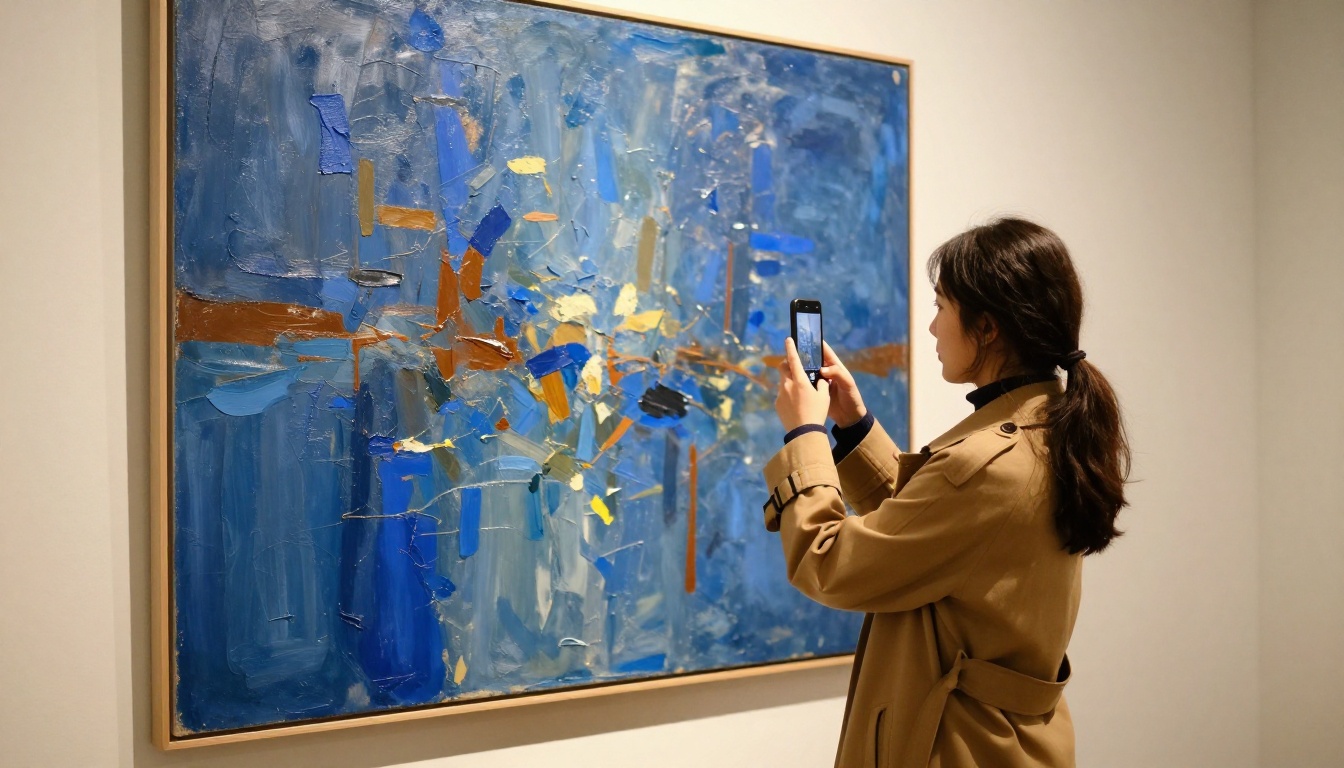
Time to Show Your Work
Your art gallery show represents months or years of creative work. The materials you use to present it should reflect that same level of care. A digital flipbook gives collectors, press, and fellow artists a reason to pay attention before they ever step through your gallery door, and a reason to return to your work long after the show closes.
Get started for free on Flipbooks AI and have your gallery flipbook live within the hour. Browse all portfolio and exhibition tools to find the right format for your show type, and check available plans to see which features fit your workflow.
Your work deserves an audience. A flipbook is how you reach them.



