The last science fair at my kid's school had twenty-three poster boards, one tri-fold display, and one digital flipbook. Guess which one the parents crowded around during open night? Turning a school project into an interactive digital flipbook is not just a creative twist — it is a format that holds attention, shows genuine depth of research, and proves your child invested real effort into the work. Flipbooks AI makes this achievable for any parent or student without any design experience, and the finished result looks genuinely professional.
Whether your child is tackling a science fair report on ecosystems, a history assignment on ancient civilizations, or a book report on their favorite novel, a flipbook brings pages to life in a way that static paper simply cannot. This article walks through everything you need to know about how to create a flipbook for your kid's school project, from picking the right project type all the way to sharing the finished product with the class.
Why Flipbooks Beat Poster Boards Every Time
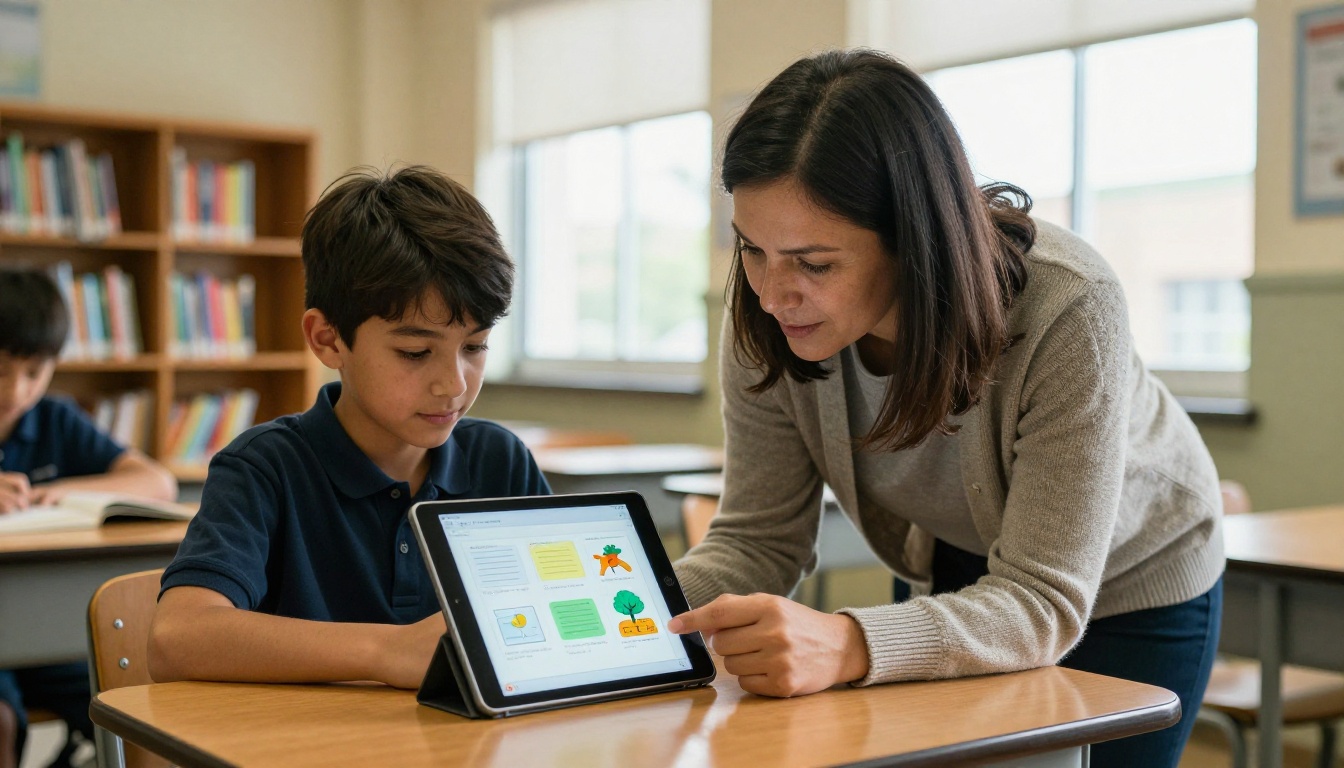
There is nothing wrong with a hand-painted poster board. Kids have used them for decades. But when a classmate walks up to a tablet or laptop and starts flipping through an interactive digital project with photos, captions, and organized sections, the contrast is immediately visible.
Teachers Notice the Difference
Teachers grade dozens of projects per cycle. The ones that stand out are almost always the ones that demonstrate effort in presentation alongside effort in research. A flipbook signals organization, attention to detail, and a willingness to go beyond the minimum requirement. It also tends to be easier for the teacher to review because the content flows in a clear sequence from one page to the next.
💡 A digital flipbook can be shared via link, which means the teacher can review it on their own device before or after class — no carrying a poster tube home on the bus.
What Kids Actually Pick Up Along the Way
Building a flipbook for a school project teaches a set of skills that go well beyond the subject matter itself. Kids who put together their own flipbooks tend to:
- Organize information into logical sections before writing
- Think about their audience and what order makes sense
- Make decisions about visuals, captions, and white space
- Practice presenting their work verbally when the flipbook acts as a visual aid
These are real-world skills, and the school project is just the vehicle for building them.
What Type of School Project Works Best
Not every assignment translates naturally into a flipbook, but most do once you think about it. The format works best for projects that have multiple sections, a clear sequence, or a mix of text and visuals.
Science and Nature Reports
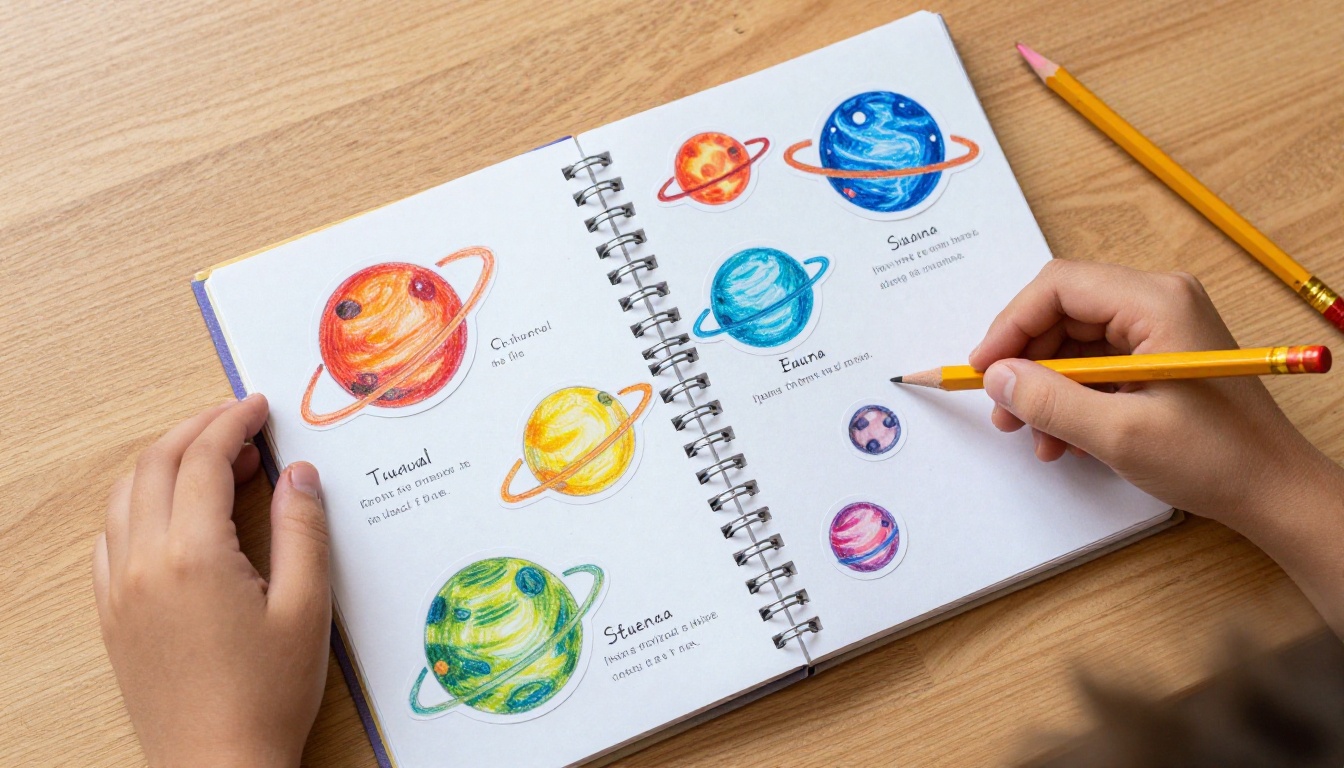
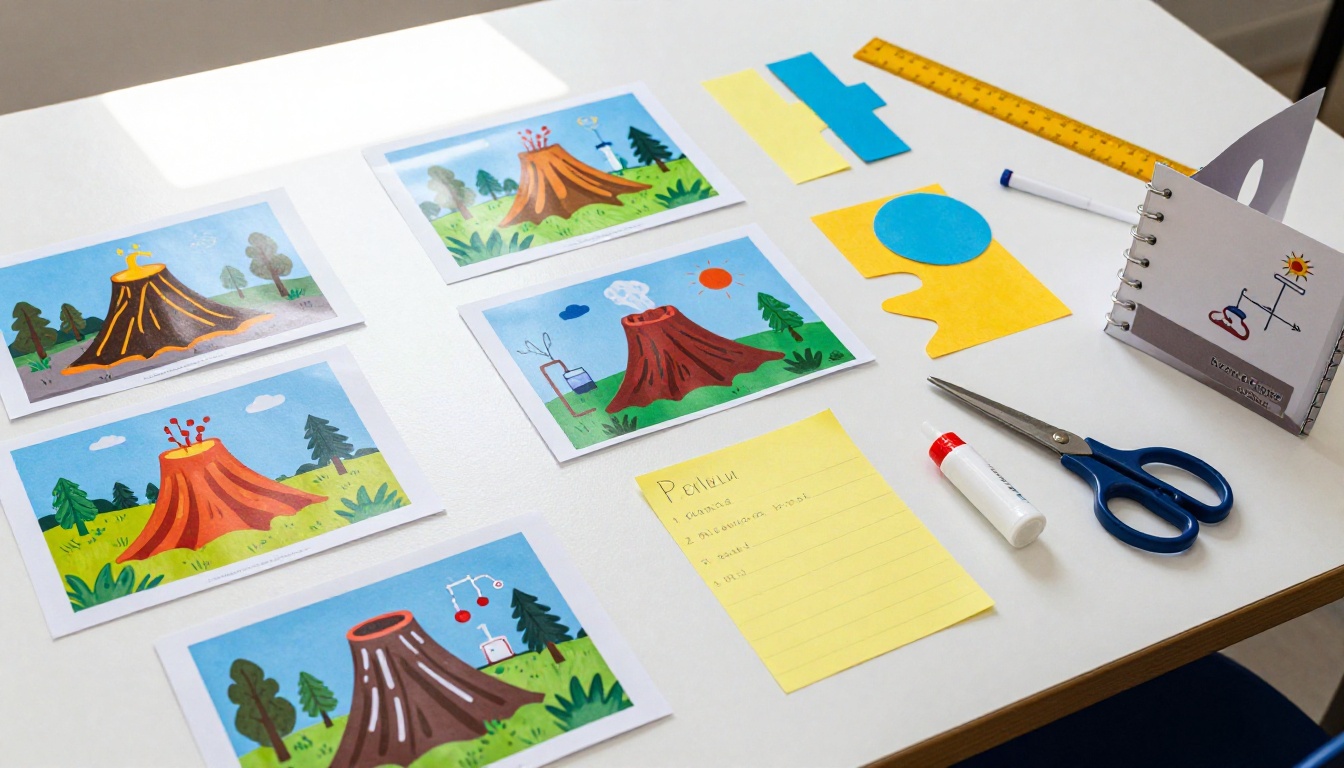
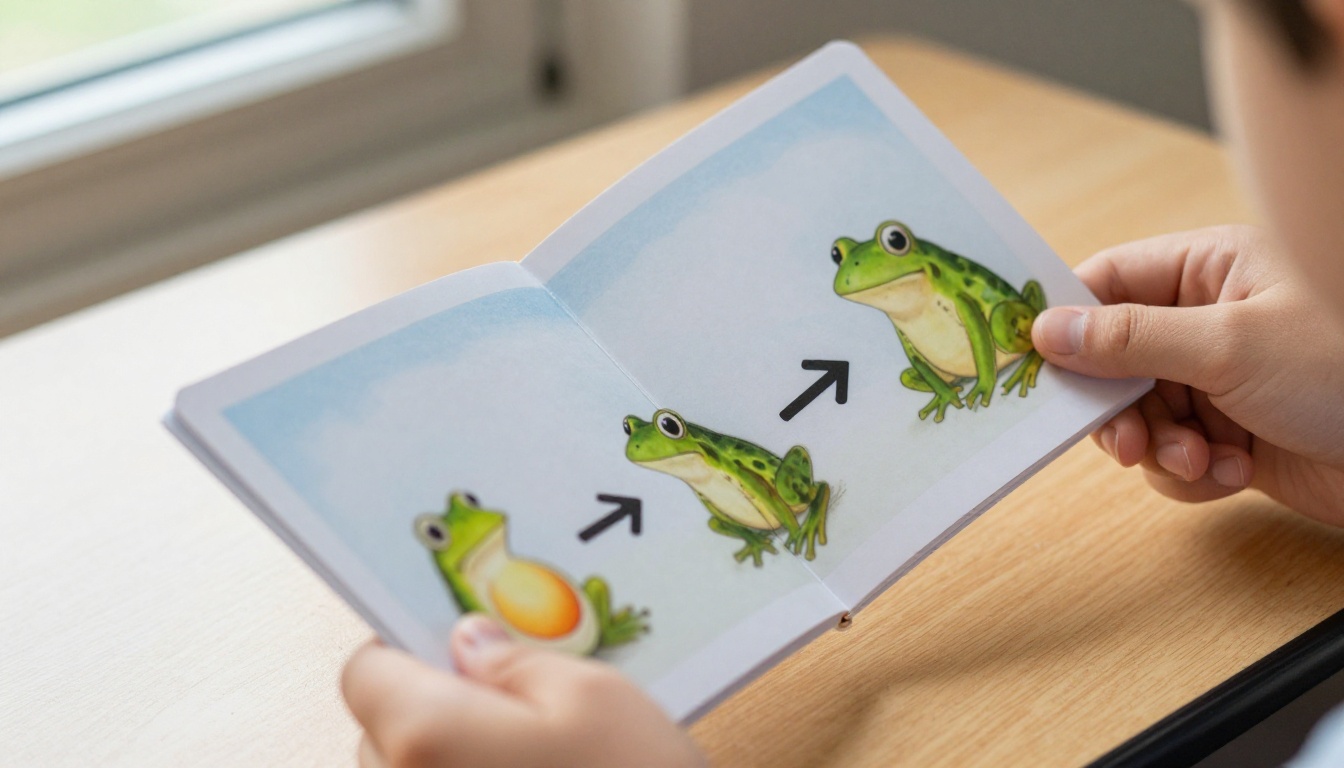
Science projects are a natural fit. Topics like the water cycle, animal habitats, the human body, volcanoes, or the life cycle of a butterfly have natural stages that map directly to flipbook pages. Each page can show a different phase, a different diagram, or a different fact. The page-turning interaction reinforces the sequential nature of the content in a way that a flat poster simply cannot replicate.
History and Social Studies
History reports often require timelines, maps, and profiles of notable figures. A flipbook handles all of this cleanly. One page can be a timeline, the next a map, the next a short biography. The student controls how the reader moves through the material, which mirrors how historians actually present narrative.
Book Reports and Reading Projects
For book reports, each flipbook page can cover a different element: setting, characters, plot summary, personal reaction, favorite quote. This structure helps kids avoid writing one long wall of text, and it forces them to think about each component of a story separately before putting it all together.
✅ For any project that requires a bibliography or sources list, the final page of the flipbook is a clean and natural place to include it.
How to Create a Flipbook for Your Kid's School Project with Flipbooks AI
Flipbooks AI is the fastest and most straightforward way to turn a school project into a polished interactive flipbook. The process does not require any technical skills. Here is exactly how to do it.
Step 1 - Set Up Your Account
Go to flipbooksai.com/account and create a free account. The process takes under two minutes. No credit card is required to start, and the free tier gives you access to the core conversion and sharing features right away.
Step 2 - Build Your Pages as a PDF
Before uploading, you need to prepare the project content as a PDF. This is easier than it sounds:
- Open Google Slides, Microsoft PowerPoint, or Canva
- Create one slide per flipbook page (title page, introduction, each main section, sources)
- Add text, images, diagrams, and any hand-drawn elements that have been scanned or photographed
- Export or download the file as a PDF
💡 Canva has free school project templates that work perfectly as a starting point. Just edit the text and swap in the images relevant to your project topic.
Step 3 - Upload and Convert
Once you have your PDF ready:
- Log into Flipbooks AI and click "Create New Flipbook"
- Drag and drop your PDF file or browse to select it
- The platform automatically converts each page into a flippable spread
- The conversion typically takes 30 to 60 seconds depending on file size
Step 4 - Customize the Look
This is where the project starts to feel truly polished. Inside the editor you can:
- Change the background: Pick a color that matches your project theme (deep blue for space, earthy green for nature, warm tan for history)
- Add page effects: The classic page-turn animation makes every flip feel satisfying
- Adjust the layout: Set the reading direction, add a table of contents, and control padding
- Add a title and author name: This appears on the front page of the published flipbook
For school projects, keeping the design clean and readable matters more than making it decorative. The content should do the work.
Step 5 - Share or Present
Once published, Flipbooks AI gives you:
- A direct link you can email to the teacher or paste into a school assignment portal
- An embed code if the school has a class website or blog
- Password protection to limit who can view the project
For in-class presentations, the student can open the flipbook link on any device, including the classroom smartboard, and flip through it live during their presentation.
Flipbooks AI Plans for School Use
Most school project needs are fully covered by the free or Standard tier. Here is how the plans break down for this use case:
| Feature | Free | Standard | Professional |
|---|
| Number of flipbooks | 1 | Unlimited | Unlimited |
| PDF upload and conversion | ✅ | ✅ | ✅ |
| Page-turn animation | ✅ | ✅ | ✅ |
| Direct share link | ✅ | ✅ | ✅ |
| Custom branding | ❌ | ✅ | ✅ |
| Password protection | ❌ | ✅ | ✅ |
| Analytics and view tracking | ❌ | ❌ | ✅ |
| Offline download | ❌ | ✅ | ✅ |
| Embed on website | ❌ | ✅ | ✅ |
| Watermark-free | ❌ | ✅ | ✅ |
For a single school project, the free plan works well. If your child is doing multiple projects across a school year, the Standard plan at flipbooksai.com/pricing is worth it for unlimited uploads and the clean no-watermark presentation.
⚠️ The free plan adds a small Flipbooks AI badge to the published flipbook. For school submissions this is usually fine, but if the teacher has strict formatting requirements, upgrading removes it entirely.
Best Project Types and What Each Page Should Show
Different assignments call for different page structures. Here is a quick reference for the most common school project types:
| Project Type | Suggested Pages | Main Visual to Include |
|---|
| Science fair experiment | Hypothesis, Method, Results, Summary | Photos of the actual experiment |
| Animal report | Habitat, Diet, Physical traits, Fun facts, Range map | Photo of the animal in its natural setting |
| History figure biography | Early life, Major events, Legacy, Timeline | Historical image or portrait |
| Book report | Setting, Characters, Plot, Themes, Personal reaction | Illustrated scene from the story |
| Geography or country report | Location, Culture, Economy, Capital, Climate | Map and flag image |
| Environmental project | Problem, Causes, Effects, Solutions, What you can do | Before and after photos or data charts |
This structure gives kids a clear starting point instead of staring at a blank page trying to figure out what goes where.
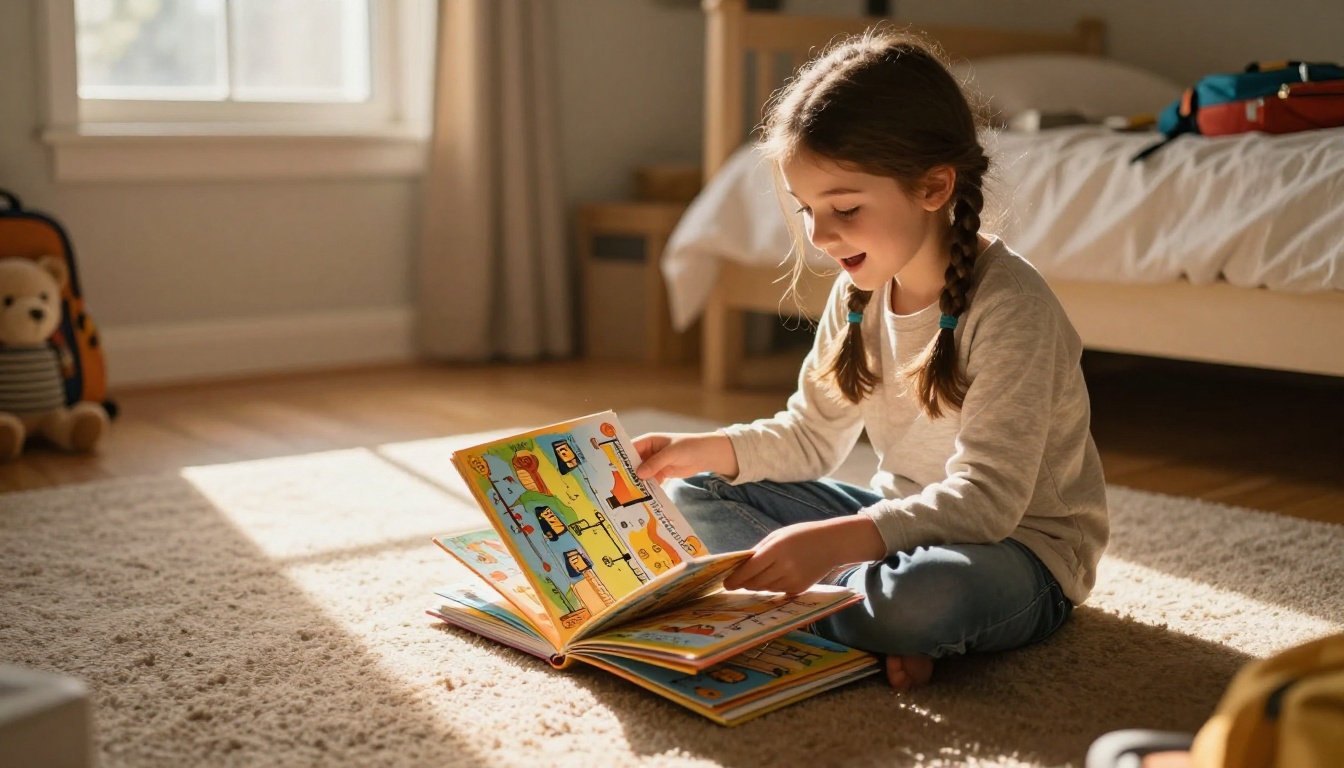
5 Things That Make a Flipbook Stand Out
Creating a flipbook for a school project is not just about converting a PDF. The projects that genuinely impress are the ones that treat the flipbook as a presentation format, not just a digital version of a printed sheet.
The Front Page Sets the Tone
The first thing anyone sees when they open a flipbook is the front page. A strong title page includes the project name in large, readable text, the student's name, the class and date, and one strong central image that relates to the topic. This page should feel intentional, not like an afterthought.
Photos and Real Visuals Make It Believable
Nothing makes a project feel more researched than actual photographs. For a report on rainforests, that means real photos of the Amazon canopy, not clip-art trees. For a science experiment, that means photos taken during the actual experiment. Sourcing real images from free libraries like Unsplash, or taking original photos with a phone, both work well.
💡 If the project allows it, a photo of the student doing research, visiting a museum, or conducting an experiment adds a personal authenticity that judges and teachers genuinely respond to.
Page Flow and White Space Matter
Cramming too much text onto one page is the most common mistake. Each page of the flipbook should have one main idea, one supporting image, and breathing room around the text. If a section needs more than three short paragraphs, split it across two pages. The flip itself becomes part of how the story is told.
Mistakes Parents Make When Helping
There is a fine line between supporting your child's school project and taking it over. These are the situations where well-meaning help can actually work against the student.
Taking Over the Design
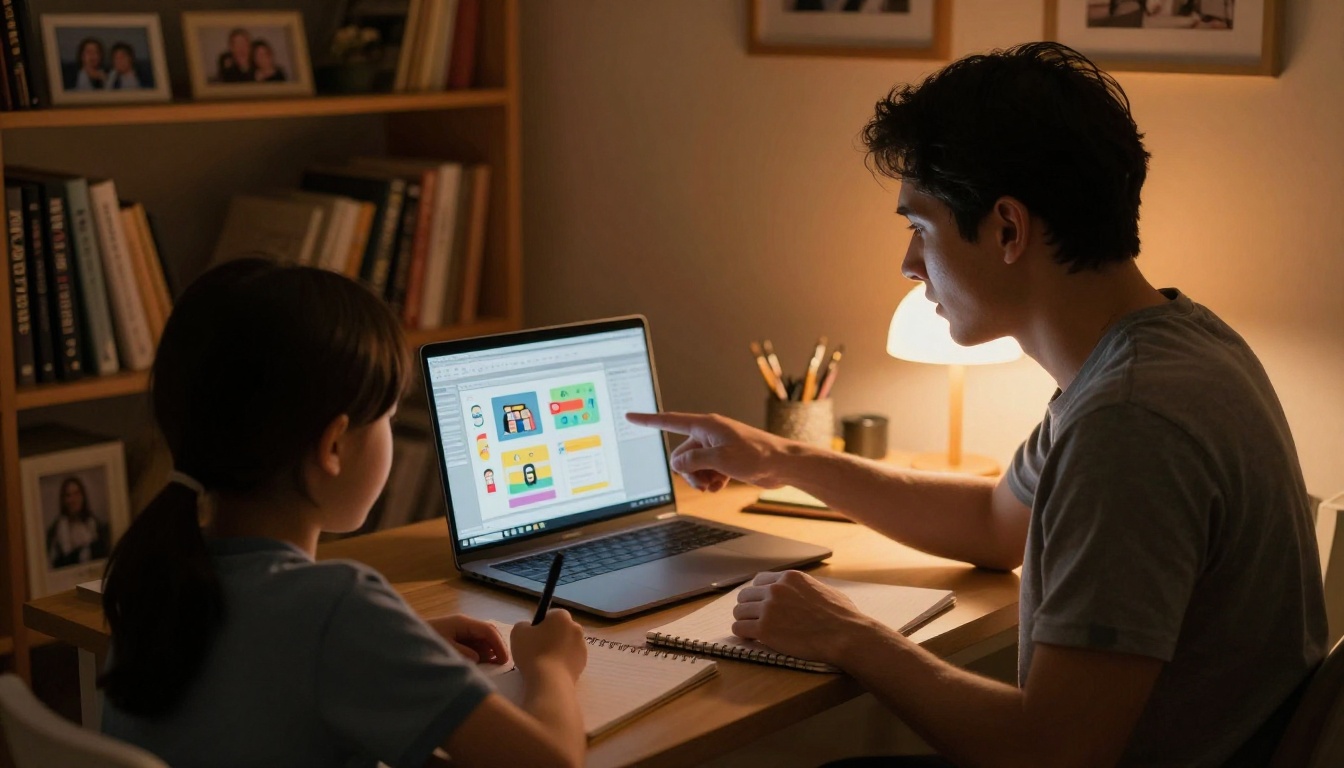
When parents build the flipbook on the child's behalf, the result often looks polished but lacks the authentic voice that teachers are trained to recognize. It is better to let the child choose the layout, pick the images, and write the captions, even if the result is less slick. The parent's role should be navigating the software and offering feedback on clarity, not making every design decision.
Skipping the Practice Run
A flipbook used as a live presentation tool during class needs a dry run. The student should practice flipping to the right pages at the right moment while speaking. Walking through the flipbook at home at least twice before presentation day removes the anxiety of figuring out the interface in front of classmates.
⚠️ Always check that the flipbook loads correctly on the device that will be used in class. Browser compatibility and screen size can affect the layout. Testing on the actual classroom device whenever possible avoids surprises on presentation day.
Ignoring Font Size and Readability
Text that looks fine on a laptop screen at home may be unreadable on a classroom projector or smartboard. Use a minimum font size of 18pt for body text in your source PDF, and 28pt or larger for headings. Bold section headers make it easy for the class to follow along during a live presentation.
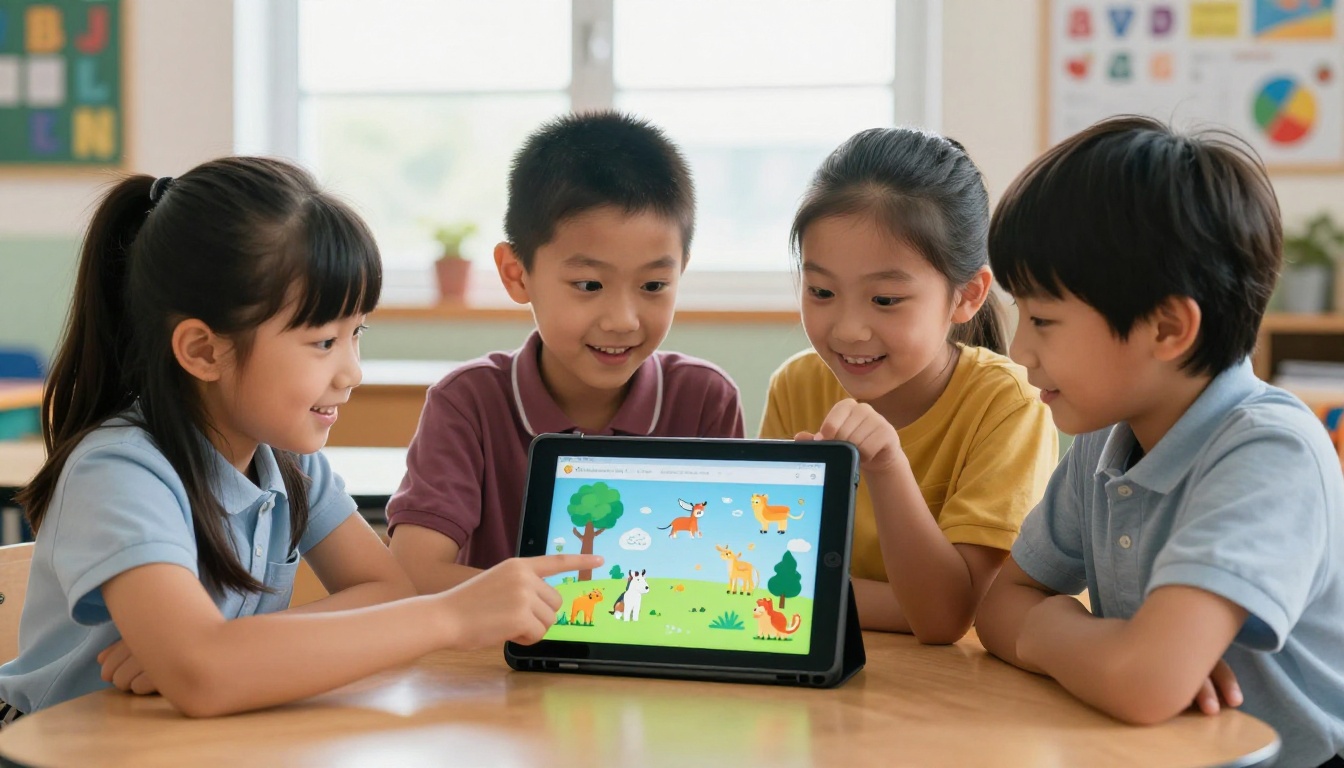
Parents often wonder whether a dedicated flipbook tool is worth using versus something they already have. Here is an honest comparison:
| Tool | Page-Turn Effect | Shareable Link | No Download Required | Kid-Friendly Interface |
|---|
| Flipbooks AI | ✅ Yes | ✅ Yes | ✅ Yes | ✅ Yes |
| Google Slides | ❌ No | ✅ Yes | ✅ Yes | ✅ Yes |
| PowerPoint | ❌ No | ⚠️ Limited | ❌ Needs app | ✅ Yes |
| Canva | ❌ No | ✅ Yes | ✅ Yes | ✅ Yes |
| Physical flipbook | ✅ Yes | ❌ No | ✅ Yes | ✅ Yes |
The page-turn effect and the dedicated shareable link with no-download access are what set Flipbooks AI apart from the rest. For school presentations specifically, the ability to share a single URL that any teacher can open from any device is genuinely practical and removes a lot of friction on presentation day.
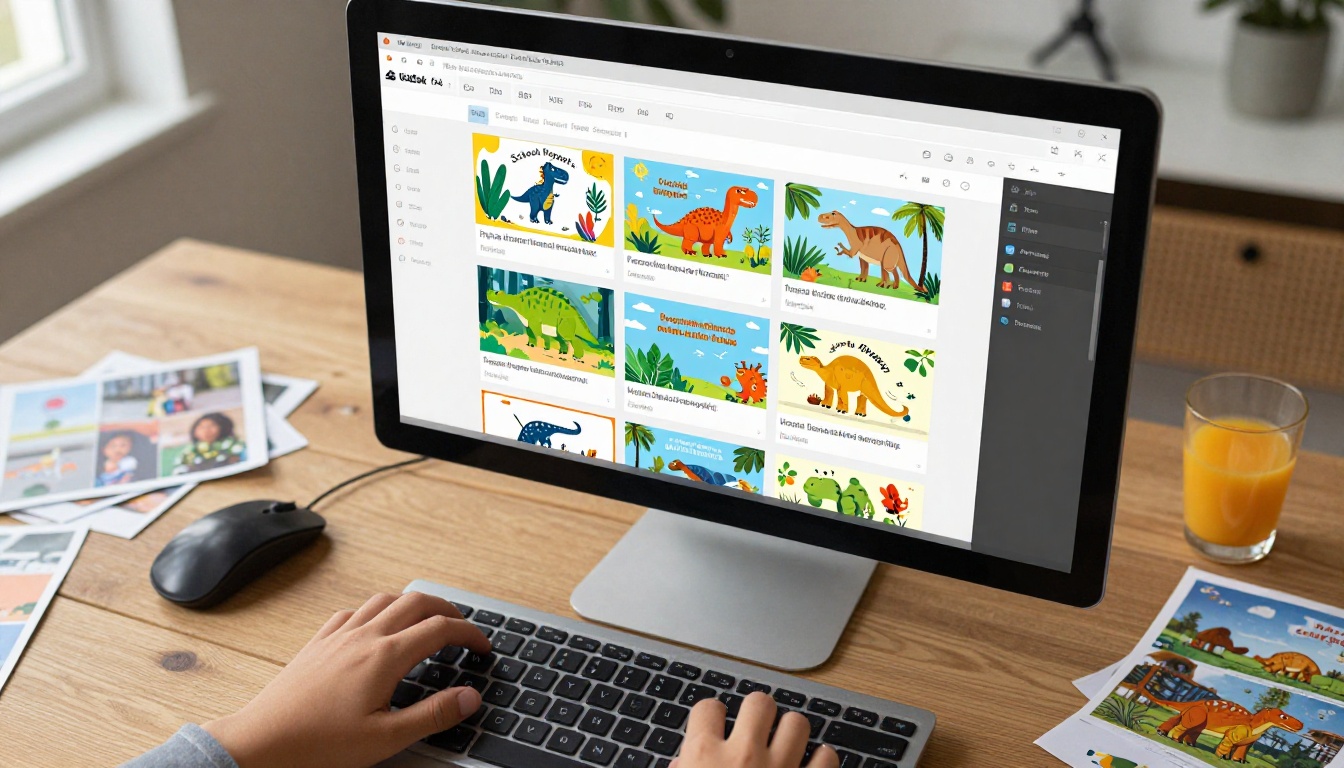
More Ways to Use School Flipbooks
Once a family discovers how well the flipbook format works for school projects, the same approach applies across many other educational contexts:
The same skill your child builds while creating a school project flipbook translates directly into adult contexts, from business presentations to digital portfolios.
Start Your Kid's Flipbook Today
When you create a flipbook for your kid's school project, you are not just making a prettier version of a poster board. You are building something the teacher can view on any device, that the class can follow on a projector, and that your child can look back on with genuine pride.
The process from blank PDF to published flipbook takes less than an hour on Flipbooks AI, and most of that time is spent on the content itself, which is exactly where the focus should be.
Ready to get started? Create your free account at Flipbooks AI and upload your first project PDF today. If you need more than one flipbook across the school year, check the pricing plans for the Standard tier, which removes watermarks and adds unlimited uploads for the whole family.
Browse the full list of flipbook tools to see what else is possible, from subject-specific templates to interactive portfolios your child can carry into high school and beyond.



