Museums spend thousands on printed exhibit catalogs that end up forgotten in visitors' coat pockets. A digital flipbook solves this in one move, and Flipbooks AI makes it possible without a design team or a development budget. Whether you run a major metropolitan institution or a regional gallery with rotating shows, the case for going digital with your exhibit publications has never been stronger.
Why Print Programs Are Failing Museums
The budget reality
The average medium-sized museum spends between $8,000 and $25,000 per major exhibit on printed materials: catalogs, floor maps, educational handouts, and event programs. These costs hit every time an exhibit changes, every time a piece is added or removed, and every time visitor numbers exceed the print run.
Reprinting is expensive. Storage is expensive. Shipping bulk printed materials to traveling exhibits is very expensive. And the environmental cost of thousands of glossy catalogs that end up in recycling bins the same week they are distributed is increasingly hard to justify to boards, donors, and the public.
What visitors do with paper programs
Research from the American Alliance of Museums consistently shows that fewer than 30% of museum visitors read exhibit programs in full. Most skim the cover, glance at one or two pages, and set the booklet down before they have finished their first gallery circuit.
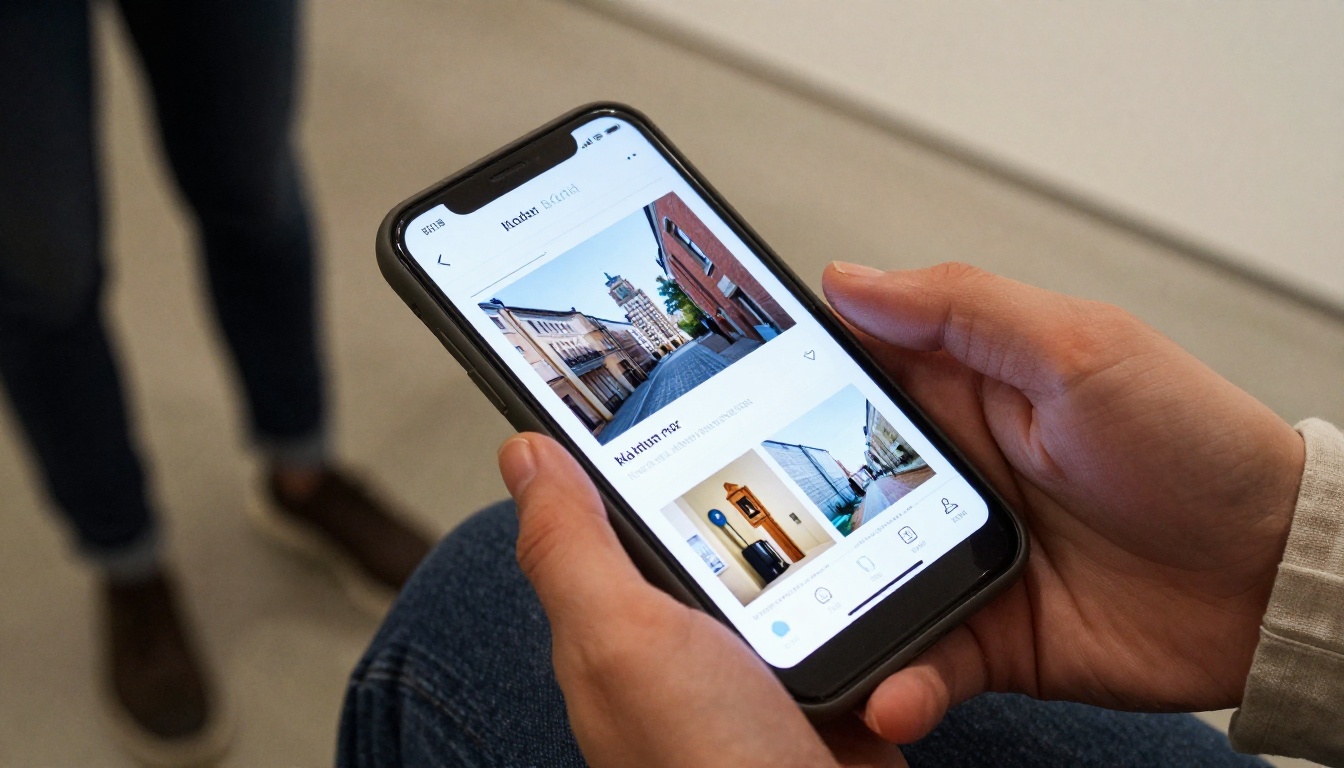
Digital flipbooks change this behavior. Visitors who access exhibit content on their phones spend, on average, three to five times longer engaging with supplementary content compared to printed alternatives. The difference is interactivity: the ability to zoom into brushwork detail on a painting, tap a link to the artist's biography, or watch a short conservation video embedded directly in the catalog page.

What a Digital Museum Flipbook Actually Does
Interactive exhibit catalogs
A museum flipbook is not a PDF that visitors pinch-zoom on a tired phone screen. It is a fully interactive publication with realistic page-turning animation, clickable artwork thumbnails that expand to full resolution, embedded video, audio narration, and internal navigation that lets a visitor jump from the lobby map straight to gallery seven.
Every page is responsive to the device it loads on, whether that is a visitor's personal smartphone, a tablet kiosk installed in the museum lobby, or a desktop computer accessed at home after the visit.
Multimedia integration
This is where digital completely outperforms print. Within a museum flipbook you can embed:
- Audio guides: narration tracks that play when a visitor reaches a specific page
- Video: curator interviews, conservation footage, artist statements, time-lapse installation videos
- 360-degree images: virtual walkthroughs of gallery spaces
- Zoomable high-resolution artwork scans: letting visitors examine brushwork, marble veining, or textile weave at a level impossible in person
- External links: to artist pages, academic papers, collection databases, or your museum's membership signup
Accessibility and multilingual support
Print catalogs are available in one language per print run, which is costly and logistically complicated for multilingual institutions. A digital flipbook can link to multiple language versions from a single URL. It also works with screen readers and can display larger text sizes on demand, addressing accessibility requirements that printed materials struggle to meet.
💡 Create separate flipbook versions for different visitor segments. A children's version with simplified language and activity prompts, an adult version with full curatorial notes, and a multilingual edition for international visitors can all be managed from one Flipbooks AI account.
Types of Museum Flipbooks Worth Creating
Museums generate a wide range of publication types across their annual calendar. Here are the formats that convert best to digital flipbooks.
Exhibit companion guides
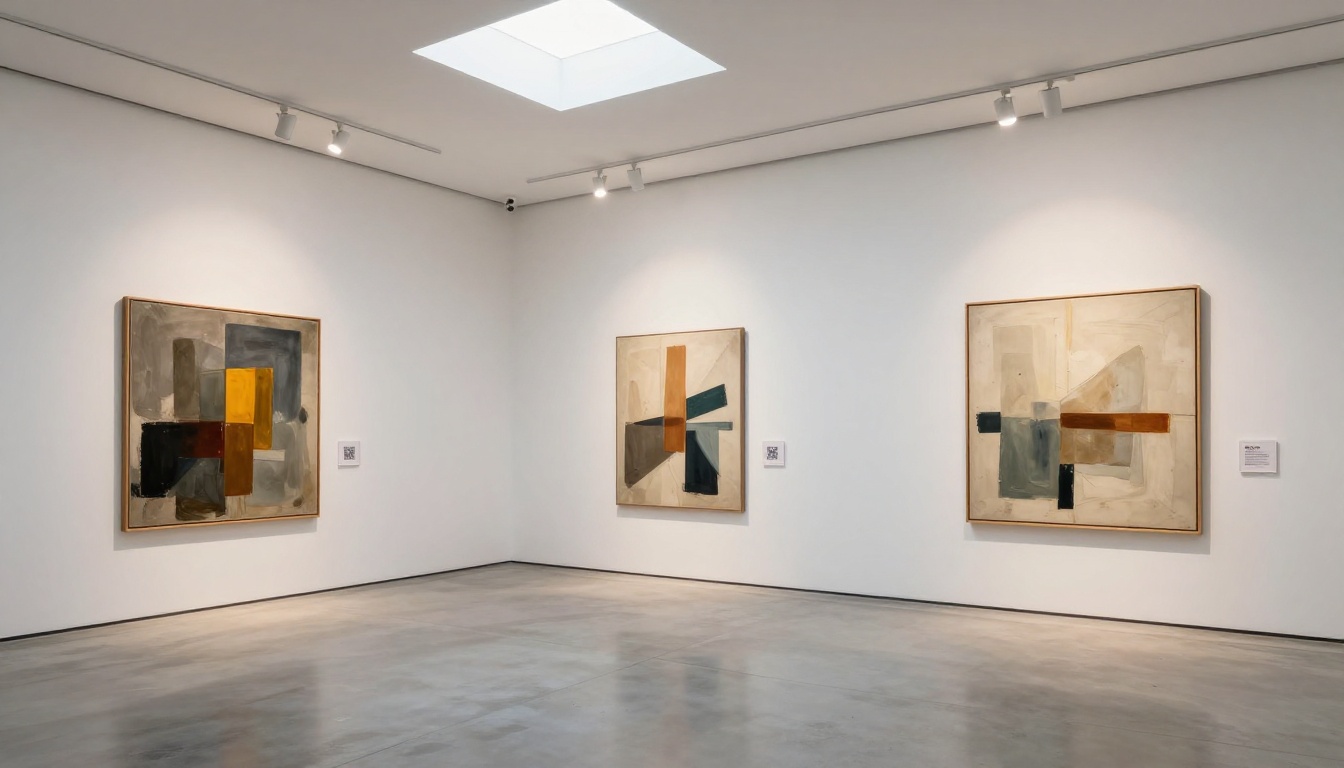
The most direct replacement for printed exhibit catalogs. These include artwork descriptions, artist biographies, curatorial statements, floor maps, and thematic essays. A companion guide flipbook can be QR-coded at the exhibit entrance, linked from the museum website, and sent to members via email, all from a single shareable URL.
Educational materials for school groups
School groups are one of the highest-value visitor segments for museums, and they arrive with specific curriculum needs. A Course Material Publisher formatted flipbook can include teacher notes, student worksheets, discussion questions, and post-visit activities alongside the exhibit content. These materials can be shared with teachers weeks before the visit and remain accessible long after the school trip ends.
Virtual tour supplements
For collections too large to see in a single visit, or for exhibitions that close before all interested visitors can attend, a virtual tour flipbook extends the exhibit's life indefinitely. Include gallery maps, high-resolution images of pieces not on current display, and archive photographs of the collection from storage and past exhibitions.
Event programs and opening night materials
Opening galas, curator talks, fundraising evenings, and member previews all need programs. A flipbook created with the Event Program Maker can include speaker bios, event schedules, sponsor acknowledgments, and a photo gallery updated in real time as the evening progresses.
How to Create a Museum Exhibit Flipbook with Flipbooks AI
Flipbooks AI converts any PDF into a fully interactive digital flipbook in minutes. Here is the complete process for a museum exhibit publication.
Step 1: Set up your account
Go to flipbooksai.com/account and create your account. The Standard plan and above offer unlimited flipbooks, which matters for institutions with rotating exhibits. You can review all pricing options to choose the right tier for your organization's size and publication frequency.
Step 2: Upload your exhibit PDF
Once logged in, click Create New Flipbook and upload your exhibit catalog PDF. Flipbooks AI accepts standard PDF files up to several hundred pages. The conversion process handles complex layouts including multi-column text, embedded image grids, and full-bleed photography pages.
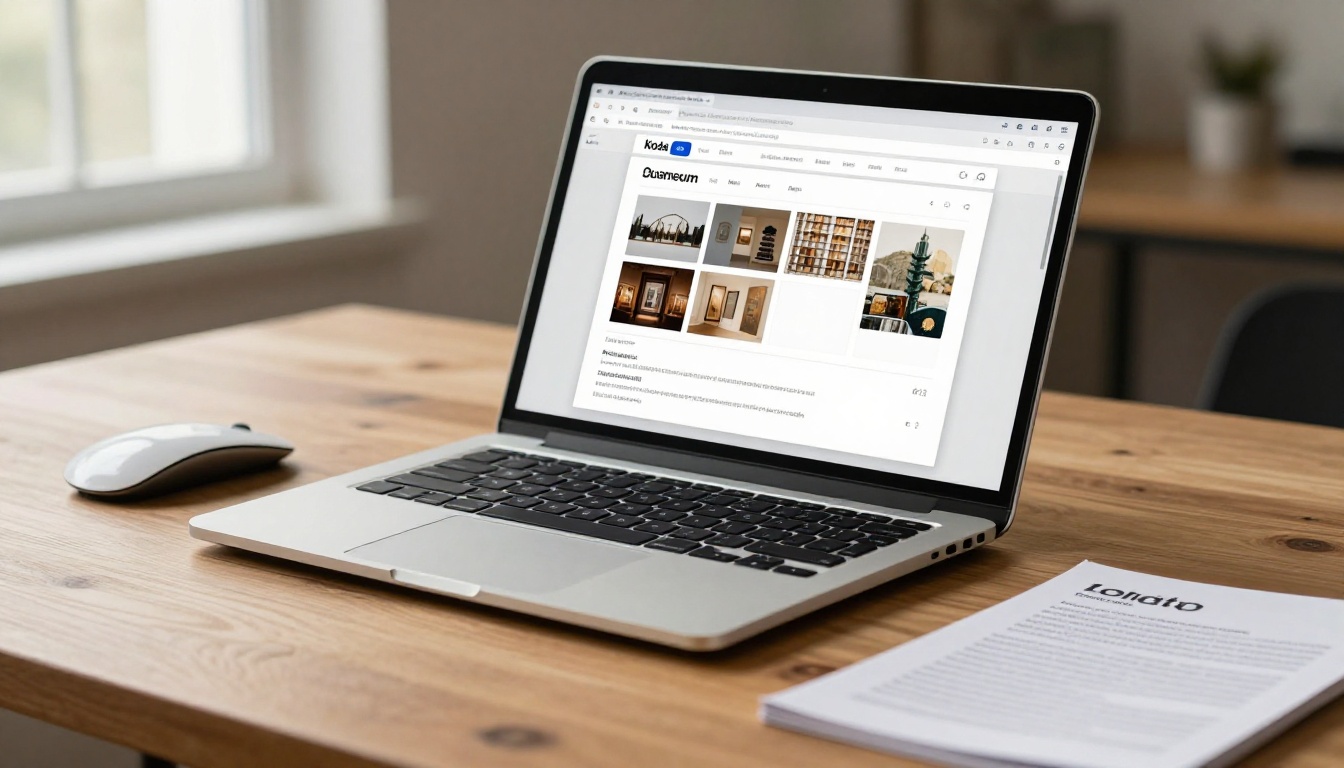
⚠️ Before uploading, ensure your PDF uses embedded fonts and high-resolution images (300 dpi minimum for print-quality reproduction). Low-resolution PDFs will produce blurry flipbook pages.
Step 3: Customize with museum branding
After conversion, apply your institution's visual identity:
- Cover thumbnail: Upload a high-quality cover image showing the exhibit's hero artwork or installation photograph
- Color scheme: Match your museum's primary brand colors to the flipbook interface
- Logo placement: Add your museum logo to the flipbook viewer header
- Custom domain: Professional plan users can embed the flipbook under your own museum domain
Step 4: Add multimedia and links
This step transforms a static PDF conversion into a genuinely interactive exhibit companion. Within the flipbook editor:
- Click any page to enter edit mode
- Use the Link tool to make artwork titles, artist names, or references clickable
- Use the Video tool to embed YouTube or Vimeo content directly on relevant pages
- Add Audio files for narration tracks or artist interviews
- Create Navigation buttons that link from floor maps directly to specific gallery sections
Step 5: Share, embed, and distribute
When your flipbook is ready, Flipbooks AI provides multiple distribution options:
- Direct link: A clean, shareable URL to send via email, newsletter, or social media
- QR code: Auto-generated QR code to place at exhibit entrances, on printed signage, or beside individual artworks
- Embed code: Embed the flipbook on your museum website within any page or blog post
- Password protection: For member-only content or pre-opening previews
- Offline download: Allow visitors to save the flipbook for reading without a signal
✅ Create a dedicated landing page on your museum website for each major exhibit and embed the flipbook there. This keeps traffic on your domain and makes the resource easy to find via search.
Digital Flipbook vs. Printed Catalog
Before committing to a format, here is a direct comparison of what each option realistically delivers for a museum exhibit publication.
| Feature | Printed Catalog | Digital Flipbook |
|---|
| Production cost | $8,000–$25,000 per run | $29–$99/month unlimited |
| Update capability | Reprint required | Edit anytime, live instantly |
| Multimedia | None | Video, audio, links, zoom |
| Distribution | Physical only | QR, email, web embed, social |
| Accessibility | Single language/format | Multi-language, screen reader |
| Analytics | None | Full page-view and engagement data |
| Environmental impact | High: paper, ink, shipping | Minimal |
| Post-visit access | Often discarded | Permanent link, bookmarkable |
| Offline access | Always | Download option available |
The economics alone make the decision straightforward for most institutions. But the visitor experience improvement is the stronger argument: a printed catalog cannot zoom into a Rembrandt's brushwork, cannot play a video of a sculptor explaining their process, and cannot update itself when the exhibit evolves.
Real Use Cases Across Museum Types
Art museums and galleries
For art institutions, the flipbook's zoom capability is the headline feature. Visitors can examine individual brushstrokes in a Van Gogh at a resolution that is physically impossible when standing before the actual canvas behind protective glass. Include conservation photography, X-ray scans showing underdrawings, and archive photographs of artworks in their original settings.
A commercial gallery can use the Digital Portfolio Creator to publish a flipbook for each artist's show, complete with price lists, artist statements, and acquisition inquiry links embedded directly on artwork pages.
Natural history museums
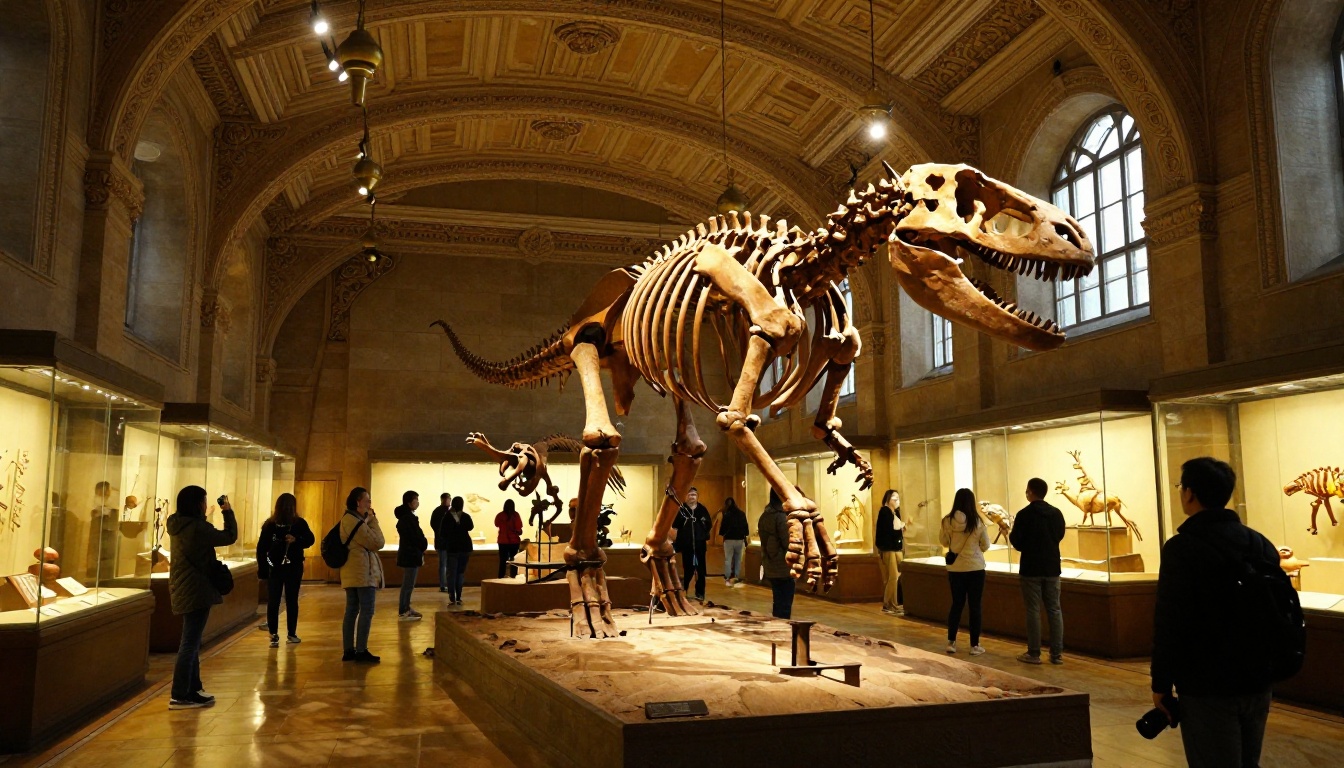
Natural history exhibits involve complex specimen photography, scientific taxonomy, geological maps, and fossil records that benefit enormously from high-resolution digital presentation. A flipbook for a paleontology exhibit can include 3D scan videos of fossils, paleontologist interview clips, and geological timeline maps that visitors explore at their own pace.
School groups visiting natural history museums represent a significant opportunity. A Training Manual Flipbook approach, adapted for student curriculum requirements, bridges exhibit content to classroom learning outcomes in a format teachers can use before and after the visit.
Science centers
Science centers with hands-on exhibits benefit from pre-visit preparation materials. A flipbook sent to school groups before their visit primes students with background concepts, vocabulary, and safety information. Post-visit flipbooks recap what they experienced and suggest home experiments that reinforce the science they explored.
Interactive science exhibits also benefit from QR-coded companion pages that go deeper on the physics, chemistry, or biology behind each station, content that cannot fit on a physical exhibit panel without overwhelming the display.
Children's museums
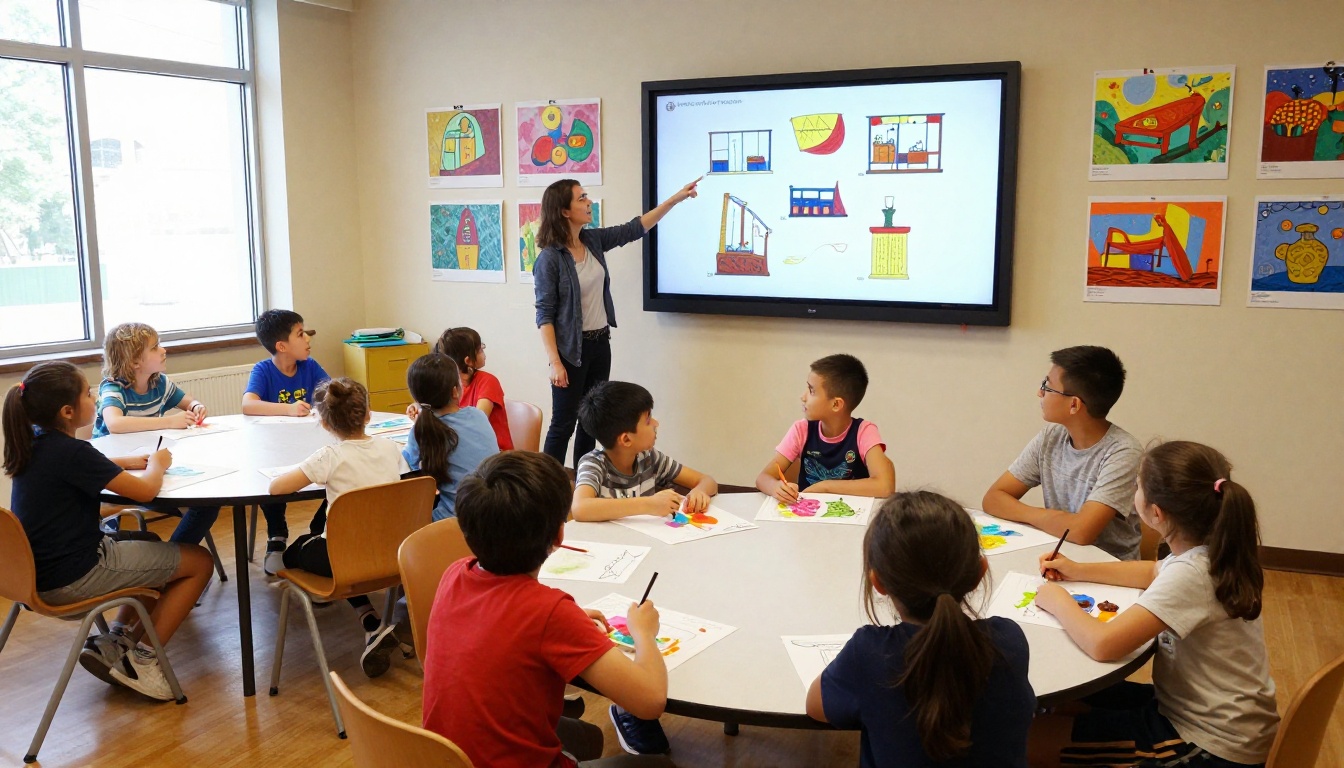
Children's museums need age-appropriate content that works on a parent's phone during the visit and remains useful at home afterward. A flipbook for a children's exhibit can include coloring page downloads, activity instructions for home, vocabulary lists for classroom teachers, and book recommendations that extend the exhibit themes.
Plans and Pricing for Museums
Flipbooks AI pricing is structured around publication volume and feature requirements. Here is how the plans map to typical museum needs.
| Plan | Best For | Flipbooks | Key Features |
|---|
| Starter | Small galleries, single exhibits | Limited | Basic viewer, direct sharing |
| Standard | Regional museums, rotating exhibits | Unlimited | No watermarks, custom branding, password protection |
| Professional | Large institutions, membership orgs | Unlimited | Analytics, lead gen, offline downloads, advanced embed |
For institutions managing multiple exhibits simultaneously, the Standard plan's unlimited flipbook allowance eliminates per-publication cost calculations entirely. The Professional plan's analytics features are particularly valuable for grant reporting and visitor engagement documentation.
💡 Flipbooks AI's Professional plan analytics provide concrete visitor engagement data including page views, time-on-page, and geographic distribution. These metrics strengthen reporting to foundations and government arts funding bodies significantly.
Making the Most of Your Museum Flipbook
QR codes at exhibit stations
The most effective deployment strategy for museum flipbooks is placing QR codes at individual artwork stations rather than only at the exhibit entrance. A visitor who scans a QR code next to a specific painting is taken directly to that artwork's page in the flipbook, reading detailed provenance, hearing the audio guide, or watching a related video at the moment they are most engaged.
Print QR codes on small acrylic holders in your museum's house style and place them beside each artwork label. The cost is minimal and the engagement lift is measurable.
Analytics and visitor insights
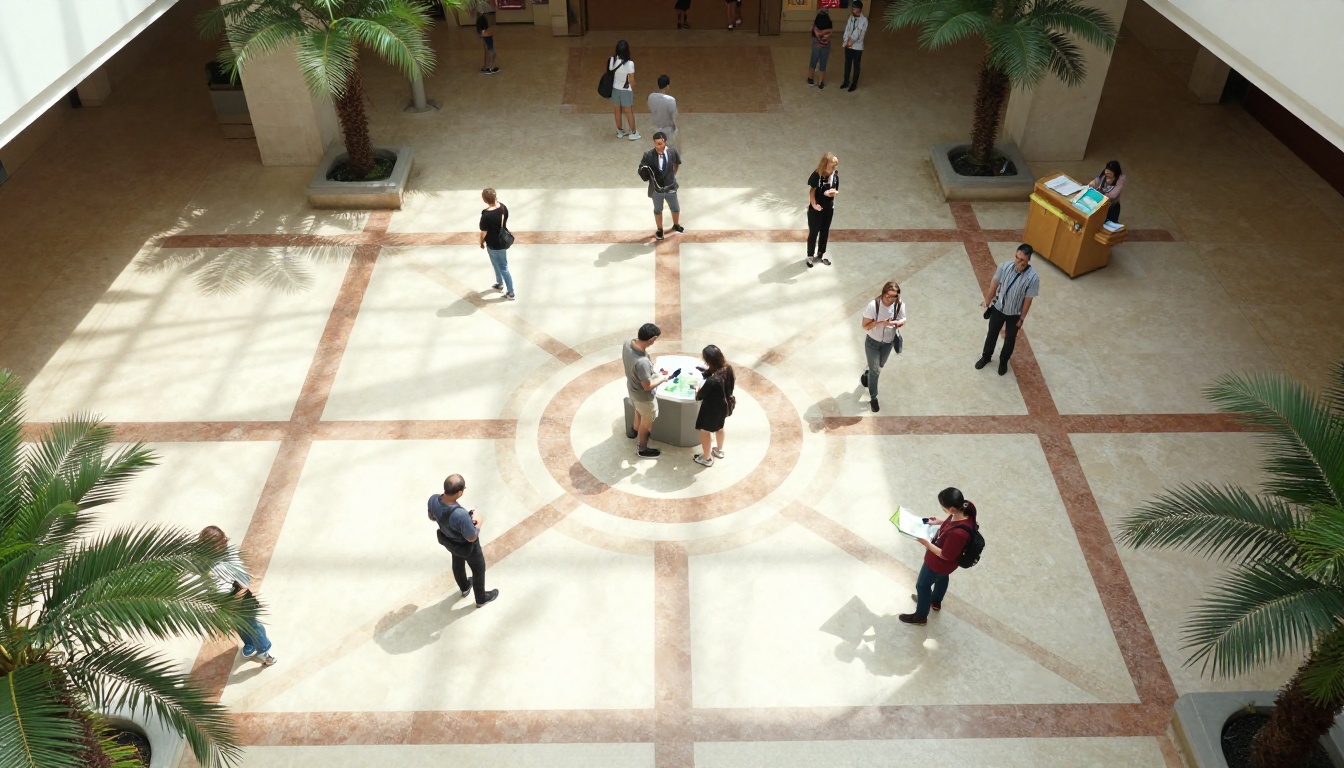
Understanding how visitors engage with your exhibit content is difficult with printed materials and nearly impossible through physical gallery observation alone. The Professional plan analytics dashboard shows exactly which pages of your flipbook visitors read, for how long, and where they drop off.
This data has multiple practical uses:
- Curatorial feedback: Which artworks generated the most sustained engagement?
- Educational effectiveness: Did visitors reach the curriculum-linked content pages?
- Marketing intelligence: Which geographic regions are your digital visitors coming from?
- Grant reporting: Concrete engagement numbers that go beyond turnstile counts
Lead generation and membership drives
A museum flipbook can include embedded lead generation forms that capture visitor email addresses in exchange for premium content: high-resolution artwork downloads, early access to the next exhibit preview, or member discount codes. This converts casual exhibit visitors into ongoing museum supporters and membership prospects.
The Flipbooks AI Professional plan includes lead capture tools that integrate with standard email marketing platforms, making it straightforward to build a museum membership pipeline from exhibit engagement data.
A Better Exhibit Experience Starts Here
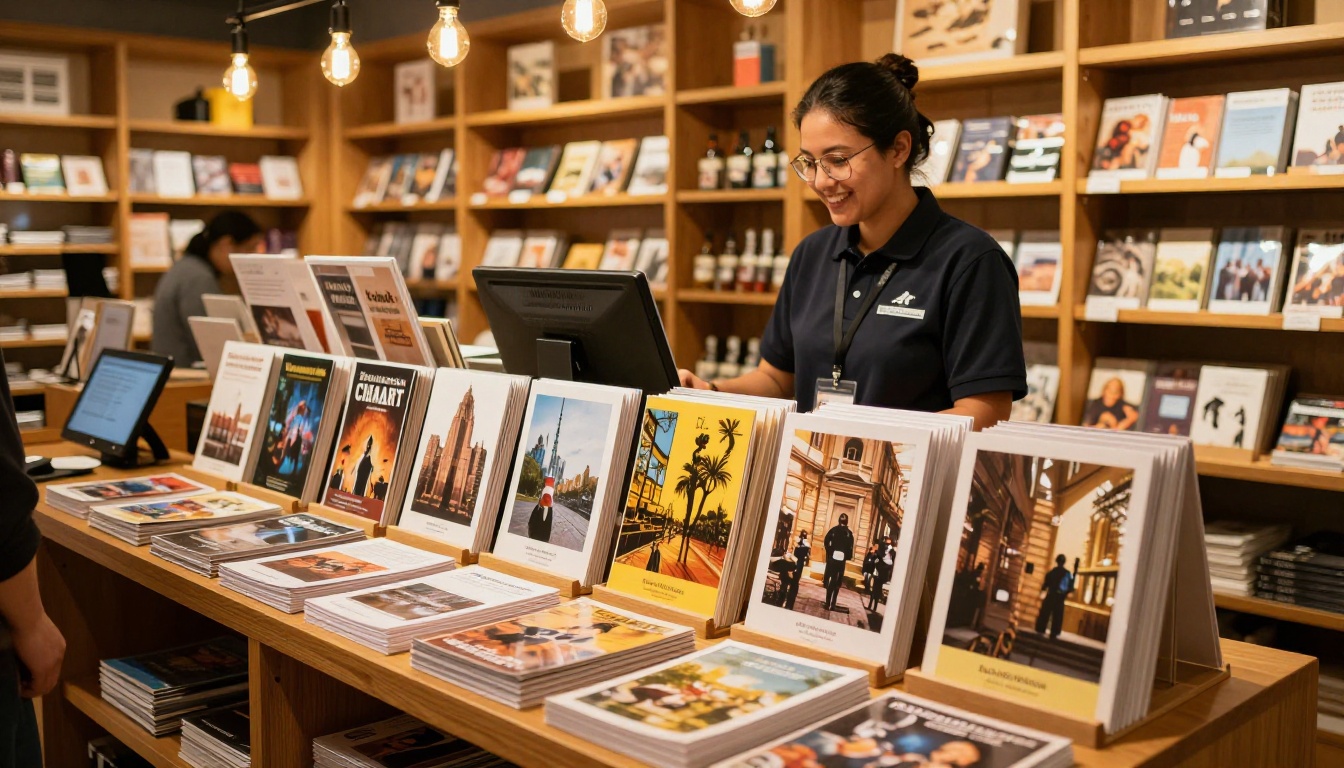
Museums that continue relying exclusively on printed programs are leaving visitor engagement on the table and spending significantly more than necessary. A digital flipbook reaches visitors before they arrive, accompanies them through the exhibit, and stays with them long after they leave: on their phones, bookmarked on their laptops, shared with friends who could not make the visit.
The setup takes less time than a single print production cycle. The cost difference is substantial. The visitor experience improvement is measurable from day one.

Ready to create your first museum exhibit flipbook? Get started for free on Flipbooks AI and have your first digital catalog live before your next exhibit opening. Browse all flipbook tools and templates to find the right format for your institution, or compare pricing plans to find the tier that fits your publication volume.



