The printed symphony program has been a concert hall staple for over a century, but it comes with real costs: printing fees, distribution logistics, last-minute corrections that become expensive reprints, and a carbon footprint that performing arts organizations are increasingly trying to reduce. A digital flipbook changes all of that while giving your audience something genuinely better to hold in their hands, or on their screens, before the first note sounds. Flipbooks AI makes this transition faster and more affordable than most organizations expect.
Why Print Programs Are Holding Orchestras Back
For most orchestras, the season program is both a necessity and a budget drain. A mid-size regional symphony might spend $15,000 to $40,000 per season on printed programs alone, including design, printing, and distribution. That number climbs when sold-out performances leave the box office scrambling for reprints.
Beyond cost, printed programs have a shelf life problem. By the time a guest leaves the concert hall, the program is often forgotten in a coat pocket or recycled. There is no way to track whether patrons actually read it, which sponsors got seen, or whether the audience demographic data you paid to collect matched who was actually in the seats.
The hidden costs of print programs include:
- Last-minute typographical corrections requiring expensive reprints
- Overprinting for uncertain attendance figures
- Physical distribution staff during intermission
- No performance analytics or audience insight data
- Environmental paper waste accumulating across an entire season
What the Data Says About Digital Programs
Performing arts organizations that have switched to digital programs report meaningful changes in audience behavior. Surveys conducted by arts management consultancies show that patrons who receive a direct link to a digital program before the concert are significantly more likely to read performer bios, sponsor messages, and program notes than those who receive print copies at the door. The difference in sponsor visibility alone has prompted several mid-size orchestras to renegotiate sponsorship packages upward after making the switch.
💡 Sending your digital program link 48 hours before the concert via email dramatically increases pre-show readership compared to distributing print programs at the door.
The Real Cost Comparison: Print vs. Digital
Before moving forward, it helps to see the actual numbers side by side. This comparison is based on a mid-size symphony with an 8-concert season and average attendance of 1,200 per performance.
| Cost Category | Print Programs | Digital Flipbook |
|---|
| Design (per season) | $3,000 - $8,000 | $500 - $1,500 |
| Printing (per season) | $12,000 - $25,000 | $0 |
| Distribution labor | $800 - $2,000 | $0 |
| Last-minute corrections | $500 - $3,000 | $0 (instant edit) |
| Analytics and tracking | Not available | Included |
| Sponsor visibility data | Not measurable | Real-time clicks |
| Annual total estimate | $16,300 - $38,000 | $500 - $1,500 |
Those numbers alone make a compelling case. But the financial argument is not the only one worth making to your board.
What a Symphony Season Flipbook Can Include
A digital flipbook for a symphony season program is not just a PDF uploaded to the web. When built on a proper platform like Flipbooks AI, it becomes an interactive publication that rivals anything a print designer could produce, with additional capabilities that print physically cannot offer.
Standard content sections every symphony flipbook should have:
- Season overview with dates and venue details
- Individual concert programs with full repertoire listings
- Conductor and soloist biographies with photos
- Orchestra musician directory
- Notes on featured compositions
- Sponsor acknowledgments with clickable links
- Donor recognition tiers
- Upcoming events and subscription renewal information
Interactive elements only digital flipbooks can offer:
- Embedded audio previews of featured compositions
- Clickable sponsor advertisements that drive actual, measurable traffic
- Video messages from the music director
- Linked ticket purchase buttons on each concert page
- Direct sharing via link or website embed without requiring any app download
Comparing Flipbook Platforms for Performing Arts
Not all digital publishing tools are built the same. Here is how the main options compare for symphony and performing arts use cases:
| Feature | Basic PDF Hosting | Generic Flipbook Tool | Flipbooks AI |
|---|
| Page-turn animation | No | Sometimes | Yes |
| Custom branding | No | Limited | Full control |
| No watermarks | No | Paid plans only | Always |
| Embed video/audio | No | Rarely | Yes |
| Password protection | No | Sometimes | Yes |
| Analytics | No | Limited | Professional plan |
| Mobile responsive | Basic | Yes | Yes |
| Unlimited flipbooks | N/A | Usually limited | Standard plan and above |
| Offline download | No | Rarely | Yes |

✅ For orchestras and performing arts organizations, the combination of custom branding, audio and video embedding, and zero watermarks makes Flipbooks AI the strongest fit for season program publications.
How to Build Your Symphony Season Flipbook
Here is exactly how to take your existing season program PDF and turn it into a polished, shareable digital publication using Flipbooks AI.
Step 1: Prepare Your PDF
Before uploading, make sure your PDF is print-ready and properly formatted. A few things to check:
- All fonts are embedded, not just system fonts
- Images are at least 150 DPI for clean rendering
- Hyperlinks within the PDF are active and correct
- The document uses standard page sizes (letter or A4)
- Sponsor logos are included at full resolution
If your design team works in InDesign, Illustrator, or Canva, export to PDF/X-1a for the cleanest flipbook output. Avoid exporting directly from presentation tools like PowerPoint, as compressed images tend to render poorly on larger screens.
Step 2: Upload and Convert
Go to Flipbooks AI and create your account. Once logged in, click "New Flipbook" and upload your season program PDF. The platform handles the conversion automatically, turning each page into a high-resolution spread with smooth page-turn animation. For a standard 40-page season program, conversion typically takes under two minutes.
Step 3: Customize Your Branding
This is where a digital program genuinely outshines print. In the customization panel, you can:
- Set your orchestra's primary and secondary brand colors
- Upload your logo for the viewer header
- Choose a background texture or color for the reading environment
- Configure the page-turn animation style (soft, classic, or slide)
- Add a custom domain or subdomain for your organization
💡 Setting a custom subdomain such as programs.yourorchestra.org makes your digital program feel like a native part of your website rather than a third-party tool.
Step 4: Add Multimedia Elements
Unlike any printed program in history, your digital flipbook can include:
- Audio clips: A 60-second preview of each featured composition directly on the relevant program page
- Video messages: A welcome from the music director embedded on the opening spread
- Sponsor links: Every sponsor logo becomes a clickable advertisement with real click data
- Ticket links: Purchase buttons on each individual concert page
Use the Event Program Maker tool within the platform to access specialized templates built specifically for performing arts programs. These templates are pre-configured for the typical structure of symphony publications, reducing setup time significantly.
Step 5: Configure Sharing and Distribution
Your finished program can be shared several ways:
- Direct link: A short URL for email campaigns, social media, and text messages
- Embed code: Drop the flipbook directly into your orchestra's website with one line of HTML
- Password protection: For board materials or donor-only content within the same publication
- QR code: Generated automatically for print materials, posters, and lobby displays
For orchestras with a dedicated subscriber base, embedding the flipbook in your pre-concert email campaign drives the highest readership numbers. Include the link with the subject line "Your program for tomorrow night" and track opens directly in Flipbooks AI.
Step 6: Track Audience Behavior with Analytics
On the Professional plan, the analytics dashboard shows you exactly which pages of your season program received the most time and attention. This is data that printed programs have never been able to provide.
What analytics reveal:
- Which composer bio pages had the longest average read time
- Which sponsor pages received the most clicks
- What percentage of readers reached the donor recognition pages
- Peak traffic times (morning email open vs. 30 minutes before curtain)
- Device breakdown (mobile vs. tablet vs. desktop)
This data is genuinely valuable when renewing sponsor contracts. Being able to show a sponsor that their full-page ad received 4,200 unique views and 187 clicks changes the conversation entirely. See what is included in each tier on the pricing page.
Building a Season-Long Program Strategy
A single flipbook for opening night is a start, but the real value comes from building a consistent digital publication strategy across your entire season.
One Flipbook vs. One Per Concert
There are two approaches worth considering:
Single Season Flipbook: One publication covering all performances, updated between concerts. Patrons bookmark it and return throughout the year. Sponsors get season-long visibility in a single document with one consistent URL.
Per-Concert Flipbooks: A separate publication for each performance, with repertoire-specific content, different soloists, and tailored program notes. More work per cycle, but each edition is precisely relevant to that night's audience.
Most orchestras benefit from a hybrid approach: a season overview flipbook launched at the start of the year, plus individual concert programs that link back to it.
| Approach | Pros | Cons |
|---|
| Single season flipbook | Easy to manage, season-long sponsor visibility | Less concert-specific detail |
| Per-concert flipbooks | Tailored content, higher patron relevance | More production time per cycle |
| Hybrid (recommended) | Best of both formats, layered content | Requires consistent publishing workflow |
Subscriber Communication Integration
Flipbooks AI flipbooks integrate naturally with email marketing workflows. The embed code drops directly into most email platforms as a visual preview with a link, giving subscribers a reason to click through to the full program.
For orchestras using Mailchimp, Constant Contact, or similar platforms, the workflow looks like this:
- Finalize concert program PDF, typically 5 to 7 days before performance
- Upload and publish the flipbook on Flipbooks AI
- Copy the direct link into your pre-concert subscriber email
- Monitor analytics as open rates and program reads come in
⚠️ Avoid updating a published flipbook within 12 hours of a performance. Any changes to a live URL can cause brief caching delays that show patrons an older version.
One of the most significant financial arguments for digital programs is the measurable sponsorship value they create. Printed programs offer sponsors a static logo placement with zero trackable return on investment. A digital flipbook changes that entirely.
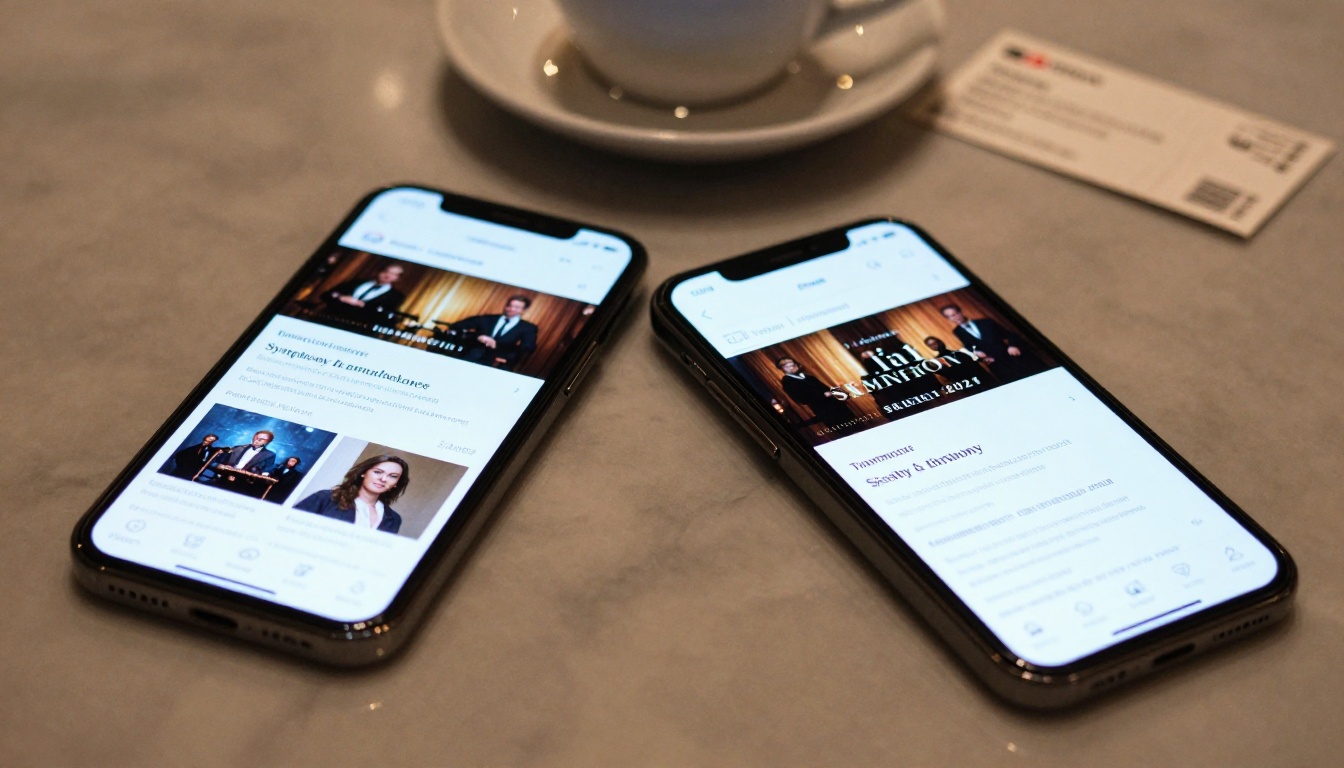
What sponsors gain in a digital symphony program:
- Clickable logo linking directly to their website or campaign landing page
- Unique UTM tracking parameters showing exactly how many visitors came from your program
- Interstitial page takeover options for presenting sponsors
- Video ad capabilities for Corporate or Principal sponsors
- Year-round visibility if using a season-long flipbook model
When approaching sponsors about season renewals, the shift from "we printed 9,600 programs this season" to "your ad received 14,300 unique views and drove 620 website visits" is a fundamental change in the pitch. Organizations that present this data in renewal conversations consistently report higher sponsorship retention and increased investment per sponsor.
The Annual Report Creator and Press Kit Designer tools are also worth bookmarking for grant reporting and media outreach that often accompany the concert season.
What Patrons Actually Want
The most common concern about switching from print to digital is patron resistance, particularly among older subscriber demographics. In practice, the resistance is almost always softer than organizations expect.
What surveys of performing arts audiences consistently show:
- 78% of patrons under 55 prefer receiving programs digitally before the performance
- 61% of patrons over 55 are comfortable accessing programs on a smartphone when given a simple QR code or direct link
- 89% of all patrons prefer having access to program notes after the performance rather than discarding a printed copy
What matters is giving patrons a choice, not forcing a change. Many orchestras run a transitional season where digital is the default but a small print run remains available at will call for those who request it. By season two, print requests typically drop below 10% of attendance.
✅ Keep a lobby-display QR code on every seat back linking to the digital program. Patrons who prefer print will still scan it when they realize they forgot their program at home.
The audience does not need convincing. They already carry the device that reads your program in their pocket. You just need to send them the link.
Taking Your Program Further
Beyond the season program itself, Flipbooks AI offers tools that extend naturally into other areas of performing arts marketing:
For orchestras ready to reduce costs, increase sponsor revenue, and give patrons a genuinely better experience before, during, and after every concert, the season program flipbook is one of the highest-return changes available right now. It requires no new hardware, no app downloads, and no special technical knowledge from your marketing team.
Ready to create your first digital symphony program? Get started for free on Flipbooks AI and have your first flipbook published before your next rehearsal. Browse all available tools and templates to find the perfect format for your organization. Compare pricing plans to choose what works for your orchestra's size and budget.



