A good handout does one job: it puts the right information in someone's hand and gets out of the way. A bad one ends up folded in a bag or forgotten in a PDF folder. Whether you are a teacher preparing a lesson summary, a manager running a workshop or a shop owner promoting a new service, the process is the same: pick a goal, choose a size, use a clean template and share it in the format your audience will open. This article walks through all four steps, with real examples, comparison tables and free online tools, and shows how Flipbooks AI can turn a plain PDF handout into an interactive page-turning version you can send with a single link.
What Makes a Good Handout
Before you open any software, decide what the handout is for. People skim handouts. They rarely read them top to bottom, so the structure has to do the heavy lifting.
One Goal, One Page
Write one sentence that finishes this line: "After reading this, the person will ___." If you cannot finish it, the handout is trying to do too much. A lesson summary helps a student review. A workshop sheet helps attendees apply a method. A product sheet helps a buyer decide. Each one needs a different shape.
Here is a quick test you can run on any draft:
- Can a stranger tell the topic in three seconds? The headline must say it.
- Is there a next step? A task, a link, a contact detail or a date.
- Can you remove 20% of the words without losing meaning? If yes, do it.
Hierarchy Beats Decoration
Readers follow size, weight and space, not clip art. Use a clear order: title, subheadings, short paragraphs or bullets, then a call to action. Stick to two fonts at most and a palette of three colors.
💡 Pro tip: Squint at your handout from arm's length. The three biggest shapes you can see should be the title, the main visual and the call to action. If something else dominates, resize it.
Handout Sizes That Work
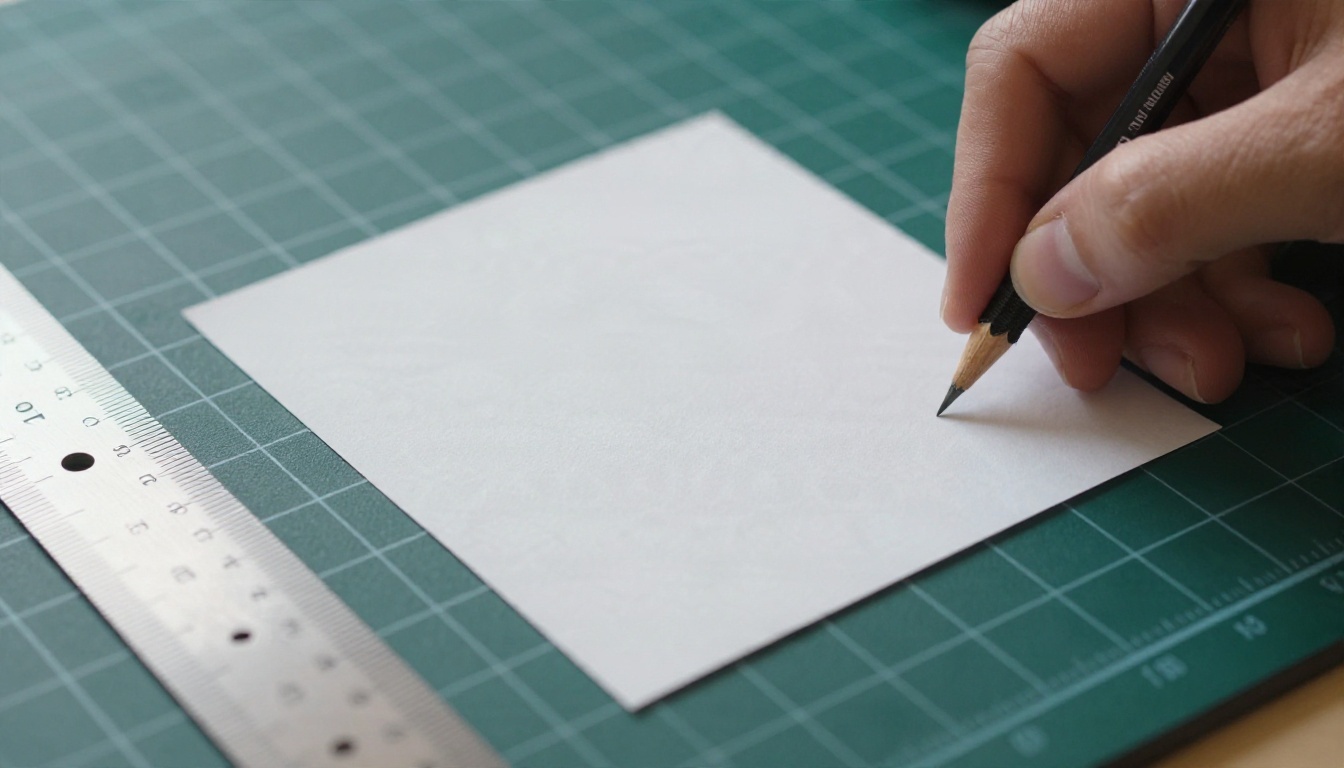
Size affects cost, readability and how the sheet is stored. Pick it before you design, because changing it afterward breaks your layout.
Print Sizes
The two standard sheet sizes are US Letter and A4. Both fit regular office printers, which keeps costs low.
| Format | Size (inches) | Size (mm) | Best for |
|---|
| US Letter | 8.5 x 11 | 216 x 279 | Classroom sheets, office documents in North America |
| A4 | 8.27 x 11.69 | 210 x 297 | Schools and businesses outside North America |
| A5 | 5.83 x 8.27 | 148 x 210 | Leaflets, event programs, short checklists |
| Half Letter | 5.5 x 8.5 | 140 x 216 | Quick tip sheets, handouts in a folder pocket |
| Tri-fold Letter | 11 x 8.5 (folded to three panels) | 279 x 216 | Service overviews, travel info, product summaries |
A few print rules save headaches:
- Keep margins at 0.5 inch (12 mm) or more. Most office printers cannot print to the paper edge.
- Add 0.125 inch (3 mm) of bleed if a background color or photo runs to the edge and a print shop will trim it.
- Use 11 to 12 pt body text and 18 to 24 pt headings for comfortable reading.
- Export at 300 dpi for professional printing, 150 dpi for office printers and screens.
Digital Sizes
If your handout will be read on a phone or in a browser, the same page sizes work, but the resolution and reading experience change. A letter page at 150 dpi measures 1275 x 1650 pixels, and an A4 page measures 1240 x 1754 pixels. That is sharp enough for any laptop and light enough to load quickly.
| Digital use | Recommended size | File type |
|---|
| Email attachment | A4 or Letter, 150 dpi | PDF under 5 MB |
| Phone-friendly handout | Portrait page, large 14 pt text | PDF or flipbook |
| Social media preview | 1080 x 1350 px | JPG or PNG |
| Learning platform upload | A4 or Letter | PDF |
| Interactive flipbook | A4 or Letter, 150 dpi | PDF converted to flipbook |
⚠️ Watch out: Tiny print that looks fine on a desktop monitor becomes unreadable on a phone. If more than half your audience will open the file on mobile, raise the body text to at least 14 pt.
Handout Templates by Purpose
A template saves you from a blank page, but only if it matches your goal. Here are the three formats that cover most situations.
Classroom Handouts
Teachers need speed and clarity. A strong classroom template includes:
- A title with subject and date
- A short "what we are doing today" box
- Three to five main points with space for notes
- A practice question or task at the bottom
- A small box for homework or reading
Leave about 25% of the page empty. Students write in the white space, and a crowded sheet feels like homework before it begins. If you produce full lesson packs, the Course Material Publisher and Training Manual Flipbook tools turn sets of sheets into one organized, searchable document.
Event and Meeting Handouts
Workshops, conferences and team meetings need something attendees can use during the session and after it. A good structure is:
- Agenda with times at the top
- Speaker or facilitator name and contact detail
- A framework or checklist in the middle, the part people will keep
- Follow-up links at the bottom, ideally one link only
For multi-page programs, try the Event Program Maker, which converts your schedule into a flipbook attendees can open on their phones.
Product and Service Handouts
Sales sheets work best when they answer three questions fast: what is it, who is it for and what happens next. Use one hero photo, three benefits, a price or price range, and a clear contact line. For catalog-style handouts, see the Product Catalog Generator or Digital Price List Generator.
| Template type | Pages | Main visual | Primary action |
|---|
| Lesson summary | 1 | Diagram or chart | Practice task |
| Workshop worksheet | 1 to 2 | Framework table | Fill in and apply |
| Meeting agenda | 1 | Timeline | Confirm attendance or decisions |
| Product sheet | 1 to 2 | Hero photo | Contact or order |
| Training packet | 4 to 12 | Step images | Complete a checklist |
| Event program | 4 to 8 | Venue or speaker photo | Find a session |
Real Handout Examples
Seeing how others lay out a sheet is the fastest way to improve yours. These two examples show the structure behind sheets that people keep.

A Lesson Summary for a History Class
A history teacher wants students to review the causes of a major event. Instead of copying a textbook page, the handout has:
- Headline: the question the lesson answers, in plain words
- Left column: a vertical timeline with five dated events
- Right column: three short cause-and-effect boxes
- Bottom strip: two discussion questions and one reading suggestion
The page works because every element has a job. The timeline gives context, the boxes give meaning, and the questions give students something to do.
A Workshop Sheet for a Small Business Owner
A local bakery runs a Saturday session on pricing. The handout is a single page with a three-column table: cost of ingredients, time spent, and target price. Attendees fill it in during the session and take it home. A tiny QR code in the corner leads to a digital version they can open later, which means the sheet stays useful after the room empties.
✅ Best practice: Always add a way to continue the experience. A QR code, a short link or a contact line turns a one-time sheet into a lasting resource.
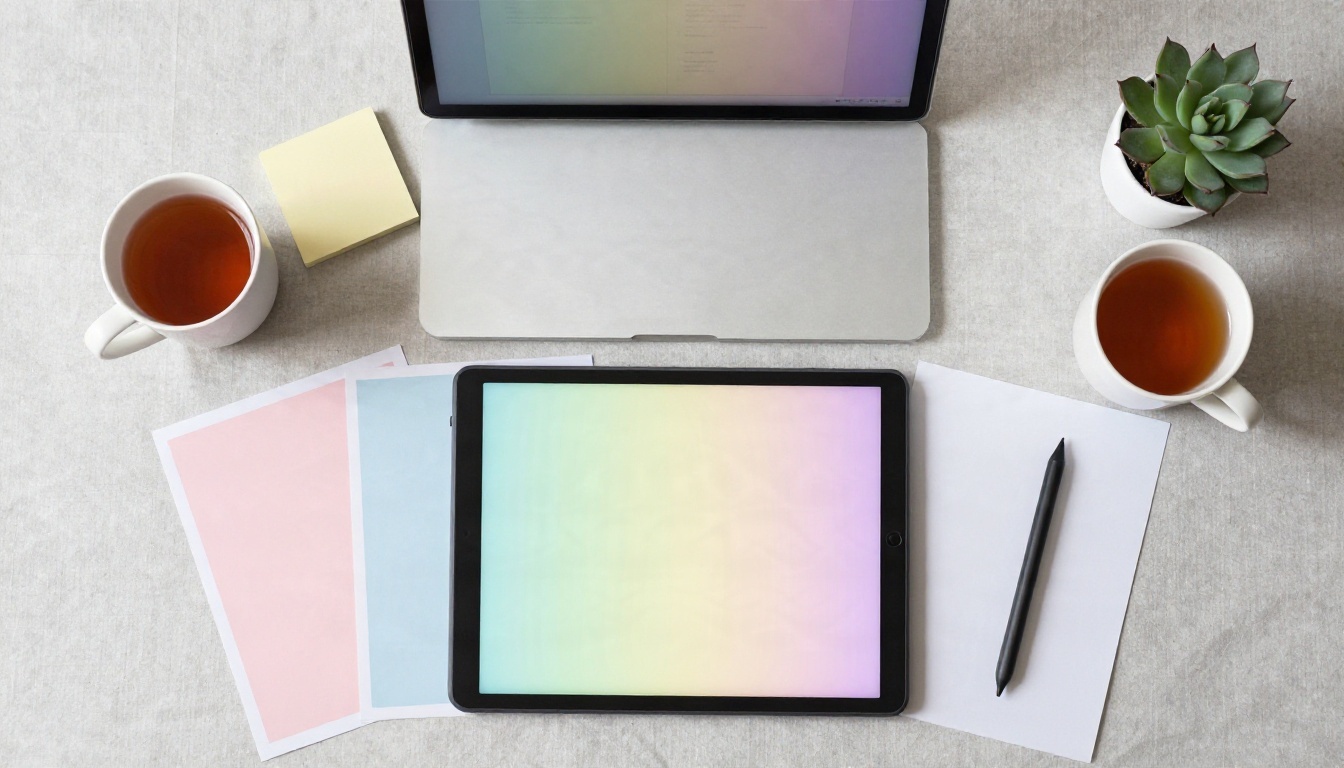
You do not need professional software to make a clean handout. Several free tools offer templates and drag-and-drop editing, and each has trade-offs.
| Tool | Free access | Strength | Limitation |
|---|
| Canva | Free plan with many templates | Fast visual layouts, huge template library | Some assets and exports need a paid plan |
| Google Docs | Free with a Google account | Real-time collaboration, simple text-focused sheets | Limited design control |
| Microsoft Word | Built-in templates for subscribers, free web version | Familiar, precise print layouts | Complex layouts can shift between devices |
| Adobe Express | Free plan with templates | Polished results, quick resizing | Premium features are locked behind a subscription |
| Flipbooks AI | Create an account to start | Turns a finished PDF into an interactive flipbook with a share link | Not a layout editor, it publishes what you design elsewhere |
The smartest workflow combines two tools: design the handout in your editor of choice, then publish it as a flipbook. The editor handles layout. The flipbook handles delivery, tracking and presentation. You can browse all flipbook tools to find one built for your handout type.
💡 Pro tip: Export your handout as a PDF at 150 dpi first. It keeps the file light and gives you a clean source for printing and for flipbook conversion.
How to Create a Handout with Flipbooks AI
Printed sheets get lost. A digital handout can be updated after you share it, opened on any device and measured. Here is the full process, from PDF to shared link.

Step 1: Create Your Account
Go to Flipbooks AI and create an account. The dashboard shows your flipbooks, upload button and sharing controls in one view. You can compare plans on the pricing page at any point.
Step 2: Upload and Convert Your PDF
- Click the upload button in your dashboard.
- Select your handout PDF from your computer. Single pages and multi-page packets both work.
- Wait a few seconds while the file converts. Each page becomes a flipbook page with a realistic page-turn animation.
- Preview the result on both desktop and phone view. Fonts, images and colors stay as you designed them.
If you start from a document rather than a handout, the PDF to Flipbook Converter page explains the supported formats in detail.
Step 3: Customize the Look
Use the settings panel to make the flipbook match your brand or classroom:
- Branding: add your logo and choose your own background color
- Page effects: adjust the page-turn style and speed
- Multimedia: embed a video demo or an audio note directly on the page
- Layout: pick single-page or spread view, which suits one-page handouts well
- No watermarks: your flipbook stays clean, always
Step 4: Share It Your Way
| Sharing option | Best use |
|---|
| Direct link | Email, chat apps and QR codes |
| Embed code | Add the handout to a school page, blog or intranet. See Embed Flipbook on Website |
| Password protection | Private handouts, paid workshop materials or internal documents |
| Offline download | Attendees with poor connections at venues |
Step 5: Use the Pro Features
On the Professional plan, you get analytics that show how many people opened your handout and how far they read, plus lead generation that asks for an email before the flipbook opens. A trainer who sells a workbook can capture contacts this way. A teacher can check whether students opened the weekend reading. See the pricing plans to compare what each tier includes, and note that the Standard plan and above allows unlimited flipbooks.
✅ Best practice: Update the PDF, not the link. When you replace the source file, the same link shows the new version, so nobody holds an outdated copy.
Common Mistakes to Avoid
Even a polished template fails if the basics slip. These are the problems that show up most.
Too Much Text
If a page is a wall of paragraphs, most people will skip it. Break text into short blocks of two or three lines, use bullets for lists and let at least a quarter of the sheet stay empty. A handout is a summary, not the whole lecture.
Ignoring How It Will Be Read
A sheet designed for print behaves badly on a phone, and a phone-first layout can look sparse on paper. Decide the main format first, then check the other one.
| Mistake | Why it hurts | Quick fix |
|---|
| Tiny fonts below 10 pt | Hard to read in print and on phones | Use 11 to 12 pt for print, 14 pt for mobile |
| No margins | Printer clips the edges | Keep 0.5 inch margins |
| Low-resolution images | Blurry in print | Use 300 dpi images for print, 150 dpi for screens |
| Five or more fonts | Looks messy and unprofessional | Limit to two fonts |
| No next step | Reader forgets the content | Add a link, QR code or task |
| Large PDF files | Slow email and loading | Compress images and export at 150 dpi |
Make Yours Today
You now have the sizes, templates, examples and tools to produce a handout that people keep. Start small: choose one goal, pick Letter or A4, apply a template that matches your purpose and cut the text until every line earns its place.
When the PDF is ready, get started for free on Flipbooks AI and publish it as a flipbook you can share in seconds. Browse the full set of tools and templates to find the closest match for your handout, or compare pricing plans when you are ready for analytics, lead capture and unlimited flipbooks.



