Your boutique's newest collection deserves more than a handful of product photos dumped into a PDF. A well-built lookbook tells a story, shows customers how pieces work together, and gives your brand a visual identity that stays in people's minds long after they close the tab. If you want to create a lookbook for your boutique that actually drives sales, this is exactly where to start, and Flipbooks AI makes the digital side easier than you would expect.
Why Your Boutique Needs a Lookbook Right Now
Fashion moves fast. Customers walk into your boutique, or land on your Instagram, and make a judgment call in seconds. A lookbook does something a clothing rack and a product page simply cannot: it shows context. It answers the question "how do I actually wear this?" before the customer even has to ask.
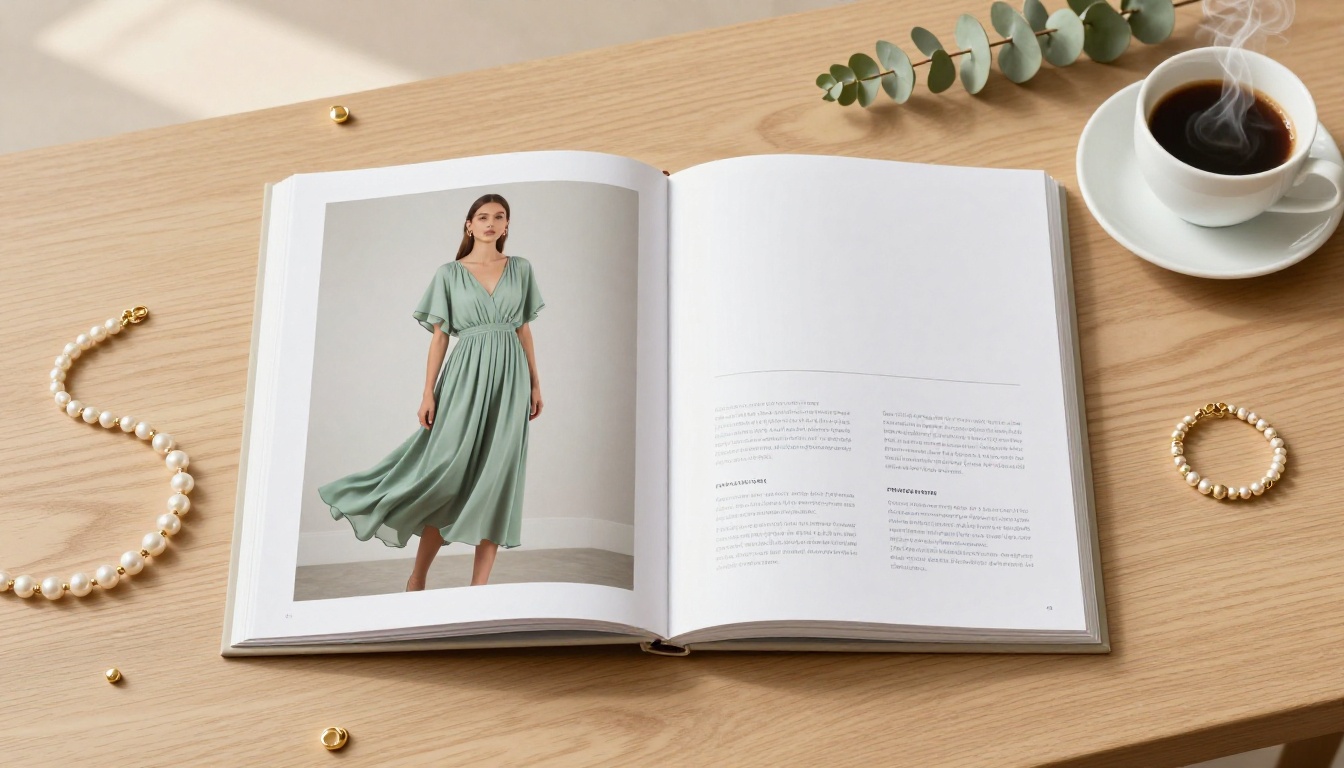
Boutiques that publish seasonal lookbooks consistently report higher average order values because customers buy the full look, not just one piece. They also become more shareable: a friend sees the lookbook link, flips through it on their phone, and suddenly your boutique is getting word-of-mouth traffic you never had to pay for.
The Difference Between a Catalog and a Lookbook
These two formats get mixed up constantly. Here is the actual difference:
| Feature | Product Catalog | Lookbook |
|---|
| Primary purpose | List products with specs and prices | Tell a visual story about a collection |
| Tone | Informational, utilitarian | Aspirational, editorial |
| Photography style | Product on white background | Lifestyle, editorial, contextual |
| Layout density | Information-heavy | White space, editorial spacing |
| Typical buyer action | "I need item X" | "I want that whole outfit" |
| Conversion trigger | Price and availability | Emotional desire |
Both have a place in your marketing. But for seasonal collections, new arrivals, and brand storytelling, the lookbook wins every time. If you need a product reference tool as well, the Fashion Catalog Creator handles that separately.
What a Strong Lookbook Does for Your Brand
Beyond driving immediate sales, a polished lookbook:
- Positions your boutique as a brand, not just a store
- Builds trust with new customers who have not bought from you before
- Supports wholesale conversations by giving buyers a professional reference document
- Creates shareable content across Instagram, Pinterest, and email campaigns
- Gives stylists and press something to reference when covering your pieces
💡 Your lookbook is one of the highest-ROI marketing assets you can produce. Shoot once, use it for three to six months across every channel.
Planning Before You Shoot
Skipping the planning stage is the number one reason boutique lookbooks fall flat. You end up with a beautiful collection of photos that do not tell a coherent story when placed side by side.
Pick the Right Collection
Not every piece you carry needs to be in the lookbook. Trying to include everything is what turns a lookbook into a catalog. Instead:
- Choose 8 to 15 pieces that work together thematically
- Build around a season, a color story, or a specific customer lifestyle: weekend getaway, city workwear, event dressing
- Include one or two "anchor pieces" per spread that are your strongest sellers or statement items
- Think in outfits: for every hero item, identify what it pairs with in your inventory
Define Your Lookbook's Mood and Story
Before you pick up a camera, write three words that describe how the lookbook should feel. Warm and earthy. Minimal and modern. Bold and playful. These three words become your filter for every decision: location scouting, model casting, lighting setup, and even the fonts you use in the layout.
⚠️ Mixing moods within a single lookbook creates visual noise. If one spread looks like a Mediterranean summer and the next looks like a New York editorial shoot, customers feel the disconnect even if they cannot name it.
Shooting Photos That Work in a Lookbook
A lookbook lives and dies by its photography. You do not need a professional photographer for every shoot, but you do need to think like one.
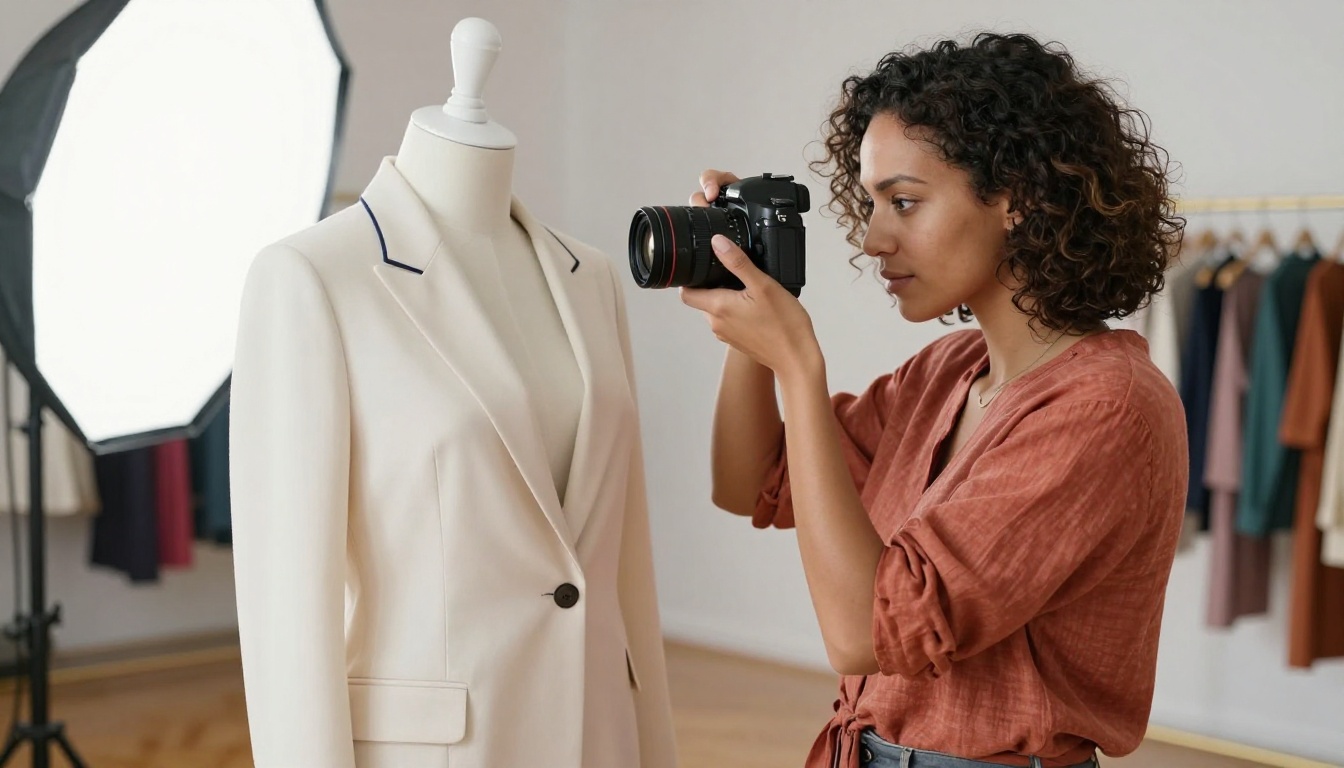
What to Shoot and How to Frame It
Every spread in your lookbook needs at least three types of images:
- Hero shot: Full outfit, model or mannequin, showing the look in context
- Detail shot: Close-up of a texture, print, hardware, or unique feature that makes the piece stand out
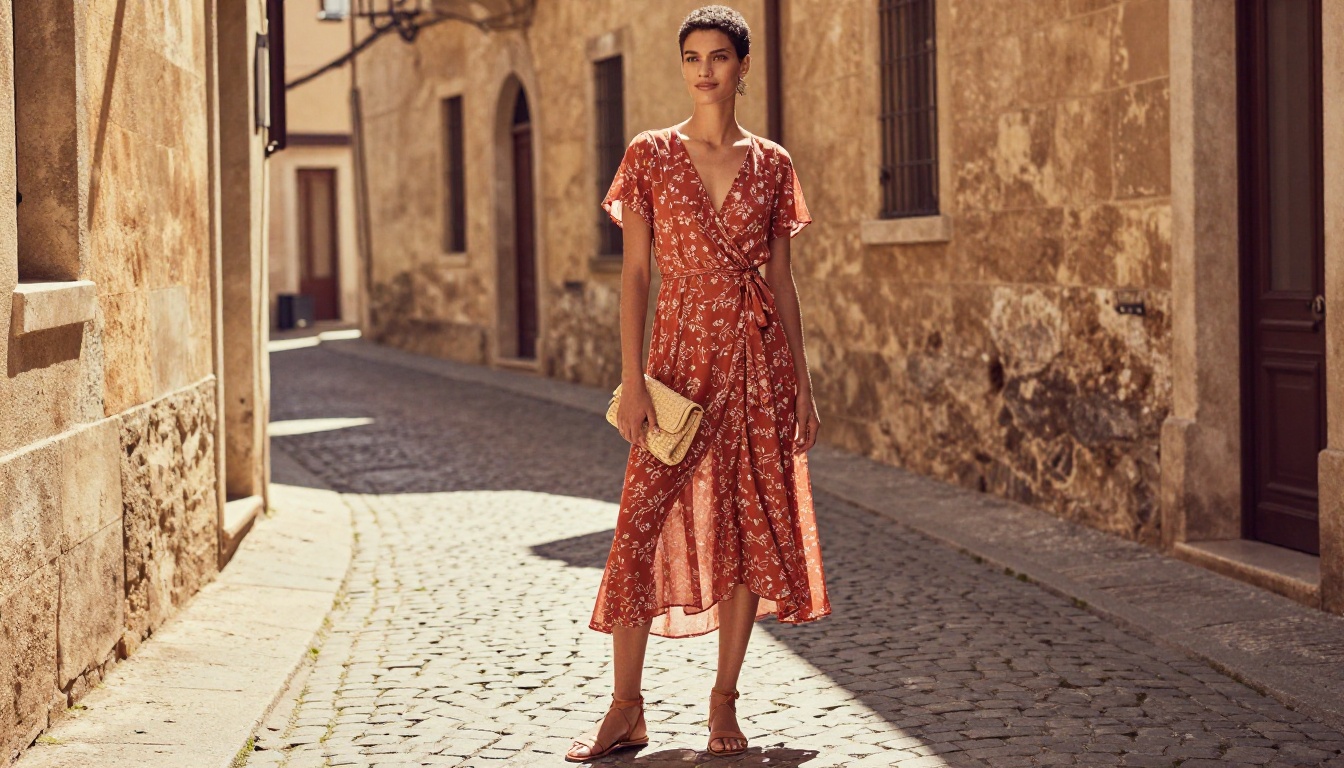
- Lifestyle shot: The outfit in a real environment, showing the life your customer aspires to
Vary your angles deliberately. A lookbook with every shot taken at eye-level from ten feet away reads as flat. Mix in:
- Low-angle shots that make the outfit feel powerful
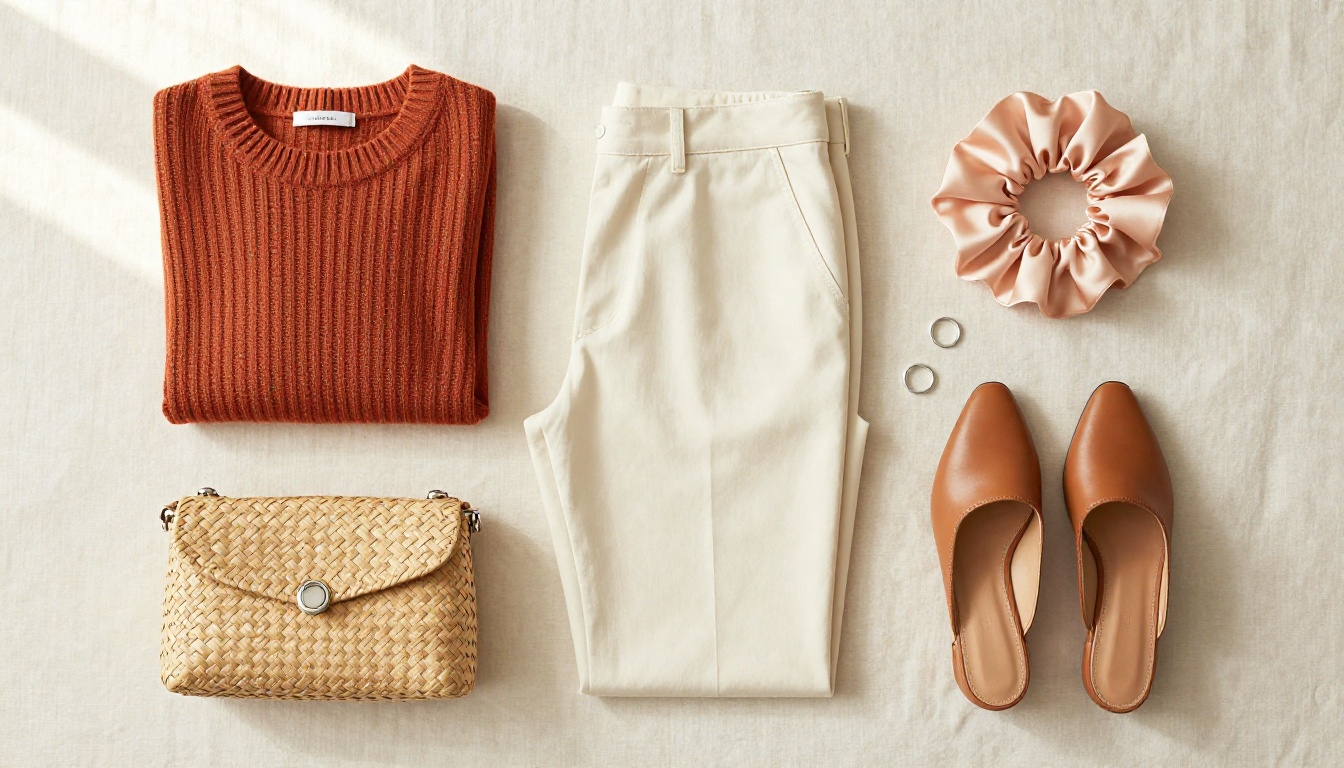
- Aerial flat lays for accessories and smaller pieces
- Close-ups at 85mm or longer to capture fabric texture and detail
Flat Lays vs. Lifestyle Shots
Both formats belong in a boutique lookbook, but they serve different purposes:
| Shot Type | Best Used For | What You Need |
|---|
| Flat lay | Accessories, folded knitwear, capsule outfit planning | Clean surface, overhead angle, natural daylight |
| On-mannequin | Structured pieces, tailoring, fit-focused items | Quality mannequin, neutral backdrop, softbox light |
| Lifestyle with model | Dresses, outerwear, occasion wear | Location, model, directional light |
| Editorial lifestyle | High-end or aspirational pieces | Styled location, creative direction, natural light |
✅ Shoot flat lays and lifestyle images on the same day with the same color palette on set. This creates visual continuity across the entire lookbook.
Building the Layout Page by Page
Once your images are edited, the layout work begins. This is where your lookbook becomes something distinct from a photo album.
The Pages Every Boutique Lookbook Needs
A well-structured boutique lookbook typically follows this sequence:
- Opening spread: Full-bleed hero image, almost no text, maximum visual impact
- Collection intro: Two to three sentences about the season or story, a pull quote if you have one
- Feature spreads: Three to six outfit spreads, each with at least one hero and one detail shot
- Accessory spread: Flat lays or styling close-ups of the pieces that complete the looks
- Closing page: Store contact info, website, social handles, and a clear call to shop
Keep text minimal. The images do the heavy lifting. When you do use text, make sure font choices match your brand identity: serif for classic boutiques, geometric sans-serif for modern minimal brands.
Typography, Colors, and White Space
White space is not empty space. It is breathing room that makes your images look more expensive and your brand feel more intentional.
Rules that work:
- 60% image, 30% white space, 10% text on any given spread
- Use no more than two font families throughout the entire lookbook
- Match your layout accent colors to your boutique brand palette, not to the garment colors
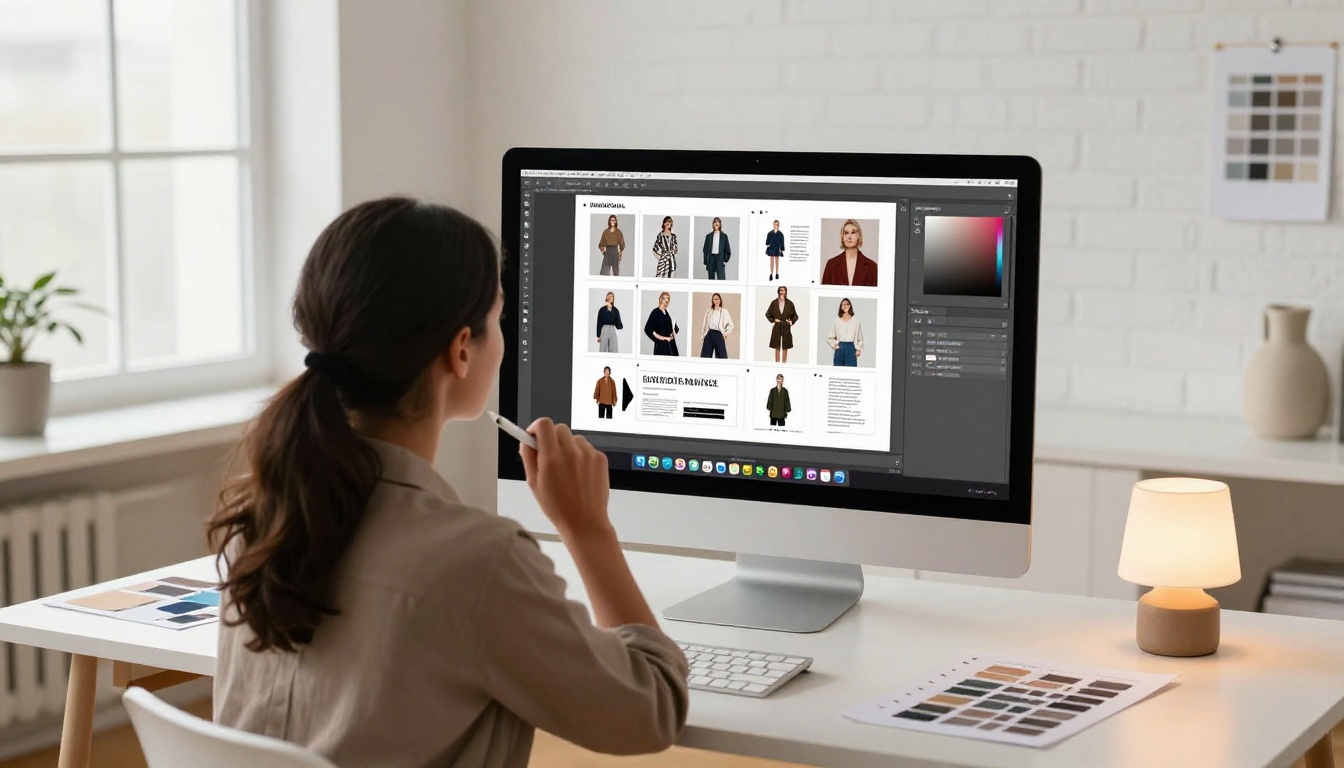
💡 Tools like Canva, Adobe Express, or InDesign all export as PDF. Once your PDF is built, you can convert it into a full interactive digital lookbook in minutes using the Interactive Lookbook Designer on Flipbooks AI.
How to Create Your Boutique Lookbook with Flipbooks AI
Once you have your PDF ready, Flipbooks AI turns it into a fully interactive digital lookbook with page-turning effects, branding, and sharing options that no static PDF can offer.
Step 1: Design Your PDF
Use any design tool you are comfortable with:
- Canva (free, easy, plenty of lookbook templates)
- Adobe InDesign (professional, best for complex layouts)
- Adobe Express (quick, great for smaller collections)
- Affinity Publisher (one-time cost, excellent for print-ready quality)
Build at A4 or letter size, export as a high-resolution PDF (300 DPI minimum for print quality, 150 DPI is fine for digital-only).
Step 2: Upload and Convert
- Go to Flipbooks AI and create your account (free to start)
- Click New Flipbook and upload your PDF file
- The platform automatically converts every page into a beautifully paginated digital flipbook with smooth page-turning animation
- Processing typically takes under two minutes for a 20-page lookbook
✅ Name your PDF file with your brand name and season before uploading. It makes organizing multiple lookbooks across seasons much easier.
Step 3: Brand It Your Way
This is where the digital lookbook separates itself from a plain PDF link. Inside the Flipbooks AI editor, you can:
- Add your boutique logo to the viewer interface
- Set custom brand colors for the toolbar and interface
- Choose your page effect: realistic flip, slide, or fade
- Adjust background color to match your brand aesthetic
- Enable mobile-responsive layout so it looks perfect on every screen
No coding required. Every setting is a visual toggle or color picker.
Step 4: Share and Embed It
Once your lookbook is live, Flipbooks AI gives you multiple ways to get it in front of customers:
- Direct link: A clean URL you can send via email, DMs, or add to your Instagram bio
- Embed code: Drop your lookbook directly onto your website or online store with one snippet
- Password protection: Create private lookbooks for wholesale buyers or VIP customers
- QR code: Print it on your in-store hangtags or packaging so customers can flip through the full collection

If you are on the Professional plan, you also get access to analytics showing exactly how customers move through your lookbook, which pages hold attention, and lead generation forms you can embed inside the flipbook itself. Check pricing plans to see what fits your boutique's scale.
Where to Share Your Lookbook
A lookbook sitting on a server no one visits is wasted effort. Getting it in front of people is half the work.
Social, Email, and Your Website
| Channel | How to Use the Lookbook | Expected Impact |
|---|
| Instagram bio link | Replace static link with lookbook URL for the season | Higher click-through from profile |
| Email newsletter | Embed a preview image with a "flip through" call to action | Increased click rates vs. grid emails |
| Website homepage | Embed the flipbook widget on your homepage or collections page | Longer time-on-site |
| Pinterest | Screenshot individual spreads and pin with lookbook link | Long-tail discovery traffic |
| WhatsApp or DMs | Send direct link to warm leads or regular customers | High conversion from known audience |
💡 When you send your lookbook link via email, use the phrase "flip through" rather than "download" or "view." It sets the expectation of an interactive experience and increases opens.
Giving It to Wholesale Buyers
If you sell wholesale, a digital lookbook is your most professional sales tool. Instead of emailing a clunky PDF attachment or flipping through your phone screen at a trade show:
- Send a password-protected link before the meeting so buyers can preview the collection
- Embed lead capture inside the lookbook to collect buyer details automatically
- Use analytics data to see which pieces generated the most page time, informing your production priorities
Choosing the Right Plan for Your Boutique
Flipbooks AI offers tiered plans that grow with your boutique. Here is what matters at each level:
| Plan | Best For | Lookbooks | Watermarks | Analytics | Password Protection |
|---|
| Free | Testing, first lookbook | Limited | Yes | No | No |
| Standard | Active boutiques, seasonal updates | Unlimited | None | No | Yes |
| Professional | Multi-brand, wholesale, growth-focused | Unlimited | None | Yes | Yes |
For most independent boutiques producing two to four seasonal lookbooks per year, the Standard plan covers everything needed. If you are running wholesale operations or want to track buyer behavior, Professional pays for itself quickly. See the full breakdown on the pricing page.
✅ Start with the free plan to build and test your first lookbook. Once you have confirmed the format works for your audience, upgrade before your next seasonal drop.
Making It a Repeatable Process
The boutiques that get the most value from lookbooks treat them as a regular production cadence, not a one-time project. Set a rhythm:
- Quarterly lookbooks aligned with seasonal drops: Spring, Summer, Fall, Holiday
- Campaign lookbooks for specific events like trunk shows, pop-ups, or collaborations
- Evergreen lookbooks for categories that stay relevant year-round: basics, workwear, classic pieces
Once your first lookbook is built on Flipbooks AI, duplicating it for the next season takes minutes. Keep the same branding settings, swap in new pages, and publish. The infrastructure is already there.
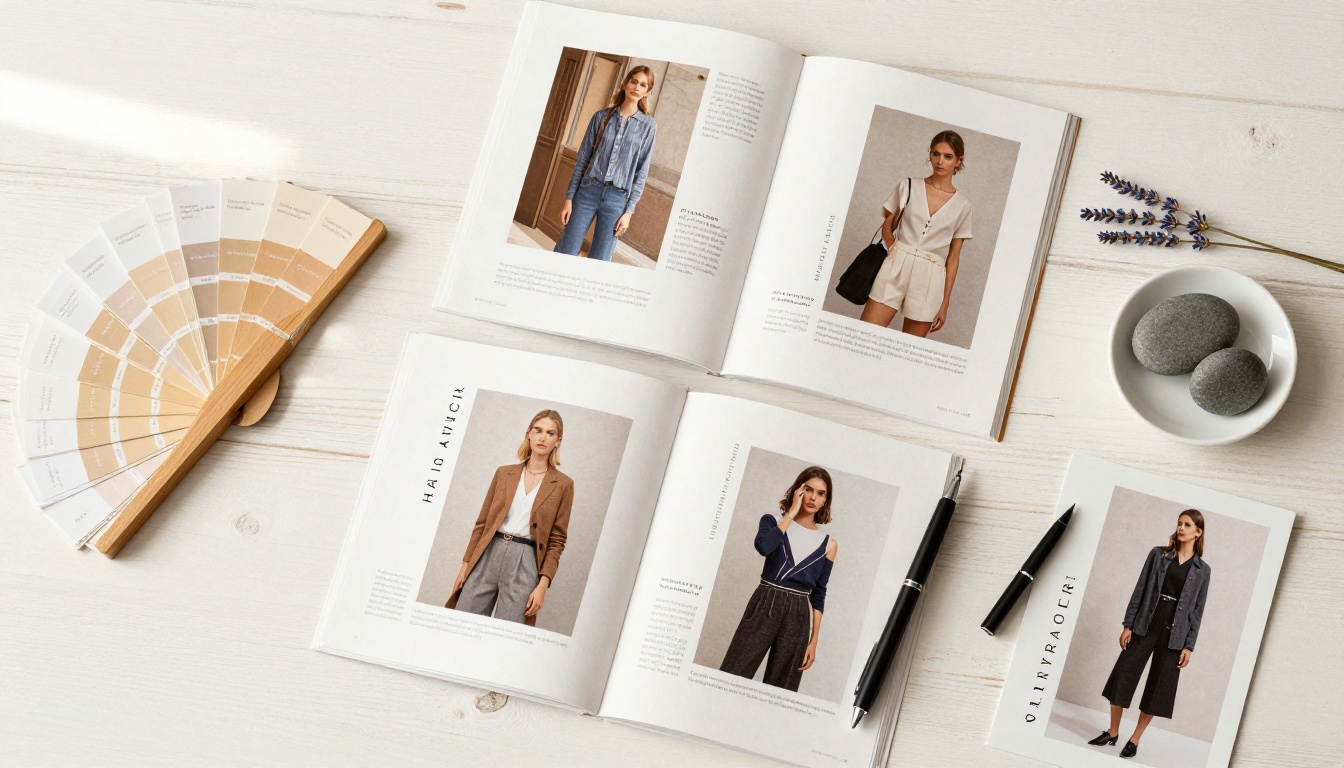
For boutiques that carry multiple product categories, consider building separate lookbooks by category: a Fashion Catalog for your core apparel, and a dedicated accessories lookbook using the Lookbook Flipbook Builder. Keeping them separate makes each one tighter and more purposeful.
A boutique that shows up with a polished, shareable lookbook every season is a boutique that looks like it has its act together, and customers notice that. It signals longevity, intention, and quality before they have touched a single garment.
Your Lookbook, Live Today
You now have the full picture: how to plan, shoot, design, and publish a lookbook that represents your boutique at its best. The only thing left is to actually build it.
Get started for free on Flipbooks AI and have your first digital lookbook live before the end of the week. Browse all available flipbook tools to find the right format for each of your marketing needs. When you are ready to access analytics and wholesale features, check out pricing plans and choose the plan that fits your boutique's growth.
Your collection deserves to be seen. Make it happen.



