Most product catalogs end up as PDFs nobody opens, email attachments that sit unread, or printed booklets that get recycled before anyone makes it past page three. If that sounds familiar, it is not a luck problem or a budget problem. It is a design and strategy problem, and it is entirely fixable. Flipbooks AI has helped thousands of businesses turn static, forgettable catalogs into interactive publications that buyers actually want to share.
This article covers every layer of what makes a product catalog worth opening: from cover design and layout psychology to photography, copywriting, digital distribution, and a step-by-step walkthrough for creating yours with Flipbooks AI.
Why Most Product Catalogs Get Ignored
The Attention Problem
Buyers are busy. They receive dozens of marketing materials weekly, and your catalog competes with everything from social media feeds to competitor brochures. The average person decides within the first three seconds whether something is worth reading. If your catalog does not pass that test on the cover, the rest of the content never gets seen.
The most common mistake is designing a catalog for the seller instead of the buyer. Sellers want to show everything. Buyers want to find what they need fast. That tension is where most catalogs fail.
What Buyers Actually Want
Research consistently shows that buyers respond to three things in a product catalog: clear visual organization, genuine product photography, and copy that answers their real questions. They do not want corporate language. They do not want to hunt through cluttered pages. They want to feel like the catalog was made with them in mind.
💡 Pro tip: Interview five of your best customers and ask them one question: "What information do you wish our catalog made easier to find?" Their answers will reshape your entire layout strategy.
First Impressions Start With the Cover

Cover Design That Stops the Scroll
Your cover is the only part of your catalog guaranteed to be seen. It has one job: make someone want to open it. The most effective catalog covers share a few characteristics. They use a single dominant image rather than a grid of products. They have a clear, short headline that communicates value rather than just listing a category or season name. And they leave breathing room, because white space signals confidence and quality.
Think of your cover as a storefront window display. The best displays show a few items styled beautifully, not everything the store sells stuffed into a single frame.
Fonts and Colors That Work
Typography is one of the most underestimated tools in catalog design. The right font pairing can make a mid-range product look premium, while the wrong one can make a premium product look dated.
| Style | Heading Font | Body Font | Best For |
|---|
| Premium / Luxury | Cormorant Garamond | Jost | Fashion, jewelry, cosmetics |
| Modern / Minimal | Neue Haas Grotesk | Inter | Tech, home goods, software |
| Artisan / Craft | Playfair Display | Lora | Food, beverage, handmade goods |
| Bold / Energetic | Bebas Neue | Source Sans Pro | Sports, automotive, outdoor gear |
Color palettes work the same way. Limit yourself to three colors maximum: a primary, a secondary, and an accent. More than that creates visual noise that works against you.
Layout Principles That Keep Pages Turning
Visual Hierarchy Basics
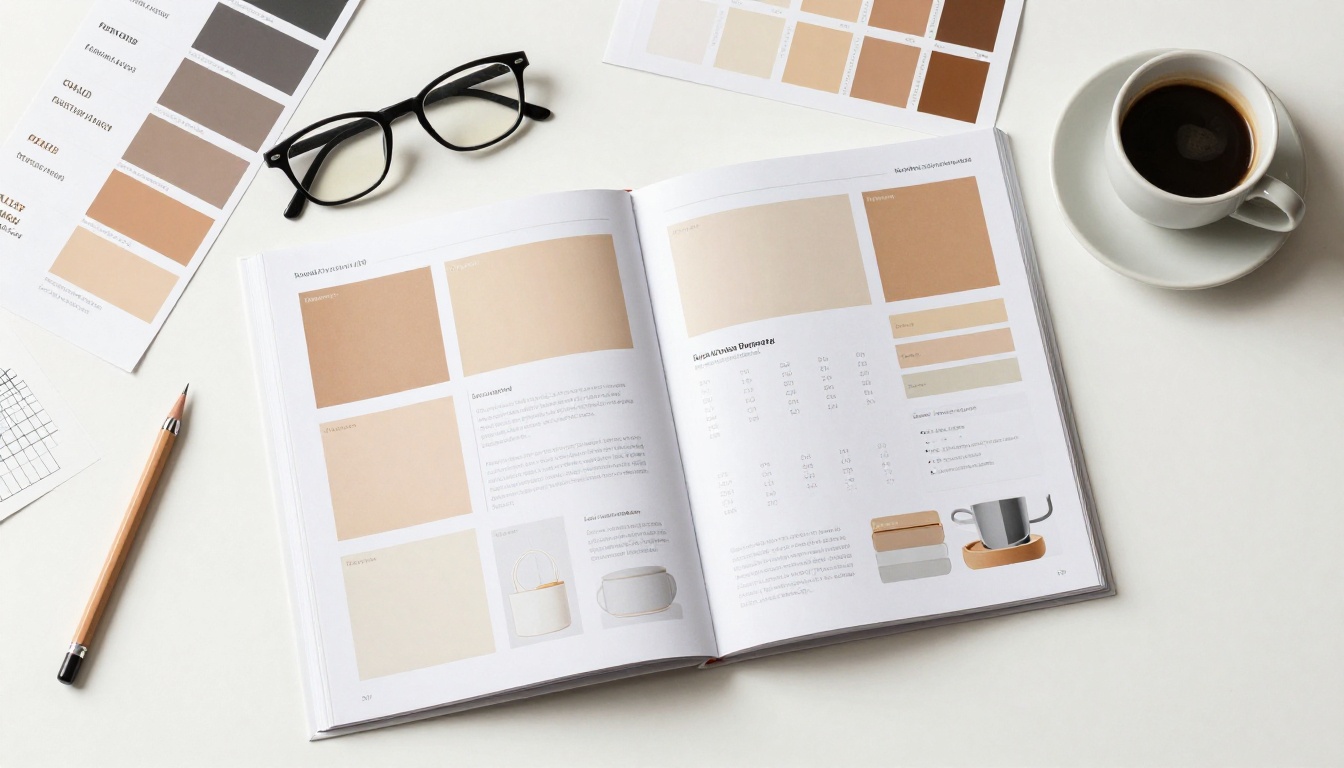
Visual hierarchy is the order in which your reader's eye travels across a page. Good hierarchy is invisible. The reader moves naturally from the hero image to the product name to the price to the call-to-action without consciously thinking about it. Poor hierarchy is exhausting. The reader stalls, backtracks, or gives up.
The basic rule: big elements first, small elements later. Size, contrast, and whitespace all control hierarchy. A product image twice the size of another sends a clear signal about priority. Bold typography on a product name versus light typography on a description creates a natural reading flow.
White Space Is Not Wasted Space
Many businesses, especially those with large product lines, feel compelled to fill every centimeter of catalog space. This is a costly mistake. White space is not empty space. It is the visual breathing room that makes everything else more readable and more attractive.
Catalogs from brands like Apple, Muji, and Patagonia consistently use generous margins, tight product selections per page, and breathing room between items. They feel premium partly because of what is not on the page.
✅ Best practice: Aim for no more than three to four products per spread. More than that, and nothing stands out. Less than three can feel sparse unless you have a genuinely hero product worth the real estate.
Product Grouping That Makes Sense
Group products the way your buyers shop, not the way your warehouse organizes inventory. If customers usually buy product A alongside product B, place them on the same spread. If you sell a "starter kit" mentally, show those items together even if they come from different SKU categories.
Functional grouping reduces the cognitive load of browsing. A well-grouped catalog feels intuitive. A poorly grouped one feels like a warehouse stock list.
Photography That Sells

Lifestyle vs. Product Shots
Both types of photography serve a purpose in a product catalog, and the most effective catalogs use both strategically.
Product shots (clean background, pure product focus) answer the question "What does this look like?" They work best for technical specifications, color options, and direct comparisons.
Lifestyle shots (product in use, natural environment) answer the question "What will this do for me?" They create emotional connection and help buyers visualize ownership.
| Photo Type | Purpose | Best Placement | Buyer Trigger |
|---|
| Hero lifestyle | Section opener, cover | Full-page bleeds, spreads | Aspiration, desire |
| Clean product | SKU detail, color variants | Grid layouts, spec pages | Accuracy, confidence |
| In-context use | Feature highlights | Mid-page callouts | Imagination, trust |
| Scale reference | Size-sensitive products | Near measurements | Practicality |
Consistency Across Pages
Nothing undermines catalog quality faster than inconsistent photography. If page 4 has warm, moody lighting and page 7 has flat white studio shots, the catalog feels assembled rather than designed. Buyers unconsciously register this inconsistency as a quality signal.
Before shooting, write a one-page photography brief that defines: background colors, lighting setup, shadow style, and subject angle conventions. Every product gets shot against the same rules. The result is a catalog that looks intentional, cohesive, and trustworthy from the first page to the last.

⚠️ Watch out: Stock photography mixed with original product photography creates an obvious visual inconsistency. If budgets are tight, use consistent stock styling throughout rather than mixing, or invest in even a one-day product shoot to cover your core SKUs.
Copy That Moves People

Product Descriptions That Don't Bore
Most catalog copy reads like it was written by someone who had never actually used the product. Features listed in passive voice. Specifications copied from a spreadsheet. No personality, no story, no reason to care.
Good catalog copy does three things: it tells the buyer what the product does for them (not just what it is), it uses specific language instead of vague adjectives, and it fits the brand voice consistently.
Compare these two examples for the same product:
Flat: "High-quality ceramic mug with ergonomic handle. Available in four colors."
Effective: "Holds heat for two hours. The handle fits naturally in your palm whether you are left-handed or right. Four colors, each in matte finish."
The second version answers real questions without being longer. Specificity builds trust faster than any superlative.
Calls to Action in Catalogs
Catalogs without calls to action are menus without prices. They create interest but no path forward. Every page spread should have at least one clear next step: a QR code linking to the product page, a "See all variants" note, or a simple "Order by referencing SKU #."
For digital catalogs, this becomes even more powerful. Embedded links, clickable product names, and direct-to-cart buttons turn a browsing experience into a buying one.
💡 Pro tip: Include a "Best Seller" or "New This Season" badge on two to three products per spread. Scarcity signals and social proof in catalog copy consistently increase click-through and order rates.
PDF vs. Interactive Flipbook

The Limits of a Static PDF
A PDF catalog is better than nothing, but it carries real limitations in a mobile-first world. PDFs do not load gracefully on mobile devices. They cannot embed video, animations, or clickable links in a way that works across all viewers. They do not track reader engagement. And they require a download, which adds friction at exactly the moment when a buyer's attention is at its peak.
More practically: PDFs feel like paperwork. Interactive flipbooks feel like experiences.
What a Digital Flipbook Adds
When you convert your catalog PDF to an interactive digital flipbook using the Digital Catalog Maker or the Catalog Flipbook Creator on Flipbooks AI, the result is a publication that pages turn with a realistic flip animation, works on any device without downloading, and can be embedded directly on your website or shared with a simple link.

| Feature | Static PDF | Interactive Flipbook |
|---|
| Mobile-friendly display | Poor | Excellent |
| Clickable links | Limited | Full support |
| Embedded video | No | Yes |
| Analytics and tracking | None | Built-in (Professional plan) |
| Password protection | Basic | Full support |
| Embed on website | Awkward | Native embed code |
| Offline access | Yes | Yes (downloadable) |
| Page-turn animation | No | Yes |
| Sharing via link | File download required | Direct link, no download |
The gap between a PDF and a flipbook is the difference between handing someone a document and inviting them into an experience.
Build Your Catalog With Flipbooks AI
Flipbooks AI makes the entire process of turning a finished catalog design into an interactive digital publication straightforward, even without any technical background. Here is exactly how to do it.
Step 1: Prepare your catalog PDF
Finalize your catalog PDF with high-resolution images (minimum 150 DPI for screen, 300 DPI if you also plan to print). Check that all page sizes are consistent, whether A4, US Letter, or custom dimensions. Embed your fonts to avoid rendering issues on other devices.
Step 2: Create your account
Go to flipbooksai.com/account and sign up. You can start for free and upgrade when you are ready for advanced features.
Step 3: Upload your PDF
From your dashboard, select "New Flipbook" and upload your catalog PDF. The platform converts it automatically, preserving all your layout, typography, and photography exactly as designed.
Step 4: Customize branding and appearance
Once converted, open the editor to set your brand colors, add your logo, choose your page-flip animation style, and set a custom background. You can also configure a cover thumbnail that displays when the flipbook is shared or embedded.
Step 5: Add interactive elements
This is where a catalog becomes something more. Add clickable links to product pages, embed video demonstrations for hero products, add audio commentary for premium presentations, or insert popups with extended product descriptions and pricing tables.
Step 6: Set privacy and sharing options
For general distribution, keep your catalog public and copy the share link. For trade-only or wholesale catalogs, use password protection to restrict access to approved buyers. For B2B presentations, use the embed code to place the catalog directly on your wholesale portal or website.
Step 7: Publish and distribute
Share the link via email campaigns, WhatsApp, social media, or your website. With the Standard plan and above, you get unlimited flipbooks and no watermarks, so every catalog looks completely branded and professional.
✅ Best practice: Use the Product Catalog Generator for quick setup, or the Fashion Catalog Creator for apparel-specific layouts. Flipbooks AI also offers dedicated tools for furniture catalogs and a full Digital Catalog Maker for any industry.

After You Publish

Sharing and Distribution
A great catalog that nobody sees does not generate revenue. Distribution is not an afterthought. It is part of the strategy from the start.
For B2C businesses: embed the flipbook on your website's catalog or lookbook page. Share the link in your email newsletter with a strong subject line. Post the cover as a social media teaser and include the flipbook link in the bio or post copy.
For B2B businesses: include the flipbook link in every sales proposal and quote follow-up. Train your sales team to share it during discovery calls. Use password protection for exclusive trade pricing catalogs and share credentials only with qualified accounts.
For seasonal updates: do not build a new catalog from scratch every season. Update the relevant product pages, swap the cover, and re-share the same link. Returning visitors see the updated version without any action on their end.
What the Numbers Tell You
With the Professional plan on Flipbooks AI, you get built-in analytics that show exactly how buyers interact with your catalog: which pages they spent the most time on, where they dropped off, and which links they clicked. This data is genuinely actionable.
If buyers consistently stop reading at page 8 of a 20-page catalog, that is something you can act on. Maybe the layout changes at that point, or a particular product category is not resonating. If click-through rates spike on pages showing lifestyle photography but drop on pages showing only product grids, that tells you something concrete about how your buyers prefer to browse.
Analytics also support lead generation. With the right plan, you can gate catalog access behind a simple form, collecting emails from interested buyers before they ever see the first page.
The goal is not just a beautiful catalog. It is a catalog that pays for itself by telling you what your buyers actually respond to, so every version you publish performs better than the last.
Ready to build a catalog worth opening? Start for free on Flipbooks AI and have your first interactive digital catalog live today. Compare pricing plans to find the right fit for your business, or browse all catalog and flipbook tools to find templates built for your industry.



