Shareholders open emails. They click links. What they rarely do is read a 47-page PDF from start to finish. If your quarterly report is a static document attached to an investor email, most of your audience will skim the first two pages and move on. Finance teams spend weeks building these reports. The information matters. The problem is the format.
That is where a quarterly report flipbook changes the outcome entirely. An interactive digital flipbook turns a dense PDF into something shareholders actually want to open. Flipbooks AI makes this conversion fast and professional, with no design background required.
This article covers how to structure, build, brand, and distribute a quarterly report flipbook that serves shareholders well and reflects positively on your investor relations program.
Why Most Quarterly Reports Get Ignored
The PDF Problem Nobody Talks About
PDFs are static. On a phone, they are nearly unreadable. Zoom in to see a chart and you lose context. Scroll to the revenue table and you have forgotten the executive summary. Finance teams rarely think about the reading experience because they are focused on the data. Shareholders feel the opposite: the experience is everything.
When a quarterly report arrives as an email attachment, open rates for the PDF itself are typically under 30%. Of those who open it, most spend fewer than three minutes with the document. That is not enough time to absorb what your team spent weeks building.
What Investors Actually Expect Now
Investors who interact with digital-native companies have a different baseline expectation. They are used to interactive investor decks, web-based annual reports with embedded video commentary, and mobile-responsive financial dashboards. When your quarterly report arrives as a flat PDF, it signals something about how your company approaches communication.
A shareholder flipbook meets investors where they are. It opens in a browser, works on any device, and lets readers flip through pages with the same gesture they use for everything else online.
The Real Cost of Poor Investor Communication
Poor presentation does not just reduce readership. It erodes confidence. When shareholders feel like the company is not investing in how it talks to them, that friction accumulates over time. It shows up in lower participation at shareholder meetings, reduced response to voting materials, and a harder time building the kind of trust that protects you during a difficult quarter.
This is not about aesthetics. It is about treating shareholders like the stakeholders they are.
What a Shareholder Report Flipbook Actually Looks Like

The Page-by-Page Experience
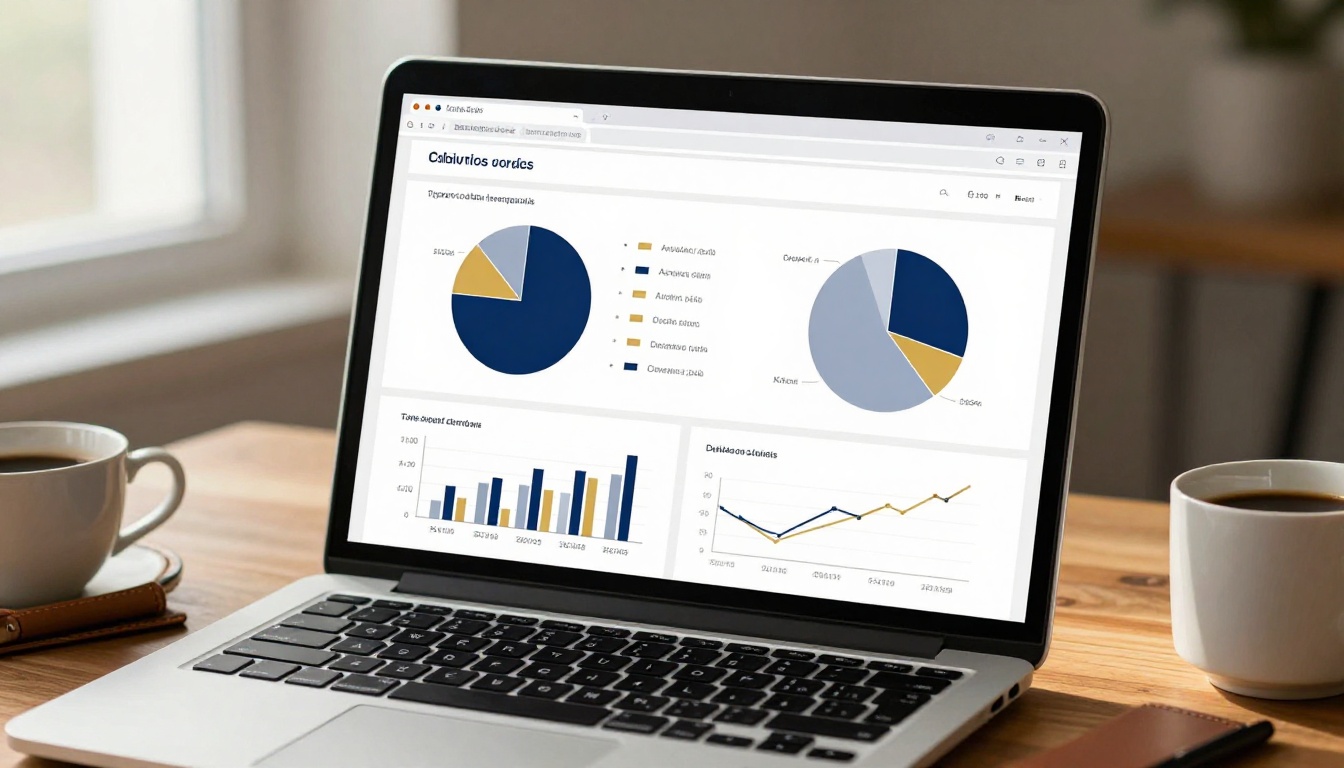
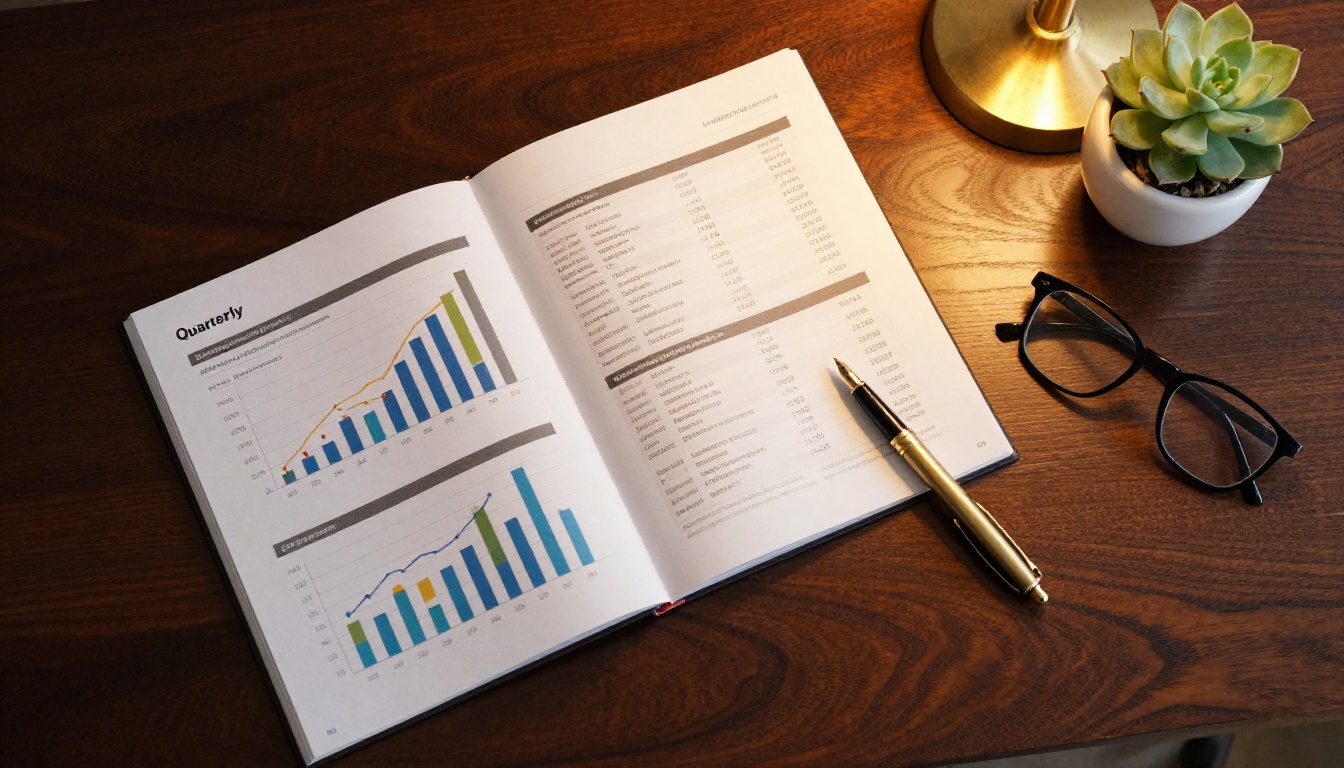
A quarterly report flipbook preserves your existing PDF layout while adding a page-turn animation that makes reading feel natural and intentional. Readers can flip forward to the section they want, bookmark pages, and zoom into charts without losing their place. The experience feels like a premium publication, not a spreadsheet export.
The best shareholder flipbooks follow a consistent visual structure:
- Opening page with quarter, company name, and a strong visual
- Financial highlights in the first two pages, above the fold
- Segment performance broken into clear visual sections
- Executive commentary with attributed quotes and photos
- Forward-looking statements presented in clean, readable format
- Appendix with full financial tables for those who want the detail
Visual Elements That Drive Retention
When a report looks like it was designed for its audience, people read more of it. These are the visual elements that separate a high-retention flipbook from a basic PDF conversion:
| Element | Basic PDF | Interactive Flipbook |
|---|
| Page navigation | Scroll only | Clickable thumbnails plus flip |
| Charts | Static images | Zoomable, embedded |
| Mobile experience | Poor | Fully responsive |
| Branding | Limited | Custom colors, fonts, logo |
| Sharing | Email attachment | Link, embed, password |
| Analytics | None | Page-level read tracking |
💡 The thumbnail navigation panel alone reduces drop-off significantly. Shareholders can see where they are in the document and jump to the section they care about most.
How to Structure Your Quarterly Report
The 5 Non-Negotiable Sections
Every quarterly report for shareholders should include these five sections, in roughly this order:
- Financial Highlights: Revenue, net income, EPS, and year-over-year comparisons at a glance
- Operational Update: What happened in the business this quarter, in plain language
- Segment Performance: Broken down by business unit or geography, with charts
- Outlook Statement: What the next quarter looks like, with any guidance updates
- Full Financials: Income statement, balance sheet, cash flow statement in appendix
The mistake most finance teams make is burying the highlights. Shareholders want to know the three numbers that matter most before they decide whether to read further. Put those numbers on page two, in large type, with a comparison to the prior quarter.
Financial Data That Tells a Story
Numbers without context are noise. A revenue figure means nothing without the prior quarter, the same quarter last year, and the analyst consensus. Every table in your report should include comparison columns. Every chart should have a headline that states the conclusion, not just the data.
Instead of a chart titled "Quarterly Revenue," try "Revenue grew 14% year-over-year, driven by enterprise segment." That headline does the work for the reader. They absorb the finding even if they do not study the chart itself.
Writing for Shareholders, Not Accountants
Quarterly reports written by accountants for accountants use passive voice, avoid specificity, and bury bad news in footnotes. Reports written for shareholders do the opposite. They are direct, they acknowledge challenges honestly, and they give context that helps investors understand what management thinks is actually happening.
⚠️ Avoid phrases like "headwinds in the macroeconomic environment" and "challenges related to supply chain normalization." These signal that management is not willing to be direct. Shareholders notice.
How to Create a Quarterly Report Flipbook with Flipbooks AI
Flipbooks AI is built specifically for converting professional documents into polished digital publications. The Corporate Report Maker and Annual Report Creator tools are purpose-built for exactly this kind of investor-facing content.
Here is the step-by-step process:
Step 1: Finalize Your PDF
Before uploading, make sure your PDF is print-ready. This means:
- Fonts are embedded, not linked
- Images are at least 150 DPI
- All hyperlinks are active
- Page size is consistent (standard 8.5x11 or A4)
A well-prepared PDF converts to a clean flipbook with no reformatting needed.
Step 2: Upload and Convert
Go to flipbooksai.com and create your account. From the dashboard, select the Report Flipbook Creator tool and drag your PDF into the upload area. The conversion takes under two minutes for most reports.
✅ Flipbooks AI supports PDFs up to 500 pages. For a quarterly report, you will typically be working with 30 to 60 pages, which converts in under 60 seconds.
Step 3: Apply Your Corporate Branding
After conversion, open the editor and apply your brand settings:
- Logo: Upload your company logo for placement on the viewer header
- Colors: Set primary and accent colors to match your brand standards
- Background: Choose from solid, gradient, or custom image backgrounds
- Font: Select from available font pairings or upload brand fonts
This step is what separates a professional investor communication from a generic PDF viewer. Shareholders should see your brand, not the tool's brand.
Step 4: Add Interactive Elements
Flipbooks AI lets you embed multimedia directly into the page. For a quarterly report, the most useful additions are:
- Clickable charts: Add links from charts to source data or external dashboards
- Audio commentary: Embed a short audio clip from the CFO on relevant pages
- Video inserts: Include a brief video message on the executive commentary page
- External links: Link directly to your investor relations website for full filings
Step 5: Set Access Controls
Not all quarterly information is public before the earnings call. Flipbooks AI includes password protection on all Standard plan accounts and above.
- Set a password for internal review before the report goes live
- Remove the password after the earnings release
- Use direct links for analyst distribution with tracking enabled
- Embed the public version on your investor relations page after release
💡 The Embed Flipbook on Website tool generates a responsive embed code for your IR page in one click. Copy, paste, done.

Customizing for Maximum Investor Impact
Color, Typography, and Trust
Color choices in financial documents communicate before the reader processes a word. Navy and white signal conservatism and stability. Green signals growth. Red signals risk. Your quarterly report should use your brand colors, but be intentional about how accent colors are deployed.
Typography matters equally. Use no more than two typefaces: one serif for body text (suggests authority and formality) and one sans-serif for data labels and callouts (suggests precision and clarity). This is standard practice in institutional investor materials for a reason.
Charts That Communicate, Not Confuse
The most common chart mistake in quarterly reports is using the wrong chart type for the data being shown. Here is a quick reference:
| Data Type | Best Chart | Avoid |
|---|
| Revenue over time | Line chart | Pie chart |
| Segment breakdown | Bar chart | 3D chart |
| Market share | Pie or donut | Stacked bar |
| Year-over-year change | Grouped bar | Area chart |
| Geographic performance | Map or heat map | Table only |
| KPI vs. target | Bullet chart | Gauge |
⚠️ Three-dimensional charts are the most common source of visual confusion in investor materials. They distort proportions and add zero information. Remove them from every report before distribution.

Sharing Your Flipbook with Shareholders
Distribution Channels That Work
Once your flipbook is ready, you have several distribution options. Each serves a different part of your shareholder communication strategy:
| Channel | Best For | Format |
|---|
| Email to investor list | Direct notification | Direct link |
| IR website embed | Ongoing access | Embed code |
| Press release | Public launch | Direct link |
| Social media (LinkedIn) | Broad awareness | Link preview |
| Analyst briefings | One-on-one distribution | Password-protected link |
| Shareholder portal | Registered shareholders | Direct link with tracking |
The most effective approach combines a direct email with a link (not an attachment) and an embedded version on the IR page that remains accessible year-round.
Embedding on Your Investor Relations Page
Your IR page is where analysts, potential investors, and media look first. A well-embedded quarterly flipbook on that page does several things at once:
- It signals that the company invests in professional communication
- It keeps the most recent report visible and accessible
- It generates trackable reading data if you have analytics enabled
The Report Flipbook Creator generates both a shareable link and an iframe embed code. The embed adjusts automatically to the width of the container, so it looks correct on desktop, tablet, and phone without any additional coding.

Tracking Shareholder Attention
Analytics Every IR Team Should Monitor
Flipbooks AI's Professional plan includes page-level analytics. For quarterly reports, the metrics that matter most are:
- Total opens: How many unique viewers opened the report
- Average time on document: A proxy for how deeply shareholders are reading
- Page drop-off: Which pages readers exit from (often reveals a weak section)
- Most-viewed pages: Which sections attract the most attention
- Geographic data: Where your shareholders are opening the report
These metrics let your IR team refine the report structure over subsequent quarters. If page 12 consistently shows high drop-off, something on that page is not working.
What Strong Readership Looks Like
For a public company sending to its full shareholder list, strong performance on a quarterly flipbook looks roughly like this:
- Open rate above 40% (versus sub-30% for PDF attachments)
- Average reading time above 4 minutes
- At least 60% of openers reaching the financial highlights section
- Under 20% drop-off before page 5
These benchmarks improve with better formatting, cleaner headlines, and a more compelling executive summary on the opening pages.

Quarterly vs. Annual: Two Reports, Different Needs
Many companies produce both a quarterly report and an annual report. These documents serve different purposes and deserve different treatment:
| Dimension | Quarterly Report | Annual Report |
|---|
| Length | 30 to 60 pages | 80 to 200 pages |
| Audience focus | Institutional investors | All stakeholders |
| Primary goal | Performance update | Full-year narrative |
| Design intensity | Moderate | High |
| Multimedia use | Optional | Strongly recommended |
| Distribution urgency | Immediate post-earnings | After audit completion |
| Archival value | Lower (superseded by annual) | High (permanent record) |
The Annual Report Creator handles the more demanding design needs of a full annual report, while the Corporate Report Maker is better suited for the faster quarterly cadence.
Building a Repeatable Quarterly Process
One of the most valuable things a finance team can do is build a template system for quarterly reports. A well-designed flipbook template means that each quarter, the team is updating data and commentary rather than rebuilding the structure from scratch.
In Flipbooks AI, once you have styled your first quarterly report, you can duplicate it as the starting point for the next quarter. Update the data, swap the charts, revise the executive commentary, and you are ready to publish in a fraction of the original time.
✅ Build your Q1 flipbook carefully, including all brand settings, section structure, and placeholder pages. Every subsequent quarter takes a fraction of the original effort.
Plan Comparison: What You Get at Each Level
For finance teams weighing which plan supports their investor communication needs, here is what matters by tier:
| Feature | Free | Standard | Professional |
|---|
| Flipbooks per month | 3 | Unlimited | Unlimited |
| Watermark | Yes | No | No |
| Password protection | No | Yes | Yes |
| Custom branding | Limited | Full | Full |
| Analytics | No | No | Yes (page-level) |
| Lead capture | No | No | Yes |
| Offline downloads | No | No | Yes |
| Embed on website | Yes | Yes | Yes |
For investor relations use, the Professional plan is worth it specifically for the analytics and password protection combination. Being able to distribute a password-protected pre-earnings version and then track how analysts are reading the report is genuinely useful intelligence for the IR team.
See all pricing plans to find what fits your company's communication budget.

Your Next Quarterly Report Deserves Better
Shareholders are busy. Analysts are stretched thin. The companies that communicate clearly and professionally are the ones that build lasting trust with their investor base. A well-built quarterly report flipbook is one of the clearest signals that your company takes its investor relations seriously.
The format change is not cosmetic. It changes how many people read the report, how deeply they read it, and how they feel about the company afterward. That perception accumulates over quarters and years.
Get started for free on Flipbooks AI and convert your next quarterly report in minutes. Browse the full tools directory to see all available templates for corporate financial communications. When you are ready to add analytics and access controls, compare the pricing plans to choose what fits your team's needs.



