Textile brands lose sales every day because their fabric collections live in scattered phone photos, outdated PDFs, or worse, email threads with low-res attachments. Buyers want to scroll through a polished, organized digital catalog, not squint at a photo taken under fluorescent lights. With the right workflow and tools like Flipbooks AI, you can create a textile catalog from product photos fast, and have it live, shareable, and ready for buyers in the time it used to take just to export a PowerPoint.
This article walks through the full process: from shooting your fabrics right, to organizing your assets, to publishing an interactive catalog your clients can browse on any device.

Why Your Fabric Photos Deserve a Real Catalog
Fabric is a tactile product sold in a visual medium. That tension is the core challenge of textile marketing. Your customers cannot feel the weight of your linen or the drape of your silk through a screen, so every pixel in your catalog has to work harder to communicate what hands would understand instantly.
A professionally structured fabric catalog solves three problems at once:
- Reduces sample requests: When buyers can see accurate color, texture, and weave detail in a catalog, they request physical samples only for their final shortlist
- Speeds up the sales cycle: A shareable digital catalog cuts the back-and-forth between your team and buyers by delivering all the information in one place
- Builds brand credibility: Presentation quality signals production quality. A polished catalog tells buyers that your operation is professional at every level
The Real Cost of a Disorganized Collection
Most small and mid-size textile businesses present their collections through a combination of trade show lookbooks, WhatsApp image dumps, and shared Google Drive folders. This approach has measurable costs:
- Buyers cannot compare options side-by-side
- Sales reps spend hours resending individual product photos
- Outdated price lists get shared by mistake
- International buyers in different time zones cannot self-serve
A digital catalog solves all of these, and building one from your existing product photos is faster than most people assume.
What Buyers Actually Want to See
Before organizing your photos, it helps to understand what information buyers need at each stage of their decision process.
| Buyer Stage | What They Need | Catalog Element |
|---|
| Discovery | Color palette, collection mood | Hero shots, color-grouped pages |
| Evaluation | Fabric composition, weight, texture | Close-up texture shots, spec tables |
| Comparison | Price tiers, minimums, availability | Comparison tables, pricing pages |
| Decision | Contact info, ordering process | CTA pages, embedded links |
Building your catalog around this journey, rather than just dumping photos in sequence, dramatically improves conversion.
Getting Your Product Photography Right
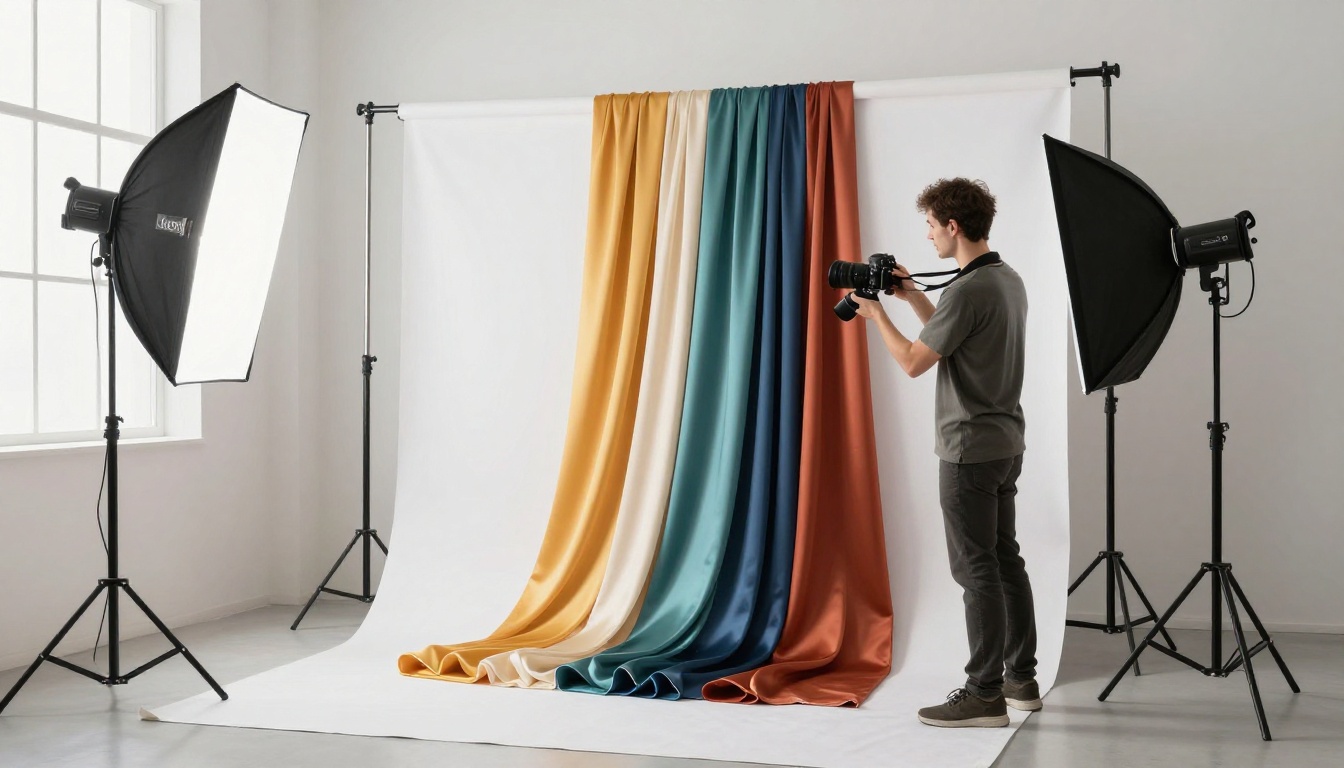
The quality of your catalog is limited by the quality of your photos. You do not need a professional studio for every shot, but you do need consistency, which is harder to achieve than studio-quality lighting.
Lighting That Makes Fabric Colors Pop
Textile photography has one non-negotiable requirement: accurate color reproduction. Buyers ordering 500 meters of fabric based on a photo cannot afford color drift between what they saw in the catalog and what arrives at their warehouse.
The safest lighting setup for fabric photography:
- Diffused natural light from a north-facing window (no direct sun) for accurate color rendering
- Large white reflector on the opposite side to eliminate harsh shadows without adding color cast
- Avoid mixed sources: Never mix daylight with tungsten or fluorescent. The color cast cannot be fully corrected in post-production
💡 Pro Tip: Shoot on overcast days. Clouds act as a massive natural softbox, delivering perfectly diffused light with no hot spots on shiny or semi-glossy fabrics like silk or sateen.
For fabrics with heavy texture, such as boucle, tweed, or jacquard weaves, use a single raking light source positioned at a very low angle (10-15 degrees from horizontal). This creates shadows within the weave valleys that communicate texture depth far better than flat lighting.
Angles and Styling That Communicate Fabric Properties
Different fabric types need different photographic approaches:
| Fabric Type | Best Angle | Styling Tip |
|---|
| Woven textures (tweed, linen) | Raking 45-degree side angle | Keep flat, no folds |
| Draping fabrics (silk, chiffon) | Low 3/4 angle with drape | Allow natural gravity folds |
| Knits and jerseys | Overhead with slight stretch | Show natural stretch direction |
| Structured fabrics (canvas, denim) | Straight overhead flat lay | Fold to show edge thickness |
| Prints and patterns | Strict overhead | Full repeat visible |
For each fabric in your collection, shoot a minimum of three angles: a full-swatch overview, a medium close-up showing the surface character, and a macro detail shot showing weave construction or print detail.
⚠️ Warning: Avoid shooting fabrics on colored surfaces. A navy tablecloth will cast a blue color reflection onto ivory or white fabrics, ruining color accuracy. Always use a white or medium-gray neutral background.

Organizing Your Photos Before Building the Catalog
Speed comes from preparation. The difference between spending two hours building a catalog and spending two days is almost entirely about how well-organized your source files are before you start.
File Naming That Saves Time
Adopt a consistent naming system before your first photo is taken. A reliable structure is:
[CollectionCode]-[FabricCode]-[ColorCode]-[AngleCode]
For example: SS26-LN001-IVORY-OVH.jpg
This system makes batch importing, filtering, and sorting fast. When your catalog software asks for all ivory linen fabrics from your SS26 collection, you can select them in seconds rather than hunting through hundreds of unnamed files.
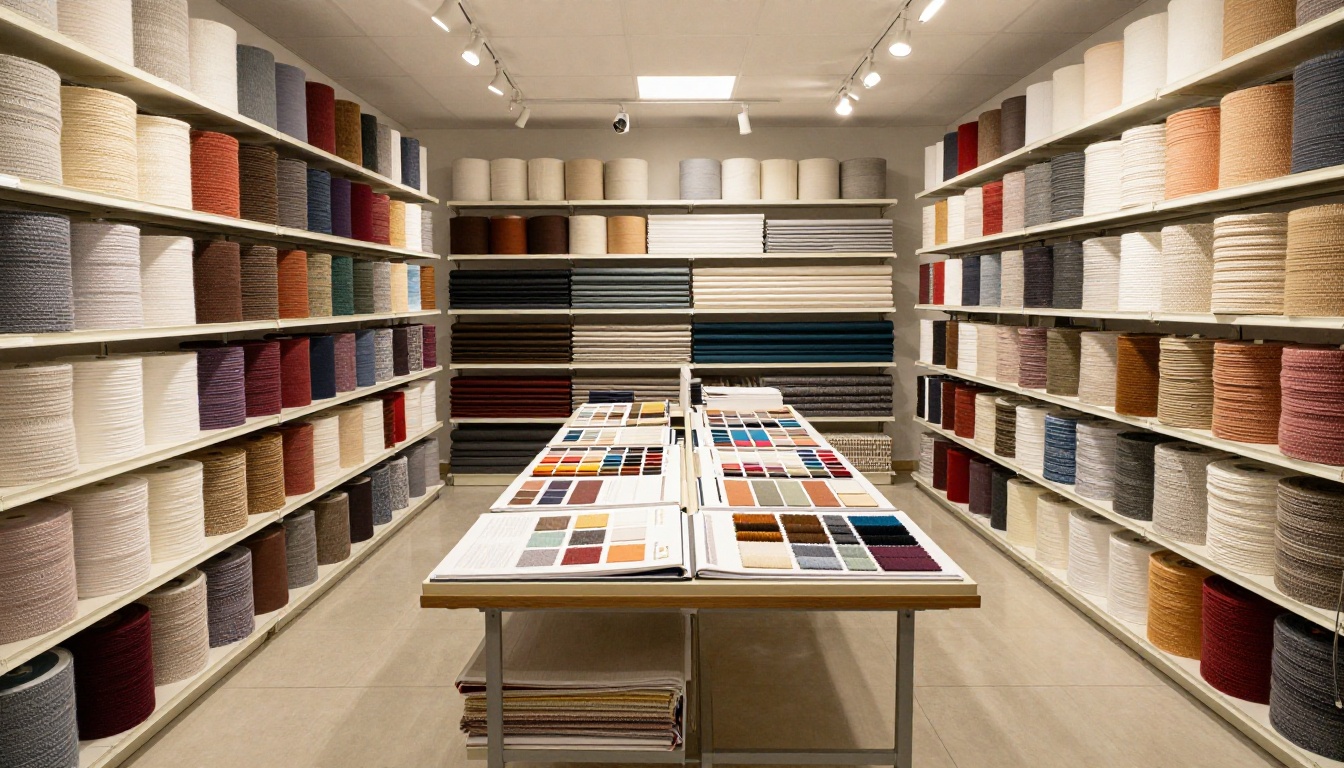
Grouping Logic for Catalog Pages
Your catalog's organization should reflect how buyers shop, not how your warehouse stores inventory. Three common grouping approaches, each with different strengths:
By Color Family: Works best for fashion buyers who shop by seasonal palette. All blues together, all neutrals together. This approach is visually intuitive and works well for lifestyle-oriented collections.
By Fiber or Material: Works best for product designers and manufacturers who specify by composition. All linens, all cottons, all synthetics in their own sections. Buyers sourcing for specific end products find this format far easier to navigate.
By End Use: Works best for B2B wholesale. All upholstery fabrics, all apparel fabrics, all accessory fabrics grouped separately. This is the clearest structure for suppliers serving multiple industries.
Many successful textile catalogs use a hybrid approach: primary sections by end use, secondary organization by color within each section. This structure serves both the interior designer looking for upholstery options and the fashion buyer hunting for specific seasonal tones.
How to Build Your Catalog with Flipbooks AI
Flipbooks AI is built for creating interactive digital publications from existing PDF documents. For textile businesses, the workflow is direct: design your catalog pages in any tool you already use, such as Canva, InDesign, Google Slides, or even Word, export to PDF, and convert to an interactive digital flipbook in minutes.
Step 1: Design Your Catalog Pages
Lay out your organized product photos into a page-based design. Each spread should follow a clear visual hierarchy:
- Left page: Full-fabric lifestyle or drape shot
- Right page: Swatch grid with color codes, composition details, and pricing tiers
For a 20-fabric collection, plan on 25-30 pages total to include intro pages, collection overviews, and a contact or ordering page at the end.
💡 Pro Tip: Use a two-column grid on your swatch pages. Left column for the photo, right column for specifications. This format imports cleanly into the Digital Catalog Maker and reads well on both desktop and mobile screens.
Step 2: Upload and Convert
Go to Flipbooks AI and create your account. Upload your completed PDF through the main dashboard. The conversion process is automatic, typically completing in under two minutes for a 30-page catalog. The result is a page-turning digital flipbook with smooth animations that buyers can browse in their browser without downloading anything.
The Product Catalog tool is purpose-built for this use case, with templates optimized for product-heavy layouts with photo grids and specification tables.
Step 3: Add Your Branding
Once converted, customize the flipbook presentation in minutes:
- Upload your brand logo
- Set your brand colors for the toolbar and navigation elements
- Add your company name to the browser tab title
- Set a custom sharing URL that reflects your brand
These customization steps take less than five minutes and transform a generic PDF viewer into a branded digital showroom that buyers associate with your company, not a third-party tool.
Step 4: Share with Buyers
Flipbooks AI provides multiple sharing options, each suited to different buyer relationships:
- Direct link: Copy and paste into email, WhatsApp, or any messaging platform
- Embed code: Paste into your website to show the catalog inline on your product pages
- Password protection: Create a private link with a password for exclusive collections or pre-season previews
- QR code: Generate a QR code for print materials, trade show signage, or physical sample cards
✅ Best Practice: Use password protection for your pre-season collection and send the password separately from the catalog link. This gives you control over who accesses new collections before official launch.
For brands on the Professional plan, catalog analytics show exactly which pages buyers spend the most time on, which fabrics generate the most attention, and where viewers drop off. This data directly informs your next collection's sampling decisions and helps you prioritize which fabrics to stock in higher quantities.

Not all catalog formats serve textile businesses equally. Here is how the main options stack up across the criteria that matter most for fabric selling:
| Format | Color Accuracy | Detail View | Shareability | Updateability | Cost |
|---|
| Printed catalog | Excellent | Tactile | Low (physical) | None | High |
| Static PDF | Good | Zoom capable | Medium | Low | Low |
| Interactive flipbook | Excellent | Zoom + page turn | Very high | Instant | Low |
| Lookbook website | Variable | Scroll-based | High | Requires dev | High |
| Social media posts | Compressed | Low | Very high | Real-time | Free |
Interactive flipbooks hit the best balance for most textile businesses: they preserve PDF color fidelity, allow buyers to zoom into fabric details, share via any channel, and can be updated instantly without resending files. No other format combines all four of those properties at a low cost.

Choosing the Right Plan for Your Business
Flipbooks AI pricing is structured around volume and feature needs. Here is how the plans map to different types of textile businesses:
| Plan | Best For | Key Features |
|---|
| Free | Testing the platform | 1 flipbook, basic sharing |
| Standard | Small designers, indie brands | Unlimited flipbooks, no watermarks, custom branding |
| Professional | Wholesalers, multi-collection brands | Analytics, lead generation, offline downloads, password protection |
💡 For wholesale textile suppliers: The Professional plan's lead generation feature lets you collect buyer contact information directly within the catalog, turning passive browsers into qualified leads without any additional tooling.
All plans include mobile-responsive design, meaning your fabric catalog displays perfectly whether a buyer is reviewing it on a desktop in their office or on a phone at a trade show floor. No watermarks appear on any paid plan, which matters for client-facing documents where branding integrity is essential.
Real-World Use Cases
Wholesale Fabric Suppliers
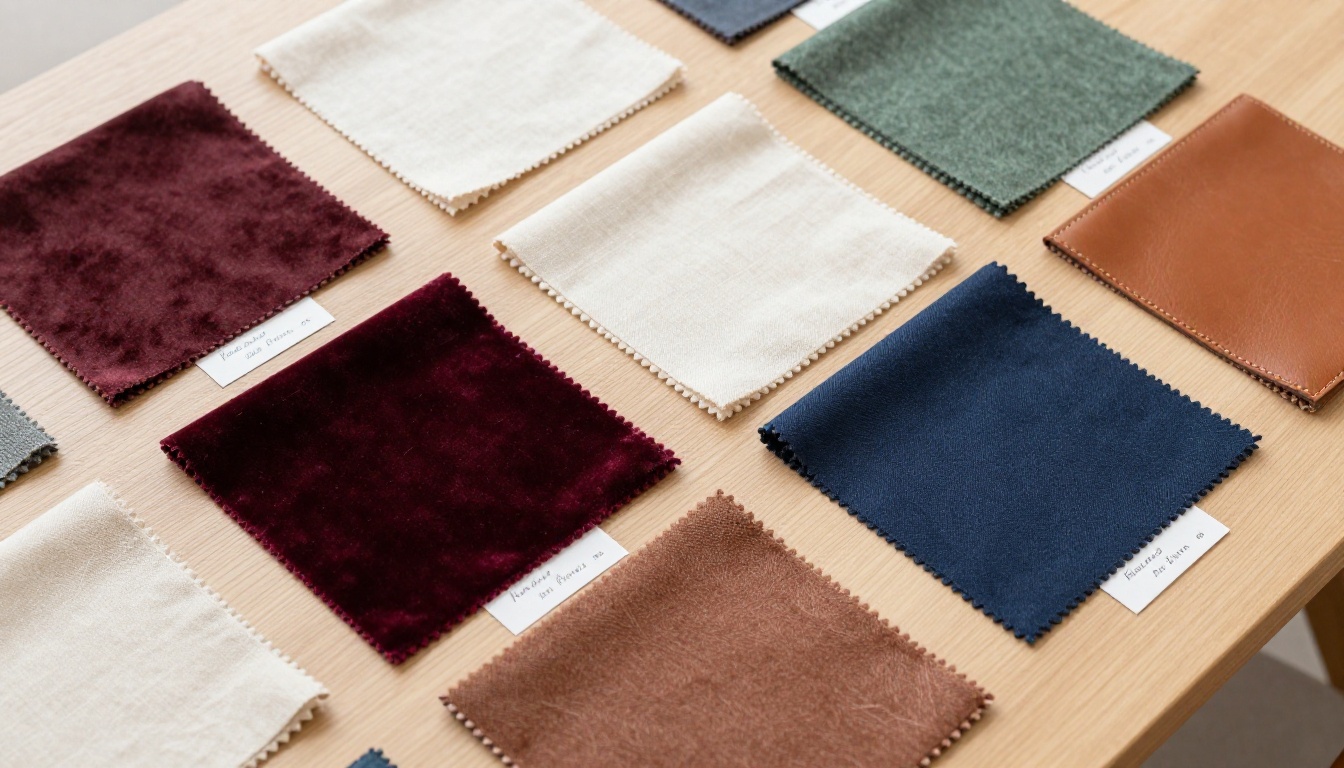
A wholesale supplier with 200 or more SKUs across four seasonal collections cannot afford to send printed catalogs to every buyer in their network. A digital flipbook catalog built with the Catalog Flipbook Creator lets them maintain one master catalog per season, share it via a permanent link, and update pricing or availability in real time. When a fabric sells out, they update the PDF, re-upload, and every buyer viewing the link sees the current version instantly. No reprinting, no resending, no outdated information in circulation.
Fashion Brands Presenting to Retailers
Independent fashion brands pitching to retail buyers need to present their fabric story alongside their designs. A digital catalog built in Flipbooks AI lets them embed fabric swatches, care instruction pages, and production specification sheets into a single branded document. Buyers can flip through the collection exactly as they would a printed lookbook, with the added ability to click embedded links to request samples or place orders directly.
Interior Design and Upholstery Suppliers
Upholstery fabric suppliers serve an audience of interior designers who specify by texture, weight, and durability rating. A well-structured digital catalog organized by end use (contract, residential, outdoor) with detailed fiber spec pages saves sales reps hours of follow-up calls. The Furniture Catalog Maker offers layouts specifically designed for material-heavy product categories where technical detail matters as much as visual presentation.
Independent Designers Selling Direct
An independent textile designer selling limited-run fabric collections can use a password-protected catalog to create exclusivity. Share the catalog with their mailing list only, with a time-limited password that expires after the pre-order window closes. This creates genuine urgency and positions the collection as exclusive, without any of the complexity of building a custom e-commerce system from scratch.
Speed Tips for Repeat Catalog Production
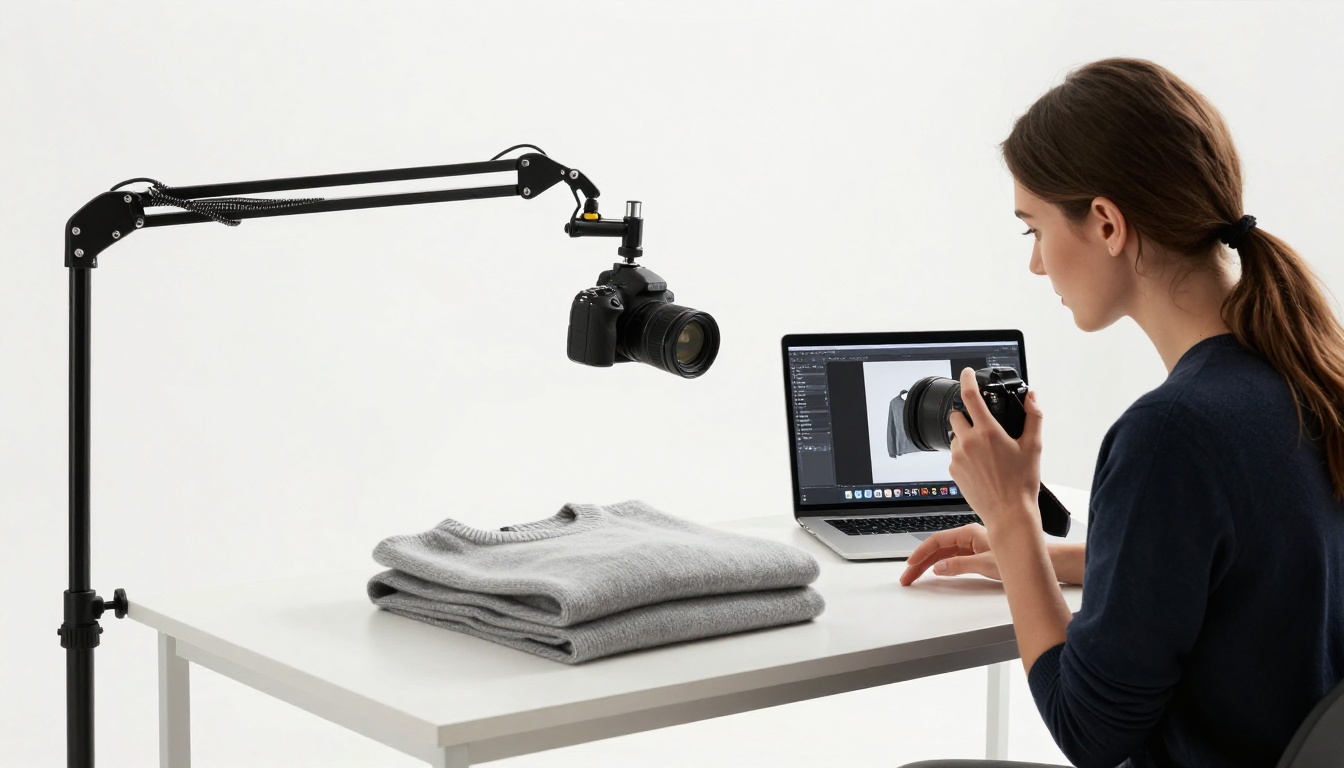
Once you have built your first catalog, subsequent seasons get significantly faster. Here is how to cut production time on every catalog after the first:
Maintain a master template: Keep a clean Canva or InDesign template with your brand colors, fonts, logo placement, and page grid locked in. A new season means dropping new photos into existing frames, not rebuilding the layout from scratch each time.
Batch-edit photos before importing: Run color correction and cropping on your full photo library before touching your catalog layout. A consistent edit preset applied to all fabric photos saves you from adjusting individual images during the layout phase, which is time-consuming and breaks your creative flow.
Build a reusable spec table: Create a master specification table with all possible fields: fiber content, weight, width, repeat, care instructions, and minimum order quantity. Copy this table to every product page and fill in only the relevant fields. Delete empty rows. This approach is far faster than building spec tables from scratch each time.
Archive past catalogs as reference: Before archiving your previous season's flipbook, export a full list of all fabric codes and their page numbers. This reference document makes it easy to identify what carried over, what was discontinued, and what is new, which helps when writing your intro and "new this season" pages.
Shoot the next season while packing the current one: The best time to photograph your new collection is in the week before your current collection ships. The photography setup is already live, your team is already focused on fabric, and the momentum carries over naturally into the next catalog cycle.

Start Building Your Textile Catalog Today
Your product photos are already doing most of the work. The gap between a folder of fabric images and a professional, shareable digital catalog is smaller than it has ever been, and the tools to close that gap are more accessible than at any point before.
Whether you are a solo designer launching your first collection, a mid-size supplier managing multiple seasonal lines, or a wholesale operation serving hundreds of buyers globally, the process is the same: photograph well, organize deliberately, and publish with a tool built for the job.
The buyers looking for what you make are already online. A professional digital catalog is how they find you, trust you, and place that first order.



