Most training manuals never get read. They get printed, put in a drawer, and forgotten. Or they get emailed as a PDF, opened once, and closed. The problem is almost never the content. It is the format, the structure, and the delivery. If you want to create a training manual that people actually read, you need to rethink how documents are built, not just what goes in them. Flipbooks AI is one of the tools that helps solve exactly that problem.
Why Most Training Manuals Fail

Training manuals fail for predictable reasons. Most of the time it is not a content problem. The information is there. The steps are documented. Someone put real effort in. But the reader still does not engage.
The Wall-of-Text Problem
The number one killer of training documentation is density. Blocks of unbroken text signal to the brain that what follows is going to be work. When employees open a 40-page document that looks like a legal brief, they make a subconscious decision to skim or skip.
Readers are not lazy. They are overwhelmed. Modern workers receive hundreds of notifications per day. Their attention is a resource they protect. If a document does not signal value quickly, through clear headings, short paragraphs, and visible structure, it loses.
Format Determines Fate
The format of a training manual often determines whether it gets read at all, before anyone sees a single word of content. A monochrome printout with 11pt Times New Roman feels like homework. A well-structured digital document with visual sections, callout boxes, and color-coded categories feels like a resource worth keeping.
This is not about making things pretty. It is about removing friction. Every design choice that makes the document easier to navigate is a choice that makes it more likely to be used.
What Makes a Training Manual Actually Work
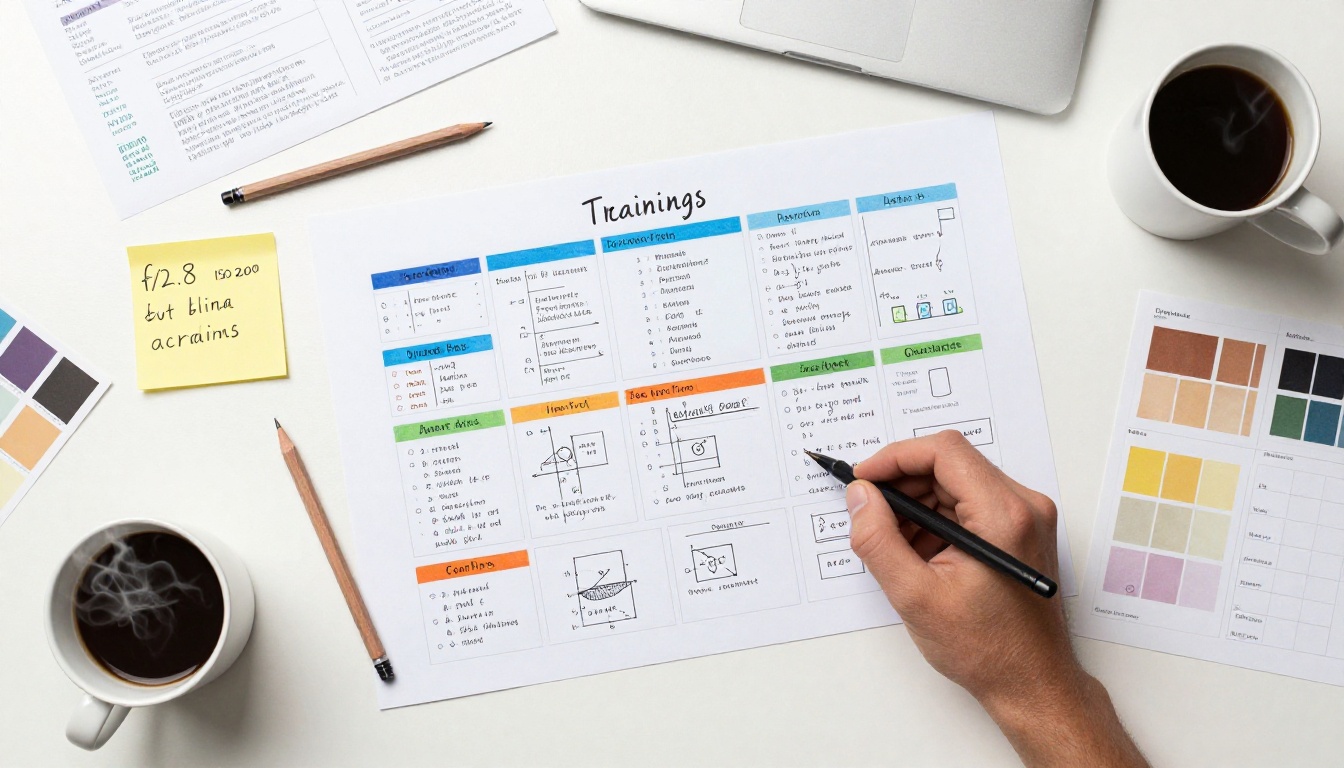
Effective employee training manuals share a small number of consistent traits. They are easy to scan, easy to navigate, and visually broken into digestible pieces.
Clear Structure from Page One
A reader should know within 30 seconds what the manual covers, how it is organized, and where to find what they need. That means:
- A descriptive title that tells the reader exactly what the manual is for
- A table of contents with section names that are self-explanatory
- Section headers that answer a question or state a clear topic
- Page numbers or anchor links so navigation is effortless
Visual Hierarchy Is Not Optional
Visual hierarchy means the reader's eye knows where to go. It is built through contrast, size, spacing, and color. Without it, every line of text competes equally for attention, and nothing stands out.
The most important rule: use no more than three levels of heading. H1 for the manual title, H2 for major sections, H3 for subsections. Anything deeper than that becomes a maze.
💡 Pro tip: Write every H2 and H3 as if it is the only line someone reads. If it does not make the topic obvious by itself, rewrite it.
How to Structure Your Training Manual
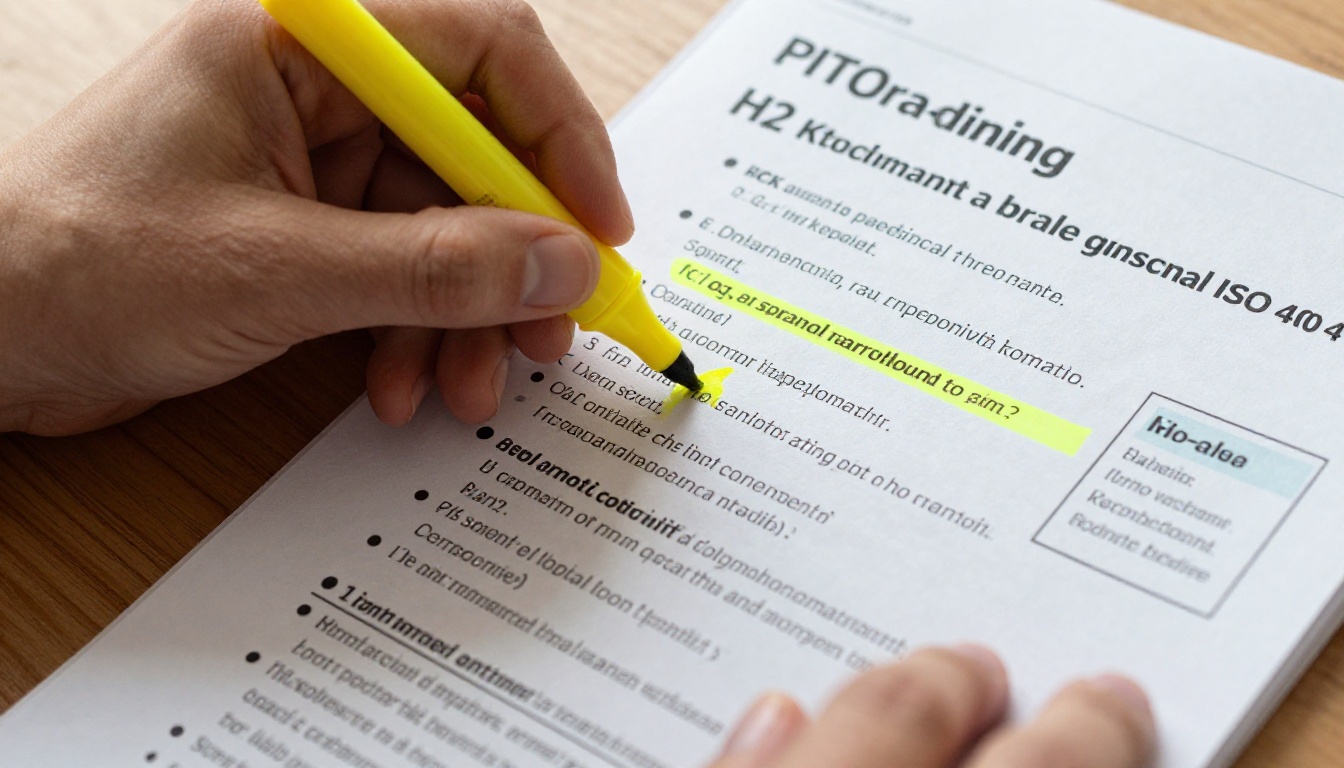
Structure is the backbone of any successful onboarding documentation. The sections below represent the most effective layout for workplace training manuals across industries.
Sections Employees Expect
| Section | Purpose | Recommended Length |
|---|
| Cover Page | Title, department, version date | 1 page |
| Table of Contents | Navigation overview | 1-2 pages |
| Introduction and Purpose | Why this manual exists | 1 page |
| Core Content by Topic | The actual training material | 60-70% of total |
| Quick Reference Cards | Checklists and cheat sheets | 2-5 pages |
| FAQ | Common questions and answers | 2-3 pages |
| Contact and Escalation | Who to call when something goes wrong | 1 page |
This sequence works because it mirrors how people actually use documentation. They read the intro once, skim the table of contents often, refer to core content when needed, and return to quick reference cards repeatedly.
Length vs. Depth Tradeoff
There is a tension between being thorough and being readable. The instinct is to include everything. The result is a document no one opens twice.
A better approach: separate the "need to know" from the "nice to know." Put critical procedures in the main manual. Move background context, policies, and optional deep-dives into appendices or linked supplementary documents.
⚠️ Warning: Every page you add reduces the chance each page gets read. Treat length as a cost, not a feature.
Writing for Real People, Not Auditors
The voice and tone of training content matters more than most documentation teams realize. Documents written in passive, formal language feel institutional. Documents written in plain, direct language feel like they were written by a human who knows the job.
Plain Language Wins Every Time
Write the way a skilled coworker would explain the task. Short sentences. Active verbs. Specific nouns. If a sentence takes more than two readings to follow, rewrite it.
Compare these two versions:
| Version | Example |
|---|
| Formal and passive | "The employee should ensure that the relevant form has been completed prior to the submission of the request." |
| Plain and direct | "Fill out the request form before submitting." |
The second version communicates the same information in six words instead of nineteen. Multiply that across 40 pages and the difference is enormous.
Real Examples Beat Theory
For every procedure, include a concrete example. If the manual covers how to handle a customer complaint, write out an actual sample dialogue or scenario. If it covers expense reporting, show a filled-in form, not just a blank one.
Examples anchor abstract concepts in reality. They give employees a mental model to match their own experience against. Procedures without examples are instructions without context.
✅ Best practice: For every "what to do" section, include a "what it looks like in practice" example. One real scenario is worth three paragraphs of explanation.
Design Principles That Improve Retention
You do not need a graphic design background to produce training materials that look professional and communicate clearly. A few core principles cover most of the ground.
Color and Contrast Basics
Color does three things in a training manual: it creates hierarchy, it signals category, and it increases retention. Studies consistently show that color-coded materials are recalled more accurately than monochrome ones.
Practical application:
- Use one primary color for all major section headers
- Use a distinct accent color for callout boxes and warnings
- Keep body text black on white for maximum readability
- Use no more than three colors in total
Images Replace Paragraphs
A screenshot showing where to click in a software system does the work of a paragraph. A photo of correctly assembled equipment communicates what words cannot. A diagram of a workflow saves four steps of written explanation.
The rule of thumb: if you find yourself writing three or more sentences explaining something visual, create a visual instead.
How to Create a Training Manual Flipbook with Flipbooks AI

Once your training manual is written and designed, how you deliver it changes whether people actually use it. A static PDF attached to an email is easy to lose and hard to navigate. A digital, interactive flipbook that employees can open on any device changes the experience entirely.
Flipbooks AI has a dedicated Training Manual Flipbook tool built specifically for this use case. Here is how to use it.
Step 1: Set Up Your Account
Go to flipbooksai.com/account and create a free account. No credit card required to start. Once inside, the dashboard gives you access to all tools, including the training manual builder.
Step 2: Upload Your PDF
Export your training manual as a PDF from Word, Google Docs, Canva, or any design tool. In Flipbooks AI, click Create Flipbook, select the training manual template, and upload your PDF. The platform converts it automatically into a page-turning digital format.
Step 3: Apply Your Branding
Under the Settings panel, add your company logo, set your primary brand colors for the interface, and choose a cover style. Employees will see a professional, branded document, not a generic viewer.
Step 4: Add Multimedia
For sections that benefit from video or audio, click any page and use the Media Embed option to insert a YouTube link or audio clip. This is especially useful for onboarding sections that include welcome messages from leadership or screen recording walkthroughs.
Step 5: Configure Sharing and Access
Flipbooks AI gives you several sharing options:
- Direct link: Share a URL that opens the flipbook in any browser, no login needed
- Embed code: Drop the flipbook directly into your intranet, Notion workspace, or HR portal
- Password protection: Restrict access to internal staff only
- Offline download: Allow employees to save a copy for areas without internet access (available on Standard plan and above)
Step 6: Track Usage with Analytics
With the Professional plan, you can see exactly who opened the manual, which pages they spent time on, and whether they completed it. This data is invaluable for identifying which sections employees skip, which signals they either already know the content or found it unclear.
💡 Pro tip: Use the analytics data to schedule targeted refresher sessions on the sections with the lowest average time-on-page.

Not every format works for every team or training context. Here is a direct comparison of the most common delivery formats for employee onboarding documentation.
| Format | Accessibility | Interactivity | Analytics | Cost | Best For |
|---|
| Printed manual | Low (physical only) | None | None | High (print and bind) | Field workers without devices |
| Static PDF | Medium (requires app) | None | None | Low | Simple internal distribution |
| Word or Google Doc | Medium | Comments only | Basic views | Free | Small teams, draft-stage |
| Video or LMS course | High | High | Detailed | High (production cost) | Complex skills training |
| Digital Flipbook | High (any device) | Page-turn and media | Yes (Professional) | Low | Onboarding, SOPs, policies |
Digital flipbooks occupy a strong middle position: they are far more dynamic than static PDFs, cheaper than full video production, and accessible on any device without requiring an app.
Getting Your Team to Actually Use the Manual
A great training manual that nobody knows about solves nothing. Distribution and reinforcement are as important as the document itself.
Distribution Strategies That Work
- Embed in onboarding emails: Include the flipbook link in the first email a new employee receives, not as an attachment but as a prominent button
- Add to your intranet or portal: Use the Embed Flipbook on Website feature to place the manual inside your existing HR tools
- Share in Slack or Teams: A pinned message in the onboarding channel keeps it visible and accessible
- Print a QR code: For physical environments, print a QR code on the first page of any printed materials that links directly to the digital version
Reinforcing What Is in the Manual
The manual does not replace the conversation. It supports it. The most effective teams pair the training manual with:
- A live walkthrough of the major sections during the first week
- Short quizzes or check-ins tied to specific sections
- A scheduled 30-day review where employees flag anything unclear
- Version updates with a changelog so returning employees know what changed
✅ Best practice: Treat the training manual as a living document. Set a quarterly review date and assign one person to own updates. Stale manuals erode trust faster than no manual at all.
Tracking Who Reads What
With Flipbooks AI Professional, you get per-reader analytics. You can see which employees opened the manual, how far they progressed, and which pages they returned to. This removes the "I did not know about that policy" problem by creating a verifiable record of who engaged with what.
For teams managing compliance training or safety documentation, this data is not just useful. It is essential.
Build It Once, Use It Many Times
The effort that goes into a well-built training manual pays off every time a new employee joins, every time a process changes, and every time someone needs a reference without having to ask. The investment is in the structure and the format, not in rewriting from scratch each time.
Start by creating a free account on Flipbooks AI and upload your existing training documentation. See what the interactive format does for how employees interact with it. Browse the Course Material Publisher and Training Manual Flipbook tools to find the format that fits your team best.
When you are ready to scale, compare pricing plans to see which tier includes the analytics and sharing features your organization needs. The difference between a document that sits in a folder and one that actually changes how people work starts with how it is built and how it is delivered.



