Most sales teams have a folder somewhere full of case studies that nobody uses. The PDF is too long to send cold, too boring to share in a meeting, and too static to tell the story that actually closes deals. That is the problem a case study flipbook solves, and it is why more B2B sales teams are ditching flat documents for interactive, page-turning digital experiences. Flipbooks AI makes this possible without a design team or a three-week production cycle.
Why Your Case Studies Are Not Working
Sales reps know the pain. A prospect asks for proof that your product delivers results. You dig through shared drives, find a PDF from 18 months ago, and send it. The prospect opens it, skims the first paragraph, and never brings it up again. The document was not wrong. The format was.

Static PDFs have three core problems when used in sales:
- No visual hierarchy: Everything looks equally important, so nothing stands out
- No interactivity: Readers cannot click through sections or jump to relevant data
- No tracking: You have no idea whether the prospect ever opened it
A flipbook changes all three. It creates a visual experience with page turns, embedded charts, and clickable sections. It works on any device without downloading software. And with the right platform, it tells you exactly who opened it and how long they spent on each page.
💡 Pro tip: Case studies shared as flipbooks get read 3x longer on average than static PDFs, according to content consumption data from B2B publishing platforms.
What a Case Study Flipbook Actually Is
A case study flipbook is a digital publication that presents a client success story in an interactive, magazine-style format. Unlike a PDF, it has animated page turns, a table of contents, embedded media, and responsive design that works on phones, tablets, and desktops without any friction.

The format is particularly powerful in B2B sales because:
- It feels premium: The page-turning animation signals quality and professionalism before the prospect reads a word
- It is shareable: Reps send a single link. The prospect can share it internally without worrying about file size
- It is measurable: Analytics show which sections drive the most time, so you can refine future case studies
- It is evergreen: Update the content without resending anything. The same link always shows the latest version
| Format | Shareability | Analytics | Mobile-Friendly | Update Without Resending |
|---|
| PDF | Low (file size) | None | Poor | No |
| Google Doc | Medium | Basic views | Partial | Yes |
| PowerPoint | Low | None | Poor | No |
| Case Study Flipbook | High (link) | Full page-level | Yes | Yes |
The Anatomy of a High-Converting Case Study
Before you open any tool, the structure of your case study matters more than the design. The best-performing case studies for sales teams follow a proven narrative arc that moves prospects from skepticism to confidence.

The 6-Section Formula That Works
1. Client Snapshot (Pages 1-2)
Company name, industry, size, and a one-sentence summary of the challenge. This is where the prospect decides if they see themselves in the story. Match the snapshot to the prospect's profile as closely as possible.
2. The Problem (Pages 3-4)
Go specific. Avoid vague language like "inefficiency." Use numbers: "The team was spending 14 hours per week on manual reporting." Specificity creates credibility and makes the pain feel real and shared.
3. Why They Chose You (Page 5)
This is the moment most case studies skip. Include quotes from the decision-maker about what differentiated your product. This directly addresses the prospect's buying hesitation at the moment they are comparing you to alternatives.
4. The Implementation (Pages 6-8)
A brief, honest account of how the rollout happened. Include a timeline. Buyers want to know the real effort required, and transparency here builds more trust than overselling the process.
5. The Results (Pages 9-10)
Lead with the biggest number. Use charts, not just text. Visual data is absorbed faster and remembered longer. Include both percentage improvements and absolute numbers whenever possible.
6. What Comes Next (Page 11)
Show what the client is doing now. It signals ongoing value and counters the fear of buyer's remorse by demonstrating that the relationship did not end at the contract signature.
✅ Best practice: Every section should have at least one visual. Pages with only text see 60% lower dwell time than pages that mix text with charts or images.
How to Create Your Case Study Flipbook with Flipbooks AI
This is where the actual build happens. Flipbooks AI is built specifically for turning PDFs and documents into polished, interactive publications. Here is the exact process, from raw document to shareable link.

Step 1: Build Your Source Document
Design your case study in whatever tool your team already uses: Google Slides, PowerPoint, Canva, or Adobe InDesign. Export it as a PDF. The flipbook platform handles the conversion. You do not need to redesign anything from scratch.
💡 Tip: Use a 16:9 slide ratio for your PDF. It fills screens better and avoids the white space issues that plague letter-size documents on widescreen monitors and during screen shares.
Step 2: Upload and Convert
Go to Flipbooks AI and create your account. The upload process is drag-and-drop. Your PDF converts to an interactive flipbook in under two minutes, regardless of page count.
Once uploaded, you will see the flipbook preview with the page-turning effect applied automatically. No manual configuration needed for the core animation. The PDF to Flipbook Converter handles the heavy lifting instantly.
Step 3: Apply Your Branding
Under the customization panel, set:
- Brand colors: Match your company palette exactly using hex codes
- Custom domain: Present the flipbook on your own subdomain instead of a generic URL
- Logo placement: Upload your logo to appear consistently across the publication
- Page background: Choose from solid colors, gradients, or custom textures
The Sales Presentation tool inside Flipbooks AI is purpose-built for this use case, with pre-optimized layouts for sales collateral that look polished without custom design work.
Step 4: Add Interactive Elements
This is where flipbooks pull far ahead of PDFs. Inside the editor, you can embed:
- Video testimonials: Drop a YouTube or Vimeo link directly onto any page
- Clickable CTAs: Add buttons that link to your calendar, demo page, or pricing
- Animated charts: Replace static images with animated data visualizations
- Audio: Add a voice-over from the client contact for an authentic touch that static documents simply cannot replicate
Step 5: Set Sharing and Privacy Options
Every flipbook gets a unique shareable link. For case studies, consider these settings:
- Password protection: Restrict access to specific prospects or accounts
- Custom link slug: Use the client name in the URL for a personalized touch
- Embed code: Drop the flipbook directly into your email signature, proposal page, or CRM using the Embed Flipbook on Website tool
⚠️ Warning: Never send a case study with a competitor's name visible to a different prospect. Use password protection to segment access by audience and avoid awkward, trust-breaking moments.
Step 6: Share and Track Performance
Copy the link and send it through your preferred channel: email, LinkedIn, your sales proposal tool, or your CRM. With the Professional plan, you get page-level analytics showing exactly who opened the flipbook, how long they spent on each page, which sections they returned to, and whether they shared it internally.

Not every case study serves the same moment in the sales cycle. The format of your flipbook should match where the prospect is in their decision process, not just what your marketing team finds easiest to produce.
| Sales Stage | Case Study Goal | Flipbook Format | Ideal Length |
|---|
| Awareness | Build credibility | Industry overview with multiple client snapshots | 6-8 pages |
| Consideration | Show differentiation | Deep-dive single client story | 10-14 pages |
| Decision | Remove final objections | ROI-focused with competitive data | 4-6 pages |
| Post-sale | Expand and retain | Success milestone summary for internal sharing | 8-10 pages |
💡 Pro tip: Create a short, 4-page "snapshot" flipbook version of every full case study. Reps can send the snapshot in cold outreach and follow up with the full version when interest is confirmed.
What Sales Reps Actually Need From Case Studies
The gap between marketing-produced case studies and what sales teams actually use is real. Marketing tends to write for brand reputation. Sales needs tools to handle specific objections at specific moments in a conversation.

The most-used case studies in high-performing teams share these traits:
- Objection-specific titles: The title names the problem, not just the client. "How [Company] Cut Onboarding Time by 60%" beats "[Company] Success Story" every time
- Short enough to read in a meeting: Under 12 pages. If it takes longer than 4 minutes to read, reps will not recommend it to prospects mid-call
- Visual-first design: Reps share what they are not embarrassed to show on screen. A well-designed flipbook gets shown in calls. A dense PDF does not
- Mobile-ready by default: Prospects review materials on phones. A flipbook renders perfectly on every screen size automatically, without pinching or scrolling sideways
- Findable in seconds: Tagged and organized so a rep can pull the right story in under 30 seconds while on a call
Building a Case Study Library That Scales
One strong case study is a start. A library organized by industry, use case, and deal size is what scales a sales team's effectiveness from a single rep to a full organization.
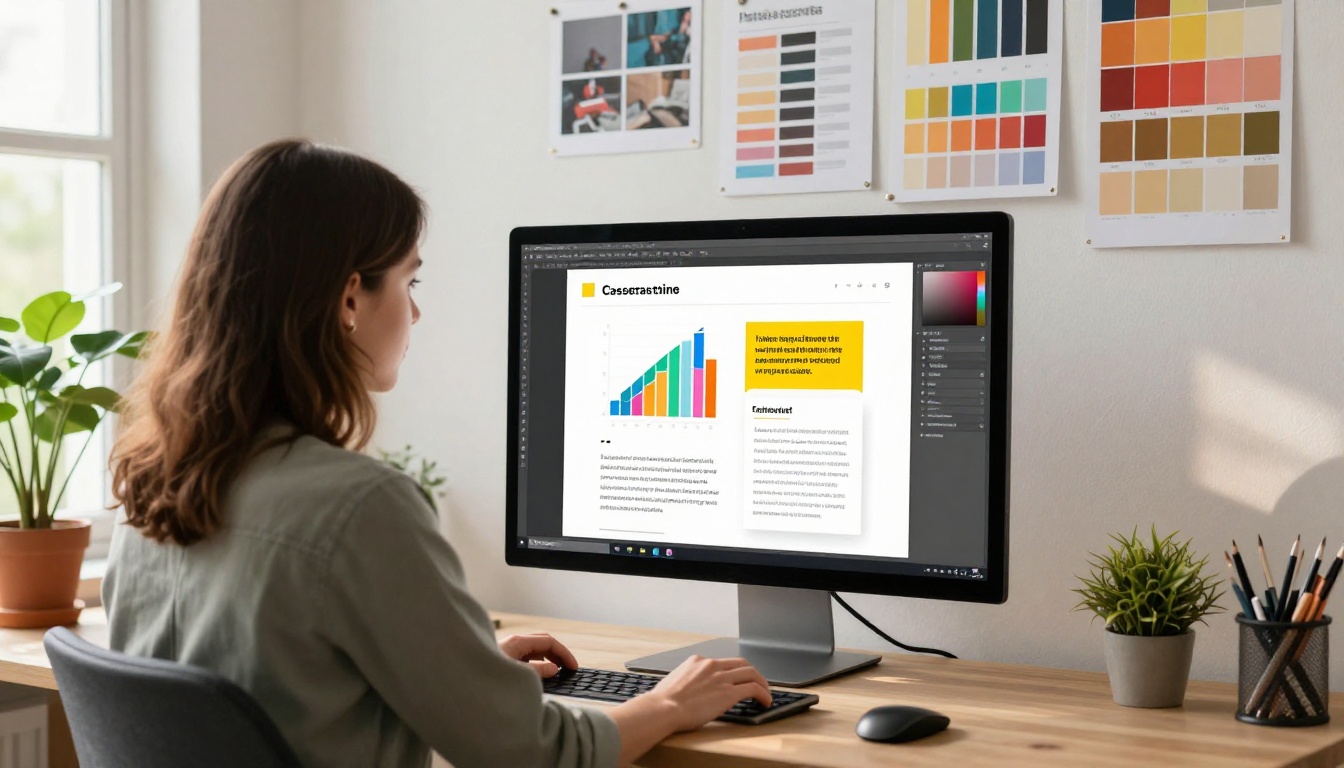
Here is how to structure a flipbook-based case study library that reps actually use:
By Industry: Create a folder structure organized by vertical. A prospect in healthcare wants to see healthcare wins, not generic SaaS stories. Industry match is the single biggest factor in case study relevance.
By Company Size: SMB buyers have different risk tolerances than enterprise buyers. Tag case studies by the client company size to match prospect profiles and buying psychology.
By Use Case: A prospect focused on cost reduction wants different evidence than one focused on speed or compliance. Organize by the primary outcome achieved, not just the client name.
By Objection: Build a set of case studies specifically designed to address the top 5 objections your team hears repeatedly. Train reps to pull the right one at the right moment in the sales conversation.
✅ Best practice: Review your case study library every quarter. Remove outdated stories, refresh result numbers, and always have at least two recent wins (from the past 12 months) per major industry vertical.
Measuring What Your Case Studies Are Doing
Most teams guess at whether their case studies work. A flipbook with analytics removes the guessing entirely and turns case study performance into a measurable, improvable asset.
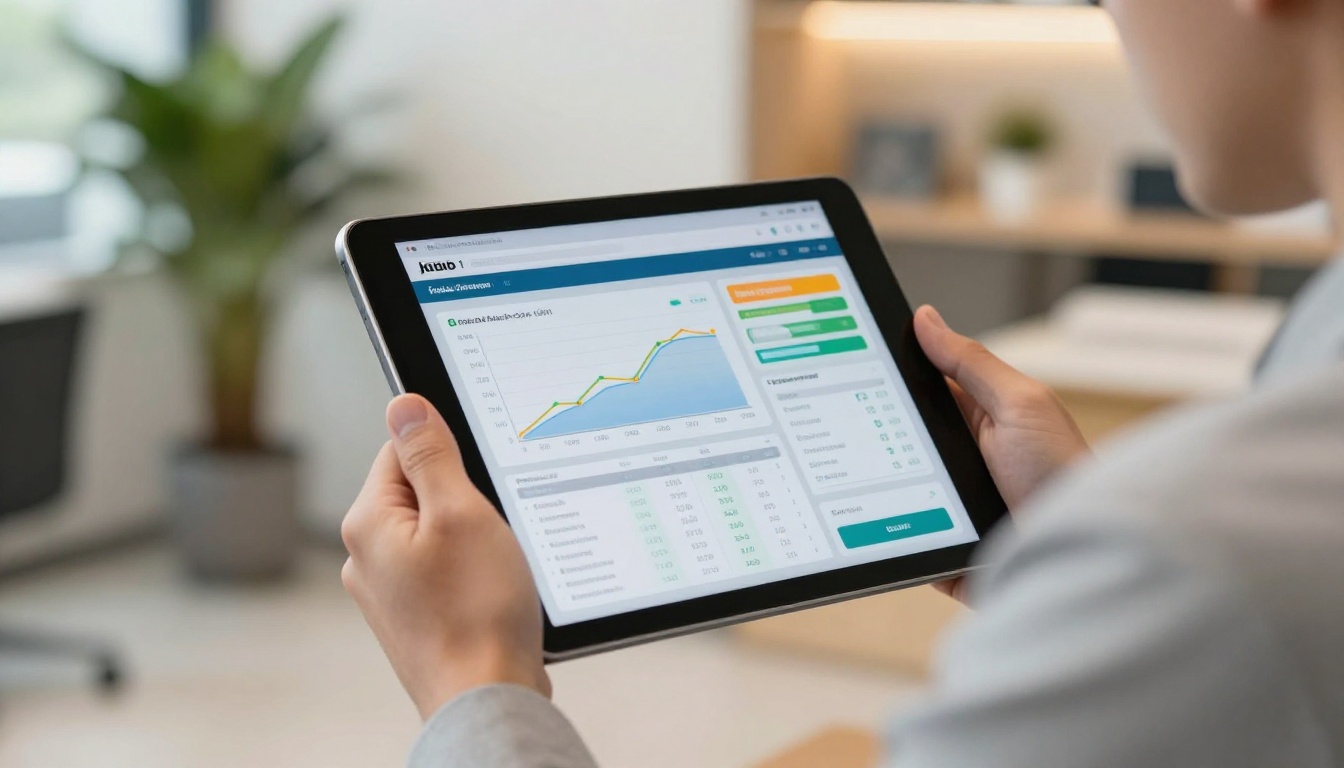
Track these metrics to understand performance and prioritize your next production effort:
- Open rate: What percentage of prospects who receive the link actually open it? Below 30% signals a problem with the send context or subject line, not the case study itself
- Completion rate: How many readers reach the final page? Under 40% suggests the middle sections are losing people before they hit the results
- Time per page: Pages where readers spend under 10 seconds are being skipped. Redesign or remove them from the next version
- Return visits: A prospect who opens the same flipbook twice is signaling buying intent. Flag these events in your CRM and follow up within 24 hours
- Share events: If analytics show the flipbook was accessed from a new device or location, it is circulating inside the buying committee
The Professional plan at Flipbooks AI includes lead generation features that let you gate the flipbook with a name and email form, turning every case study view into a qualified lead capture event alongside the consumption data.
Real-World Use Cases by Sales Team Type
Case study flipbooks work across industries and team structures. Here is how different sales teams put them to work in practice:

SaaS Sales Teams: Use flipbooks at the end of demos to leave behind a proof point. The interactive format lets prospects explore product results at their own pace after the call ends, keeping your solution top of mind during the evaluation period.
Enterprise Account Executives: Build account-specific flipbooks that reference the prospect's industry and include only the most relevant client stories. Personalization at scale without a design team or a two-week turnaround.
Real Estate Teams: Adapt the Real Estate Brochure format to present client success stories around property performance, neighborhood ROI, or investment returns in a format clients can share with partners or family.
Consulting Firms: Use the Annual Report Creator format as a base for client outcome summaries that double as both case studies and portfolio pieces for new business pitches.
Marketing Agencies: The Digital Portfolio Creator format works equally well for campaign case studies that show before and after performance metrics in a visual format clients can forward to their own leadership.
Training and Enablement Teams: The Training Manual Flipbook format adapts well for internal case study workshops where reps practice applying the right story to the right sales scenario.
Flipbooks AI Plans for Sales Teams
Choosing the right plan depends on how your team will use case study flipbooks. Here is a breakdown focused on sales use cases:
| Feature | Free | Standard | Professional |
|---|
| Flipbooks | 1 | Unlimited | Unlimited |
| Custom branding | No | Yes | Yes |
| Password protection | No | Yes | Yes |
| Page-level analytics | No | No | Yes |
| Lead generation forms | No | No | Yes |
| Offline downloads | No | Yes | Yes |
| Embed on website | Yes | Yes | Yes |
| No watermarks | No | Yes | Yes |
For active sales teams, the Professional plan pays for itself the moment analytics help a rep identify a hot prospect who revisited a case study before a scheduled call. That single insight can change how the rep opens the meeting entirely.
Build Your First Case Study Flipbook Today
Your next deal might hinge on whether the right story reaches the right person in the right format. A polished, interactive case study flipbook does more than present evidence. It signals that your team takes presentation seriously, makes sharing inside a buying committee frictionless, and gives you data to follow up with precision instead of guesswork.
Ready to build yours? Get started for free on Flipbooks AI and convert your first PDF into an interactive case study in minutes. Browse the Sales Presentation tool for purpose-built templates, or compare pricing plans to find the right fit for your team size and volume. Every case study your team produces from this point forward can work harder, travel further, and tell you exactly when a prospect is ready to buy.



