Most company reports die a quiet death in email inboxes, clicked once and never revisited. Stakeholders skim the front page, scroll to the financials, and close the file before reaching page four. If you have ever spent weeks crafting a report only to get zero feedback, the problem is not your data. It is the format. Flipbooks AI exists precisely to fix this, turning static PDFs into interactive, page-flipping experiences that people actually want to open.
Why Most Company Reports Get Ignored
The brutal truth: corporate reports are notoriously bad at communicating. A McKinsey study found that executives spend an average of just four minutes on reports before deciding whether to keep reading. Four minutes. If your report does not hook them in the first two pages, it is over.
The Numbers Behind the Problem
- 85% of annual reports go unread beyond the executive summary
- Reports with no visual elements have a 34% lower retention rate
- PDFs shared via email have an average open rate of 23%
- Interactive digital reports see 3x higher readership than static PDFs
The reason is not laziness. It is friction. A 40-page PDF requires effort. An interactive flipbook with a clickable table of contents, embedded charts, and smooth page-turn animations reduces that friction to near zero.
What Stakeholders Actually Want
Stakeholders want three things from a company report: clarity, speed, and confidence. They want to know what happened, why it matters, and what comes next without wading through dense paragraphs of corporate language. They want it fast. And they want to feel confident the organization is on top of things.
💡 Pro tip: The best company reports open with the single most important number or insight. Not with a message from the CEO. Lead with the result.
The Anatomy of a Report People Read
A report that holds attention follows a specific structure. It is not about being fancy. It is about respecting the reader's time and guiding them through information in the right order.
The Structure That Works
- Title page: Bold, clean, immediately communicates the report's purpose
- Executive summary: Maximum two pages. The whole story in brief.
- Financial highlights: Visual-first. Charts before tables.
- Operational review: Progress against goals, broken into digestible sections
- Forward outlook: What is next. Brief and specific.
- Appendix: For the data-hungry. Not for everyone.
The 5-Second First Page Test
Slide your report's title page in front of someone for five seconds, then take it away. Ask them: what is this about, and what time period does it cover? If they cannot answer both questions, your title page needs work. A strong first page includes the company name, report type, period covered, and one dominant visual.

Before You Write a Single Word
The biggest mistake companies make is jumping straight into writing without planning. The result is a report that covers everything but communicates nothing.
Define Your Audience First
A board report is not the same as an investor report. An internal quarterly review is not the same as a public-facing annual report. Before you touch a template, answer these questions:
- Who is the primary reader?
- What decision will they make after reading this?
- How much detail do they need?
- Will they read this alone or in a group setting?
Set Clear Objectives
Every section of your report should serve at least one of these purposes:
- Inform: Share facts, figures, and events
- Persuade: Build confidence or support for a direction
- Align: Get everyone on the same page about priorities
- Archive: Document for future reference
If a section does not serve any of these, it should not be in the report.

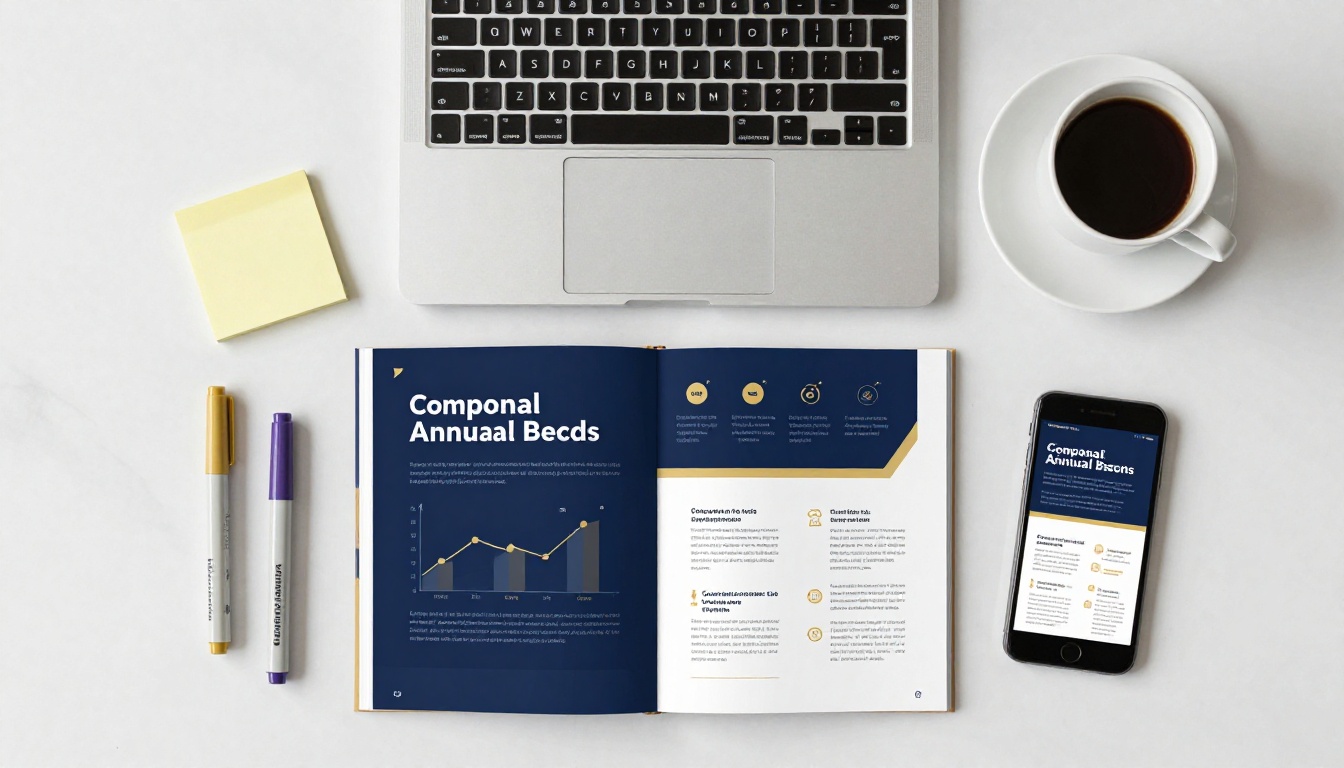
Content without formatting is like data without context. The way information is presented dramatically affects how it is received and retained.
Visual Hierarchy 101
Your reader's eye should move naturally down the page, with the most important information getting the most visual weight. Apply these principles:
- Large, bold numbers for core metrics
- Color blocks to separate sections visually
- White space used generously (cramped pages feel overwhelming)
- Consistent typography across every page, using a maximum of two font families
When to Use Tables vs. Charts
| Data Type | Best Format | Why It Works |
|---|
| Comparing multiple items | Table | Easy side-by-side reading |
| Showing trends over time | Line chart | Visual momentum is clear |
| Showing proportion or parts | Pie or donut chart | Intuitive percentages |
| Ranking items | Bar chart | Hierarchy is immediately visible |
| Showing relationships | Scatter plot | Correlation becomes obvious |
| Milestone tracking | Timeline | Sequential flow reads naturally |
⚠️ Warning: Never use 3D charts in business reports. They distort proportions and reduce credibility. Flat, clean charts only.
How to Make Data Feel Human
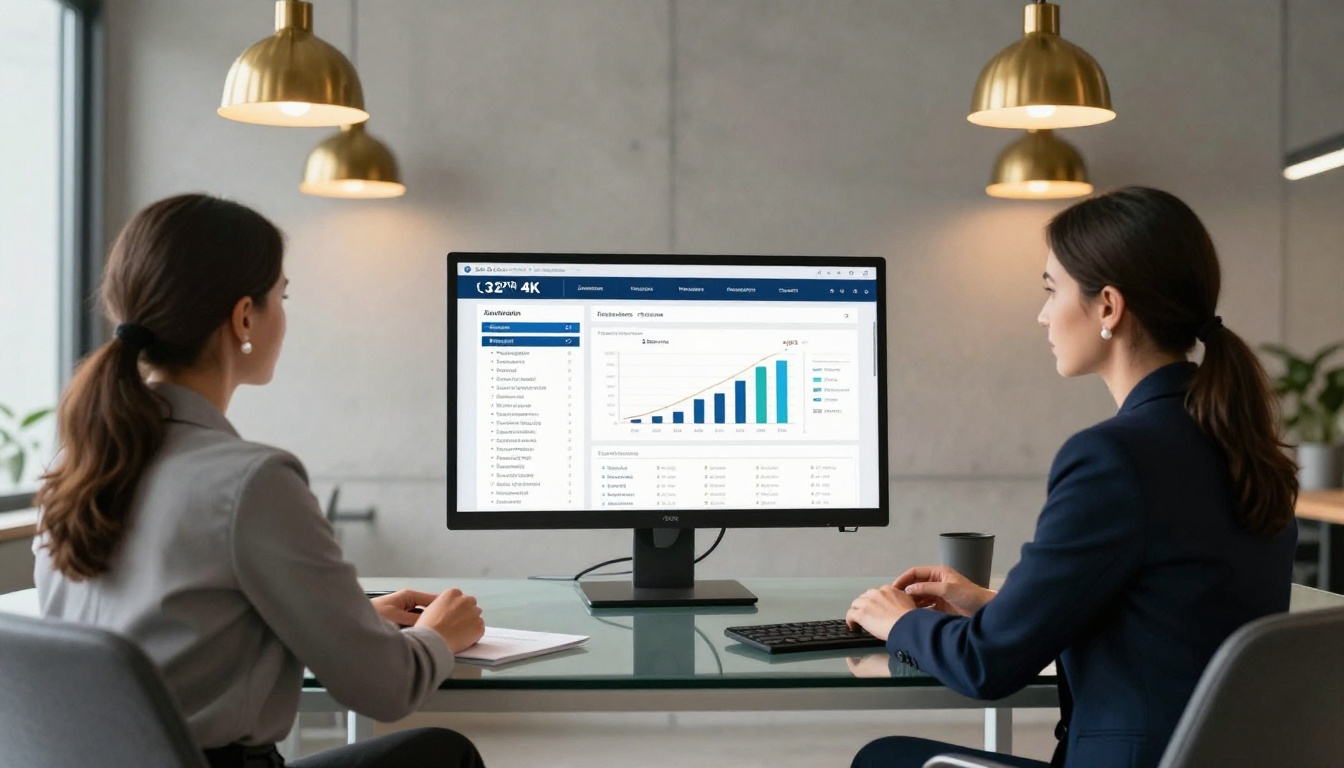
Numbers do not persuade people. Stories do. The most effective company reports do not just present data. They give it meaning.
Storytelling With Numbers
Every data point has a story. Revenue is up 18%? That is not just a number. That is three new product lines, a sales team that hit every target, and a market that is responding. Write one sentence of context for every major metric. That single sentence is the difference between a report that informs and one that inspires.
Example framing in practice:
- Weak: "Customer satisfaction score: 87%"
- Strong: "Customer satisfaction reached 87%, up from 71% last year, driven by the launch of our 24/7 support line in Q2."
The Narrative Arc for Business Reports
Think of your report like a story with three acts:
- Where we were: The baseline or previous period result
- What happened: The events, decisions, and outcomes
- Where we are going: The forward plan with specific, measurable targets
This structure works for any type of report, financial, operational, or strategic. It gives readers a satisfying sense of progress and direction that a spreadsheet never can.
Digital Reports vs. Printed Reports
The format you choose affects how your report is consumed. Print still has its place in certain boardrooms and formal presentations. But digital interactive reports are winning for almost every use case today.
| Feature | PDF or Print | Interactive Digital Report |
|---|
| Accessibility | Limited to email or physical copy | Accessible from anywhere via link |
| Readership tracking | None | Full analytics available |
| Update after publish | Impossible | Instant edits at any time |
| Multimedia support | Not supported | Video and audio fully supported |
| Mobile experience | Poor, requires zooming | Native mobile-responsive |
| Distribution cost | High, printing and postage | Near zero |
| Environmental impact | Significant | Minimal |
| Shareability | Email attachment only | One shareable link |
| Password protection | Requires third-party software | Built-in natively |
The case for going digital is clear. And it does not mean sacrificing design quality. The best digital reports look as premium as a printed annual report from any major corporation.
How to Create a Company Report with Flipbooks AI
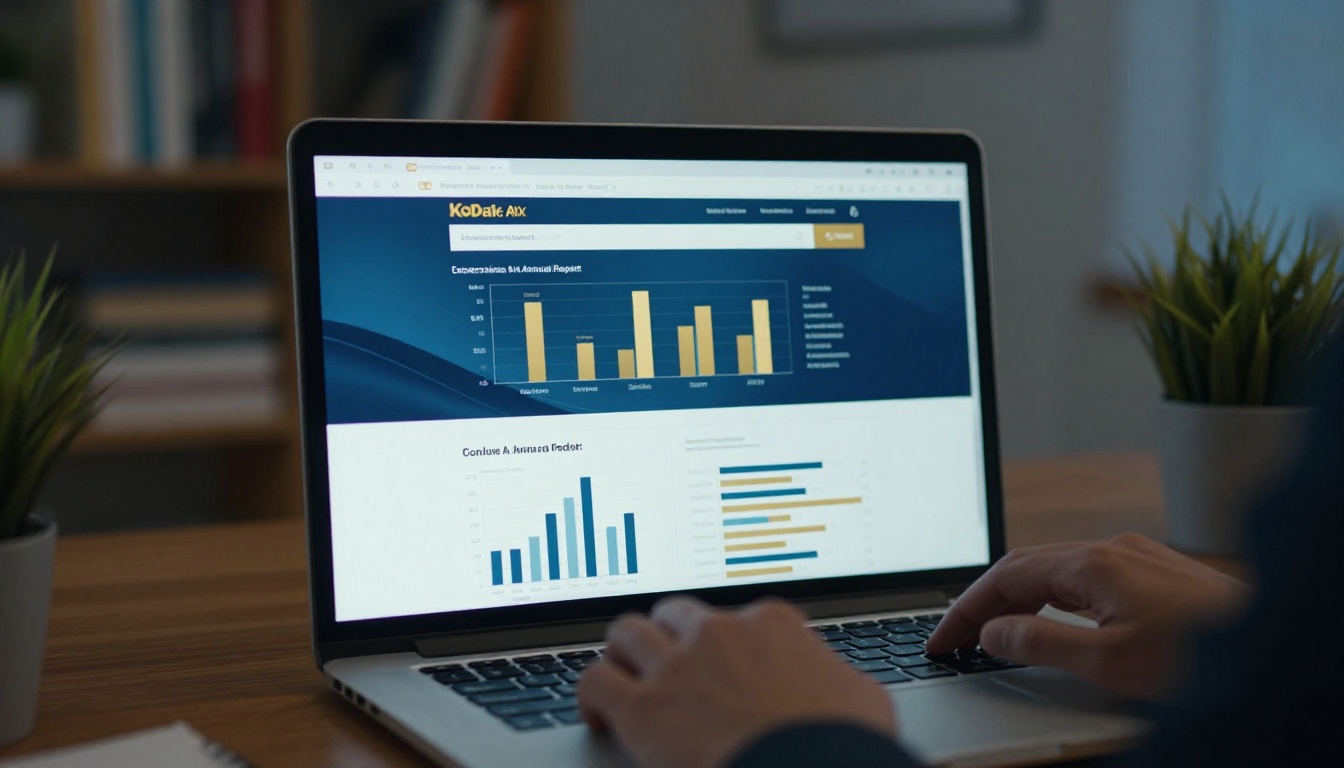
Flipbooks AI makes it straightforward to turn any PDF company report into an interactive, branded digital experience. Here is exactly how to do it.
Step 1: Start Your Project
Go to flipbooksai.com/account and create your account. Once inside the dashboard, click New Flipbook. For company reports specifically, check out the Annual Report Creator and the Corporate Report Maker, which come with pre-designed layouts built for corporate storytelling.
Step 2: Upload Your PDF
Click Upload PDF and select your report file. Flipbooks AI converts every page automatically. A 40-page annual report is processed in under two minutes. The page-turn animation is applied instantly, and your report immediately looks like a premium digital publication.
✅ Best practice: Before uploading, export your PDF at 300 DPI for crisp, print-quality visuals. A blurry chart in a digital report is just as damaging as in print.
Step 3: Brand It
In the Customize panel, you can:
- Set your brand colors for the reader interface
- Upload your logo so it appears in the viewer header
- Choose a background texture or color for the reading environment
- Add a custom domain so the report lives at your URL, not a generic one
No watermarks appear on any plan. Your report looks 100% like your own product.
Step 4: Add Interactive Elements
This is where digital reports leave print behind permanently. Inside the editor, you can:
- Embed videos: Drop in a CEO message video directly onto a page
- Add audio: Narration or background music for specific sections
- Insert hyperlinks: Link data points to external sources or supporting materials
- Enable table of contents: Readers jump to any section in one click
- Add lead capture forms: Collect contact details from external stakeholders, available on the Professional plan

Step 5: Publish and Share
When you are ready to distribute:
- Copy the shareable link and paste it directly into your email or LinkedIn post
- Embed it on your website using the embed code from the Embed Flipbook on Website tool
- Enable password protection for board-only or investor-only versions
- Download for offline use when connectivity is not guaranteed at a presentation
Step 6: Track Who Reads It
With the Professional plan, the analytics dashboard shows you:
- How many people opened the report
- Which pages had the highest time-on-page
- Where readers dropped off
- Which links were clicked
This intelligence changes everything. Instead of guessing whether your report was effective, you know.

Choosing the Right Plan
Flipbooks AI pricing is designed to scale with your needs. Here is how the plans break down for company report use cases:
| Feature | Basic | Standard | Professional |
|---|
| Number of flipbooks | Limited | Unlimited | Unlimited |
| Custom branding | Partial | Yes | Yes |
| Password protection | No | Yes | Yes |
| Analytics dashboard | No | No | Yes |
| Lead generation forms | No | No | Yes |
| Offline downloads | No | Yes | Yes |
| Embedded video and audio | No | Yes | Yes |
| Custom domain | No | No | Yes |
| Watermark-free | Yes | Yes | Yes |
For most corporate teams publishing quarterly and annual reports, the Standard plan covers the essentials. If you want to know exactly who read your report and generate leads from external stakeholders, Professional delivers that return clearly.
💡 Pro tip: Non-profit organizations can use the Non-Profit Annual Report tool for grant-compliant, donor-ready report formats built to impress foundations and boards alike.

Distribution That Gets Results
A great report that nobody sees is still a failure. Distribution strategy matters as much as the content itself.
Where to Share Your Report
- Email newsletter: A single link with a preview image performs far better than an attached PDF
- LinkedIn: Company reports shared as interactive links receive 4x more interaction than PDF attachments
- Investor portal: Password-protected access for your investor audience
- Website press room: Permanently accessible via the Report Flipbook Creator embed
- Board meetings: Share the link in advance so members can review on any device
- Sales meetings: Use the Sales Presentation Flipbook tool to package performance data for client conversations
Timing Your Release
The highest open rates for company reports occur on Tuesday and Wednesday mornings between 9am and 11am in the recipient's time zone. For global distribution, schedule a staggered release by region. Always send a reminder link two weeks after the initial release. A follow-up reminder typically captures 30% of total reads.

Start Creating Reports Worth Reading
Every company has a story worth telling. The problem is that most tell it badly, buried in dense PDFs that nobody opens. The fix is not a bigger budget or a fancier design agency. It is the right format, the right structure, and the right platform.
Use the frameworks in this article to plan your next company report with intention. Then bring your PDF to Flipbooks AI and watch how quickly a static document becomes something people actually want to read from the first page to the last.
Get started for free and publish your first interactive company report today. Browse all available tools and templates to find the perfect format for your industry. Or compare pricing plans to find what works for your team size and publishing frequency.
The reports that get read are the ones designed to be read. Yours can be one of them.



