A printed lookbook sitting on a buyer's desk used to be enough. Today, that same document needs to load instantly on a phone, play a video, link directly to your shop, and track who opened it and for how long. That is the gap a digital lookbook closes, and it is why brands of every size are making the switch right now. If you have been putting it off because it sounds complicated, this article will change your mind, and show you a faster path than you expect through Flipbooks AI.
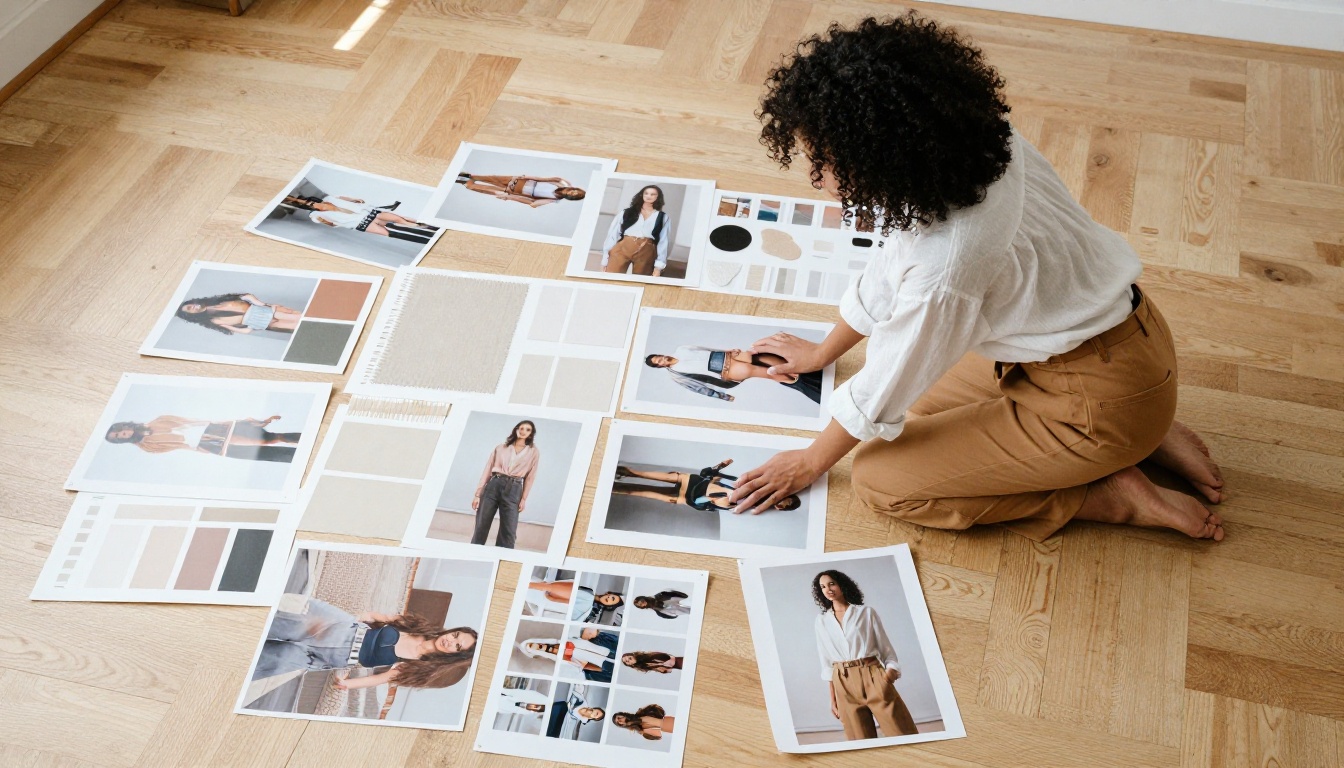
What a Digital Lookbook Actually Does for Your Brand
A lookbook is a curated visual story. Its job is not just to show products: it is to sell a feeling, a lifestyle, an identity. When that story lives inside an interactive digital flipbook, it becomes something much harder for a competitor to replicate quickly. Viewers linger, share, and return. Static PDFs do not do that.
The Difference Between a PDF and a Real Lookbook
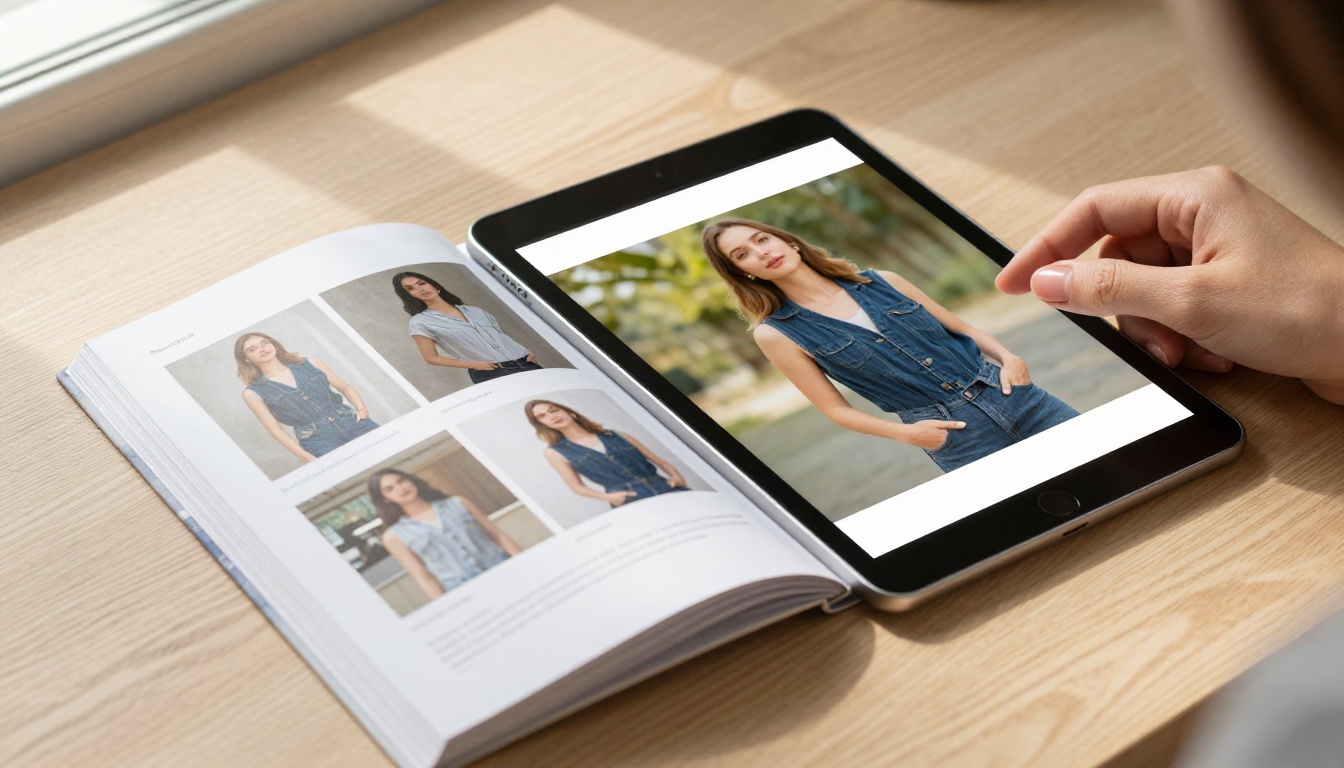
A standard PDF is a passive document. A digital lookbook built on a platform like Flipbooks AI behaves more like a mini-website. Pages turn with realistic animation, images respond to zoom, videos autoplay in context, and every link is clickable without leaving the experience. The result is a brand presentation that feels alive.
| Feature | Static PDF | Digital Lookbook |
|---|
| Page-flip animation | No | Yes |
| Embedded video | No | Yes |
| Clickable product links | No | Yes |
| View analytics and tracking | No | Yes (Professional plan) |
| Password protection | No | Yes |
| Mobile responsive | Sometimes | Always |
| Branded shareable link | No | Yes |
| Lead capture inside content | No | Yes (Professional plan) |
Who Needs One and When
Digital lookbooks are not exclusively a fashion industry tool. Any brand that sells through visual storytelling benefits from one:
- Fashion and apparel: seasonal collections, capsule drops, press previews
- Interior design studios: portfolio presentations, material and finish palettes
- Beauty brands: product launches, campaign rollouts, ingredient storytelling
- Real estate agencies: property brochure collections, neighborhood lifestyle guides
- Food and hospitality: premium menu presentations, venue walkthroughs
- Creative agencies: new business pitch decks in editorial format
The right time to create one is before a major launch, ahead of a trade show, when pitching new clients, or when your current brand materials feel flat and purely transactional.
Planning Your Lookbook Before You Design Anything
Most brands dive straight into design and produce something beautiful that does not work strategically. Planning takes thirty minutes and saves you three rounds of revisions.
Define Your Audience First
Your lookbook's tone, pacing, and information density depend entirely on who reads it. A wholesale buyer scanning forty lookbooks in one afternoon needs different things from a retail customer discovering your brand for the first time on Instagram.
Ask yourself three questions before opening any design tool:
- Is this for trade buyers or end consumers?
- Will it be opened primarily on desktop or mobile?
- How much do readers already know about my brand?
The answers dictate everything: from how much copy appears per page to whether you need a price list section at all.
Choosing Your Visual Style
Before selecting a single image, define three non-negotiable pillars:
- Color palette: stick to two to three brand colors with one accent tone. More than that reads as chaotic.
- Typography pairing: one serif for display headlines, one sans-serif for body text. Mixing three or more fonts immediately signals amateur production.
- Photography direction: editorial, lifestyle, product-only, or a deliberate mix with clear rules for when each applies.
💡 The brands with the most compelling lookbooks use a consistent hero-to-detail image ratio of roughly 60/40. Wide environmental shots set the mood; close-up product details justify the price point and close the sale.
Setting the Right Page Count
A lookbook that is too short feels like a teaser with no payoff. One that runs too long loses the reader before they reach your contact page. The sweet spot varies by purpose:
| Lookbook Type | Recommended Pages | Core Sections |
|---|
| Seasonal fashion collection | 24-40 pages | Opening spread, collection chapters, detail close-ups, order info |
| Brand portfolio | 12-20 pages | About, services, case studies, contact |
| Product catalog | 30-60 pages | Categories, product specs, pricing tiers |
| Campaign launch | 8-16 pages | Hero imagery, campaign narrative, product links |
| Press kit | 10-18 pages | Brand story, stats, product shots, contact |
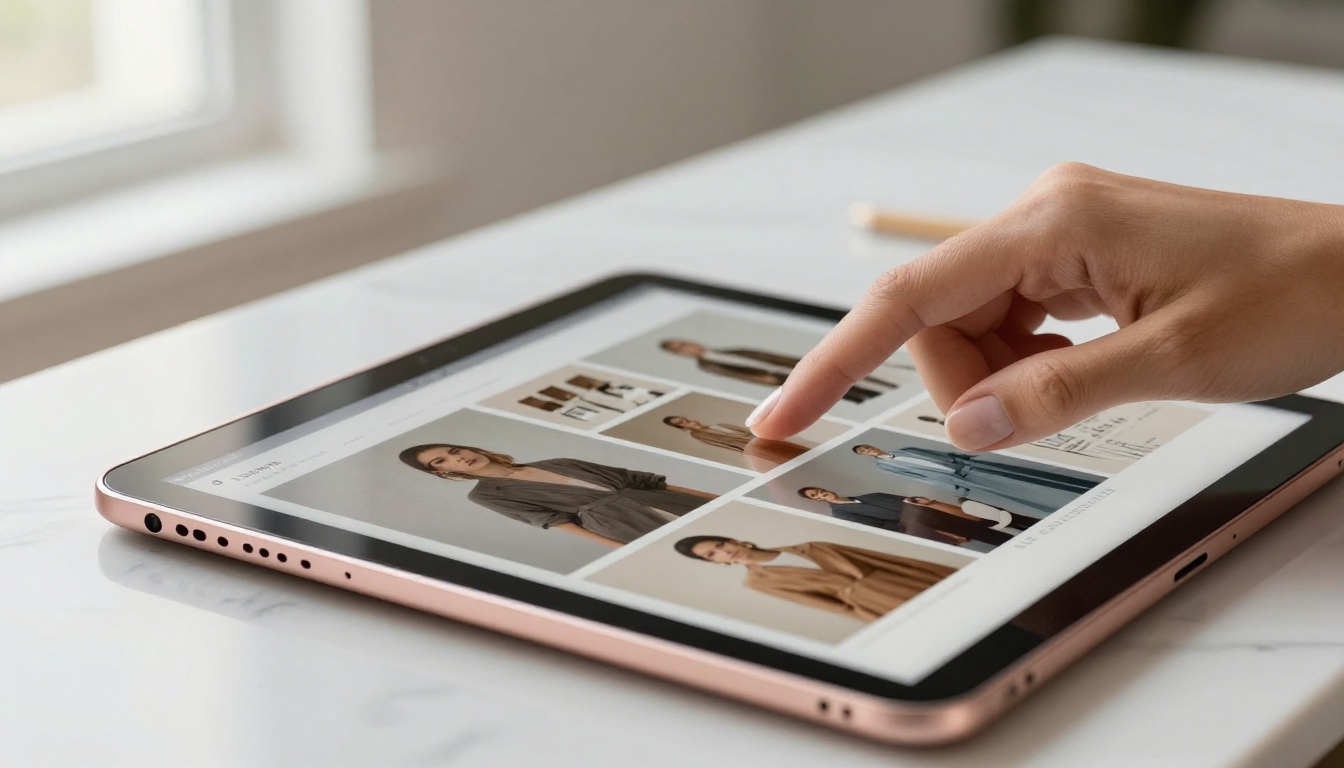
Structuring Pages That Hold Attention
Structure is where most first-time lookbook creators go wrong. They treat every spread identically. The best lookbooks have rhythm: tension and release, density and breathing room, information and emotion alternating throughout.
Pages That Work Hardest for You
Every lookbook needs these reliable workhorses:
- Opening spread: full-bleed hero image, minimal text. Establish mood in the first three seconds.
- Story page: two to three sentences of brand voice copy paired with a supporting lifestyle image
- Product spread: clean product shots, clear naming, brief and specific description
- Detail page: extreme close-ups of fabric, texture, finish, or craftsmanship
- Social proof page: press mentions, stockist logos, client names, or pulled review quotes
- CTA page: a single clear action, such as a link to your shop, contact form, or pricing page
Must-Have Sections for Every Brand
Regardless of industry, these sections belong in virtually every professional lookbook:
- Brand introduction: who you are and what you stand for, in plain language
- Collection or service overview with a visual grid
- Individual product or service spotlights with specific detail
- Social proof: third-party validation from press, clients, or partners
- A clear, unambiguous next step with contact details or a clickable link
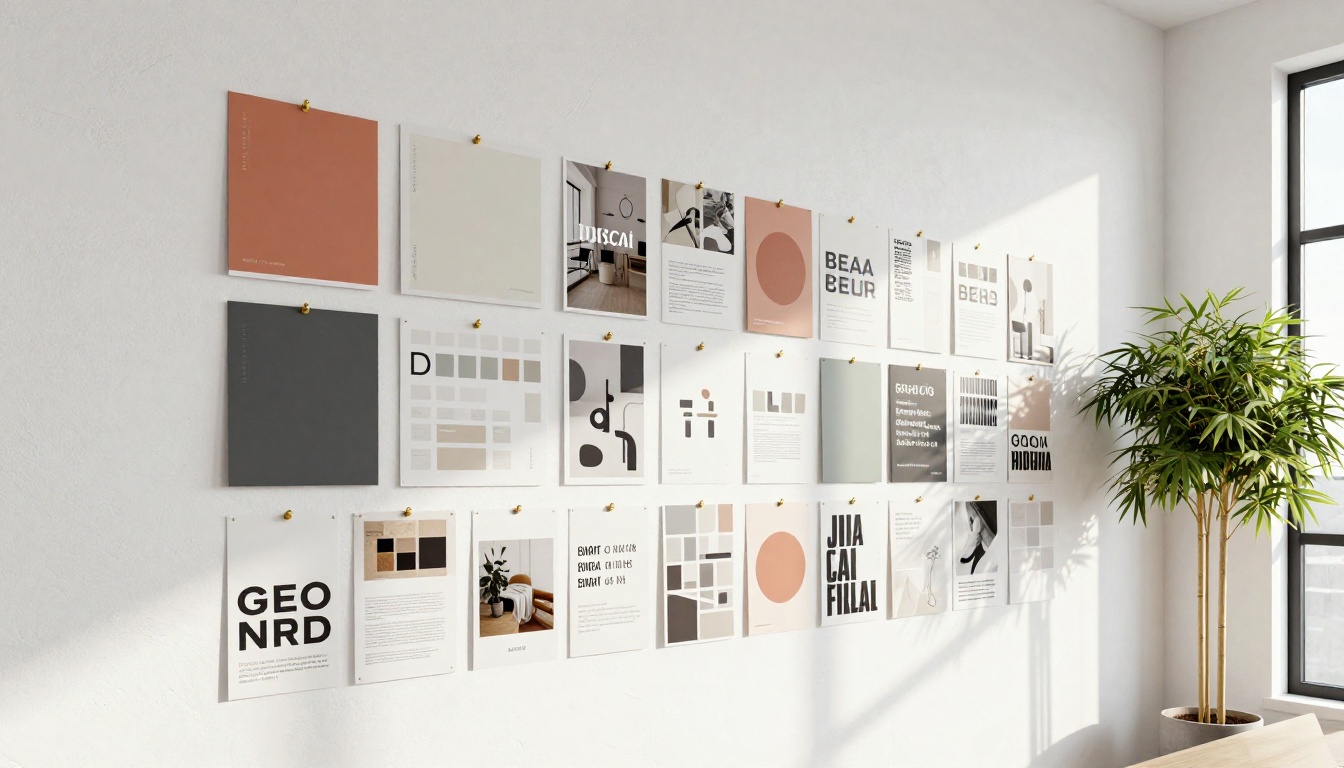
Design Tips That Separate Professional Lookbooks from Amateur Ones
Great lookbook design is not about expensive software or a large team. It is about discipline. The brands that look expensive follow the same repeatable rules.
Color, Typography, and White Space
- White space is not empty space. Negative space signals confidence and quality. Luxury brands use significantly more of it than mid-market brands.
- Color-block strategically. A single page in your brand's deepest color creates visual pause and makes surrounding spreads feel lighter and airier.
- Stick to your system. Set display type at 48pt, subheadings at 32pt, body at 14pt, and never deviate across pages.
⚠️ Inconsistent font sizing across pages is one of the most common lookbook production errors. It is invisible until someone points it out, and then it is all you see.
Photo Selection and Sequencing
The order of images matters as much as the images themselves. A sequence that reliably works across industries:
- Wide establishing shot: sets the scene and signals the world your brand lives in
- Medium editorial shot: shows the product in authentic use
- Close-up detail shot: renders texture, quality, and craftsmanship visible
- Lifestyle shot: creates the emotional connection that justifies the purchase
Repeat this four-beat pattern across collection chapters for a rhythmic, professional feel that readers sense even if they cannot articulate why.
When to Use Video Inside Your Lookbook
Still images carry weight, but a short video embedded inside a lookbook page lifts dwell time dramatically. Consider adding:
- A 15-second runway clip on your opening spread
- A product demonstration embedded beside a technical product page
- A behind-the-scenes brand film on your story spread
Flipbooks AI supports embedded video on any page, so your lookbook can contain both photography and motion without requiring a separate platform or plugin.
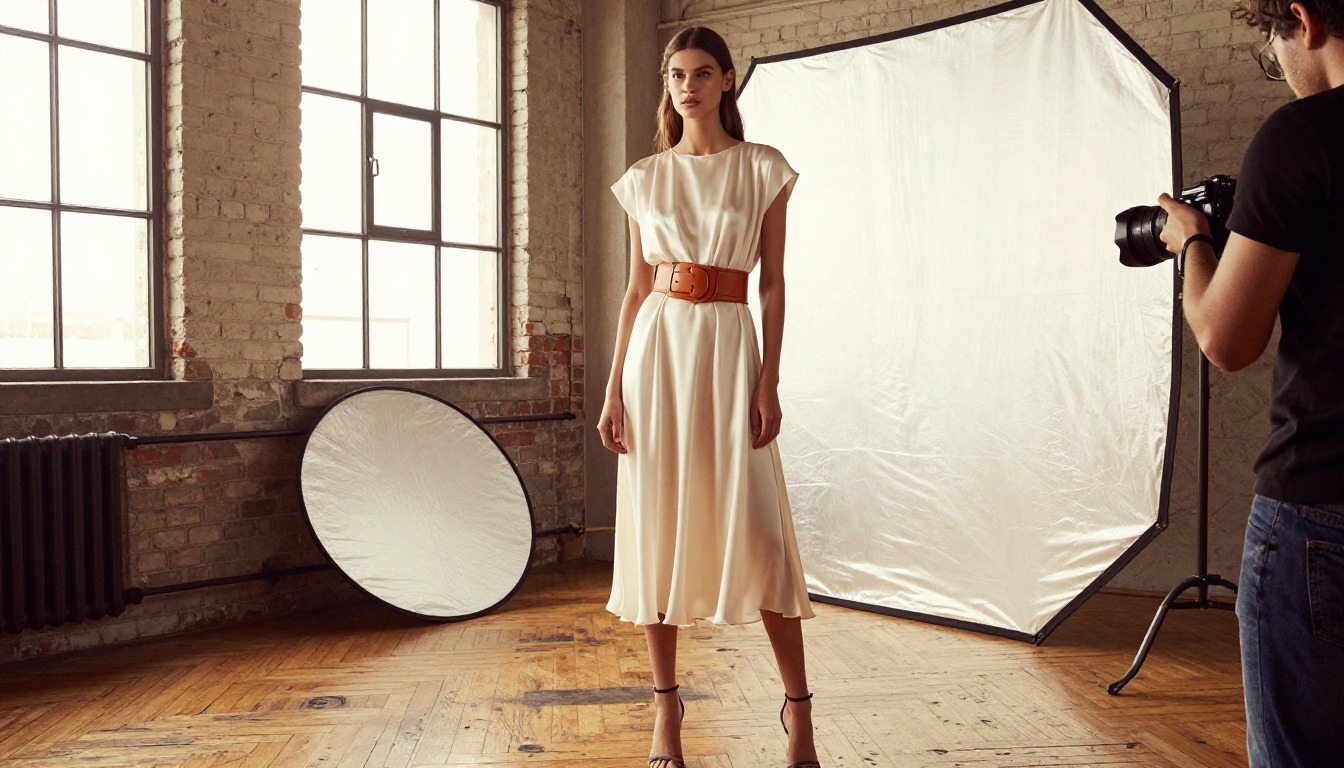
How to Build Your Lookbook with Flipbooks AI
This is where planning becomes a live, shareable brand asset. Flipbooks AI has an Interactive Lookbook Designer built specifically for brands that need to move fast without sacrificing quality. Here is the exact process from file to published link.
1. Prepare Your PDF Correctly
Before uploading, make sure your source file is ready:
- Export at 300 DPI minimum for crisp image rendering on retina displays
- Set to a screen-optimized page size: A4 landscape or a 16:9 ratio work best for digital viewing
- Embed all fonts to prevent rendering substitutions on other devices
- Keep the file under 200MB for reliable upload performance
Design your lookbook in Canva, Adobe InDesign, Affinity Publisher, or any tool that exports a clean PDF. The design software does not matter. What matters is the output quality.
2. Create Your Account and Upload
- Go to Flipbooks AI and create your free account
- From your dashboard, click New Flipbook
- Select Upload PDF and drag your file into the upload zone
- Conversion completes in under 60 seconds for most files
✅ Flipbooks AI converts your PDF into a fully interactive flipbook with realistic page-turn animation automatically. No manual page-by-page setup is required.
3. Apply Your Brand Identity
Once uploaded, open the editor and set:
- Cover thumbnail: select the spread that represents your brand most powerfully
- Brand colors: enter your hex codes to apply to the reader interface
- Logo: upload your brand mark to appear consistently in the top navigation bar
- Custom domain: connect your own domain on Standard plan and above for a fully branded URL

4. Add Interactive Elements That Drive Action
This is where your digital lookbook separates itself from any PDF competitor:
- Clickable product links: add shop URLs directly onto product images or text blocks
- Embedded video: paste a YouTube or Vimeo URL onto any spread
- Audio: add ambient background music or narration to specific pages
- Hotspot pop-ups: trigger a product detail card from any point on any page
The Lookbook Flipbook Builder walks you through placing these elements without writing a single line of code.
5. Set Sharing and Privacy Options
Flipbooks AI gives you precise control over distribution:
- Public link: a clean shareable URL anyone with the link can open
- Password protection: for wholesale buyers, press previews, or VIP client access
- Embed code: drop your lookbook directly onto your website or landing page
- Offline download: allow or restrict PDF download depending on your content strategy
6. Track Who Reads What
Once live, your lookbook works in the background. With the Professional plan, you get:
- Page-by-page analytics showing exactly which spreads buyers spend the most time on
- Geographic data showing where your viewers are located
- Lead capture forms embedded directly inside the lookbook to collect names and emails
💡 A buyer who spent four minutes on your pricing spreads is a warmer lead than one who left after page two. Analytics tell you who to follow up with first, and what to say when you do.
Sharing Your Lookbook to the Right Channels
Creating the lookbook is half the work. Distribution determines whether it reaches the people who can actually act on it.
The Channels That Perform Best
| Distribution Channel | Best For | Format to Use |
|---|
| Email campaign | Wholesale buyers, press contacts | Animated thumbnail preview with link |
| Instagram Stories | Consumer audiences | Direct link with branded cover image |
| Website embed | All site visitors | iFrame embed code on product or homepage |
| LinkedIn post | B2B, agency, corporate audiences | Link post with hero image preview |
| WhatsApp Business | Direct client communication | Shareable link with short caption |
| QR code on print | Trade shows, packaging, events | QR code linking to live flipbook URL |
The embed option deserves specific attention. Instead of sending people away from your site to view a lookbook, the flipbook lives right on your page. Buyers browse without leaving your domain. Brand context stays intact and bounce rate drops. Use the Embed Flipbook on Website tool to generate a clean iFrame code in seconds.
Lookbooks by Industry: What Works Where
Different industries use lookbooks for different purposes. The structure and emphasis shift depending on your audience and goal:
| Industry | Primary Goal | Key Pages to Prioritize | Recommended Tool |
|---|
| Fashion and Apparel | Drive wholesale orders | Collection chapters, order form, sizing | Interactive Lookbook Designer |
| Interior Design | Win client pitches | Portfolio spreads, material palettes, process | Digital Portfolio Creator |
| Beauty and Cosmetics | Product launches | Campaign imagery, ingredient stories, ingredients | Fashion Catalog Creator |
| Real Estate | Property presentations | Listings, lifestyle imagery, floor plans | Real Estate Brochure Creator |
| Food and Hospitality | Brand story and reservations | Menu spread, chef story, booking link | Restaurant Menu Creator |
| Creative Agency | New business development | Case studies, team, services, pricing | Press Kit Designer |
Print vs. Digital: The Real Comparison
Brands moving from printed to digital lookbooks consistently report the same pattern of advantages. The case is not subtle:
| Metric | Printed Lookbook | Digital Lookbook |
|---|
| Production cost per run | $500 to $5,000 or more | Zero after design |
| Update cost | Full reprint required | Edit live within minutes |
| Distribution speed | Days to weeks | Instant link share |
| Audience reach | Limited by print quantity | Unlimited |
| Analytics | None | Full page-by-page data |
| Environmental impact | Paper, ink, shipping | Zero physical waste |
| Shelf life | One season | Updated whenever needed |
| Video and audio | Impossible | Fully supported |
Even well-designed lookbooks fail when these errors slip through:
- Too much copy per page: lookbooks are primarily visual. If a spread has more than 50 words, cut it in half.
- No clear call to action: every lookbook needs at least one page that tells the viewer precisely what to do next.
- Inconsistent photography: mixing studio shots, phone photographs, and stock imagery in the same lookbook destroys perceived quality and brand consistency.
- Skipping mobile testing: over 60% of digital lookbook views happen on mobile devices. Test every page on a phone before publishing.
- Sending a PDF attachment instead of a link: a PDF attachment in an email signals to buyers that your brand has not moved with the times. A branded flipbook link signals the opposite.
⚠️ Never send your lookbook to your full contact list before testing the link on at least three different devices and two different browsers. Broken pages on mobile cost real sales.
Flipbooks AI Plan Comparison
Choosing the right plan depends on how many lookbooks you publish and which features matter most to your sales process:
| Feature | Free | Standard | Professional |
|---|
| Number of flipbooks | 1 | Unlimited | Unlimited |
| Watermark on pages | Yes | No | No |
| Password protection | No | Yes | Yes |
| Custom branding | No | Yes | Yes |
| Page-by-page analytics | No | No | Yes |
| Lead generation forms | No | No | Yes |
| Offline download | No | Yes | Yes |
| Embedded video and audio | No | Yes | Yes |
| Custom domain | No | Yes | Yes |
For brands using their lookbook as an active sales tool, the Professional plan pays for itself with a single tracked lead converted to a real order. Compare all plans in detail to find the right fit for your volume and goals.

Your Next Step Starts Here
A digital lookbook is not a nice-to-have for visual brands. It is the difference between a buyer remembering you and forgetting you by the end of a trade show day. The process is straightforward: plan your structure, design in your preferred tool, upload your PDF to Flipbooks AI, apply your branding in minutes, and share a link that works on any device, in any country, at any time.
There is no minimum budget. There is no technical barrier. The Interactive Lookbook Designer and Lookbook Flipbook Builder are built for brand teams, not developers. No watermarks. No page limits on paid plans. Full control over who sees your content and how they interact with it.
Ready to build yours? Create your first lookbook free today, or browse all pricing options to pick the plan that matches where your brand is headed.



