Every subscriber on your list opted in because something caught their attention. But most of them have stopped opening your emails. Not because your content is bad, but because every newsletter they receive looks exactly the same: a wall of text, maybe one photo, and a subject line blending into thirty others fighting for inbox real estate. A flipbook newsletter changes that equation entirely. Flipbooks AI lets you convert any PDF newsletter into an interactive, page-flipping digital publication that subscribers actually want to click, scroll through, and share with others.
Why Most Newsletters Get Ignored
Your subscribers are not ignoring your newsletter because they dislike your brand. They're doing it because they've been conditioned to. The average professional receives over 120 emails per day. Most get a half-second glance before being archived or deleted. The problem is not attention span; it's format.
The Format Sends a Signal First
Plain text emails and standard HTML newsletters carry an implicit message before a single word is read: this is functional content, built to be processed quickly, not experienced. Subscribers skim for anything that jumps out, and close the tab if nothing does. When every email looks the same, none of them feel worth the time.
What Subscribers Actually Respond To
Consistent research from email marketing platforms shows that visually rich content generates significantly higher click-through rates than plain text. But there is a ceiling on what a static image inside an email can accomplish. The real shift happens when subscribers move from passive viewing to active participation. Swiping pages, zooming into sections, following a natural left-to-right reading flow — these behaviors signal genuine interest and intent.

The Numbers Behind Reader Behavior
| Metric | Plain Email Newsletter | Flipbook Newsletter |
|---|
| Average open rate | 21% | 35–48% |
| Time spent reading | 8–15 seconds | 60–180 seconds |
| Click-through rate | 2.5% | 8–14% |
| Social shares | Rare | Common |
| Mobile experience | Variable | Fully optimized |
Brands that shift from static email blasts to interactive flipbook formats consistently see dwell time multiply. When someone spends three minutes with your content instead of eight seconds, your message actually lands, and it stays with the reader long after the tab is closed.
What a Flipbook Newsletter Actually Is
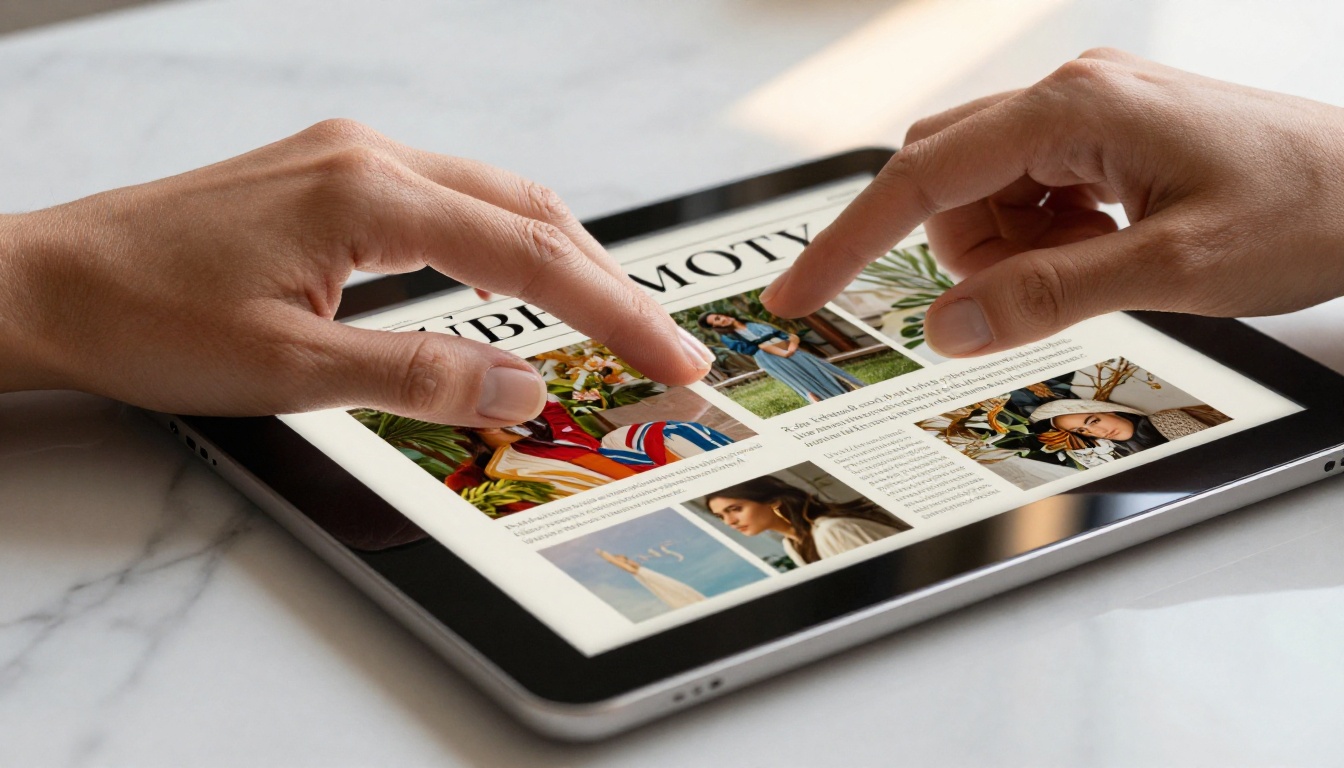
A flipbook newsletter is a digital publication that mimics the physical experience of flipping through a magazine or printed newsletter. Pages turn with a realistic animation, content stays visually rich, and the whole thing is accessible via a shareable link or embedded directly into your website or email.
The Page-Flip Effect Changes Behavior
The signature page-flip animation is more than a visual touch. It sets an expectation in the reader's mind: this is something worth reading from start to finish, not a quick-scan email. That expectation changes how people interact with the content. Readers who open a flipbook newsletter spend more time with it, read more of it, and retain more of what they read.
Visual Experience vs. Plain Text
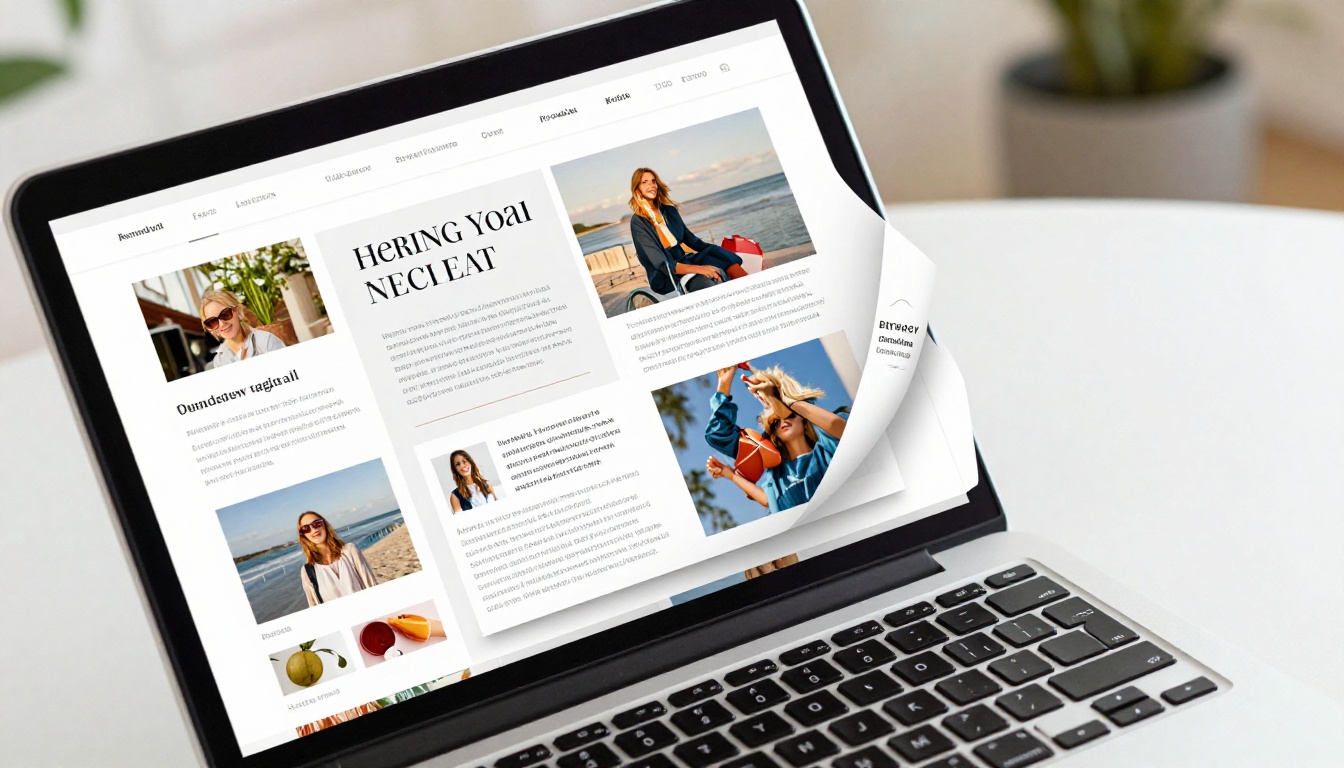
The difference between a plain email and a flipbook newsletter is not just cosmetic. It's structural. A plain email is a delivery mechanism. A flipbook is a reading environment. When subscribers open your flipbook newsletter, they enter a full-screen, distraction-reduced space where your content takes center stage.
| Feature | HTML Email | Flipbook Newsletter |
|---|
| Page-flip animation | No | Yes |
| Full-screen reading mode | No | Yes |
| Full-bleed images | Limited | Yes |
| Embedded video and audio | No | Yes |
| Password protection | No | Yes |
| Page-level analytics | No | Yes |
| Offline reading | No | Yes (downloadable) |
| Mobile responsiveness | Often inconsistent | Always optimized |
| Shareable link | Email only | Web, social, embed |
Building Content Worth Reading
A beautiful format only matters if the content inside it earns attention. The subscribers who love your newsletter will love it because of what you put in it, and how you structure the experience from the first page to the last.
The First Page Has One Job
Your opening page needs to make someone want to turn to the second. That's the only goal. Don't try to summarize your entire issue on page one. Lead with your strongest story, your most striking image, or your most surprising fact. Think of it the way a magazine thinks about its front page: intrigue first, payoff second.
Content Types That Work in Flipbook Format
| Content Type | Why It Works in Flipbook Format |
|---|
| Photo essays | Full-bleed images across a spread look striking |
| Product spotlights | Side-by-side comparisons are easy to lay out |
| How-to tutorials | Numbered step layouts feel natural on pages |
| Event roundups | Gallery-style image grids fill pages beautifully |
| Interviews | Pull quotes and portraits benefit from full page width |
| Data reports | Charts and infographics have room to breathe |
| Curated reading lists | Editorial list formats translate directly from print |
Writing for a Reader, Not an Algorithm
SEO matters for your blog. Your newsletter is different. Here, write for one specific person: your ideal subscriber, someone who already opted in and wants to hear from you. Use their language, address their specific situation, and don't hedge everything. Clear opinions hold attention. Vague content doesn't.
💡 Pro tip: Write your newsletter in the first-person plural ("we've been watching," "our readers told us"). It creates a community feeling rather than a broadcast dynamic.
Design Principles That Hold Readers
Consistency builds familiarity. Use the same font pairing, color palette, and section structure every issue. Subscribers should recognize your newsletter before they read a single word. White space is not wasted space; it gives the eye somewhere to rest between visual anchors.
⚠️ Watch out: Overloading pages with dense paragraphs is the fastest way to lose a reader between pages. Break content into digestible sections with subheadings and callouts throughout every spread.
Creating Your First Flipbook Newsletter
Flipbooks AI makes the process fast. You convert your PDF newsletter into a professional interactive publication in minutes, with no coding or specialized design software beyond what you're already using to produce your PDF.

Step 1: Create your account
Head to Flipbooks AI and sign up. No credit card is required to start. The free plan gets you up and running immediately so you can test the platform with your very first issue before committing to anything.
Step 2: Upload your PDF
Drag and drop your newsletter PDF directly into the PDF to Flipbook Converter. The system processes the file and generates a fully interactive flipbook in seconds. Your original layout, typography, and imagery are preserved exactly as designed, with no manual adjustments needed on your end.

Step 3: Customize your branding
Add your logo, set your brand colors, choose the page-turn style, and configure the reading experience. You can set a custom background, adjust thumbnail previews, and control how the front page is displayed. This is where your newsletter starts to feel distinctly yours rather than a generic publication format.
Step 4: Configure sharing settings
- Direct link: Share a URL that opens your flipbook instantly in any browser, on any device
- Embed code: Paste a snippet into your email, website, or landing page to display the flipbook inline
- Password protection: Lock issues for paid subscribers, members, or internal audiences only
✅ Best practice: Embed a preview of your latest issue on your website's newsletter archive page. It doubles as a content marketing asset and a subscription conversion tool simultaneously.
Step 5: Distribute and share
Use the Newsletter Flipbook Publisher to manage all your publications in one place. Drop the flipbook link into your email, post it across social platforms, or embed it in your existing email marketing platform. The flipbook loads quickly on any device, with a mobile-responsive reading experience built in by default.
Step 6: Track what actually works
With the Professional plan, you get page-by-page analytics showing exactly which sections readers spend time on, where they stop reading, and how many times each issue was viewed. This is data that a standard email newsletter simply cannot provide.
💡 Pro tip: Use page analytics to identify which articles attract the most time-on-page. Replicate those formats in your next issue. Over time, you build a data-backed picture of what your audience genuinely wants to read.
Distributing Your Newsletter Beyond Email
Getting the newsletter created is half the work. Getting it in front of your subscribers, and making them want to open it, is the other half.

Embedding in Your Email Platform
Most email marketing platforms, including Mailchimp, ConvertKit, and ActiveCampaign, don't support true interactive embeds directly in email clients. The effective workaround: take a screenshot of your flipbook's first page, embed it as a clickable image in your email, and link it to the flipbook URL. The visual preview acts as a compelling thumbnail that outperforms plain text links on every measurable metric.
Building a Public Archive
A flipbook newsletter has a permanent shareable URL. Post it on LinkedIn, include it in your social bio, share it in relevant communities and groups. Unlike a standard email, a flipbook can be forwarded, bookmarked, and saved indefinitely. This makes each issue a long-term content asset rather than a message that loses relevance after a few days.
Build a public archive of past issues on your website. Each flipbook URL is indexable by search engines, meaning older issues can bring in new subscribers organically over time. This is a significant advantage over email-only newsletters, where past content stays invisible to anyone who isn't already on your list.

Social Sharing That Actually Happens
Readers share flipbook newsletters with their own networks at a much higher rate than standard emails. The visual richness, the professional feel, and the shareable URL format make it natural to post on social media. Every share extends your reach without any additional effort on your part, turning your existing subscribers into a distribution channel.
Plans and What Each Offers
Flipbooks AI is structured to suit individual creators, small teams, and larger organizations at different stages of growth.
| Feature | Free | Standard | Professional |
|---|
| Flipbooks | 1 | Unlimited | Unlimited |
| Watermark | Yes | No | No |
| Custom branding | No | Yes | Yes |
| Password protection | No | Yes | Yes |
| Analytics | No | No | Yes |
| Lead generation | No | No | Yes |
| Offline download | No | Yes | Yes |
| Embed on website | Yes | Yes | Yes |
| Video and audio | No | Yes | Yes |
| Priority support | No | No | Yes |
For newsletter creators who want to monetize their content, the Professional plan's lead generation feature lets you add a data-capture form before the flipbook loads, collecting subscriber information directly from the reading experience. Every issue becomes a list-building asset, not just a content delivery.
Who Benefits Most from a Flipbook Newsletter
This format works across a surprisingly wide range of industries and use cases, each one benefiting differently from the interactive reading experience.
E-commerce and retail brands: Product newsletters become visual catalogs. Instead of a flat email showing three items, you create a multi-page spread with lifestyle photography, pricing, and direct purchase links. The Product Catalog tool is built specifically for this format.
Schools and nonprofits: Parent newsletters, donor updates, and community bulletins all read better in flipbook format. The School Newsletter Creator is designed specifically for educational institutions. For nonprofits, impact reports and volunteer newsletters carry more credibility as polished interactive publications.
Agencies and creative studios: Client-facing newsletters, trend reports, and case study roundups are powerful tools for retaining relationships and demonstrating expertise. The visual richness of a flipbook signals professionalism in a way that plain email never achieves.
Publishers and media brands: The E-Magazine Publishing Tool and Magazine Flipbook Creator make it straightforward to convert editorial content into a publication that feels like a real magazine, not a reformatted blog post.
What Subscribers Tell You Through Behavior
Page-level analytics reveal something that open rates and click-through rates never can: exactly which parts of your newsletter hold attention and which ones lose it. A subscriber who reads pages one through four and then closes the publication is telling you something different from one who reads all twelve pages.
When you can see precisely where readers leave, you can fix those pages. When you see which pages attract the most time-on-page, you know what to prioritize in your next issue. This is the kind of feedback loop that makes each newsletter better than the last, without guessing or relying on anecdotal responses.
✅ Best practice: After each issue, note the top three performing pages. Before writing the next issue, ask yourself why those pages worked. Was it the imagery, the topic, the layout, or the writing style? Apply that answer deliberately throughout the new issue.
Over time this feedback compounds. Your newsletter gets better, your subscribers stay longer, your open rates climb without relying on clickbait subject lines, and you build an audience that genuinely looks forward to each new issue.
Make Every Issue Worth Opening
There's no shortage of advice about growing a newsletter list. Most of it focuses on subject lines, send cadence, and list segmentation. Those things have value, but they're optimizations on a format with structural limits. A better email is still just an email.
A flipbook newsletter removes those limits. It turns each issue into an experience that feels intentional, visually rich, and worth your subscriber's time. It gives you data to keep improving, a shareable asset that builds your audience beyond your current list, and a format that sets you apart from every other sender competing for inbox attention.
Ready to create your first flipbook newsletter? Get started for free on Flipbooks AI, no design software or coding required. Browse all available tools and templates to find the format that fits your brand. Compare pricing plans and pick the one that matches where you are right now.
Your subscribers opted in because they wanted to hear from you. Give them something worth opening.



