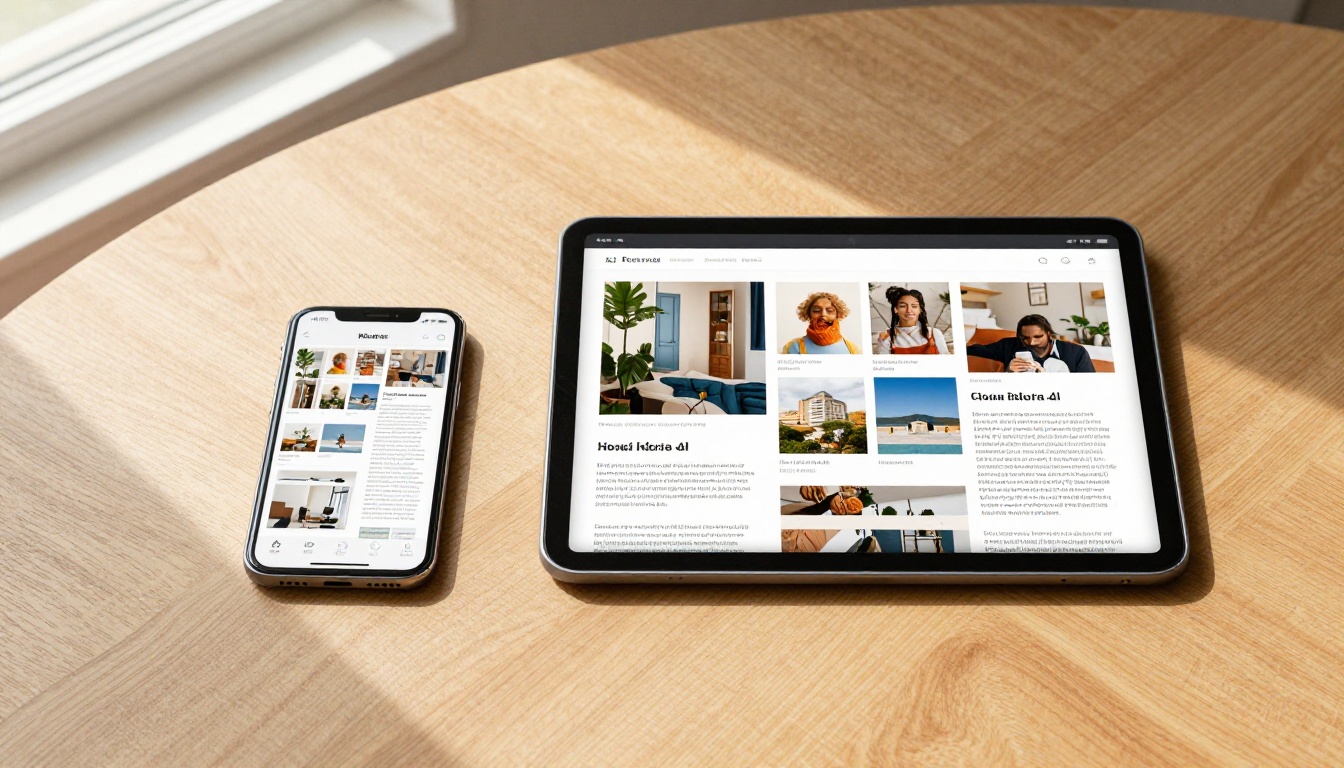
How to Create a Flipbook That Works on Phones and Tablets
Mobile traffic accounts for over 60% of all web browsing today. If your flipbook doesn't load properly on a smartphone or tablet, you're losing more than half your audience. This article shows exactly how to build cross-device flipbooks that look sharp and work flawlessly on every screen people use to read.
Mobile traffic now represents over 60% of all web browsing worldwide. Yet most people creating digital flipbooks still design them exclusively for desktop screens, then wonder why engagement drops the moment someone pulls out their phone. If your flipbook isn't optimized for smartphones and tablets, you're effectively hiding it from the majority of your audience.
The good news is that building a flipbook that works flawlessly across every screen size is no longer a technical challenge. Tools like Flipbooks AI handle all the heavy lifting automatically, delivering HTML5-powered, touch-optimized flipbooks that resize perfectly whether someone is on a 6-inch phone in portrait mode or a 12-inch iPad in landscape.
This article breaks down what makes a flipbook truly mobile-ready, what can go wrong when it isn't, and how to create one that looks sharp and performs perfectly on every device your audience uses.
Why Most Flipbooks Fail on Mobile
The problem isn't that people don't care about mobile. It's that traditional PDF viewers and older flipbook tools were built before smartphones dominated internet usage. They relied on Flash or outdated JavaScript libraries that simply don't render correctly on iOS or Android.
Here's what typically goes wrong when a flipbook isn't built for mobile:
Text becomes unreadable: Designers size fonts for 1080p monitors. On a 375px-wide phone screen, that same text shrinks to nearly illegible lines.
Touch controls don't work: Older flipbooks require mouse clicks to turn pages. Swipe gestures either don't register or scroll the whole page instead.
Loading is painfully slow: Uncompressed images built for desktop downloads can take 15-20 seconds to load on mobile networks.
Layout breaks: Fixed-width designs overflow the screen, forcing users to scroll horizontally just to read a single line.
Zoom frustrates users: Pinch-to-zoom either doesn't work, or it works but breaks the page turn animation entirely.
The difference between a flipbook built on modern HTML5 with responsive design and one thrown together with an outdated tool is night and day for mobile users. Readers on phones decide within seconds whether content is worth their time. A flipbook that requires zooming, scrolling sideways, or waiting loses them before they see your message.
HTML5 vs. Flash: Why It Matters for Every Device
If you've used a flipbook tool built before 2015, there's a real chance it relied on Adobe Flash for animations. Apple never supported Flash on iPhone or iPad, and Google officially killed it in Chrome in 2020. Any flipbook using Flash is invisible on mobile today.
Modern flipbooks run on HTML5 Canvas and CSS3 animations. This means:
They run natively in every mobile browser (Safari, Chrome, Firefox, Samsung Internet)
No plugins or app downloads required
Page-turn animations render smoothly at 60fps on modern phones
They work offline when downloaded, without any server connection
💡 Always confirm your flipbook tool uses HTML5 output before publishing. If the platform's export settings mention "SWF" or "Flash," find a different tool immediately.
The 3 Pillars of a Mobile-Ready Flipbook
Building a flipbook that works on phones and tablets comes down to three non-negotiable elements.
Responsive Layout
Responsive design means the flipbook's layout adapts to the screen it's displayed on. A responsive flipbook:
Switches from double-page spread to single-page view on small screens
Scales text automatically to remain readable at any screen width
Adjusts navigation controls to be thumb-accessible on phones
Maintains image sharpness at both low and high pixel density screens (including Retina displays)
Touch Optimization
Desktop flipbooks are designed for cursor precision. Mobile users navigate with their thumbs. A touch-optimized flipbook includes:
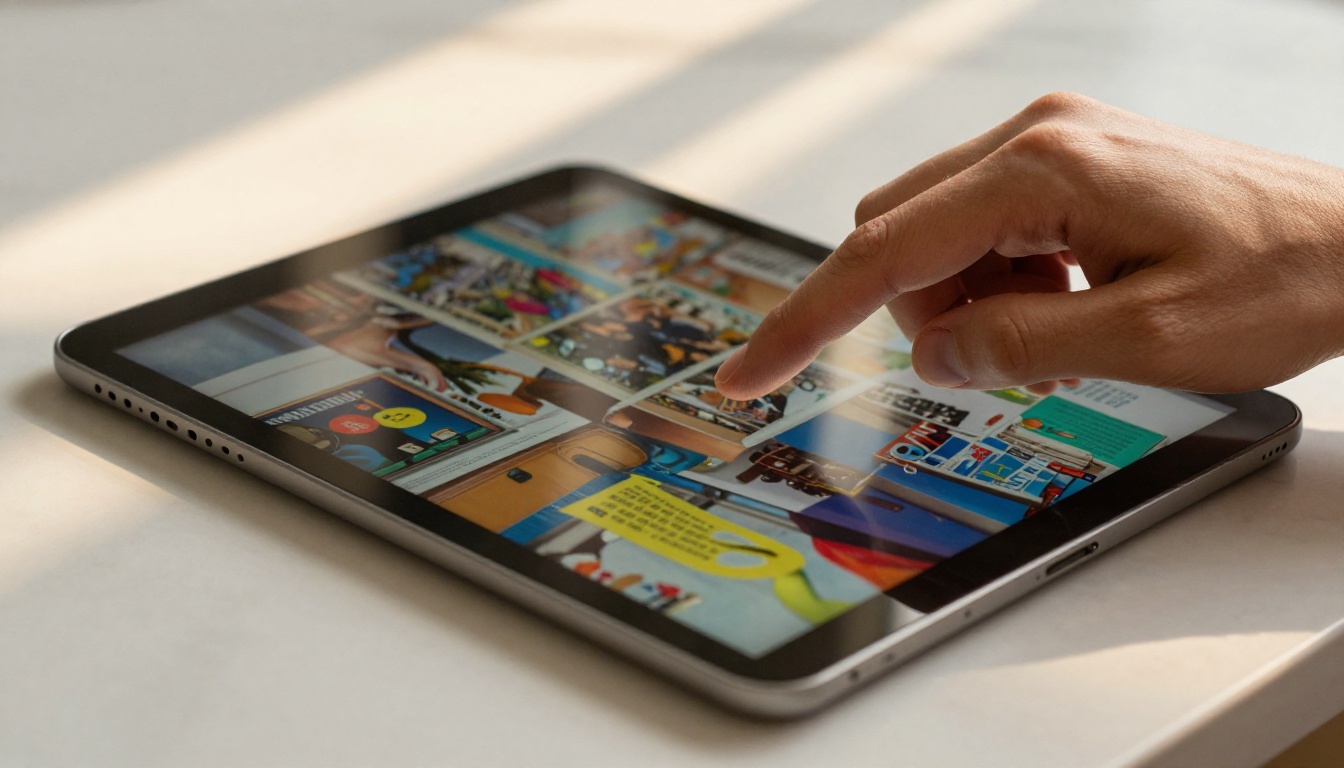
Swipe-to-turn pages: Natural left/right swipe gestures that mirror physical book page turns
Pinch-to-zoom: Working zoom that doesn't break the reading experience
Large tap targets: Navigation arrows sized for fingers, not a cursor (minimum 44x44px per Apple's interface guidelines)
No hover-dependent features: Mobile devices don't have hover states, so any feature requiring mouse hover must have a tap alternative
Optimized Asset Loading
Mobile connections are slower than fiber broadband. A flipbook with 50MB of uncompressed full-page images will timeout and drop on most cellular connections.
Mobile-ready flipbooks use:
Progressive JPEG loading: Pages load low-resolution previews first, then sharpen as data arrives
Lazy loading: Only the current page and adjacent pages load initially; the rest load in the background
Compressed assets: Images compressed to the smallest file size that maintains visual quality at the target screen resolution
⚠️ If your flipbook takes more than 3 seconds to show the first page on a mobile device, you're losing readers. Aim for under 2 seconds for the initial view.
Phone vs. Tablet: Different Challenges, Same Solution
Phones and tablets are both mobile devices, but they present different layout challenges for flipbooks.
Feature
Smartphone (375-430px)
Tablet (768-1024px)
Orientation
Mostly portrait
Mostly landscape
Page layout
Single-page view
Can support double-page spread
Text size
Needs 16px minimum
14px minimum acceptable
Navigation style
Bottom thumb zone preferred
Side navigation works well
Image resolution
1x-2x DPI
1.5x-2x DPI (Retina iPads)
Reading distance
10-12 inches
12-18 inches
A well-built flipbook adapts to both automatically. On a phone in portrait mode, it shows a single page at a time and places controls where thumbs naturally rest. On an iPad in landscape, it opens to a double-page spread that mimics a physical magazine or catalog.
Real-World Use Cases by Industry
Different industries are using mobile-optimized flipbooks in specific ways that have proven effective for their audiences.
Restaurants are replacing printed menus with digital flipbooks shared via QR code. A customer scans the code, the flipbook opens instantly in their phone browser, and they browse the full menu with food photography without downloading anything. Using the Restaurant Menu Creator makes it possible to build a swipe-friendly menu in minutes.
Fashion brands are sharing seasonal lookbooks via Instagram Stories links and WhatsApp messages. Customers open the flipbook on their phones, swipe through collections, and tap product links. Tools like the Interactive Lookbook Designer or Fashion Catalog Creator produce fully touch-responsive flipbooks built for social sharing.
Real estate agents send property brochures as flipbook links via SMS. The potential buyer taps the link, a full-screen property tour flipbook opens in seconds, and they swipe through floor plans, photos, and neighborhood details on their commute. The Real Estate Brochure Creator outputs mobile-ready files by default.
Education teams distribute course materials and training manuals as flipbooks that students access on tablets. No printing costs, no PDFs that require constant pinching to read. The Training Manual Flipbook tool handles this use case directly, with auto-scaling text and swipe navigation built in.
Comparing Flipbook Platforms for Mobile Support
Not every flipbook tool delivers the same mobile experience. Here's how key capabilities compare across platform tiers.
Capability
Basic Free Tools
Mid-Tier Platforms
Flipbooks AI
HTML5 output
Sometimes
Yes
Yes
Auto responsive layout
Rare
Partial
Full
Touch swipe gestures
Sometimes
Yes
Yes
Auto single-page on mobile
No
Sometimes
Yes
Progressive image loading
No
Sometimes
Yes
Offline download support
No
Rare
Yes (Pro)
QR code sharing
No
Sometimes
Yes
Custom branding
No
Limited
Yes
Analytics by device type
No
No
Yes (Pro)
The difference in mobile performance between a basic free tool and a purpose-built platform is significant. Basic tools often just wrap a PDF in a JavaScript viewer and call it a flipbook. Platforms like Flipbooks AI re-render the content into a genuinely responsive HTML5 publication with real touch interaction.
How to Create a Mobile-Ready Flipbook with Flipbooks AI
This is the straightforward process for building a cross-device flipbook using Flipbooks AI.
Step 1: Set Up Your Account
Go to flipbooksai.com/account and create your free account. No credit card required to start. The free plan gives you access to the core flipbook builder immediately.
Step 2: Prepare Your PDF
Before uploading, optimize your PDF for mobile reading:
Set your page size to A4 or Letter portrait for phone-first content
Use 16px or larger body text to ensure readability on small screens
Keep image file sizes under 500KB per page to maintain fast loading
Avoid full-bleed backgrounds with heavy gradients that inflate file sizes
💡 If your content is primarily text-heavy (reports, manuals), use a single-column layout so text doesn't require zooming when viewed in single-page mobile mode.
Step 3: Upload and Convert
From your dashboard, click New Flipbook and drag your PDF into the upload area. Flipbooks AI automatically converts each page to an optimized web format, compressing images and generating the HTML5 interactive version. The PDF to Flipbook Converter handles files up to several hundred pages with no quality loss.
Step 4: Configure Mobile Settings
In the flipbook editor, navigate to the Display Settings panel:
Single page mode on mobile: Toggle ON to force single-page view for screens under 768px width
Touch navigation: Confirm swipe gestures are enabled for left/right page turns
Auto-fit to screen: Enable to prevent horizontal overflow scrolling
Table of contents: Add a tap-accessible TOC so mobile readers can jump to sections quickly
Step 5: Brand and Customize
Apply your branding to ensure the flipbook feels like your content, not a generic viewer:
Upload your logo for the top navigation bar
Set your brand colors for the toolbar and page background
Add a custom favicon if embedding on your website
Optionally add per-page audio annotations for guided reading experiences
Step 6: Share Across Devices
Once published, you have several sharing options built for mobile distribution:
Direct link: A short URL that opens the flipbook in any mobile browser instantly
QR code: Generated automatically, ideal for print materials, business cards, and product packaging
Embed code: Use the Embed Flipbook on Website tool to place your flipbook directly into any webpage with responsive auto-sizing
Password protection: Lock your flipbook for private distribution to clients or internal teams
✅ Share your flipbook link via WhatsApp, Instagram bio, or SMS for immediate mobile reach. These channels are almost exclusively accessed on phones, so a mobile-ready flipbook is essential for any engagement.
Step 7: Track Mobile Performance
With the Professional plan, Flipbooks AI provides analytics broken down by device type. You can see:
What percentage of your readers are on phones vs. tablets vs. desktops
Which pages have the highest drop-off on mobile (a signal of layout or loading issues)
How long mobile readers spend per page compared to desktop visitors
Where your traffic originates from: direct link, QR code, or embed
This data lets you continuously refine your flipbook layout for the devices your actual audience uses.
Common Mistakes That Break Mobile Flipbooks
Even with the right platform, these design mistakes consistently hurt mobile performance.
Mistake 1: Using tiny fonts
Body text below 14px becomes illegible on most phone screens without zooming. Keep paragraph text at 16px minimum in your source PDF before conversion.
Mistake 2: Placing critical content near page edges
Responsive viewers sometimes crop or pad page edges differently. Keep important text and images at least 8-10mm from every page edge.
Mistake 3: Multi-column layouts on phone-sized pages
Two or three column text layouts that work beautifully on a printed page become microscopic when displayed in single-page mobile mode. Consolidate to a single column for phone-first content.
Mistake 4: Embedding large video files directly in pages
A 50MB embedded video will stall a flipbook on mobile data. Link to externally hosted video (YouTube, Vimeo) instead and use a thumbnail with a play button overlay.
Mistake 5: Forgetting portrait vs. landscape orientations
Many flipbooks are designed in landscape orientation. Most phone users hold their devices in portrait. Design portrait-first and confirm your flipbook handles orientation switching without breaking layout.
Embedding Your Flipbook for Mobile Web Visitors
If you're placing a flipbook inside a website or landing page, the embed code must be responsive. A fixed-width iframe will overflow mobile screens and break the page layout.
The correct approach uses a percentage-based width with an aspect-ratio padding container:
This keeps the flipbook at a 16:9 ratio on any screen width. Flipbooks AI generates this code automatically when you click the embed button on any published flipbook, so you don't need to write it manually.
💡 Test your embedded flipbook by resizing your browser window from full desktop width down to 375px. If the flipbook stays centered and legible throughout the resize, it's properly responsive.
Flipbooks AI Plans: Mobile Features at Each Tier
Here's a clear breakdown of what's available for mobile-specific features at each pricing level.
Feature
Free
Standard
Professional
Mobile-responsive output
Yes
Yes
Yes
Touch swipe navigation
Yes
Yes
Yes
Unlimited flipbooks
No
Yes
Yes
Custom branding
No
Yes
Yes
Password protection
No
Yes
Yes
QR code generation
Yes
Yes
Yes
Offline download
No
No
Yes
Device type analytics
No
No
Yes
Lead generation forms
No
No
Yes
No watermarks
No
Yes
Yes
View the full pricing breakdown to choose the right plan based on your volume and feature needs.
Purpose-Built Tools for Every Mobile Use Case
Flipbooks AI offers specialized tools for specific content types, each producing mobile-optimized output automatically. Here are the most relevant ones by industry:
Browse all available flipbook tools to find the exact format your content needs.
Make Every Reader Count, on Every Screen
The shift to mobile-first consumption isn't slowing down. Every flipbook you create today needs to work as well on a 375px phone screen as it does on a 27-inch monitor. That means HTML5 output, touch-optimized navigation, responsive layout, and compressed assets that load fast on cellular networks.
All of that is built into Flipbooks AI by default. You upload your PDF, set your branding, and publish. The platform handles the responsive rendering, the swipe gestures, the lazy loading, the QR code, and the device analytics to help you improve over time.