Your watercolor paintings hold something irreplaceable: texture, translucency, the raw evidence of every brush decision made in real time. Posting JPEGs to Instagram or uploading to a static portfolio site reduces all of that to a thumbnail someone scrolls past in two seconds. A digital flipbook changes that completely. With Flipbooks AI, you can create a flipbook for your watercolor paintings that brings the page-turning intimacy of a physical art book to any screen, anywhere in the world.
Why Static Galleries Fail Watercolor Artists
There is a reason watercolor paintings look stunning in person and mediocre online. The medium depends on light, on transparency layered over transparency, on the way paper texture catches pigment differently depending on viewing angle. A static gallery reduces all of it to a flat JPEG on a white background.
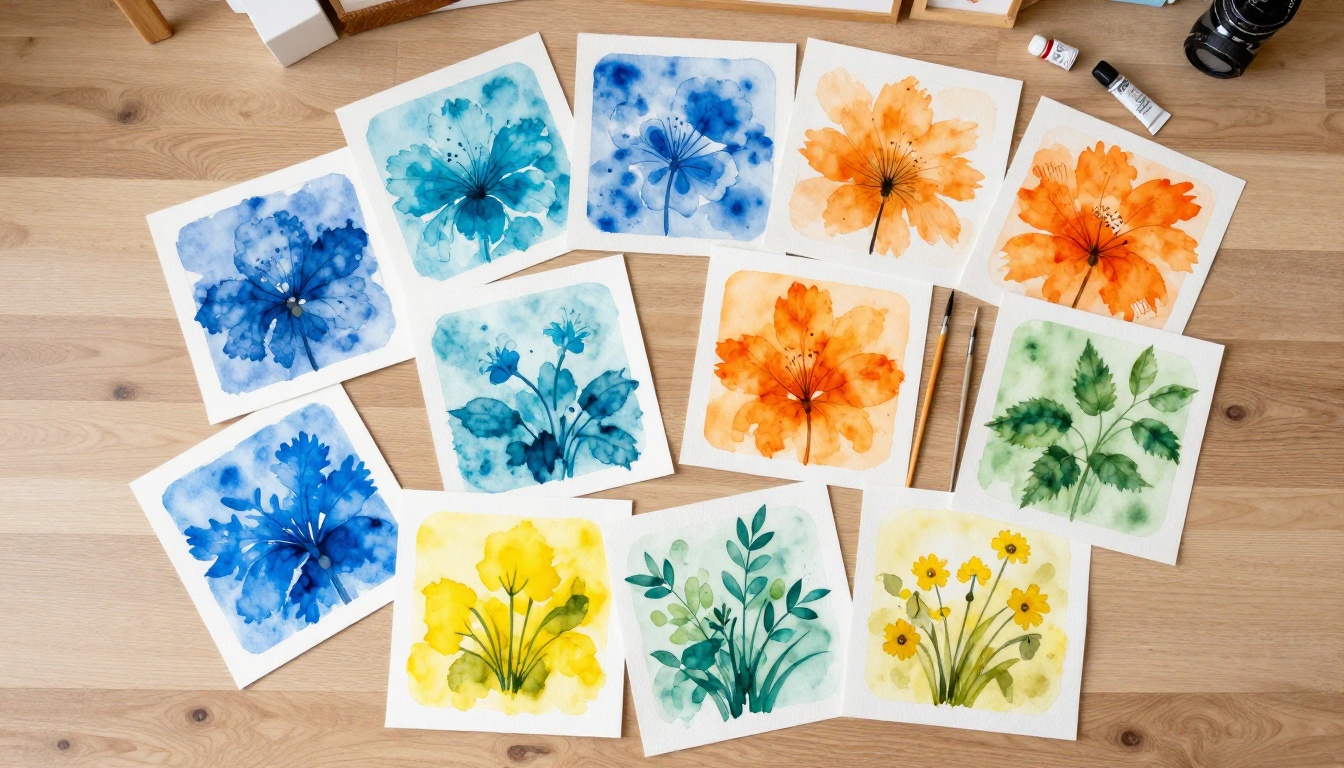
Static image grids have three specific problems for artists:
- No sequence. Viewers jump between thumbnails randomly, with no narrative or curation.
- No context. There is no way to pair a painting with its title, dimensions, medium details, or story.
- No presence. A flat grid looks the same whether it holds ten paintings or ten stock photos.
A flipbook solves all three. It imposes sequence, pairs each painting with text naturally, and creates an experience that feels like holding an art book.
💡 Art collectors and gallery curators spend more time with curated portfolio books than with website galleries. A flipbook replicates that experience digitally.
What Makes a Flipbook Perfect for Watercolor
The page-turning format is not just aesthetically pleasing, it is structurally suited to how watercolor portfolios are consumed.

Watercolor artists typically work in series: botanical studies, landscape collections, figure work, abstract explorations. A flipbook mirrors this natural grouping. Each series becomes its own chapter. Viewers turn through pages the same way they would with a physical portfolio case, which creates an emotional connection that a static grid simply cannot replicate.
Key advantages for watercolor artists:
| Feature | Static Gallery | Digital Flipbook |
|---|
| Page sequence control | No | Yes, fully curated |
| Text alongside each painting | Limited | Full per-page captions |
| Page-turn animation | No | Yes, realistic flip |
| PDF download for clients | No | Yes |
| Embed on any website | Limited | Yes, with one line of code |
| Password protection | Rare | Yes (Standard plan+) |
| Mobile responsive | Sometimes | Always |
| Analytics on viewer behavior | No | Yes (Professional plan) |
✅ A flipbook does not replace your website. It enhances it. Embed your flipbook directly on your portfolio page and give visitors a reason to stay longer.
How to Prepare Your Watercolor Paintings for Digitization
Before you create a flipbook for your watercolor paintings, the source files need to be strong. Weak scans produce weak flipbooks.
Scanning vs. Photography
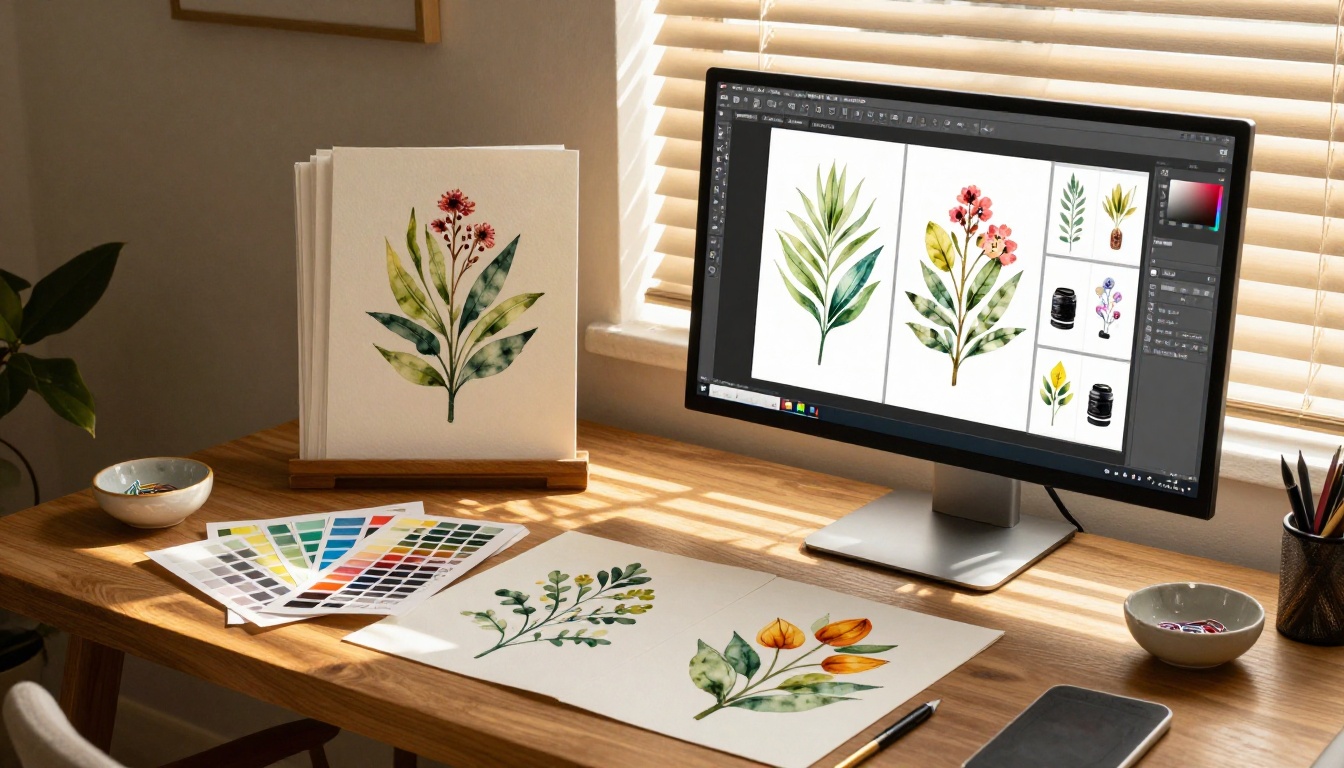
Flatbed scanning is the gold standard for paper-based work under 13x19 inches. A scanner captures paper texture, pigment granulation, and the subtle translucency of watercolor washes with far more fidelity than most cameras.
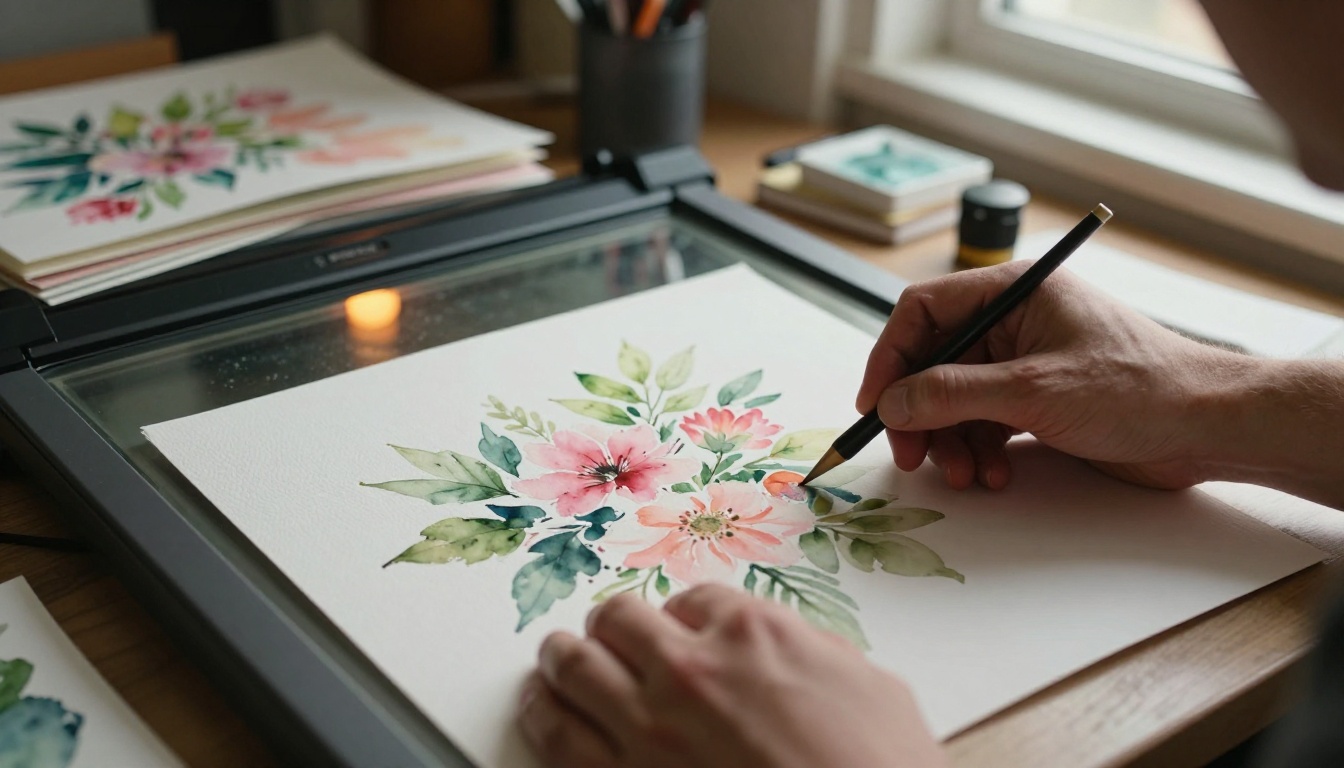
For larger work, professional photography with a copy stand, two diffused lights at 45 degrees, and a color checker card is the next best option. Avoid phone photography for portfolio use: lens distortion and inconsistent white balance will make your paintings look amateurish even if the original work is exceptional.
Resolution That Actually Works
| Painting Size | Minimum Resolution | Recommended Resolution |
|---|
| Up to 9x12 inches | 300 DPI | 600 DPI |
| 12x18 inches | 300 DPI | 400 DPI |
| 18x24 inches | 200 DPI | 300 DPI |
| Over 24 inches | 150 DPI | 200 DPI |
⚠️ Never upscale low-resolution scans. Upscaling introduces blur and artifacts that destroy the appearance of watercolor texture. Start with the right resolution from the original capture.
Organizing Before You Build
Before importing anything into your PDF software, organize your paintings by series or theme. The order you set in the PDF is the order viewers will experience in the flipbook. Think about pacing: alternate between detail-heavy and spacious compositions, vary warm and cool palettes across pages, and put your strongest work in the first three pages and the last two.

A simple layout template with one painting per page, a title, medium, and dimensions listed in a small clean font is all you need. Keep the page background white or very light cream to let the paintings breathe. Resist the urge to over-design. The paintings are the content.
Create a Flipbook for Your Watercolor Paintings with Flipbooks AI
Once your PDF is ready, the actual flipbook creation takes minutes. Flipbooks AI handles the conversion, hosting, and sharing in one place, with no technical skills required.
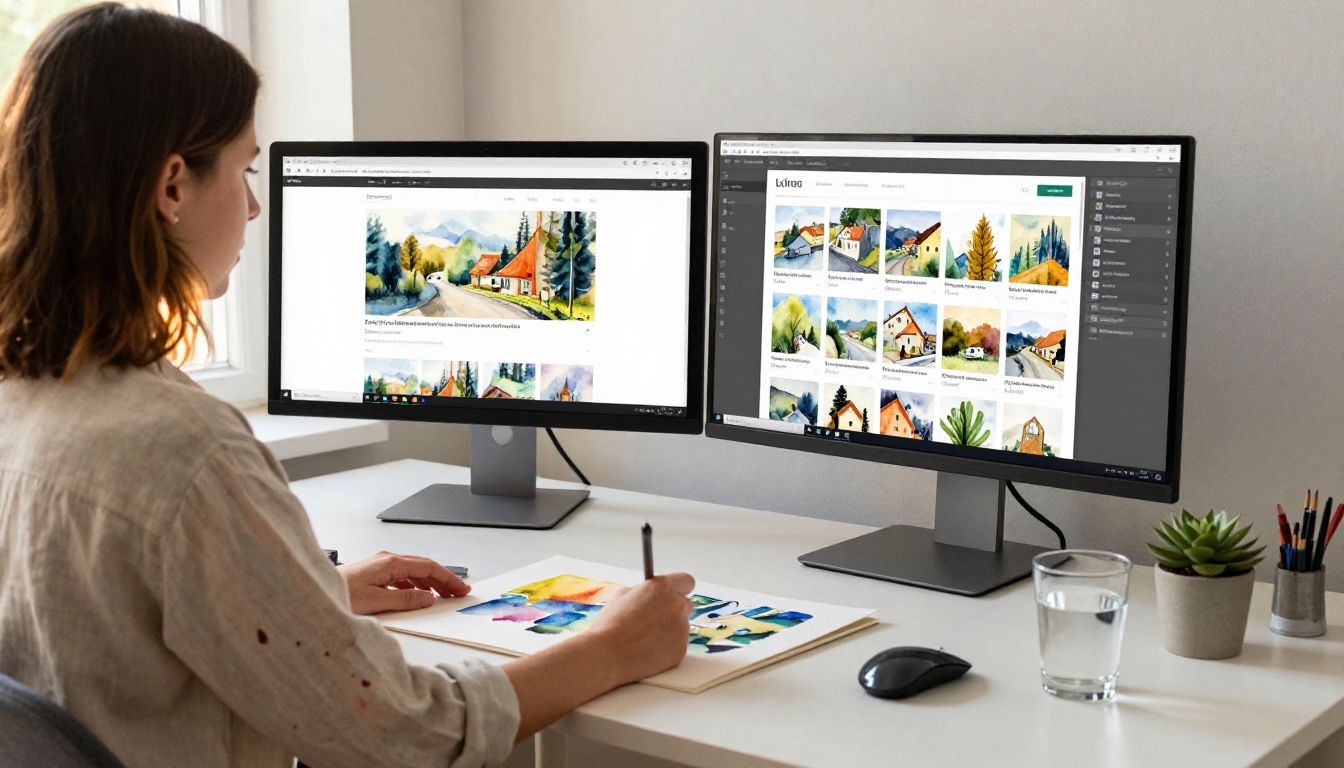
Step 1: Set Up Your Account
Go to flipbooksai.com/account and create your account. The free tier lets you test the conversion and see how your paintings look in flip format, but for a professional watercolor portfolio you will want the Standard plan or above to remove watermarks and access unlimited flipbooks.
Step 2: Upload Your PDF
Click "New Flipbook" and upload your portfolio PDF. Flipbooks AI converts it automatically, preserving your high-resolution images, your text, and your page order. Large files with high-resolution scans (50 MB and above) upload without issue. The conversion takes under two minutes for most portfolio sizes.
Step 3: Customize Your Flipbook
This is where your flipbook becomes distinctly yours. In the customization panel:
- Background color: Choose a neutral dark or light tone that complements watercolor palettes. Deep charcoal or warm off-white both work beautifully.
- Page flip sound: The paper-turn sound effect adds tactile realism. Leave it on for portfolio use.
- Thumbnails bar: Enables viewers to jump between series sections quickly without turning page by page.
- Auto-play: Set a page-turn interval if you plan to display your flipbook on a screen at a gallery opening or art fair booth.
- Custom branding: Add your name, logo, and social links. This is your portfolio.
Step 4: Set Sharing Permissions
For a public portfolio, leave the flipbook open. For works-in-progress or private client previews, enable password protection to control exactly who sees what. This is particularly useful when sending a commission proposal that includes unpublished or reserved work.
Step 5: Share and Embed
Flipbooks AI generates a shareable link instantly after conversion. You can also copy an embed code to paste into your website, Squarespace site, WordPress portfolio, or Behance profile. The flipbook is fully mobile-responsive, so collectors viewing it on a phone get the same experience as someone on a desktop with a large monitor.
💡 Use the Portfolio Flipbook Builder or the Digital Portfolio Creator tool if you want a purpose-built starting template designed specifically for visual artists.
Making Your Watercolor Flipbook Stand Out
A converted PDF is the foundation. What separates a forgettable flipbook from one that gets shared is the attention paid to presentation details.

Per-Page Captions That Add Value
Each painting page should include:
- The painting's title
- Medium and paper type (for example: "Watercolor on Arches 300gsm cold press")
- Dimensions
- Year created
- A one-sentence note about the piece: its inspiration, location, or a specific technique used
Collectors want context. A painting titled "Untitled 04" sells for less and is remembered for less than one called "Low Tide, Cadaqués, August" with a brief story attached. Context is not filler. It is part of the work.
Color Themes That Complement Watercolors
Avoid bright primary colors for your flipbook interface. Watercolor palettes are typically soft, muted, and luminous. Choose interface colors from within your own paintings:
- The dominant neutral from your most common backgrounds (warm white, cool grey, soft cream)
- A single accent pulled from a recurring color in your work
This creates a cohesive, gallery-quality presentation rather than a generic template feel that could belong to anyone.
A Strong Opening Page
Your first page is not a painting. It is a title page with your name, the portfolio's theme or series title, and optionally a brief artist statement of three to four sentences maximum. Viewers need to know who made this and why before they turn the first page. Give them that orientation and they will engage with everything that follows more intentionally.
How to Share and Sell Through Your Flipbook
A watercolor flipbook is not just a portfolio viewer. With the right setup, it becomes an active sales and marketing tool that works for you continuously.

Sending to Galleries and Curators
Instead of emailing a ZIP file of images or linking to a generic website, send a direct flipbook link. Curators can view it immediately in any browser, turn through pages at their own pace, and forward it to colleagues with a single click. It positions you as a professional who thinks about presentation, not just production.
Embedding in Your Artist Website
The embed code generated by Flipbooks AI is a single iframe snippet. Paste it into your website builder and your flipbook appears inline, interactive, right on your portfolio page. Visitors stay longer, interact more, and move from browsing to buying at higher rates than with static galleries.
✅ Add your flipbook embed to your "Contact" or "Commissions" page as well, giving potential clients immediate access to your full range before they even send an inquiry.
Sharing at Art Fairs and Open Studios
Set your flipbook to auto-play and display it on a tablet at your booth. Visitors who cannot make a purchase decision in person can scan a QR code linking to the flipbook and return to it at home. The full portfolio travels with them, presented exactly the way you intended.
Adding a Lead Capture
The Professional plan on Flipbooks AI includes built-in lead generation. Viewers can be prompted to enter their email before accessing the flipbook. For watercolor artists building a collector list, this is a significant capability: you get contact information from every serious viewer without any third-party email tools or complex integrations.
Flipbooks AI Plans for Artists
Choosing the right plan depends on how you plan to use your flipbook and what scale your art practice operates at.
| Plan | Best For | Key Features |
|---|
| Free | Testing the platform | Watermarked, 1 flipbook, basic sharing |
| Standard | Working artists with active portfolios | No watermarks, unlimited flipbooks, custom branding, password protection, offline downloads |
| Professional | Artists selling work or building collector lists | Everything in Standard plus analytics, lead generation, embed videos and audio |
For most watercolor artists sharing their work with galleries, collectors, and online audiences, the Standard plan is the practical starting point. It removes watermarks, allows unlimited flipbooks so you can maintain separate flipbooks for different series or seasons, and gives you full branding control.
The Professional plan becomes worth it the moment you start treating your art practice as a business with measurable audience metrics. Knowing which pages viewers spend the most time on, which paintings get the most attention, and how many people actually complete the full flipbook gives you real data to inform what you create next.
💡 Compare all features at flipbooksai.com/pricing to see exactly what each tier includes before committing.
Four Flipbooks Every Watercolor Artist Should Have
Creating one flipbook is the beginning. Watercolor artists who get the most from the format typically maintain several flipbooks at once, each serving a distinct purpose:
- The main portfolio: Your best 20 to 30 paintings across all series, updated annually.
- The series flipbook: A focused collection from one specific project or theme, sent to galleries with relevant interests.
- The available work flipbook: Only paintings currently for sale, with prices listed on each page. Updated as pieces sell.
- The commission lookbook: A curated selection showing range of subject matter, palette, and scale to inform commission clients before they commit.
Each flipbook serves a different audience and a different moment in the sales conversation. None require rebuilding from scratch. Flipbooks AI lets you duplicate and edit existing flipbooks, so maintaining a fresh, current portfolio is far less work than it sounds.
Your watercolor paintings are worth more than a static grid on a website that looks like everyone else's. They deserve to be seen in sequence, in context, with the full weight of curation behind them.
Ready to build yours? Start for free on Flipbooks AI and have your first watercolor flipbook live today. When you are ready to go further, explore pricing plans and choose what fits where your practice is heading. You can also browse all available portfolio and creative tools to find templates built specifically for visual artists who take their presentation seriously.



