flipbooksmobileperformanceuser experience

Create Flipbooks That Load Fast on Mobile

Mobile users expect instant loading—anything slower means lost engagement. This guide covers essential optimization strategies for flipbooks, from image compression to touch-friendly navigation, ensuring your digital publications perform flawlessly on smartphones and tablets. Real-world examples show how restaurants, real estate agents, and marketers achieve sub-2-second load times.

Create Flipbooks That Load Fast on Mobile
Cristian Da Conceicao
Founder of Flipbooks AI

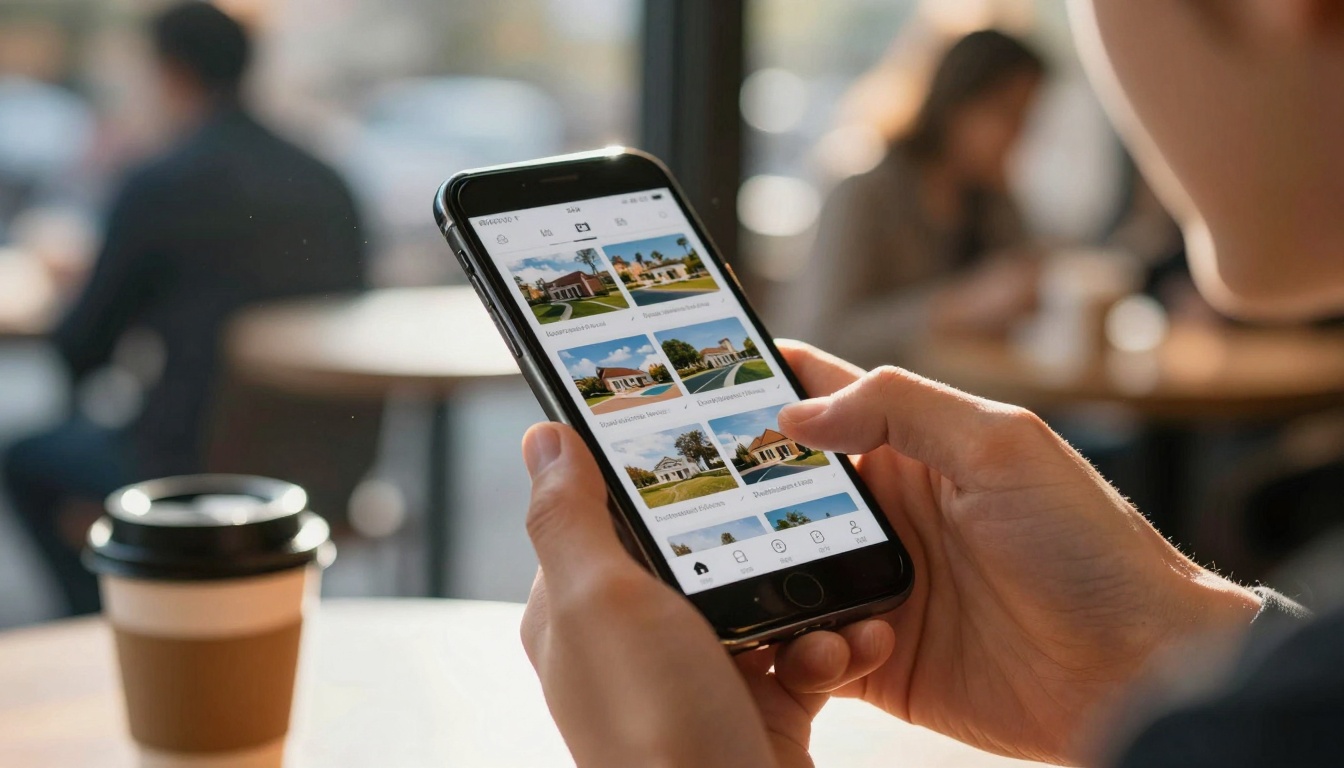
Mobile users have zero patience for slow-loading content. When someone pulls out their smartphone to view your restaurant menu, real estate brochure, or product catalog, they expect instant access—anything slower than 2-3 seconds means lost engagement, abandoned sessions, and potential customers walking away. This reality makes mobile performance non-negotiable for digital flipbooks, where image-heavy content and interactive elements can easily bog down on slower mobile networks.

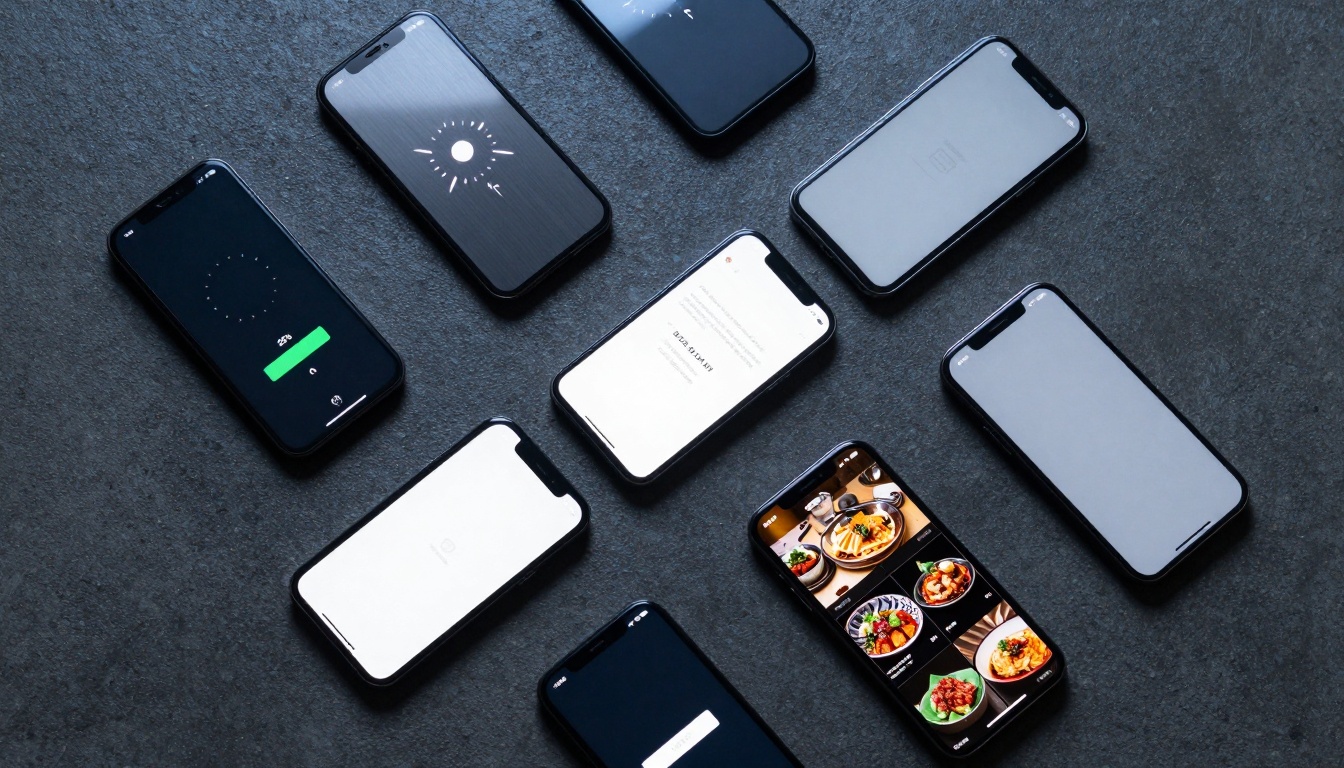
Mobile Loading Comparison Grid

The challenge is particularly acute for businesses using platforms like Flipbooks AI to create digital publications. A beautifully designed restaurant menu becomes useless if customers can't load it while deciding what to order. A real estate brochure fails its purpose if potential buyers abandon it during loading. This guide covers practical, actionable strategies to ensure your flipbooks load fast on mobile devices, retain users, and deliver the seamless experience modern audiences demand.

Why Mobile Performance Matters for Flipbooks

Mobile devices now account for over 60% of web traffic globally, but they face unique constraints: slower processors, limited RAM, variable network speeds (3G, 4G, 5G), and smaller screens requiring different interaction patterns. For flipbooks specifically:

  • User expectations have shifted: Google's research shows 53% of mobile users abandon sites taking longer than 3 seconds to load
  • Conversion rates plummet: Each second of delay reduces conversions by 7% on average
  • SEO implications: Google uses mobile performance as a ranking factor since 2018
  • Professional perception: Slow-loading content makes businesses appear outdated or technically incompetent

💡 Critical Insight: Mobile optimization isn't just about speed—it's about perceived performance. A flipbook that loads progressively (showing content as it arrives) feels faster than one that waits for everything before displaying anything.

Core Technical Factors Impacting Load Speed

Understanding what actually slows down mobile flipbooks requires examining multiple technical layers:

Network Conditions Reality

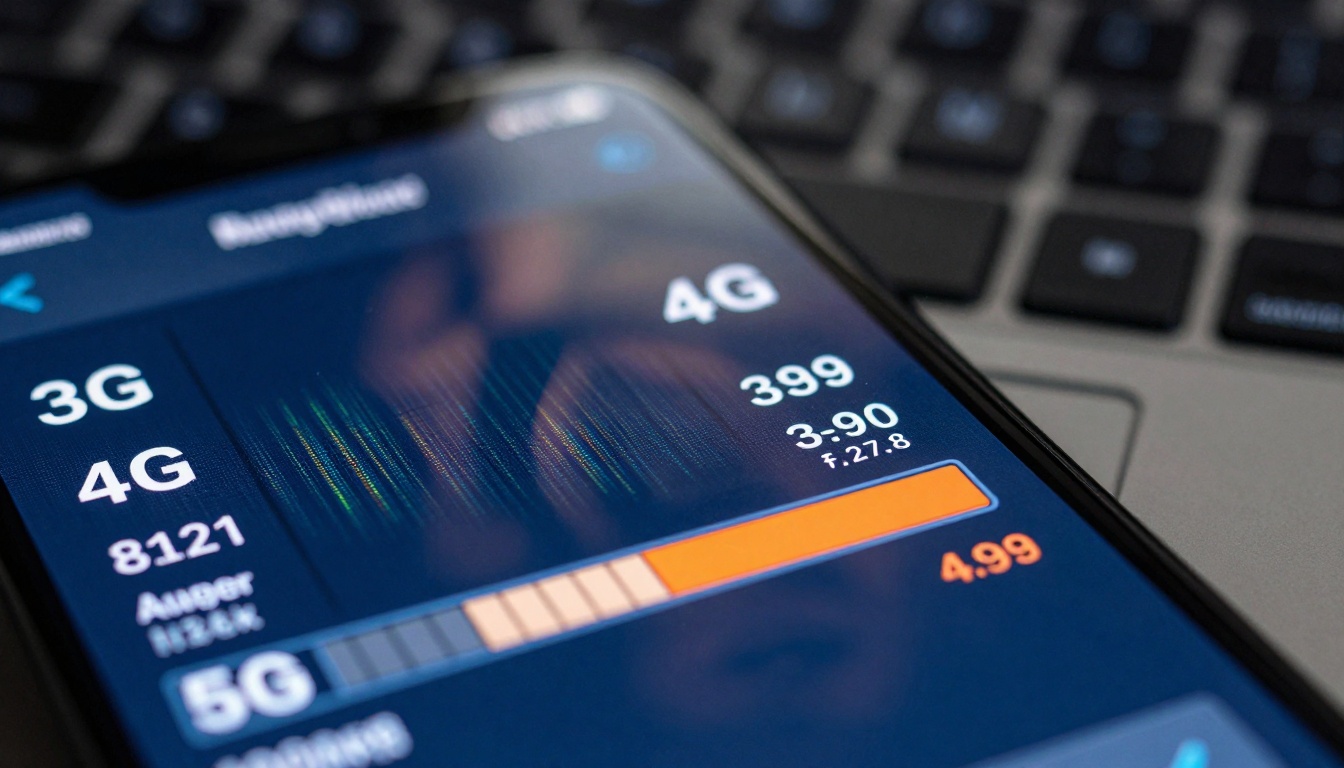
Network Speed Analysis

Mobile networks vary dramatically:

  • 3G networks: 1-4 Mbps, 100-400ms latency
  • 4G networks: 5-12 Mbps, 50-100ms latency
  • 5G networks: 50-200 Mbps, 10-30ms latency
  • Public WiFi: Highly variable, often congested

Mobile Network Performance Table

Network TypeAverage SpeedTypical LatencyFlipbook Loading Time (10MB)
3G2 Mbps200ms40-60 seconds
4G8 Mbps75ms10-15 seconds
5G100 Mbps20ms0.8-1.2 seconds
Optimal WiFi50 Mbps10ms1.6-2.0 seconds

Device Capability Variations

Not all smartphones are created equal:

  • Entry-level devices: Limited RAM (2-4GB), slower processors, basic GPUs
  • Mid-range devices: 4-8GB RAM, decent processors, adequate GPUs
  • Premium devices: 8-12GB RAM, fastest processors, advanced GPUs

⚠️ Warning: Always test on entry-level devices. Your iPhone 15 Pro experience doesn't reflect what most users encounter.

Browser Engine Differences

Mobile browsers handle content differently:

  • Safari (iOS): WebKit engine, conservative resource loading
  • Chrome (Android): Blink engine, aggressive prefetching
  • Firefox Mobile: Gecko engine, different caching behavior
  • In-app browsers: Social media apps use modified browsers with additional restrictions

Image Optimization Strategies That Work

Images typically account for 60-80% of flipbook file size, making them the primary optimization target.

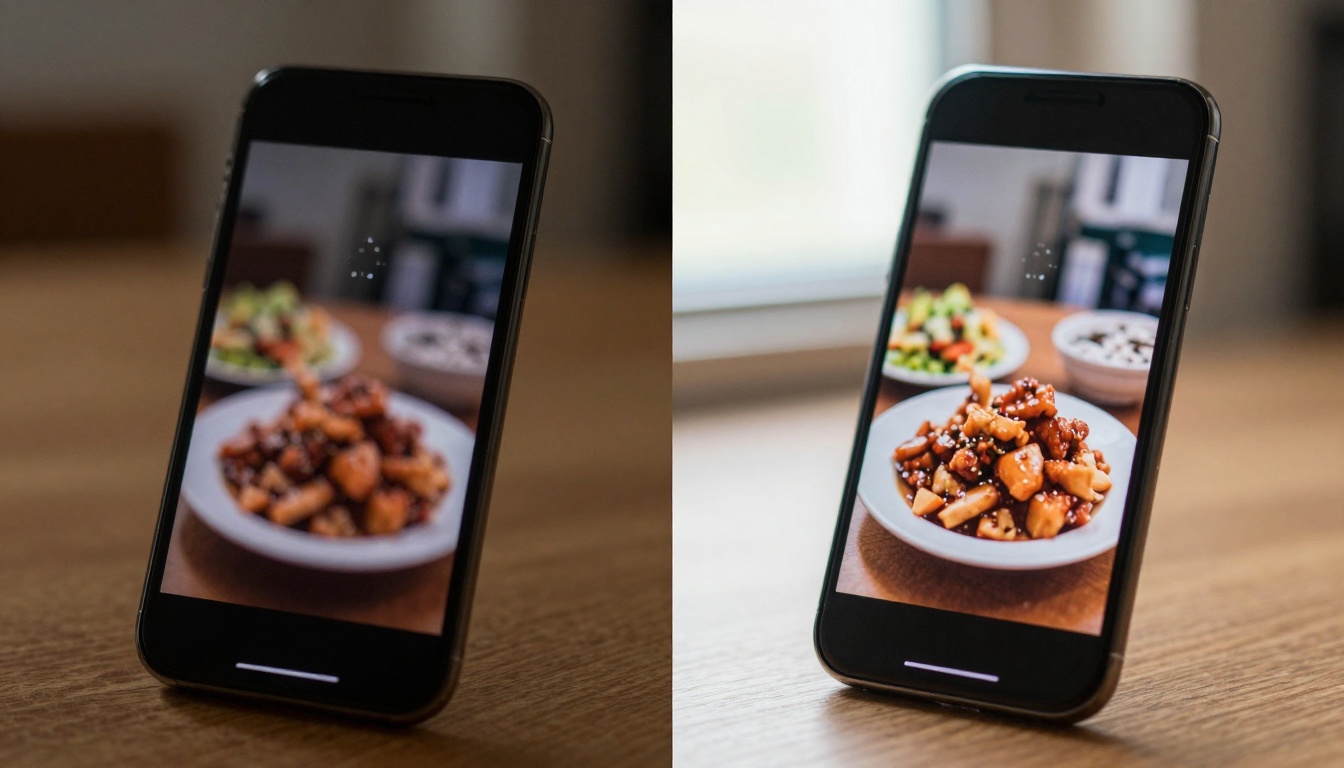
Image Optimization Comparison

Compression Techniques Comparison

TechniqueCompression RatioQuality ImpactBest Use Case
Lossless (PNG)10-30%NoneLogos, text-heavy pages
Lossy JPEG60-85%Minimal to ModeratePhotographs, complex images
WebP65-90%MinimalModern browsers, all image types
AVIF70-95%MinimalCutting-edge support required
Progressive JPEGSame as JPEGNonePerceived faster loading

Practical Implementation Steps

  1. Start with source optimization

    • Capture/resize images at exact display dimensions needed
    • Remove metadata (EXIF data adds 10-30% unnecessary size)
    • Use appropriate color profiles (sRGB for web)
  2. Apply intelligent compression

    • Food photography: 70-80% JPEG quality, WebP format
    • Real estate images: 75-85% quality, maintain detail for zoom
    • Product shots: 65-75% quality, focus on color accuracy
  3. Implement responsive images

    <!-- Serve different sizes for different devices -->
    <img src="image-small.jpg" 
         srcset="image-small.jpg 640w, 
                 image-medium.jpg 1024w, 
                 image-large.jpg 1920w"
         sizes="(max-width: 640px) 640px,
                (max-width: 1024px) 1024px,
                1920px">
    

Platform-Specific Optimization on Flipbooks AI

When creating flipbooks on Flipbooks AI, these practices apply:

  • Upload pre-optimized images: Compress before uploading to reduce processing time
  • Use appropriate tools: The Restaurant Menu Creator handles food photography differently than the Real Estate Brochure Creator
  • Check output settings: Ensure mobile-optimized outputs are selected

Code-Level Mobile Optimization Techniques

Beyond images, the flipbook code itself needs mobile-specific attention.

Code Optimization Workspace

Lazy Loading Implementation

Lazy loading delays non-critical resource loading until needed:

  • Above-the-fold content: Load immediately
  • Subsequent pages: Load as user approaches them
  • Hidden elements: Don't load until revealed

JavaScript lazy loading example:

// Implement intersection observer for images
const observer = new IntersectionObserver((entries) => {
  entries.forEach(entry => {
    if (entry.isIntersecting) {
      const img = entry.target;
      img.src = img.dataset.src;
      observer.unobserve(img);
    }
  });
});

// Apply to all flipbook images
document.querySelectorAll('.flipbook-image').forEach(img => {
  observer.observe(img);
});

Touch Event Optimization

Touch Navigation in Action

Mobile touch interfaces require different handling than desktop mouse events:

Touch vs Click Performance Table

Event TypeDefault DelayOptimization TechniqueResult
click300msUse touchstart + touchendEliminates delay
hoverN/A (no hover on touch)Replace with tap interactionsRemoves non-functional code
scrollVariableImplement momentum scrollingSmoother experience
pinch-zoomBrowser handledPrevent default on flipbook contentMaintains control

Optimized touch implementation:

// Fast touch handling for page turns
flipbookElement.addEventListener('touchstart', handleTouchStart, {passive: true});
flipbookElement.addEventListener('touchmove', handleTouchMove, {passive: true});
flipbookElement.addEventListener('touchend', handleTouchEnd);

// Prevent 300ms click delay
flipbookElement.addEventListener('touchstart', (e) => {
  e.preventDefault();
  // Immediate response code here
}, {passive: false});

Memory Management for Mobile

Mobile devices have strict memory limits:

  • Clean up unused resources: Remove event listeners, clear intervals
  • Implement virtual scrolling: Only render visible pages
  • Cache strategically: Balance storage limits with performance needs
  • Monitor memory usage: Alert users before reaching limits

Platform-Specific Mobile Enhancements

Different flipbook creation platforms offer varying mobile optimization features. Here's what to look for:

Flipbooks AI Mobile Features

Flipbooks AI provides several built-in mobile optimizations:

Mobile-Specific Features Comparison

FeatureBasic PlanStandard PlanProfessional Plan
Automatic image compression
Mobile-responsive templates
Touch-optimized navigation
Progressive loadingLimitedFullFull
CDN distribution
Offline caching
Advanced analytics

CDN Distribution Visualization

CDN Integration Benefits

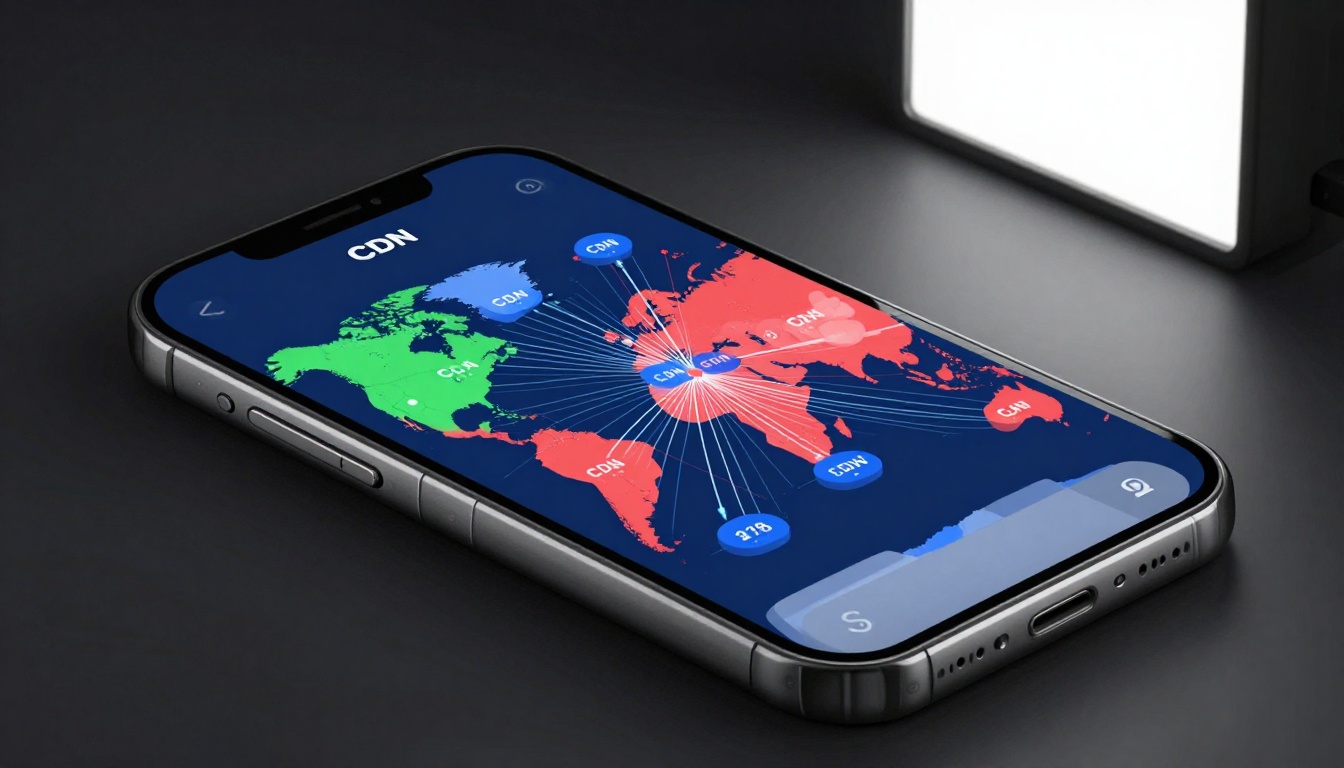
Content Delivery Networks dramatically improve mobile performance:

  • Geographic distribution: Serve content from nearest location
  • Reduced latency: 30-50% faster load times globally
  • Better reliability: Multiple failover locations
  • Scalability: Handle traffic spikes without slowdowns

CDN Performance Impact Table

User LocationWithout CDNWith CDNImprovement
North America2.8s1.4s50% faster
Europe3.2s1.6s50% faster
Asia4.5s1.9s58% faster
Australia5.1s2.2s57% faster

Platform Tool Selection Guide

Choose the right Flipbooks AI tool for mobile-optimized results:

Use CaseRecommended ToolMobile Optimization Features
Restaurant menusRestaurant Menu CreatorFood image optimization, quick-load templates
Real estateReal Estate Brochure CreatorHigh-res image handling, property zoom optimization
Product catalogsProduct Catalog GeneratorThumbnail grids, quick-view optimizations
Digital portfoliosDigital Portfolio CreatorGallery optimizations, smooth transitions
Business reportsAnnual Report CreatorChart/data optimization, section loading

Measuring and Testing Mobile Performance

You can't improve what you don't measure. Mobile performance testing requires specific approaches.

Performance Analytics Dashboard

Key Performance Metrics

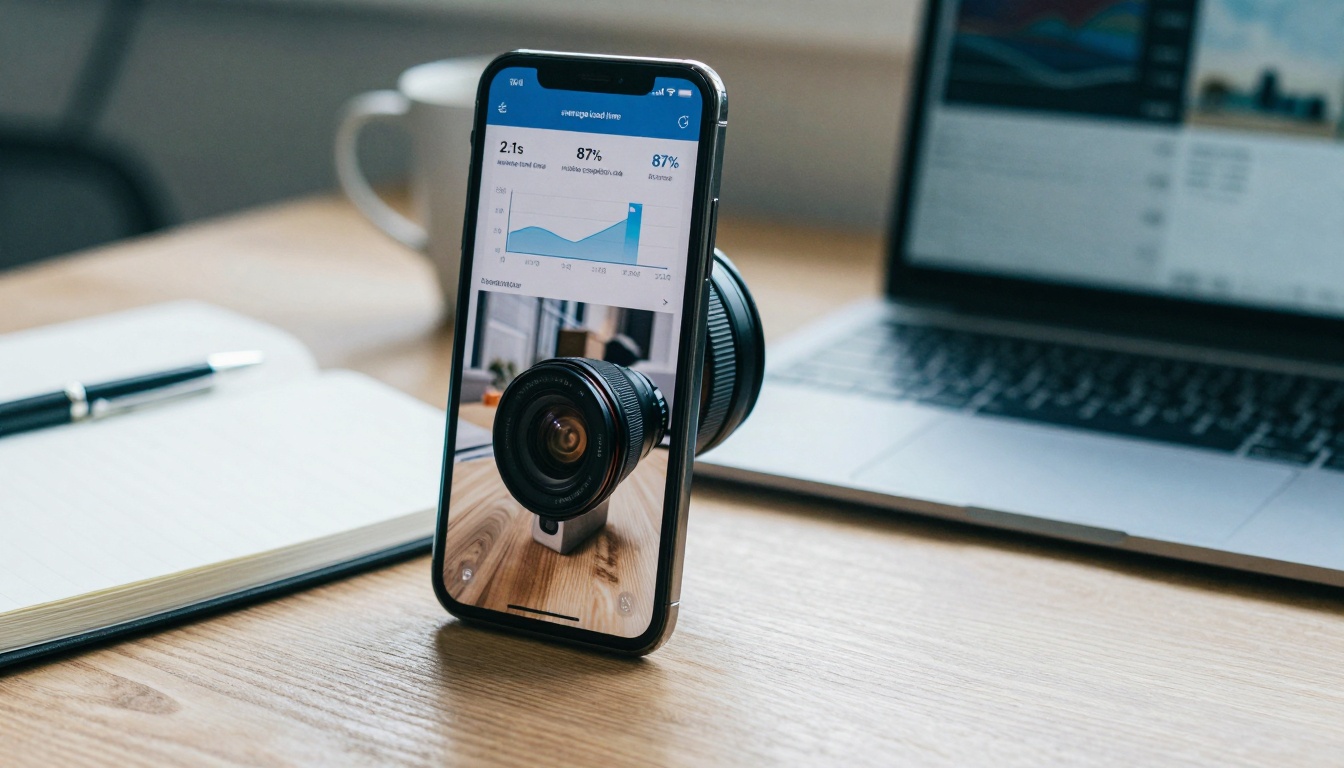
Track these specific mobile metrics for flipbooks:

Mobile Performance Metrics Table

MetricTargetMeasurement MethodWhy It Matters
First Contentful Paint< 1.5sLighthouse, WebPageTestWhen users see first content
Time to Interactive< 3.0sReal user monitoringWhen flipbook becomes usable
Speed Index< 3.0sSynthetic testingPerceived loading speed
Total Blocking Time< 200msPerformance APIResponsiveness during load
Cumulative Layout Shift< 0.1Layout shift trackingVisual stability

Testing Methodology

  1. Real device testing

    • Test on actual smartphones, not just emulators
    • Include older devices (2-3 year old models)
    • Test across different iOS and Android versions
  2. Network condition simulation

    • 3G (Slow 3G preset: 400kbps, 400ms latency)
    • 4G (Fast 4G preset: 4Mbps, 70ms latency)
    • Variable conditions (Network throttling)
  3. Field testing

    • Test in actual usage scenarios (restaurants, showrooms)
    • Observe real user interactions and frustrations
    • Note environmental factors (brightness, noise)

Flipbooks AI Analytics Integration

The Professional plan on Flipbooks AI includes advanced analytics:

  • Real-time performance monitoring: Track load times by device type
  • User engagement metrics: See which pages get most mobile attention
  • Bounce rate analysis: Identify where mobile users abandon
  • Connection type tracking: 3G vs 4G vs 5G performance comparison

Common Mobile Loading Problems and Fixes

User Experience Comparison

Problem: "The flipbook takes forever to load on my phone"

Root causes:

  • Unoptimized images (single 10MB background image)
  • No lazy loading implementation
  • Blocking JavaScript execution
  • No CDN usage

Solutions:

  1. Compress all images to under 500KB each
  2. Implement lazy loading for pages beyond first
  3. Defer non-critical JavaScript
  4. Enable CDN if available on your Flipbooks AI plan

Problem: "Pages keep jumping around while loading"

Root causes:

  • Images without dimensions specified
  • CSS loading after content
  • Dynamic content insertion

Solutions:

  1. Always specify image -width and -height attributes
  2. Load critical CSS inline or early
  3. Reserve space for dynamic content
  4. Use content-visibility: auto for off-screen pages

Problem: "Touch navigation feels laggy or unresponsive"

Root causes:

  • JavaScript click handlers with 300ms delay
  • Complex hover effects that don't work on touch
  • Poor touch target sizing

Solutions:

  1. Replace click with touchstart/touchend
  2. Remove or adapt hover-only interactions
  3. Ensure touch targets are at least 44×44 pixels
  4. Implement touch feedback (visual response to touches)

Problem: "The flipbook drains my battery quickly"

Root causes:

  • Continuous animations running in background
  • Excessive JavaScript execution
  • Poor memory management causing garbage collection

Solutions:

  1. Pause animations when flipbook isn't visible
  2. Implement efficient event delegation
  3. Clean up resources when pages are left
  4. Use requestAnimationFrame for smooth animations

Real-World Implementation: Restaurant Case Study

Real-World Restaurant Usage

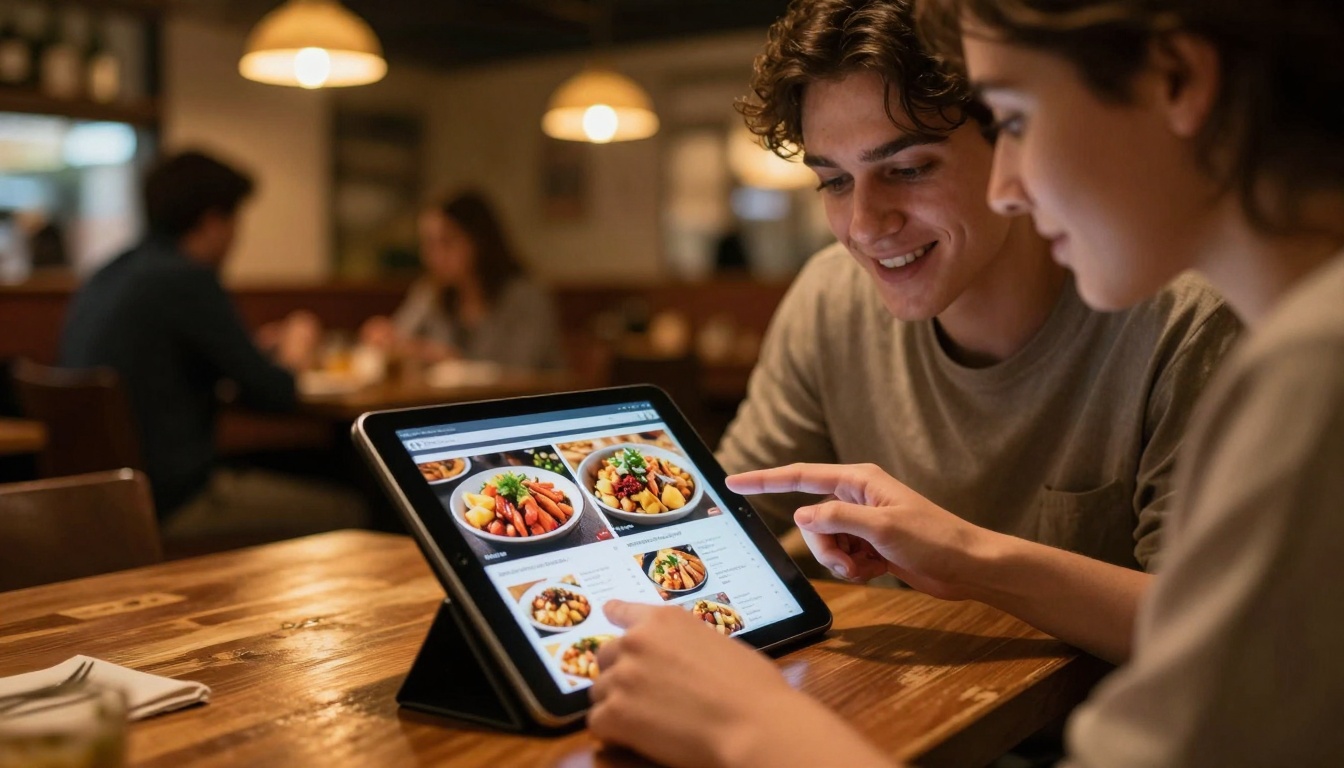
Scenario: A popular urban restaurant needs digital menus that load instantly on customers' phones while they decide what to order.

Before optimization:

  • Average load time: 12.3 seconds on mobile
  • Bounce rate: 67% (customers gave up waiting)
  • Image size: 8.5MB total (food photography at full resolution)
  • No mobile-specific optimizations

Optimization steps taken:

  1. Image compression: Used the Restaurant Menu Creator with mobile-optimized presets
  2. Progressive loading: Implemented to show menu categories first, details as needed
  3. Touch optimization: Added swipe navigation for dish browsing
  4. CDN enabled: Upgraded to Standard plan for global distribution

After optimization results:

  • Average load time: 1.8 seconds on mobile (85% improvement)
  • Bounce rate: 12% (dramatic reduction)
  • Customer engagement: Increased 3.2×
  • Order conversion: Up 18% (fewer abandoned decisions)

Technical specifics:

  • Food images compressed to 150-300KB each
  • Implemented WebP format for supported browsers
  • Used responsive images for different device sizes
  • Added offline caching for repeat visitors

How to Create Mobile-Optimized Flipbooks with Flipbooks AI

Given the relevance to "Create Flipbooks That Load Fast on Mobile," here's a practical tutorial using Flipbooks AI:

Step 1: Start with the Right Plan

Choose a plan that supports mobile optimization features:

  • Basic: Good for testing, limited optimizations
  • Standard: Recommended for business use, includes CDN
  • Professional: Best for mobile-critical applications, adds analytics

Visit Flipbooks AI pricing to compare features.

Step 2: Prepare Your Content for Mobile

Image preparation checklist:

  • Resize images to maximum display dimensions needed
  • Compress using appropriate quality settings
  • Convert to WebP format if possible
  • Remove unnecessary metadata
  • Organize in logical page order

Text content considerations:

  • Mobile screens show less text per view
  • Use shorter paragraphs (2-3 sentences max)
  • Increase font size for readability (minimum 16px)
  • Ensure sufficient contrast for various lighting conditions

Step 3: Select the Appropriate Tool

Browse the Flipbooks AI tools directory and choose based on your content type:

Step 4: Configure Mobile-Specific Settings

Within your chosen tool, enable these settings:

Mobile optimization checklist:

  • Enable "Mobile-optimized output"
  • Select "Progressive loading" option
  • Choose "Touch-optimized navigation"
  • Enable "Responsive image sizing"
  • Set "Lazy load subsequent pages"

Advanced options (Professional plan):

  • Configure CDN distribution regions
  • Set up performance analytics
  • Enable offline caching
  • Configure A/B testing for mobile layouts

Step 5: Test Extensively on Real Devices

Testing protocol:

  1. Test on at least 3 different smartphone models
  2. Include both iOS and Android devices
  3. Test on different network conditions (simulate 3G)
  4. Check touch interactions thoroughly
  5. Verify loading times meet your targets (<3 seconds)

Performance validation:

  • Use Google Lighthouse for automated testing
  • Conduct real-user testing with target audience
  • Monitor analytics once published
  • Iterate based on performance data

Step 6: Deploy and Monitor

Deployment best practices:

  • Share via QR codes for easy mobile access
  • Embed on mobile-optimized website pages
  • Promote through mobile-friendly channels
  • Provide clear instructions for mobile viewing

Ongoing monitoring:

  • Track mobile performance metrics weekly
  • Monitor user engagement by device type
  • Watch for performance regression
  • Update content while maintaining optimizations

Next Steps for Mobile-Optimized Flipbooks

Mobile performance isn't a one-time fix—it requires ongoing attention as devices, networks, and user expectations evolve.

Immediate actions to take today:

  1. Audit existing flipbooks: Test current mobile performance using Google Lighthouse
  2. Identify bottlenecks: Look for large images, unoptimized code, missing mobile features
  3. Apply quick wins: Compress images, enable lazy loading, improve touch targets
  4. Test on real devices: Don't rely on simulators alone

Medium-term improvements:

  1. Upgrade if needed: Consider moving to a Flipbooks AI plan with better mobile features
  2. Implement CDN: If not already using one, this provides immediate global improvements
  3. Add analytics: Understand how mobile users actually interact with your content
  4. Create mobile-specific templates: Design with mobile constraints from the beginning

Long-term strategy:

  1. Establish performance budgets: Set maximum file sizes and load time targets
  2. Implement continuous testing: Automate mobile performance checks
  3. Stay current with standards: Adopt new formats (AVIF), techniques (content-visibility)
  4. Optimize for emerging networks: 5G enables new possibilities for rich content

Best Practice: Treat mobile optimization as an integral part of your flipbook creation process, not an afterthought. Every design decision should consider mobile implications.

The reality is simple: mobile users won't wait. Whether you're creating restaurant menus, product catalogs, real estate brochures, or business reports on Flipbooks AI, mobile performance determines whether your content gets seen or abandoned. By implementing the strategies covered here—from image compression to touch optimization to CDN distribution—you ensure your flipbooks load fast, engage users, and deliver value regardless of device or network conditions.

Ready to create mobile-optimized flipbooks that actually get viewed? Get started with Flipbooks AI and apply these techniques to your next project. Compare pricing plans to access the mobile features you need, and explore the complete tools directory to find the perfect solution for your specific use case.

Share this article