Homework sheets have barely changed in 50 years. The same black-and-white printouts, the same fill-in-the-blank rows, the same crumpled paper at the bottom of a backpack. But there's a better way, and teachers who've tried it are seeing real results. Flipbooks AI lets you turn any PDF assignment into an interactive, page-turning homework sheet that students actually want to open. This article walks you through exactly how to create interactive homework sheets using flipbooks, with practical examples, a step-by-step tutorial, and grade-specific ideas you can use this week.
Why Static Homework Sheets Are Failing Students
The attention problem nobody talks about
A student who isn't paying attention to the worksheet in front of them isn't a lazy student. They're often a student whose brain is wired for something more dynamic than a flat page. Static homework sheets offer zero visual hierarchy, zero interactivity, and zero reason to stay focused past the first question. The format was designed for a world where printing was the only option. That world is gone.
Most paper homework sheets share the same structural problems: walls of text with no visual breaks, no way to embed context or explanation, and a single linear path from question one to the last blank. There's no mechanism for a student to get help, check their own understanding, or move through the material at their own pace.
What research says about interactive materials
Educational research consistently shows that students retain information better when they interact with content rather than passively receive it. Interactive materials create what researchers call active learning opportunities, where the learner makes choices, follows paths, and engages with structure instead of simply reading down a page.
Flipbooks replicate this effect by turning a linear PDF into something with physical dimension, clickable links, embedded media, and navigable pages. The format signals to the student that this is something worth engaging with.
💡 Pro tip: Even a simple PDF converted to a flipbook format increases time-on-task for students because the page-turning mechanic creates a psychological sense of progress through the assignment.
What Makes a Homework Sheet Truly Interactive
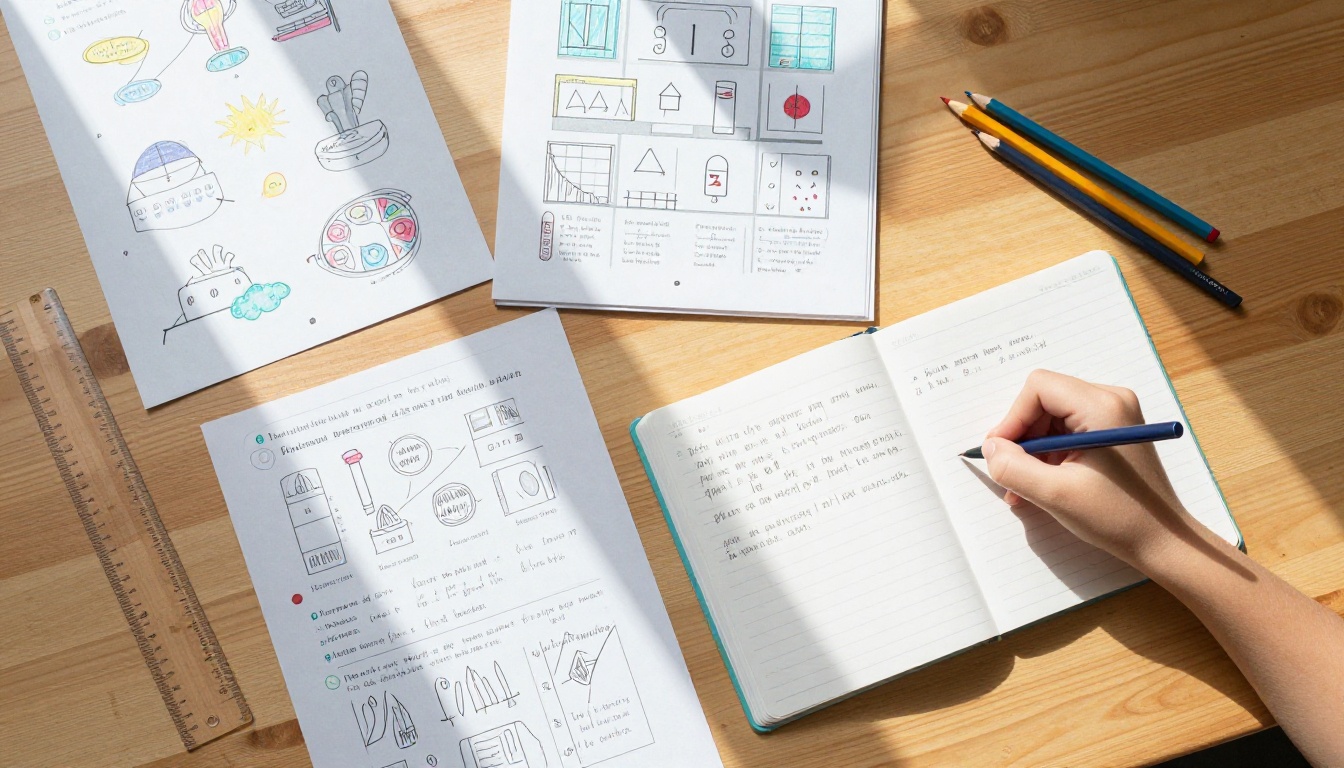
Embedded media vs. clickable links
Not all interactivity is equal. There's a spectrum from "slightly more engaging" to "genuinely active learning," and knowing where your assignments fall helps you design better ones.
| Interactivity Type | Description | Best For |
|---|
| Clickable links | Hyperlinks to resources, videos, or further reading | Research assignments, history projects |
| Embedded audio | Pronunciation audio, reading passages | Language learning, early literacy |
| Embedded video | Instructional clips inside the flipbook | Science demonstrations, math tutorials |
| Page navigation | Interactive table of contents, skip-to-section | Multi-part assignments, choice boards |
| Fillable forms | Text fields students complete digitally | Writing prompts, short-answer questions |
4 types of interactivity that work
The most effective interactive homework sheets share four core qualities:
- Visual hierarchy: Headers, colored sections, and callout boxes that direct attention where it belongs
- Chunked content: Information broken into digestible segments across multiple pages, not crammed onto one
- Embedded context: Links and media that supplement the question instead of just asking it in a vacuum
- Clear navigation: Students always know where they are in the assignment and what comes next
None of these require expensive software or a design background. They require a well-structured PDF and a tool like Flipbooks AI to convert it into something students can actually interact with.
Best Subjects for Flipbook Homework Sheets

Math and science worksheets
Math and science homework benefits most from flipbooks because these subjects often require showing work step by step. A multi-page flipbook assignment can walk students through a concept on the first two pages, present practice problems on pages three and four, and include a self-check answer section on the final page.
Science homework flipbooks work especially well for:
- Lab report templates where each page represents a distinct section
- Vocabulary matching exercises with supporting visual diagrams
- Data recording sheets for at-home experiments
- Science fair project planning documents with prompt questions per stage
Language arts and reading assignments
Reading comprehension homework is ideal for flipbook format. Assign a short reading passage on the first pages, then follow with comprehension questions, vocabulary activities, and creative response prompts across the remaining pages. The physical separation of content and questions mirrors how good readers naturally approach a text.
✅ Best practice: Use the flipbook's page structure to mirror the natural flow of a reading lesson: context first, then content, then questions, then reflection. Students move through the assignment the same way they move through the reading process.
Social studies and history projects
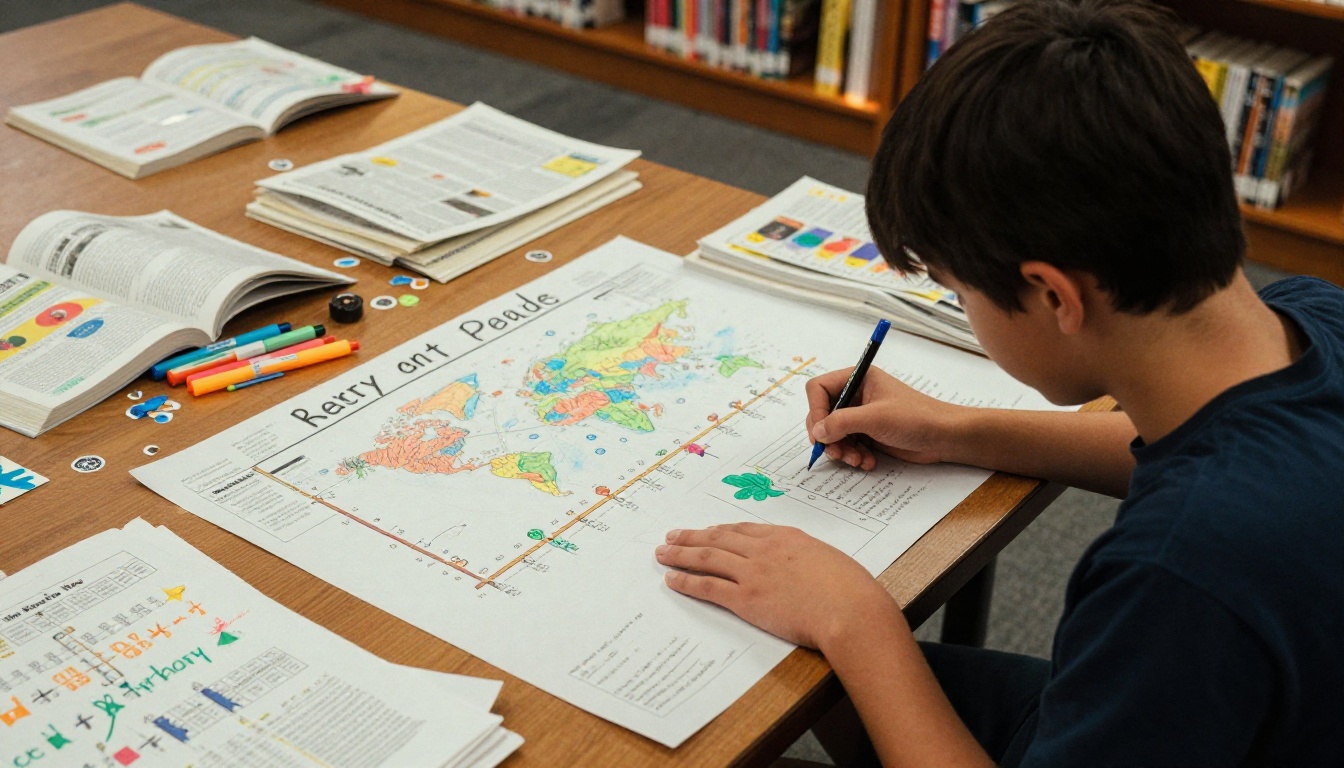
History and social studies assignments benefit from the visual timeline that flipbooks naturally create. A project about the American Revolution, for example, could have one page per era, with research questions embedded on each spread. This structure lets students move through time literally, making chronological thinking feel intuitive rather than abstract.
How to Build Your First Homework Flipbook
Building your first homework flipbook takes less time than you might expect. Here's the full process from start to published assignment using Flipbooks AI.
Step 1: Design your worksheet PDF
Start in whatever tool you already use: Google Slides, Canva, Microsoft Word, or PowerPoint. Design your homework sheet with clear sections, visual elements, and enough white space for students to read comfortably on a screen. Export or save as PDF when done.
⚠️ Warning: Avoid font sizes below 12pt or dense text blocks. Both are hard to read in a digital flipbook, especially on a phone screen. If your printed worksheet feels cramped, it will feel even more cramped in a flipbook.
Step 2: Upload and convert to flipbook
- Go to Flipbooks AI and create your free account at flipbooksai.com/account
- Click New Flipbook and upload your PDF file
- The platform automatically converts your PDF into a page-turning flipbook
- Preview the result to confirm all pages are rendering correctly and text is legible
Step 3: Customize branding and appearance
Once your PDF is converted, tailor the flipbook's appearance to match your classroom or school identity:
- Set a custom background color or texture behind the pages
- Add your name or class section to the cover
- Choose a page-turn animation style (classic flip, slide, or fade)
- Set a custom thumbnail so students recognize the assignment at a glance
Step 4: Add interactive elements
This is where the flipbook becomes genuinely interactive rather than just a digital version of a paper sheet:
- Embed links: Add hyperlinks to YouTube explanations, reference websites, or Google Forms for submission
- Add audio: Record a brief reading passage or pronunciation audio directly inside the tool
- Enable text fields: Let students type responses directly into the flipbook
- Set a password: For assessments, restrict access so only your class can open the file
Step 5: Share with students
Flipbooks AI provides multiple ways to get the assignment into students' hands:
| Sharing Method | Best Use Case | Access Control |
|---|
| Direct link | General homework distribution | Optional password |
| Embed code | Posting on class website or LMS | Inherited from site |
| QR code | Printing on syllabus or bulletin board | Optional password |
| Email share | Direct to individual students | Optional password |
| Offline download | Students without reliable internet | N/A |
Paste the direct link into Google Classroom, Canvas, Schoology, or any LMS your school uses. Students can open the flipbook on any device including phones, tablets, and Chromebooks, with no app download required.
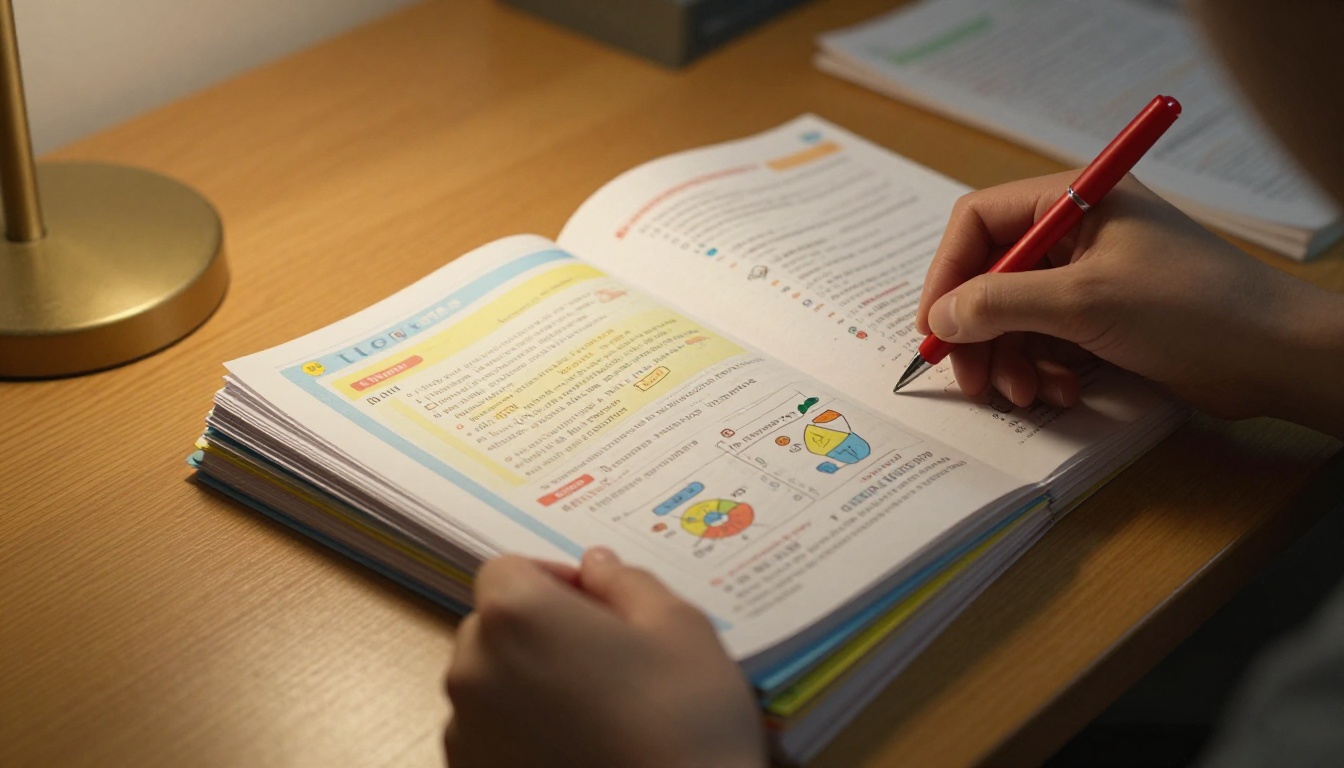
Homework Flipbook Ideas by Grade Level

Elementary school assignments (K-5)
Elementary homework flipbooks should be visually rich, short, and highly structured. Young students respond to large images, color-coded sections, and simple page-turning mechanics that feel like an activity rather than work.
Proven ideas for K-5:
- Weekly reading log with a dedicated space for each day of the week
- Math fact practice with illustrated problems and pictorial hints
- Spelling word flipbook with one word per page spread
- Science observation journals for at-home nature activities
- Autobiographical "all about me" projects with fill-in sections
- Alphabet or phonics practice books with image associations
💡 Pro tip: For kindergarten and first grade, design flipbooks with mostly images and just one or two words per page. The act of turning pages itself builds left-to-right orientation and early reading habits.
Middle school projects (6-8)
Middle schoolers respond to more sophisticated design and appreciate homework that doesn't look like it was photocopied in 1995. Flipbooks for this age group can include clickable references, multi-step problems, and choice-board formats that give students some agency in how they complete the work.
Effective middle school flipbook assignments:
- Book report templates with a dedicated section per story element
- Current events analysis with embedded news article links
- Science lab data collection and analysis sheets
- Math problem sets organized by difficulty tier
- Foreign language vocabulary with audio pronunciation links
- History research organizers with primary source links embedded

High school coursework (9-12)
High school homework flipbooks work best when they mirror professional documents. Students preparing for college or careers benefit from working with well-designed, structured materials that reflect the standards of real-world documents.
High school flipbook assignment ideas:
- AP or honors essay planning frameworks with scaffolded sections
- Chemistry or physics problem sets with formula reference pages built in
- Annotated bibliography templates for research papers
- SAT/ACT vocabulary study books with definitions and usage examples
- College application essay drafting templates with prompt and brainstorm pages
- Debate preparation and argument mapping sheets
The Course Material Publisher tool on Flipbooks AI is built specifically for educational content like this, making it easy to publish polished course materials without any design background required.
Comparing Homework Delivery Methods
When choosing how to deliver homework assignments, format matters more than most teachers realize. Here's how flipbooks stack up against traditional methods:
| Delivery Method | Student Interest | Accessibility | Customization | Cost |
|---|
| Printed worksheet | Low | High (no internet needed) | Low | Printing costs |
| Google Doc or PDF | Medium | High | Medium | Free |
| Google Slides | Medium-High | High | Medium | Free |
| Interactive flipbook | High | High (any device) | High | Free to paid |
| LMS quiz or assignment | Medium | High | Medium | Varies by LMS |
Flipbooks strike a balance that no other format achieves: they're as accessible as a PDF (shareable by link, no app needed) but significantly more involving because of the page-turning experience and the ability to embed media directly into the document. A student who opens a flipbook on their phone is experiencing something closer to a magazine than a worksheet.
Common Mistakes Teachers Make
Overloading pages with content
The most common flipbook mistake is treating each page like a full-size worksheet. A flipbook page is meant to be scanned, not studied intensively. Each spread should carry one focused concept or question. If your page has more than three paragraphs of text, break it across multiple pages. Density kills the format.
Skipping mobile preview
Over 60% of students open homework on their phones. If your flipbook was designed only for a laptop screen, critical content may be cut off or too small to read on mobile. Always preview your flipbook on a phone screen before sharing with the class.
⚠️ Warning: Avoid placing important instructions near the very edges of your PDF pages. Page borders sometimes get trimmed slightly during the PDF-to-flipbook conversion.
Forgetting password protection
For quizzes, test review sheets, or any assignment that shouldn't circulate beyond your class, always enable password protection. Flipbooks AI includes this feature on paid plans, keeping your materials private and restricted to the students who need them.
Features Worth Knowing on Flipbooks AI
Flipbooks AI offers a range of features that make it practical for classroom use at every level:
| Feature | Free Plan | Standard Plan | Professional Plan |
|---|
| Flipbooks per account | Limited | Unlimited | Unlimited |
| Custom branding | No | Yes | Yes |
| Password protection | No | Yes | Yes |
| Analytics and tracking | No | No | Yes |
| Lead capture forms | No | No | Yes |
| Offline download | No | Yes | Yes |
| Embed on website | Yes | Yes | Yes |
| No watermarks | No | Yes | Yes |
For most classroom teachers, the Standard plan covers everything needed: unlimited flipbooks, no watermarks, password protection, and offline access for students without reliable internet. Check pricing plans to find the right fit for your school or district.

Put Your Homework Assignments to Work
Homework sheets don't have to be the least exciting part of a student's day. When you create interactive homework sheets using flipbooks, you give students a format that respects their attention, works on any device, and makes the assignment itself feel worth opening.
Start with one assignment this week. Take a PDF you already use, upload it to Flipbooks AI, and see what it looks like as an interactive flipbook. The conversion takes under a minute, and the difference in how students interact with the material is immediate and visible.
Ready to build your first one? Get started for free on Flipbooks AI, or browse all available educational tools to find templates built specifically for teachers and schools. If you want to see exactly what each plan includes before committing, check the full pricing breakdown and pick what works for your classroom.



