Most newsletters get deleted without being read. Not because the content is bad, but because the format does nothing to earn attention. Walls of text, flat images, and subject lines that promise value but deliver boredom. That is the standard newsletter in 2026, and readers have learned to skip it entirely.
But some newsletters get opened, read, shared, and forwarded. The difference is almost never the topic. It is the experience. Interactive newsletters, the kind that feel alive on screen, hold attention in ways plain text emails simply cannot. Flipbooks AI is changing how brands and creators publish newsletters, turning static PDFs into page-flipping digital experiences that readers actually want to spend time with.
This article breaks down exactly how to create interactive newsletters that people read, share, and remember.
Why People Ignore Most Newsletters
The average person receives over 120 emails per day. Newsletters compete fiercely for a few seconds of scrolling attention. The ones that win are not necessarily from the biggest brands. They are the ones that look different, feel different, and deliver an experience worth having.
The Numbers Tell the Story
Research consistently shows that email open rates across industries hover around 20-25%, with click-through rates dropping to just 2-5%. Even among subscribers who genuinely want your content, most will skim the subject line and archive immediately if the preview does not grab them.
Static newsletters face an inherent limitation: they look identical to every other email in the inbox. A block of text, a banner image, maybe a button. There is no reason for the eye to stop, no reason for the finger to pause the scroll.
What Static Emails Cannot Do
Plain HTML emails, even beautifully designed ones, have hard limits. They cannot:
- Play video inline without redirect links
- Show page-flip or scroll animations
- Display zoomable product images
- Deliver the "wow" moment that generates social shares
- Collect meaningful interaction data beyond opens and clicks
The format itself is the problem. No amount of better copywriting will fix a format that trains readers to skip.
What Makes a Newsletter Interactive
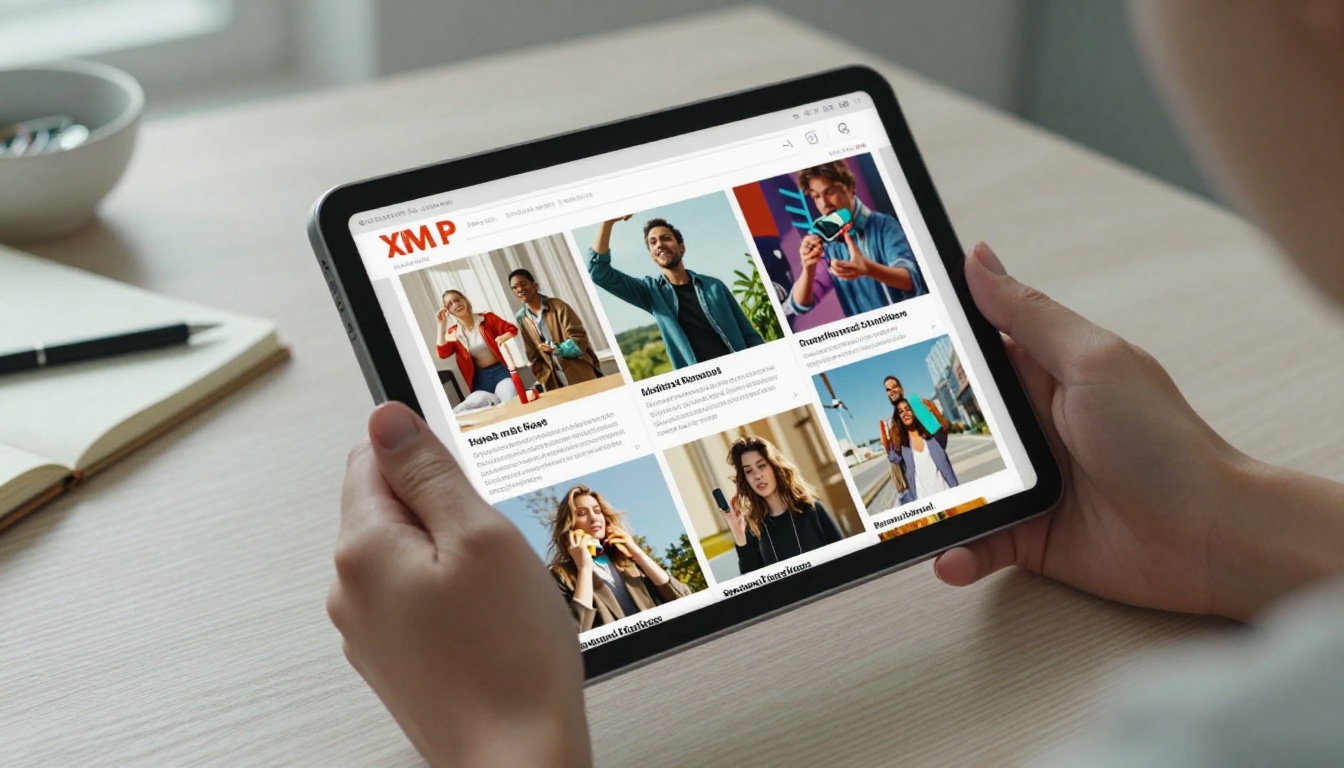
Interactive newsletters are not just HTML emails with a gif. True interactivity means the reader can do something, not just read something. They can flip pages, click through galleries, watch embedded video, zoom into details, and follow calls-to-action that open rich digital experiences.
| Feature | Static Email Newsletter | Interactive Flipbook Newsletter |
|---|
| Page-flip animation | No | Yes |
| Embedded video and audio | Limited, links out | Yes, inline |
| Zoomable images | No | Yes |
| Analytics (scroll depth, clicks) | Basic opens and clicks | Full interaction tracking |
| Mobile responsive | Sometimes | Always |
| Shareable link | No | Yes |
| Password protection | No | Yes, Professional plan |
| No watermarks | N/A | Yes |
Rich Media Changes Everything
When readers can play a video without leaving the newsletter, or zoom into a product shot, or flip through a catalog of images with a swipe, the time spent per issue multiplies. This is not about gimmicks. Rich media creates genuine value because it delivers more information in less scrolling time.
The Flipbook Format
The page-flip format borrows from the physical experience of reading a magazine or brochure. There is something psychologically satisfying about turning a page, even a digital one. It signals that content has weight and structure, not just an endless scroll. Brands that publish newsletters as flipbooks consistently report higher time-on-page metrics and lower drop-off rates.
💡 Pro tip: The flipbook format works especially well for product newsletters, seasonal lookbooks, company updates, and school newsletters where visual richness matters.
5 Types of Interactive Content That Actually Work

Not all interactive content is equal. Some types consistently outperform plain content. These five have real track records across industries.
Clickable Image Galleries
Instead of a single static banner, a gallery lets readers browse multiple product shots, event photos, or portfolio images without leaving the newsletter. Click rates on image galleries are consistently higher than on single-image layouts because they invite action rather than passive viewing.
A retail brand, for example, can embed a seasonal collection gallery directly in their monthly newsletter. Readers browse new arrivals by flipping pages, clicking images, and following product links, all without leaving the newsletter experience.
Embedded Video and Audio
Video in newsletters typically requires a click-through to YouTube or Vimeo. In a flipbook newsletter, video can be embedded directly. Readers watch without context-switching, which means they actually watch. Audio works the same way for podcast newsletters or musical content.
💡 Pro tip: Keep embedded videos short. 60-90 seconds is the sweet spot for newsletter video. Long enough to deliver value, short enough to watch in one sitting.
Polls and Quick Surveys
Short, one-question polls embedded in a newsletter generate two things: data and a sense of participation. Readers who interact with a poll feel heard. They are far more likely to read the rest of the issue and to open the next one.
A real estate agency might ask: "What matters most to you in a new home?" with three clickable options. The answers shape the editorial direction of next month's issue, and readers who voted are invested in seeing the results.
QR Codes and Rich CTAs
A QR code inside a digital newsletter sounds counterintuitive, but it works brilliantly for newsletters designed to be shared at events or distributed as printed handouts. It bridges physical and digital distribution in a single asset.
Page-Turn Flipbook Format
The format itself is the interaction. Every page turn is a micro-commitment that keeps readers moving forward. Well-structured flipbook newsletters see readers reach the final page far more often than scrolling newsletters, simply because the format has a clear beginning, middle, and end.
How to Structure Your Newsletter for Maximum Attention
Even with great content, a poorly structured newsletter loses readers fast. Structure is not about design taste. It is about information architecture that respects the reader's time.
The First 3 Seconds Rule
The opening spread of any newsletter must answer one question in under three seconds: "Why should I care?" That means a strong visual on the first page, a clear headline that states the value, and a visual cue that invites the reader to keep going.
⚠️ Warning: Starting your newsletter with a long text introduction is the fastest way to lose 70% of your readers before they reach the first section. Open with a bold image and a single clear statement of value.
Visual Hierarchy That Works
Strong newsletters use a three-level visual hierarchy:
- Primary: Full-bleed hero image or bold typographic headline
- Secondary: Section headers with clear typographic weight
- Tertiary: Body text, captions, and supporting information
Readers scan before they read. Give them enough visual landmarks to decide where to invest their attention.
Mobile-First Formatting
More than 60% of newsletters are opened on mobile devices. Single-column layouts, large tap targets, and minimum 16px body text are not optional. They are baseline requirements for any newsletter that expects to be read.
| Layout Element | Desktop | Mobile |
|---|
| Columns | 2-3 columns | 1 column |
| Body font size | 14-16px | 16-18px |
| Image width | 600px max | 100% width |
| Button size | Standard | Minimum 44px tap target |
| Header image | Wide banner | Square or portrait crop |
| Line length | 60-80 characters | 40-50 characters |
✅ Best practice: Design your newsletter at mobile size first, then scale up for desktop. Most email clients and flipbook viewers handle this naturally, but starting mobile prevents the most common formatting errors.
Build a Newsletter with Flipbooks AI
Flipbooks AI makes converting a static newsletter PDF into an interactive, page-flipping publication straightforward. Here is exactly how to do it.
Step 1: Create your newsletter as a PDF
Design your newsletter in any tool you already use: Canva, Adobe InDesign, Google Slides, or even Word. Export as PDF. The design itself matters: use full-bleed images, bold headers, and clear section breaks. The PDF is your raw material.
Step 2: Create your account
Go to flipbooksai.com/account and sign up. The Standard plan gives you unlimited flipbooks with no watermarks. The Professional plan adds analytics, lead generation forms, and offline downloads.
Step 3: Upload your PDF
On your dashboard, click "New Flipbook" and upload your PDF. The platform converts it automatically into a page-flipping publication. Standard newsletters typically convert in under 60 seconds.
Step 4: Customize your branding
Use the editor to add your brand colors, front page styling, and background. You can add a logo to the viewer interface. This keeps the newsletter on-brand even after sharing.
Step 5: Add interactive elements
Click on any page in the editor to add:
- Links: Connect any text or image to an external URL
- Video embeds: Add YouTube or Vimeo content that plays inline
- Audio: Embed audio players for podcast newsletters or music content
- Lead forms: Capture subscriber information directly inside the newsletter (Professional plan)
Step 6: Set sharing and access options
Choose your sharing settings:
- Public link: Anyone with the URL can read it
- Password protection: Restrict access to subscribers only
- Embed code: Paste the flipbook directly into your website using the Embed Flipbook on Website tool
- QR code: Download a QR code for print or event distribution
Step 7: Publish and distribute
Share the direct link in your existing email, on social media, or via a QR code. Your subscribers click through to a rich, interactive experience instead of a flat email. The Newsletter Flipbook Publisher tool offers a purpose-built publishing workflow. For school communications specifically, the School Newsletter Creator provides templates designed for parent-teacher audiences.
💡 Pro tip: Use the analytics dashboard (Professional plan) to see which pages readers spend the most time on and which links get the most clicks. This data shapes every issue going forward.
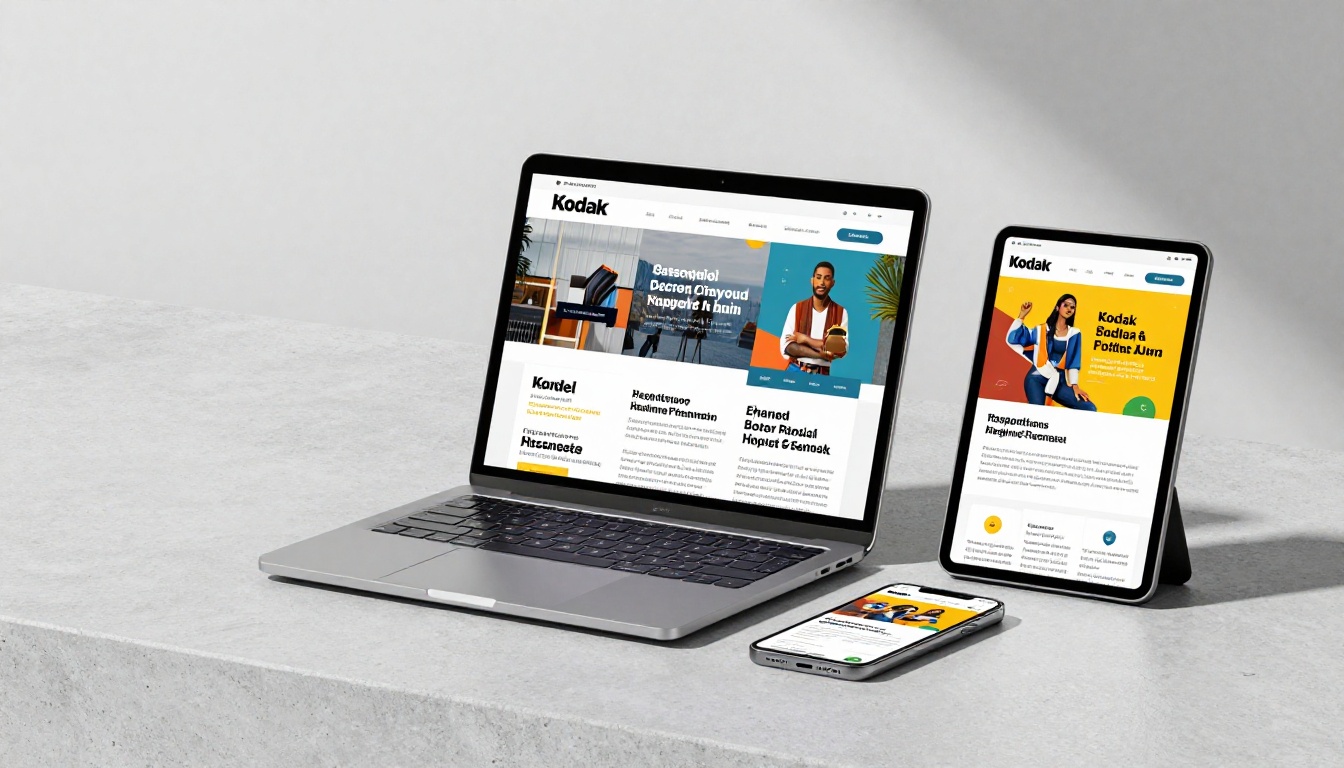
Different audiences need different formats. There is no single right answer, but there are clear patterns that repeat across industries.
| Newsletter Type | Best Format | Why It Works |
|---|
| Product and retail | Flipbook catalog | Visual browsing, image-heavy, page-turn suits product grids |
| Company internal comms | Flipbook magazine | Professional feel, easy to share with remote teams |
| School and community | Flipbook plus email link | Familiar format, accessible on all devices |
| Event and conference | QR-linked flipbook | Bridges print and digital, shareable post-event |
| Fashion and beauty | Interactive lookbook | Zoom images, page-flip suits editorial style |
| Podcast and audio brand | Embedded audio flipbook | Inline audio keeps readers in the experience |
| Real estate | Property flipbook | High-res images, clickable floor plans, video tours |
| Non-profit | Annual report flipbook | Professional, shareable, replaces printed reports |
The flipbook format scales across all of these because it inherits the production quality of whatever PDF design goes in. A well-designed newsletter PDF becomes a premium interactive experience with no extra design work.
Sharing Your Interactive Newsletter

Creating a great interactive newsletter is only half the equation. Distribution determines whether it reaches its audience and builds real readership over time.
Embed on Your Website
The embed code from Flipbooks AI places the full flipbook viewer directly on any webpage. Your newsletter becomes a permanent content asset on your site, indexed by search engines and accessible to readers who find it months later. The Embed Flipbook on Website tool handles the technical side with a single paste.
QR Codes at Events
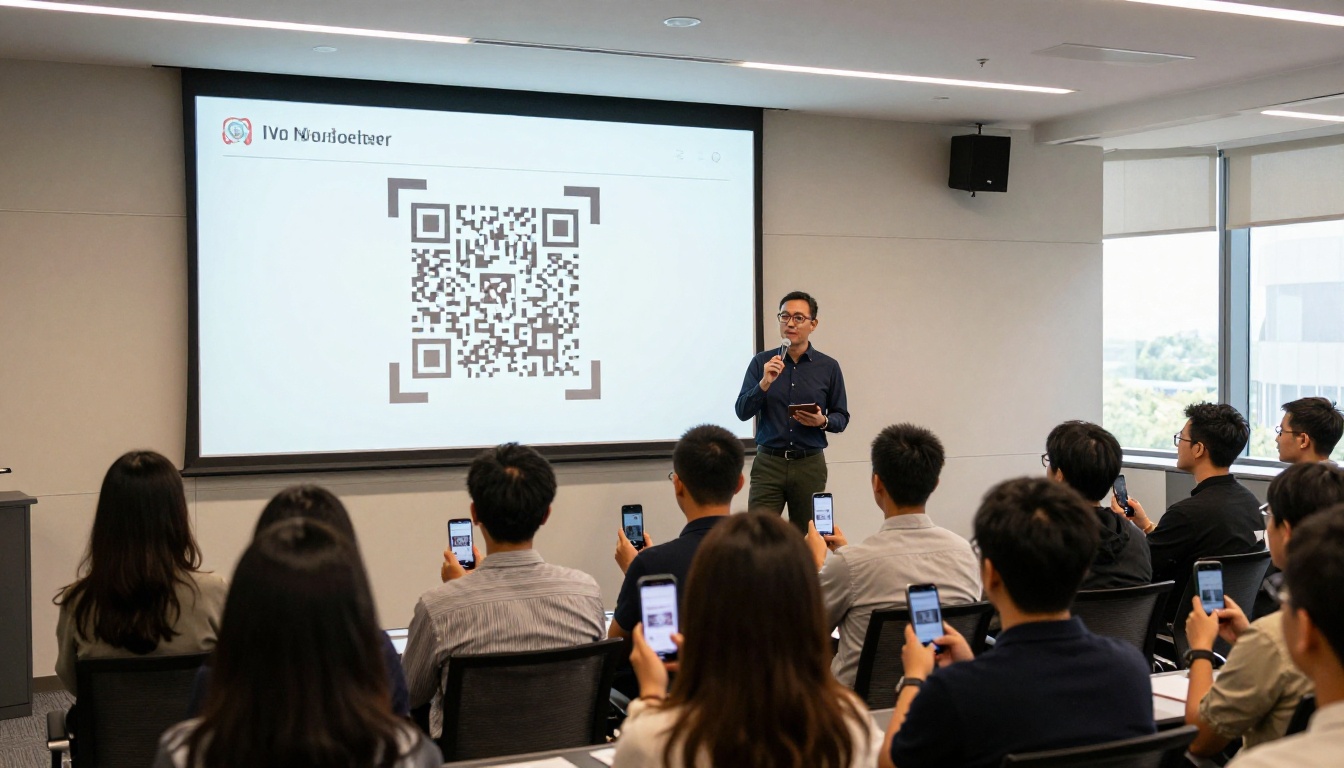
Flipbook newsletters work brilliantly at live events. Print the QR code on a banner, a slide, or a handout, and audience members scan directly into the interactive experience. This approach works especially well for:
- Conference session follow-ups
- Trade show product catalogs
- Restaurant menus linked from table cards
- Real estate open house property sheets
Social Sharing
Because a flipbook newsletter lives at a URL, it shares on social media the same way any link does. The preview image shows the first page of the newsletter, creating a visual thumbnail that performs significantly better than a plain text link. Readers who share a flipbook link are sharing a branded, visual experience, not just a URL.
Measuring What Works
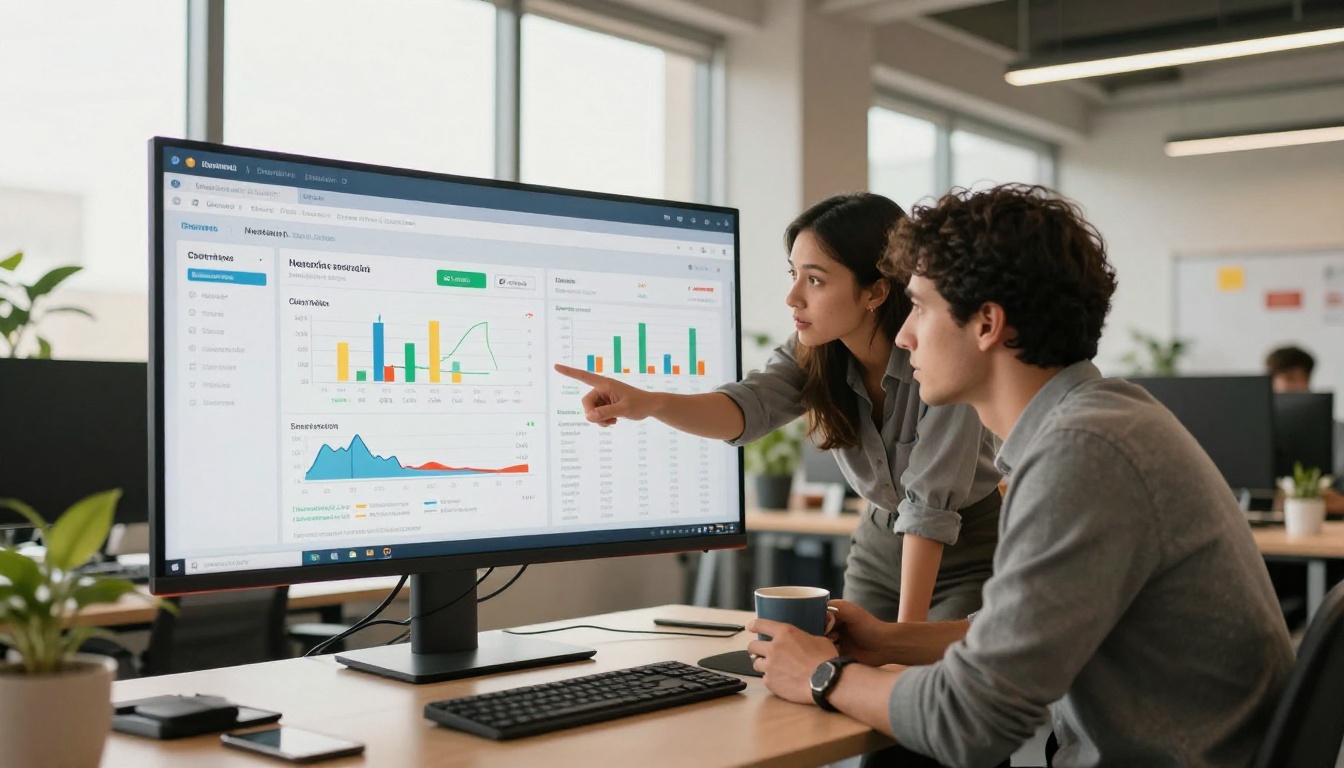
Data without action is noise. The metrics that matter for interactive newsletters differ significantly from traditional email analytics.
Metrics Worth Tracking
- Page-by-page drop-off: Where do readers stop turning pages? This tells you which sections lose attention and need reworking.
- Time per page: Which pages hold readers longest? Double down on that content type in the next issue.
- Click map: Which links get clicked, and from which page? This tells you what readers want to see next.
- Total reads vs. shares: A high share rate relative to total reads signals content worth producing more of.
- Lead form completions: If you have lead capture inside the flipbook, track conversion rate per issue and per section.
Iterating Based on Data
The best newsletter publishers review these metrics after every issue and make one or two specific changes. If page 3 shows a sharp drop-off, the opening of that section needs work. If a specific product link drives 80% of clicks, move that type of content to page 2 in the next issue.
✅ Best practice: After your first three flipbook issues, you will have enough data to identify your most-read content type and your highest drop-off point. Fix the drop-off first, then build on what is already working.
The Professional plan on Flipbooks AI includes the full analytics suite. For serious newsletter publishers, this data pays for itself within a few issues by eliminating guesswork from every production decision.
Make Your First Interactive Newsletter Today
Ready to stop sending newsletters nobody reads? Create your first flipbook newsletter on Flipbooks AI and see the difference an interactive format makes from the very first issue.
Browse all available newsletter tools and templates to find the right starting point for your audience. From the Newsletter Flipbook Publisher to the School Newsletter Creator, there is a purpose-built tool for every use case.
Compare pricing plans to find what fits your publishing schedule and audience size. The Standard plan starts free with no watermarks and unlimited flipbooks, so there is no reason to keep sending newsletters that disappear into the archive.



