A fashion lookbook is one of the most powerful sales and branding tools in your arsenal. When done right, it doesn't just show your clothes, it tells a story that makes buyers stop scrolling, press want to feature you, and customers feel something before they even touch the fabric. The challenge is that most brands either over-spend on elaborate productions they don't need, or under-invest in quality that leaves their collection looking forgettable. This article breaks down exactly how to create a lookbook for your fashion brand, from the very first planning conversation to publishing it as a digital flipbook that anyone can access on any device, anytime. Flipbooks AI makes the digital side of this process effortless, so you can focus on the creative work.
What a Fashion Lookbook Actually Does
A lookbook is not a catalog. That distinction matters more than most brands realize, and confusing the two leads to content that does neither job well.
Lookbooks vs. Catalogs
| Feature | Lookbook | Catalog |
|---|
| Primary purpose | Emotional storytelling, brand identity | Product listing, specifications |
| Imagery style | Editorial, lifestyle, conceptual | Clean, product-focused, flat lay |
| Copy approach | Minimal, atmospheric | Detailed: SKUs, dimensions, pricing |
| Buyer audience | Press, stylists, retail buyers | Direct consumers, wholesale |
| Update frequency | Seasonal | As needed |
A lookbook sells the idea of your brand. A catalog sells the items. Both have their place, but when someone asks how to create a lookbook for their fashion brand, they usually want the former: something aspirational that positions their label in a specific cultural space.
Who Actually Reads Lookbooks
Lookbooks get in front of three distinct audiences, and knowing which one you're targeting changes almost every creative decision:
- Retail buyers and stockists: They want to see how pieces work together, how the brand feels, and whether the aesthetic fits their store's positioning. They need enough images to visualize range, but the emotional story matters as much as the product detail.
- Press and stylists: Magazine editors and TV stylists are looking for visual narratives. They pull from lookbooks for editorial features and shoots. Your images need to be striking enough to stand alone.
- End consumers via social and website: Your lookbook becomes website content, Instagram posts, email campaigns, and digital publications. It has a longer life than most brands expect.
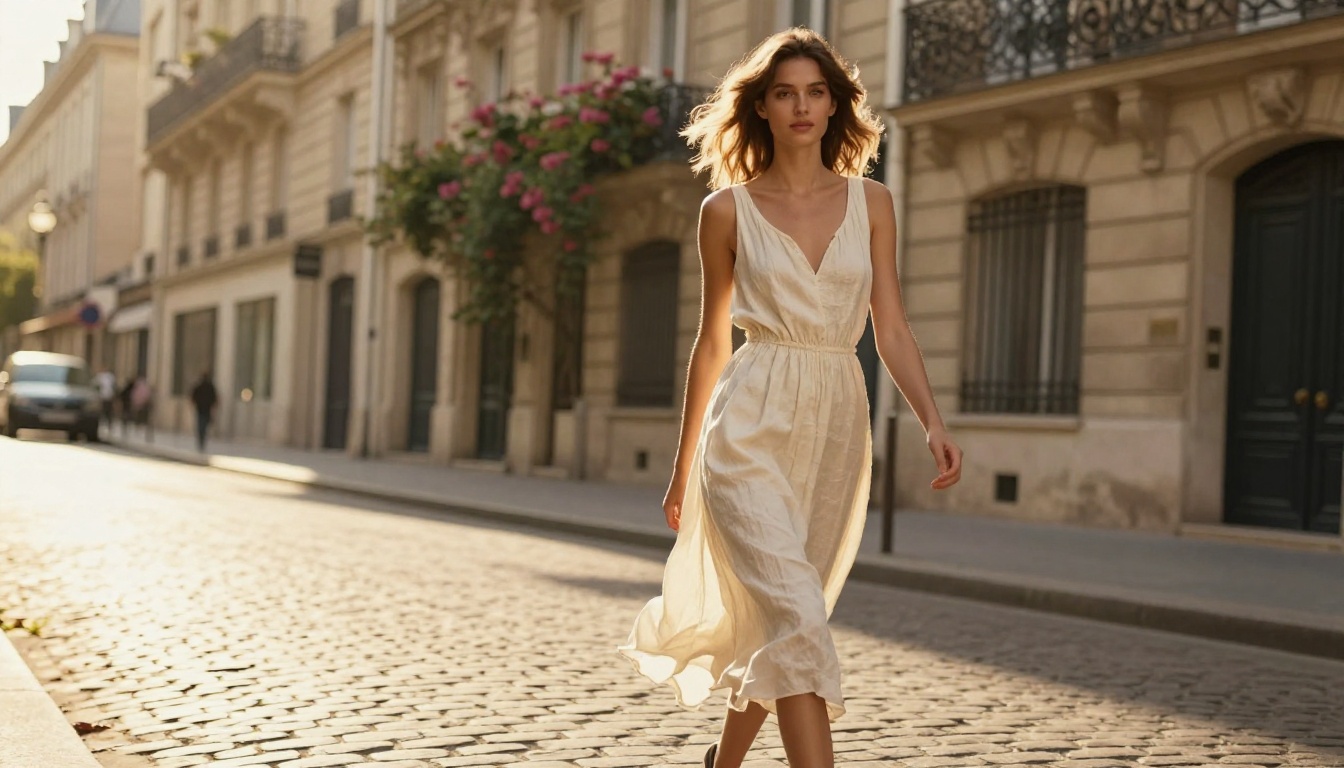
Planning Your Lookbook Before the Shoot
The most expensive lookbook mistakes happen before anyone picks up a camera. Good planning costs nothing and saves everything.
Define Your Brand Story First
Every lookbook needs one central idea. Not "our spring collection," but something more specific: sun-bleached mornings on a Greek island, the working woman who moves between boardrooms and rooftops, quiet luxury at the edge of the city. That idea shapes every other decision.
Write it down in two sentences. If you can't, the concept isn't defined enough yet. Once it's clear, every styling, location, and casting choice either serves that idea or dilutes it.
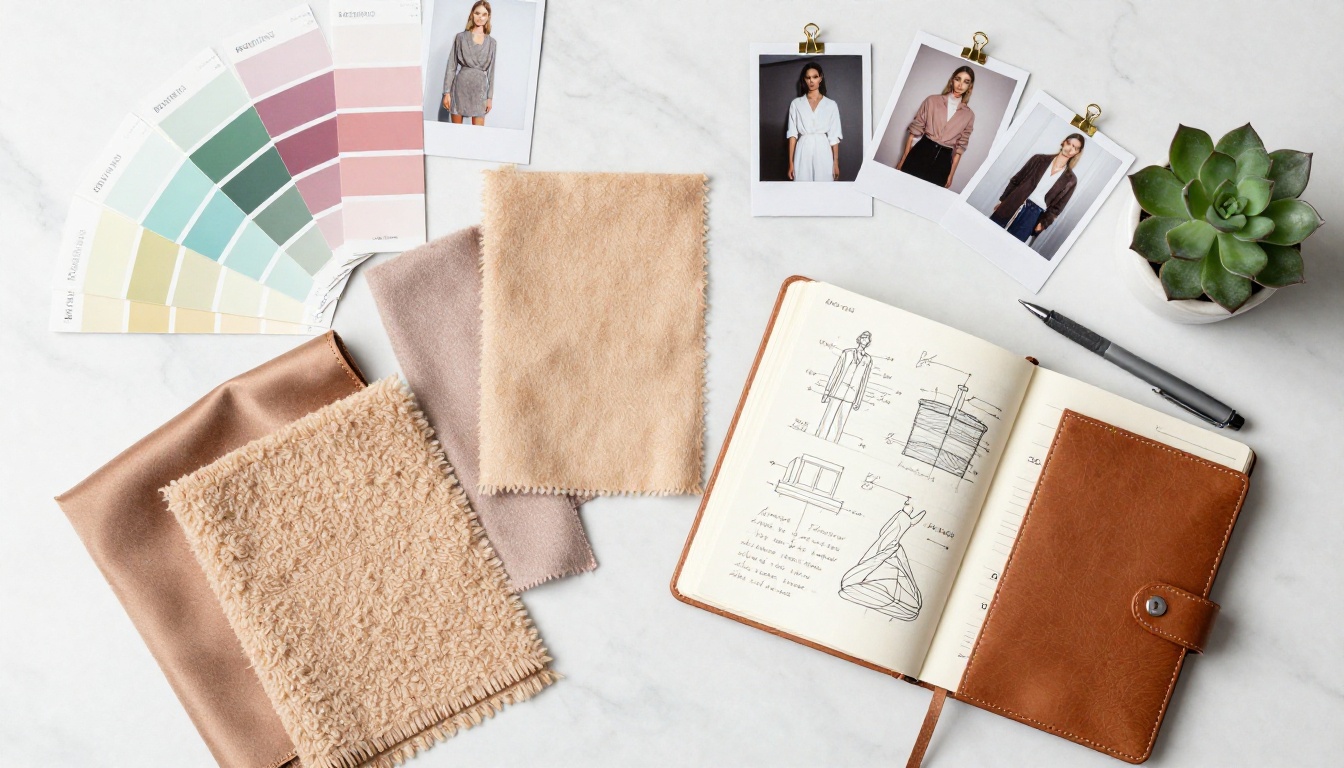
Choose a Theme or Color Story
Seasonal lookbooks typically work around a tight color palette. Three to five hero colors with two or three accent tones gives your pages a visual cohesion that makes the whole thing feel intentional rather than assembled.
Lay out your physical pieces and photograph them on a flat surface. Group them by color and silhouette. The outfits that look most natural together on that flat lay will often photograph best as complete looks.
💡 Pro tip: Limit your lookbook to 8-14 outfits max. More than that and buyers lose the thread of the story. Fewer looks, executed better, always outperforms a sprawling collection shoot.
Build Your Shot List
A shot list is the single most important document you'll create before shoot day. It should include:
- Each outfit number and a brief description
- The location or backdrop for that look
- The intended model pose or action (walking, seated, candid, direct gaze)
- Any prop or styling note
- The hero shot and the secondary supporting image for that look
A typical lookbook shoot produces 2-3 final images per look. If you have 10 looks, plan for 20-30 shots and expect to select the best 20-25 for the final edit.
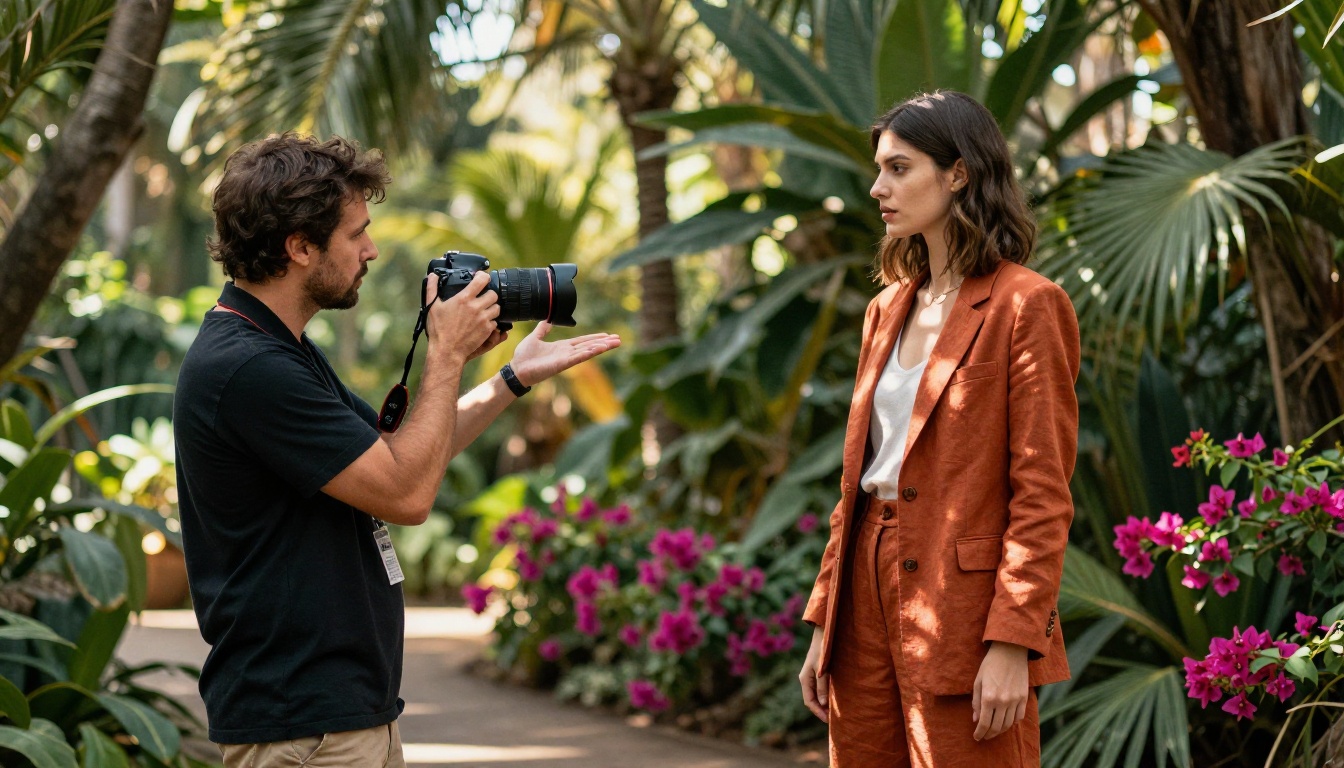
Photography That Makes Your Brand Pop
The images are everything. A weak concept can survive strong photography. A strong concept cannot survive weak photography.
Choosing the Right Location
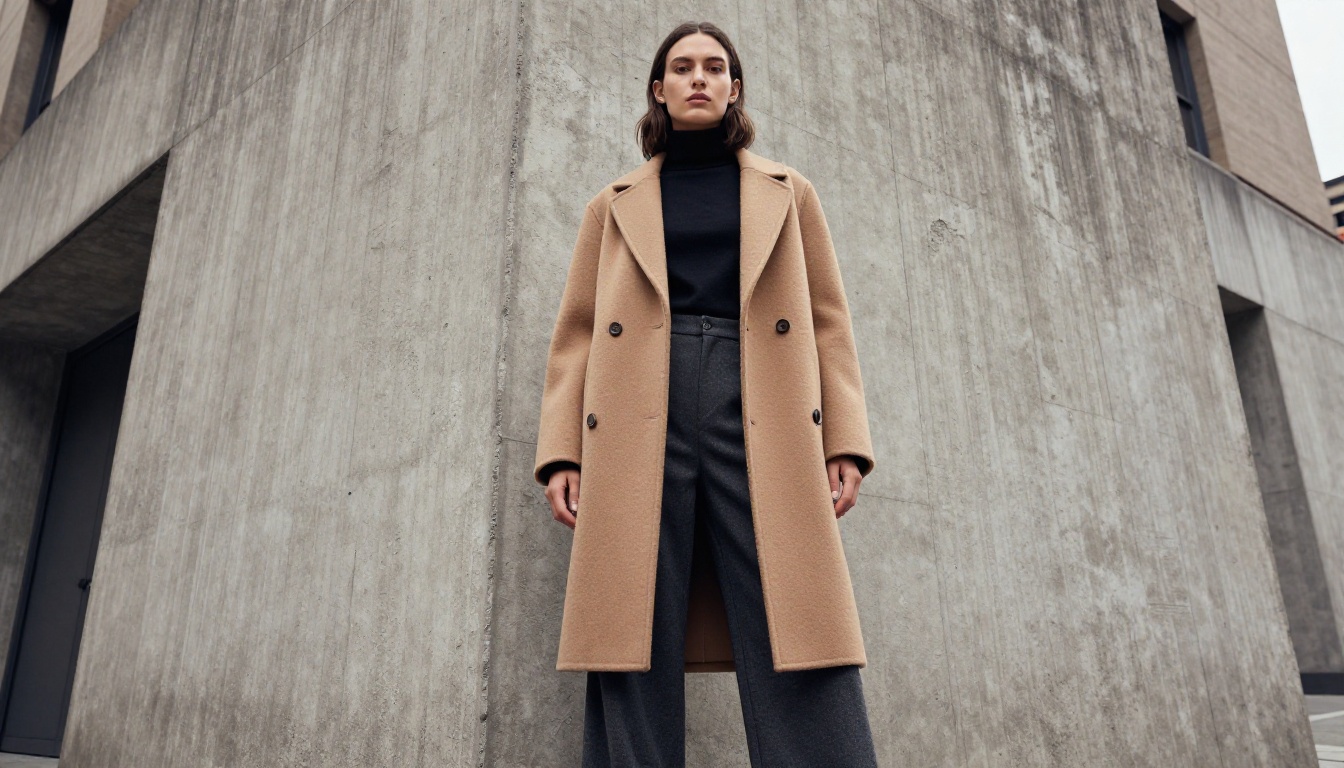
Location is your biggest free styling asset. The right environment adds texture, mood, and context that no studio can fake. Consider these location categories and what they communicate:
| Location Type | Brand Message | Best For |
|---|
| Urban street / architecture | Edgy, contemporary, accessible | Streetwear, contemporary casual |
| Natural landscape | Organic, slow fashion, sustainable | Linen, knitwear, eco brands |
| Minimalist studio | Luxury, precise, modern | High-end basics, tailoring |
| Historic interiors | Heritage, craftsmanship, old money | Evening wear, investment pieces |
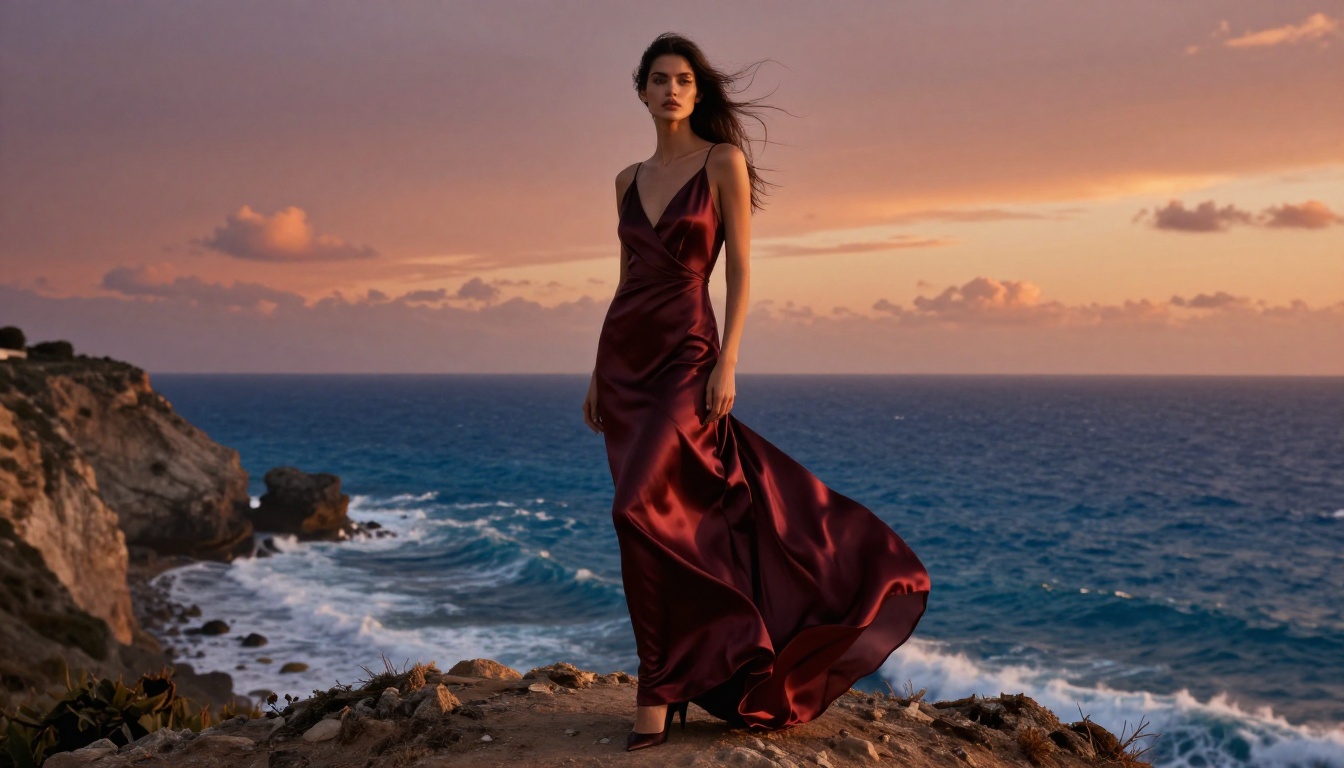
| Coastal / water | Freedom, aspirational, summer | Resort, swimwear, breezy separates |
Scout your location in person at the same time of day you plan to shoot. The light at 9am in an urban street is completely different from 3pm. Even free locations, like public parks, rooftops, or architecture, can look magazine-worthy with the right timing and styling.
Models and Casting
The model carries your brand on their body and in their expression. You don't need to spend a fortune on agency talent, especially for early-stage brands. Many cities have strong local modeling communities accessible through Instagram, model directories, or art school networks.
What matters more than the model's size or conventional looks is whether they can hold a feeling. In test shots, look for:
- Natural ease in their body between poses
- Ability to hold eye contact with the lens without tension
- Responsiveness to direction
Mismatched energy between model and brand story is immediately visible in the final images, no matter how good the styling.
What to Shoot and What to Skip
Shoot more of:
- Movement: walking, turning, sitting down, reaching
- Close details: fabric texture, shoe against pavement, a hand in a pocket
- Environment interaction: model leaning against a wall, sitting on steps, looking off-frame
Skip:
- Static mannequin-style poses with no emotional content
- Identical angles repeated across multiple looks
- Overly busy backgrounds that compete with the clothing
⚠️ Warning: Shooting "just in case" looks without a clear purpose creates a mountain of unusable footage. Stick to your shot list. Extra shots eat time and blow your edit budget.
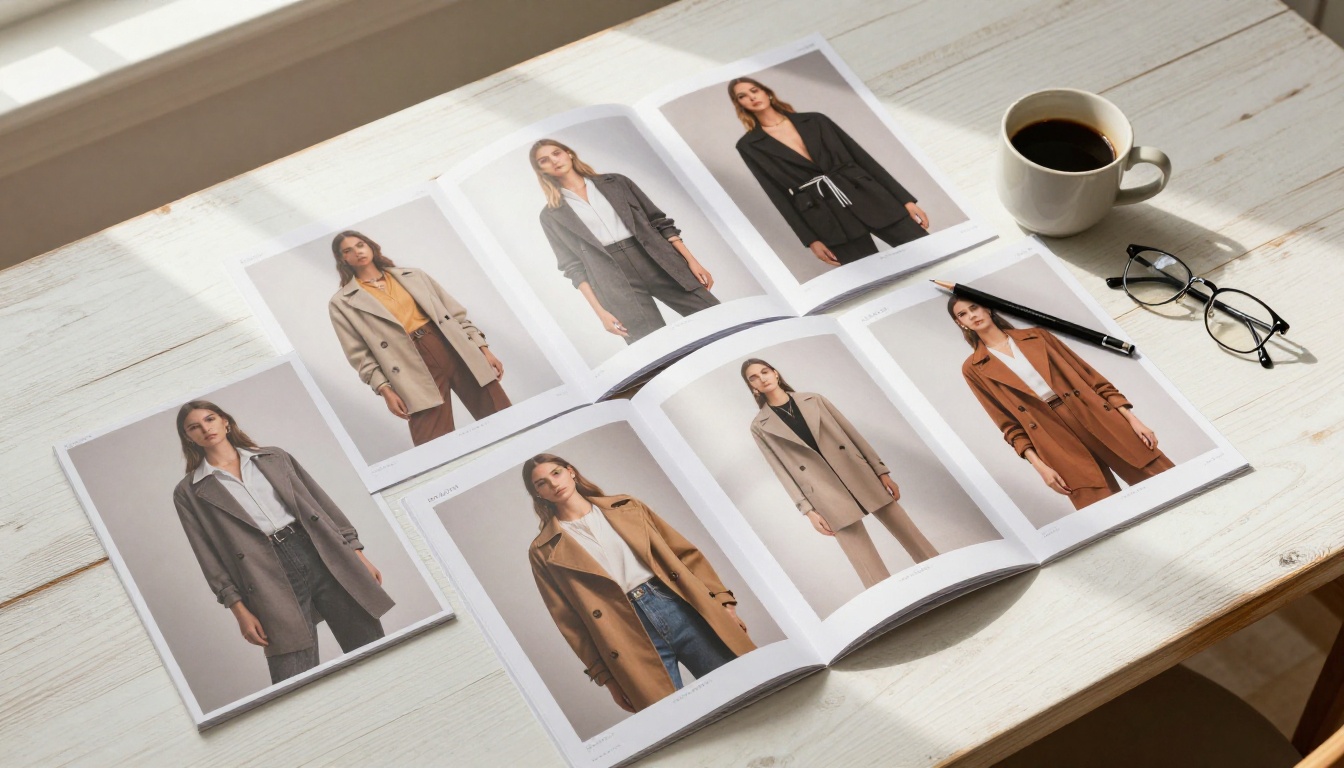
Layout and Design Principles
Raw photography becomes a lookbook through the design process. Even beautiful images can fall flat in a poorly designed layout.
Page Flow and Visual Pacing
Think of your lookbook like a film: it needs rhythm. A strong opening double-page spread, a few quieter interior pages that let the eye rest, mid-book peaks of visual intensity, and a strong closing image.
Vary your image sizes deliberately:
- Full-bleed double spread: High impact, use for your strongest 2-3 images
- Single page full-bleed: Slightly less intense, good for bridging between sections
- Half-page image with white space: Creates breathing room, perfect for detail shots
- Grid of small images: Useful for showing range or close-up product detail
Never place two identically sized images of the same type on facing pages. The eye needs contrast to keep moving forward.
Color Palette and Typography
Your lookbook's design typography should be almost invisible. The goal is to carry the brand's tone without competing with the imagery.
- Choose one primary typeface: a clean serif or a geometric sans-serif, never both
- Use type sparingly: collection name, season, perhaps a quote or mood phrase
- Maintain ample white space (or negative space if your brand uses a dark aesthetic)
- Align your palette to the images: if your photography runs warm, use warm off-whites and cream rather than stark white
✅ Best practice: Run a full 12-page mockup of your layout before finalizing. Print it at home, staple it together, and flip through it physically. Issues that are invisible on screen become obvious in print.
How to Turn Your Lookbook into a Digital Flipbook
Once your PDF is finalized and print-ready, the smartest thing you can do is publish it as an interactive digital flipbook. Buyers, press, and consumers can access it from any device without downloading anything, and you can track exactly who's reading it. Flipbooks AI turns your PDF into a professional interactive publication in minutes.
Here's the complete process:
Step 1: Prepare Your PDF
Export your lookbook from your design software (Adobe InDesign, Canva, Affinity Publisher) as a high-resolution PDF. Standard lookbook settings:
- PDF export preset: Print or High Quality Print
- Color mode: RGB (for screen viewing)
- Resolution: 150-300 DPI
- Include bleed marks if you intend print production as well
Keep file size manageable (under 150MB) by compressing images without visible quality loss.
Step 2: Upload to Flipbooks AI
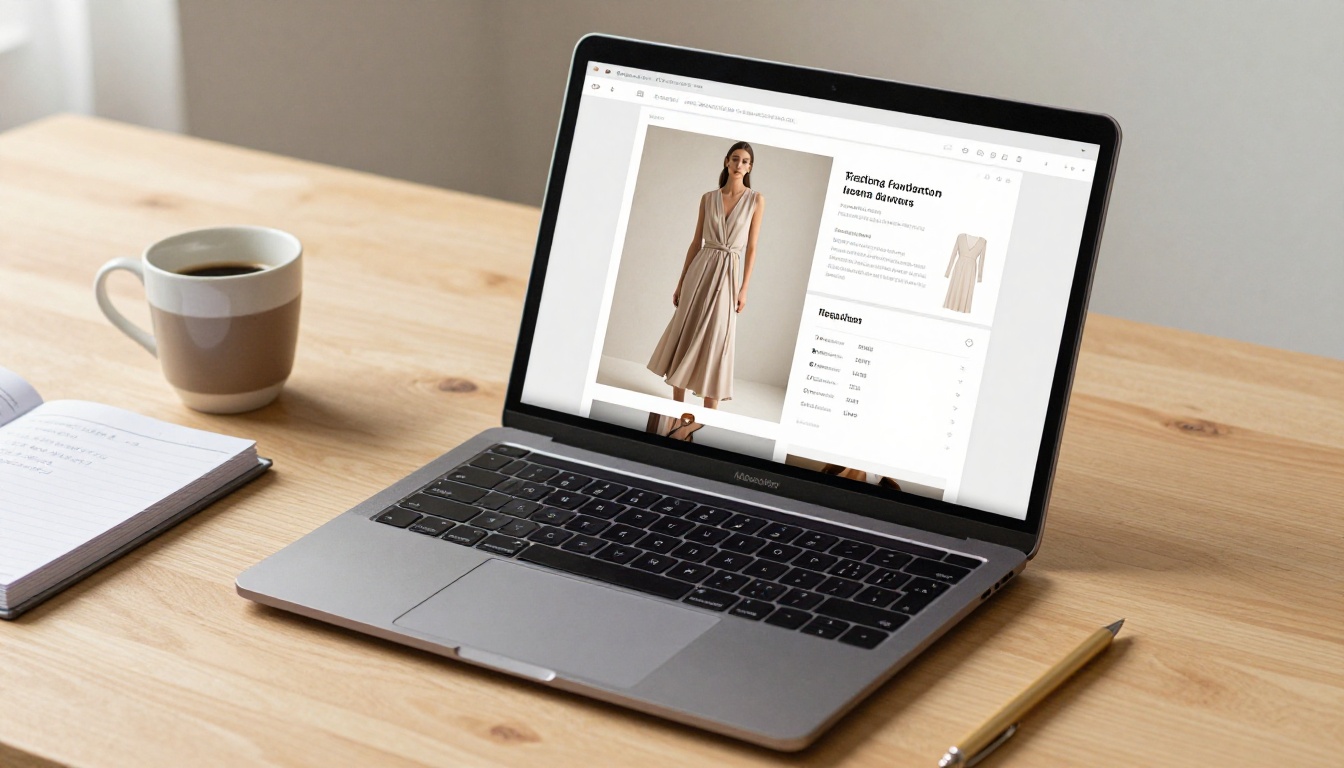
Visit Flipbooks AI and create your account. From your dashboard, click Create New Flipbook and drag your PDF into the upload area. The platform converts your PDF page by page into an interactive flipbook with a realistic page-turn animation.
For fashion lookbooks specifically, the Interactive Lookbook Designer and Lookbook Flipbook Builder tools offer templates and settings optimized for fashion content.
Step 3: Customize Your Flipbook
After upload, Flipbooks AI lets you customize:
- Brand colors: Match your flipbook interface to your label's color palette
- Logo placement: Add your brand logo to the viewer header
- Background: Choose white, dark, or a custom color that suits your aesthetic
- Page effects: Control the speed and style of the page turn animation
- Multimedia embeds: Add video clips, audio, or hotspot links to product pages
💡 Pro tip: For buyer-facing lookbooks, add password protection to keep your unreleased collection private while still sharing it digitally with your wholesale contacts.
Step 4: Share and Embed
Once your flipbook is live, you have multiple distribution options:
- Direct link: Share a clean URL with buyers, press, or via email. No download required.
- Embed code: Paste the embed snippet into your website or portfolio page for a seamless on-site reading experience. Use the Embed Flipbook on Website tool for this.
- Social sharing: Flipbooks AI generates shareable preview images for Instagram and LinkedIn.
- Password-protected link: For private pre-season collections, share a protected link only with authorized buyers.
Step 5: Track Performance
With the Professional plan on Flipbooks AI, you get access to analytics showing you:
- How many people opened your lookbook
- Which pages they spent the most time on
- Geographic breakdown of readers
- Lead generation forms you can embed directly in the publication
This data is invaluable for understanding which pieces generate the most interest before a season even begins.
Plan Comparison: What You Get
| Feature | Free Plan | Standard Plan | Professional Plan |
|---|
| Flipbooks | 3 | Unlimited | Unlimited |
| Watermarks | Yes | No | No |
| Password protection | No | Yes | Yes |
| Custom branding | No | Yes | Yes |
| Analytics | No | No | Yes |
| Lead generation | No | No | Yes |
| Offline downloads | No | No | Yes |
| Video and audio embed | No | Yes | Yes |
✅ For most fashion brands actively sharing lookbooks with buyers and press, the Standard plan removes watermarks and adds password protection, both of which are non-negotiable for professional use. See the full breakdown on the pricing page.
Sharing Your Lookbook with Buyers and Press
Creating the lookbook is only half the work. The distribution strategy determines whether it actually drives results.
Where to Send It
Wholesale buyers and stockists: Send via direct email with a brief cover note. Keep the email to three sentences: who you are, what the collection is, and the link. Buyers receive hundreds of submissions. Clarity wins.
Press and stylists: Fashion editors want a story pitch alongside the lookbook link. Two or three sentences about the inspiration behind the collection, the key pieces, and why their publication's audience would care. Attach your press release as a separate PDF.
Your website: Embed the flipbook on your website's Press or Collections page. Visitors who arrive from Instagram or Google can immediately view your full range without friction.
Email newsletter: Convert 2-3 of your strongest lookbook images into an email campaign that links to the full digital flipbook. This drives traffic and gives subscribers something worth clicking.

Timing Your Release
Most fashion brands release lookbooks too late. By the time your wholesale buyers are placing orders for a season, they've already been reviewing content for weeks. Target these windows:
- Resort / Cruise collections: August-September for January delivery
- Spring/Summer: October-November for February-June delivery
- Fall/Winter: February-March for August-December delivery
Send a teaser with 3-4 images two weeks before the full lookbook drops. It builds anticipation and ensures your email gets opened when the full version arrives.
Common Mistakes Fashion Brands Make
Even brands with serious photography budgets get these wrong.
Too many looks, too little story. A 30-outfit lookbook with no visual thread is exhausting. Buyers stop engaging by page 8. Edit ruthlessly. Ten exceptional looks beat thirty average ones.
Ignoring the digital experience. Sending a PDF attachment is the equivalent of handing someone a printed booklet: cumbersome, impossible to share, and untrackable. A digital flipbook on Flipbooks AI opens instantly on any device with a single link.
Matching the competition instead of your own brand. Looking at what similar brands do is useful for awareness, not inspiration. If your reference point is a competitor, your lookbook will always feel like a second draft.
Skipping the edit. The weakest image in your lookbook defines the lowest point of perceived quality. If a shot isn't working, cut it. You can always use it on social media where context frames the image differently.
No call to action. A lookbook without contact information, ordering instructions, or a link to your website is a beautiful dead end. Every spread should carry a quiet brand presence, and the final page should clearly tell buyers and press what to do next.
Make Your Lookbook Work Harder
A lookbook shouldn't be a one-season expense that lives on a hard drive. With the right digital strategy, a single production becomes an asset that generates value across multiple channels and months.
Break it into individual images for Instagram. Pull quotes or styling notes for Pinterest boards. Use the strongest double-page spreads as website hero banners. Send the digital flipbook link in every wholesale pitch email. Embed it in your Google Business profile. Share it with your stockists so they can use it in their own marketing.
The brands that get the most from a lookbook are the ones that treat it as a content library, not a one-time document. Every season builds on the last, creating a coherent visual archive that tells the story of where the brand has been and where it's going.
Fashion buyers and press have seen thousands of lookbooks. What stops them is something that feels genuinely considered: a clear point of view, images that hold up on their own, and a digital experience that doesn't make them work to see the collection.
Ready to take your lookbook digital? Create your account on Flipbooks AI and publish your first interactive fashion flipbook in minutes. No watermarks, no file size limits, and a clean shareable link you can send to buyers and press today. Browse all pricing plans to find the right fit for your brand's size and needs, or start with the free tier to see the platform in action. Your collection deserves to be seen in its best light, on every screen.



