Every trip ends the same way. You come home with 800 photos, a camera roll that could fill a gallery, and absolutely zero plan for what to do with any of it. Three weeks later, those images are buried somewhere between screenshots and grocery lists, and the only people who ever saw your Amalfi Coast shots were whoever glanced at your Instagram story before it expired.
A travel lookbook fixes that. Not just as a pretty photo dump, but as a real, interactive document that tells the story of where you went, what you felt, and why it mattered. And with Flipbooks AI, you can create a travel lookbook in minutes, not days, without ever opening a design app.
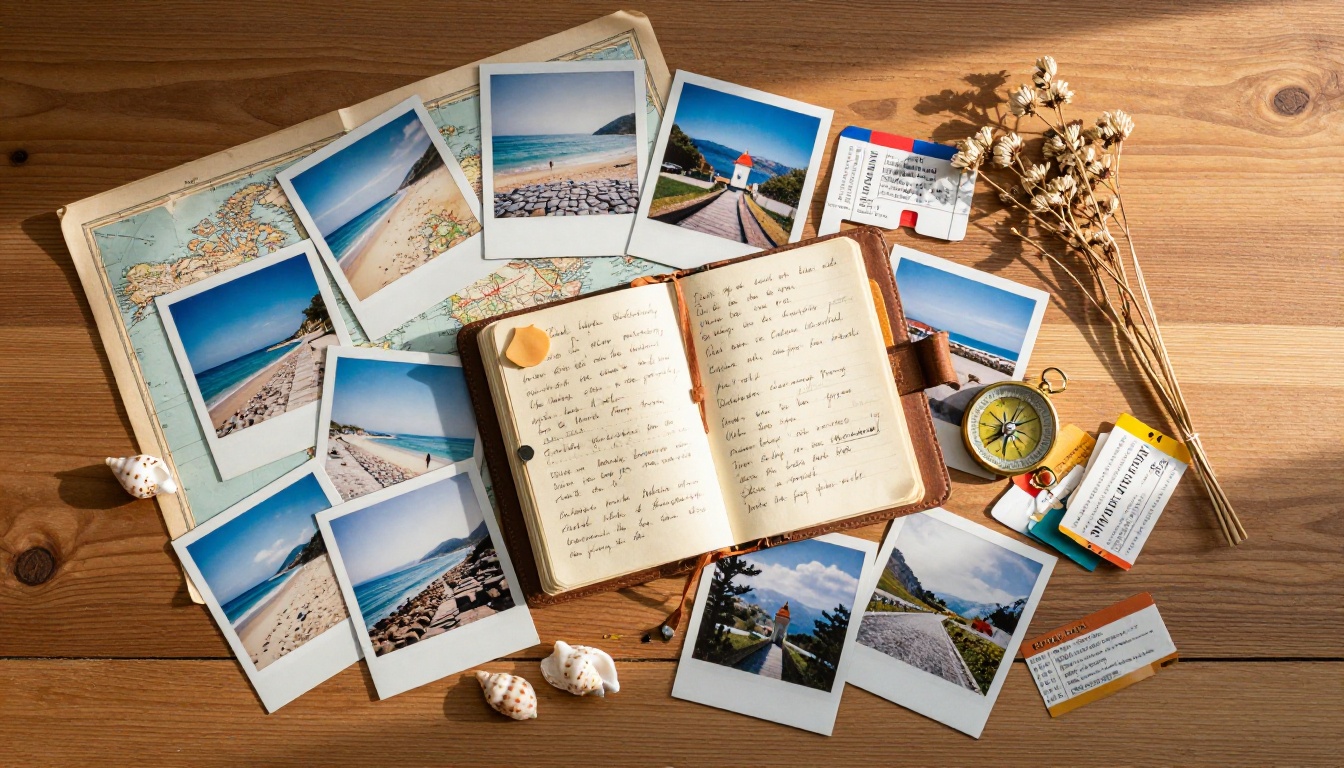
Why Your Travel Photos Deserve Better
Social media is a highlight reel, not an archive. Instagram gives your content a 24-hour shelf life for stories and an algorithm-dependent trickle for posts. Facebook albums still exist somewhere in the digital graveyard. Even iCloud shared albums require the other person to have an Apple ID and be willing to scroll through 400 pictures.
A digital travel lookbook is different. It lives at its own URL. It has pages that turn. It can be shared with anyone, embedded on a website, or downloaded for offline viewing. Most importantly, it reflects intentional curation rather than a raw data dump.
The problem with "just sharing a link"
When you share a Google Photos album or Dropbox folder, you are asking someone to do the work of experiencing your trip. They have to click through dozens of thumbnails with no narrative thread. There is no sense of beginning, middle, or end.
A lookbook has flow. You decide what they see first and what story the sequence tells. That is the difference between a photo dump and a piece of travel content worth reading.
What a lookbook does differently
| Format | Shareability | Story Flow | Interactive | Design Control |
|---|
| Google Photos Album | ✅ | ❌ | ❌ | ❌ |
| Instagram Highlights | ✅ | Partial | ❌ | Minimal |
| PDF Document | ✅ | ✅ | ❌ | ✅ |
| Digital Flipbook | ✅ | ✅ | ✅ | ✅ |
| Printed Photo Book | ❌ | ✅ | ❌ | ✅ |
The digital flipbook wins across every dimension that actually matters for sharing and storytelling.
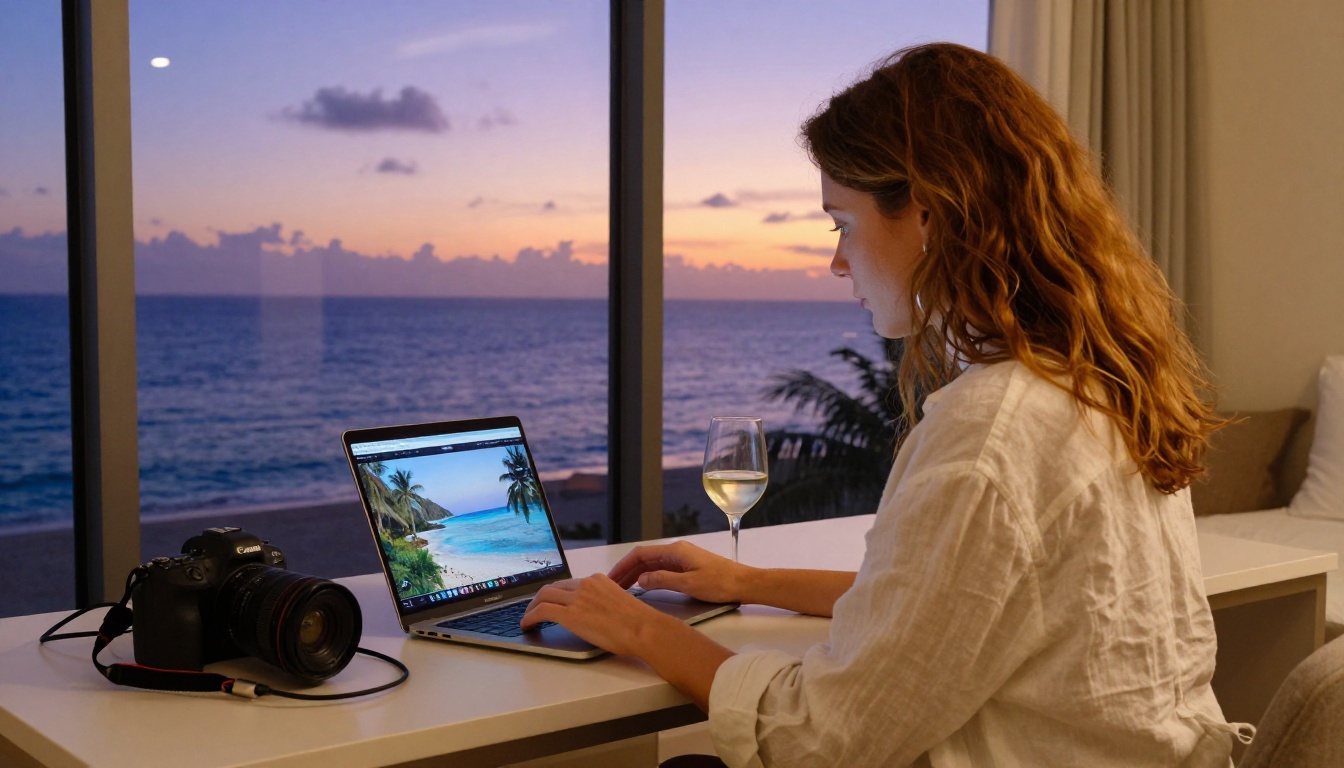
What Goes Into a Great Travel Lookbook
Before you create a travel lookbook in minutes, spend five minutes being ruthless with your selection. A 200-page lookbook nobody finishes is worse than a 20-page lookbook that leaves people wanting more.
Photo selection that actually works
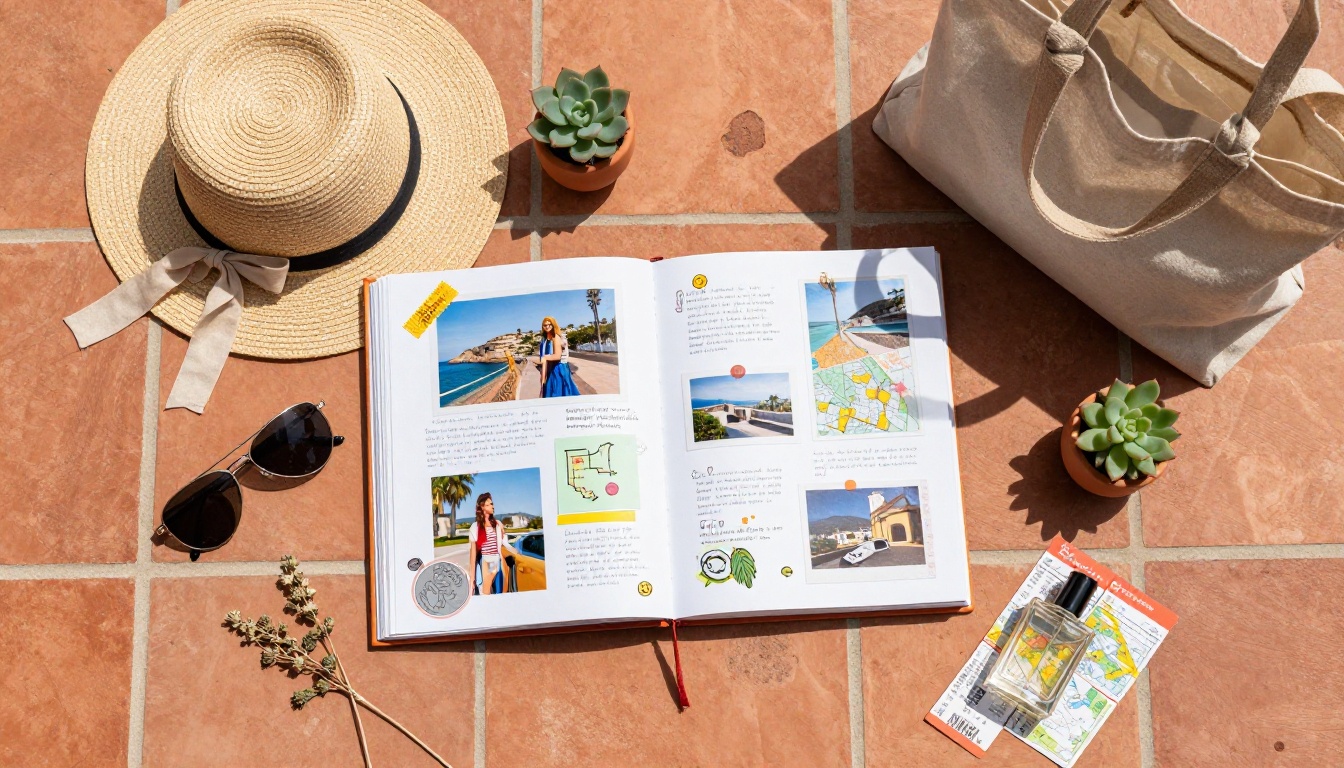
The rule of thumb: one strong image per significant moment. Not ten variations of the same sunset. Pick the single frame where the light was perfect and move on. For a one-week trip, aim for 40 to 60 photos maximum.
Think in scenes:
- Arrival moments: airports, train stations, the first view from your accommodation
- Destination landmarks: the famous spots, shot your own way
- Street life and texture: markets, local transport, food stalls, architecture details
- Portraits: candid life happening around you
- Golden hour shots: sunrises and sunsets earn their place every time
- The unexpected: the happy accidents that made the trip real
Story structure that holds attention
Organize your lookbook chronologically or thematically, but not randomly. Chronological works best for single-destination trips. Thematic works beautifully for multi-city adventures where you want to compare experiences across locations.
Open with a strong establishing image that sets the mood of the entire trip. Close with something that has emotional resonance: a view from the last morning, a portrait of someone who mattered to the experience.
Captions that add rather than describe
"Sunset in Santorini" adds nothing. Your reader can see it is a sunset in Santorini.
Write captions that give context your photos cannot: the name of the restaurant behind you, the fact that you almost missed this view because of a wrong turn, the temperature, the smell, the noise. Short is fine. One sentence that adds real information beats a paragraph of adjectives.
💡 Keep captions under 25 words. Readers are looking at images, not reading essays.
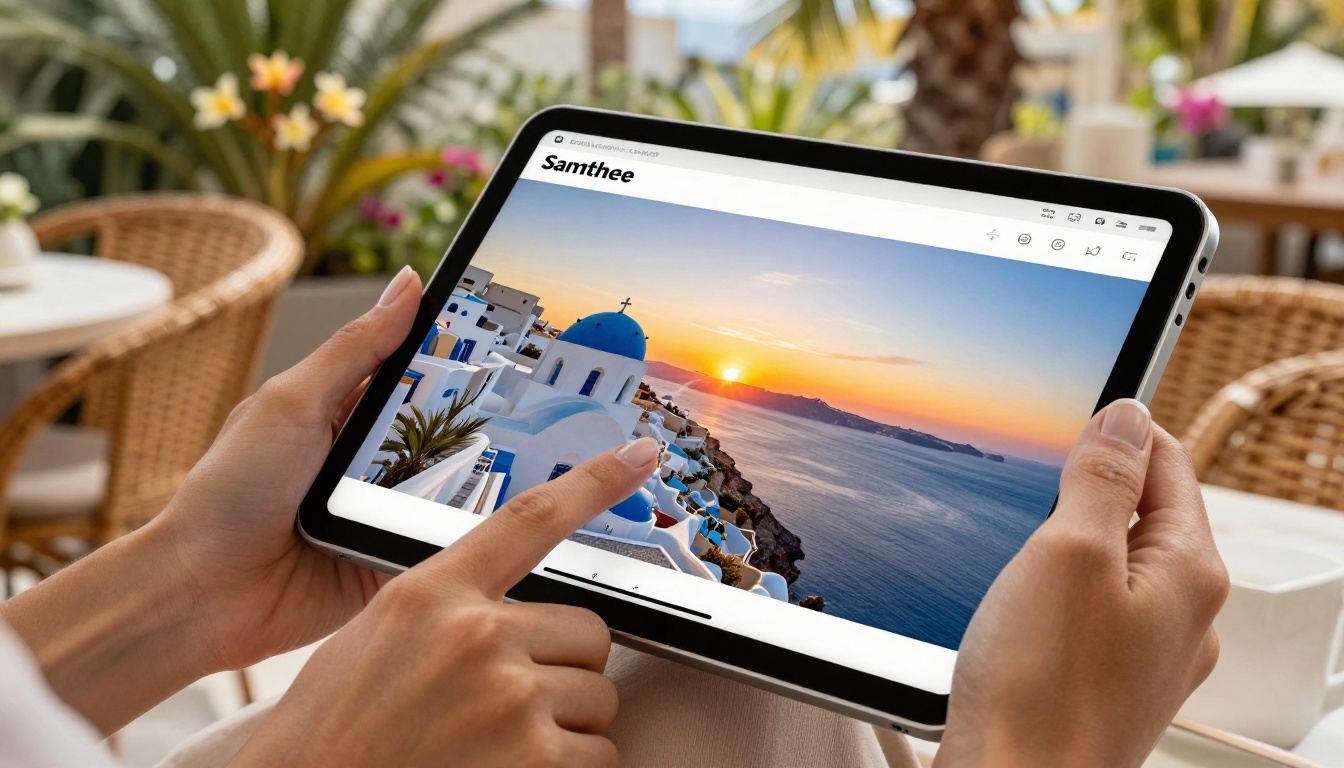
Create a Travel Lookbook in Minutes with Flipbooks AI
This is where speed becomes real. Flipbooks AI converts any PDF into a fully interactive digital lookbook with realistic page-turning effects in minutes. Here is the exact process.
Step 1: Build your PDF layout
You do not need design software for this. Canva, Google Slides, or even Apple Keynote can export as PDF. Create one slide per page (or spread), drop in your photos, add captions, and export. Standard 16:9 or A4 format both work well.
For a clean travel lookbook layout:
- Page 1: Full-bleed opening image with your trip title
- Pages 2-3: Opening spread showing your destination
- Pages 4 onwards: Your curated photo sequence with captions
- Final page: A simple closing image or your contact and social handles
⚠️ Export at 150 DPI minimum. Lower resolution PDFs will look soft on large screens.
Step 2: Upload to Flipbooks AI
Go to Flipbooks AI and create your account. The upload process is straightforward: drag and drop your PDF, wait for conversion (usually under two minutes for a 30-page PDF), and your lookbook is live.
The PDF to Flipbook Converter handles all the technical work of adding the page-turn animation, responsive layout, and mobile optimization automatically. You do not configure anything technical.
Step 3: Customize your lookbook
Once your flipbook is live, the customization options are where it gets interesting:
- Branding: Add your name, logo, or social handle to the front page
- Background: Choose from solid colors or patterns to frame your pages
- Page effects: The realistic page-curl animation is on by default and works beautifully for travel content
- Multimedia: Embed a short video clip, a Spotify playlist link, or audio narration
✅ For travel lookbooks, keep background colors neutral (off-white, deep charcoal, or soft sage). Let your photography do the talking.
Step 4: Share it everywhere
Your lookbook gets a direct URL the moment it goes live. From there:
- Copy the link and send it via WhatsApp, email, or DM
- Use the embed code to drop it directly onto a personal website or travel blog
- Set a password if you want to share it only with specific people (family trips, private itineraries)
- Download it for offline viewing before your next flight
The Interactive Lookbook Designer and Lookbook Flipbook Builder give you purpose-built templates specifically for visual storytelling, which is exactly what a travel lookbook needs.
Not every trip calls for the same format. Here is how to match your lookbook structure to the type of travel content you have:
| Trip Type | Recommended Format | Page Count | Best For |
|---|
| Solo adventure | Chronological narrative | 20-35 pages | Personal blogs, social sharing |
| Multi-destination | Destination-by-destination chapters | 40-60 pages | Influencers, digital travel content |
| Family vacation | Mix of portraits and landscapes | 25-40 pages | Sharing with relatives |
| Honeymoon/couples | Editorial-style spreads | 20-30 pages | Personal branding, gifting |
| Business travel | Clean minimal layout | 10-20 pages | Corporate travel, networking |
| Photography portfolio | Single image per spread | 15-25 pages | Professional sharing, client work |
💡 Travel agencies and tour operators can use the Travel Guide Flipbook tool for client-facing destination presentations. Same format, polished output.
Who Actually Uses Travel Lookbooks?
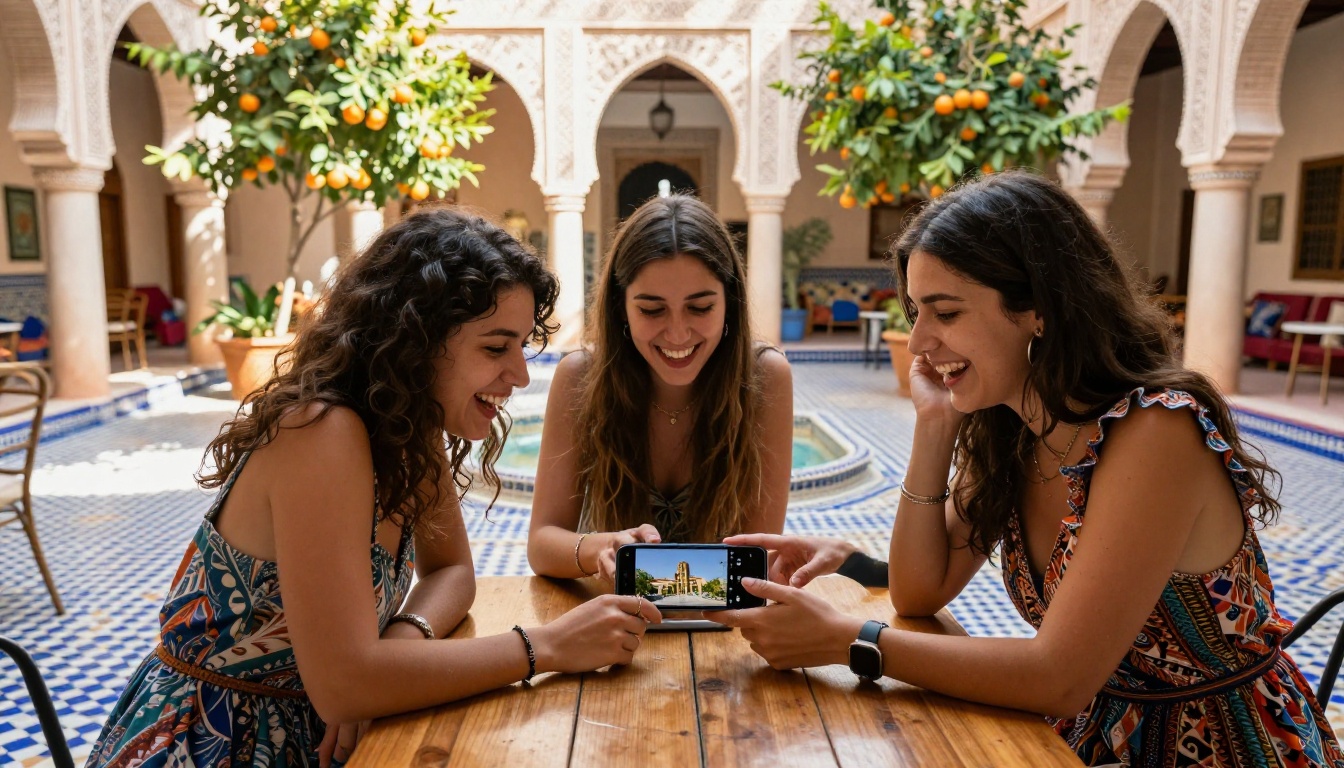
The people getting the most value from this format span a wide range.
Travel influencers and content creators
For anyone building an audience around travel, a lookbook is a form of content that outlasts the algorithm. It can be linked in a bio, embedded in a newsletter, and referenced months or years after the trip. Unlike an Instagram post that gets buried, a flipbook URL stays the same and can be shared indefinitely.
Travel photographers use lookbooks as portfolio pieces. A potential client can flip through your work the way they would browse a magazine, which communicates quality far more effectively than a grid of thumbnails.
Couples and families
The most common use case is also the most personal: preserving a trip that mattered. A honeymoon lookbook, a family vacation annual, a solo adventure story. These get made once and shared for years.
✅ Password-protect family lookbooks for privacy. Only the people you send the link to can view them.
Travel agencies and tour operators
A professional travel agency using a flipbook instead of a printed brochure communicates that they understand modern communication. The Lookbook Flipbook Builder produces polished destination showcases that can be updated instantly when prices or availability change, something a printed brochure can never do.
5 Travel Lookbook Ideas Worth Stealing
If you are staring at your camera roll wondering how to organize it, these formats work:
-
"One Week in [Destination]": The classic day-by-day breakdown. Works for any trip with a clear timeline. Title each section with the day number and a one-line description of what happened.
-
"Things Nobody Shows You About [Destination]": Intentionally anti-postcard. Focus on the street food stalls, the transit chaos, the unexpected rainstorm. Wildly shareable because it feels authentic.
-
"[Destination] in 50 Photos": A constraint-based lookbook. Pick exactly 50 images, one per page, minimal captions. Elegant, fast to make, easy to share.
-
"Before and After: [Destination] in Two Seasons": If you have been somewhere twice, compare the experiences side by side. Spring vs. winter, before renovation vs. after. Genuinely interesting to people who know the destination.
-
"The Food Trip": An entire lookbook dedicated only to what you ate. Works brilliantly for destinations known for their cuisine (Japan, Italy, Mexico, Morocco). Every photographer has 200 food shots anyway.
Making It Personal: Branding Your Travel Lookbook
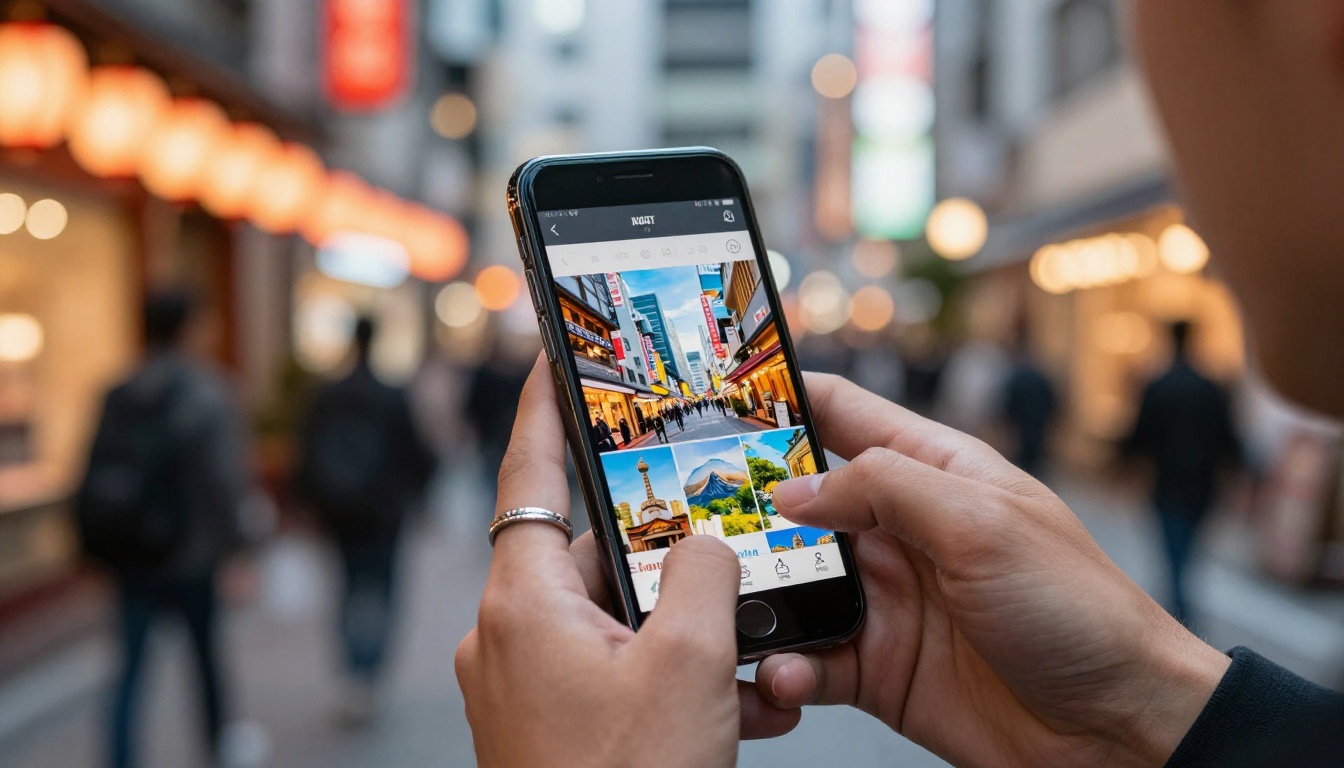
If you share content publicly or professionally, how your lookbook looks says something about you. This is where the personal branding element matters.
Color palettes that match your aesthetic
Pick two to three colors that appear naturally in your travel photography and carry them through your layout. Beach and coastal trips: sandy neutrals, washed turquoise. Mountain adventures: forest greens, slate grey, warm amber. Urban travel: clean whites, bold black, accent red.
Consistency in color makes your lookbook feel designed even when it is not. Most PDF creation tools let you set background and text colors per page.
Typography and layout choices
One font for titles, one for captions. That is it. Script fonts can work for opening pages but become unreadable at small sizes in captions. Use a clean sans-serif (Inter, Lato, Montserrat) for body text and reserve personality fonts for headings only.
Alternate between full-bleed photo pages and mixed layout pages (photo and text side by side). Pure photo pages create visual impact. Mixed pages add context. Too many of either in a row feels monotonous.
💡 White space is not empty space. A page with one strong image and nothing else often communicates more than a page crammed with five thumbnails.
Flipbooks AI Plans at a Glance
Depending on how often you travel and how many lookbooks you want to create, different plans make sense:
| Feature | Free | Standard | Professional |
|---|
| Flipbooks | 1 | Unlimited | Unlimited |
| Watermarks | Yes | No | No |
| Password protection | ❌ | ✅ | ✅ |
| Custom branding | ❌ | ✅ | ✅ |
| Analytics | ❌ | ❌ | ✅ |
| Lead generation | ❌ | ❌ | ✅ |
| Offline downloads | ❌ | ✅ | ✅ |
| Embed on website | ❌ | ✅ | ✅ |
For most personal travel creators, Standard is the practical choice: no watermarks, unlimited flipbooks, full branding control. The Professional plan at Flipbooks AI adds analytics (see who is viewing your lookbook and for how long) and lead generation tools that matter more for travel businesses than personal sharing.
⚠️ The free plan adds a visible watermark. If you are sharing your lookbook publicly or professionally, upgrade before publishing.
Your Next Trip Deserves This
Every trip is worth more than a camera roll that nobody sees. A digital travel lookbook takes the content you already have, applies a structure that makes it worth reading, and puts it somewhere permanent and shareable.
The process is genuinely fast. Thirty minutes to curate your photos and build the PDF, two minutes to upload and convert, and you have something you will still be sharing five years from now.
Ready to make your first one? Create your account on Flipbooks AI and have your lookbook live before the day is out. Browse the full range of flipbook tools to find templates built specifically for travel content, portfolios, and visual storytelling.
Or check pricing plans if you want to compare what each tier includes before committing. The free plan lets you test the full workflow before you spend anything.
Your photos are already there. Now give them somewhere to live.



