Shoeboxes of prints, a phone with 14,000 photos, and a vague plan to "make an album someday." Sound familiar? A digital scrapbook app turns that pile into something you will actually open, and the best part is that you can start without spending anything. Once your pages are done, you can even publish them as a page-turning book with Flipbooks AI, so grandparents, friends or clients can flip through your memories on any screen.
This article compares free options, shows which templates save the most time, shares ideas for real occasions, and explains how the whole process works from first photo to shared link.
What a Digital Scrapbook App Does
A digital scrapbook app lets you arrange photos, text, stickers, paper textures and small details on virtual pages. Think of it as a craft table that never runs out of tape, never loses the scissors, and lets you press undo when a layout feels wrong.
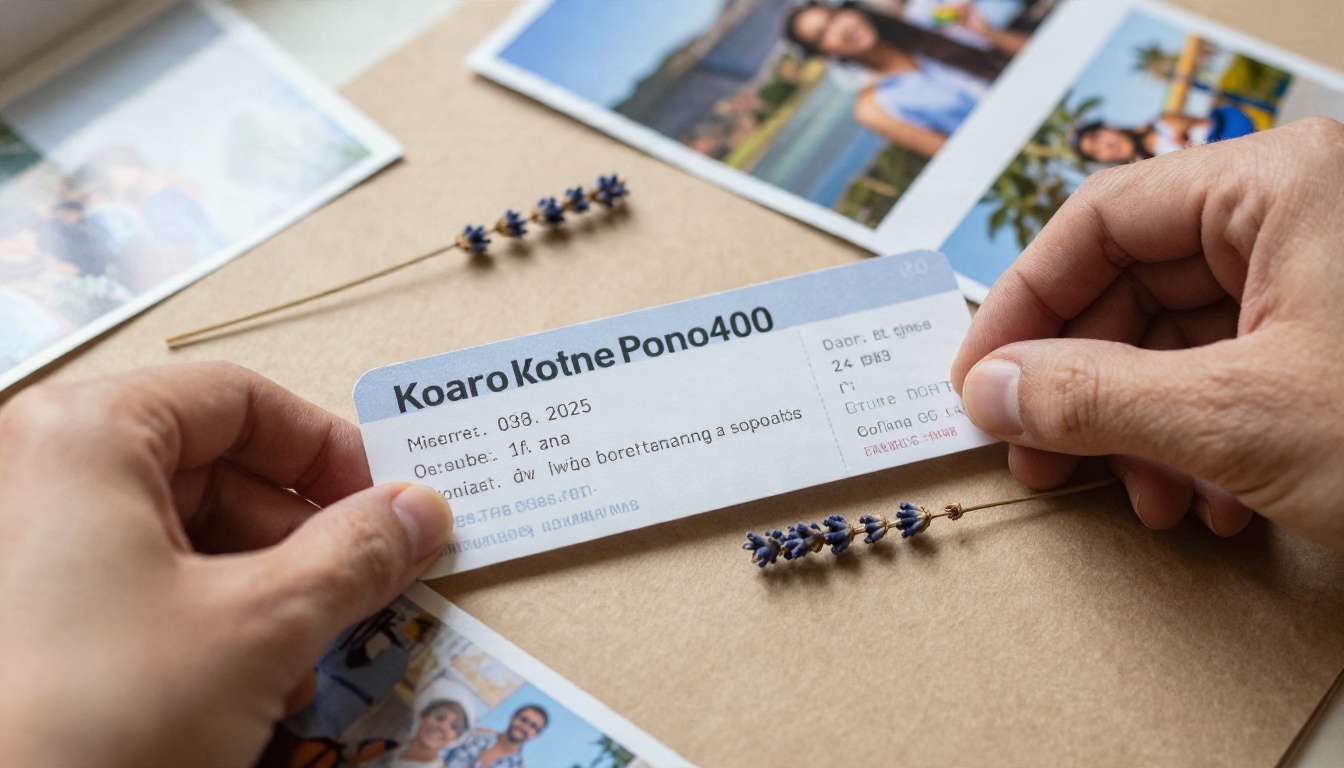
Paper vs Digital
Paper scrapbooking has a charm nobody should dismiss. Digital wins on a few practical points, though.
| Feature | Paper Scrapbook | Digital Scrapbook App |
|---|
| Starting cost | Albums, adhesives, tools | Often free |
| Fixing mistakes | Hard to undo | One tap |
| Copies | One original | Unlimited |
| Sharing | In person | Link, email, embed |
| Storage space | Shelves and boxes | Cloud or device |
| Fading and damage | Possible over decades | Backed up safely |
Many people mix both: they scan a ticket stub or a child's drawing and drop it into a digital page. You get texture from the real object and flexibility from the screen.
Who Uses Them
- Parents building a baby's first year
- Couples collecting wedding and anniversary moments
- Travelers who want a trip journal that ships with them
- Teachers and students documenting a school year
- Families preserving old prints before they fade
💡 Pro tip: Decide the purpose before opening any app. A scrapbook for private memories needs different choices than one you plan to share publicly.
Free Options Worth Trying
There is no single "best" app. The right pick depends on whether you want drag-and-drop freedom, automatic layouts, or something that lives inside your photo library.
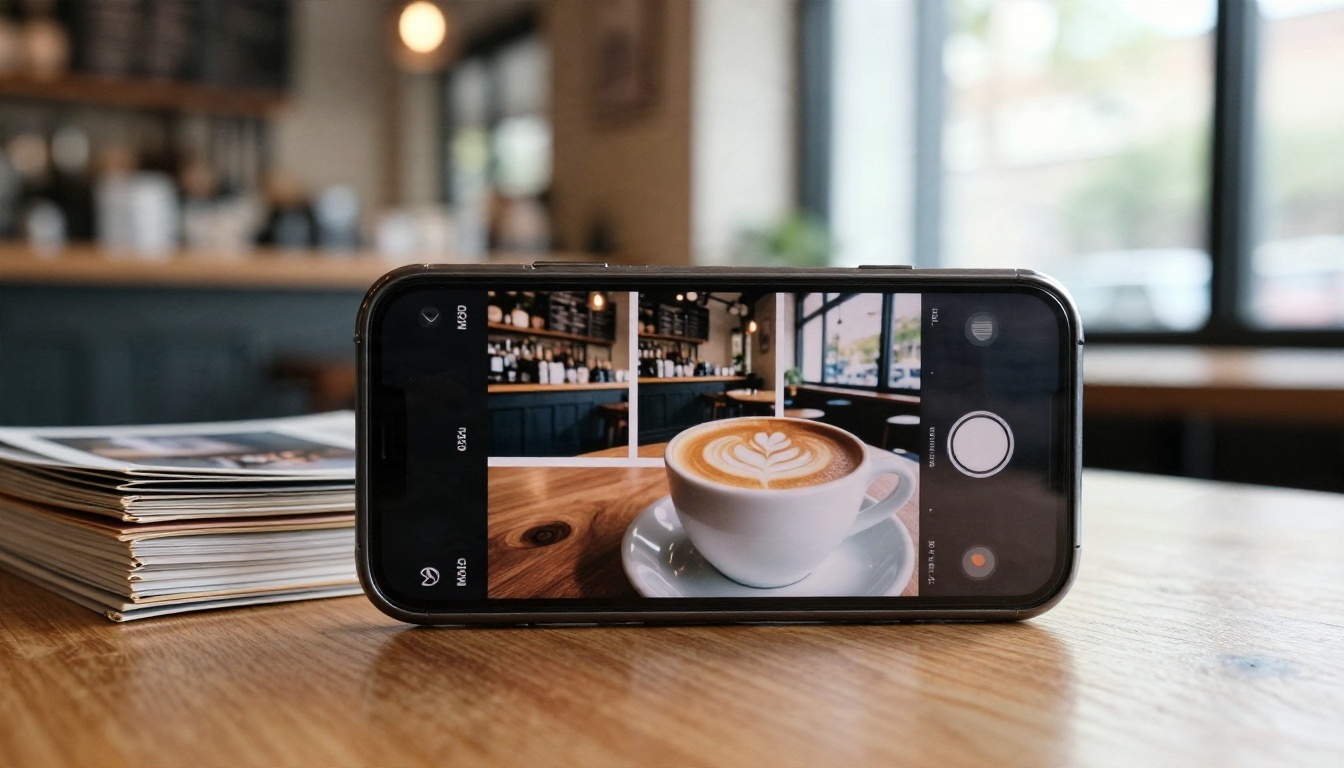
Design Apps With Free Tiers
General design platforms such as Canva and Adobe Express offer free plans with scrapbook-style templates, stickers, frames and paper backgrounds. They suit people who want full control over every element. Expect a few premium elements to sit behind a paywall, so filter by "free" when you search.
Photo Apps With Built-In Albums
Google Photos and Apple Photos build memory albums and simple photo books from your library automatically. They are fast and need almost no design skill, but you get less control over decoration and page order.
Where Free Plans Run Out
Free plans usually limit a few things. Always check the current terms before you invest hours in one tool.
| Limit | What to Watch For |
|---|
| Export quality | Low resolution or watermarked downloads |
| Premium assets | Best stickers and fonts marked as paid |
| Page count | Some tools cap pages per project |
| Storage | Uploaded photos may count against a quota |
| Sharing | Interactive sharing sometimes needs a paid plan |
⚠️ Warning: If an app exports only with a visible logo across your pages, it is not really free for a project you care about. Test a single page export before building fifty.
Templates That Save Hours
Blank pages are intimidating. Templates remove the first hour of staring and give you proportions that already look balanced.
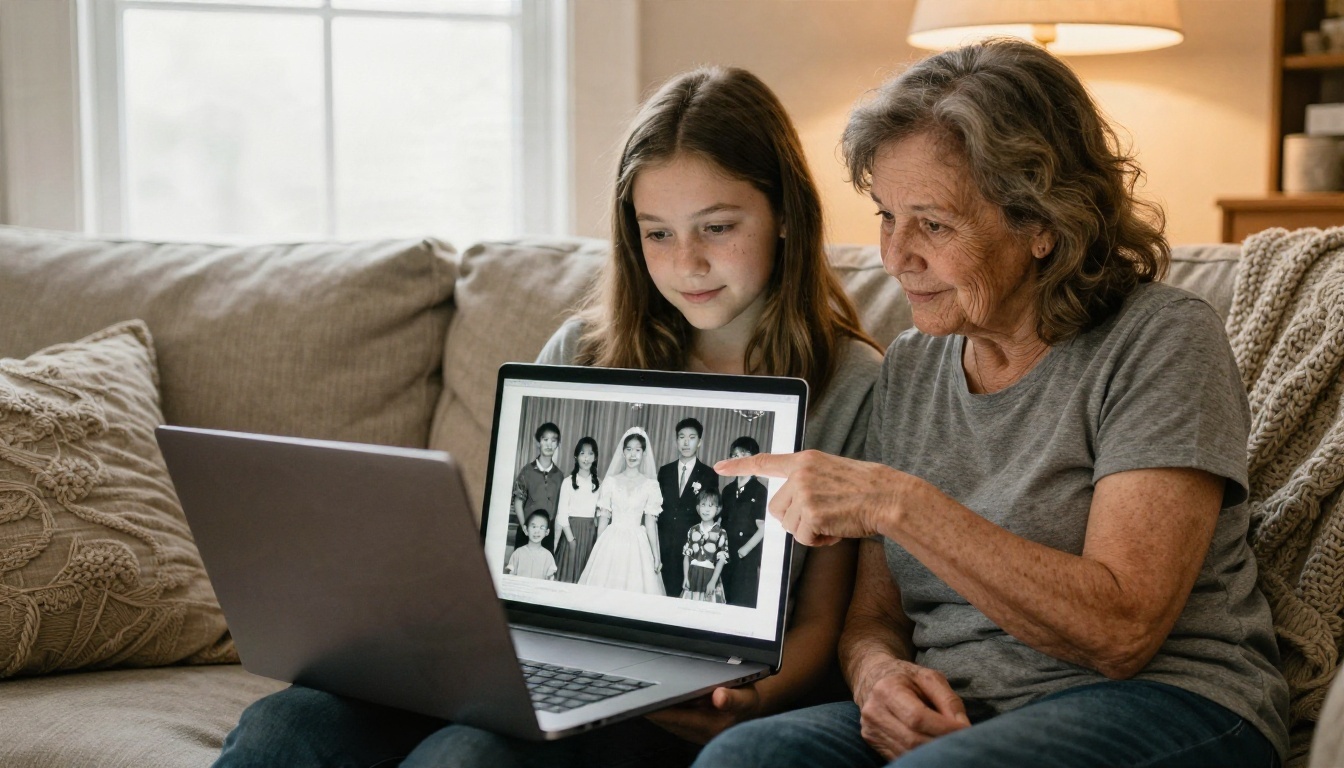
Layout Styles to Pick From
- Grid collage: clean rows of equal photos, ideal for events with lots of shots
- Polaroid scatter: tilted frames with handwritten captions, great for casual trips
- Hero page: one large photo with a short caption, perfect for milestones
- Timeline strip: photos arranged left to right by date, useful for family history
- Journal spread: photo on one side, text and small details on the other
Free Template Sources
| Template Type | Best For | Typical Effort |
|---|
| Built-in app templates | Beginners | Drag photos, edit text |
| Printable paper packs | Hybrid scrapbooks | Print, scan, combine |
| Community shared layouts | Seasonal themes | Copy and customize |
| Your own saved layout | Repeating projects | Duplicate and swap photos |
Duplicating your own best page is the most underrated shortcut. Build one layout you love, then reuse it for every month of a baby's first year or every day of a trip.
Ideas for Every Occasion
A scrapbook feels personal when it has a point of view. Here are four starting points that work well on screen.
Weddings and Anniversaries
Mix posed portraits with the small, unplanned moments: the laugh before the vows, a friend filming on a phone, the menu card. Add a page with a short quote from each guest if you have their messages.
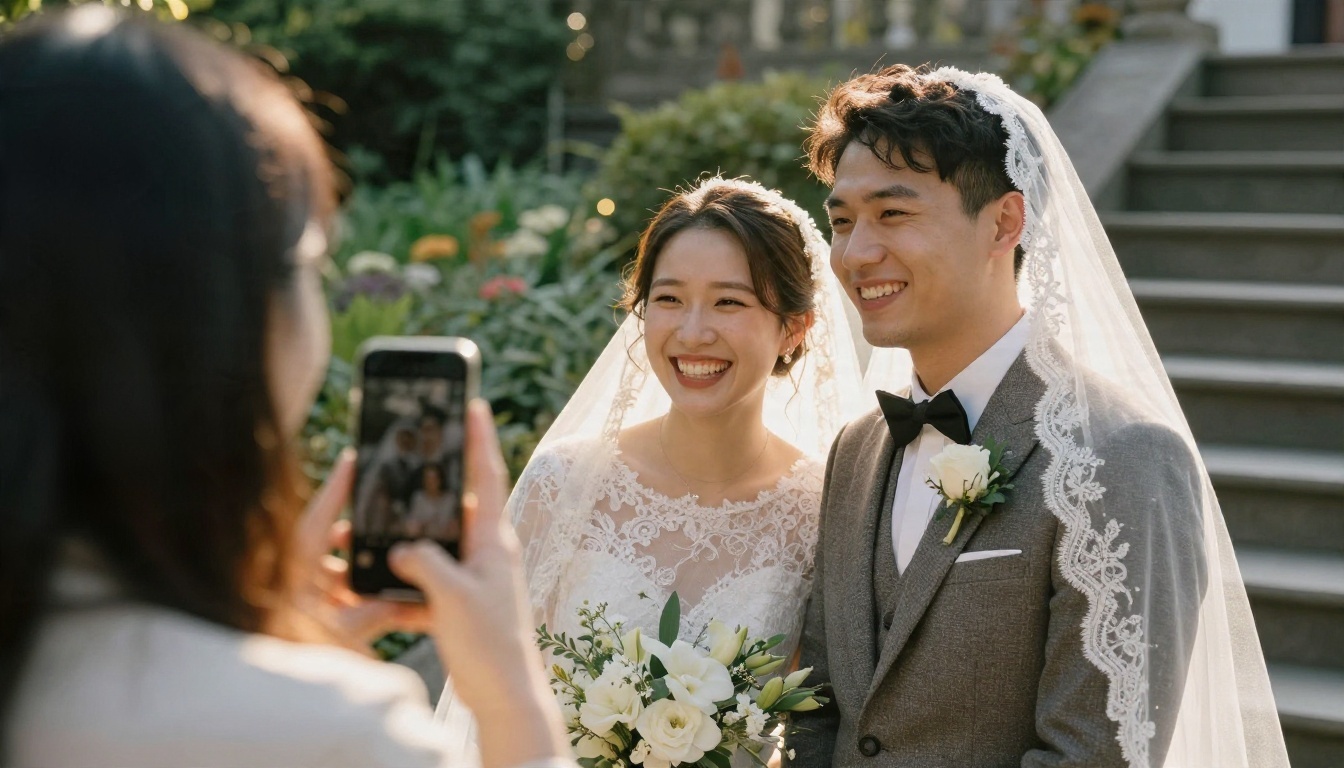
For a polished ending, a Wedding Album Flipbook gives you the feel of a printed album that opens with a click.
Baby's First Year
Use one page per month. Add a monthly photo with the same stuffed animal for scale, the hospital bracelet, a footprint scan and a short note about what changed that month.

✅ Best practice: Write the caption the same week as the photo. Details like a first word or a funny sleep habit vanish from memory faster than you expect.
Travel Journals
Combine maps, tickets, a pressed leaf, and a few phone snapshots. Keep one page per day or one spread per destination. If you want a more structured format, the Travel Guide Flipbook tool suits trip collections you plan to share with friends.

Family History
Scan old prints at 300 dpi or higher, then add dates, names and a sentence about each person. A grandparent's voice note can become an audio clip in a flipbook, which is something paper can never do.
How It Works Step by Step
Most apps follow the same flow, regardless of brand.
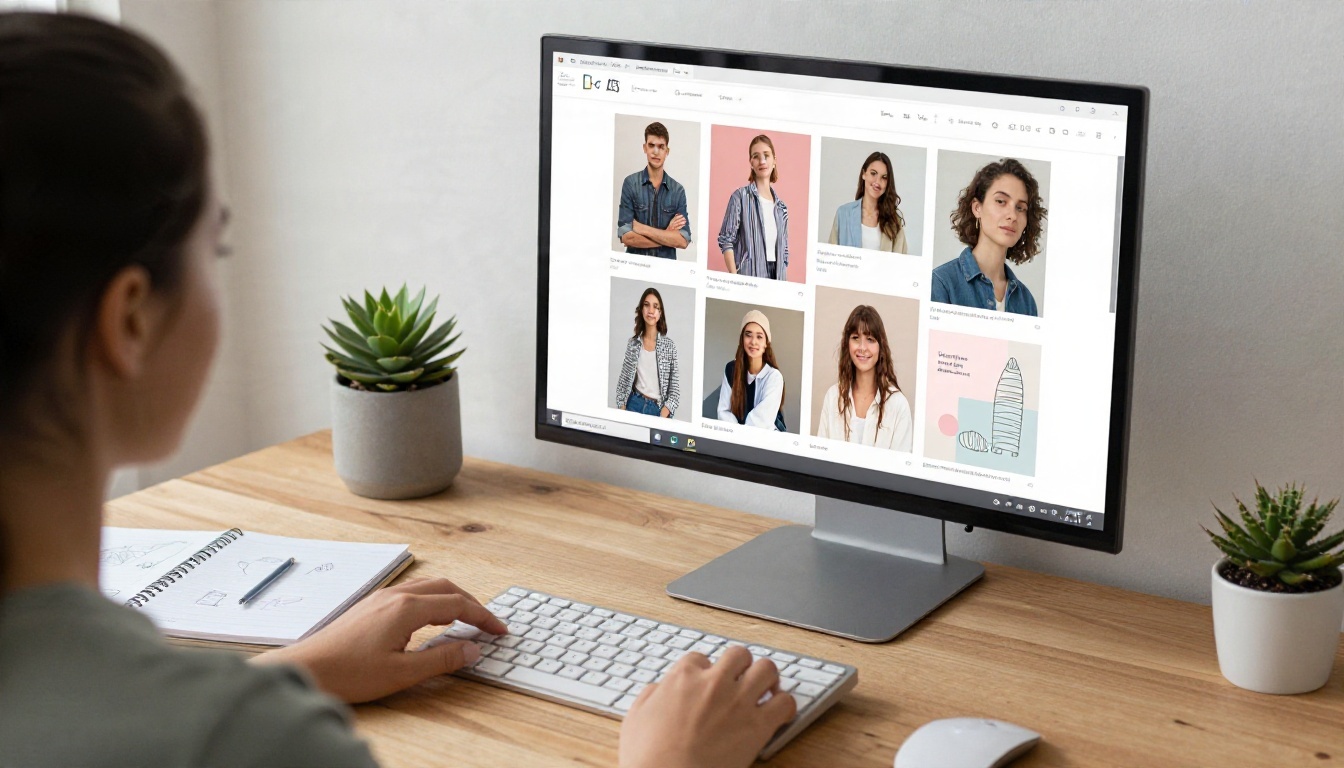
- Collect your photos in one folder. Delete blurry duplicates first.
- Pick a page size. Square and landscape formats show photos best on screens.
- Choose a template or blank canvas. Start with a template if you are new.
- Drop in photos and resize them. Leave breathing room between elements.
- Add text. Short captions beat long paragraphs.
- Decorate lightly. Two or three stickers or textures per page are plenty.
- Export as PDF. This keeps layout, fonts and image quality intact.
- Publish or print. Share a link, embed it on a site, or order prints.
The export step is where many projects stall. A PDF sitting in a folder is easy to forget. That is where a flipbook makes a real difference.
Turn a Scrapbook Into a Flipbook
A flipbook displays your PDF as a book with realistic page turns, readable on phones, tablets and desktops. Flipbooks AI is built for exactly this, and its PDF to Flipbook Converter handles the conversion in a few steps.
Upload and Convert
- Go to Flipbooks AI and create an account.
- Click to start a new flipbook and upload the PDF exported from your scrapbook app.
- Wait a moment while the pages are converted into a page-turning book.
- Preview it on desktop and mobile. The design is mobile-responsive, so pages adapt to smaller screens.
Customize the Look
- Branding and colors: pick a background that matches the mood, such as warm cream for a family album
- Page effects: choose a realistic page curl so every turn feels like paper
- Multimedia: add embedded video or audio, like a wedding toast or a baby's first laugh
- No watermarks: your pages stay clean, with nothing stamped over your photos
💡 Pro tip: Use a soft neutral background. Busy backgrounds compete with photo colors and make pages feel crowded.
Share and Protect
| Sharing Method | Best For | Notes |
|---|
| Direct link | Family group chats | Fastest option |
| Embed code | Blogs and personal sites | See Embed Flipbook on Website |
| Password protection | Private memories | Keeps baby photos off public search |
| Offline download | Trips without signal | Handy for relatives with poor internet |
Password protection matters more than people think. Baby photos, family gatherings and wedding images deserve a gate, and you can add one in a few clicks.
Pro Features
If you plan to share a project widely, such as a photography collection or a memory book for a large event, the Professional plan adds analytics and lead generation, so you can see how many people opened your flipbook and which pages they viewed. Compare options on the pricing page. Unlimited flipbooks come with the Standard plan and above, which suits anyone who builds a new album every season.
For other creative projects, browse the Digital Portfolio Creator or the Interactive E-Book Publisher. The full list lives in the tools directory.
Mistakes That Ruin Scrapbooks
- Too many stickers. If decoration overpowers the photo, remove half.
- Tiny low-resolution images. Zoomed photos turn blurry on large screens.
- No dates or names. In ten years, nobody will remember who stood on the left.
- Skipping backups. Keep the PDF and original photos in two places.
- Starting too big. A 100-page project stalls. Begin with ten pages and finish them.
- Forgetting privacy. Share private albums with a password, not a public link.
⚠️ Warning: Check permissions before publishing photos that show other people's children or private events.
Quick Tool Comparison
| Goal | Best Approach |
|---|
| Fast and casual | Photo app auto albums |
| Creative control | Design app with free tier |
| Shareable page-turning book | Export PDF and convert to flipbook |
| Printed keepsake | Export high-resolution PDF and print |
Ready to Build Yours?
Pick one event, gather twenty photos, choose a template and finish a first spread this week. Momentum beats perfection. When the PDF is ready, create your first flipbook on Flipbooks AI and send the link to the people who will love it most.
Browse all flipbook tools to find the format that fits your project, or compare pricing plans to choose what works for you. When you are ready to publish, sign in and pick a plan in one step.



