A printed yearbook sits on a shelf. A digital yearbook display follows students to the bus, the dinner table, and the alumni reunion twenty years later. If your school still ships boxes of hardcovers and hopes nobody loses theirs, this article shows what the online alternative looks like, where to show it, and how to share it without chaos. We will use Flipbooks AI for the examples, since it turns a simple PDF into a page-turning flipbook with no watermarks.
💡 Quick answer: A digital yearbook display is an online, page-turning version of your yearbook that people open in a browser, on a phone, or on a big screen at school. No app download is required.
Why Schools Go Digital
Yearbook budgets are tight, print runs are guesses, and late orders mean disappointed seniors. Digital editions fix several of those problems at once, and they do it without replacing print for families who want a keepsake.
What a Digital Yearbook Display Is
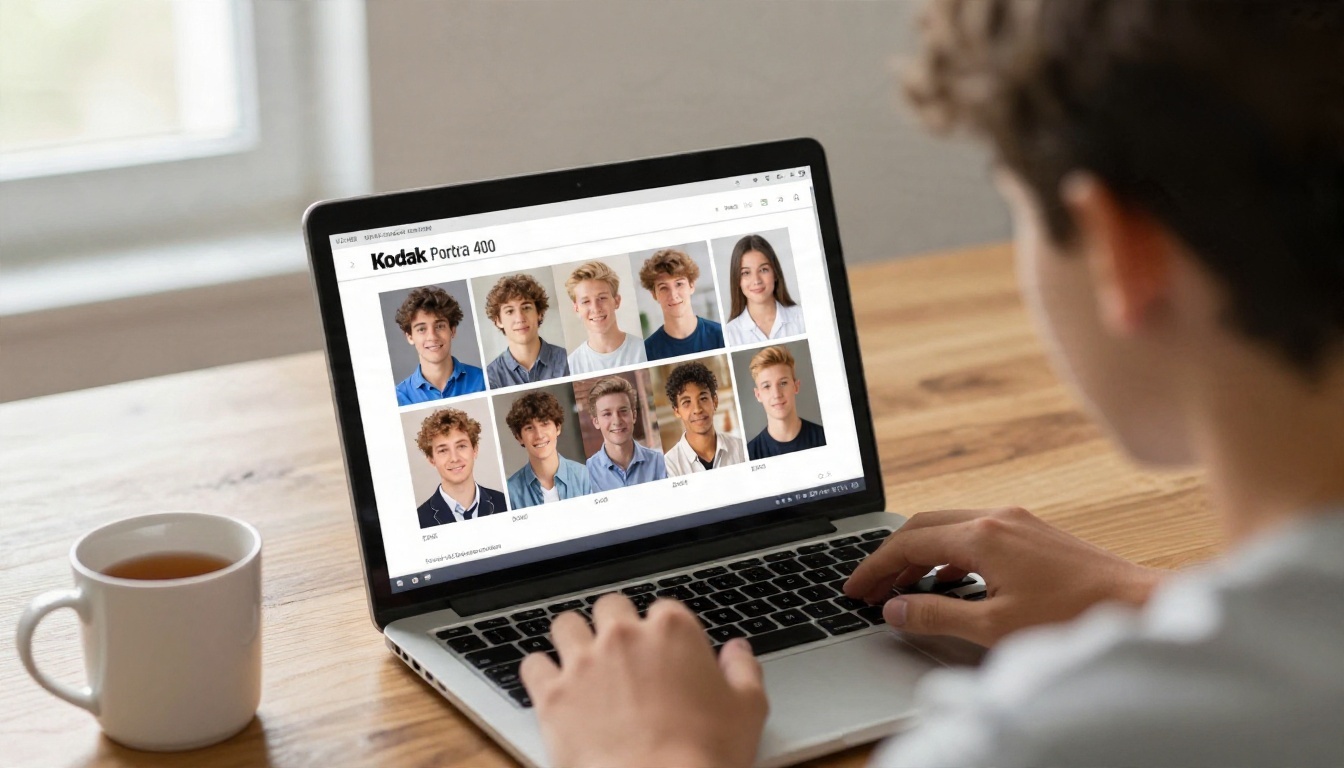
Think of it as your layout PDF, wrapped in a realistic book viewer. Readers flip pages, zoom into group photos, click links, and play embedded video clips from the football season or the spring concert. The same file can run on a student's phone, a teacher's laptop, or a wall-mounted screen in the lobby.
The format brings a few things print never could:
- Zoom on faces. Row six of the class photo finally becomes readable.
- Embedded media. Add a graduation speech, a band recording, or a slideshow.
- Instant updates. Fix a misspelled name after publishing, not after printing 800 copies.
- Clickable contents. Jump straight to the sports section or the senior portraits.
Print and Digital Side by Side
Most schools do not pick one or the other. They run both. Here is how the two formats compare in practice.
| Factor | Printed Yearbook | Digital Yearbook Display |
|---|
| Cost per reader | High, rises with page count | Near zero after the first file |
| Delivery time | Weeks after the final proof | Same day as the final PDF |
| Corrections | Impossible after printing | Replace the file in minutes |
| Video and audio | Not possible | Embedded in the pages |
| Reach | Only buyers | Anyone with the link |
| Long-term access | Depends on the shelf | Stays online for alumni |
| Keepsake feel | Excellent | Good, improved with a print add-on |

✅ Best practice: Sell the print edition as usual and publish the digital edition for free or at a low price. Families who skip the hardcover still get something, and your participation numbers rise.
Online Viewing That Works
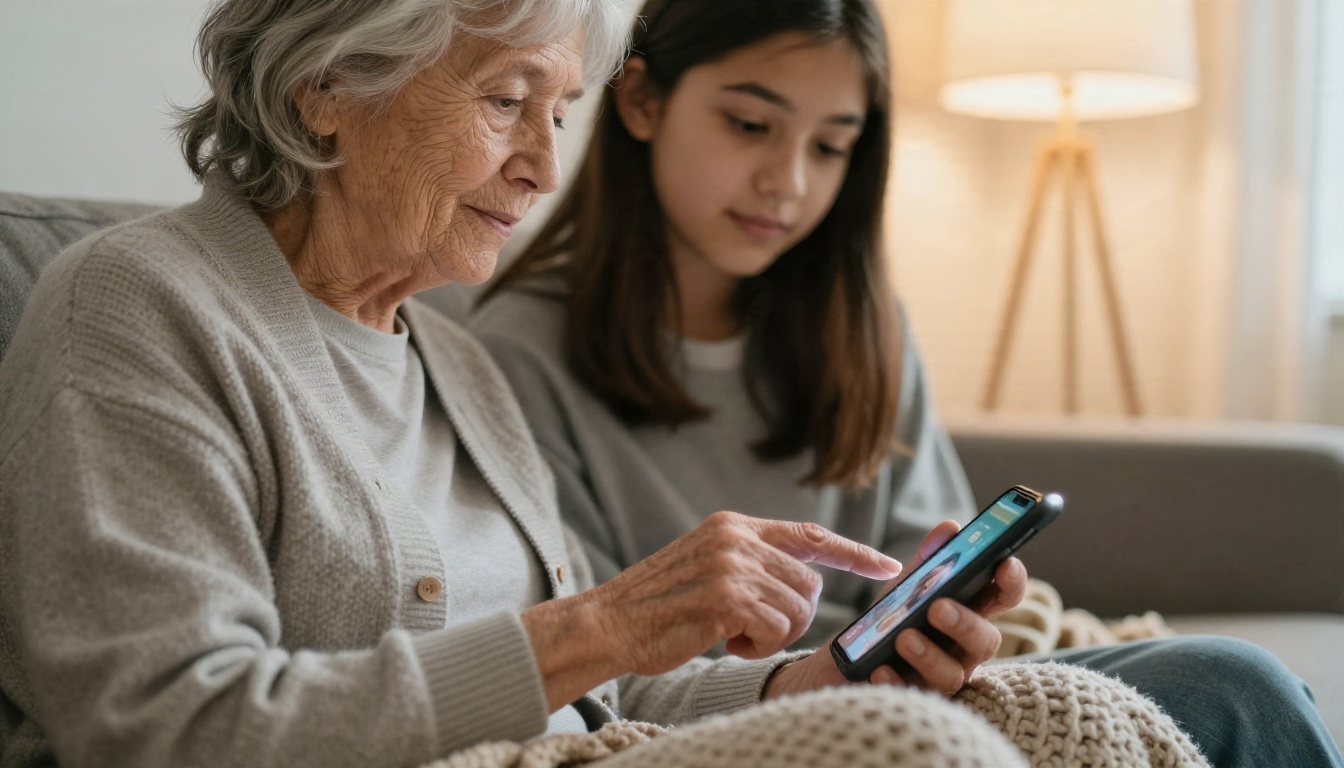
The test of any digital yearbook is simple: can a grandparent open it on the first try? If the answer needs a tutorial, the format has failed.
Browser Viewing on Any Device
A flipbook opens from a link, so there is nothing to install. It works in Chrome, Safari, Edge, and Firefox on Windows, macOS, iPhone, and Android. On a laptop, readers click the page corners or use the arrow buttons. On a phone, the layout adapts to a single-page view with swipe gestures.
Phone Viewing Matters Most
Students will open the yearbook on their phones, usually during a lunch break and usually with friends hanging over their shoulder. Test your edition on a small screen before release. Check that body text is readable, that captions do not run off the page, and that the zoom gesture feels smooth. A mobile-responsive flipbook handles the layout switch for you.
Offline Downloads for Slow Connections
Some families live where the internet is patchy. Offering an offline download lets them save the yearbook once and open it anywhere, on a flight or at a rural grandparent's house. This is a Professional plan option on Flipbooks AI, covered on the pricing page.
Display Ideas for Campus Screens
Online viewing is only half the story. A digital yearbook also works as a display, something that plays in a shared space where people stop and look.
Hallway and Lobby Screens
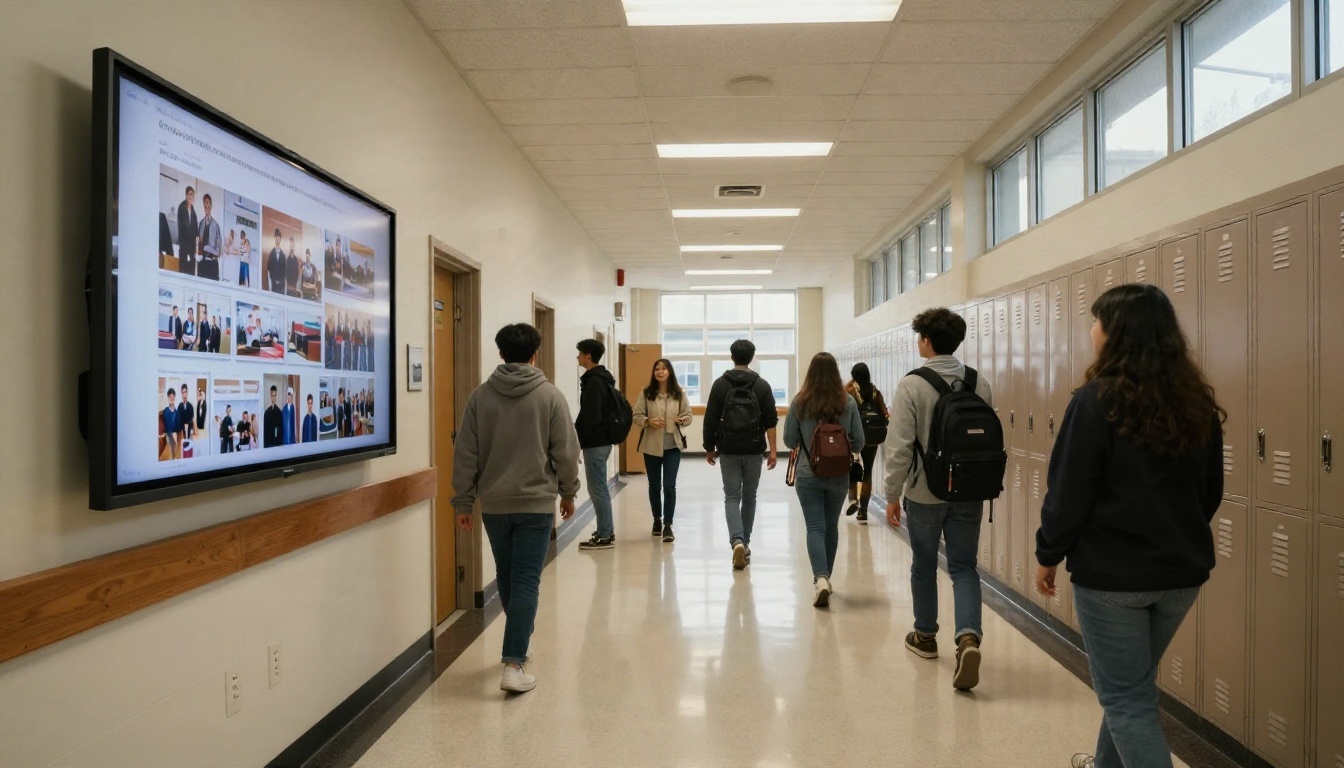
A wall-mounted monitor near the front office can show the current yearbook on a loop. Set it to auto-advance every few seconds so visitors see portraits, sports shots, and club pages while they wait. Parents sign in, glance up, and suddenly recognize their kid at the science fair.
Tips for a good hallway setup:
- Use a landscape spread, not single pages, so the screen is filled.
- Keep photos at high resolution; a 55-inch monitor shows every pixel.
- Mute any embedded audio unless a teacher is present.
- Update the file each term so the display never looks stale.
Reunion and Alumni Events
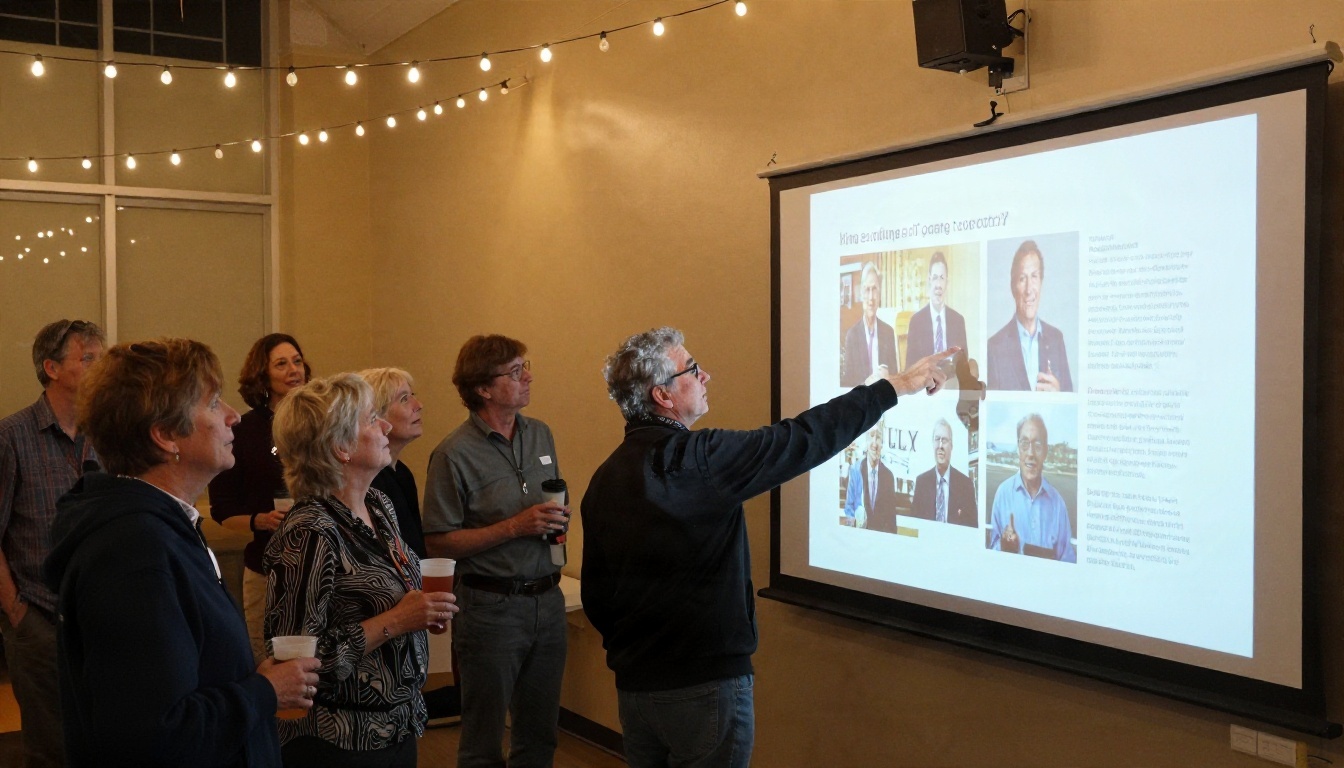
Class reunions run on nostalgia. Project the yearbook on a wall while guests mingle, and watch the groups form around their old photos. A flipbook lets the organizer jump to the right year in one click instead of fumbling with a stack of books.
The Library Archive Shelf
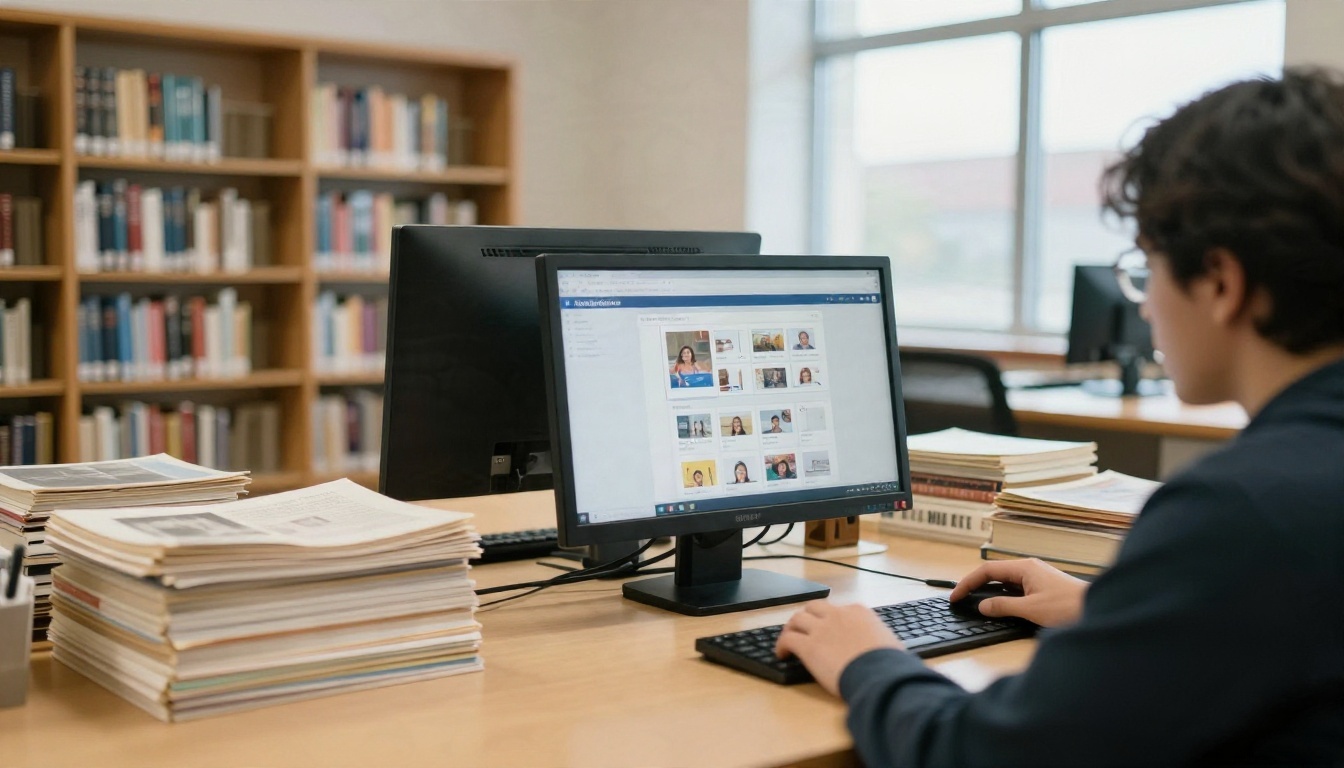
Libraries hold decades of old yearbooks, many of them brittle and fragile. Scanning them into a single digital archive protects the originals and makes them searchable for local historians. A student can look up a grandparent's graduating class without anyone handling a 1962 hardcover.
Graduation Day Moments
Hand out QR cards at the ceremony. Seniors scan, open the yearbook, and gather friends for signatures on the spot. Digital signing pages, which are simple blank-style spreads, give everyone a place to leave a message even when pens are scarce.

Real Examples by School Type
Different schools use the same format in different ways. Here are scenarios that show the range.
| School Type | How They Use It | Added Feature |
|---|
| Elementary school | Free class edition sent home to every family | Short video of the class play |
| Middle school | Club and sports pages shared in a parent newsletter | Clickable table of contents |
| High school | Print edition plus a digital copy for seniors | Digital signing pages |
| University department | Cohort book for graduating students | Password-protected link |
| Private academy | Alumni archive going back decades | Embedded reunion photo galleries |
| Homeschool co-op | Yearbook with project showcases | Audio clips of student presentations |
A middle school with a tiny budget can skip print altogether. The yearbook adviser exports the layout as a PDF, uploads it, and sends one link in the parent newsletter. Nobody pays shipping, and every family sees the same thing on the same day.
A university department might share a graduating cohort book only with the students and faculty involved. In that case a password keeps the pages private while still letting people open the book from any device. If your yearbook is closer to a department showcase, the Yearbook Flipbook Maker and the Course Material Publisher both fit.
💡 Pro tip: Use the same PDF for print and digital. Design once, export twice, and you avoid maintaining two versions of every page.
How to Create One With Flipbooks AI
The tutorial below takes a finished yearbook PDF and turns it into a shareable, customized display. Expect about ten minutes for a first edition.

Step 1: Create Your Account
Head to Flipbooks AI and register. A free account lets you try the viewer, and you can compare paid options on the pricing page when you need unlimited flipbooks or analytics.
Step 2: Upload the PDF
Click the upload button and choose your exported yearbook file. The platform reads each page, converts it into a flipbook, and keeps your layout, fonts, and images intact. For best results:
- Export at 150 to 300 DPI for sharp zooming.
- Keep the file under your plan's size limit; compress photos rather than dropping pages.
- Use spreads in the right reading order, with the cover as page one.
The PDF to Flipbook Converter handles this conversion directly.
Step 3: Customize the Look
Open the settings panel and adjust:
- Branding: add your school logo and pick the mascot colors for the toolbar.
- Page effects: choose the page-turn animation and sound.
- Background: use a solid color or a blurred campus photo.
- Multimedia: drop in video clips, audio, and links to the school site.
Keep the design restrained. The yearbook is the star, and the viewer should disappear around it.
Step 4: Set Sharing and Privacy
Pick who can open the book: anyone with the link, or only people with a password. For minors, a password is the safer default. You then get a direct link, a QR code, and an embed snippet. Details come in the next section.
Step 5: Turn on Pro Features
On the Professional plan you gain analytics (which pages get the most views), lead generation forms (useful for alumni association sign-ups), and offline downloads. These are optional, but analytics help the next year's staff decide what to feature more of.
⚠️ Warning: Always get photo permissions before publishing online. Some families opt out of public sharing, and a password-protected link respects that choice.
Sharing Options Compared
Once the yearbook is live, the question becomes who sees it and how. Each method suits a different audience.
| Method | Best For | Privacy Level | Effort |
|---|
| Direct link | Email and parent newsletters | Medium | Very low |
| Password link | Students and staff only | High | Low |
| QR code | Posters, graduation cards, printed flyers | Medium | Low |
| Website embed | School website or alumni page | Depends on page | Medium |
| Social post | Public celebration of the class | Low | Very low |
| Offline download | Families with poor internet | Medium | Low |
Links and QR Codes
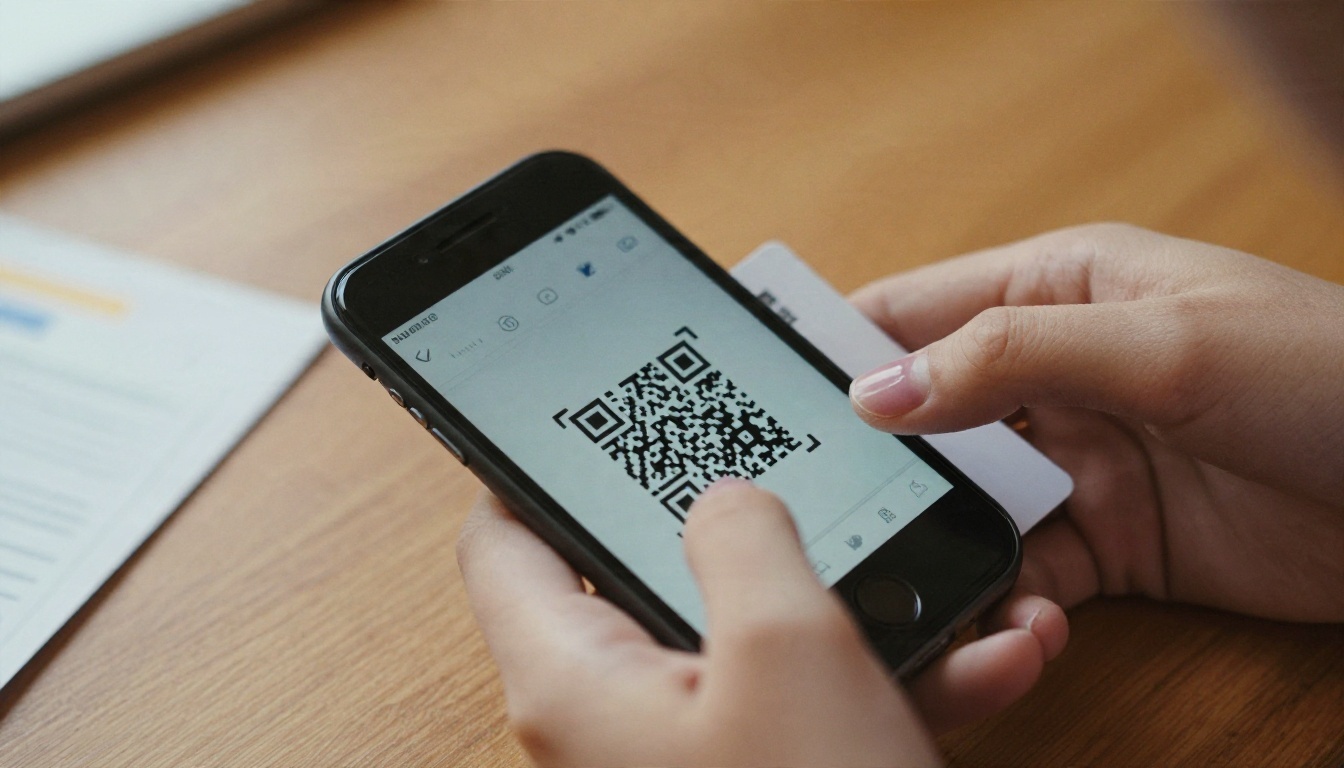
A direct link is the easiest option, and a QR code is the same link in a form that fits on a poster, a lanyard, or the back of a printed yearbook. Place the code where people are already standing: the graduation line, the cafeteria wall, the front office.
Embedding on Your School Site
Embedding places the flipbook right inside a page of your website, so visitors read it without leaving. Paste the embed code into your site builder's HTML block. The Embed Flipbook on Website tool explains the setup in detail, and the viewer resizes to fit the layout.
Password Protection
A password works like a locked classroom door. Share it in a printed letter or a parent portal message, not in a public post. Change it each year if the edition is meant for current families only.
Five Mistakes to Avoid
Most digital yearbook problems repeat from school to school. Watch for these.
- Low-resolution photos. They look fine on a printed page and blurry on a wall screen.
- Skipping a mobile test. Open the book on a cheap phone before announcing it.
- Forgetting accessibility. Add alt text and readable font sizes for every reader.
- No promotion. A link nobody sees is a yearbook nobody reads; use posters, newsletters, and morning announcements.
- Ignoring privacy. Public links for a book full of minors deserve a second thought.
✅ Best practice: Assign one student to quality-check the digital edition against the PDF a week before release. Fresh eyes catch the broken links.
Ready to Publish Yours?
A digital yearbook display gives every student, parent, and alum a place to look back, from the lobby screen to the phone in a pocket. The process is simple: finish your PDF, upload it, set your sharing rules, and send the link.
Your seniors only graduate once. Give them a yearbook they can open anywhere, forever.



