A PDF is a flat file. Your reader scrolls, loses their place, pinches the screen on a phone, and leaves before page four. A flipbook fixes that by turning the same file into a book that opens, turns pages with a soft curl, and loads in any browser. If you are looking for a flip book creator that gives you a free online maker, real templates, honest pricing and a fast PDF upload, this article lays out what to expect and how to pick. You can try the process yourself on Flipbooks AI while you read.
Here is what you will get: a plain-language explanation of how a flip book maker works, a step-by-step tutorial, a comparison of templates by use case, a pricing breakdown, and a short list of mistakes that make flipbooks look amateur.
What a Flip Book Creator Does
A flip book creator is an online tool that takes static pages, usually a PDF, and rebuilds them as an interactive, page-turning publication. The reader sees a realistic book layout, clicks or swipes to turn pages, zooms into details and follows links, all without downloading anything.
The format took off because it matches how people already think about reading. A catalog feels like a catalog. A magazine feels like a magazine. Nobody has to be taught how to use it.
Flipbook vs Plain PDF
The difference shows up in how people behave. A plain PDF is a document. A flipbook is an experience, and it also gives you something a PDF never will: a single link that always shows the latest version.
| Feature | Plain PDF | Flipbook |
|---|
| Page turning | No, vertical scroll | Yes, animated page effect |
| Mobile reading | Pinch and zoom | Responsive layout |
| Embed on a website | Download link only | Inline embed code |
| Links and video | Basic links | Links, video and audio |
| Password protection | Rarely | Built in |
| Reader analytics | None | Views, time on page, leads |
| File size to share | Often 20 MB or more | One short URL |
💡 Pro tip: If your PDF is over 15 MB, email providers will often reject it. A flipbook link sidesteps the attachment limit completely.
Who Uses Them
Flipbooks are not only for designers. The people getting the most from them are usually small teams with a document that has to look good and travel easily.
- Restaurants publishing a seasonal menu that changes every month
- Real estate agents sending property brochures to buyers
- Sales teams replacing a heavy slide deck with a link
- Schools sharing newsletters, yearbooks and course packs
- Photographers and designers presenting a portfolio as a book
- Publishers and authors releasing an e-book or magazine issue
Free Online Maker: What Is Really Free
The word "free" does a lot of work in this market. Some tools let you build a flipbook for free but stamp a logo on every page. Others cap the page count at a number too small for a real catalog. A few expire your link after a trial period.
Before you commit to any maker, check these five things. They decide whether a free plan is genuinely useful or just a demo.
- Watermark: Does the finished flipbook carry the tool's logo?
- Page limit: Can you upload a 40-page catalog, or only 10 pages?
- Link lifespan: Will the public link still work in six months?
- Export and embed: Can you place it on your own website?
- Branding: Can you set your own colors and logo?
Free Tier Comparison
Here is how the typical options stack up, described by category rather than by individual brand so the comparison stays useful even as products change.
| Option | Watermark | Page limit | Embed | Best for |
|---|
| Basic free maker | Yes | Low | Limited | Testing the idea |
| Trial of a paid tool | Sometimes | Full | Yes | Short projects |
| Open source script | No | Unlimited | Yes, but needs hosting | Developers |
| Flipbooks AI | No watermarks, ever | Generous | Yes | Teams and individuals |
⚠️ Watch out: A free flipbook with a third-party logo on every page can make a business look unfinished. If the document goes to clients, a clean, branded result matters more than saving a few dollars.
PDF Upload: How the Conversion Works
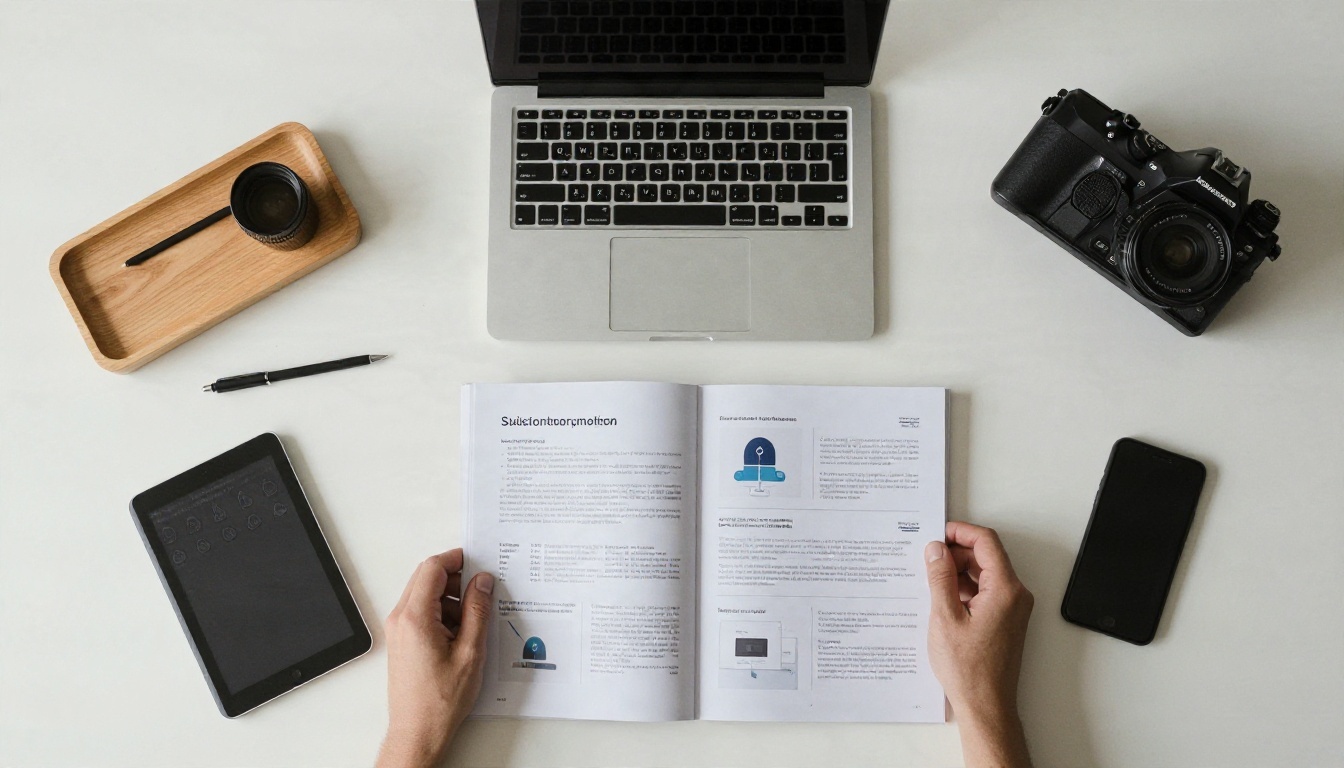
The upload step is the heart of any flip book maker. You drop in a PDF, the tool reads each page, renders it as a high-resolution image layer, preserves clickable links where possible, and builds the page-turning viewer around it.
Prepare Your PDF First
A good flipbook starts with a good file. Five minutes of preparation saves a lot of frustration later.
- Export at 150 to 300 DPI for a sharp result without a bloated file
- Keep pages in a consistent size, ideally A4, Letter or a square format
- Use real hyperlinks in the source so they stay clickable
- Embed fonts, or convert text to outlines, to avoid substitutions
- Check that the first page works as a standalone cover for thumbnails
Common Upload Problems
| Problem | Likely cause | Fix |
|---|
| Upload stalls | File too large | Compress images to 150 DPI |
| Blurry pages | Low-resolution export | Re-export at 300 DPI |
| Missing links | Links flattened to images | Add links again in the editor |
| Odd page order | Spreads exported as singles | Export as single pages |
| Wrong fonts | Fonts not embedded | Embed or outline fonts |
For a dedicated walkthrough of this exact step, the PDF to Flipbook Converter is built around it.
How to Create a Flipbook with Flipbooks AI
If your goal is to go from PDF to published link as fast as possible, the process below takes most people under ten minutes. Each step maps to a real feature.
- Open the platform. Go to Flipbooks AI and create an account. You do not need design software.
- Upload your PDF. Drag the file into the upload area. The converter reads every page and builds the flipbook automatically. Larger files take a little longer, but you will see progress as it runs.
- Choose a layout. Pick a template that suits the content, such as a catalog, brochure, menu or magazine. You can switch later without re-uploading.
- Apply your branding. Set your logo, background color, toolbar colors and page-turn effect. Matching your brand palette makes the viewer feel like part of your website.
- Add multimedia. Place video, audio and links on any page. A product page can play a short clip, and a menu page can link straight to a booking form.
- Set privacy. Keep it public, or turn on password protection for client-only material.
- Publish and share. Copy the direct link, or grab the embed code for your site. The flipbook is mobile-responsive from the first click.
✅ Best practice: Preview the flipbook on your own phone before sending it. If the first two pages look right on a small screen, the rest usually will too.
Sharing Options
Once published, you have three main ways to put the flipbook in front of people.
| Method | How it works | Best for |
|---|
| Direct link | Short URL you paste anywhere | Email, chat, social posts |
| Embed code | Snippet placed inside a web page | Website and landing pages |
| Password link | Link plus access code | Client proposals, internal reports |
The Embed Flipbook on Website tool shows exactly how to place one on a page without breaking your layout.
Professional Plan Extras
For teams that need to measure results, the Professional plan adds the features that turn a flipbook into a lead tool.
- Analytics: See how many people opened it, which pages held attention and where they dropped off
- Lead generation: Ask for an email address before the reader gets past a chosen page
- Offline downloads: Let readers save a copy for places with no signal
You can see how each tier is packaged on the pricing page.

Templates That Match the Job
Templates are where a flip book creator saves you the most time. Instead of arranging pages from scratch, you start from a layout built for a specific type of publication, then drop in your own pages and branding.
Templates by Use Case
| Use case | What it needs | Template to try |
|---|
| Product range | Grid pages, zoom, buy links | Product Catalog |
| Restaurant | Short, visual, easy to update | Restaurant Menu Creator |
| Property listing | Large photos, floor plans | Real Estate Brochure |
| Creative work | Full-bleed images | Digital Portfolio Creator |
| Long reads | Chapters, text pages | Interactive E-Book Publisher |
| Periodicals | Issues, covers, spreads | Magazine Flipbook Creator |
| Company results | Charts, tables, clean type | Annual Report Creator |
Real-World Examples
A neighborhood restaurant updates its menu every season. Instead of reprinting and re-sending a PDF, the owner re-uploads the new file, keeps the same link and the QR code on the tables never changes.
A real estate agent builds one brochure per listing. Buyers open it on their phones during a viewing, flip through floor plans and tap a link to book a second visit.
A freelance photographer replaces a clunky portfolio PDF with a book-style presentation. Clients flip through at their own pace and the password option keeps private shoots private.
A sales rep swaps a 60 MB slide deck for a Sales Presentation link. It opens instantly, and analytics show which prospects actually read the pricing page.
If you are not sure which fits your project, browse all the flipbook tools and pick the closest match.
Pricing: What You Actually Pay For
Pricing for flip book makers usually follows one pattern: the more flipbooks, features and control you need, the higher the tier. What matters is not the headline number but what is locked behind it.
Plan Breakdown
| Feature | Free trial | Standard | Professional |
|---|
| Watermark-free flipbooks | Yes | Yes | Yes |
| Number of flipbooks | Limited | Unlimited | Unlimited |
| PDF upload and conversion | Yes | Yes | Yes |
| Custom branding | Basic | Full | Full |
| Password protection | No | Yes | Yes |
| Video and audio embeds | Limited | Yes | Yes |
| Analytics | No | Basic | Full |
| Lead generation | No | No | Yes |
| Offline downloads | No | Yes | Yes |
Check the current prices and limits on the official pricing page, since plans can change.
How to Choose a Plan
- Publishing one or two files? Start on the free option and see if the result meets your needs.
- Publishing regularly? Standard is usually the point where unlimited flipbooks and protection pay for themselves.
- Selling, recruiting or running campaigns? Professional gives you the data and the lead capture to judge what works.
💡 Pro tip: Count how many documents you publish in a year. If the answer is more than five, an unlimited plan almost always beats paying per project.
Mistakes That Make Flipbooks Look Cheap
A flip book creator will not rescue weak content, but it makes good content look sharp. These are the slips that most often spoil the result.
1. Uploading a Low-Quality PDF
Zooming into a blurry page defeats the purpose. Always export from your design file, not from a screenshot.
2. Ignoring Mobile Readers
More than half of flipbook views happen on phones. Tiny body text that looks fine on a monitor becomes unreadable at a thumb's width. Use at least 10 pt type for body copy.
3. Skipping the Links
A flipbook with no clickable elements is a missed chance. Add links to your shop, booking page or contact form on at least the first and last pages.
4. Forgetting to Update
An outdated menu or price list does more harm than none at all. Because a flipbook link stays the same, there is no excuse to leave old content live.
5. Sharing Sensitive Files Openly
Internal reports, client proposals and unreleased catalogs belong behind a password. Turning it on takes seconds.
Reading Experience on Every Screen
The reason readers stay with a flipbook is comfort. Pages respond to a swipe on a phone, an arrow key on a laptop and a tap on a tablet. Zoom works smoothly, the toolbar stays out of the way, and nothing needs to be installed.
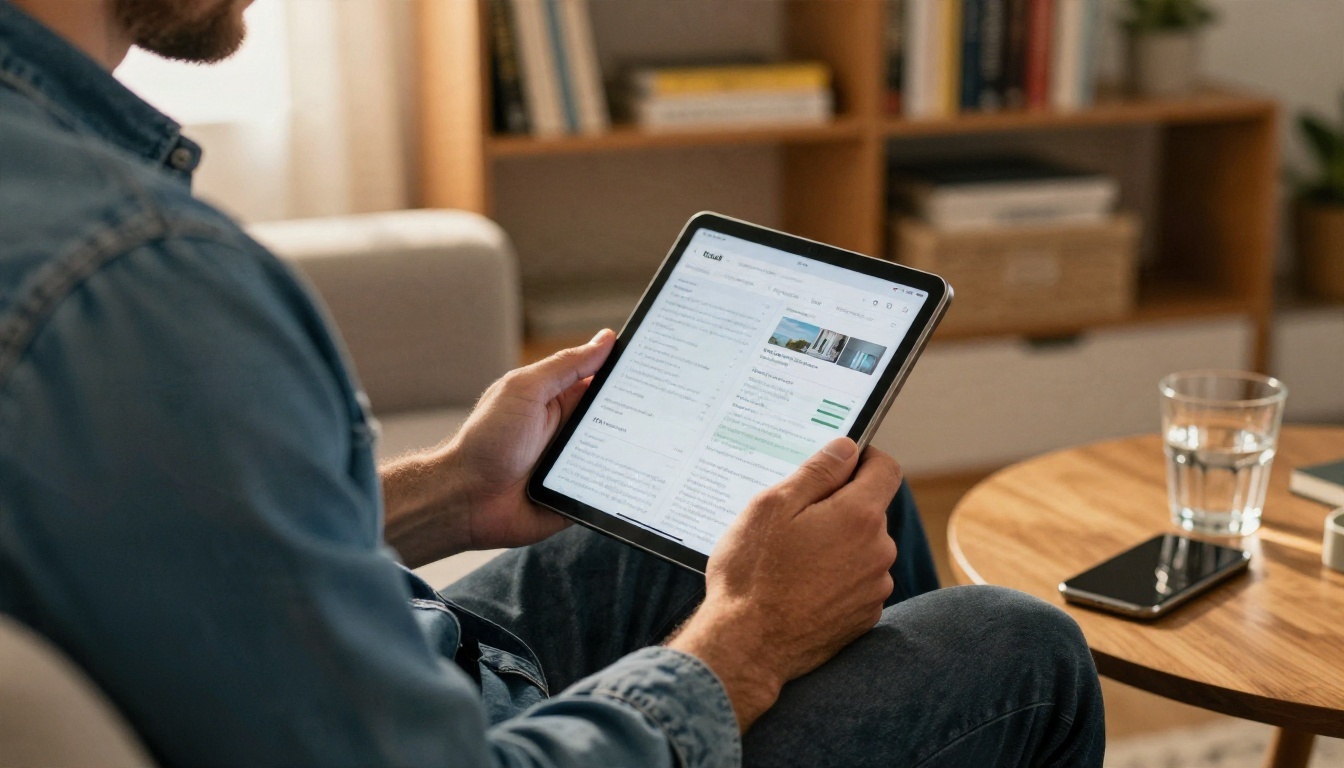
For publishers, this has a practical benefit. A reader who finishes a magazine issue on the sofa on Sunday is far more likely to come back for the next one than a reader who gave up on a 30 MB download. Responsive design is not a bonus feature, it is the baseline.
Quick Checklist Before You Publish
- PDF exported at the right resolution and page size
- Branding applied: logo, colors and background
- Links tested on desktop and phone
- Password or lead form set if needed
- Embed code placed and previewed on the live page
- Link shared in a test message to yourself
Your Next Step
You now have what you need to pick a flip book creator with confidence: a clear idea of what free really means, how PDF upload behaves, which template fits your project, and how pricing maps to features.
Ready to turn your first PDF into a flipbook? Get started for free on Flipbooks AI, with no watermarks and a link you can share in minutes. Browse all tools and templates to find your layout, then compare pricing plans when you are ready to publish without limits. If you already know which plan you want, you can sign in and go straight to pricing.



