You spend two hours at the easel, the room fills with ideas, and then someone peels the sheets off the pad and the whole session ends up in a tube in the corner. Sound familiar? A good flip chart app fixes that problem by turning those paper sheets into a digital document people can actually open again. The fastest route is simple: capture the sheets, save them as a PDF, and convert that PDF into an online flipbook with Flipbooks AI. No watermarks, no design skills, and you can start for free.
This article walks you through the whole process, from photographing your sheets to sharing a page-turning link. You will also see where flipbooks beat a plain PDF, which mistakes ruin the result, and how teachers, facilitators and consultants already use this workflow.
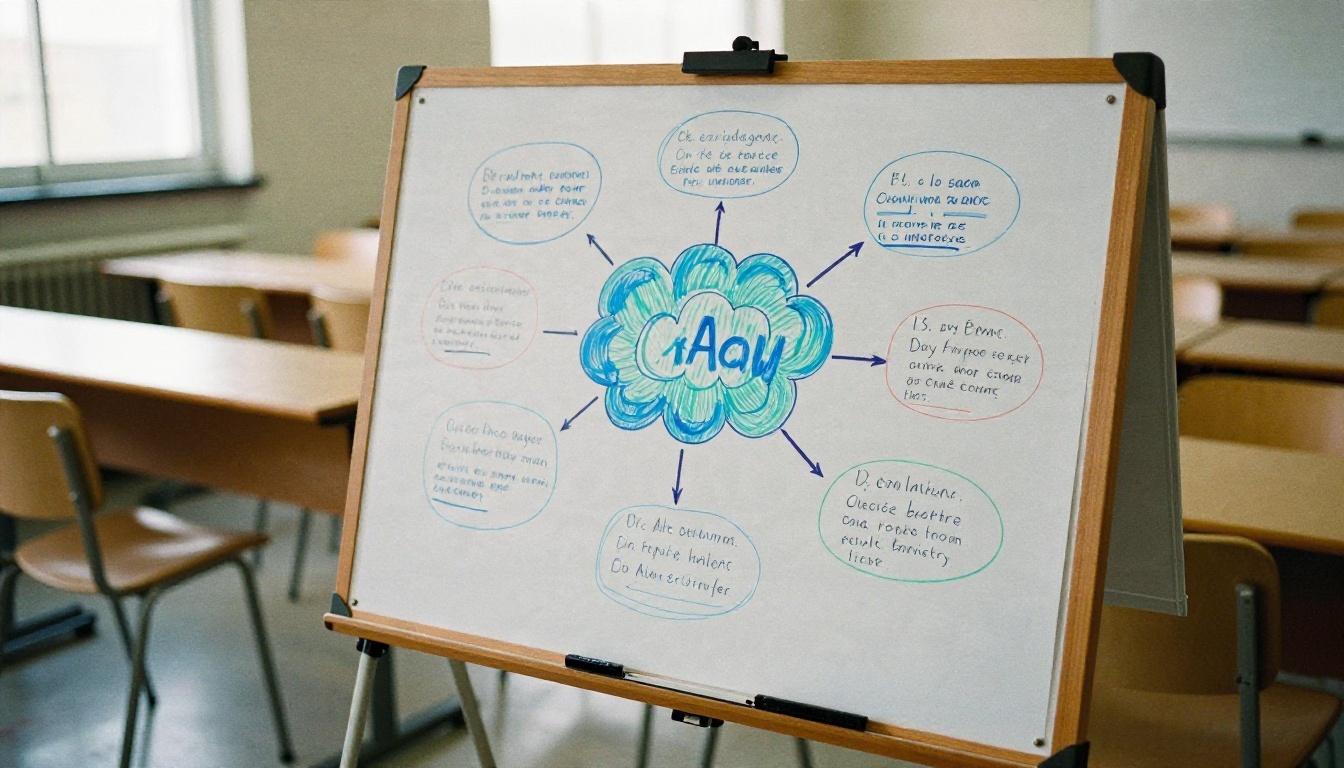
Why Flip Chart Sheets Disappear
Flip charts are brilliant in the room and terrible afterward. Paper tears, markers fade, and a rolled stack of sheets is hard to search, hard to share and easy to forget. Most teams solve it by snapping a few photos, and that creates a different mess.
The Photo Folder Problem
Open the camera roll of anyone who runs workshops and you will find 40 slightly crooked pictures of paper, mixed in with lunch and holiday snaps. They have no order, no title and no single link to send. When a participant asks for "the slides from Tuesday," you end up emailing a dozen attachments.
What an Online Flipbook Fixes
An online flipbook keeps every sheet in the order you drew it, with real page-turning, zoom and a single URL. Anyone with a phone can open it. You can update it, protect it with a password, or embed it on a website. Think of it as the digital twin of your pad, only it never gets lost in a tube.
💡 Pro tip: Number your sheets in a bottom corner while you write them. Even a tiny "1, 2, 3" saves you from re-sorting pages later.
What a Flip Chart App Really Does
Let's be precise, because the term is used loosely. A flip chart app is not one single piece of software. It is a short workflow made of three jobs: capture the sheets, convert them into one document, and share that document. Some tools do only one of these jobs. A flipbook platform does the last two, and your phone camera handles the first.
Capture, Convert, Share
- Capture: photograph or scan each sheet, or export pages from a digital whiteboard or flip chart tool.
- Convert: combine the images into one PDF, then upload it to a PDF to Flipbook Converter.
- Share: send a link, embed the flipbook, or lock it behind a password.
Flip Chart Options Compared
| Approach | Searchable | Easy to share | Looks like a real book | Cost to start |
|---|
| Loose phone photos | No | Poor | No | Free |
| Emailed PDF | Sometimes | Fair | No | Free |
| Cloud folder of images | No | Fair | No | Free |
| Online flipbook | Yes | Excellent | Yes | Free to try |
The flipbook wins because it keeps the physical feel of turning pages, which is exactly what a flip chart is. Participants recognize the format immediately.
Capture Your Sheets the Right Way
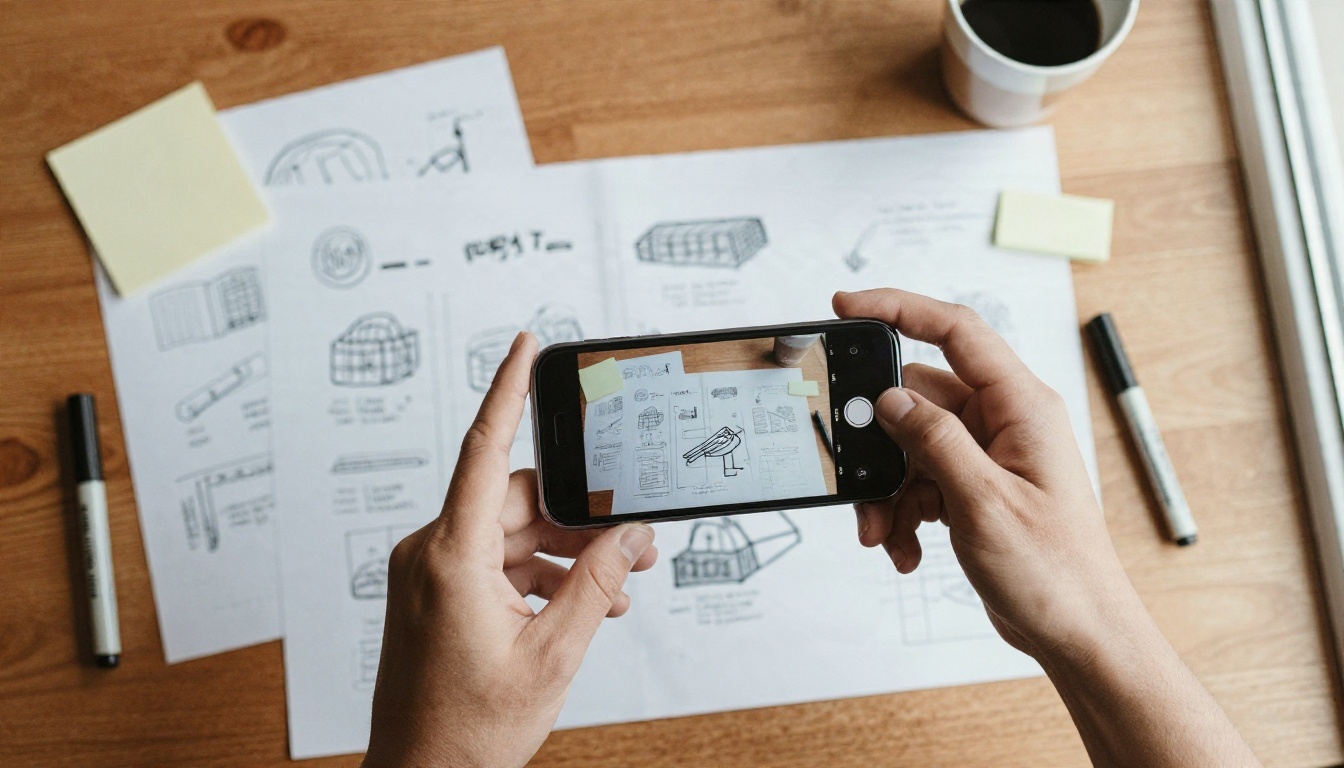
Garbage in, garbage out. A blurry, angled photo of a marker sheet will still be blurry once it becomes a flipbook page. Spend two minutes on capture and the finished flipbook looks professional.
Photograph With Your Phone
This is the method most people use, and it works well when you follow a few habits:
- Stand square to the sheet. Keep the phone parallel to the paper so the edges do not lean.
- Use daylight or flat room light. Avoid the flash, which creates a bright hotspot on glossy paper.
- Fill the frame. Leave only a thin margin around the sheet.
- Turn on the grid. Your camera grid lines help you keep verticals straight.
- Shoot in landscape. Flipbook pages display best in a consistent orientation.
Most phones also include a built-in document scanner (look in your notes or files app) that flattens perspective automatically and exports straight to PDF. That is the quickest option if you have it.
Scan Sheets for Sharper Pages
If your sheets are A1 or A2 size, a big-format scanner is overkill. Instead, scan A4 or A3 handouts you printed from the session, or fold sheets down and use a regular flatbed. For archives of older sessions, scanning at 200 to 300 DPI gives crisp lines without huge file sizes.

Export From Digital Flip Chart Tools
Maybe you never touched paper. Digital whiteboards and tablet flip chart apps let you draw on a screen and export pages. Pick PDF export whenever it is offered, because that is exactly what the flipbook converter wants. If the tool only exports images, combine them into a single PDF with any free merge tool or your phone's share menu.
✅ Best practice: Name the PDF clearly, for example "Q4 Planning Workshop Sheets." The file name often becomes the flipbook title, so a clean name saves editing later.
Capture Methods at a Glance
| Method | Best for | Image quality | Time per sheet |
|---|
| Phone camera | Live workshops, quick sharing | Good | 10 seconds |
| Phone document scanner | Straightened, cropped pages | Very good | 15 seconds |
| Flatbed scanner | Archived handouts, A4 or A3 | Excellent | 30 seconds |
| Digital flip chart export | Remote or tablet sessions | Excellent | Instant |
How to Create a Flipbook with Flipbooks AI
Here is the step-by-step part. Plan on about five minutes once your PDF is ready.

Sign Up and Upload Your PDF
- Go to Flipbooks AI and create an account. You can start without paying.
- Choose the option to create a new flipbook.
- Upload the PDF of your flip chart sheets. Each sheet becomes one page.
- Wait a few moments while the file converts. Larger PDFs take a bit longer.
- Open the preview and flip through the pages to confirm the order.
If a page is upside down or out of sequence, fix it in your PDF and upload again. It is faster than hunting through settings.
Customize the Look
A flipbook made from marker sheets does not need heavy decoration, but a few touches help it feel polished:
- Background color: a soft grey or warm cream makes white paper pages stand out.
- Page effects: keep the realistic page curl, since it echoes the flip chart itself.
- Custom branding: add your logo so the link looks official when sent to clients.
- Multimedia: you can embed videos and audio, for example a short recording of you explaining sheet three.
- Mobile layout: the flipbook is mobile-responsive, so pages resize automatically for phones.
Share and Embed
Once the flipbook is ready you have several ways to send it:
| Sharing option | Use it when | Notes |
|---|
| Direct link | Emailing participants | One URL for the full set of sheets |
| Embed code | Adding to a site or intranet | See the Embed Flipbook on Website tool |
| Password protection | Sharing confidential strategy work | Only people with the password can open it |
| Offline download | Travelling or poor connections | Keep a copy on a device |
Professional Plan Extras
If you share flip chart output with clients or large groups, the Professional plan adds analytics and lead generation. You can see how many people opened your flipbook and which pages they spent time on, and you can collect contact details before the flipbook opens. Check the pricing plans to see which tier fits. The Standard plan and above include unlimited flipbooks, which suits anyone running regular sessions.
💡 Pro tip: Treat your first flipbook as a test. Upload a three-sheet PDF, check how it reads on your phone, then upload the real set.
Real Uses for Flip Chart Flipbooks
The same simple workflow fits very different jobs. Here are three that come up again and again.

Teachers and Trainers
A teacher can sketch a lesson on the easel, photograph every sheet, and publish the flipbook before the bell rings. Students who were absent get the same notes as everyone else. For longer programs, pair this with the Course Material Publisher or the Training Manual Flipbook to bundle sheets with handouts.
Workshop Facilitators
Facilitators leave a room full of sticky notes, arrows and decisions. Sending a single flipbook link within an hour of closing the session keeps momentum alive. Participants can zoom into a sheet on their phone, check what they agreed to, and forward it to a colleague who missed the meeting.

Consultants and Freelancers
An independent consultant can turn a client workshop into a branded deliverable. Add a logo, protect it with a password, and send the link as part of the project summary. It looks far more considered than a zip file of photos. If you want to present the sheets in a pitch setting, the Presentation Flipbook Designer and the Sales Presentation tool are worth a look.

Who Gets the Most Out of It
| Audience | Typical content | Best feature |
|---|
| Teachers | Lesson sketches, diagrams | Single link for every student |
| Facilitators | Brainstorm outcomes, action lists | Fast follow-up after the session |
| Consultants | Client workshop results | Custom branding and password |
| Team leads | Retrospectives, planning sheets | Easy reference in chat or email |
| Community groups | Meeting notes, event plans | Free sharing with no app install |
Free vs Paid: What You Get
You can build your first flipbook without paying, which is enough to test the workflow with a real set of sheets. Paid plans matter once you want branding, volume or lead capture.
| Feature | Free to try | Standard and above | Professional |
|---|
| No watermarks | ✅ | ✅ | ✅ |
| Mobile-responsive flipbooks | ✅ | ✅ | ✅ |
| Unlimited flipbooks | No | ✅ | ✅ |
| Password protection | Check plan | ✅ | ✅ |
| Embed videos and audio | Check plan | ✅ | ✅ |
| Analytics and lead generation | No | No | ✅ |
Plan details can change, so confirm the current limits on the pricing page before you commit.
Common Mistakes to Avoid
Most disappointing flipbooks fail for boring reasons. Watch for these:
- Tiny handwriting. Write large. If you need to squint at the paper, a phone screen will be worse.
- Pale markers. Yellow and light orange vanish on camera. Stick to black, blue, green and red.
- Glare and shadows. Photograph before you tape sheets to a glossy wall, or turn off overhead spotlights.
- Skipped sheets. Capture every page as you go. Reconstructing sheet seven from memory is no fun.
- Huge file sizes. If your PDF is hundreds of megabytes, reduce the image resolution before uploading.
- No context. Add a title sheet with the date, topic and attendees so the flipbook makes sense in six months.
⚠️ Warning: Flip chart sheets from internal meetings can include names, budgets or client details. Use password protection before sharing anything sensitive.
Turn Your Sheets Into a Flipbook Today
You do not need a special flip chart app, an expensive scanner or any design background. You need a phone, a PDF and about five minutes. Capture your sheets cleanly, upload them, add a little branding, and share one link that works on every device.
Ready to try it? Create your free account on Flipbooks AI and upload your first set of sheets. Browse all flipbook tools for more ways to publish catalogs, reports and e-books, or compare pricing plans when you are ready for unlimited flipbooks, analytics and lead generation.



