Most marketers spend hours designing a beautiful flipbook, hit publish, and then never look at the data again. That's a massive mistake. The difference between content that builds pipelines and content that collects dust almost always comes down to one thing: whether you're actually reading the numbers.
Flipbooks AI gives you a real-time analytics dashboard that goes far beyond a simple view count. From individual page performance to lead capture rates, the data available inside a well-configured flipbook tells a richer story than most website analytics platforms. This article walks through every flipbook metric worth watching, what each one actually means, and how to act on what you find.
Why Flipbook Metrics Matter More Than You Think
What Static PDFs Can't Show You
A PDF attachment sent via email gives you one data point: whether the recipient opened the email. Once they download the file, you have no idea what happens. Did they read page 3? Did they skip straight to pricing? Did they share it with a colleague?
A digital flipbook changes that entirely. Every page flip, every second of reading time, every link click, and every form submission generates data you can actually use. That's the fundamental shift from passive content distribution to active content intelligence.
💡 Pro tip: Replace your PDF downloads with embedded flipbooks from Flipbooks AI to start capturing reader behavior data immediately.
The Gap Between Views and Real Interest
A view count is a vanity metric on its own. Ten thousand views mean nothing if every reader bounces after the first page. The metrics that matter reveal intent, not just presence. When you start tracking how long someone spends on a specific product page versus a company overview page, you gain real insight into what your audience actually cares about.

The Metrics That Actually Tell You Something
Total Views vs. Unique Readers
These two numbers tell very different stories. Total views count every session, including repeat visits. Unique readers count individual people. A high total-to-unique ratio means your audience is coming back, which signals strong content. A low ratio on a widely shared flipbook might mean something about the first impression is not landing.
| Metric | What It Measures | When to Watch It |
|---|
| Total Views | All sessions including repeats | Overall reach and distribution |
| Unique Readers | Individual people who opened it | True audience size |
| Return Rate | Returning visits / total visits | Content loyalty and value |
| Average Session Duration | Time per reading session | Overall content depth interest |
Average Time Per Page
This is one of the most actionable numbers in your flipbook analytics. If your product comparison page averages 45 seconds but your pricing page averages 8 seconds, you have a clear signal: readers are interested in the products but something about the pricing page is not connecting.
⚠️ Watch for this: If your most important conversion page has the lowest average time, your layout, copy, or positioning needs work.
Completion Rate
The completion rate measures what percentage of readers who opened your flipbook reached the final page. For a 20-page product catalog, a 30% completion rate might be perfectly healthy. For a 5-page pricing brochure, anything under 60% should raise questions.
Completion rate benchmarks vary significantly by content type:
| Content Type | Healthy Completion Rate | Action If Below |
|---|
| Short brochure (4-6 pages) | 55-70% | Revisit hook on pages 1-2 |
| Product catalog (10-20 pages) | 25-40% | Add navigation anchors |
| Annual report (30+ pages) | 10-20% | Break into sections |
| Training manual (15-25 pages) | 40-60% | Add chapter progress markers |
| Event program (8-12 pages) | 45-65% | Front-load highlights |
Scroll Depth and Flip Rate
Flip rate is the speed at which readers move through pages. Very fast flipping suggests skimming, which tells you that either the content is too dense, or readers are searching for something specific and not finding it quickly enough. Very slow, page-by-page reading suggests high intent and genuine interest in the material.

Page-Level Data: Where Readers Stop and Why
Heatmaps and Hot Pages
Page-level analytics show you exactly which pages attract the most attention. Think of it as a heatmap across your entire publication. For a restaurant using the Restaurant Menu Creator, knowing that readers spend 3x more time on the pasta section than the drinks menu is directly actionable. It might mean pricing wine better, adding photography to that section, or restructuring the menu flow entirely.
For a real estate agency using the Real Estate Brochure Creator, if the floor plan page consistently outperforms all others, leading with floor plans instead of exterior photography might dramatically increase the time-on-page average for the pages that follow.
💡 Pro tip: Your top 3 performing pages by time-on-page are your highest-converting content assets. Put your CTAs there.
Drop-Off Points
Drop-off data shows you exactly where readers stop reading. The most common drop-off pattern is a steep decline after the first page or two. This is a content hook problem. The opening spread of your flipbook needs to be strong enough to justify the next flip.
The second most common drop-off point is immediately before or after a form or CTA. This usually points to a friction problem. Either the ask is too large for the context, or the surrounding content hasn't built enough value to justify the action.
Pages Readers Share
When readers share specific pages directly through embedded share functionality, those pages carry signal weight that dwarfs any other interaction metric. Shared pages represent content people found valuable enough to hand to someone else. These pages deserve more prominent placement and should inform your next content iteration.

Tracking Conversions Inside Your Flipbook
Lead Capture Form Performance
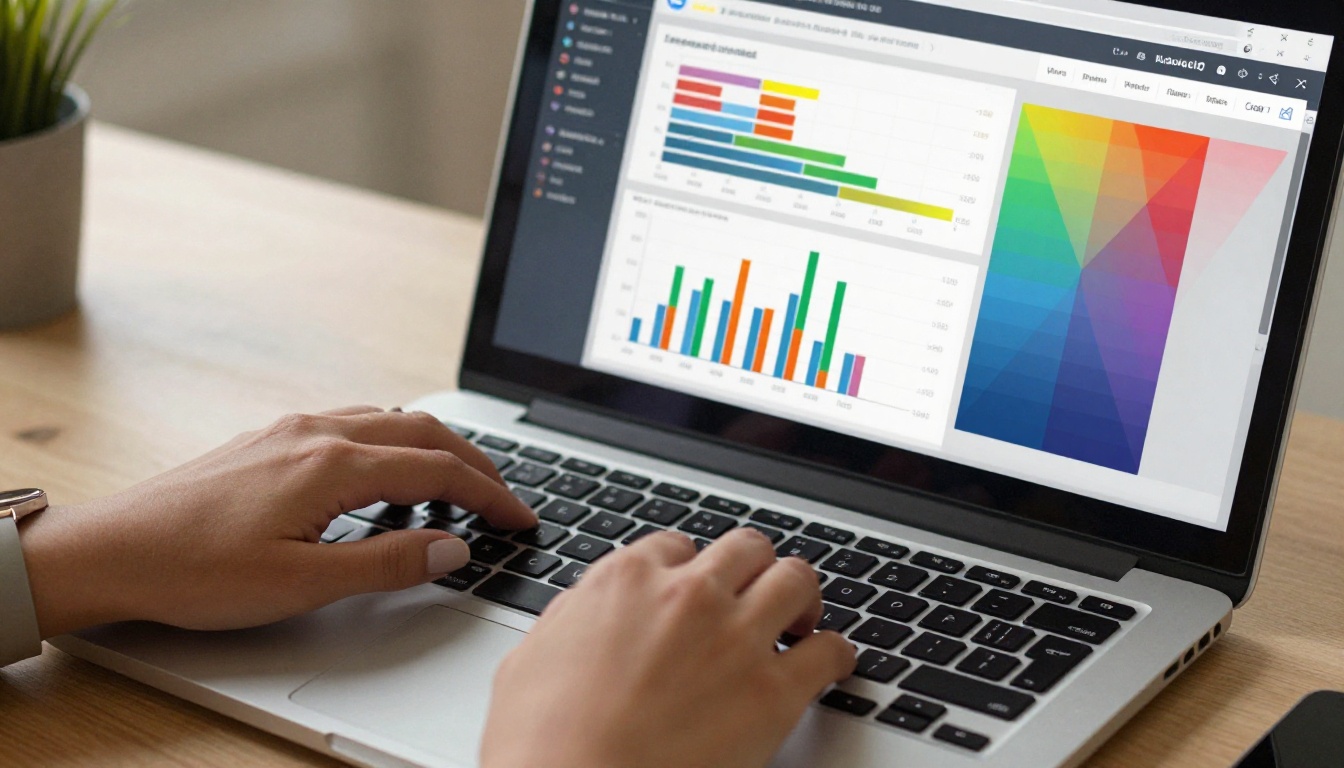
Flipbooks AI Professional plan includes embedded lead generation forms you can place on any page. The metrics here go beyond simple submission counts. You want to track:
- Form impression rate: What percentage of readers who reach that page see the form
- Form fill rate: What percentage who see it actually fill it out
- Lead quality by source: Where leads came from (email, social, embedded on website)
A lead capture form sitting on page 12 of a 15-page catalog will have very different performance than one placed on page 3. Testing placement is as important as testing the form copy itself.
Link Click Tracking
Every hyperlink inside your flipbook can be tracked. This includes product links, external URLs, email addresses, and phone numbers. Link click data is one of the clearest intent signals available. A reader who clicks a product link has moved from passive reading to active consideration.
Track these link metrics:
- Click-through rate per link: Clicks divided by page views for that page
- Most clicked destination: Which external URL or product page attracts the most traffic
- Click-to-session ratio: How many clickers returned for a second session
✅ Best practice: Use UTM parameters on all outbound links from your flipbook to accurately attribute traffic in your website analytics.
External Referral Sources
Knowing where your flipbook readers come from is just as important as knowing what they do inside it. Referral source data tells you which distribution channels are driving quality traffic versus volume traffic. An email campaign might send 500 readers with a 65% completion rate, while a social post might send 2,000 readers with an 8% completion rate. Those are very different audiences requiring very different follow-up strategies.

How to Use Flipbooks AI Analytics
Reading the Dashboard
Setting up analytics in Flipbooks AI takes minutes and requires no external tracking code. Here is how to start reading your data effectively:
- Log in to your account at flipbooksai.com/account and open the flipbook you want to review.
- Click on the Analytics tab within the flipbook editor to access your performance overview.
- Review the Summary panel: Total views, unique readers, average session time, and overall completion rate are displayed at the top.
- Scroll to Page Performance: This section shows time-on-page, drop-off rate, and interaction counts for each individual page.
- Check the Traffic Sources panel: See which channels are sending readers: direct links, email embeds, website embeds, or social shares.
- Review Lead Data (Professional plan): If you have lead capture forms active, all submissions appear here with source attribution and timestamp.
- Export your report: Download a CSV or PDF summary for sharing with your team or for inclusion in monthly reporting.
Setting Up Lead Generation Forms
The Professional plan gives you embedded lead forms that work directly inside your flipbook, without redirecting readers to an external landing page. Place a form:
- After your strongest content page, to capture readers at peak interest
- Before gated premium content, as a soft gate that doesn't block non-submitters
- On the final page alongside your primary CTA
💡 Pro tip: A two-field form (name, email) consistently outperforms longer forms by 40-60% in fill rate. Save detailed questions for your follow-up sequence.

Exporting and Sharing Reports
Your analytics data is only useful if your team can act on it. Flipbooks AI lets you export reports in multiple formats. For teams using the Annual Report Creator or Corporate Report Maker, sharing performance data alongside the published document gives stakeholders a full picture of impact.
Benchmarks Worth Comparing Against
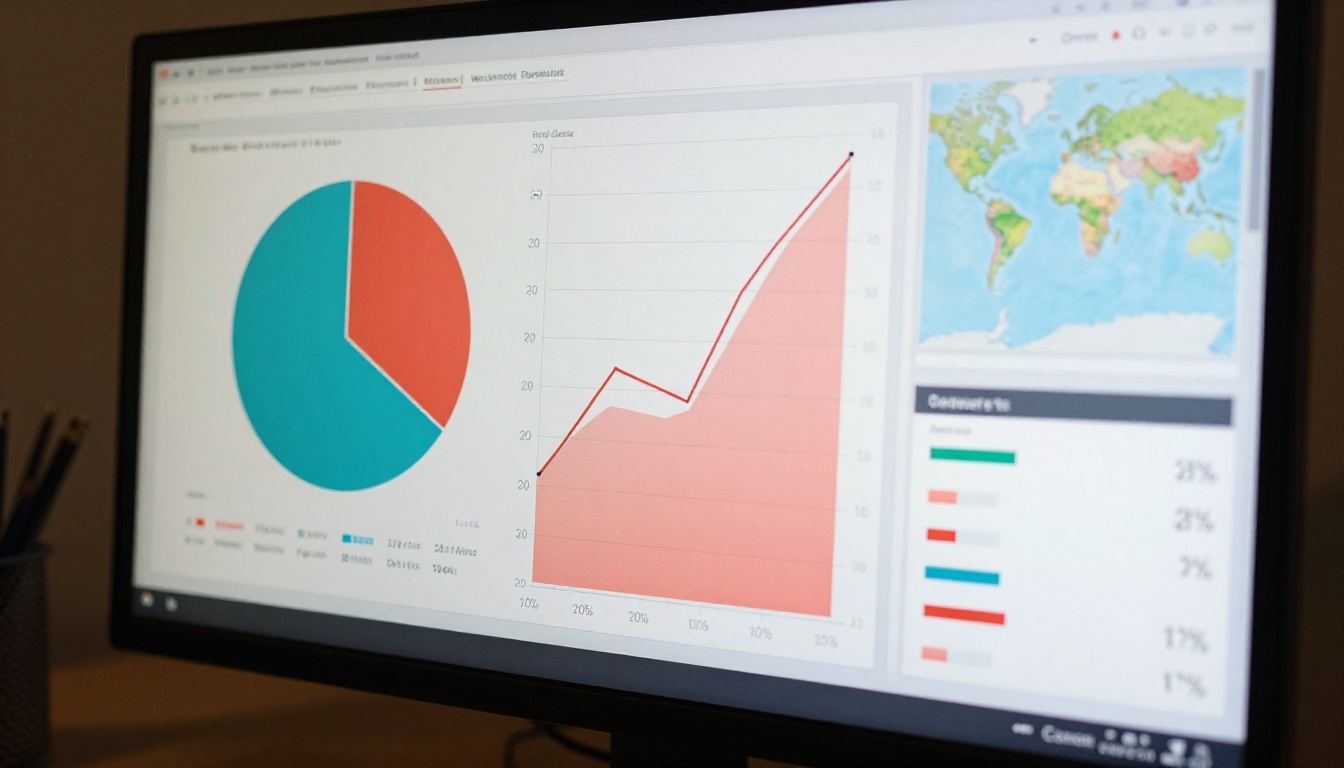
Not all flipbook content performs the same way. Here is a practical benchmark table to help you evaluate your numbers in context:
| Metric | Low (Needs Attention) | Average | Strong |
|---|
| Unique reader completion rate | Below 20% | 25-40% | Above 50% |
| Average time per page | Under 8 seconds | 12-25 seconds | Over 30 seconds |
| Lead form fill rate | Under 2% | 3-6% | Above 8% |
| Return reader rate | Under 5% | 8-15% | Above 20% |
| Link click-through rate | Under 1% | 2-5% | Above 7% |
| Pages shared externally | 0-1 | 2-4 | 5 or more |
These benchmarks apply broadly but will vary by industry, content type, and distribution channel. A B2B technical manual will naturally score lower on completion than a 4-page luxury lookbook built with the Interactive Lookbook Designer.
Turning Data Into Action
A/B Testing Your Content
Analytics without iteration is just record-keeping. The most effective use of flipbook data is to create two versions of the same content, publish both, and compare performance. Test variables one at a time:
- Opening page image vs. text-heavy opening: Does visual or text-forward perform better with your audience?
- CTA placement: Does a lead form on page 5 outperform the same form on page 10?
- Content length: Does a 10-page catalog drive more link clicks than a 20-page version?
- Section ordering: Does placing pricing before product details change completion rate?
⚠️ Avoid this mistake: Do not run A/B tests with different traffic sources. Compare like audiences or your results will be meaningless.
Repositioning CTAs Based on Drop-Off Data
Drop-off data is your most direct input for restructuring content. If 60% of your readers leave after page 4 of a 12-page catalog, your CTA should be on page 3, not page 11. Stop building content for the readers who finish. Build for the readers who are actually there.
For teams using the Sales Presentation Flipbook, moving a "Book a Demo" CTA from the final slide to the third slide, based on drop-off data, can meaningfully increase demo bookings without changing a single word of the presentation.

Building a Monthly Review Habit
Data reviewed once is interesting. Data reviewed monthly becomes a competitive advantage. Set a recurring calendar event to review your top 3-5 flipbooks every month. Look for:
- Pages with declining time-on-page (content may be getting stale)
- Traffic source shifts (a new channel may be picking up your content)
- Lead form performance changes (seasonality and audience shifts show up here first)
- Pages with rising share rates (these are your organic amplification assets)
The marketers who consistently outperform their benchmarks are not the ones with the best creative. They are the ones who read their data, iterate fast, and let their audience tell them what works.
Ready to stop guessing and start building with real data? Create your free account on Flipbooks AI and publish your first tracked flipbook today. Browse all available tools and templates to find the right format for your content, or compare pricing plans to access the full analytics and lead generation suite.



