Most content gets published and then disappears into silence. You put hours into a product catalog, a training manual, or a company report, share it with your audience, and then nothing. No feedback. No signal. No idea if anyone actually read past page two. That is the real problem with static PDFs and traditional documents. Flipbooks AI changes this completely by giving you a real-time window into exactly how your audience reads every piece of content you publish.
What Flipbook Analytics Actually Shows You
The word "analytics" gets thrown around loosely, but in the context of digital flipbooks, it refers to something very specific: behavioral data about how real people interact with your published documents, page by page, session by session.

Good flipbook analytics does not just tell you that someone opened your document. It tells you:
- Who opened it (device type, location, referral source)
- When they opened it (date, time, session frequency)
- How long they stayed (total session duration, average per page)
- Where they dropped off (the exact page where most readers exit)
- What they came back for (return visits, repeat sessions)
- Whether they converted (clicked a link, filled out a lead form)
This is not data for data's sake. Every one of those metrics represents a real decision you can make about your content.
Why Page-Level Data Changes Everything
Aggregate statistics, like total views or average time on page, only tell you so much. The moment you can see page-level data, the picture becomes dramatically clearer.

Imagine you publish a 20-page product catalog. Your aggregate stats show a decent average session time of 3 minutes. Sounds fine. But page-level data reveals that readers spend almost all of that time on pages 4 through 7, completely skip pages 12 through 16, and virtually nobody makes it to your pricing page on page 18. That is not a minor insight. That is an instruction to restructure your entire catalog.
Reading Patterns Across Different Content Types
Different document types produce very different reading patterns:
| Content Type | Typical Read Depth | High-Attention Zone | Common Drop-Off |
|---|
| Product Catalog | 40-60% of pages | Pages 2-8 (featured items) | After page 10 |
| Training Manual | 70-90% of pages | Introduction + Module 1 | Mid-document |
| Marketing Brochure | 30-50% of pages | Visual spreads | Text-heavy pages |
| E-Magazine | 50-70% of pages | Feature articles | Ads / filler pages |
| Annual Report | 25-40% of pages | Executive summary | Financial tables |
Knowing your document type's typical pattern helps you benchmark against it. If your catalog is hitting 70% read depth, something is working. If your training manual is losing people at page 3, there is a structural problem worth fixing immediately.
The Metrics That Actually Matter
Not every number on a dashboard deserves your attention. These are the metrics with real signal:

Time-Per-Page
This is your quality signal. A high time-per-page on a content-heavy spread means readers are actually reading, not skimming. A high time-per-page on a simple product image with a price tag could mean confusion, friction, or an unclear call to action.
💡 Pro Tip: If a page has a high time-per-page but a low click-through rate, your call to action language or button placement needs work. The interest is there, the conversion mechanism is not.
Exit Rate Per Page
Every page has an exit rate: the percentage of readers who leave the document from that specific page. Your goal is to minimize surprise exits, meaning exits from pages where readers should logically continue.
If page 5 of your 20-page catalog has a 40% exit rate and it is not the last page, something on page 5 is killing momentum. Bad layout, confusing copy, a product that does not fit the flow.
Return Visits
A reader who comes back to your flipbook is signaling intent. They are comparing options, showing a colleague, or getting ready to make a decision. Return visit data, combined with lead capture, becomes some of the most valuable signals in your content stack.
Geographic Distribution
Where your readers are located reveals whether your distribution strategy is working. If you publish a catalog specifically for a regional campaign but the majority of reads come from a completely different region, something in your targeting or sharing chain is misaligned.
Reader Behavior Across Devices
Device data matters more than most marketers realize. A flipbook experienced on a 27-inch desktop monitor is a fundamentally different experience than the same flipbook on a 6-inch smartphone screen.

| Device Type | Average Session Duration | Avg Pages Viewed | Lead Form Completion Rate |
|---|
| Desktop | 4.2 min | 12.3 pages | 8.4% |
| Tablet | 3.8 min | 10.7 pages | 7.1% |
| Mobile | 2.1 min | 5.9 pages | 4.2% |
Industry averages for B2B flipbook content, 2024.
This data tells you something actionable: mobile readers are a different audience with a different attention span and context. If a significant portion of your readership is on mobile, your flipbook needs to be optimized for shorter sessions, larger text, and simplified page layouts.
⚠️ Warning: Do not design your flipbook exclusively for desktop if more than 30% of your reads come from mobile. You are losing half your potential conversions before the reader even gets to your CTA page.
How to Use Flipbooks AI Analytics in Practice
Flipbooks AI includes a full analytics suite on the Professional plan. Here is exactly how to put it to work:

Step 1: Create your flipbook account
Head to flipbooksai.com/account and sign up. You can start with a free account to test the platform, then upgrade to Professional to access the full analytics dashboard.
Step 2: Upload your PDF
Use the PDF to Flipbook Converter to upload your document. The platform converts it automatically into a page-turning digital flipbook with mobile-responsive design, no coding required.
Step 3: Set up lead capture (optional but recommended)
Before publishing, configure a lead capture gate on your flipbook. This requires readers to submit an email address to access the document, or after a set number of pages. You will see exactly which leads came from which document, and you can connect this data to your CRM or email tool.
Step 4: Publish and share
You have multiple distribution options:
- Direct link: Share a URL via email, LinkedIn, or social media
- Embed code: Use the Embed Flipbook on Website tool to place it directly on a landing page
- Password protection: Restrict access to specific audiences (great for internal documents or VIP previews)
Step 5: Read your analytics dashboard
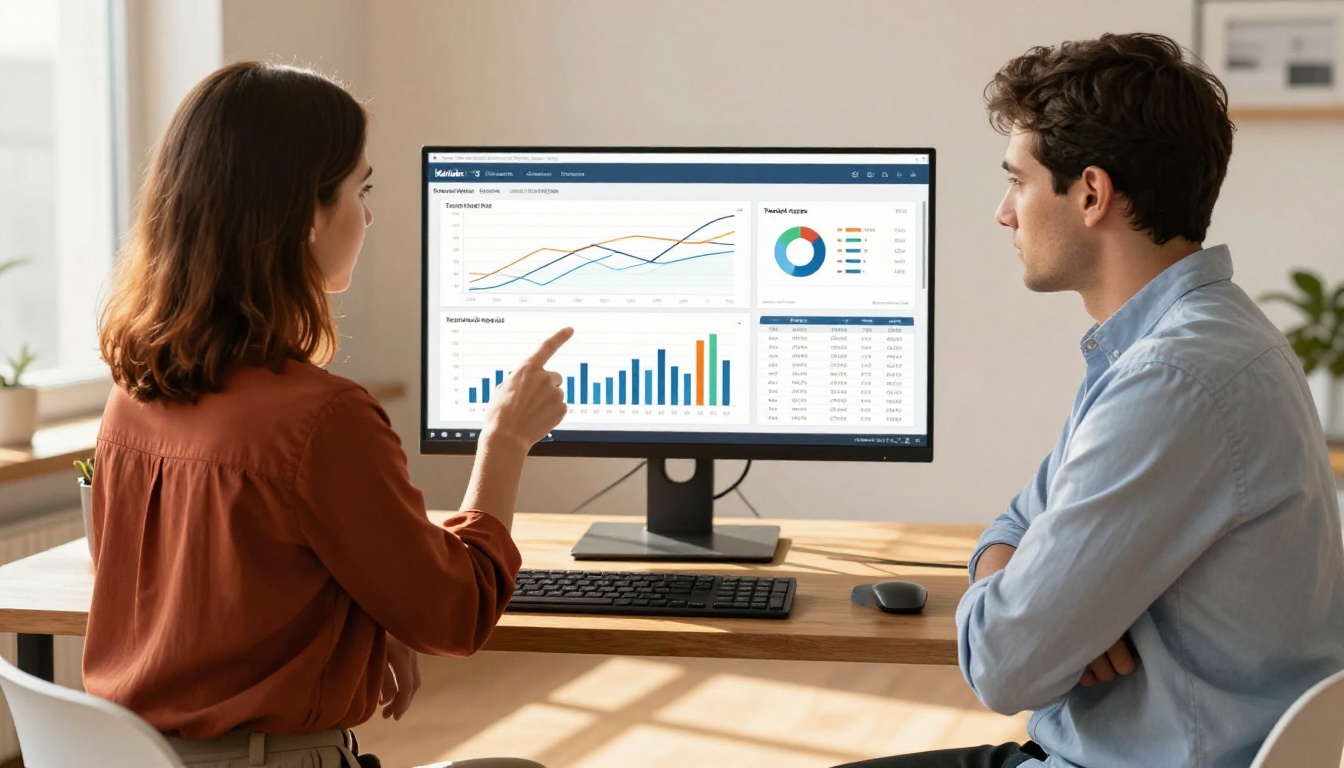
Inside the Professional dashboard, you will find:
- Session overview: Total opens, unique readers, return visits
- Page-level heat data: Color-coded read depth per page
- Time-on-page breakdown: Sorted by highest and lowest attention
- Device and location breakdown: Audience geography and device split
- Lead capture log: Every captured email with timestamp and source
Step 6: Act on the data
This is where most marketers stop short. They look at the numbers, feel good or bad about them, and then move on. The right move is to create a direct feedback loop:
- High drop-off on page 6? Revise the layout or content.
- Low time-on-page on your pricing spread? Simplify the pricing table.
- Mobile readers leaving early? Increase font size and reduce text density for mobile pages.
✅ Best Practice: Run a monthly audit of your top 5 flipbooks. Compare month-over-month read depth and session duration. Any document that shows a consistent decline in read depth needs a content refresh.
Comparing Analytics Across Flipbooks AI Plans
Not every analytics feature is available on every plan. Here is a clear breakdown:
| Feature | Free | Standard | Professional |
|---|
| Total Views Counter | Yes | Yes | Yes |
| Unique Visitor Tracking | No | Yes | Yes |
| Page-Level Read Depth | No | No | Yes |
| Time-Per-Page Data | No | No | Yes |
| Device and Location Breakdown | No | Yes | Yes |
| Lead Capture Forms | No | No | Yes |
| Return Visit Tracking | No | No | Yes |
| CSV Data Export | No | No | Yes |
| Analytics API Access | No | No | Yes |
For teams serious about content performance, the Professional plan is the clear choice. The page-level data and lead capture alone justify the upgrade for any business publishing more than two or three flipbooks per month. See full details on the pricing page.
Content Types Where Analytics Has the Biggest Impact
Some document types benefit dramatically more from reader analytics than others. Here is where it pays off most:

Sales Proposals: Knowing which sections of a proposal a prospect spent the most time on is intelligence your sales team can act on in the very next call. If they lingered on pricing and then went silent, you know exactly what to address.
Product Catalogs: Retail and wholesale teams can use read depth data to identify which products generate the most interest and restructure future catalogs accordingly. Use the Digital Catalog Maker to build catalogs optimized for this kind of iteration.
Training Manuals: HR and L&D teams can verify that employees actually finished their assigned reading. Low read depth on compliance materials is a liability. The Training Manual Flipbook tool makes it easy to build and track these documents.
E-Magazines and Newsletters: Publishers can see which editorial sections attract the most readers and plan future issues around proven interest areas. The Newsletter Flipbook Publisher is built for exactly this workflow.
Annual Reports: Investor relations teams can see which sections of their annual report stakeholders spend the most time on. If nobody reaches the sustainability section, either the content needs work or the section needs repositioning earlier in the document. Use the Annual Report Creator to publish reports that are actually tracked.
Turning Read Data Into Content Strategy
Analytics without action is just a number. The real value of flipbook analytics is the feedback loop it creates between what you publish and what your audience actually wants to read.

Here is a simple three-step process for closing that loop:
-
Identify your highest-attention pages: Which pages have the longest average time-on-page across all sessions? These are your strongest content assets. More of these, please.
-
Identify your drop-off cliffs: Find the pages where exit rates spike unexpectedly. These are your friction points. Each one is a content problem with a content solution.
-
Test, publish, repeat: Make one targeted change per document per cycle. Change the headline on page 6. Simplify the pricing table. Add a stronger visual to page 12. Republish. Compare read depth before and after. This is content optimization, and it is only possible when you have the data.
💡 Pro Tip: Tag your flipbook links with UTM parameters when sharing across different channels. This way your analytics show not just who read the document, but where they came from. Email vs. LinkedIn vs. direct traffic produces very different reader behavior patterns.
What Good Read Depth Looks Like
There is no universal benchmark for "good" read depth because it depends heavily on document length, content type, and audience. But here are reasonable targets to aim for:
| Document Length | Good Read Depth | Strong Read Depth |
|---|
| 1-5 pages | 90%+ | 100% |
| 6-15 pages | 60-75% | 80%+ |
| 16-30 pages | 40-55% | 65%+ |
| 31-60 pages | 25-40% | 50%+ |
| 60+ pages | 15-25% | 35%+ |
Anything significantly below the "Good" threshold for your document length means readers are abandoning before they reach your most important content. That is a structural problem, not a traffic problem.
Building a Publishing System Around Your Data
The highest-performing content teams treat their analytics not as a report but as a publishing operating system. Every new flipbook is created with a hypothesis. Every set of analytics is evaluated against that hypothesis. Every revision is tracked.

The tools on Flipbooks AI are built for exactly this workflow. Whether you are publishing a Sales Presentation for a closing call, a Real Estate Brochure for a property launch, or an Interactive E-Book for a lead magnet, the analytics layer is what separates a one-time publish from a continuously improving content asset.
Stop publishing into silence. Start with a free account, build your first tracked flipbook, and see exactly who reads your content, how far they go, and what brings them back.
Get started free on Flipbooks AI and activate analytics on your first document today. When you are ready for page-level insights and lead capture, compare plans to find the tier that fits your publishing volume.



