Most flipbook templates you find online look like they were designed in 2009 and nobody told them. Busy gradients, clip-art icons, fonts that no self-respecting designer would touch. If you have spent any time searching for flipbook templates that actually look professional, you already know how frustrating that process is. The good news: it does not have to be that way. Flipbooks AI offers a set of tools built around the idea that a digital flipbook should look as good as any premium print publication, if not better.
This article is for anyone who has stared at a bad template and thought "there has to be something better." We are going to break down exactly what separates good flipbook design from forgettable ones, which template styles work for which industries, and how to build one yourself from scratch.
What Makes a Flipbook Template Actually Good
Not all templates are created equal. The difference between a template that looks professional and one that looks amateur comes down to a handful of design decisions made before a single piece of content gets added.
Typography That Does Not Fight Itself
Good flipbook templates use a maximum of two typeface families: one for headings, one for body text. The heading font is usually display or serif, used sparingly at large sizes. The body font is a clean sans-serif that stays readable at small sizes across both print and screen. Templates that mix three or more fonts read as chaotic.
The best templates establish a clear typographic hierarchy: H1 is noticeably larger than H2, which is noticeably larger than body text. When everything is the same size, nothing stands out. Readers scan before they read, and a strong hierarchy is what guides that scan toward your most important content.
Color Palettes That Actually Work
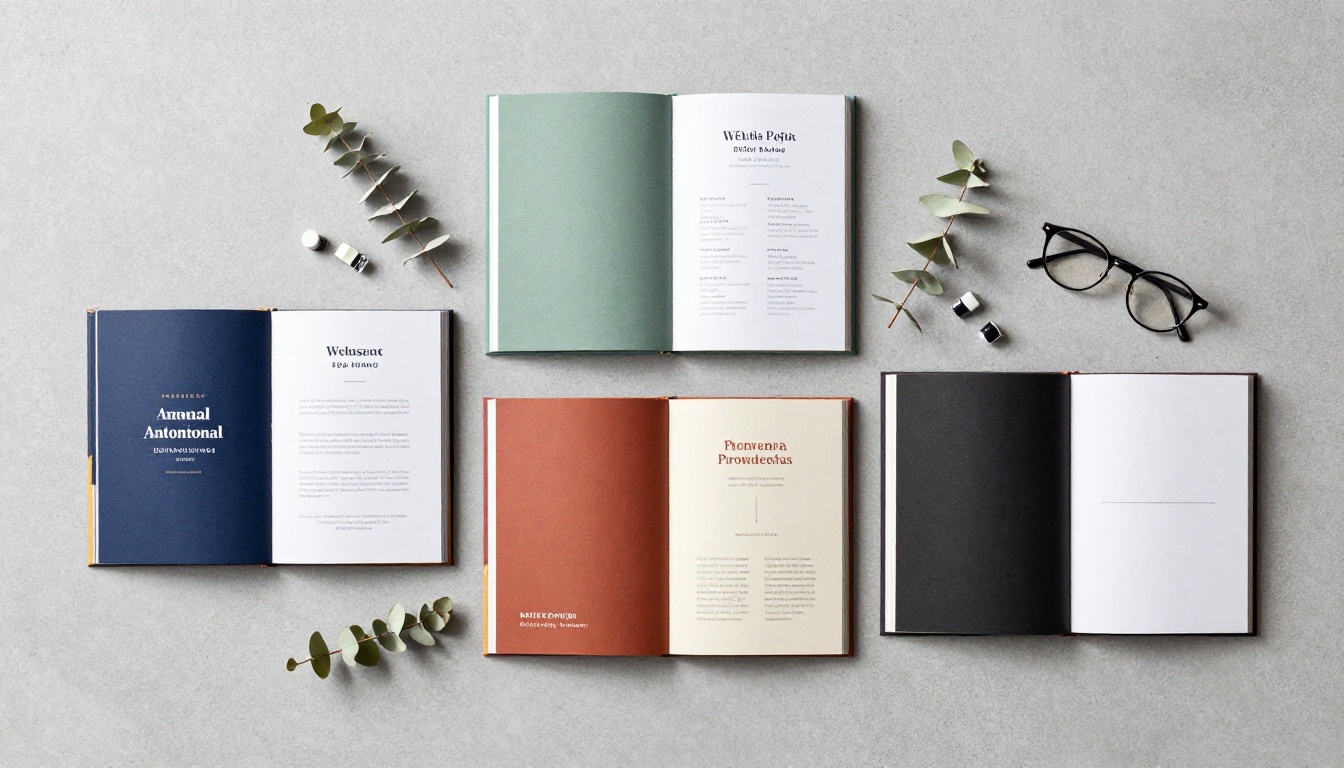
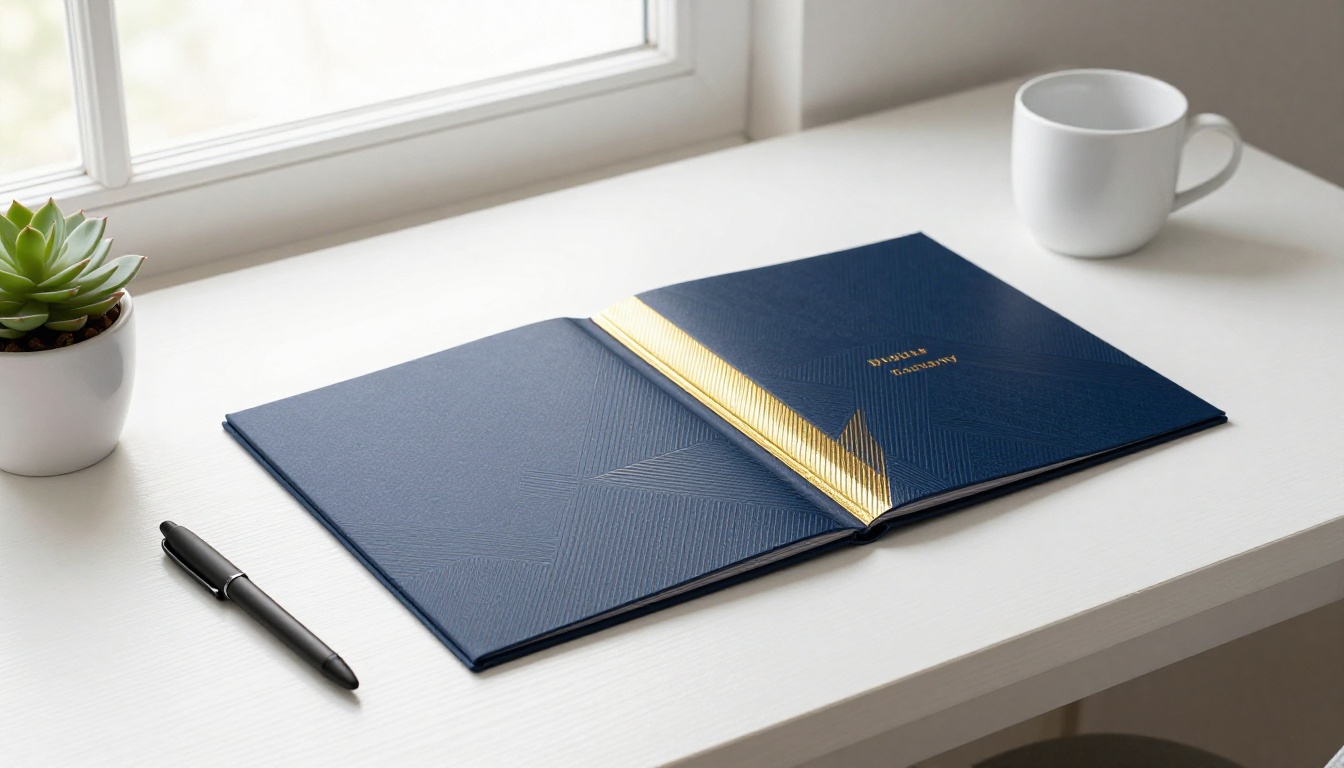
Amateur templates default to every color. Professional ones pick three: a primary, a secondary, and a neutral. The neutral (usually white, off-white, or light grey) takes up the most space. The secondary accent appears on defined design elements. The primary drives headings or calls-to-action.
| Palette Type | Primary | Secondary | Neutral | Best For |
|---|
| Corporate | Deep Navy | Gold | Off-White | Annual reports, business |
| Editorial | Terracotta | Sage Green | Cream | Magazines, lookbooks |
| Minimal | Charcoal | Warm Red | Pure White | Portfolios, tech |
| Warm Luxury | Burgundy | Brass | Ivory | Real estate, hospitality |
| Clean Medical | Teal | Light Grey | White | Healthcare, wellness |
Layouts Built on a Grid
Every great flipbook template is built on an underlying grid system. Pages do not have content thrown on them at random. Text aligns to columns. Images snap to defined margins. This consistency is what gives professional publications that feeling of intention and quality. When you read a magazine that feels expensive, you are reacting to grid discipline without knowing it.
💡 If a template lets you place elements wherever you want with no alignment guides, that is a red flag. Freedom without structure produces chaos on every page.
The 6 Template Types Worth Your Time
There is no universal best flipbook template. The right one depends entirely on what you are publishing and who is reading it. Here is how different template styles serve different use cases.
Magazine and Editorial
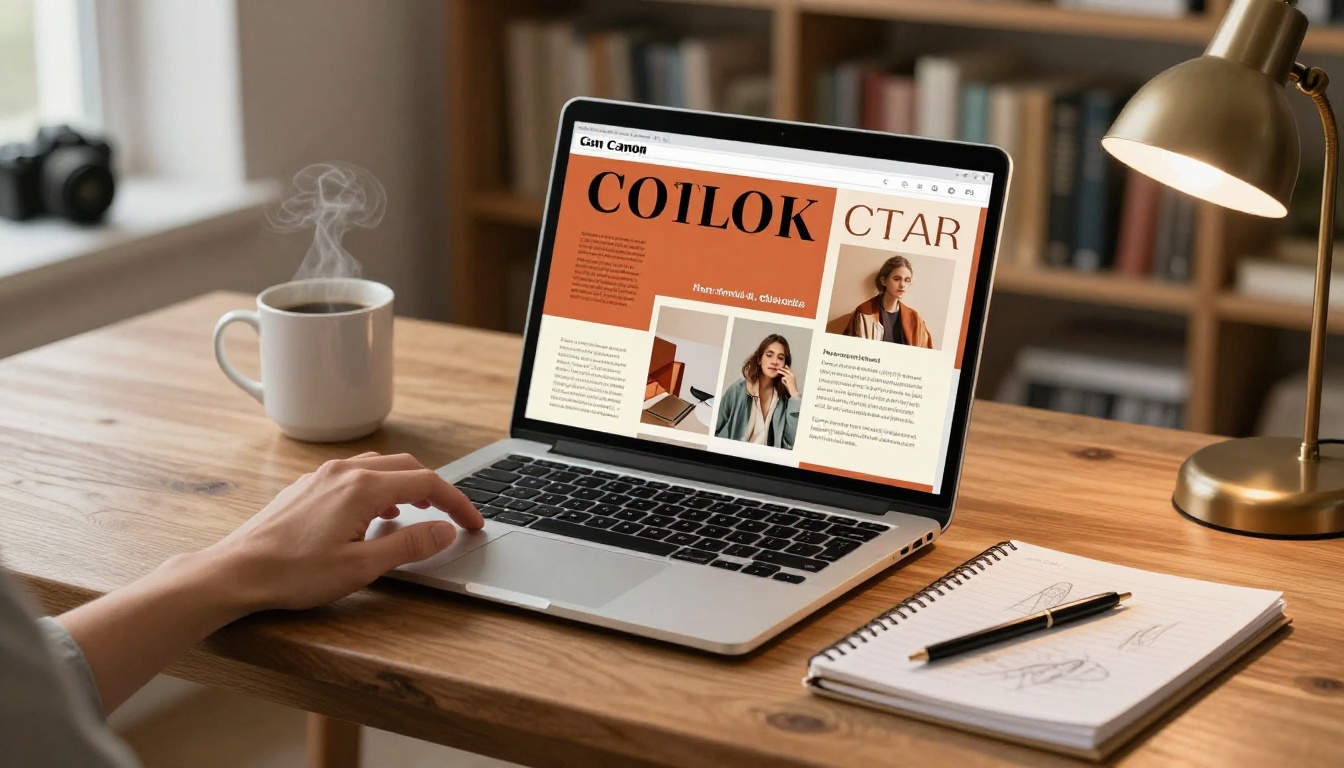
These templates are built for visual storytelling. They use full-bleed photography, asymmetric layouts, and large pull-quotes. The photography carries the page. Typography supports the image rather than competing with it. Asymmetric page layouts, where an image runs across three-quarters of the spread and text occupies the remaining quarter, create energy and movement.
Best for: digital publications, brand magazines, lifestyle content, trend reports.
Product Catalog
Catalog templates are structured and systematic. Every product spread follows the same layout: product image on one side, specifications and pricing on the other. Consistency here is not boring, it is functional. Buyers need to compare, and that requires predictability.
The Catalog Flipbook Creator is purpose-built for exactly this type of output.
Best for: retail, manufacturing, wholesale, e-commerce brands.
Portfolio
Portfolio templates prioritize whitespace. The work needs to breathe. A good portfolio template gets out of the way and lets the photography, design, or illustration command attention. These templates often use strong, full-bleed front pages and intentionally minimal interior spreads. A photography portfolio with too much UI chrome looks like the designer did not trust their own work.
✅ The Digital Portfolio Creator and Photography Portfolio tools are built for this use case specifically.
Menu and Hospitality
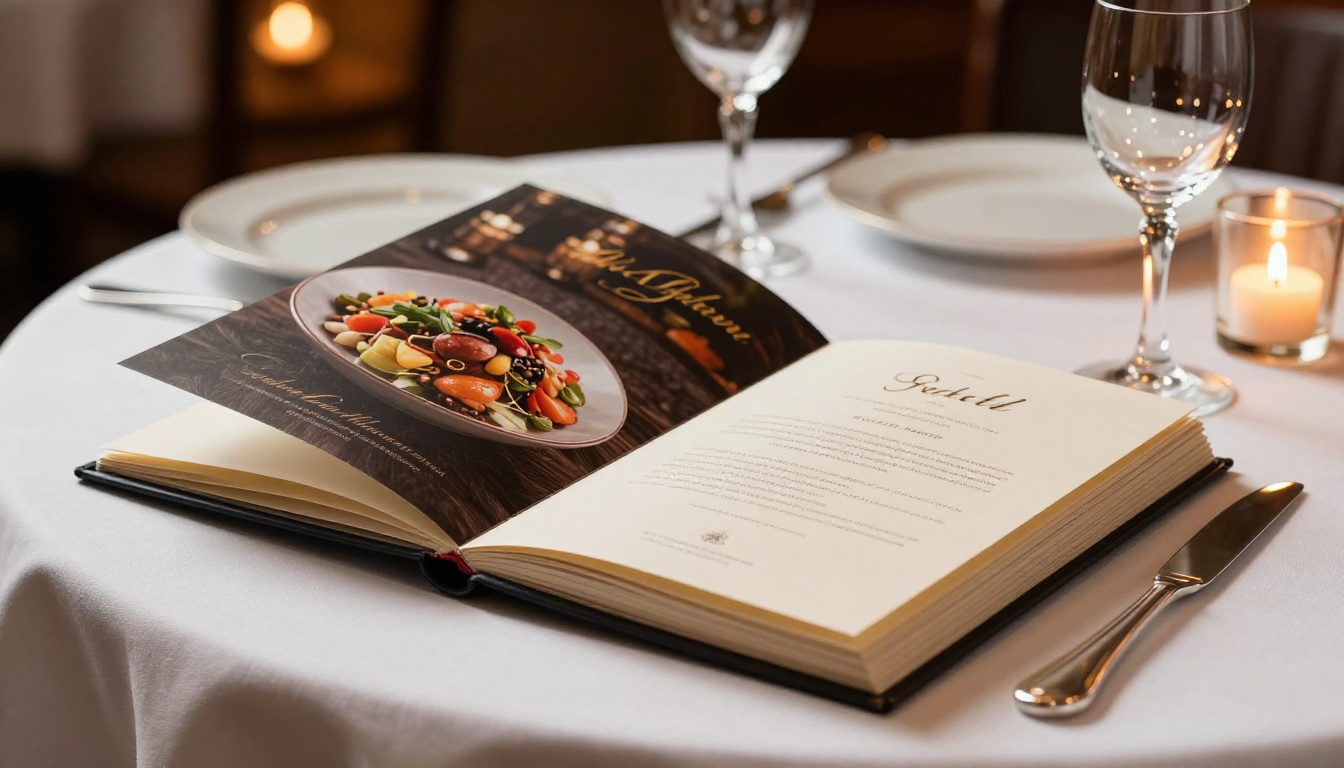
Restaurant and hospitality templates need to balance beauty with function. The food photography must be prominent, but the prices and dish names must be instantly readable. The best menu templates use warm, appetizing color palettes and generous spacing between sections. Cramped menu layouts feel cheap regardless of how good the photography is.
The Restaurant Menu Creator handles this layout type with food-specific design conventions built in, including high-contrast typography over dark backgrounds that mimics premium print menus.
Real Estate Brochure
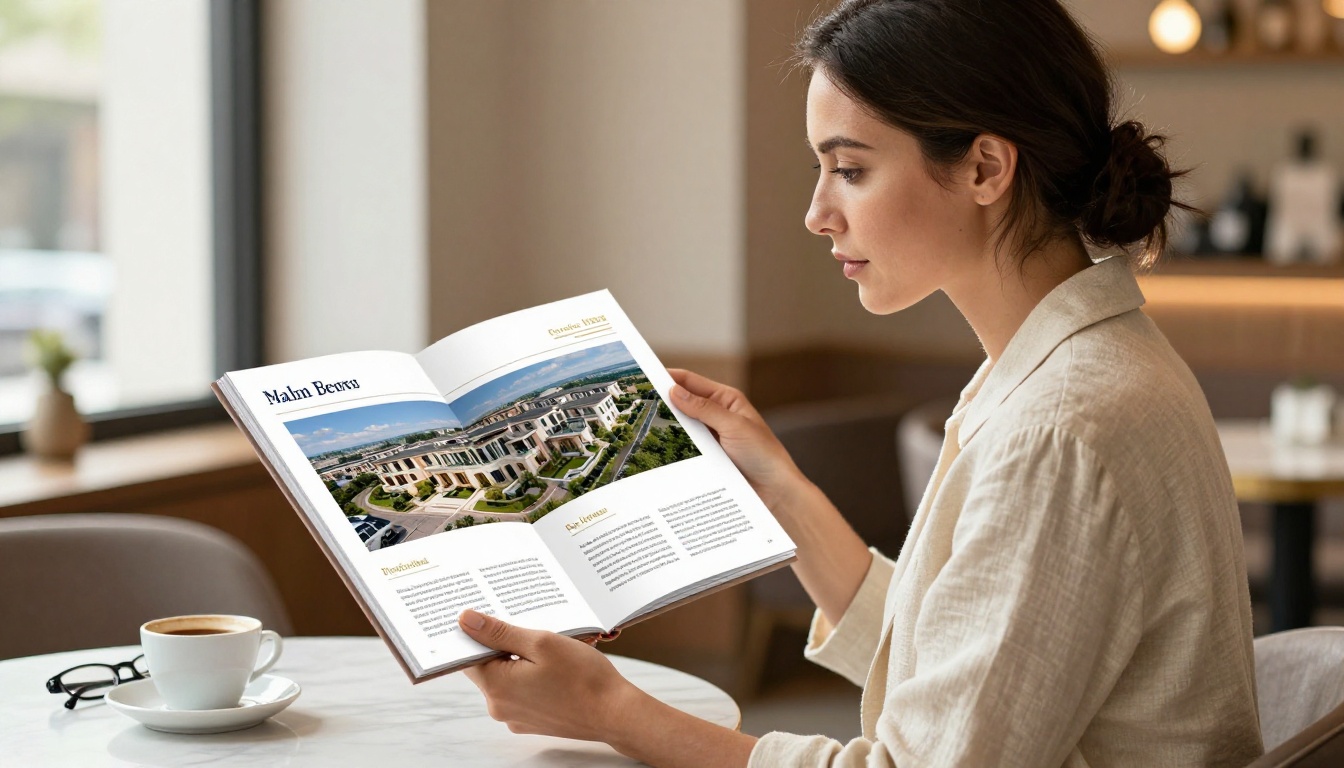
These templates feature property photography at heroic scale. Each property gets a dedicated spread with aerial shots, interior photos, and specs in a clean sidebar format. The tone is aspirational but not flashy. Real estate flipbook templates that work lean heavily on negative space, allowing a single great interior photograph to do the selling.
The Real Estate Brochure Creator is optimized for this specific use case.
Corporate and Annual Report
Annual report templates are structured documents. They contain charts, data visualizations, executive photography, and dense body copy. Good templates in this category make data legible without making the publication feel cold or clinical. The best corporate flipbook templates use color-coded sections to make long documents scannable without sacrificing professionalism.
The Annual Report Creator produces output that looks like it was built by an in-house design team.
What Bad Templates Do (And How to Spot Them)
You can usually tell in the first three seconds whether a template is worth your time. Here is what to look for.
Warning Signs in Template Design
- Gradients everywhere: A background gradient that goes from blue to purple is not elegant. It is a distraction that competes with your content for attention.
- Clip-art icons: Stock icons from a free pack immediately date your content and signal that nobody with design sensibility made choices here.
- Centered everything: Center-aligned body text on every page signals an amateur layout. Body text should be left-aligned in almost every case.
- No whitespace: When content fills every inch of a page, it becomes impossible to read comfortably. Whitespace is not wasted space, it is breathing room.
- Mismatched fonts: Three or more typefaces with no clear visual relationship creates noise. Readers feel it even when they cannot name it.
- Drop shadows on everything: Heavy drop shadows were a design trend from over a decade ago. They make content feel dated and heavy.
⚠️ Templates that look "busy" are compensating for weak design fundamentals. A good template does not need decoration. The structure itself is the design.
The Whitespace Test
Open a template and imagine it filled with your content. Does the layout give text and images room to breathe? If every element sits on top of another, the template will never look good no matter how strong your content is. A simple test: if you can fill the template with grey rectangles representing content areas and it still looks balanced, the template has good bones.
How Template Quality Affects Your Results
It is tempting to think that content is everything and design is secondary. That assumption is wrong. Reader retention studies on digital publications consistently show that visual presentation determines whether someone stays past the first two pages. A well-written article in a bad template will underperform a mediocre article in a premium template, every time.
| Design Element | Impact on Retention | Amateur Approach | Professional Approach |
|---|
| Typography | High | 3-4 font families mixed | 2 typefaces, clear hierarchy |
| Color palette | High | Random or over-saturated | 3-color system with neutrals |
| Whitespace | Very High | Minimal, pages are dense | Generous, content breathes |
| Image placement | High | Thumbnails, inconsistent sizes | Full-bleed, consistent grid |
| Page consistency | Medium | Each page looks different | Repeating layout system |
| Front page design | Very High | Text-heavy, generic | Single hero image, minimal text |
The difference between a 15% read-through rate and a 65% read-through rate often comes down to template quality, not content quality. Your message needs a worthy container.
Build a Good-Looking Flipbook with Flipbooks AI
If you have a PDF, you are a few steps away from a professional flipbook. Here is the exact process.
Step 1: Create Your Account
Go to Flipbooks AI and sign up. The platform is browser-based, so there is nothing to install. Once you are in, your dashboard gives you access to every available tool organized by content type.
Step 2: Pick the Right Tool
Rather than starting from a blank canvas, pick the tool that matches your content type. Use the tools directory to find your match:
Starting from the right tool means your layout conventions are already appropriate for your industry. That is half the design work done before you touch a single setting.
Step 3: Upload Your PDF
Drag your PDF into the PDF to Flipbook Converter. The platform processes the document and applies the page-flip animation automatically. Upload time depends on file size, but most PDFs convert in under a minute. The resulting flipbook preserves your existing layout exactly while adding the interactive reading experience on top.
Step 4: Customize Branding and Style
This is where the template quality becomes tangible. Once your PDF is converted, you can:
- Apply your brand colors to the flipbook UI and page controls
- Set a custom background behind the flipbook (solid color, pattern, or image)
- Add your logo to every page at a consistent position
- Configure reading direction and page-flip animation style
- Embed audio or video into specific pages for interactive content
💡 Spend the most time here. A well-branded flipbook with your colors and logo looks like a custom-built publication, not a generic converted document. Small branding details have outsized impact on perceived quality.
Step 5: Set Sharing Options
Flipbooks AI gives you multiple ways to distribute your flipbook, all from the same dashboard:
- Direct link: Share a clean URL that opens the flipbook in any browser, on any device
- Embed code: Drop the flipbook into any website or landing page with a single HTML snippet
- Password protection: Gate your content for private clients or internal teams who need restricted access
- Offline download: Available on qualifying plans so readers can access your content without an internet connection
Step 6: Track Performance
If you are on the Professional plan, the analytics dashboard shows you exactly how readers interact with your flipbook: which pages they spend the most time on, where they drop off, and how long the average session lasts. Lead generation forms can be added to capture reader contact information directly inside the flipbook without redirecting them away from the content.

Template Styles by Industry
Different industries have developed design conventions over decades of print publishing. The best digital flipbook templates respect and build on those conventions rather than ignoring them.
| Industry | Dominant Color Tone | Standout Layout Feature | Recommended Tool |
|---|
| Fashion | Black, White, Accent | Full-bleed photography | Lookbook Builder |
| Real Estate | Navy, Gold, White | Property spread with data sidebar | Real Estate Brochure |
| Restaurant | Warm, Dark, Earthy | Large food photography | Restaurant Menu Creator |
| Corporate | Navy, Grey, White | Data tables, executive portraits | Corporate Report Maker |
| Wellness | Sage, Blush, Ivory | Airy layouts, lifestyle photography | Spa & Wellness Menu |
| Education | Blue, Orange, White | Text-heavy, structured sections | Course Material Publisher |
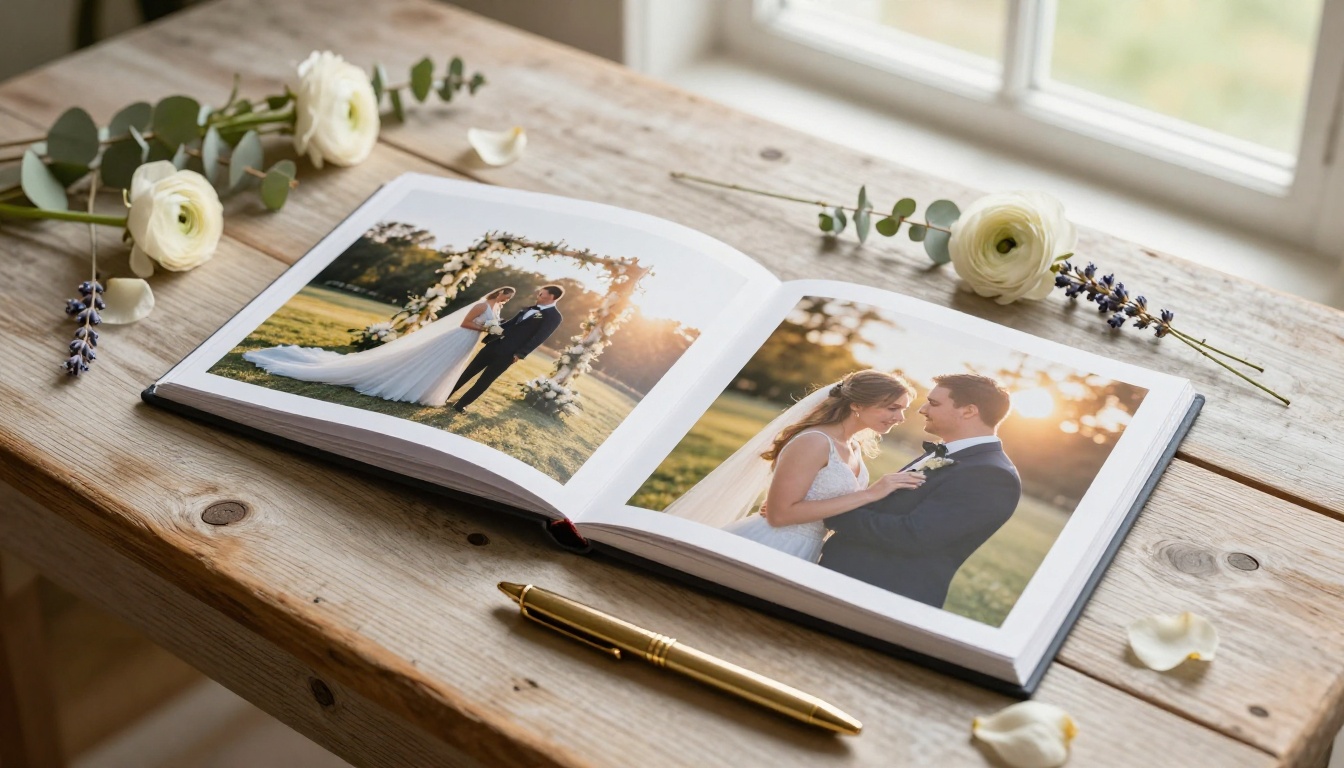
| Wedding | Ivory, Blush, Gold | Romantic photography spreads | Wedding Album Flipbook |
When a flipbook matches the visual language of its industry, readers feel comfortable and trust the content instinctively. When it does not match, something feels off even if readers cannot articulate why.
The Front Page Problem
Most people spend 90% of their time on interior pages and 10% on the front page. That ratio should be reversed. The front page is what determines whether someone opens the flipbook at all. A weak front page means a strong interior nobody ever sees.
What a Strong Front Page Needs
A great flipbook front page has exactly three elements: one dominant image, one headline, and one supporting detail (tagline, date, volume number, or brand name). That is it. No cluttered sidebars, no multiple images competing for attention, no paragraph of introductory body text.
The single most common template mistake is a front page that tries to do too much. When everything is important, nothing stands out.
Front Page Image Rules
For photorealistic flipbook front pages that read as premium:
- Use a single hero image that bleeds to all four edges of the page, no borders, no padding
- Place typography in an area of the image with minimal detail (sky, deep shadow, or a deliberately blurred section)
- Keep the headline to five words or fewer
- Use a light text color on a dark image, or dark text on a light image, never try to match
- Avoid placing text over areas of high visual complexity, such as foliage, crowds, or textured surfaces
✅ If your template does not allow full-bleed front page images, find a different template. The front page is not where you compromise on visual impact.
Making Your Content Match the Template
A good template only stays good if your content respects its structure. Dropping low-quality content into a premium template does not produce a premium result. The template sets the ceiling. Your content determines whether you reach it.
Photography Quality
If your template uses full-bleed photography, your photos need to be high resolution. An 800x600 JPEG stretched to fill a full page will not look professional regardless of how good the template is. Minimum recommended resolution for flipbook photography is 1920x1080 pixels. For print-quality output, go to 3000 pixels on the short edge.
Consistency Across Pages
One of the fastest ways to make a flipbook look amateurish is inconsistent photography styles across pages. If your first spread uses warm, golden-hour photography and your third spread uses cold, overcast product shots, the publication feels disconnected and accidental.
Before building a flipbook, audit your photography for consistency in:
- Color temperature (warm vs. cold)
- Style (lifestyle vs. studio)
- Perspective (eye-level vs. aerial)
- Subject-to-background ratio (tight vs. environmental)
All images should feel like they came from the same shoot, even if they did not.
Writing That Fits the Template
Body copy in a flipbook template is shorter than you think. A full page of 12pt text looks dense and uninviting in a digital flipbook context. Write shorter paragraphs, use subheadings frequently, and rely on callouts or captions to carry information that would otherwise sit in a long continuous paragraph. Think in spreads, not in pages.
Not every platform that offers flipbook templates is worth your time. Here is what the good ones provide and why each feature matters.
| Feature | Why It Matters |
|---|
| No watermarks | Watermarks destroy the professional appearance of your content and make it look like a demo |
| Custom branding | Your logo and colors should appear, not the platform's |
| Mobile-responsive | More than 60% of digital content is consumed on mobile devices |
| Password protection | Essential for private client documents, internal reports, and gated content |
| Embed support | Flipbooks must work inside your website, not just as standalone external links |
| Analytics | Without data on reader behavior, you cannot improve your content strategy |
| Offline access | Readers in low-connectivity environments or traveling need this to stay engaged |
| Unlimited flipbooks | Per-document pricing models penalize prolific publishers |
Flipbooks AI includes all of these on its Standard and Professional plans, with no watermarks at any paid tier. Compare pricing plans to see which fits your output volume and feature requirements.
Where to Go From Here
If you have been settling for templates that make your content look mediocre, that changes now. The difference between a flipbook that people share and one that people ignore is almost entirely in the template quality and how well the content matches the structure built into that template.
Start by picking the use case that fits your content, selecting a tool built for that specific format, and spending real time on the front page before touching interior pages. A strong opening creates the expectation of quality. A strong template sustains it through every spread.
Ready to build something that actually looks good? Create your first flipbook on Flipbooks AI, or browse all available tools and templates to find the right starting point for your content type. If you want to see what each plan includes before committing, the pricing page has a full feature breakdown with no hidden tiers.



