Flipbooks for education are changing what it means to hand a student "reading material." Instead of flat PDFs and static printouts, interactive flipbooks add page-flip animations, embedded video, clickable links, and mobile-friendly formatting that meets students where they actually pay attention: on screens. Flipbooks AI makes this conversion happen in minutes, no technical skills required.
The gap between how students consume content at home and how they receive it at school has never been wider. Kids stream video, swipe through interactive apps, and tap through rich media all day. Then they sit down to a printed worksheet or a PDF that looks identical on every device. The result is predictable: disengagement, passive reading, and poor retention.
Interactive flipbooks close that gap without requiring teachers to rebuild their entire curriculum. If you already have a PDF, you already have a flipbook waiting to be made.
Why Static Materials Are Failing Students
The Attention Problem Nobody Fixes
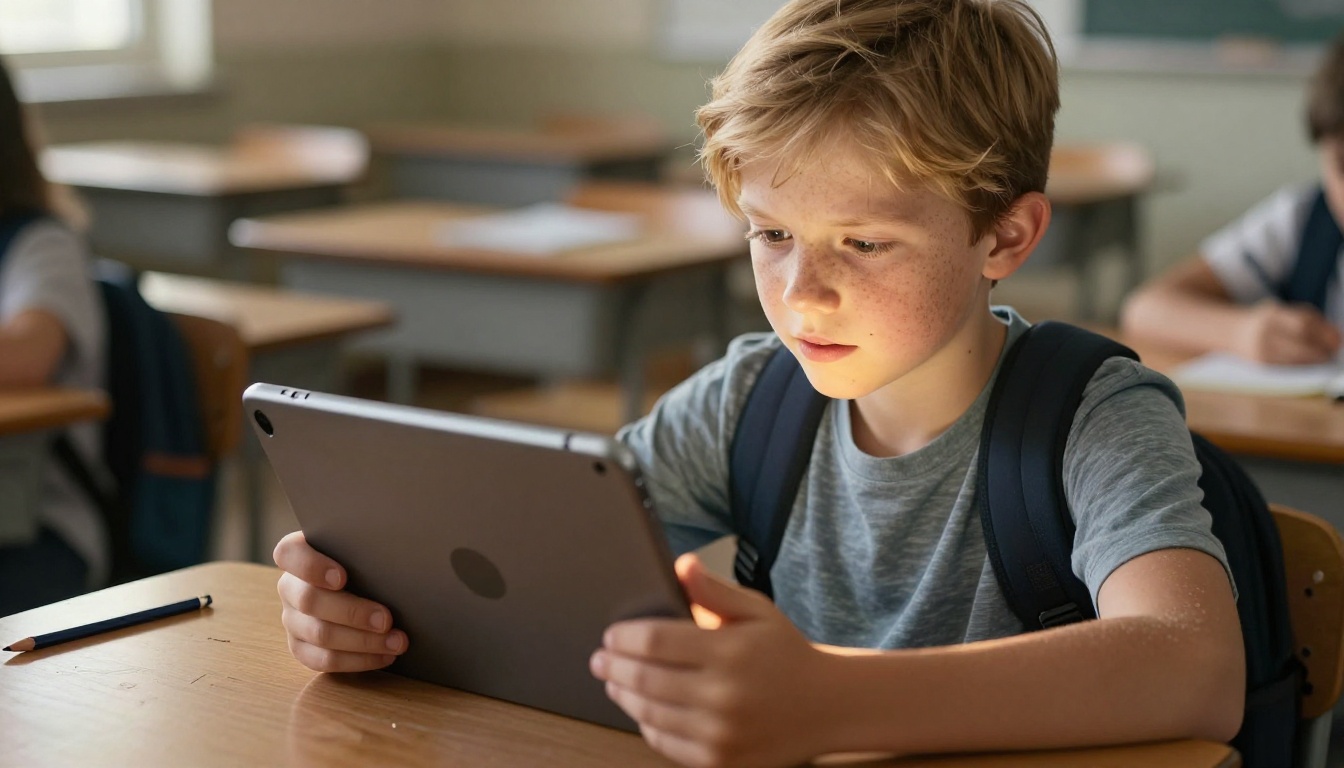
The problem isn't that students can't focus. It's that paper and static PDFs offer nothing to focus on. No movement, no interaction, no reason to stay on the page. A student who watches 90-second explainer videos at home is being asked to sit through three pages of unbroken text in class.
That's not a student problem. That's a format problem.
The average person decides within 15 seconds whether they will read a piece of content or skip it. For students, that number is likely lower. When the material has no visual hierarchy, no interactive elements, and no movement, the brain signals "skip" before the first paragraph ends. Interactive flipbooks change that opening signal entirely.
What the Research Actually Shows
Studies in educational psychology consistently find that multi-modal content (combining text, visuals, and interactivity) produces significantly better retention than text alone. When students can click through a lesson, watch an embedded video, and zoom into a diagram, they are not just reading. They are doing. And doing is what makes content stick.
Two decades of research on dual coding theory confirm that combining verbal and visual information creates stronger memory traces than either alone. Flipbooks naturally combine these modalities in a single document that students can navigate at their own pace.
The format of a lesson sends a signal. A printed worksheet says "this is passive." An interactive digital flipbook says "something is going to happen when you turn this page."
What Educational Flipbooks Do Differently
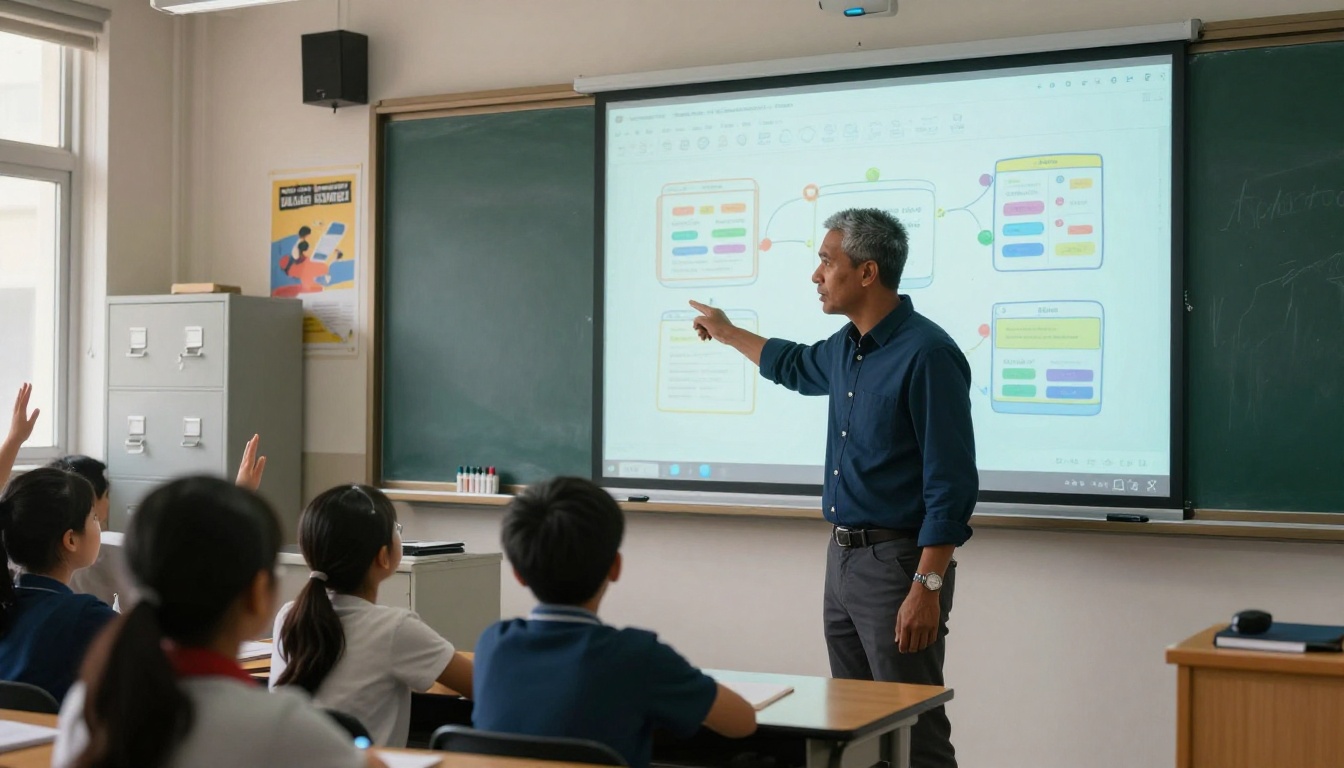
Static PDFs became the default because they were easy to create and distribute. But "easy to distribute" is not the same as "good for learning." Digital flipbooks keep the ease of PDF distribution while adding a layer of interactivity that static files simply cannot replicate.
Pages That Feel Like a Real Book
The page-curl animation is more than aesthetic. It signals progression, gives students a physical sense of moving through material, and reduces the sense of overwhelm that a long static document produces. The sensory cue of a page turning creates a psychological checkpoint: students know where they are and how far they have to go.
This matters especially for longer materials. A 20-page PDF feels infinite. A 20-page flipbook feels like a book you are reading through, with a beginning, middle, and end that you can feel.
Multimedia Right Inside the Lesson
The single biggest upgrade a flipbook offers over a PDF is embedded multimedia. Instead of linking to an external video that opens in a new tab and takes students off the material, a flipbook embeds video directly inside the page. Students watch, return to the text, and continue, all without leaving the lesson.
This is especially powerful for:
- Science: Embedded experiment videos alongside written procedure steps
- History: Primary source footage next to written analysis
- Language Arts: Author readings embedded inside the text they wrote
- Math: Step-by-step video walkthroughs placed exactly where the example appears
💡 You can also embed audio clips directly into flipbook pages, making them ideal for language learning, pronunciation guides, and reading-along exercises for younger students.
Accessibility That Static Formats Miss
Interactive flipbooks also close accessibility gaps that PDFs typically ignore. Text can be scaled without disrupting layout. Audio narration can be embedded for students with reading difficulties. Mobile-responsive design means students on phones, tablets, or Chromebooks all see properly formatted content, not the pinch-and-zoom experience of a PDF on a small screen.
Best Subjects for Flipbook Lessons
Science Labs and Experiment Reports
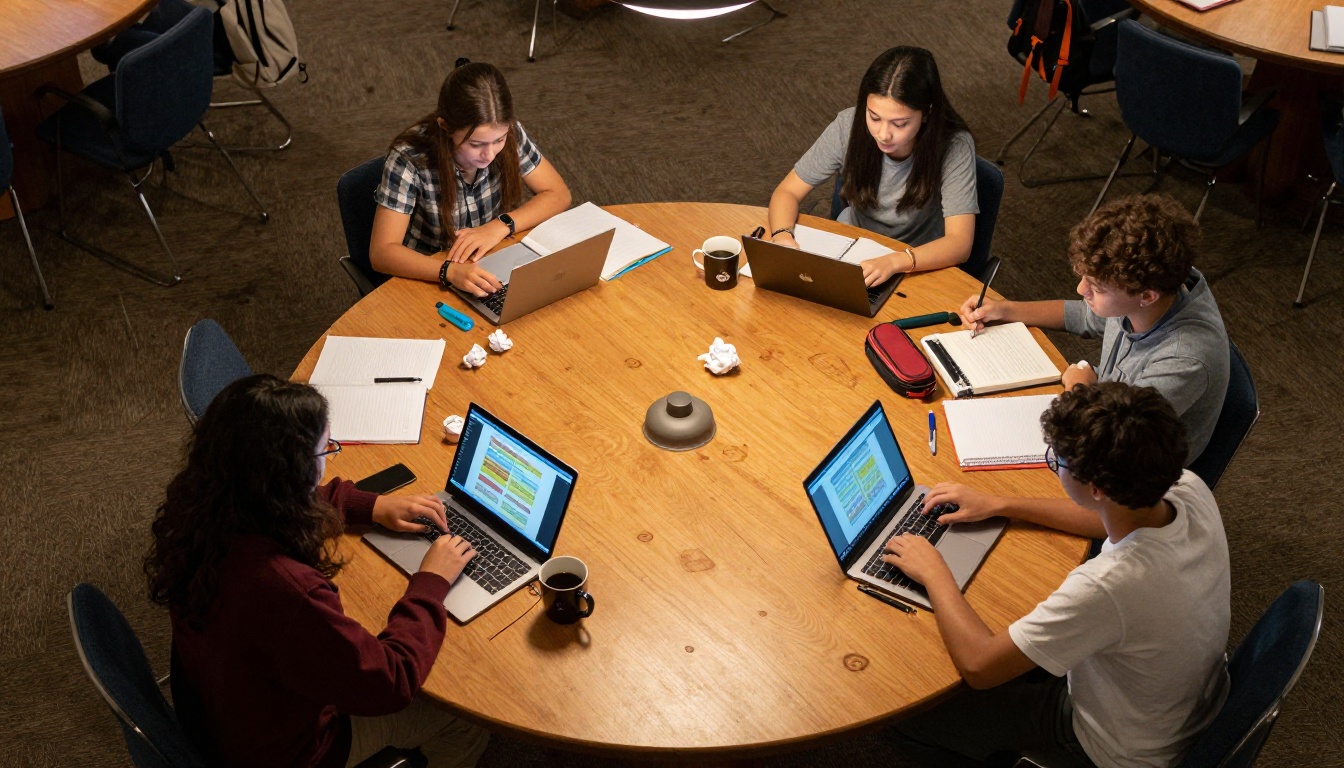
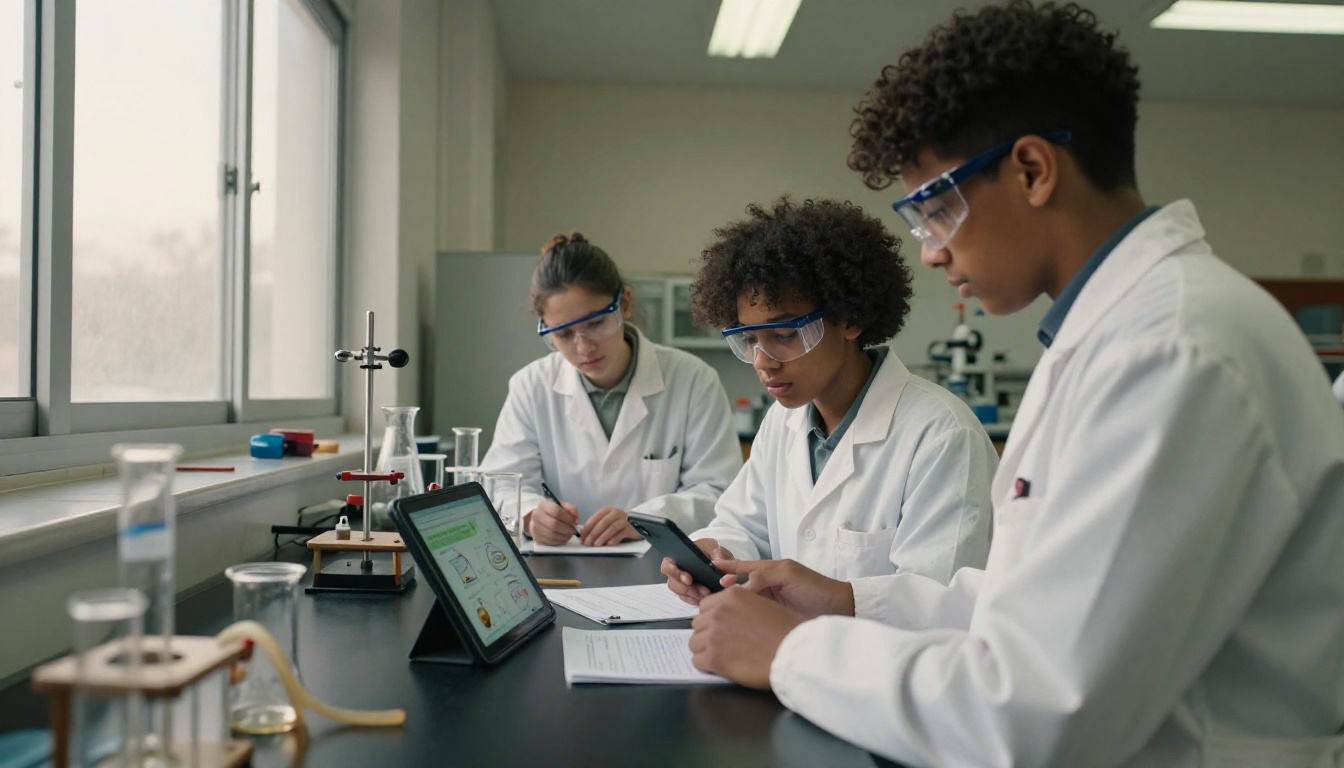
Science is one of the clearest wins for educational flipbooks. Traditional lab reports separate the procedure from the theory, and both from the visual evidence. A flipbook merges them. Students can flip through a procedure, watch an embedded safety video, view diagrams of apparatus, and read results without switching between documents.
For teachers building structured multi-week units, the Course Material Publisher makes creating science unit flipbooks straightforward, even with many assets and diagrams across many pages.
History and Social Studies Content
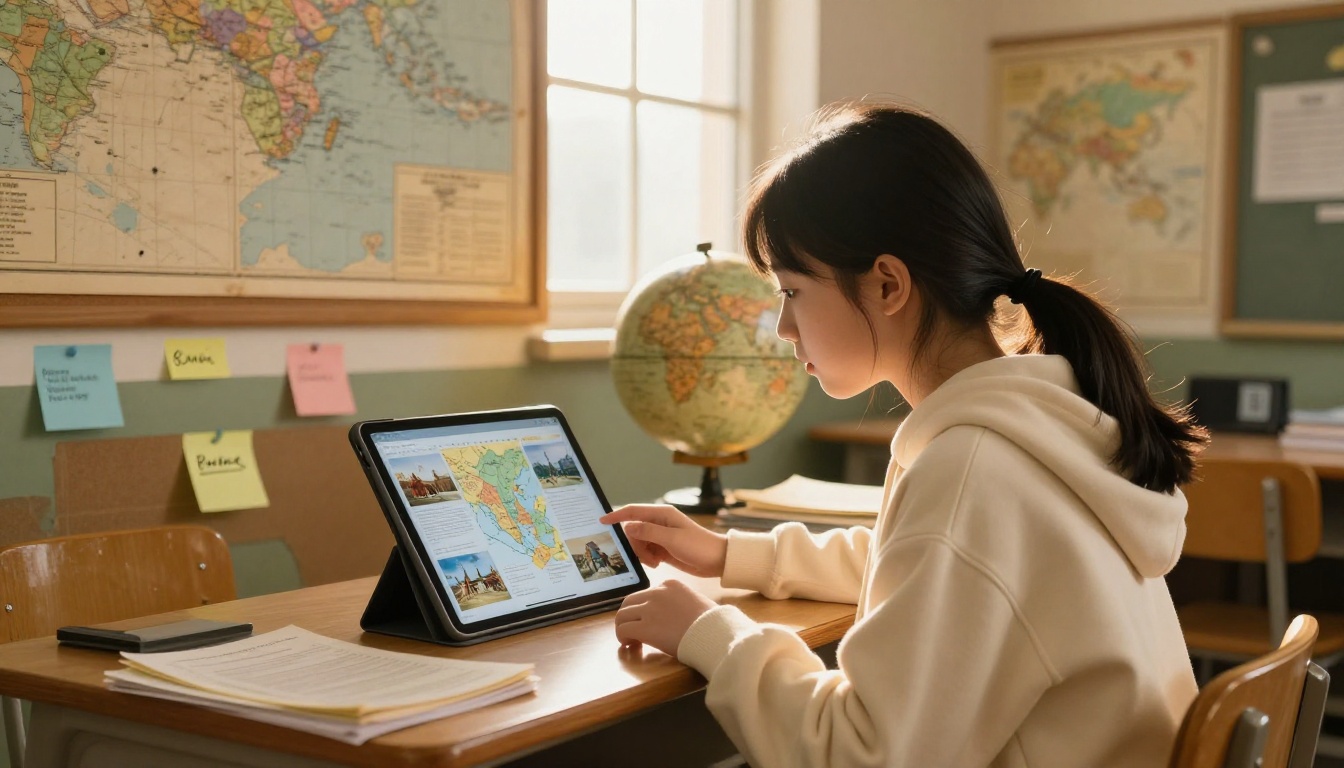
History lessons live or die on primary sources. A PDF can include images, but a flipbook can include zoomable maps, embedded documentary clips, and linked primary source archives. Students examining a historical event through a flipbook experience it differently. A chapter on World War I becomes more than words when students can zoom into a trench map and watch archival footage embedded on the same page.
Math Walkthroughs That Students Follow
Math is notoriously hard to self-study. The moment a student gets lost, they stay lost without a teacher present. Flipbooks allow teachers to embed video walkthroughs at exactly the point in a problem set where students typically hit confusion. A page explaining algebraic factoring can have a solved example video embedded directly beneath the written explanation.
✅ Best practice: create a separate flipbook for each unit, not one giant document. Shorter flipbooks get read fully. Long ones get abandoned at page 4.
Language Arts and Reading Programs
Reading programs benefit from flipbooks because they can include audio support directly on the page. For early readers, the ability to hear a word pronounced changes the learning experience entirely. For advanced students, author interviews embedded in the back matter of a digital text create context that printed books cannot offer.
How to Create a Lesson Flipbook
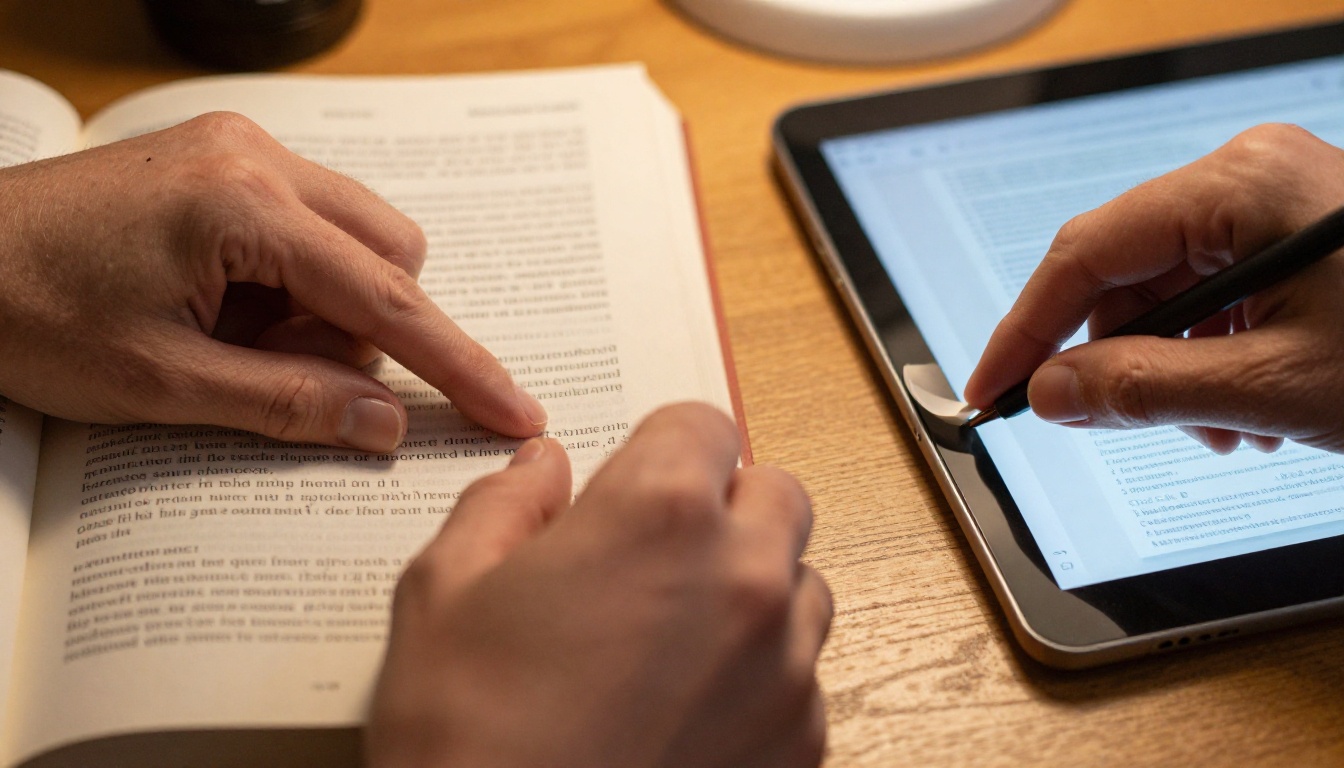
Creating a flipbook for your class does not require a graphic design background or technical training. The workflow from upload to share takes minutes.
Step 1: Prepare Your PDF
Start with any lesson material you already have: a worksheet, unit guide, lab report template, curriculum overview, or reading passage. If it exists as a document, export it as a PDF. Most word processors and presentation tools (Google Docs, Microsoft Word, PowerPoint, Google Slides) export to PDF in one click.
💡 For best results, use a PDF with at least 300 DPI resolution. Lower resolution PDFs will look blurry when students zoom in on diagrams or fine text.
Step 2: Upload and Convert
Head to Flipbooks AI and create your free account. From the dashboard:
- Click Create Flipbook
- Drag and drop your PDF (or click to upload)
- Watch the automatic conversion, typically under 30 seconds for a standard lesson PDF
- Your flipbook is ready to customize
The PDF to Flipbook Converter handles everything from single-page handouts to 40-page unit guides with images and formatting intact.
Step 3: Add Multimedia and Branding
After conversion, the real differentiation begins:
- Embed videos: Paste a YouTube or Vimeo URL and place the player directly on any page
- Add audio: Record or upload narration for any page
- Insert links: Turn any text or image into a clickable link to external resources or assessments
- Custom branding: Add your school colors, logo, and fonts so all class materials share a consistent professional look
Step 4: Share With Your Class
Once your flipbook is ready, sharing options include:
- Direct link: One URL that works on any device, no app download required
- Embed code: Drop the flipbook directly into Google Classroom, Canvas, Schoology, or any school LMS
- Password protection: Restrict access to enrolled students only
- QR code: Generate a scannable code students use from phones or tablets in class
⚠️ Always test your shared flipbook on a mobile device before distributing to students. What looks perfect on a laptop occasionally needs a layout tweak for phone screens.
Features Every Teacher Needs
Not all flipbook tools are created equal. Here is what actually matters in a classroom context:
| Feature | Why It Matters in Education |
|---|
| Mobile-responsive design | Students access materials on phones and tablets, not just laptops |
| Embedded video and audio | Keeps multimedia inside the lesson, not scattered across browser tabs |
| Password protection | Restricts access to enrolled students only |
| No watermarks | Professional appearance matches institutional standards |
| Analytics | Teachers see which pages students spend most time on |
| Offline download | Students without reliable internet can still access material |
| No app required | Students open links in any browser without IT approval hurdles |
| LMS embed support | Works inside Google Classroom, Canvas, Schoology, and similar systems |
The Training Manual Flipbook tool is also useful beyond student-facing content. Teacher onboarding materials, substitute plans, and professional development resources all benefit from the same format.
PDF vs Flipbook vs Slide Deck

Teachers typically work with three document formats for lesson delivery. Each has its appropriate context:
| Format | Interactive? | Mobile-Friendly? | Video Support | Shareable Link | Best For |
|---|
| PDF | No | Partial | No | Download only | Printable worksheets, forms |
| Slide Deck | Limited | Partial | External links | Presentation mode | Live, teacher-led class delivery |
| Digital Flipbook | Yes | Yes | Embedded | Yes | Self-paced reading, homework, reference |
The key distinction is pacing. Slide decks work for live instruction where the teacher controls what students see and when. Flipbooks work for independent reading, homework, and reference materials where students control their own pace. PDFs still have value for anything meant to be printed. For anything meant to be read digitally, a flipbook is the stronger format by a wide margin.
Plans That Work for Schools
Flipbooks AI is structured to work for individual teachers trying one unit and schools rolling out department-wide:
| Plan | Flipbooks | Key Features | Best For |
|---|
| Free | Limited | Basic conversion, shareable link | Testing with one class or unit |
| Standard | Unlimited | No watermarks, custom branding, embed codes | Individual teachers using it regularly |
| Professional | Unlimited | Analytics, offline download, password protection, lead capture | Department or school-wide deployment |
💡 The Professional plan analytics feature tells you which pages students actually read and how long they spend on each one. For teachers assigning reading, this replaces guesswork with data.
For schools looking to extend the format beyond classroom content, the School Newsletter Creator and Yearbook Flipbook Maker bring the same flipbook experience to school-wide communication.
3 Real Classroom Wins
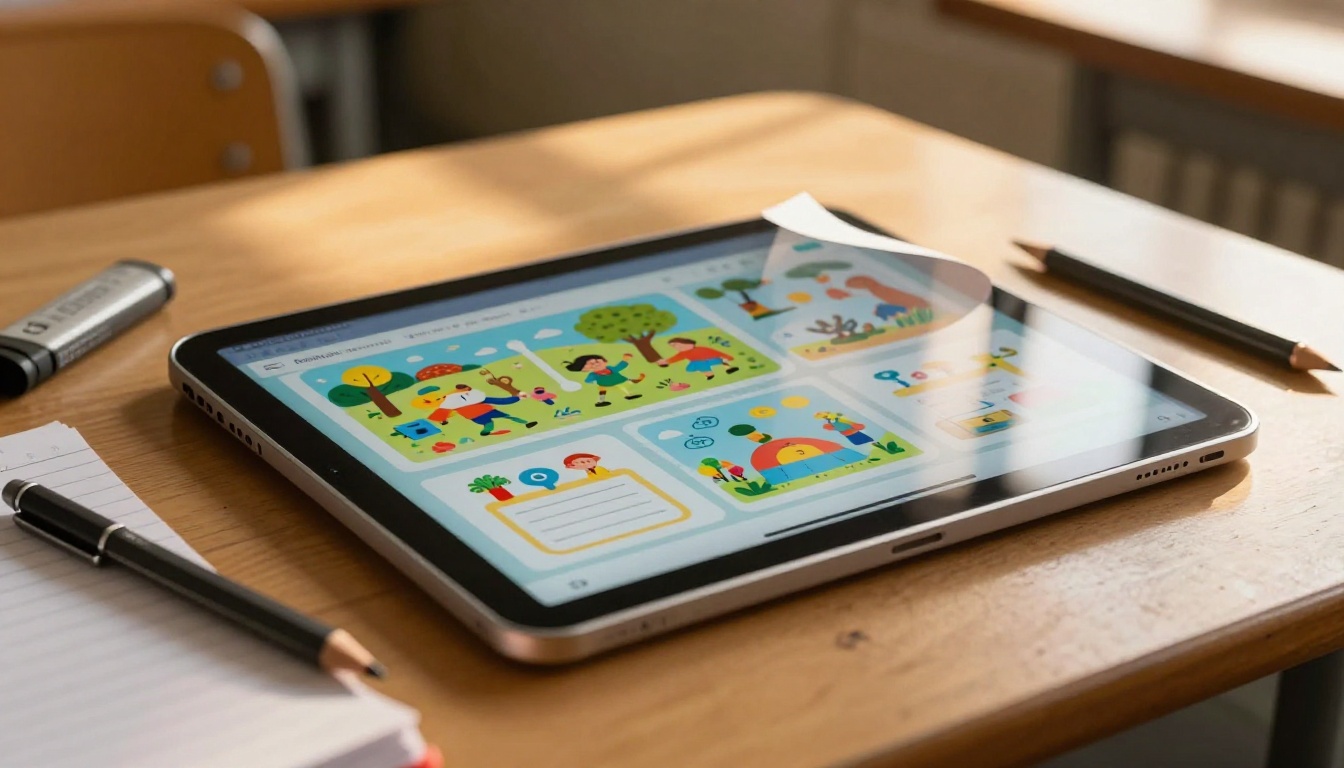
The flipped classroom that finally worked: A high school chemistry teacher converted weekly lab procedure PDFs into flipbooks with embedded safety videos. Students reviewed them at home before class. In-class time shifted from reading instructions to doing the experiment. Lab report quality improved because students arrived prepared rather than confused.
The reading program that met students where they were: An elementary school literacy coordinator used flipbooks with embedded audio for second-grade reading practice. Students who struggled with text alone could tap through pages while listening. Comprehension improved because students had both the written word and the spoken word working together on every page.
The history department that stopped printing 40-page packets: A middle school history department replaced printed unit packets with password-protected flipbooks. Students accessed them on school-issued Chromebooks and personal phones. Printing costs dropped, material updates took seconds instead of a reprint cycle, and students stopped losing their packets midway through the unit.
Every Lesson Deserves Better Than a PDF
Static materials had their moment. That moment is over. Students live in an interactive world and the lessons they receive should reflect that reality.
Interactive flipbooks do not require a curriculum overhaul. They require a PDF and ten minutes. The result is a lesson that moves, breathes, and holds a student's attention in a way that a static file never can.
Ready to convert your first lesson? Create your free account on Flipbooks AI and upload any PDF you already have. The conversion takes under a minute, and your first flipbook will be ready to share before the end of your planning period.
Want to see what's possible before you start? Browse the full tools directory for templates built specifically for educational materials, including the Course Material Publisher, Training Manual Flipbook, and Interactive E-Book Publisher.
When you're ready to bring interactive flipbooks to your whole school or department, compare pricing plans to find the right fit for your team.



