If you've ever sent a PDF and watched it disappear into someone's downloads folder, you already know the problem. PDFs were built for printing, not for clicks. They sit flat, static, and lifeless in an inbox or browser tab, competing for attention against everything else on a reader's screen while offering nothing interactive in return.
Flipbooks are built for exactly that competition. They animate, they breathe, they invite interaction. And when it comes to measurable click behavior, share rates, and time spent with content, the gap between the two formats is not subtle. Flipbooks AI has helped thousands of creators, marketers, and businesses make that switch from static to interactive, and the results tell a consistent story: interactive content wins, every time.
This article breaks down every meaningful difference between flipbooks and PDFs, with real comparisons, practical examples, use cases across industries, and a clear-eyed look at which format wins for modern digital audiences.
Flipbooks vs PDFs: What You're Actually Comparing
Before diving into click data and engagement metrics, it helps to understand what separates these two formats at a fundamental level. They look similar on the surface but operate in entirely different ways.
What a PDF Does
A PDF, or Portable Document Format, was designed in 1993 by Adobe to replicate printed pages on a screen. It preserves layout, fonts, and images exactly as the designer intended. For printing, contracts, archiving, and forms requiring digital signatures, that reliability is genuinely valuable.
For digital marketing, online sharing, and audience engagement, it becomes a liability. PDFs require a download or browser plugin to view properly on most systems. They don't resize cleanly on mobile devices. They have no built-in tracking, no animation, and no native way to measure how far someone actually read. When you share a PDF, you lose all visibility into what happens next. It goes out and vanishes.
What a Flipbook Does
A flipbook is a web-based interactive document that mimics the physical experience of turning pages, but adds everything a digital environment makes possible: animations, embedded video, audio, hyperlinks, password protection, lead capture forms, and detailed engagement analytics.
Flipbooks open instantly in any browser with no download required. They scale automatically for mobile screens. They track page views, individual clicks, and reading time with precision. Because they live at a shareable URL, distributing them is as simple as copying a link and pasting it anywhere. They carry your branding everywhere they go, and they can be updated after sharing without re-sending anything to anyone.

The Click Rate Problem With PDFs
Click-through rate is where the PDF vs flipbook debate gets concrete and measurable. The numbers are consistently unflattering for static documents, and the reasons come down to friction.
Why PDFs Lose Clicks Before They're Even Opened
The friction starts at the link itself. A PDF link in an email or on a website triggers a download dialog, launches a browser PDF viewer stripped of all branding, or renders slowly on mobile with a spinning progress indicator. Any one of these moments creates enough hesitation for a reader to bounce before they've seen a single word of your content.
Flipbooks, by contrast, open in a browser tab instantly. The animated page-turn begins on load. The visual experience signals quality and intentionality within the first two seconds, which is exactly the window when decisions about whether to keep reading get made. A flipbook doesn't ask the reader to do any work to access it.
💡 Pro tip: Flipbook links generate visual previews when shared on LinkedIn, social platforms, and in Slack. PDF links typically show no thumbnail, making them invisible in content-dense feeds.
What the Behavior Data Shows
When you look at document-sharing behavior patterns across industries, the differences between flipbook and PDF engagement are consistent regardless of content type:
| Metric | PDF | Flipbook |
|---|
| Average time spent with content | 1.5 to 2 minutes | 4 to 6 minutes |
| Mobile read-completion rate | Under 20% | 55 to 70% |
| Social share rate | Very low (file sharing) | High (URL sharing) |
| Embedded link click rate | Low (not always clickable) | High (fully interactive) |
| Return visitor rate | Rare | Common with analytics tracking |
| Download required to view | Often | Never |
| Trackable engagement | None | Full analytics |
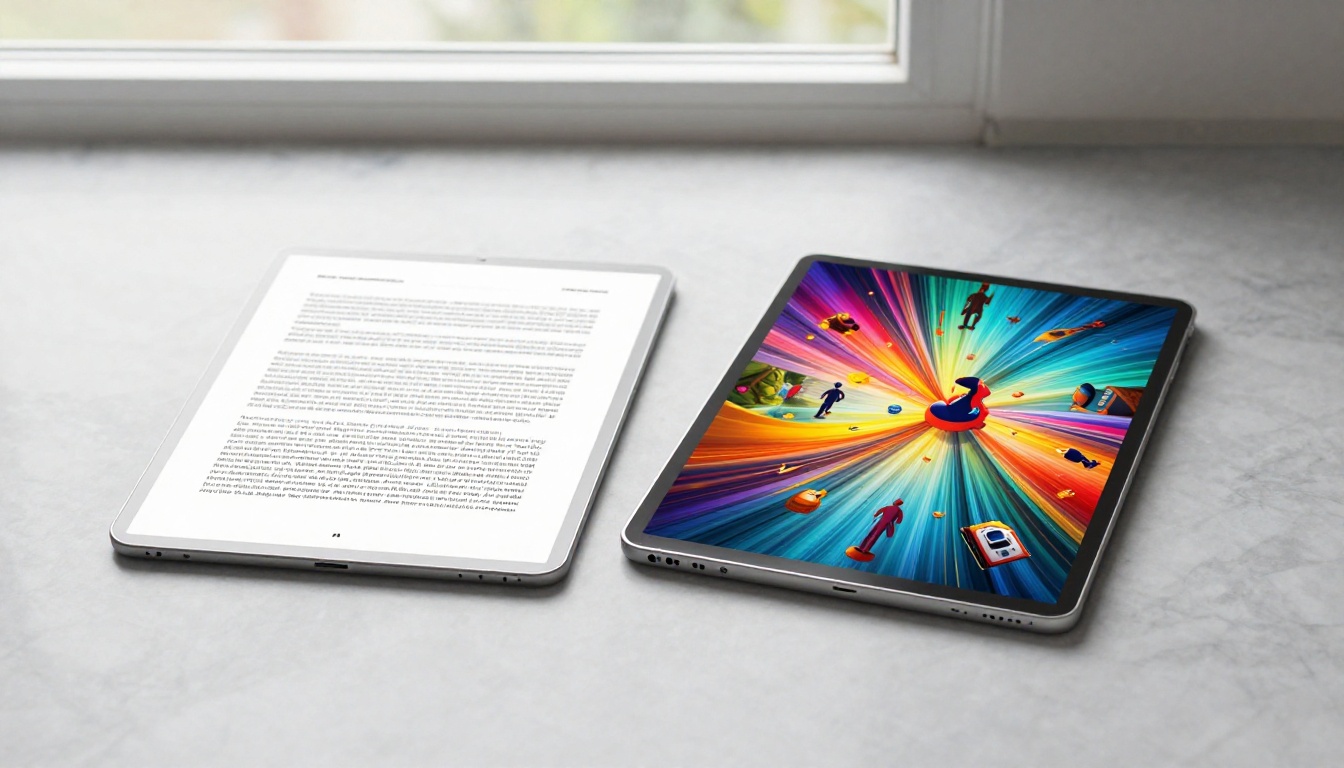
The read-completion rate difference carries the most weight here. A reader who never reaches your call-to-action page never converts, no matter how well-written that page is. A static PDF on mobile, where body text renders at six-point size and horizontal scrolling breaks the reading flow, loses that reader at page two. A flipbook keeps them engaged through to the end.
How Flipbooks Win on Engagement
Click rates are the headline number, but engagement depth is where flipbooks build real long-term business value. The difference isn't just about first impressions.
Time on Page Is Not an Accident
Interactive content produces longer sessions because it rewards attention. When a document turns its pages with animation, when embedded video plays inline without leaving the document, and when hyperlinks respond naturally to taps and clicks, readers stay longer. That additional time means more pages viewed, more links clicked, and more of your message actually received.
A product catalog in PDF form gets opened once and forgotten in a downloads folder. The same catalog as a flipbook, hosted at a clean branded URL, gets bookmarked, shared to colleagues, returned to on multiple devices, and viewed on a conference room screen during meetings. The format changes the entire behavior pattern around the document.
✅ Best practice: Add a short video introduction on page one of your flipbook. This single addition can increase average session time by over two minutes.
Share Rates Tell the Story
PDFs are shared as file attachments. Attachments create friction at every step: they need to be downloaded, opened with the right software, and manually stored. They don't carry your brand when someone forwards them. They can be silently modified. And you never know when or whether they've actually been opened.
Flipbooks are shared as URLs. A link carries your branding automatically to wherever it travels. It opens on any device without any friction. It cannot be modified by the recipient. And with analytics, you see exactly who opened it, which pages they spent time on, and which links they clicked. When you share a sales presentation as a flipbook link instead of a PDF attachment, that link is three to five times more likely to be forwarded or shared a second time.

Over 60% of web traffic now comes from mobile devices. This single statistic reshapes the entire PDF vs flipbook debate and makes the format choice a direct revenue question for any business whose audience uses phones.
The PDF on Mobile
A typical PDF opened on a smartphone requires pinch-to-zoom just to read standard body text. Multi-column layouts break into overlapping, unreadable blocks. Horizontal scrolling interrupts vertical reading flow constantly. Internal navigation links often fail entirely on mobile browsers. Videos embedded in PDFs don't play on mobile at all.
The result is that most mobile users abandon a PDF within the first thirty seconds. All the design effort, copywriting, and production value that went into the document becomes functionally invisible to anyone reading on a phone. That's a significant portion of your audience writing itself off before reaching page two.
The Flipbook on Mobile
Flipbooks are responsive by design. Text reflows automatically to fit any screen size. Page-turn animations work smoothly with touch gestures. Embedded media plays natively inline. The entire reading experience feels purpose-built for the device in front of the reader, because it adapts to that device automatically.
| Mobile Experience Factor | PDF | Flipbook |
|---|
| Text readability without zoom | Poor | Excellent |
| Touch-based navigation | None | Full swipe support |
| Video playback | None | Inline playback |
| Load speed | Slow (file download) | Fast (web-optimized) |
| Responsive layout reflow | No | Yes |
| Pinch-to-zoom required | Always | Never |
| Landscape and portrait modes | Fixed | Adapts automatically |
⚠️ Warning: If over 50% of your audience accesses content on mobile (check your analytics now), sharing PDFs is actively reducing your conversion rates with every send.
SEO and Discoverability: The Hidden Advantage
Most marketers think about click behavior in terms of the people who already have the link. But there's an entire dimension of traffic that PDFs cut off entirely: organic search.
Why PDFs Are Nearly Invisible to Search
PDFs can technically be indexed by Google, but the process is inconsistent and poorly supported. PDF pages rarely rank for competitive keywords. They don't carry metadata in the same way web pages do. They can't be optimized with schema markup. And because they live outside your main domain URL structure, any authority they earn rarely flows back to your site in meaningful ways.
More practically: nobody searches for PDFs. When someone searches a question related to your catalog, brochure, or report, a PDF in search results is almost never what they click. The format signals "download" not "read now," and most searchers skip it.
Flipbooks as Indexed Web Content
A flipbook lives at a real URL on the web. It has a title tag, a meta description, structured headings, and body text that search engines read exactly like any other web page. A well-structured flipbook built around a specific topic can rank in organic search results and bring in readers who never received a direct link at all.
For businesses publishing annual reports, product catalogs, or travel guides, this represents an entirely new acquisition channel that PDF distribution simply cannot access.
Real-World Use Cases: Who Wins Where
The click and engagement advantages of flipbooks aren't theoretical. Across industries, the format shift produces measurable differences in how audiences interact with content.
Marketing Teams and Campaign Materials
A marketing team sending a quarterly campaign brief as a PDF receives a download count. That's the entirety of their data. The same brief as an interactive flipbook on Flipbooks AI shows page-by-page engagement data, click behavior on specific offers, time spent on each section, and which team members actually read through to the strategy pages.
For outbound sales materials, the performance gap is even more pronounced. A prospect who receives a beautifully animated sales presentation at a branded URL is far more likely to spend meaningful time with it than one who receives a 4MB PDF attachment that requires opening a separate application.
Retail, Catalogs, and E-Commerce
A PDF product catalog sent to buyers is a static, one-way communication that the buyer stores (or doesn't) on their device. A digital catalog flipbook is a browsable, shareable, clickable experience where products link directly to purchase pages, buyers can share specific spreads with colleagues, and seasonal updates happen instantly without any reprinting or resending.
Real estate agencies using real estate brochures in flipbook format see prospective buyers returning multiple times to review property details across multiple sessions, a behavior pattern that almost never occurs with PDF brochures.

Publishers, Educators, and Content Creators
An e-book flipbook generator turns a static ebook PDF into a publication that readers actively share as links rather than forwarding as attachments. For educators, a course material publisher creates interactive learning materials with embedded video and audio without requiring any learning management platform.
For newsletter publishers, newsletter flipbook publishing produces a branded, shareable URL that consistently outperforms PDF newsletter attachments in open rates, time-on-content, and secondary sharing.
How to Turn Your PDF Into a Flipbook With Flipbooks AI
Converting existing PDFs into interactive flipbooks takes less time than most people expect. Here is exactly how the process works on Flipbooks AI.
Step 1: Sign up for an account
Go to flipbooksai.com and create your account. No credit card is required for the free tier, and no software installation is needed on any device.
Step 2: Upload your PDF
From your dashboard, use the upload button to select your PDF file. The PDF to Flipbook Converter processes the file automatically, converting each page into a high-resolution flipbook spread. Most standard documents under 20 pages process in under sixty seconds.
Step 3: Customize branding and design
The editor lets you apply your brand colors, upload a custom logo, choose page transition animation styles, and set background textures. You can embed video clips on specific pages, add clickable hotspot areas over images, insert audio narration, and configure the overall reading experience.
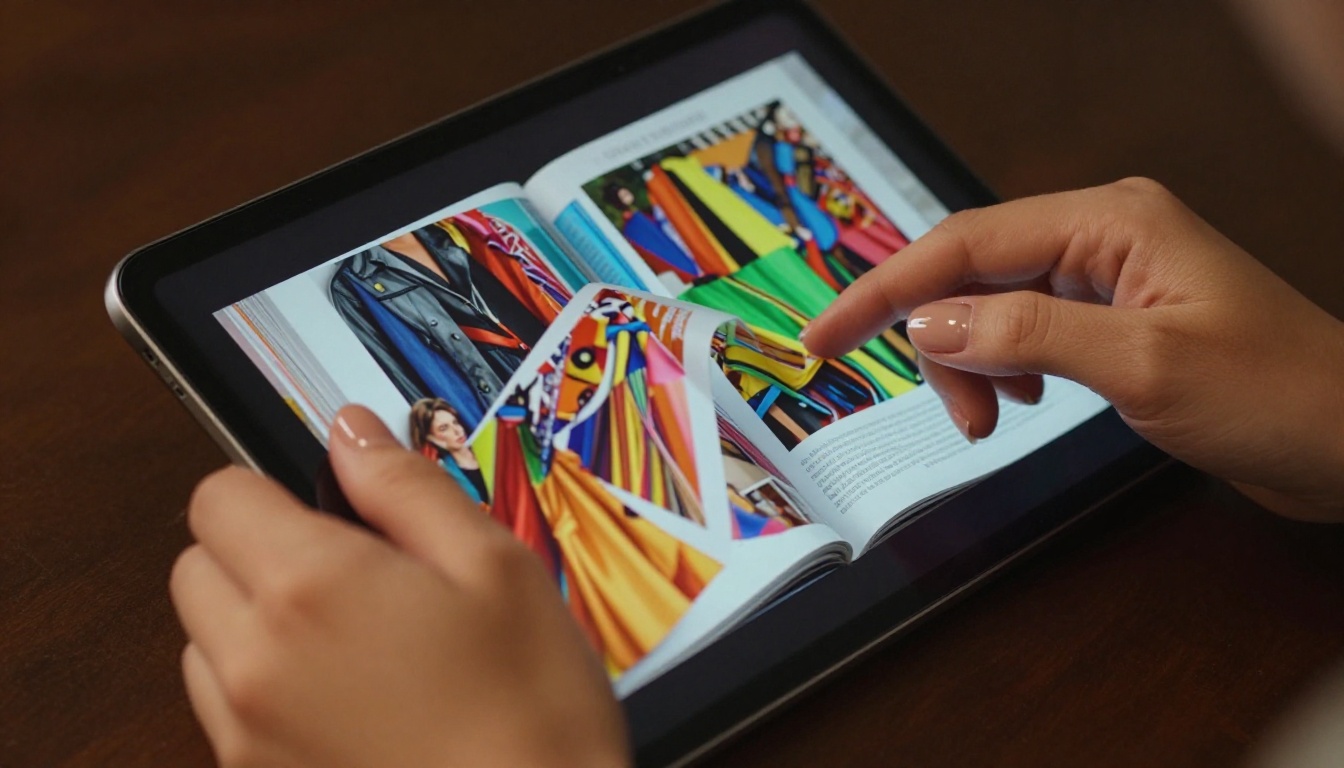
Step 4: Configure sharing and privacy
Flipbooks AI provides multiple distribution options. Share a direct URL, generate an embed code to place the flipbook on your website using the embed flipbook on website tool, or enable password protection for confidential internal documents.
Step 5: Monitor engagement with analytics
With the Professional plan (details at pricing), the analytics dashboard shows which pages readers spent the most time on, where they exited, which embedded links they clicked, how many times the flipbook was viewed and by how many unique visitors, and lead generation forms capture contact information directly inside the reading experience.
What you get with Flipbooks AI across all plans:
- No watermarks, ever
- Unlimited flipbooks on Standard plan and above
- Password protection for private content
- Analytics and lead generation on Professional plan
- Offline download option for readers
- Embed videos and audio on any page
- Mobile-responsive design on all devices
- Custom branding throughout
| Feature | PDF | Flipbook |
|---|
| Browser-native viewing | Varies by browser | Always, no plugin needed |
| Mobile responsive layout | No | Yes |
| Page-turn animation | No | Yes |
| Embedded video | Limited, rarely works | Full inline support |
| Embedded audio | No | Yes |
| Clickable internal links | Partial | Fully functional |
| Social sharing as URL | No (file only) | Yes |
| Engagement analytics | None | Yes (Professional plan) |
| Password protection | Via third-party software | Built-in |
| Lead capture forms | No | Yes (Professional plan) |
| Offline access | Yes (download) | Yes (optional download) |
| Live content updates | Must resend file | Edit once, updates everywhere |
| Custom branding | Design only | Full platform branding |
| SEO indexable | Inconsistent | Fully indexable URL |
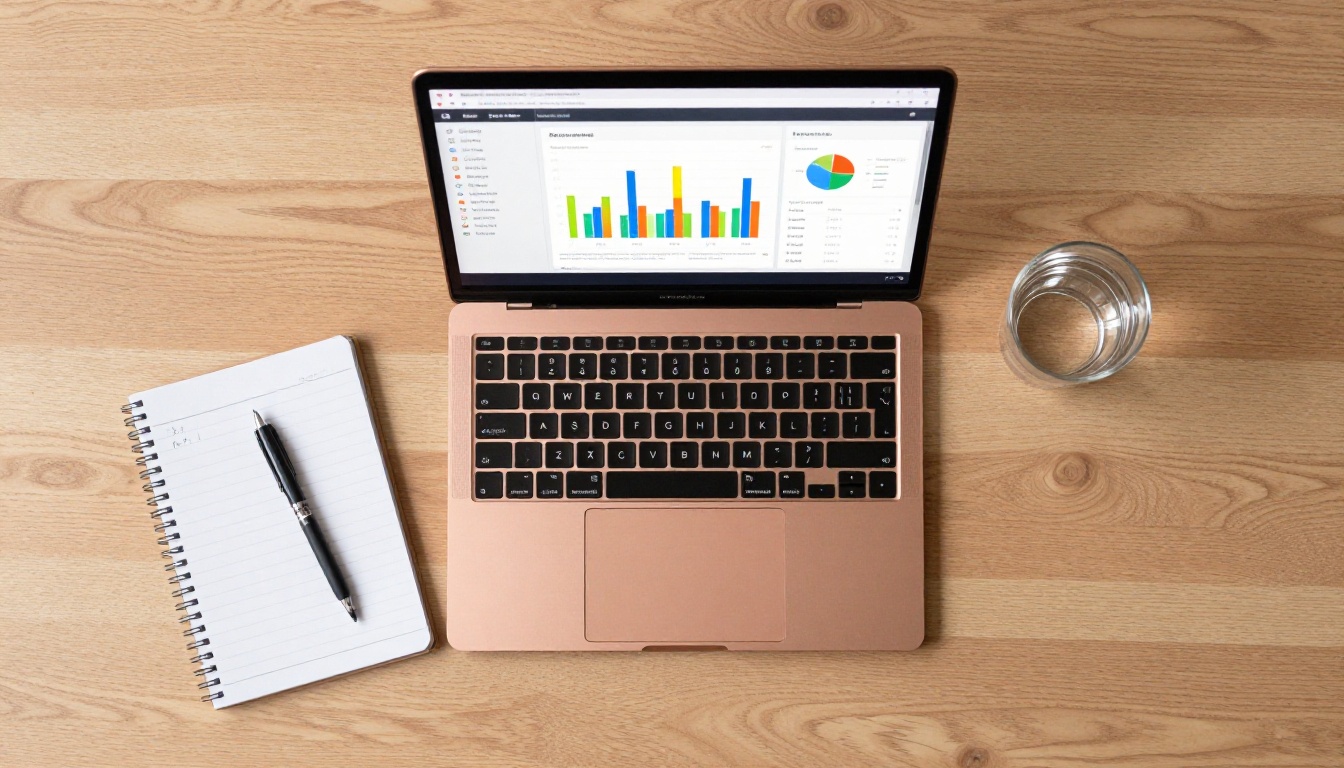
The live content update row deserves particular attention. When you share a PDF and subsequently update the content, every recipient still has the old version with no way to know the document changed. When you update a flipbook, every existing link automatically reflects the new version. For pricing sheets, event programs, menus, and any time-sensitive document, this capability alone is worth the format switch.
Which Format Fits Your Content?
PDFs still have legitimate roles. Legal contracts, print-ready files, archival records, and forms requiring digital signatures all benefit from PDF's stability and universal compatibility. There is no reason to force those documents into a different format.
For anything built to engage, persuade, inform, or convert an online audience, the flipbook wins on every metric that matters in digital distribution: click rates, time on page, mobile performance, organic discoverability, share behavior, and analytics depth.

The businesses seeing the biggest gains from the format switch are the ones who previously sent PDFs out and had no idea what happened next. No data on whether anyone opened it, read it, or clicked anything inside it. Flipbooks close that loop with precision.

If your marketing materials, product catalogs, annual reports, or client presentations currently go out as PDF attachments, the format change is not a cosmetic upgrade. It is a measurable performance improvement that shows up directly in your click data, your analytics, and your conversion numbers.
Ready to see the difference in your own results? Get started for free on Flipbooks AI and convert your first PDF in under two minutes. Browse all available flipbook tools and templates to find the right fit for your content type, or compare pricing plans to see which features match your audience size and business needs.